 Steam
Steam  Windows
  Mac
Mac | Release Date | 26.01.2026 |
| Operating Systems | Mac OS |
| Publisher | indie.io |
| Operating Systems | Windows |
| Genres | Simulation, indie |
18.99€
15.19€
Added to Cart
18.99€
15.19€
Added to Wishlist
18.99€
15.19€

Early Access Game
Get instant access and start playing; get involved with this game as it develops.
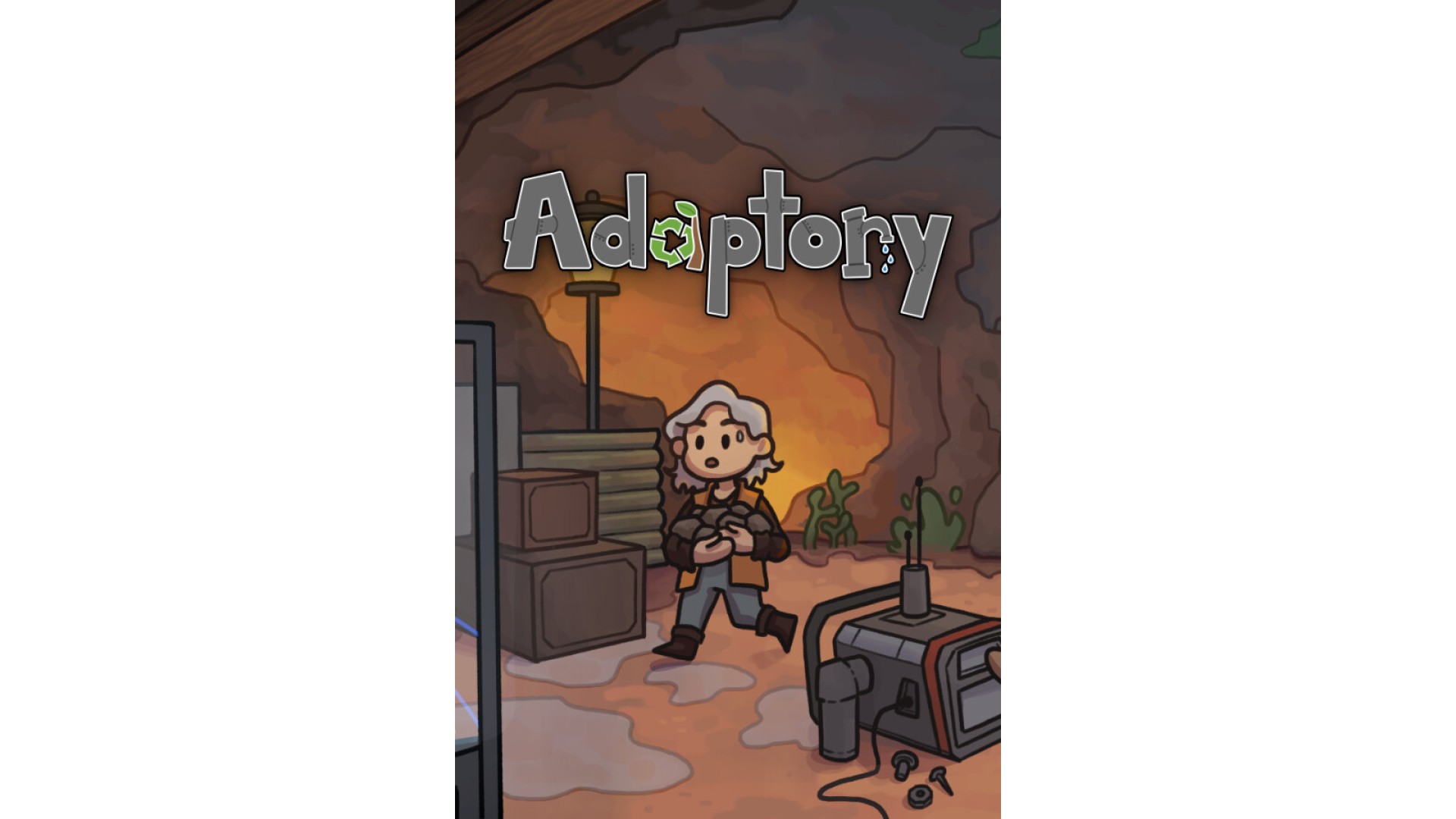
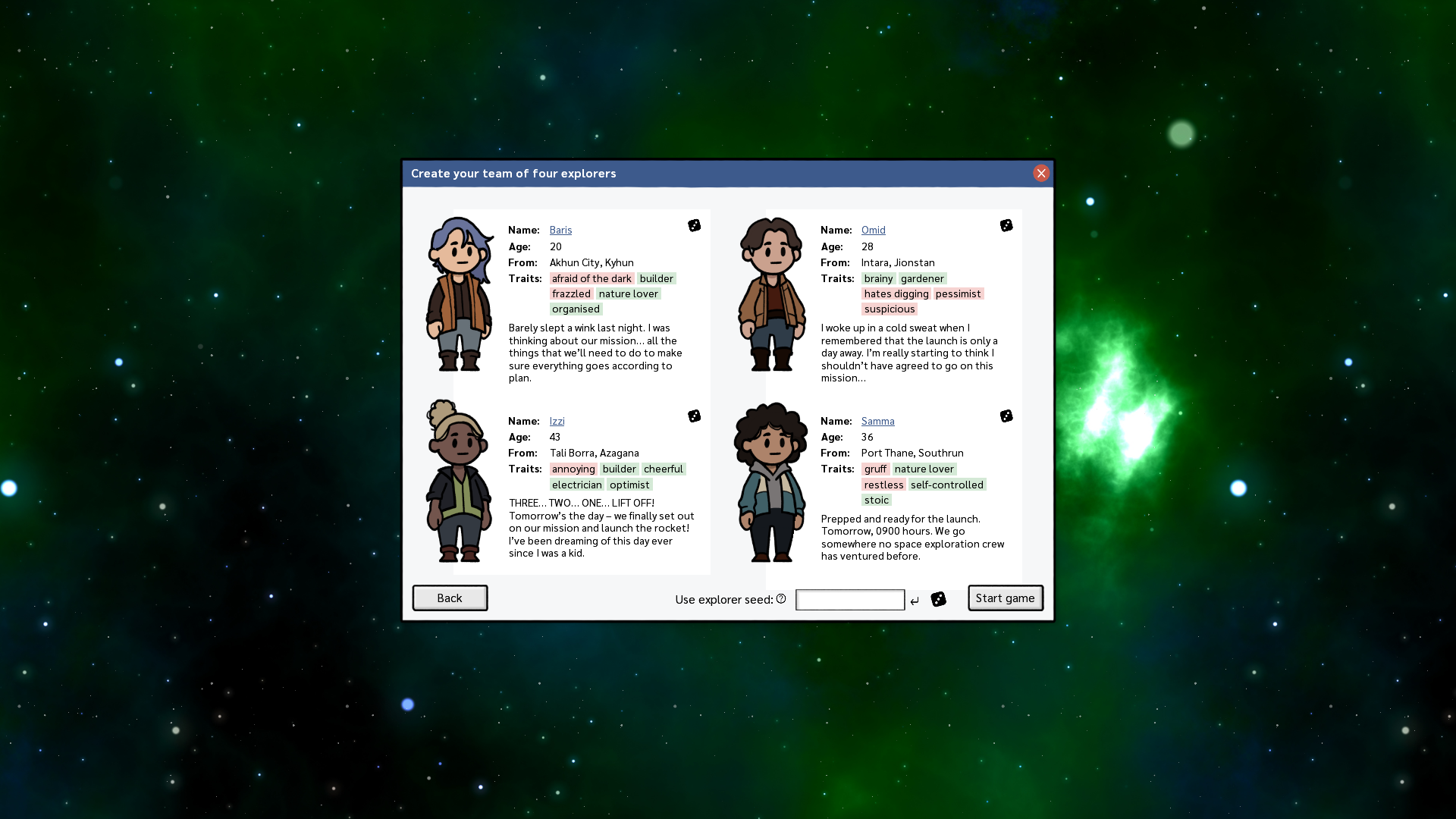
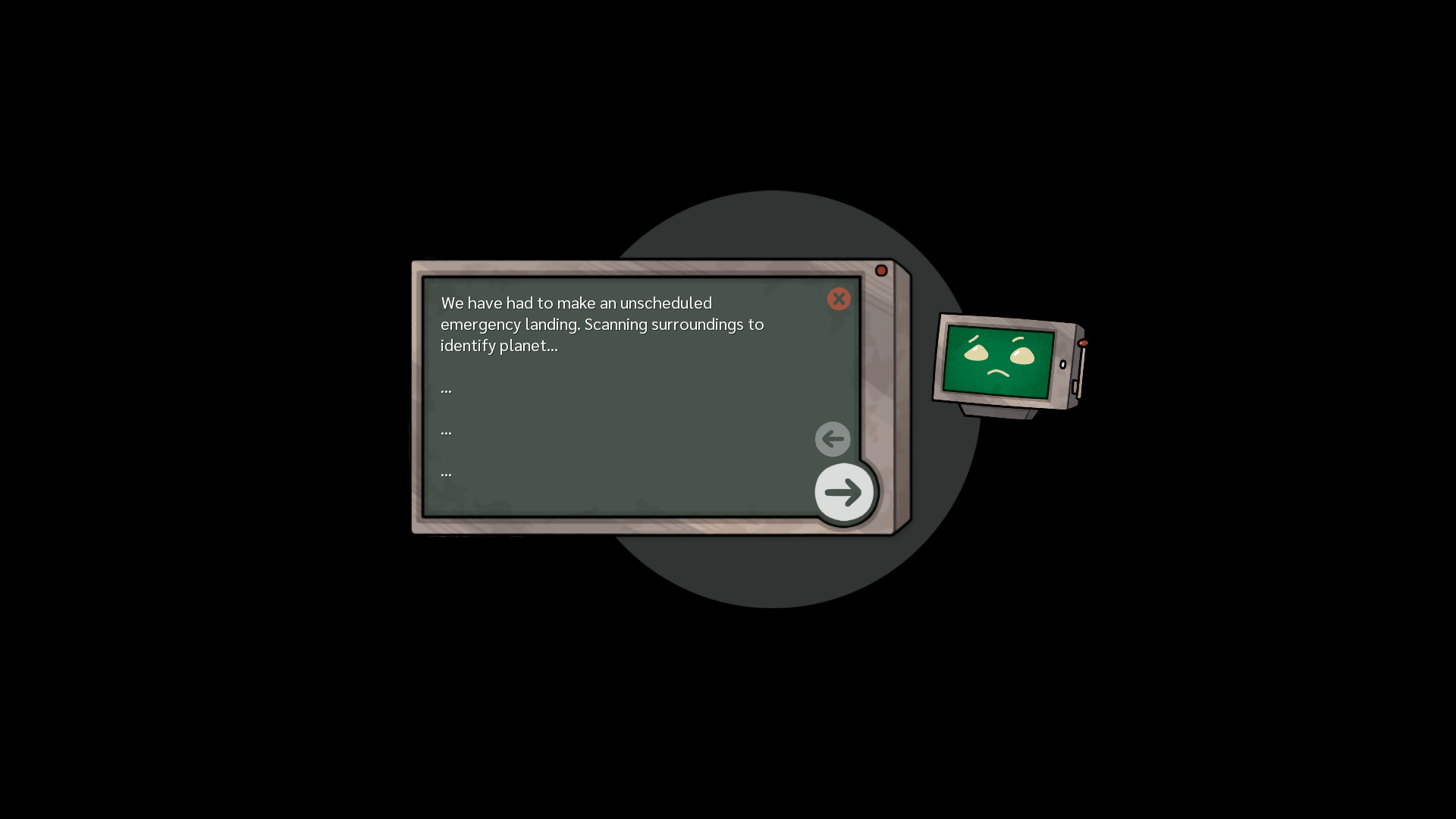
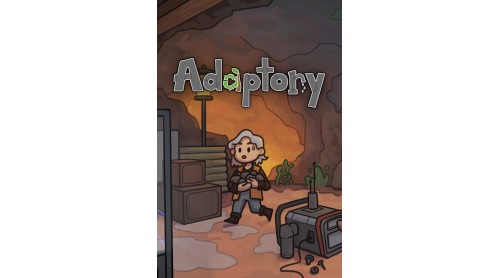
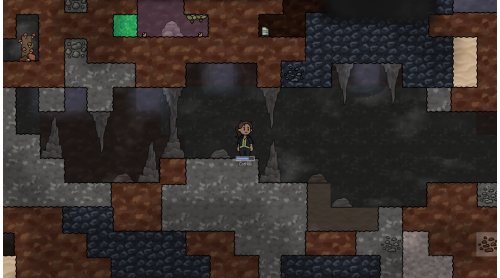
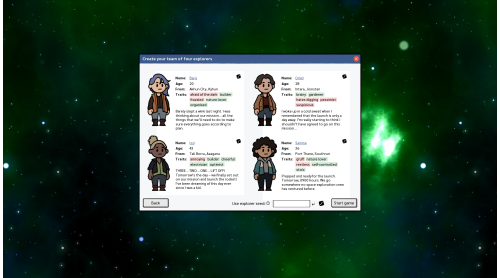
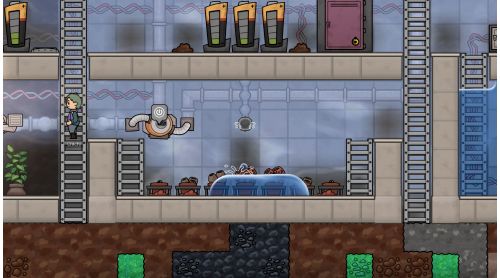
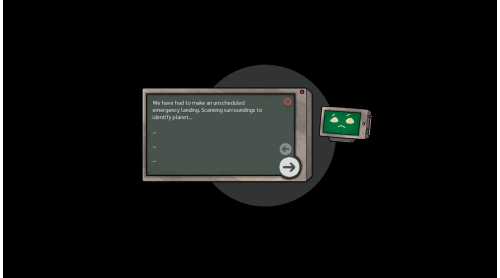
After crash-landing on a deserted planetoid deep in uncharted space, your job is to keep your crew of four distinct explorers alive long enough to figure a way back home. Adaptory combines deep physics-based simulation with base building and discovery. As your team digs below the surface, relationships develop, challenges appear, and rebuilding the ship might eventually take a backseat to unraveling the mysteries of this seemingly dead rock.

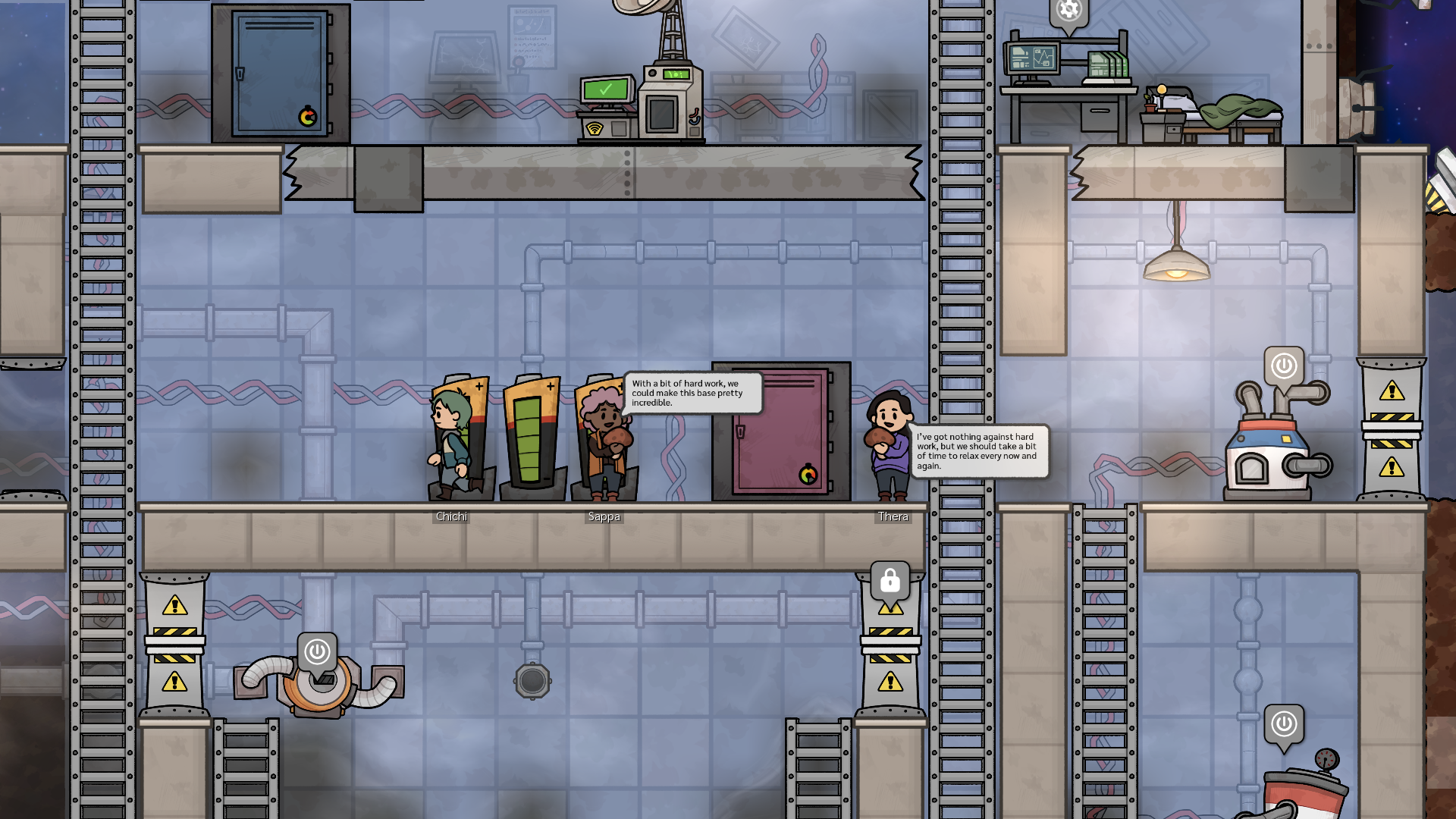
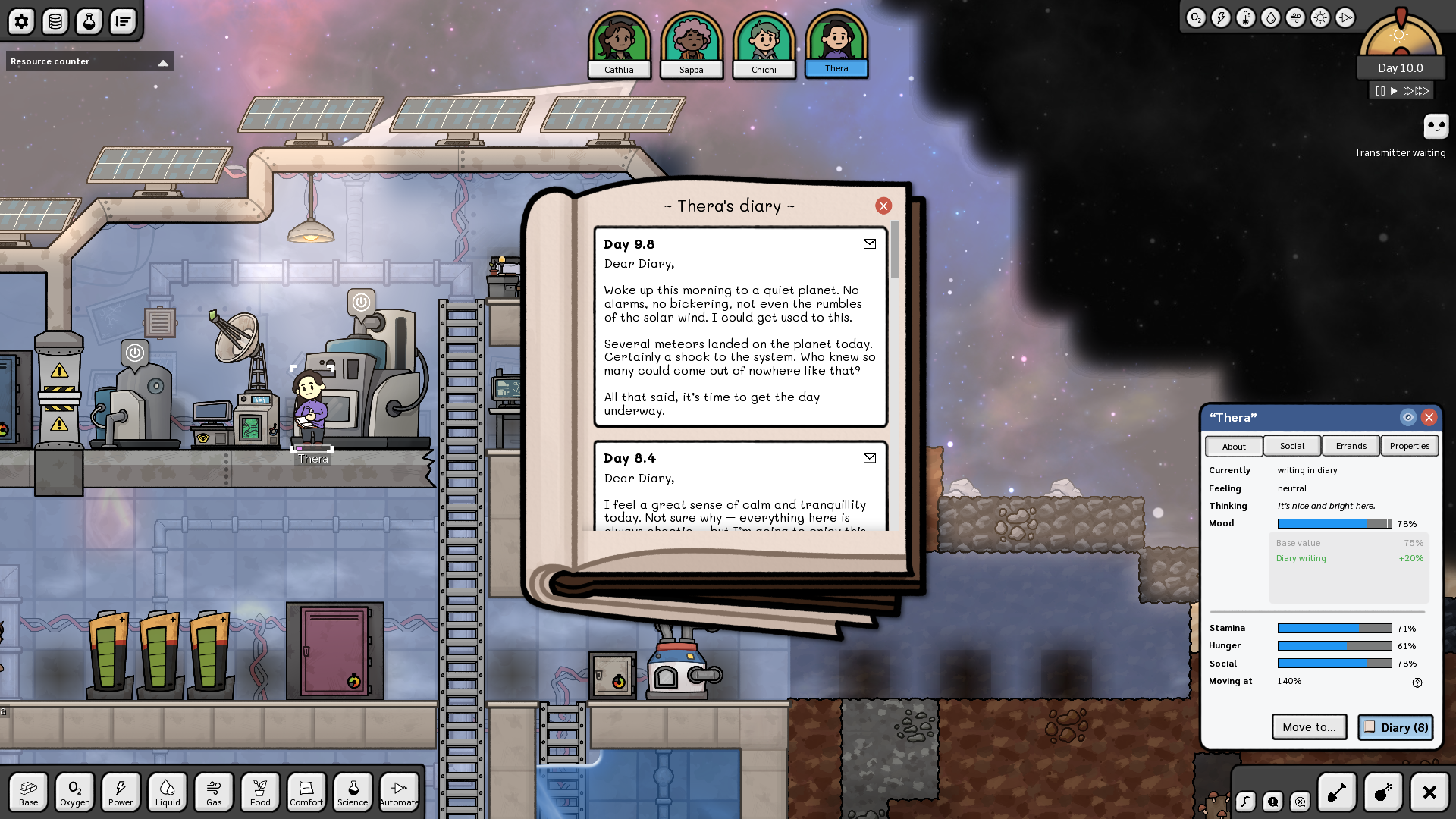
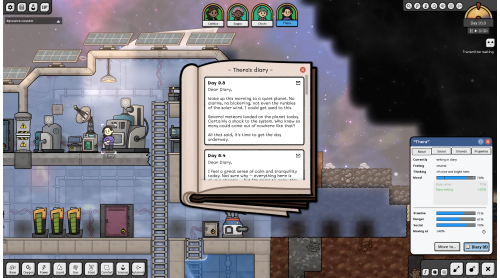
Each crew member is a distinct individual, generated procedurally at the start of each game. Your goal is to keep them alive: breathing, fed, warm, healthy, and happy. Each explorer has their own set of skills, traits, and opinions they will not hesitate to share with other crew members. Their conversations and diaries are an integral part of the story and the gameplay, helping you figure out how to best utilize their skills in a challenging environment.

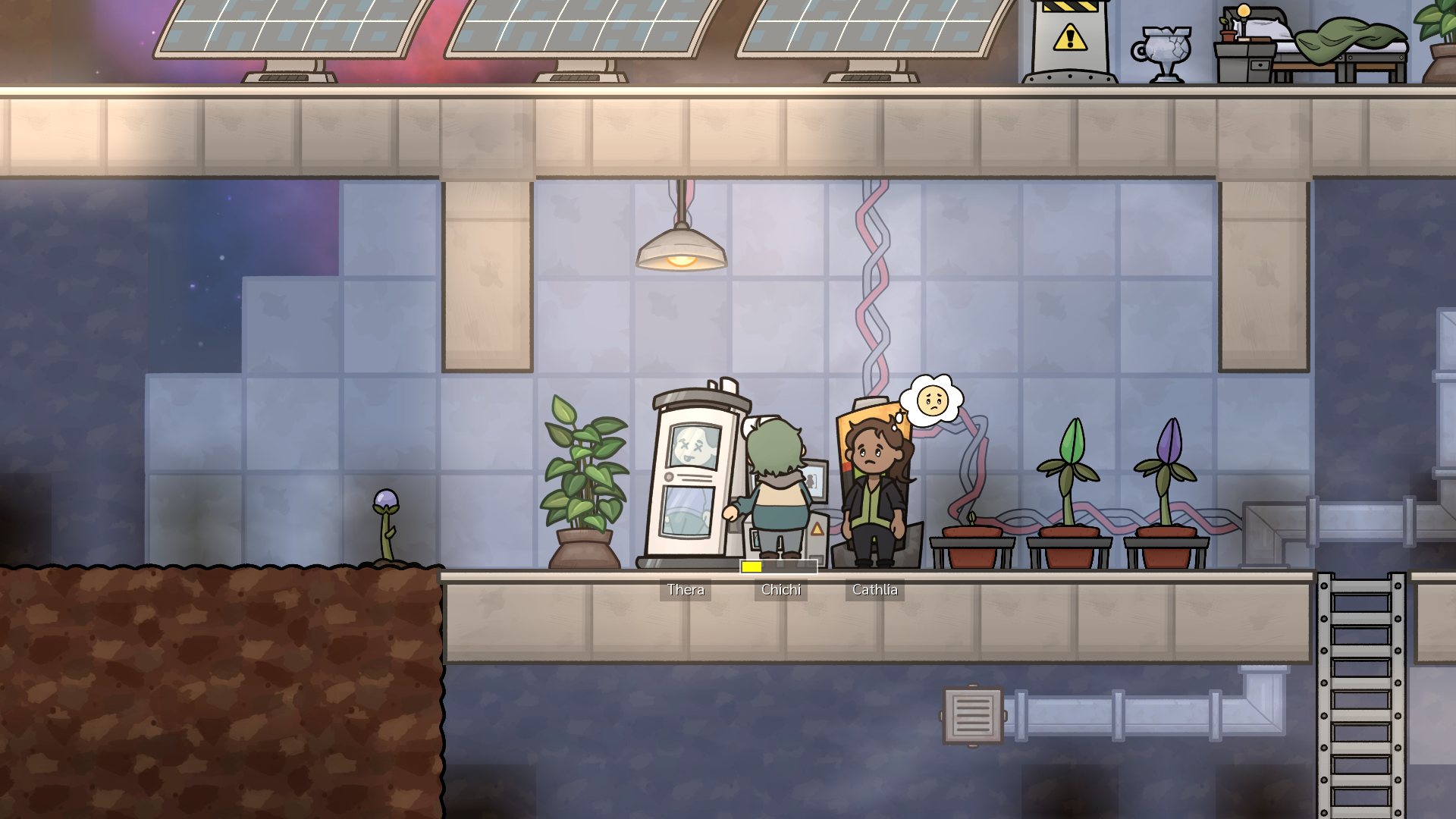
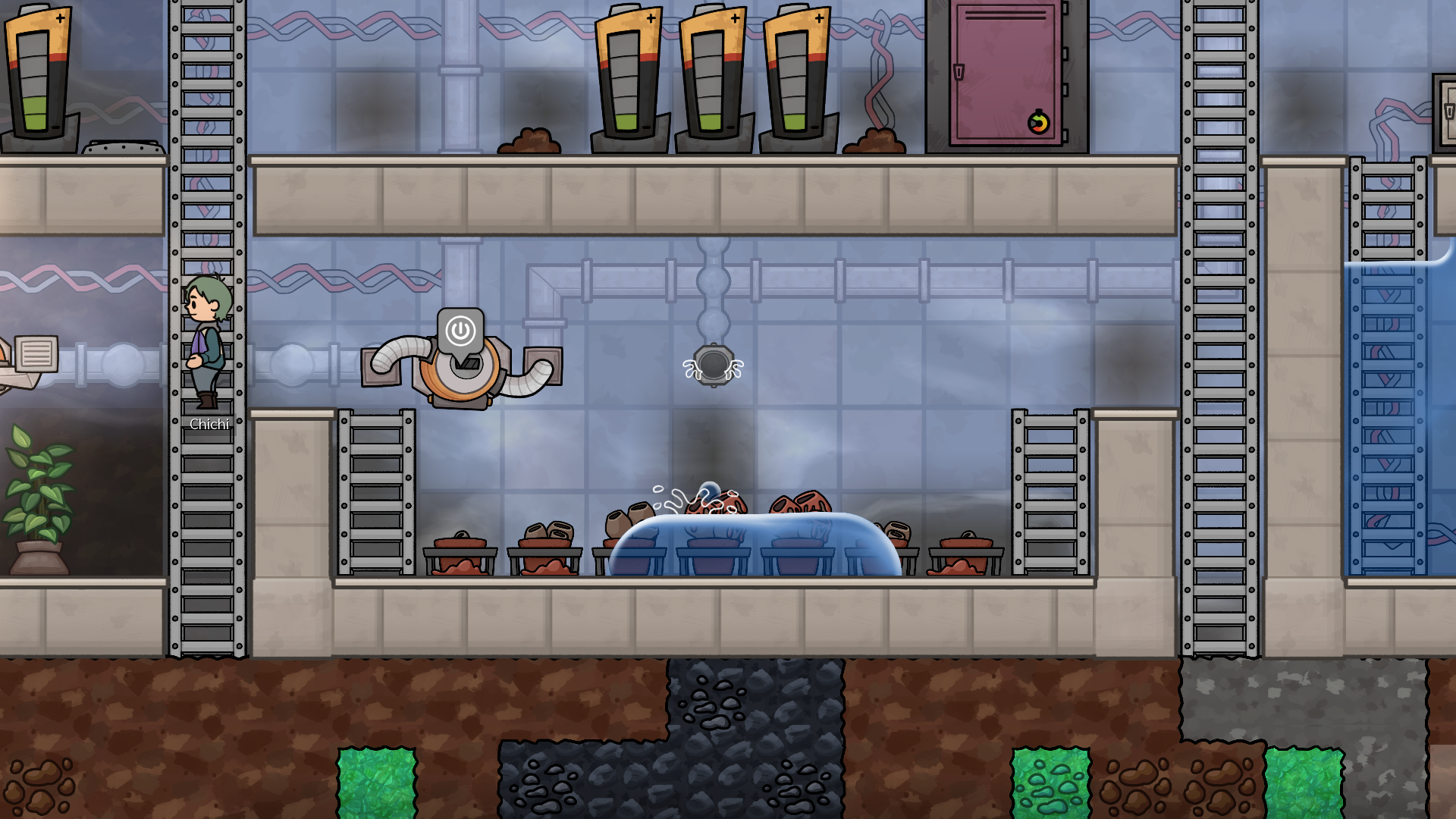
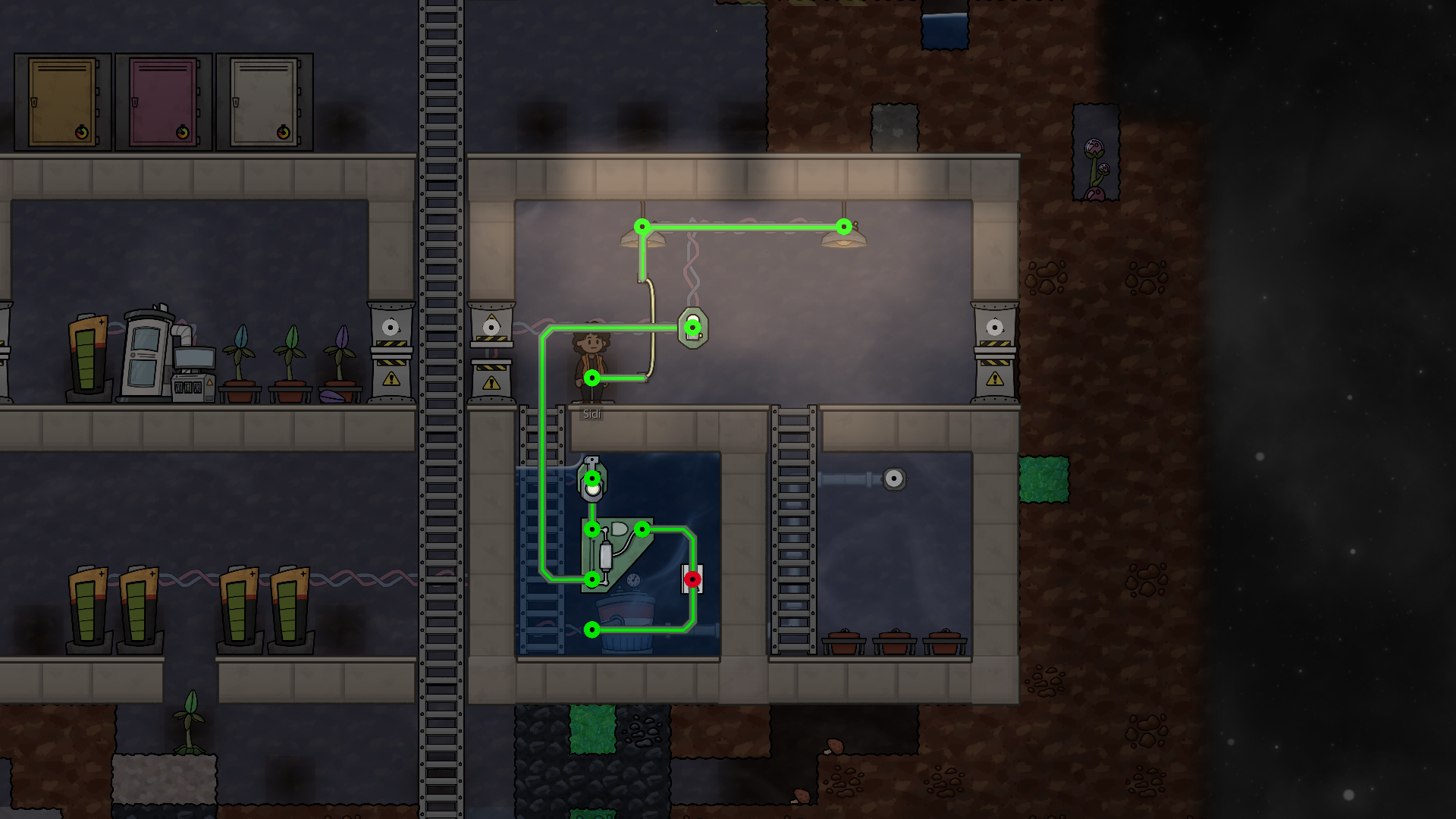
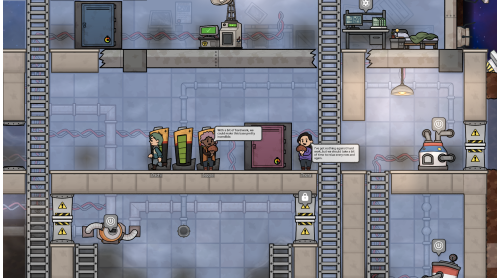
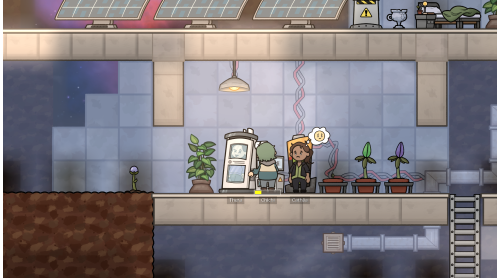
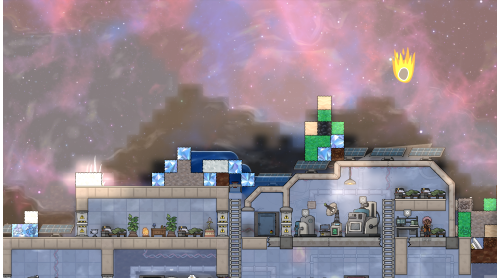
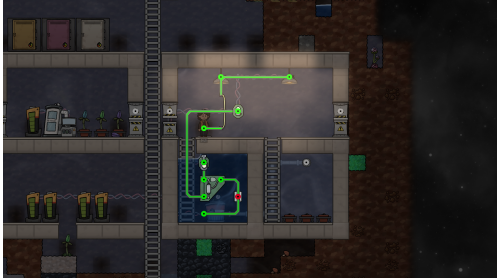
The crashed ship provides shelter and will keep your crew alive for a time. But to survive, you'll have to build a proper base and form a resilient community capable of facing any dangers. Your crew needs somewhere to sleep, eat, wash, heal, and hang out to keep morale up. Manage temperature, connections, plumbing - and that’s just the beginning. Complexity grows over time. Eventually, you’ll have to automate the base, because while it grows, and so does your list of tasks, your crew size does not.

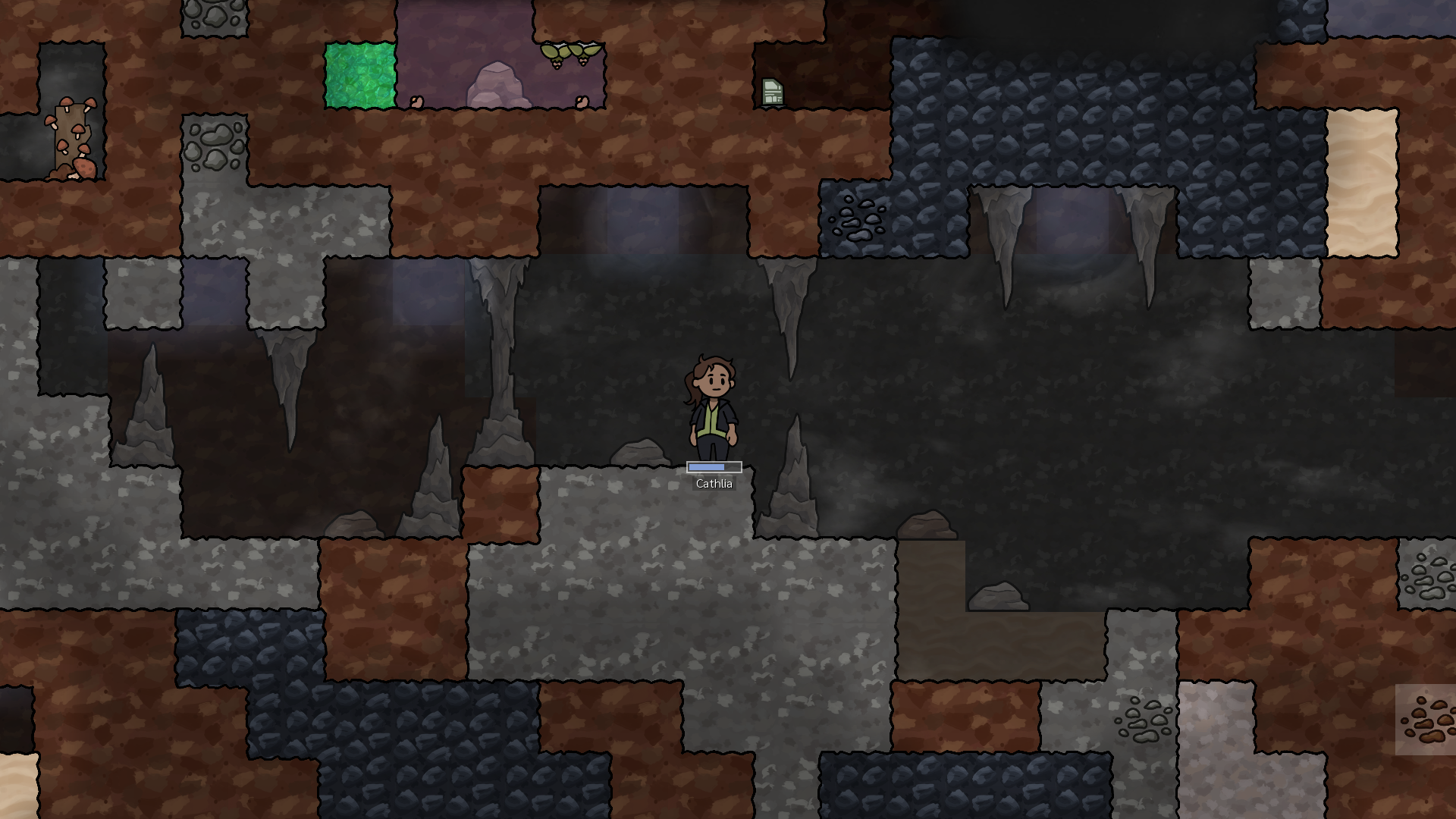
Adaptory runs on sophisticated physics and chemistry systems, simulating gravity, temperature, density, viscosity, and even phase transitions with nearly fifty different materials to learn about and experiment with. Leverage them for your benefit. Need power? Set up a solar panel array to capture sunlight. Or power generators by boiling water with molten rock to generate steam or funnel natural gases to a turbine. But remember: each game is a completely new, procedurally generated experience with unique challenges.

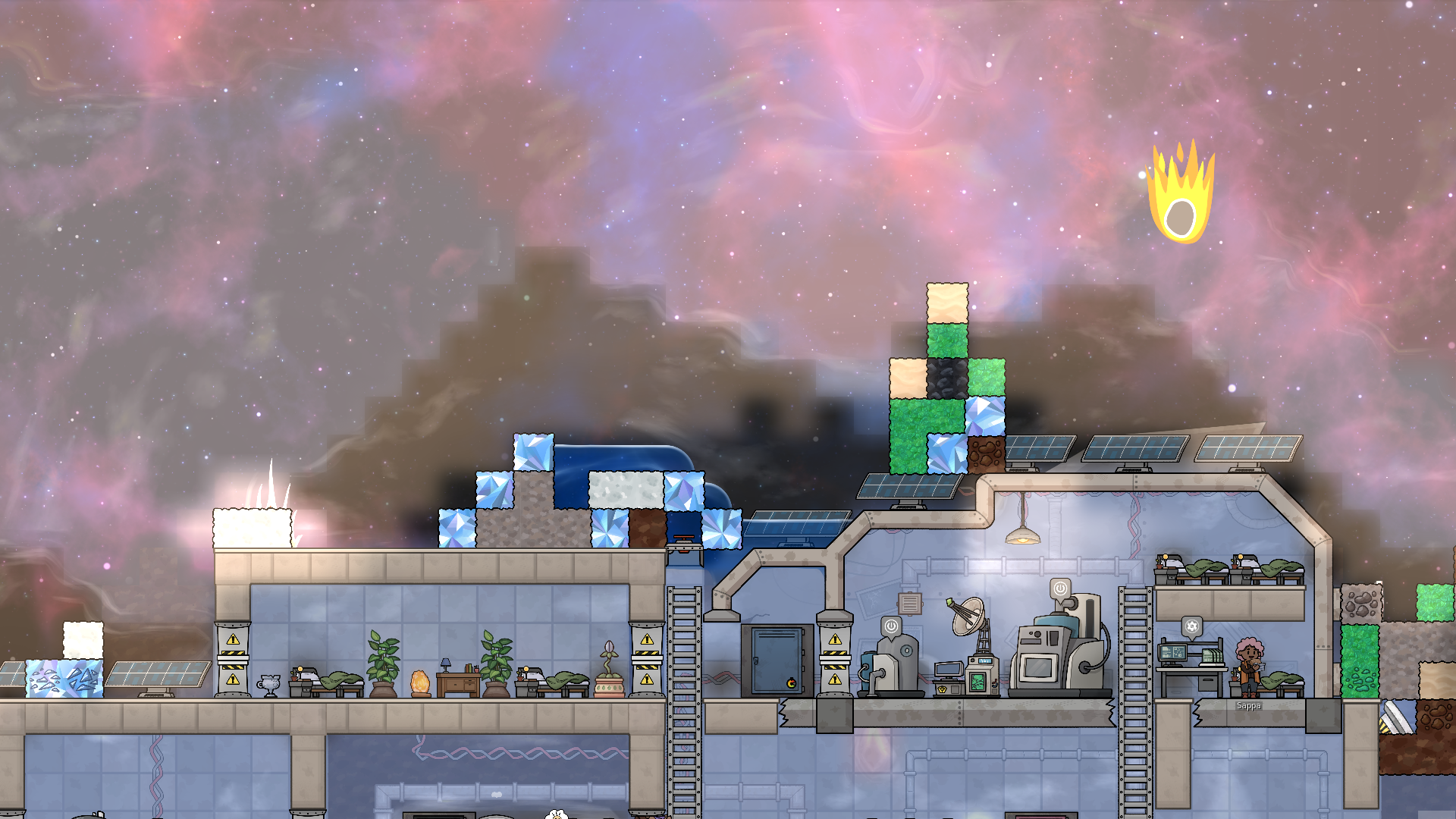
Every game comes with unexpected twists and turns. Random meteor showers, solar flares, earthquakes can damage your base - but also provide unexpected opportunities in the form of rare materials or uncovering new veins and artifacts, if your explorers survive them. Even if your base weathers it without a problem, it might push one of your crew members to the breaking point or sever a relationship. How will you adapt and survive? Will you?

Adaptory is a self-contained story set in a much larger universe. You will be able to take a peek at it through the crew's diary entries, artefacts you might find deep within the planetoid, system logs, and even random conversations. From the history of your crew's home planet and their deep-space mission to the mystery of what actually happened, piece together a gripping science-fiction tale crafted by award-winning writer Cassandra Tse.
Adaptory is an ambitious game combining base-building, realistic simulations, emergent gameplay, character development, and randomly-generated events, and is being actively developed with regular updates as we approach version 1.0. We will be introducing new systems and mechanics based on your feedback, so please join the Adaptory Discord to get access to early builds and join the community!
© Stormcloak Games & Freedom Games - All Rights Reserved
Adaptory® is a registered trademark of Stormcloak Games


How to activate your Steam key?
1. Open your Steam client. (If you don't have a Steam Client, you can install from here https://store.steampowered.com/about/)
2. Sign in to your Steam account. (If you don't have a Steam Account, you can create from here https://store.steampowered.com/join/)
3. Click “ADD A GAME” button which is at the bottom of the Steam Client.
4. Now select "Activate a product on Steam..."
5. Write or copy-paste your Steam key which you purchased from Gamesforpc.
6. Now your game is in your library.
7. Find your game in your library, select and click install to start your download.