 Steam
Steam 19.99€
Added to Cart
19.99€
Added to Wishlist
19.99€
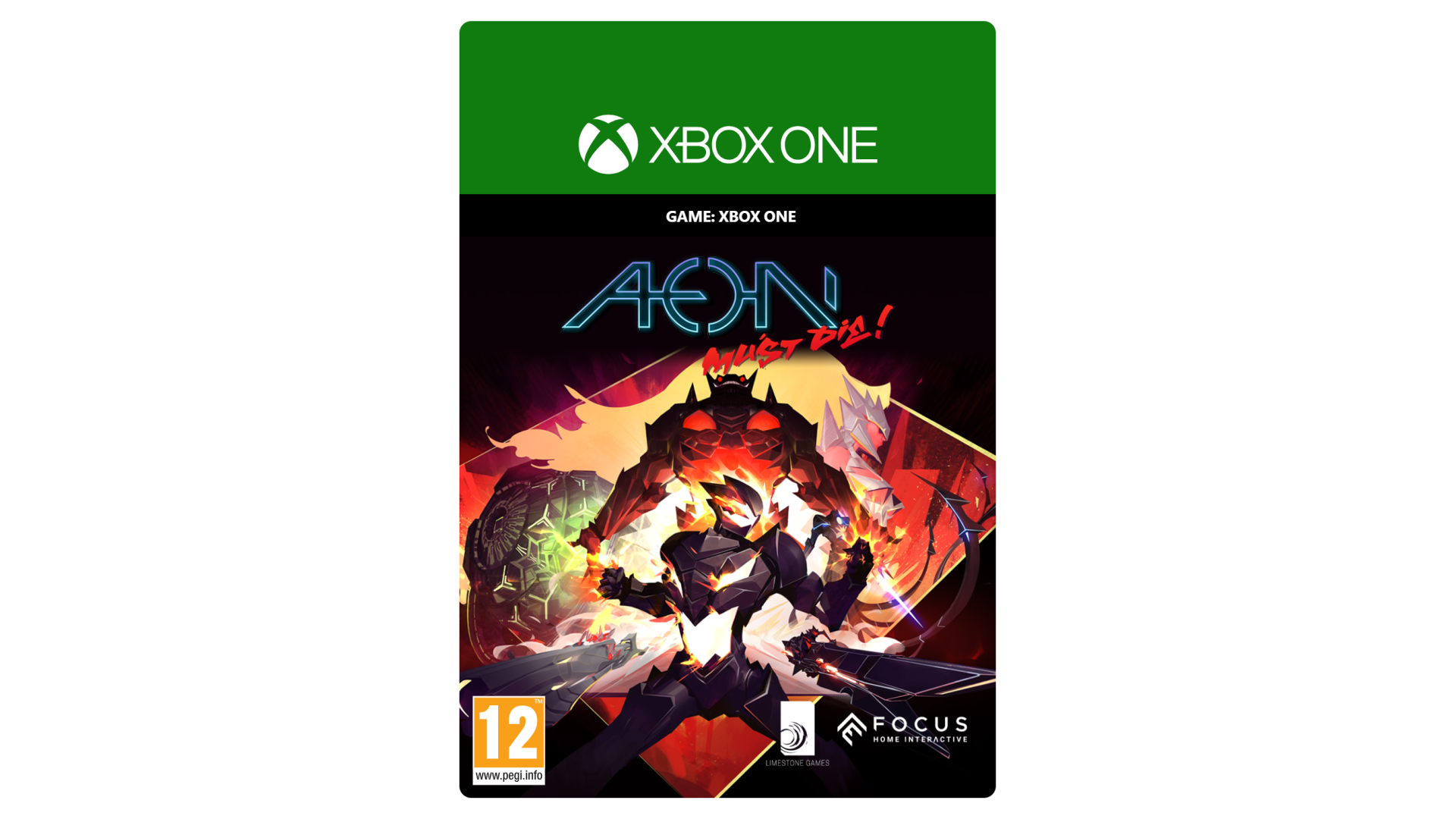
Ignite the galaxy. Aeon Must Die!
Aeon, the dreaded Emperor of the unstoppable Void Armada, has been betrayed and left for dead by his generals. Weakened and without a body to exact his revenge, he manages to merge with you to survive and bring forth his wrath.
Travel across the futuristic city of Pantheon to destroy or subdue those who betrayed Aeon, while fighting for your mind, free will, and control of your body.
Experience a unique beat ‘em-up introducing breakneck risk-reward gameplay, innovative AI and tactical fighting, all packaged in an incredible art style.
Will you succumb to Aeon’s will and unleash his awesome power, losing yourself in the process? Or will you choose the hard way and remain free, at the cost of your strength?
© 2021 Aeon Must Die!. Developed by Limestone Games and published by Focus Home Interactive. Aeon Must Die! is a registered trademark. Unreal ® is a trademark or registered trademark of Epic Games, Inc. in the United States of America and elsewhere. Unreal ® Engine, Copyright 1998 – 2021, Epic Games, Inc. All rights reserved.
FOCUS HOME INTERACTIVE
Parc Pont de Flandre "Le Beauvaisis"
Bâtiment 28, 11 Rue de Cambrai
75019 Paris - FRANCE
TECHNICAL ASSISTANCE : https://support.focus-home.com
https://www.focus-entmt.com/privacy-policy
https://www.focus-entmt.com/eula


How to activate your Steam key?
1. Open your Steam client. (If you don't have a Steam Client, you can install from here https://store.steampowered.com/about/)
2. Sign in to your Steam account. (If you don't have a Steam Account, you can create from here https://store.steampowered.com/join/)
3. Click “ADD A GAME” button which is at the bottom of the Steam Client.
4. Now select "Activate a product on Steam..."
5. Write or copy-paste your Steam key which you purchased from Gamesforpc.
6. Now your game is in your library.
7. Find your game in your library, select and click install to start your download.