Description
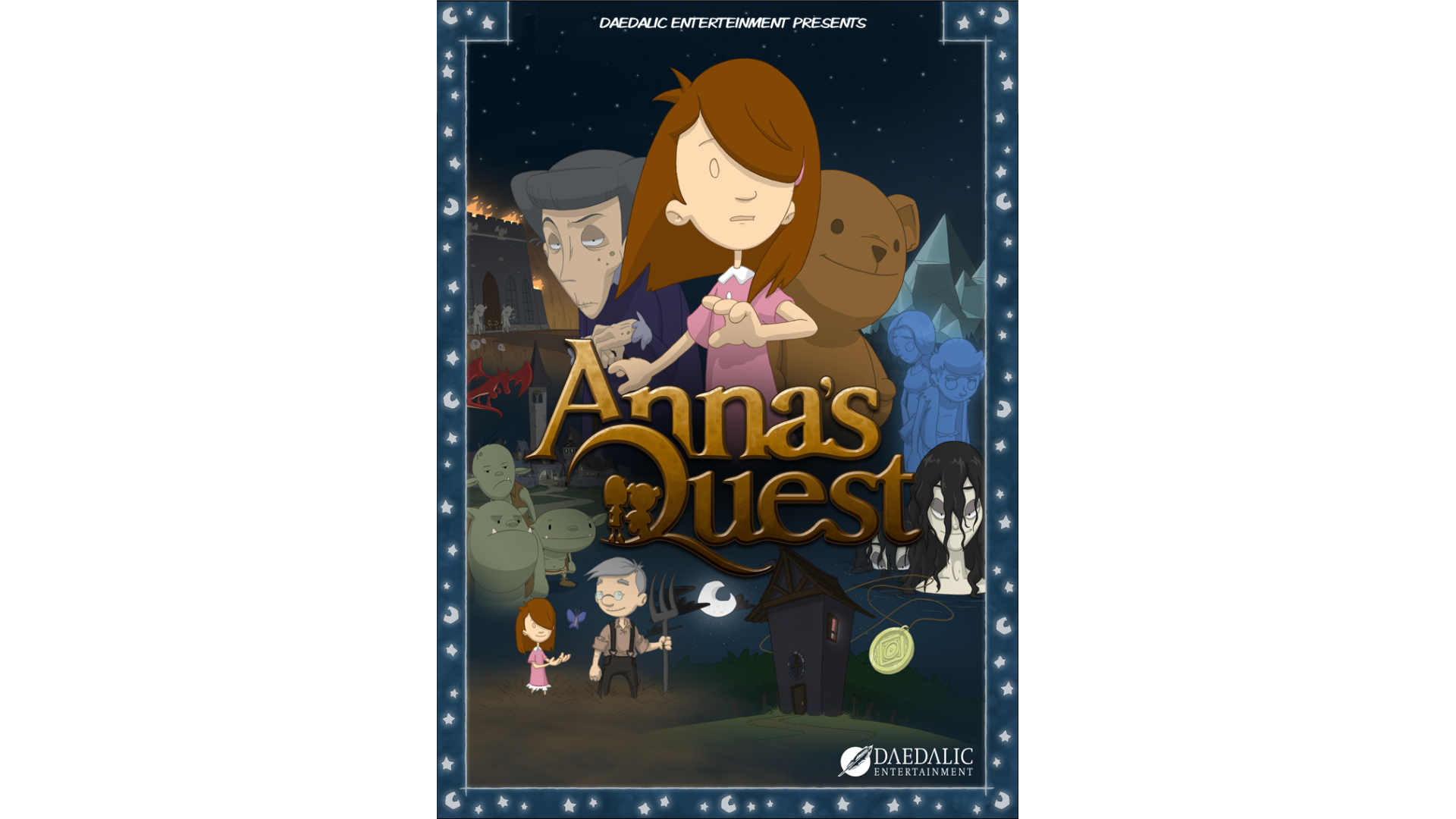
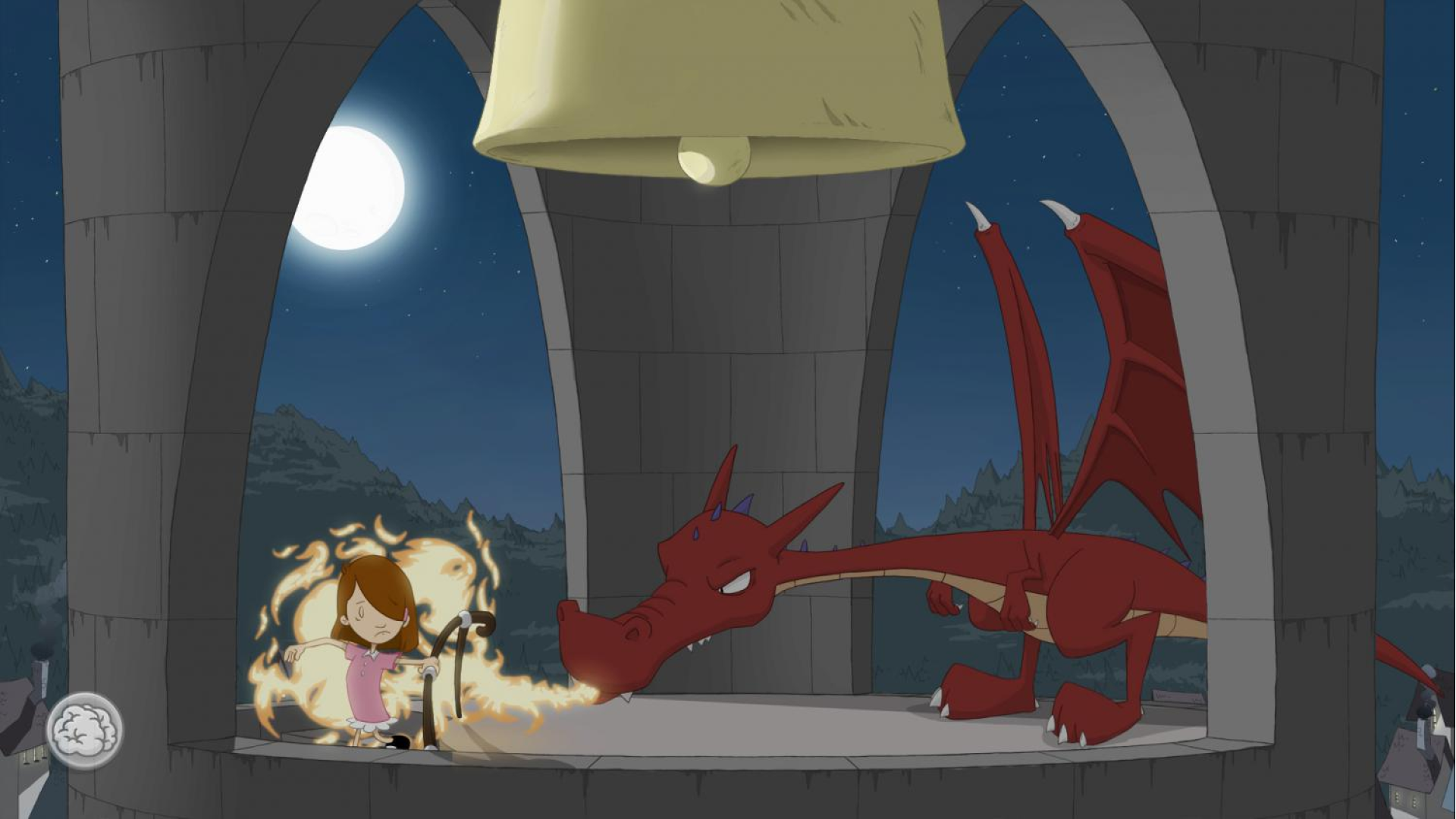
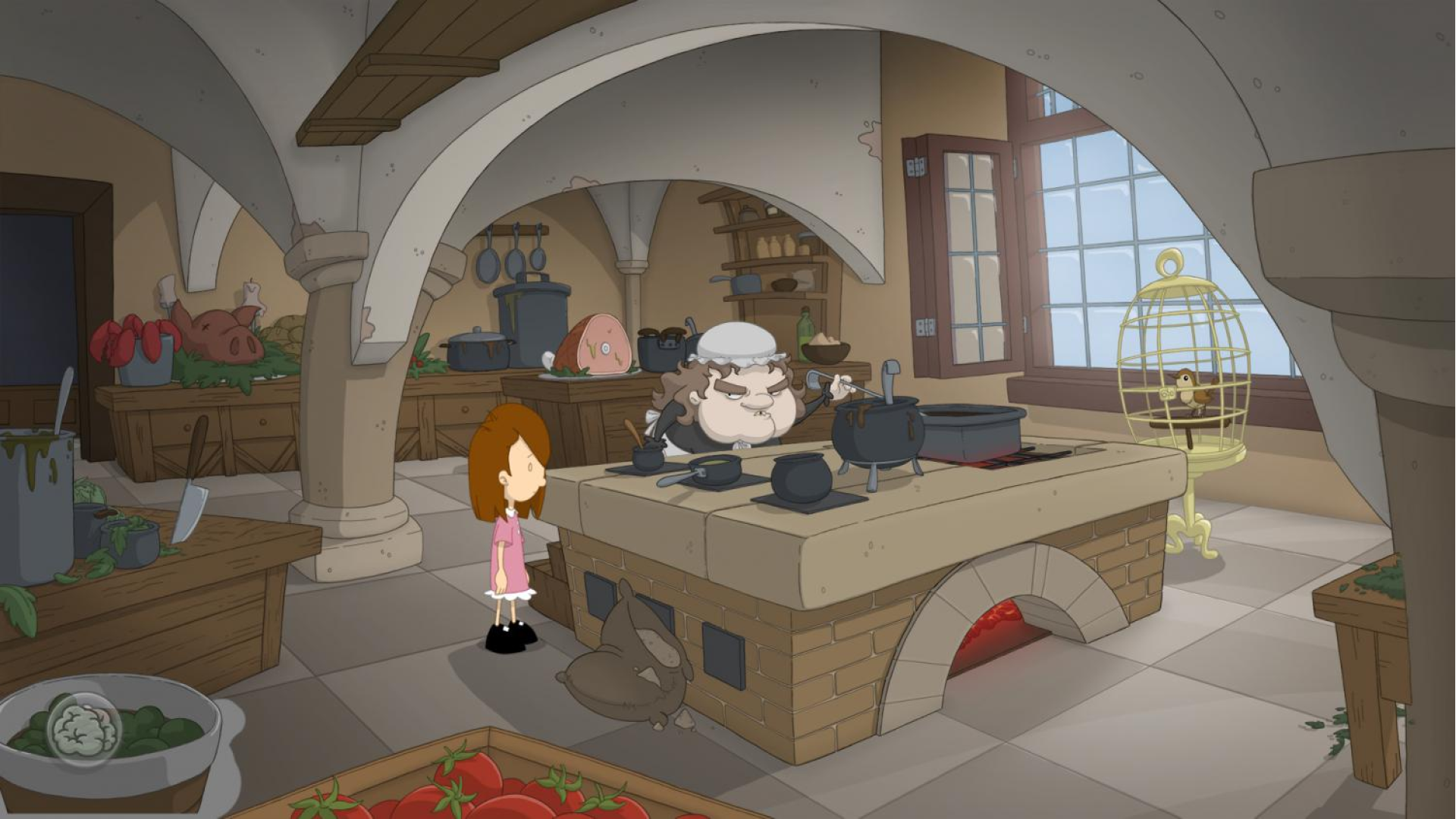
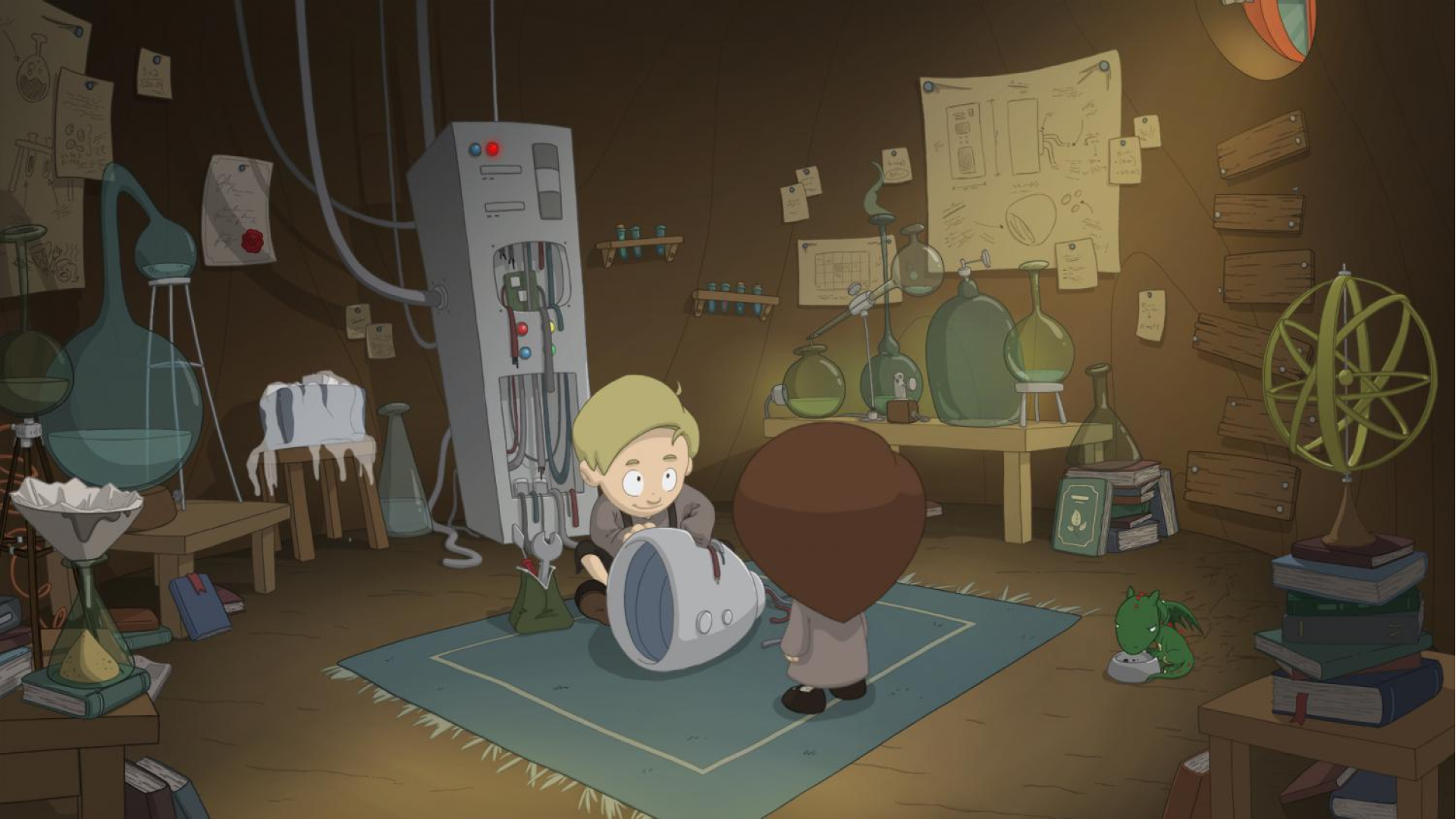
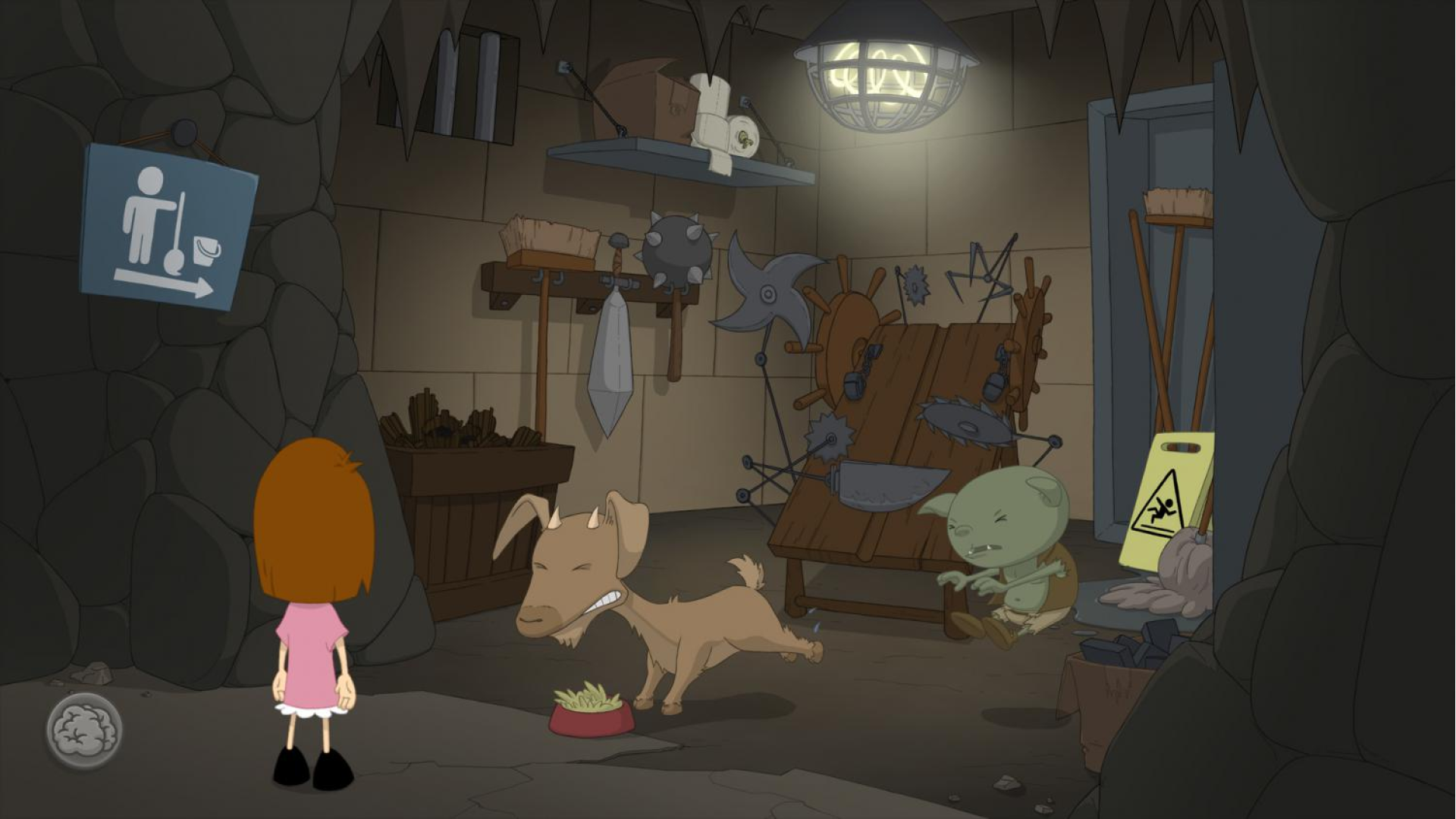
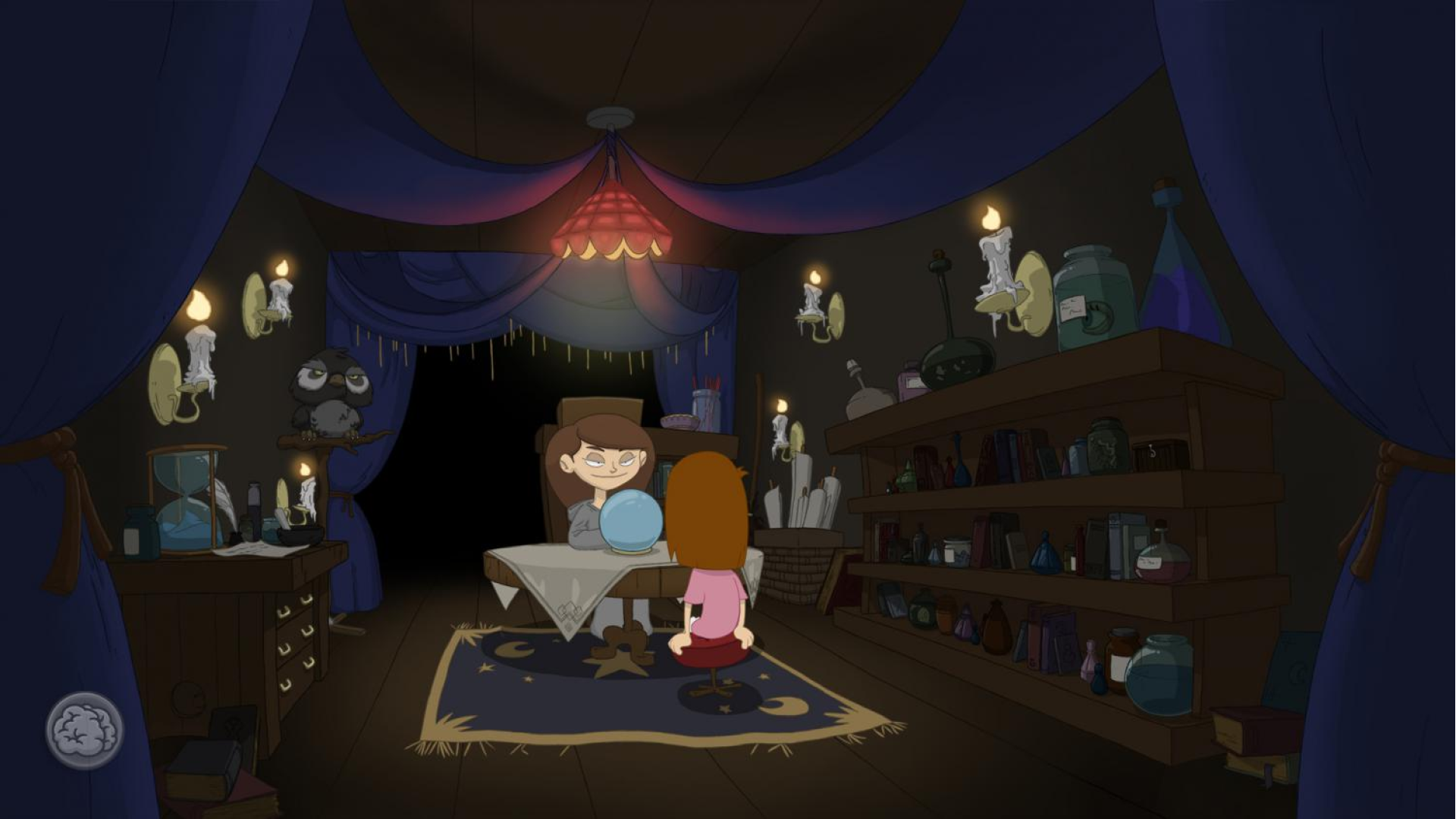
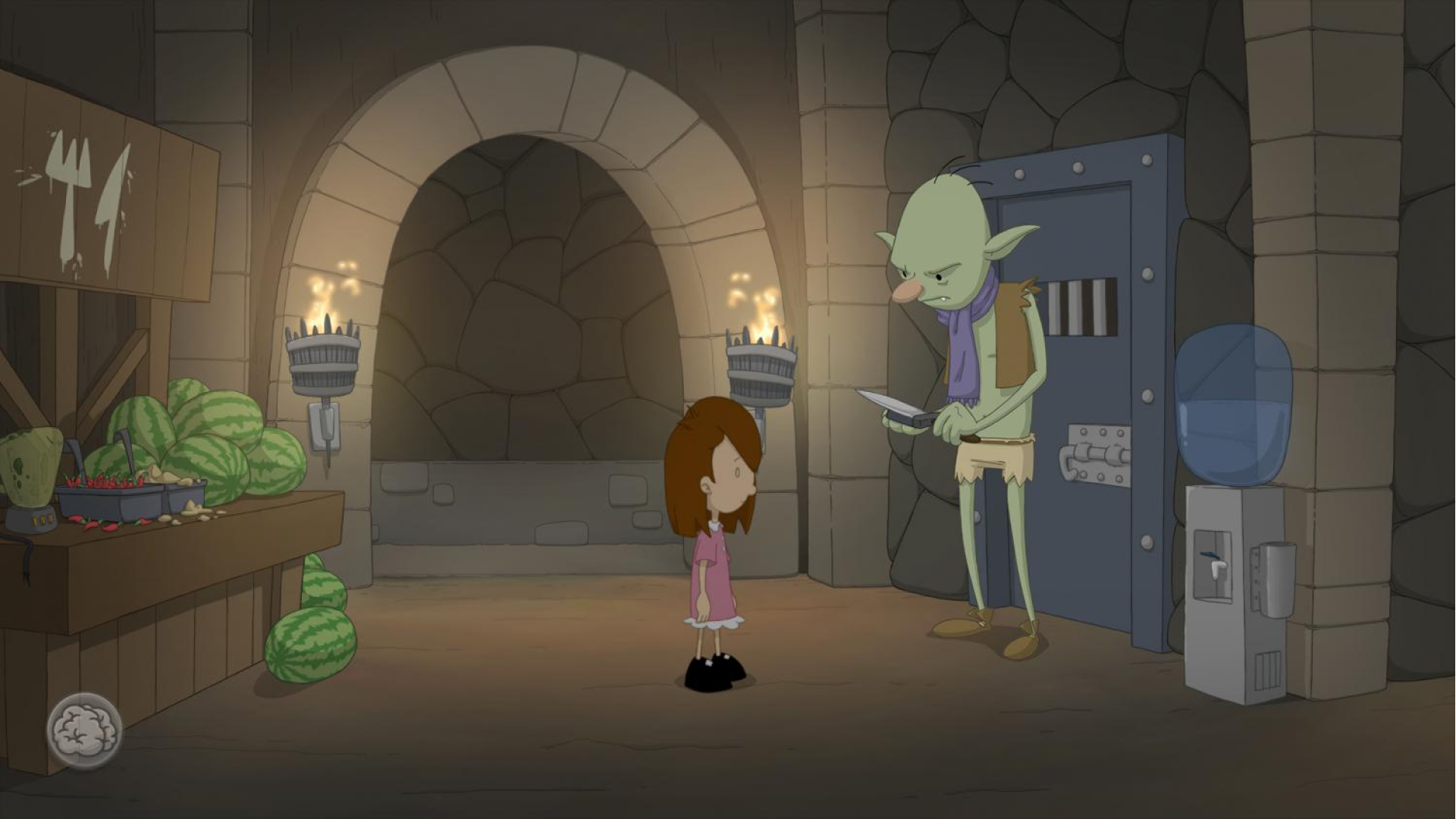
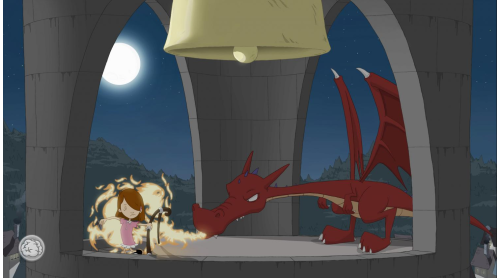
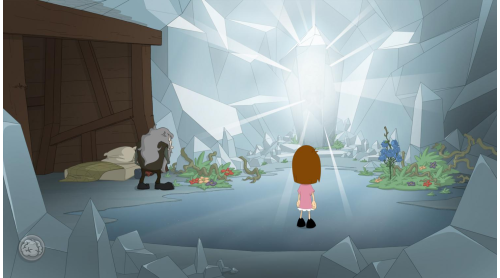
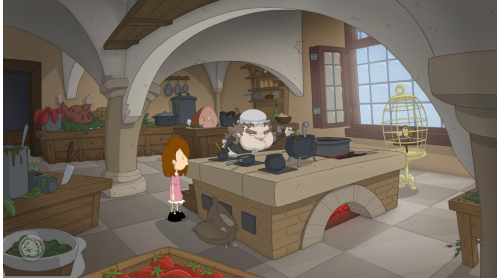
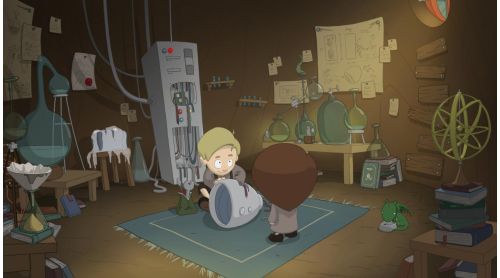
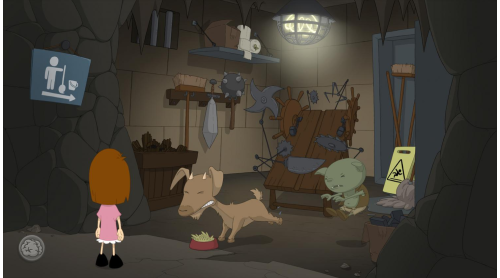
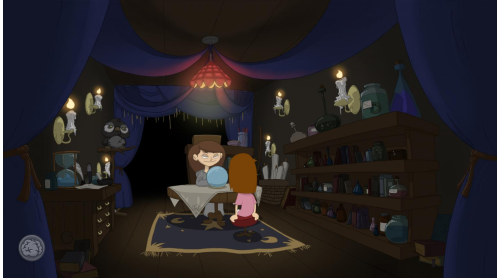
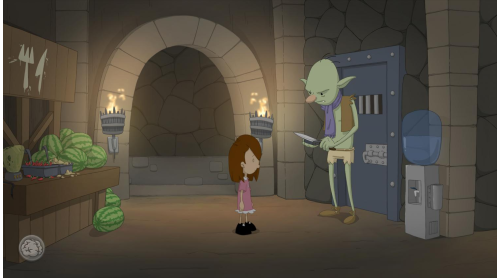
Dragons, witches, trolls... No one can stop Anna. With her telekinesis, unorthodox use of torture instruments, a knack for improvisation and the help of a shady fox she just makes her way. She communes with the dead, shuts off the local taverns beer supply and gets old ladies behind bars...
The world of author Dane Krams' debut on the game development stage isn't as cuddly as it may seem. Anna however, is actually perfectly nice - or is she? It all starts with freeing talking teddy bear...
Anna's Quest unfolds a hand-drawn, grim tale with a good dash of self-irony.
- Unlimited inventory with special slot for a baby dragon
- Small-time Vandalism
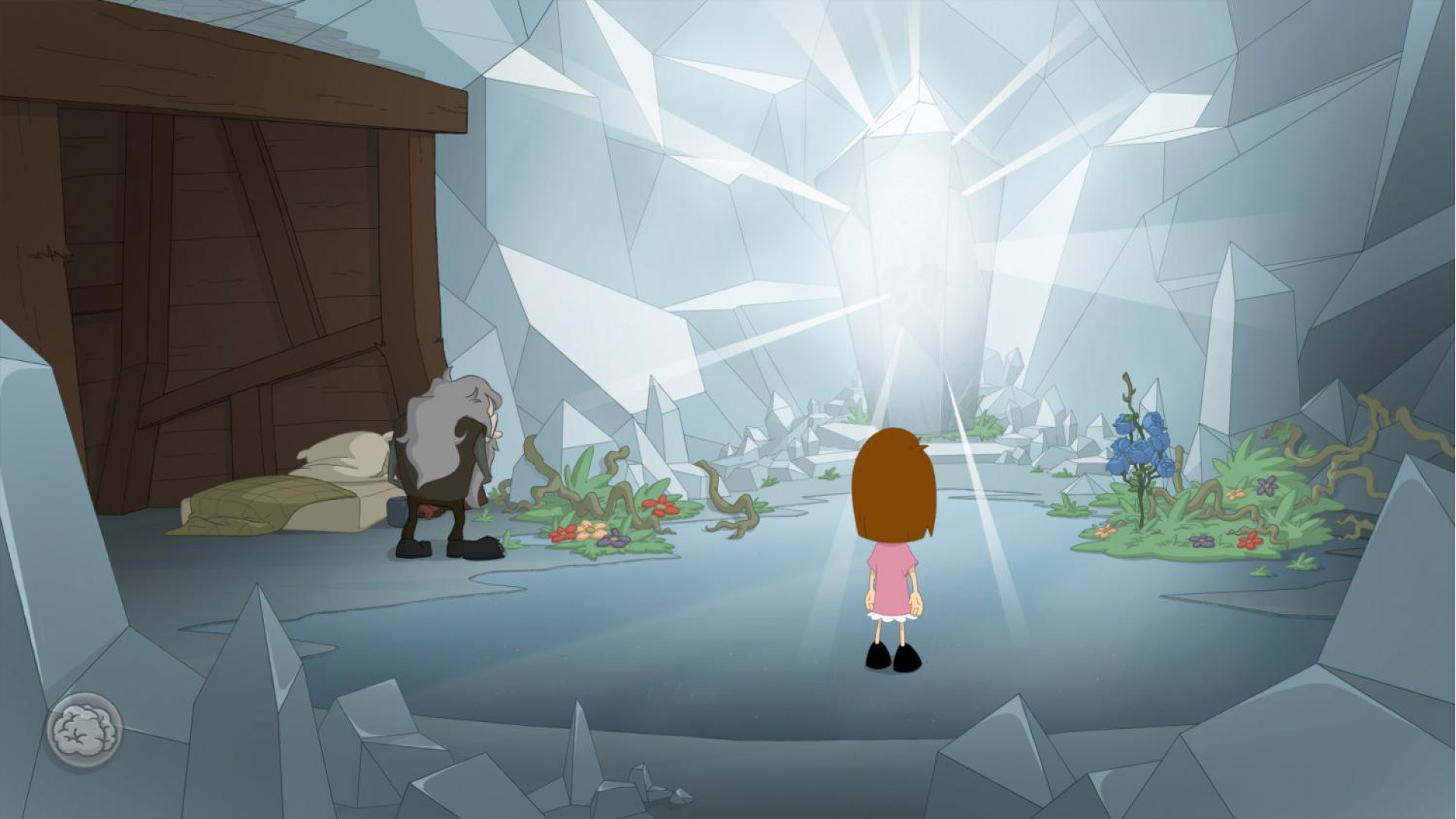
- Discover a Unicorn's inner beauty
- Black magic and telekinesis - this time, not exclusive to villains!
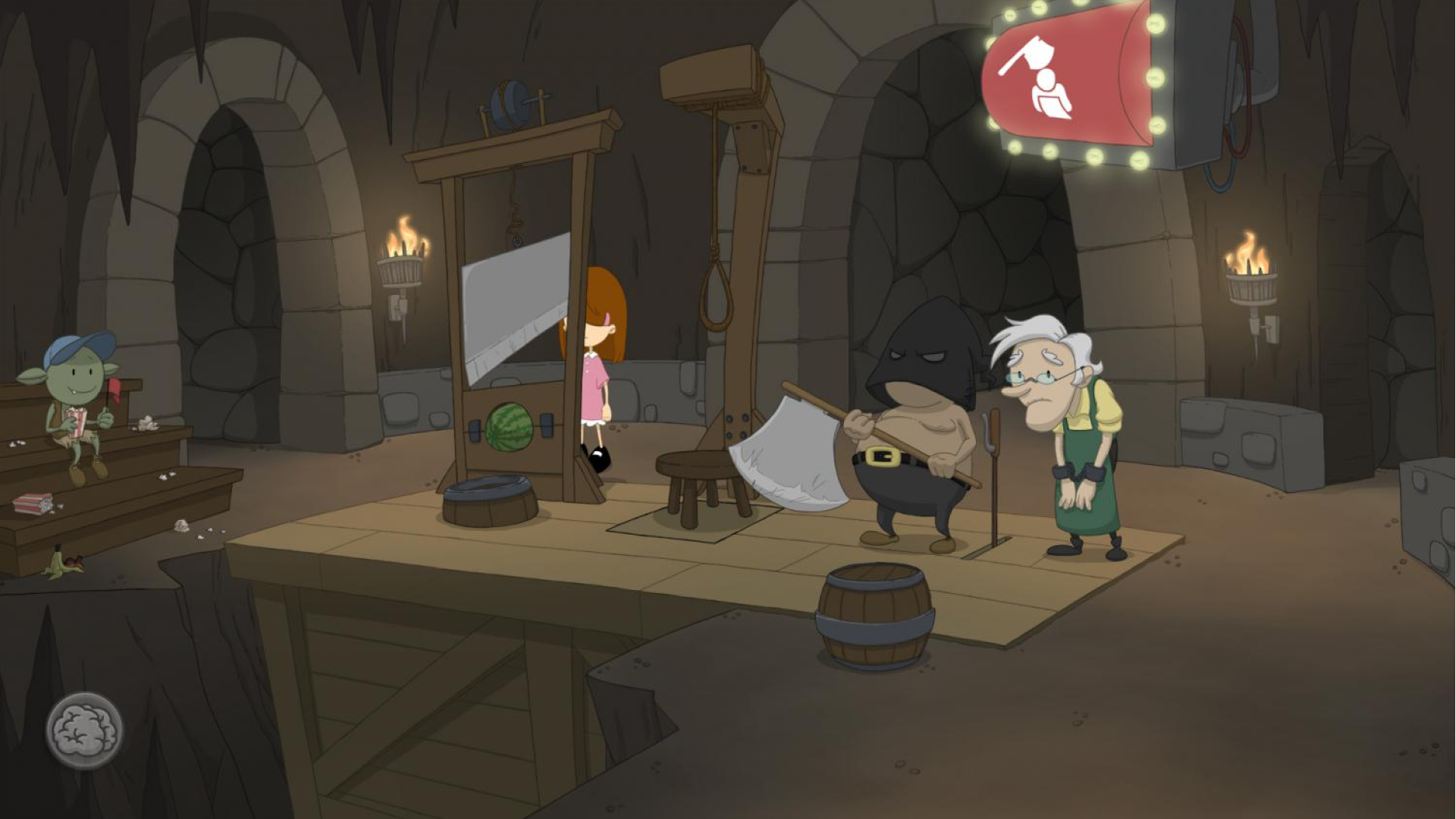
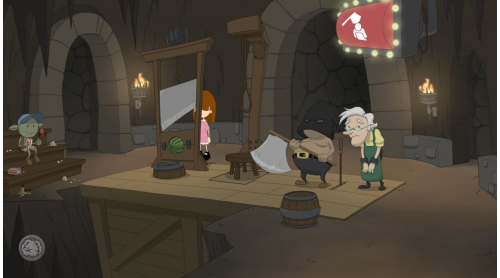
- Executions for the whole family!
- light-hearted, courageous, bad-ass: Anna
- Classic Point & Click controls with hotspot-indicator
- Awesome ending (really!)
© 2015 Daedalic Entertainment GmbH and Krams Design. Daedalic and the Daedalic-logo are registered trademarks of Daedalic Entertainment GmbH. All rights reserved.






 Steam
Steam  Windows
  Mac
Mac  Linux
Linux 

How to activate your Steam key?
1. Open your Steam client. (If you don't have a Steam Client, you can install from here https://store.steampowered.com/about/)
2. Sign in to your Steam account. (If you don't have a Steam Account, you can create from here https://store.steampowered.com/join/)
3. Click “ADD A GAME” button which is at the bottom of the Steam Client.
4. Now select "Activate a product on Steam..."
5. Write or copy-paste your Steam key which you purchased from Gamesforpc.
6. Now your game is in your library.
7. Find your game in your library, select and click install to start your download.