





 Steam
Steam  Windows
  Mac
Mac  Linux
Linux | Release Date | 21.11.2019 |
| Operating Systems | Linux |
| Operating Systems | Mac OS |
| Publisher | Daedalic Entertainment |
| Operating Systems | Windows |
| Genres | Action, Simulation, Strategy, indie |
9.99€
Added to Cart
9.99€
Added to Wishlist
9.99€
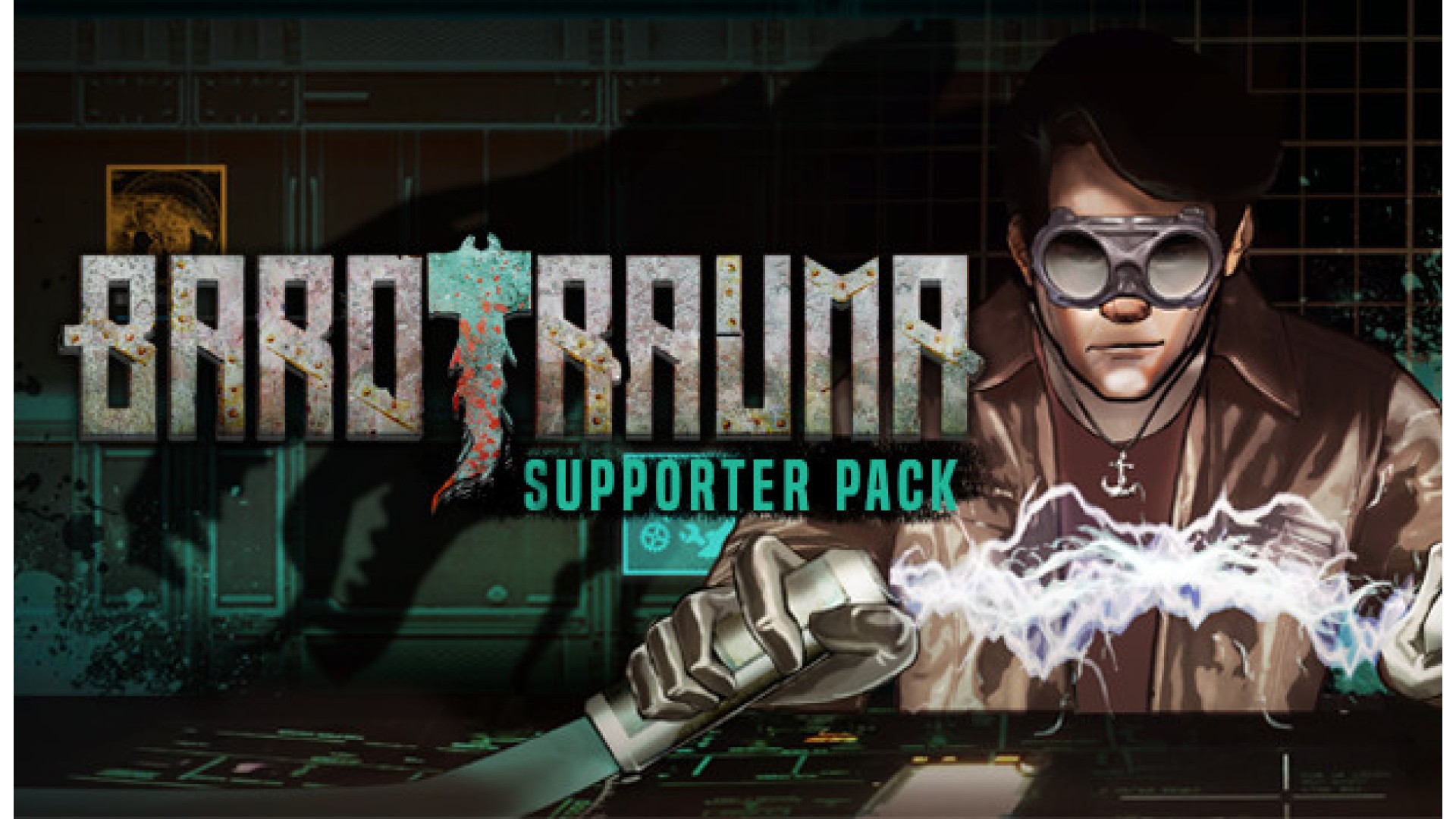
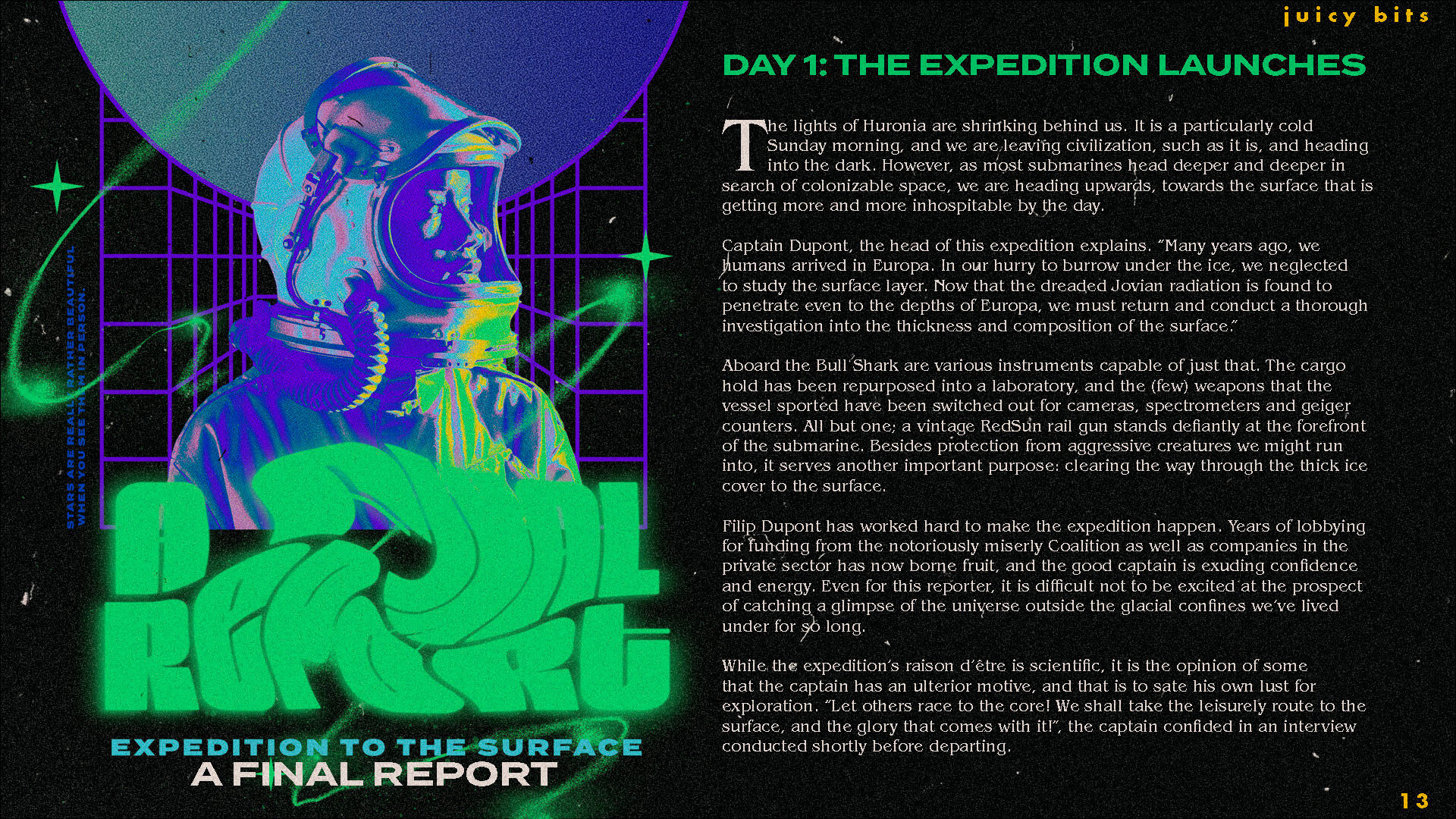
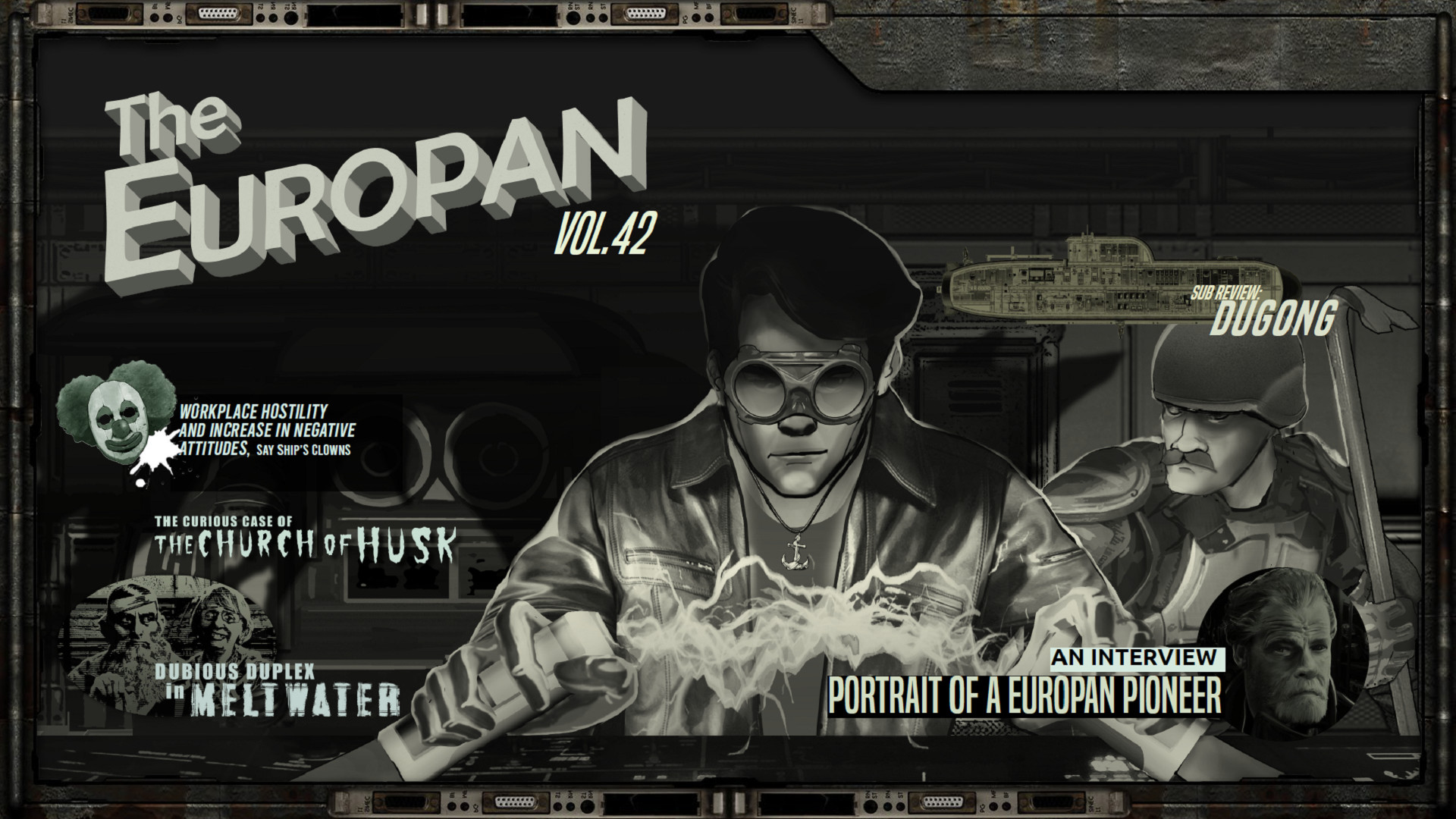
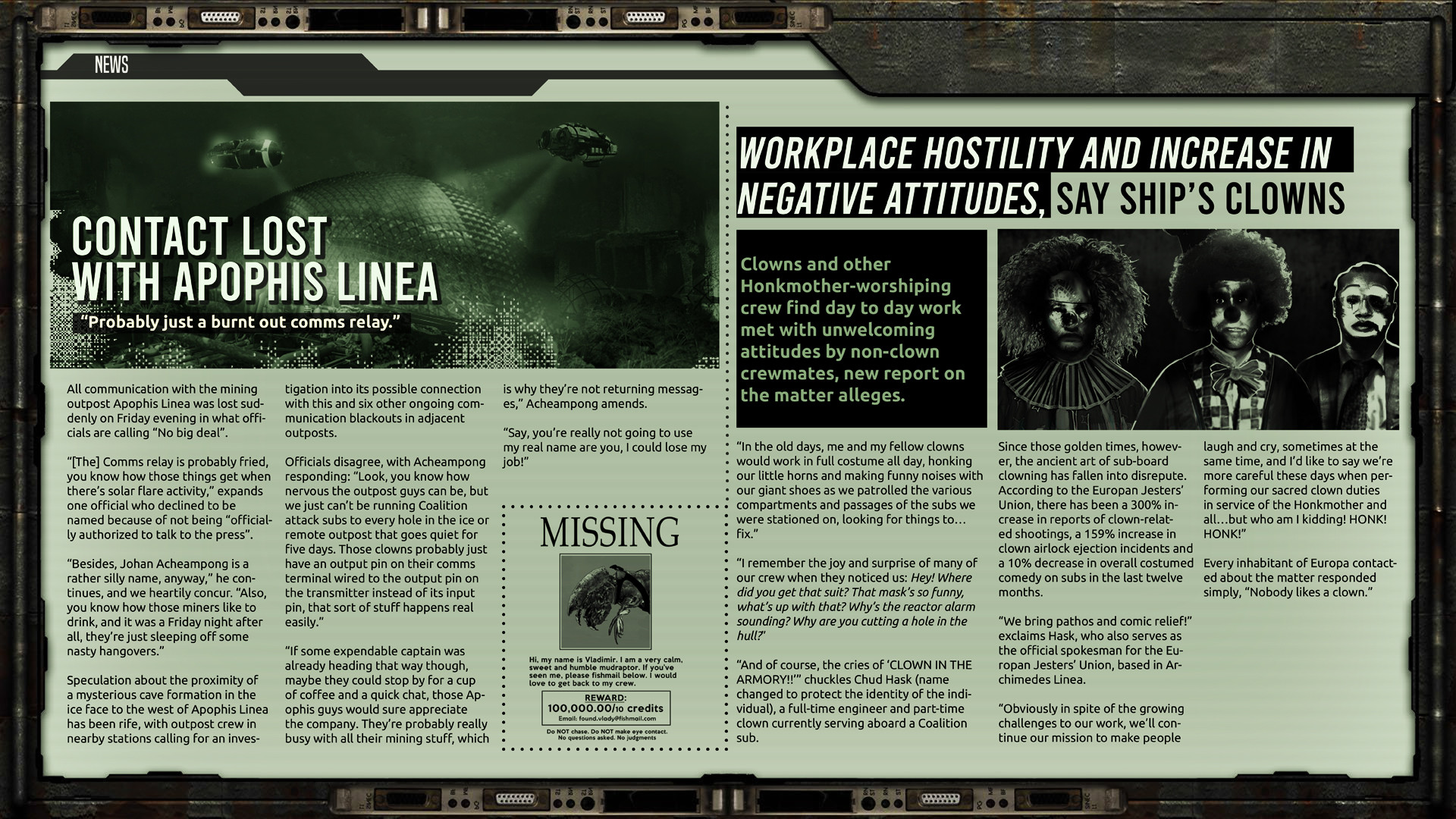
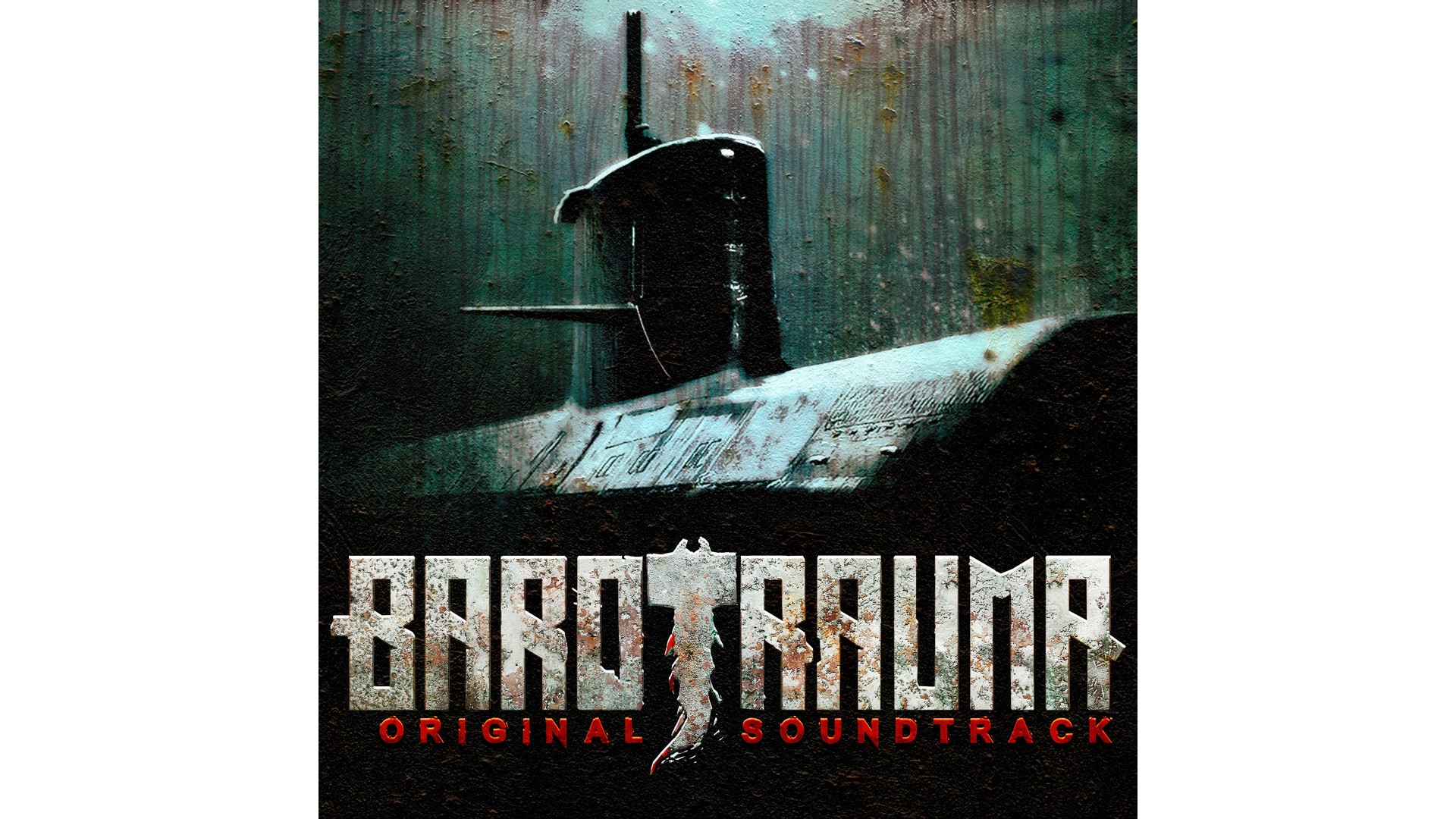
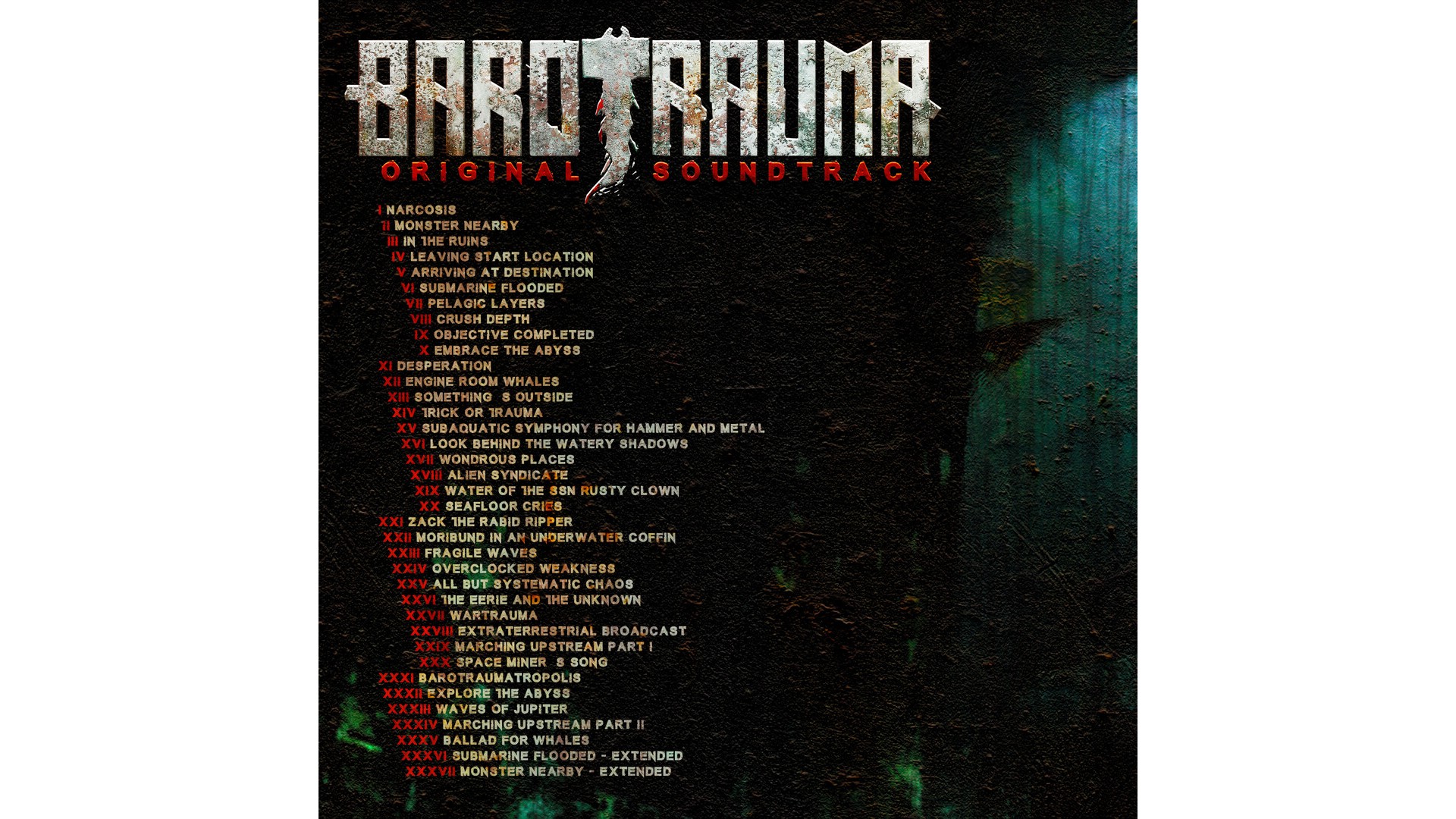
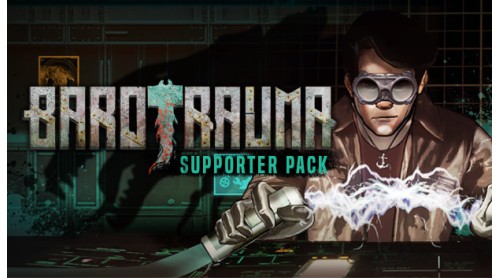
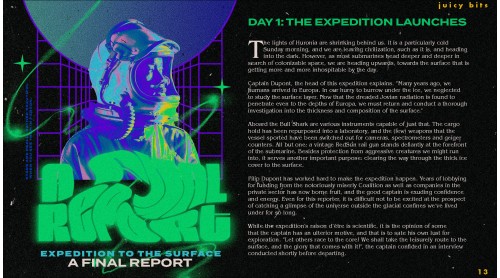
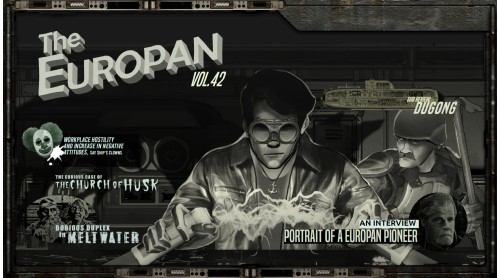
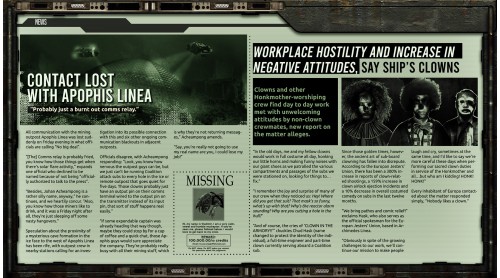
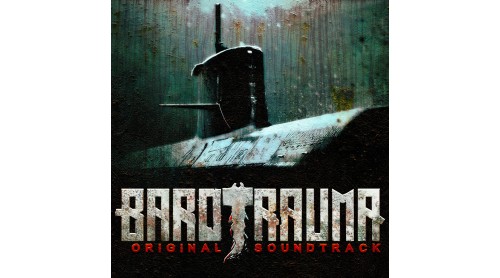
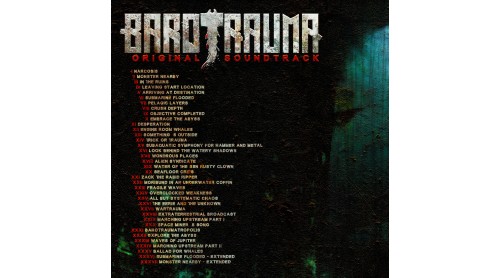
This is a collection of bonus content for those who want to dive deeper into the world of Europa.
Praise the Honkmother, and praise you for your support!
© 2019 Daedalic Entertainment GmbH and FakeFish Oy.
Barotrauma, its logo, FakeFish and the FakeFish logo are trademarks of FakeFish, Finland.
Daedalic and the Daedalic logo are trademarks of Daedalic Entertainment GmbH, Germany.


How to activate your Steam key?
1. Open your Steam client. (If you don't have a Steam Client, you can install from here https://store.steampowered.com/about/)
2. Sign in to your Steam account. (If you don't have a Steam Account, you can create from here https://store.steampowered.com/join/)
3. Click “ADD A GAME” button which is at the bottom of the Steam Client.
4. Now select "Activate a product on Steam..."
5. Write or copy-paste your Steam key which you purchased from Gamesforpc.
6. Now your game is in your library.
7. Find your game in your library, select and click install to start your download.