Description
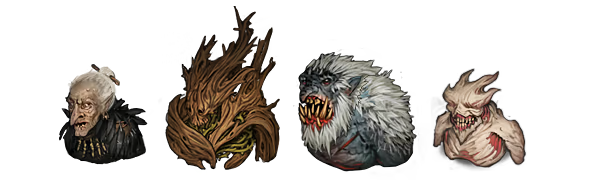
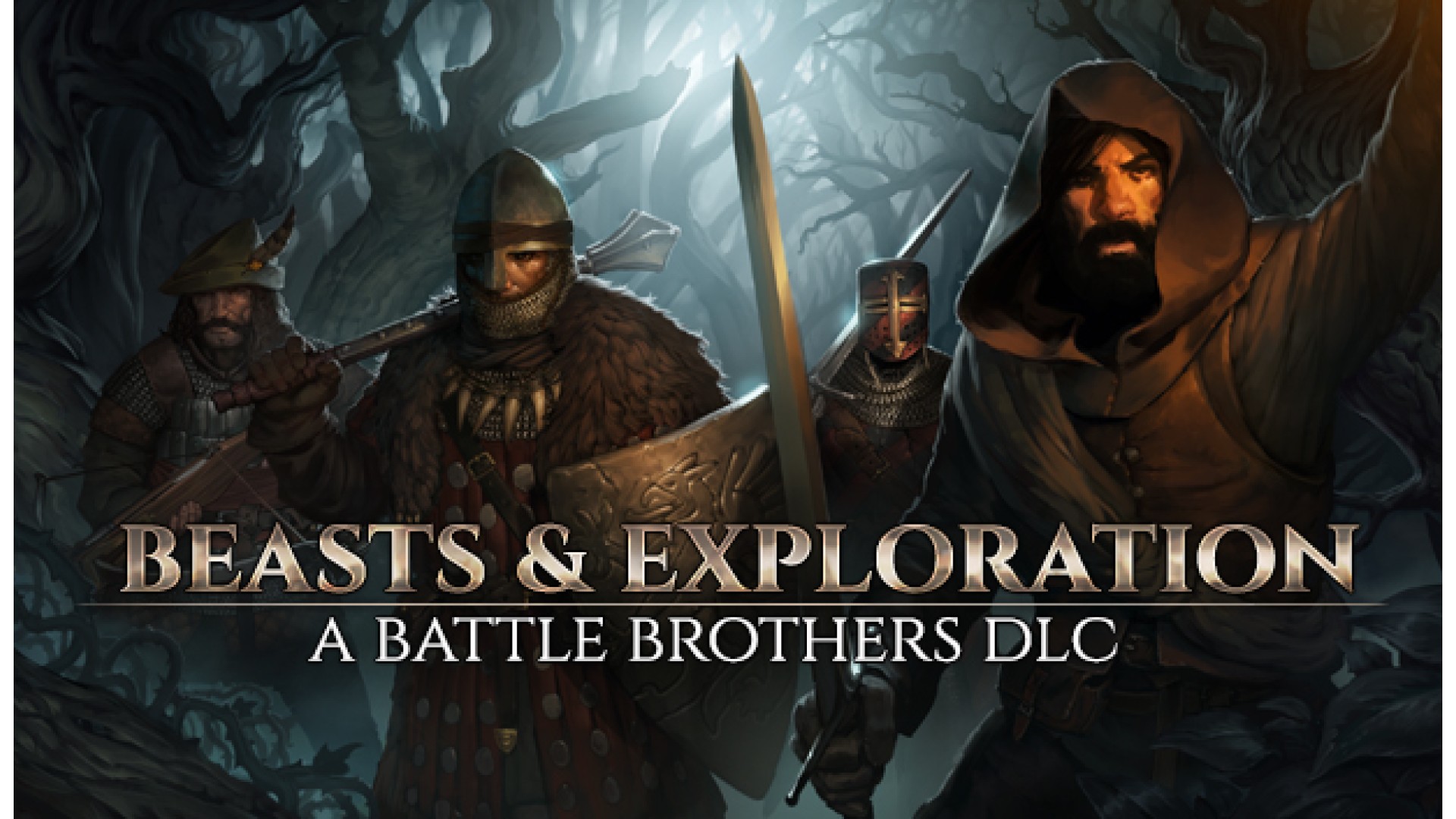
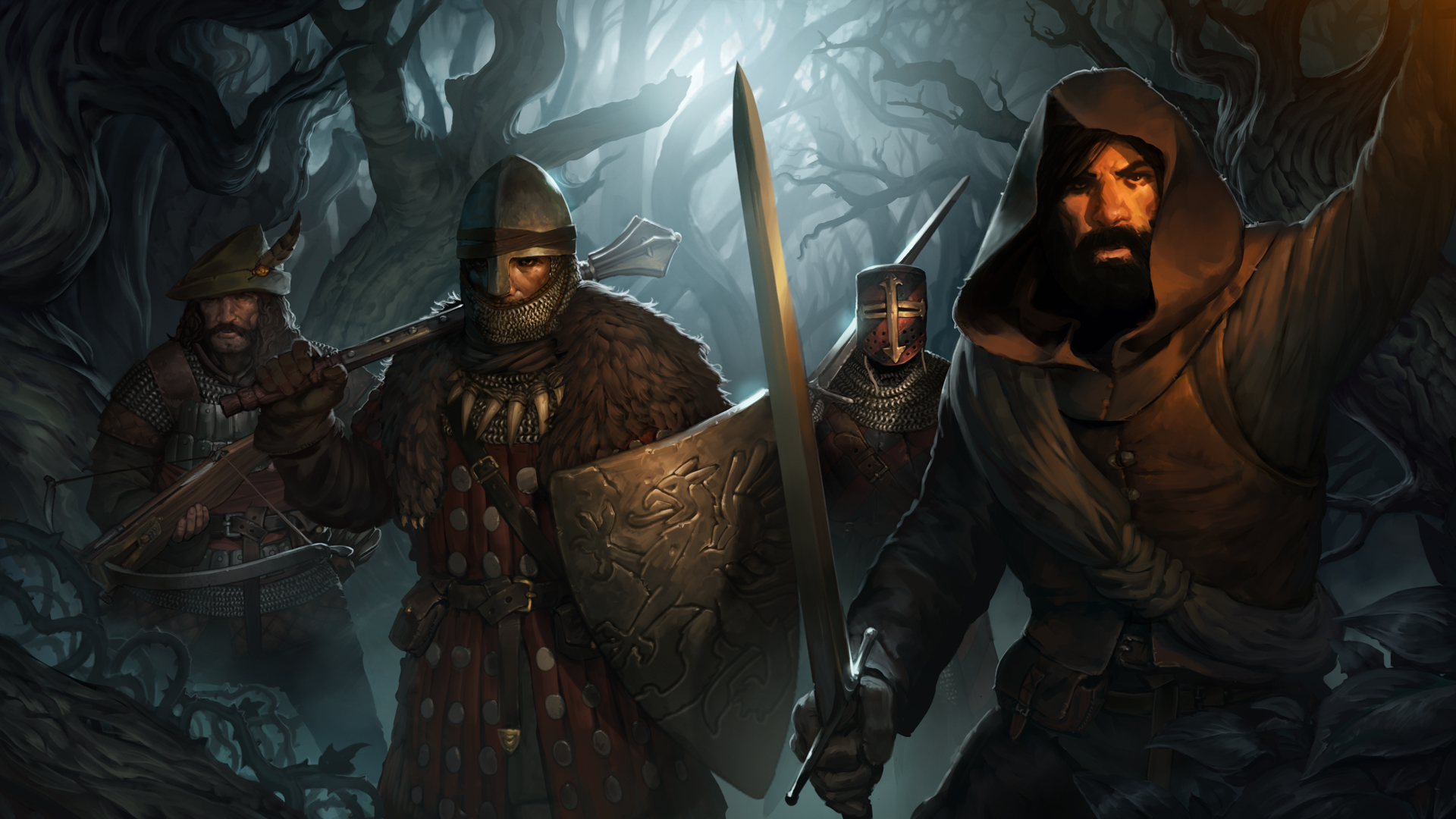
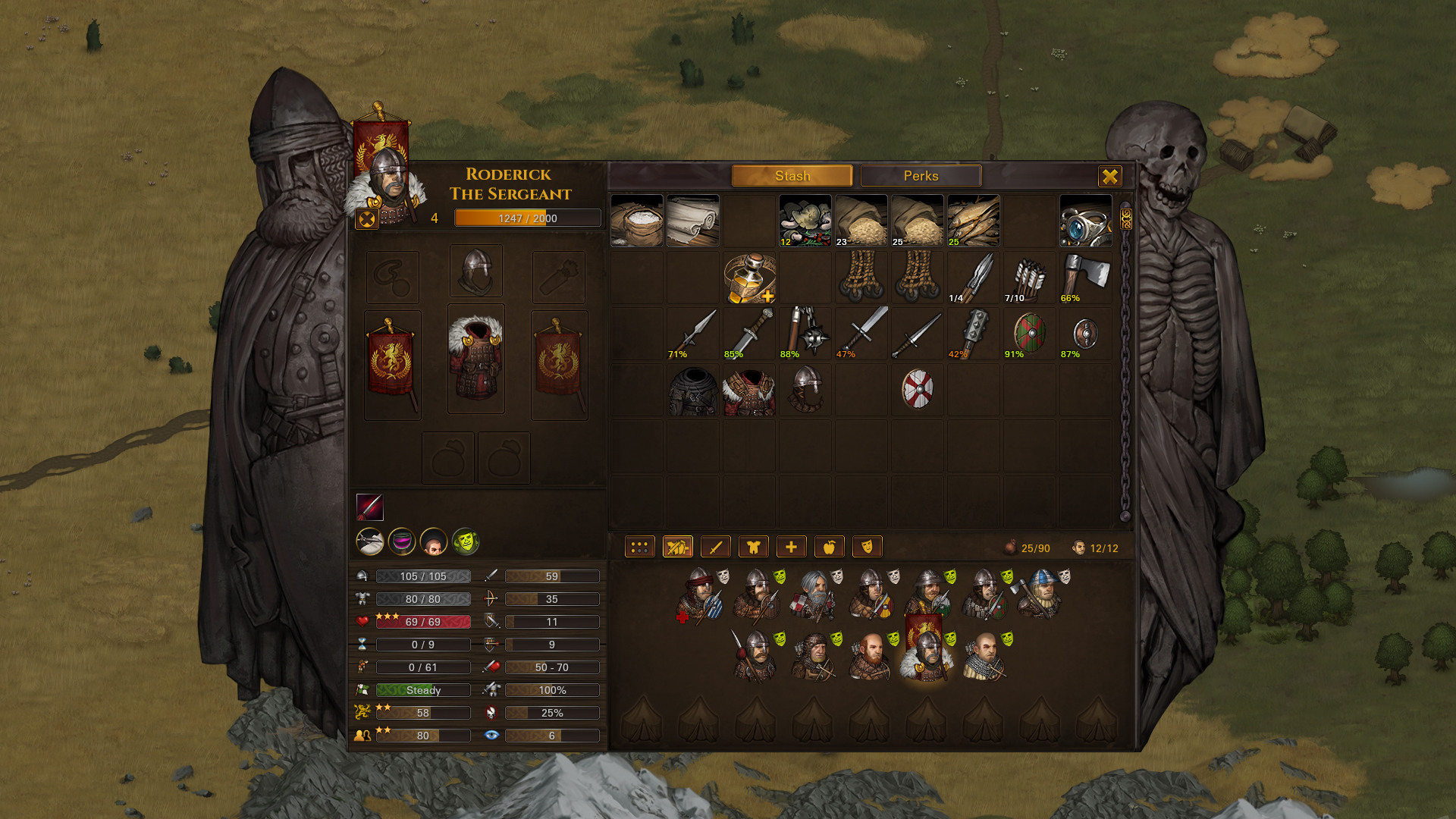
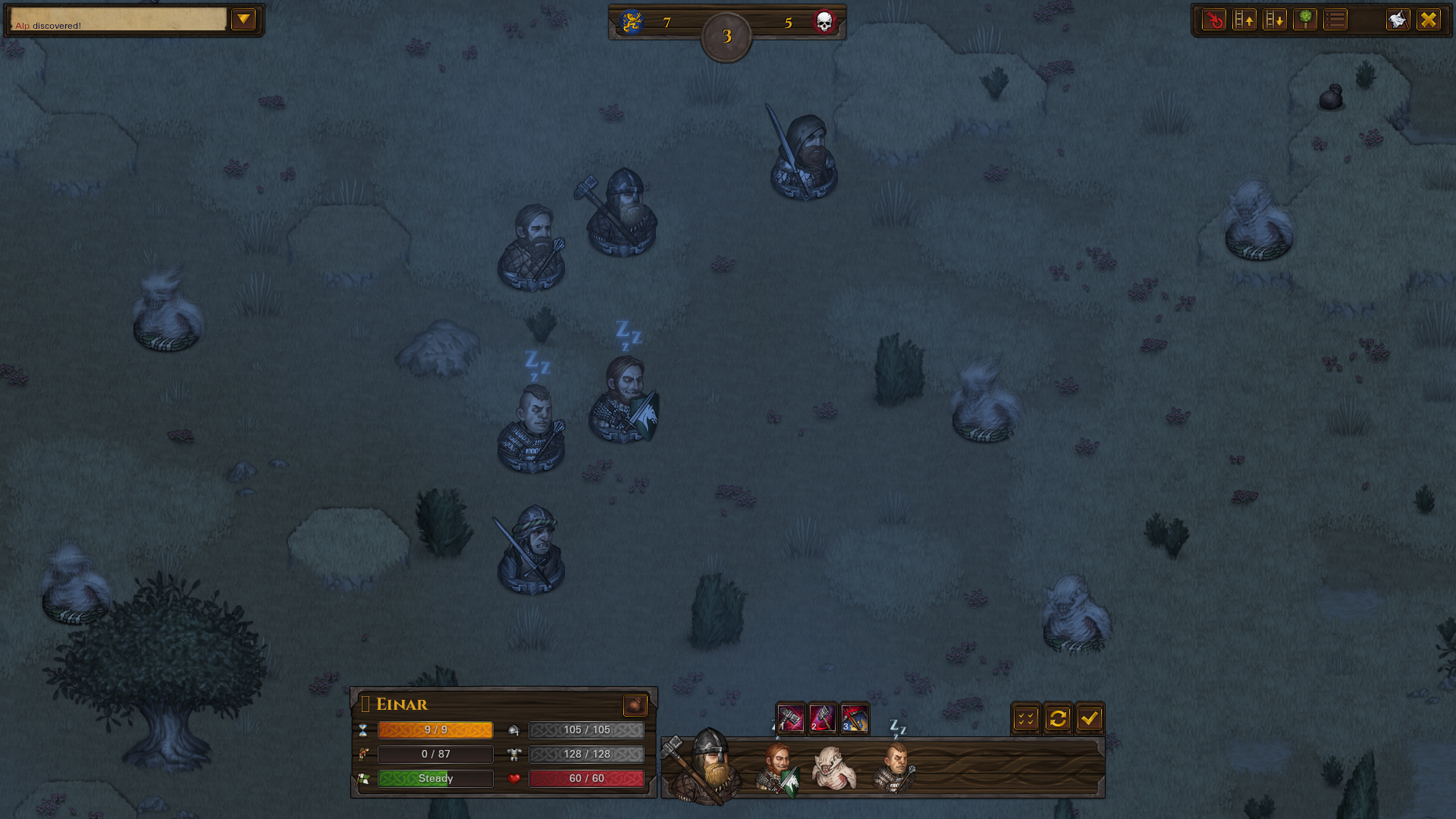
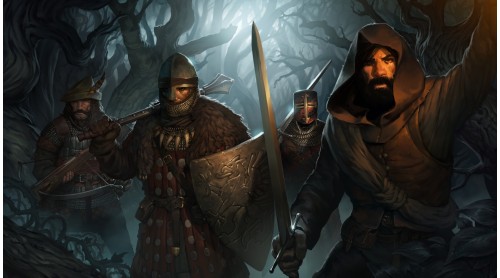
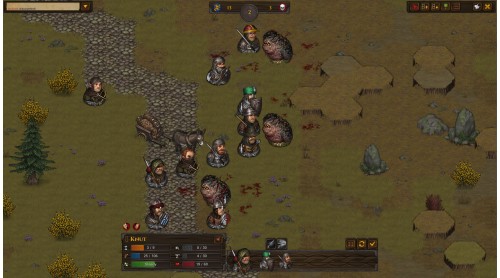
The 'Beasts & Exploration' DLC for Battle Brothers expands the game with a larger world, full of unique hidden locations throughout that offer new possibilities and rewards to the daring adventurer, as well as challenging new beasts roaming the untamed wilds. Craft your own gear from trophies you collect, customize your equipment with a new system for armor attachments, and engage in profitable beast hunting and exploration!
Features
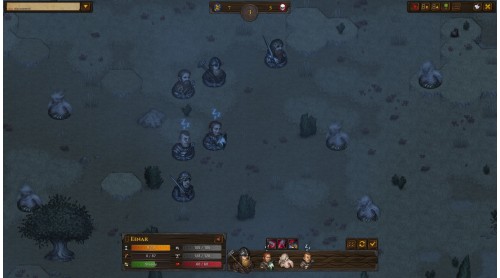
- Legendary Locations - Hidden legendary locations offer new possibilities, lore, unique opponents, and unique rewards for the daring adventurer in a world that is 25% larger.
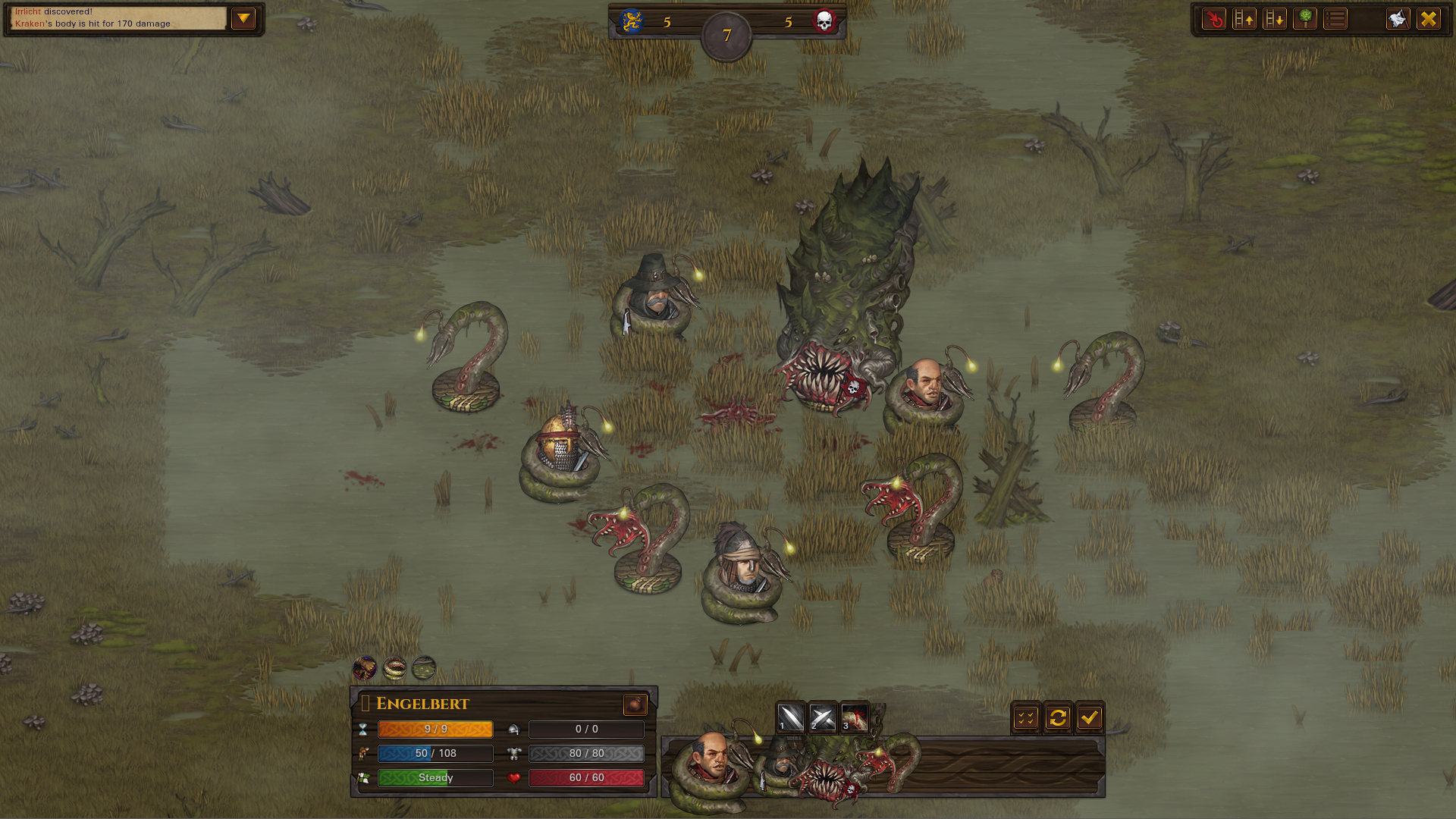
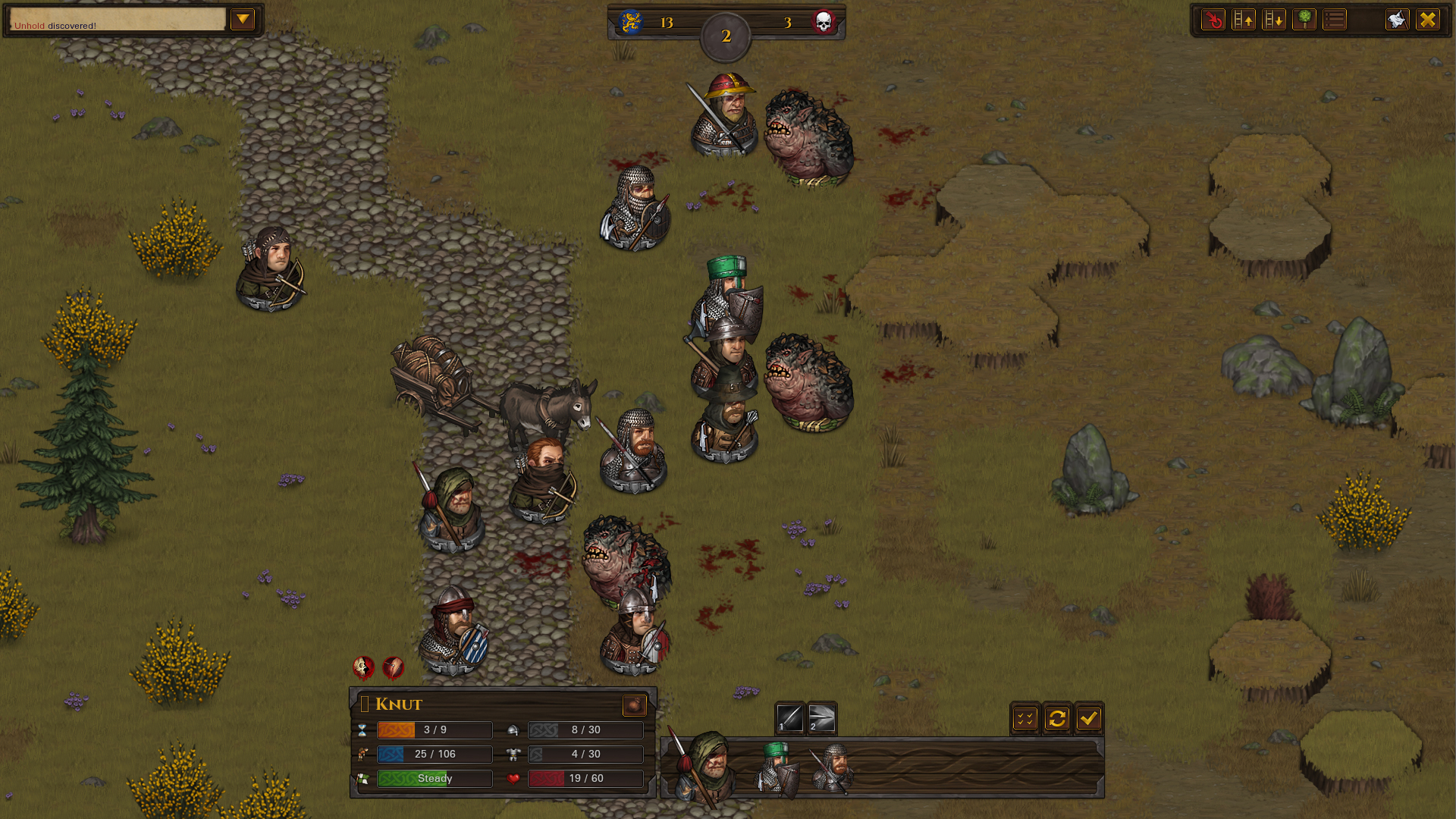
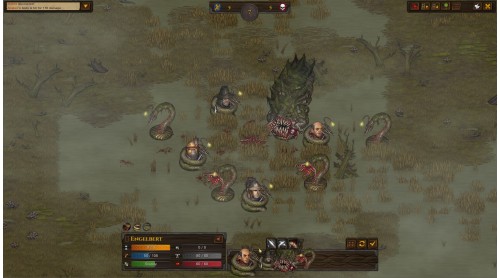
- New Opponents - Five challenging new beasts populate different parts of the wilds, and three fearsome bosses guard valuable treasure. All of them come with unique mechanics and loot.
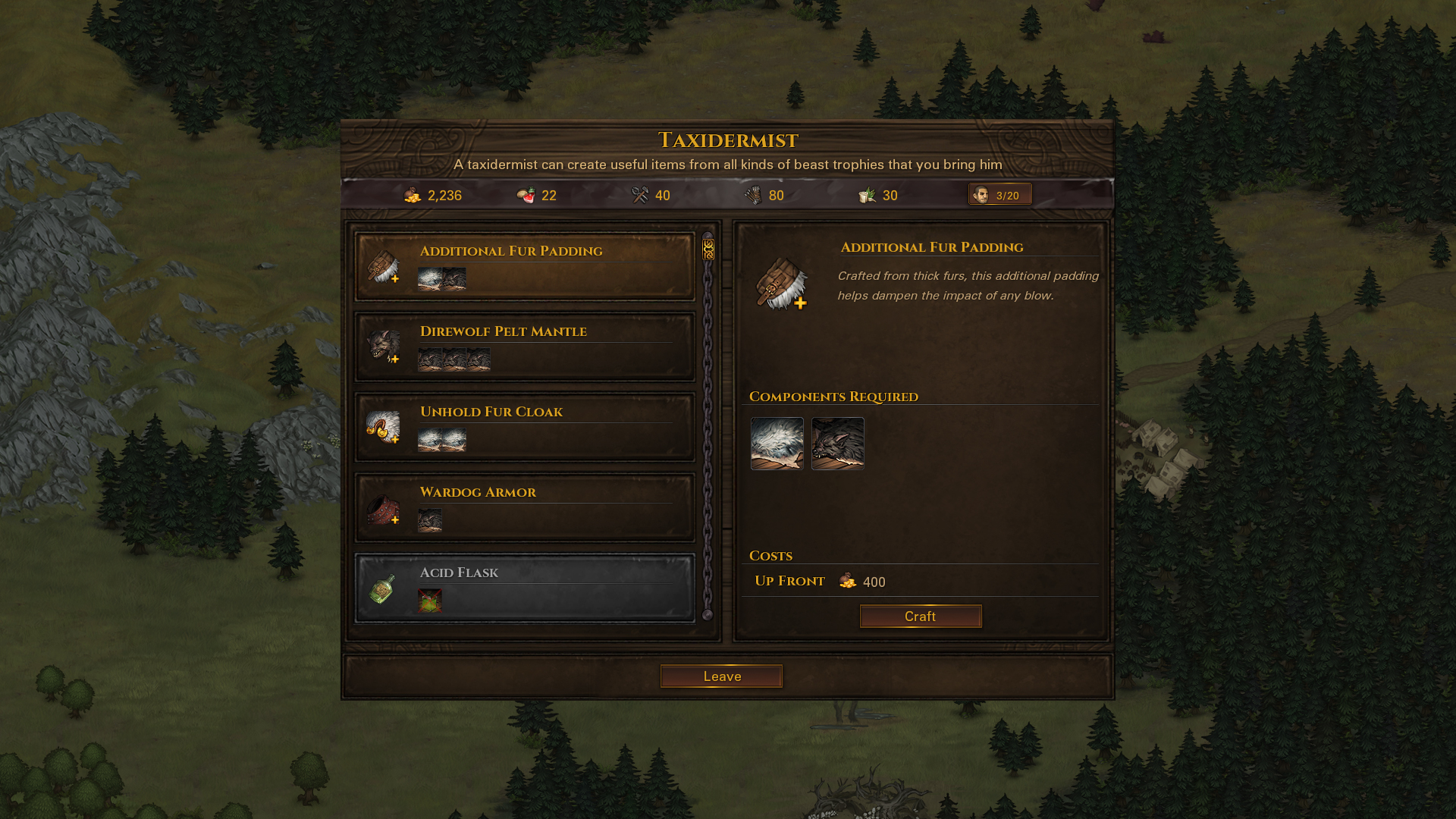
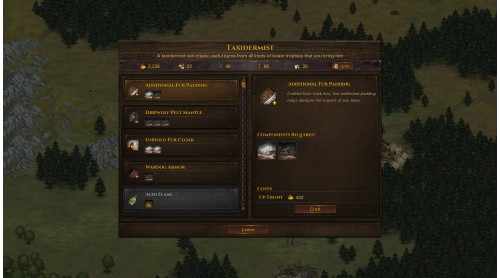
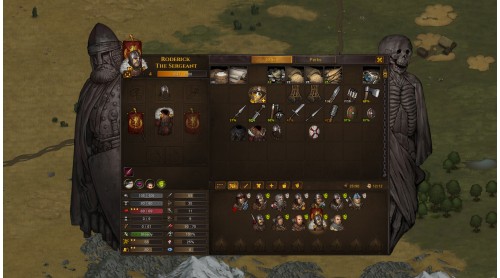
- Crafting - Trophies from slain beasts can now be crafted into cloaks, armor plating, armor for your wardogs, shields, potions and other items to customize the look of your hardened mercenaries and benefit them in combat.
- Customize your Gear - Wear cloaks, shoulderguards and more for additional benefits with the new armor attachment system, and use the new paint items to paint shields and helmets in the colors of your company.
- New Weapons and Armor - A collection of new weapons and armors allow for new play styles and character builds.
- New Contracts, Events and Ambitions - Engage in profitable beast hunting and exploration. Immerse yourself in leading a mercenary company with even more illustrated events.
- New Music - Two new music tracks accompany you on your adventures.
- New Achievements - Challenge yourself with new achievements.
 Steam
Steam  Windows

How to activate your Steam key?
1. Open your Steam client. (If you don't have a Steam Client, you can install from here https://store.steampowered.com/about/)
2. Sign in to your Steam account. (If you don't have a Steam Account, you can create from here https://store.steampowered.com/join/)
3. Click “ADD A GAME” button which is at the bottom of the Steam Client.
4. Now select "Activate a product on Steam..."
5. Write or copy-paste your Steam key which you purchased from Gamesforpc.
6. Now your game is in your library.
7. Find your game in your library, select and click install to start your download.