 Xbox Series X|S
14.99€
Added to Cart
14.99€
Added to Wishlist
14.99€
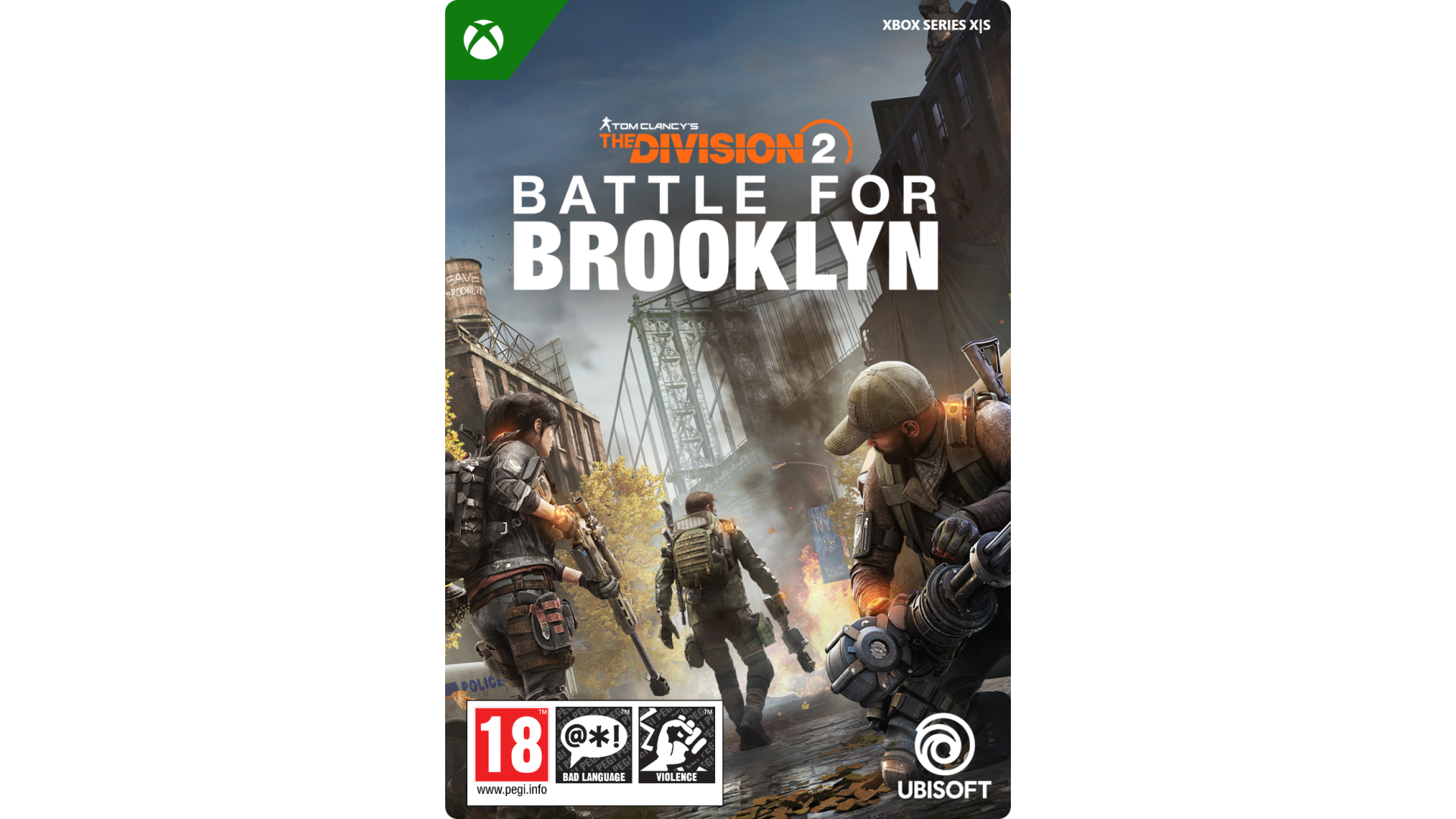
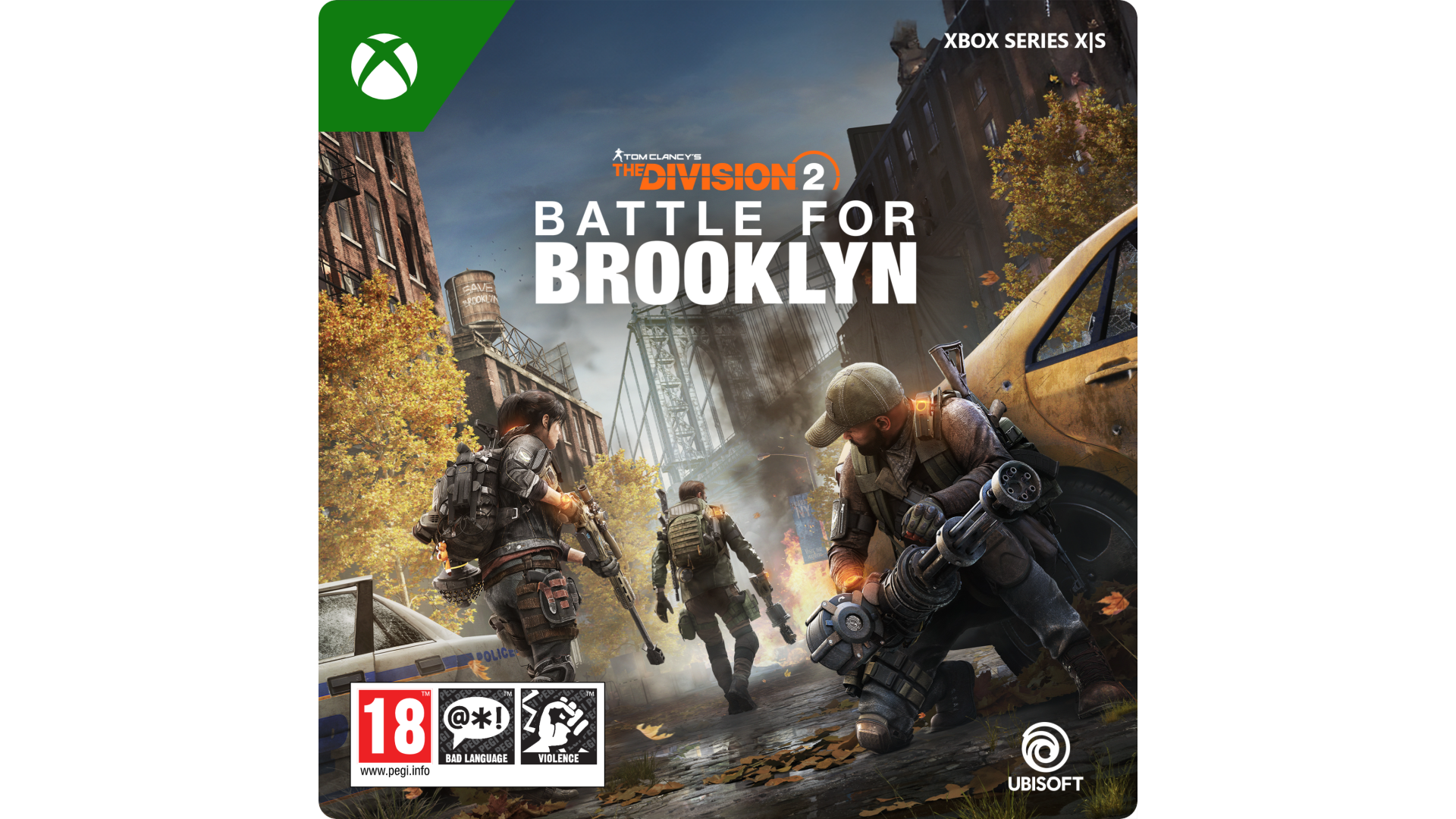
Experience a story-driven adventure in iconic Brooklyn.
Brooklyn has been relatively peaceful, with civilians working together and thriving while the Dark Zone and hostile factions ravage Manhattan. However, the fate of Brooklyn is at risk now that the Cleaners have moved across the river.
Play single-player or in online co-op, including:
Tom Clancy’s The Division 2 Battle for Brooklyn is a DLC for Tom Clancy’s The Division 2 and requires the base game to play.
Internet connection, Ubisoft account, Microsoft Account, and Game Pass Ultimate or Core (subscriptions sold separately) required to access online multiplayer/features.
© 2019–2020 Ubisoft Entertainment. All Rights Reserved. Tom Clancy’s, The Division logo, the Soldier Icon, Ubisoft, and the Ubisoft logo are registered or unregistered trademarks of Ubisoft Entertainment in the US and/or other countries.


How to activate your Xbox key on your console?
1. Turn on yourXbox Series X|S and sign in with the Microsoft account you want the game on.
2. Press the Xbox button on your controller and open the Store.
3. Press the View button on your controller and select "Redeem".
4. Enter the 25-character code you purchased from Gamesforpc and confirm.
5. The game is now in your library. Go to "My games & apps" and install it.
Prefer the web?
1. Go to https://www.microsoft.com/redeem and sign in with the same Microsoft account you use on your Xbox.
2. Enter your 25-character code and confirm.
3. On your Xbox, find the game in "My games & apps" > "Full library" and install it.