 Steam
Steam  Windows
  Mac
Mac  Linux
Linux | Release Date | 03.11.2013 | |
| Operating Systems | Linux | |
| Operating Systems | Mac OS | |
| Publisher | THQ Nordic GmbH | |
| PEGI Rating | + 12 | |
| Operating Systems | Windows | |
| Genres | Strategy |
19.99€
Added to Cart
19.99€
Added to Wishlist
19.99€
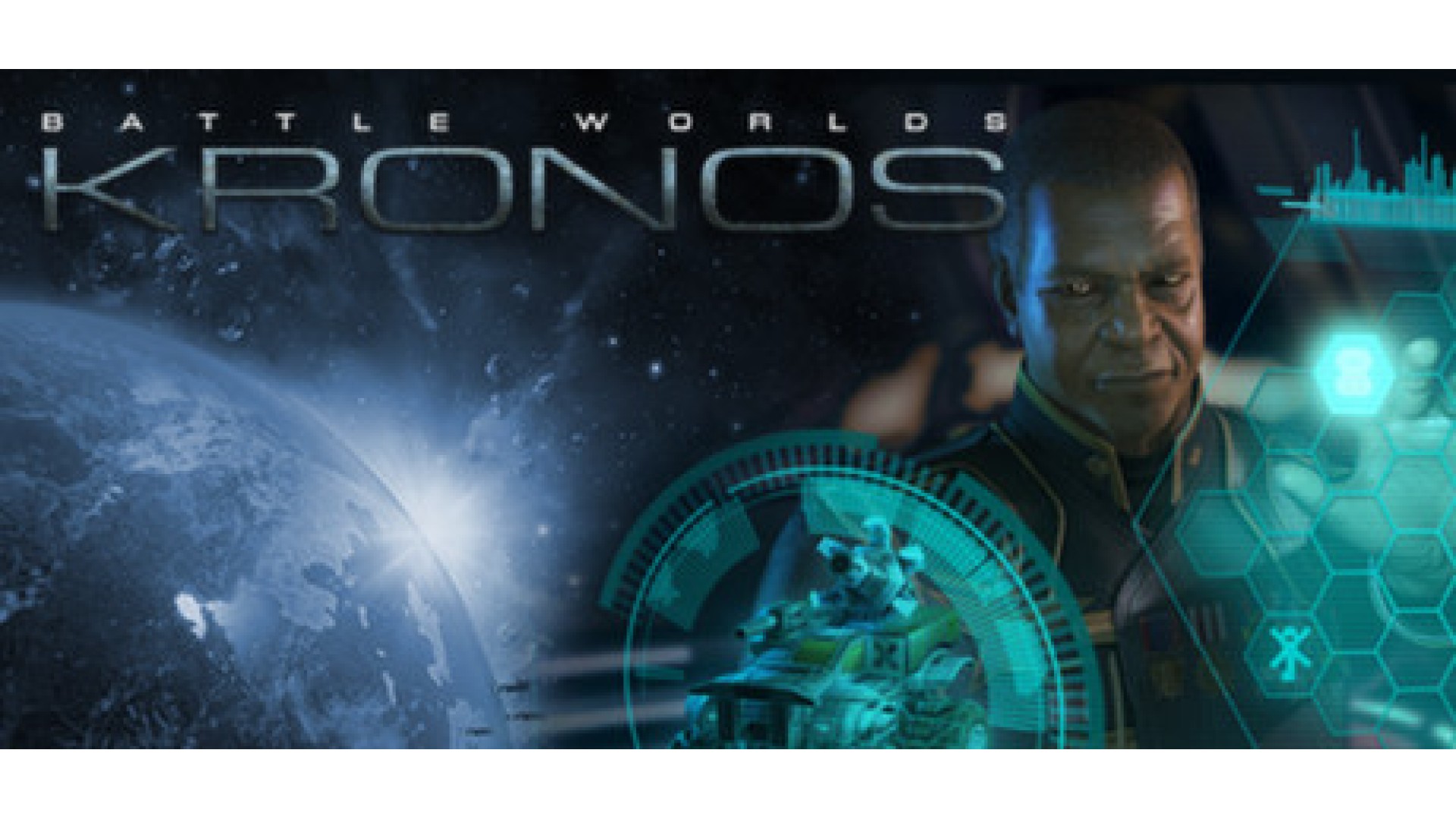
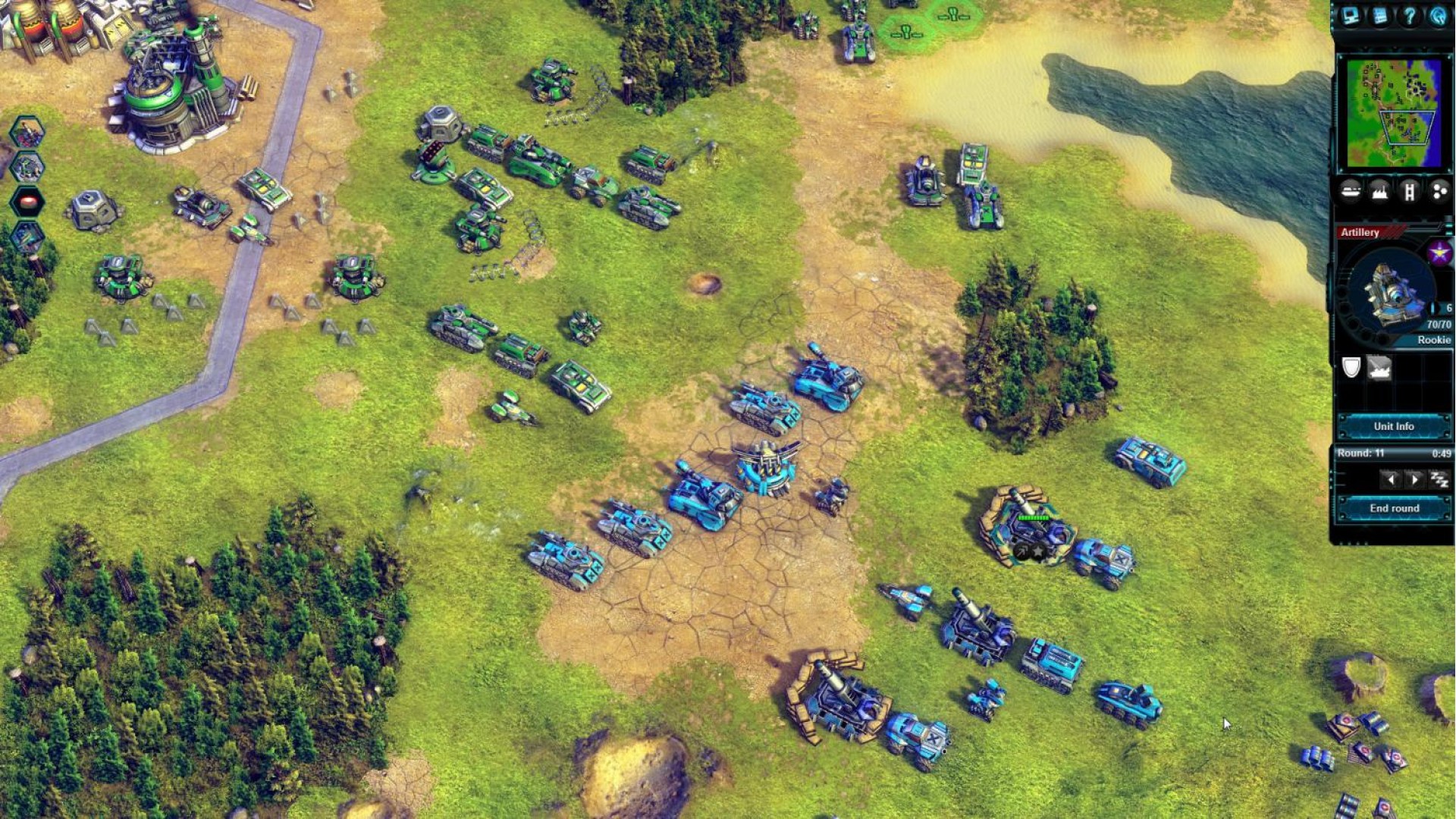
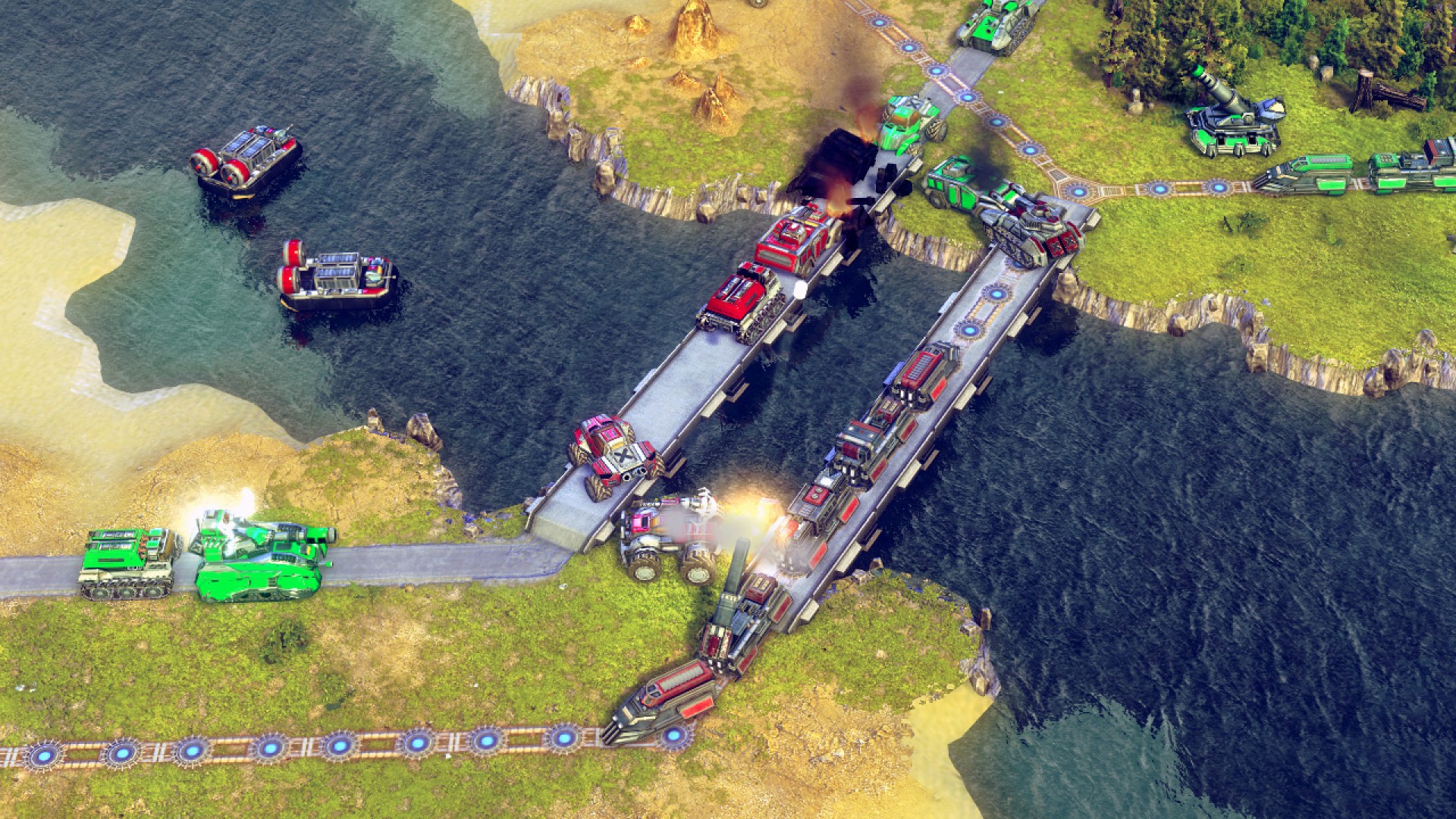
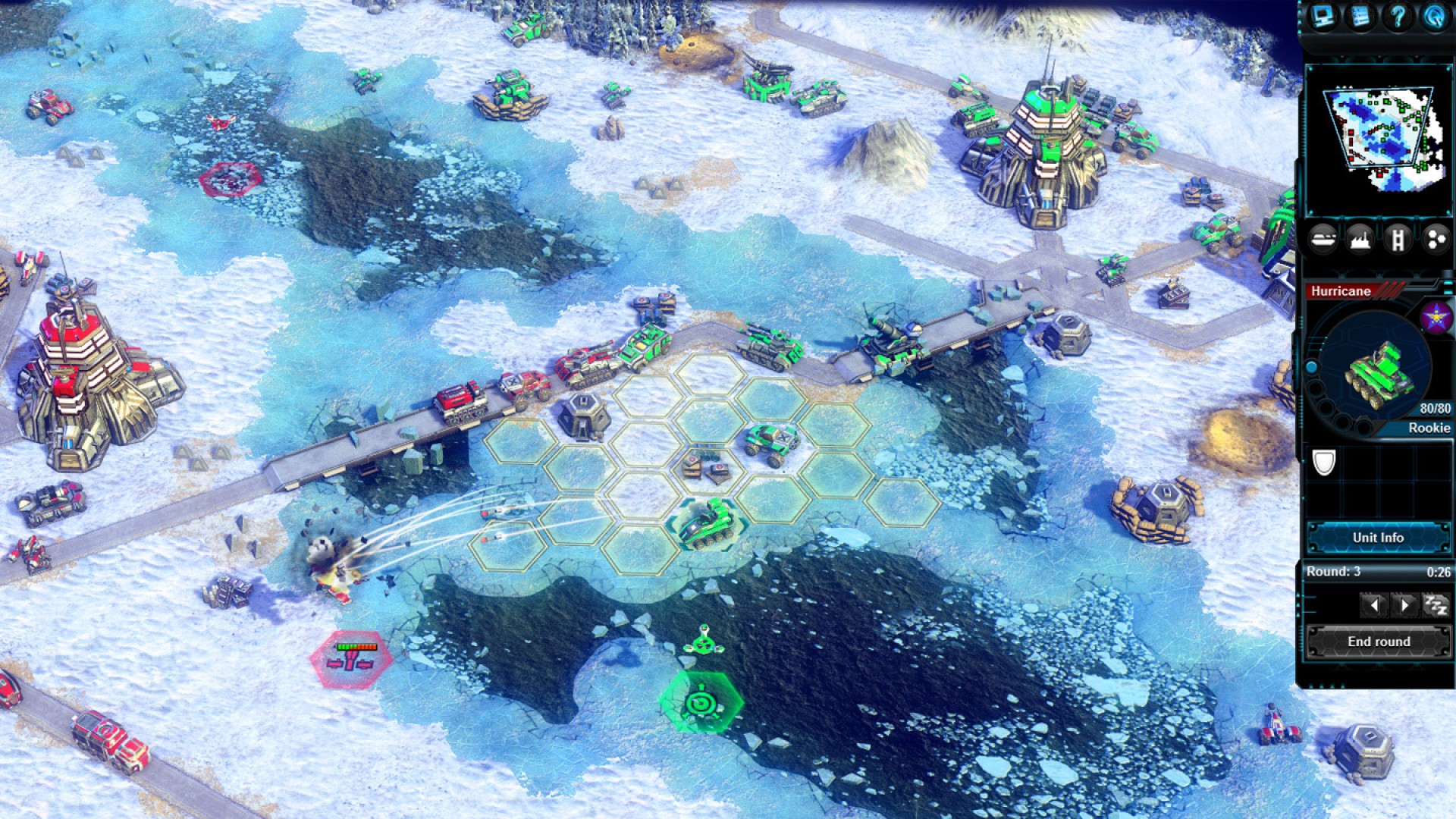
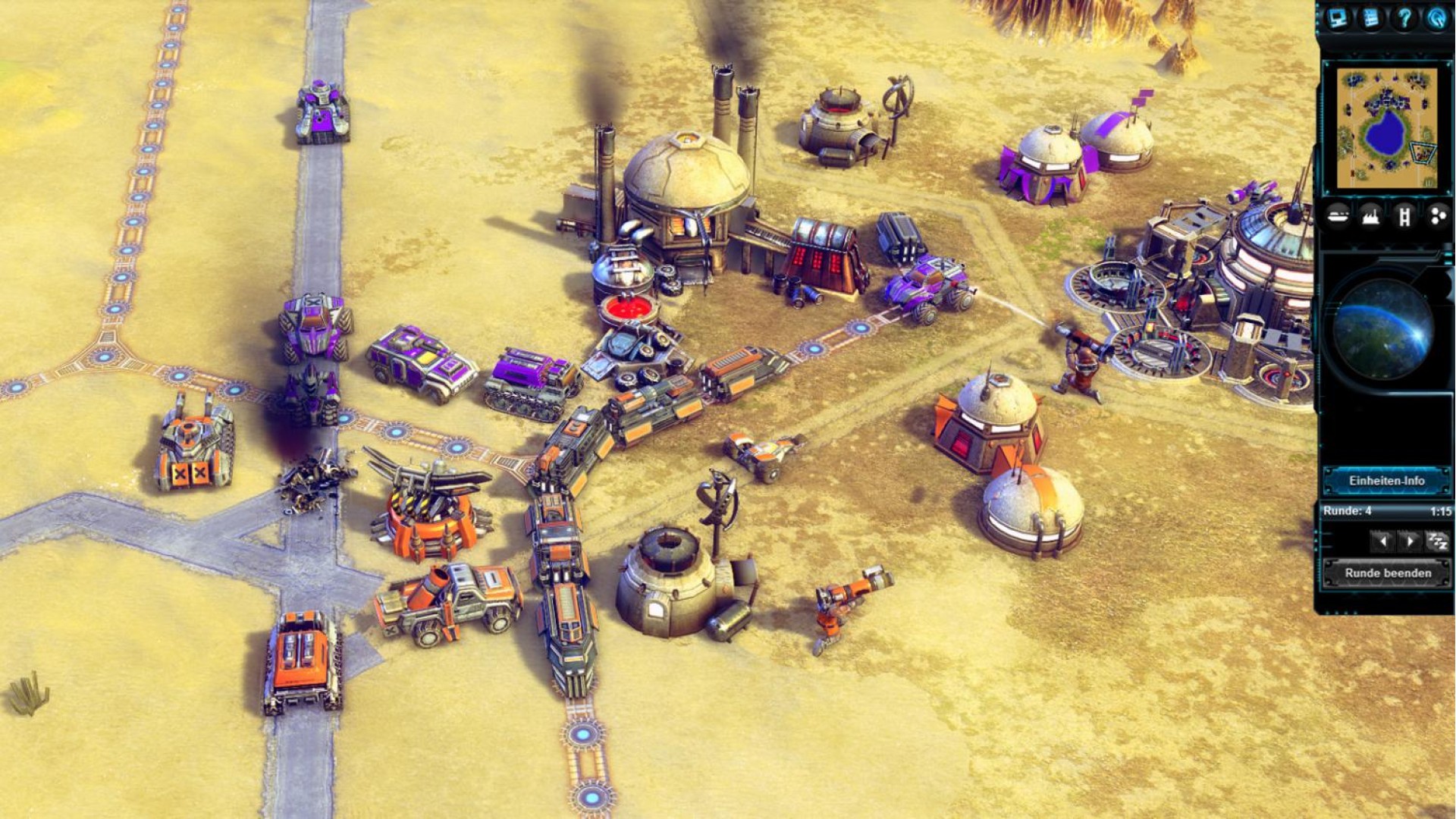
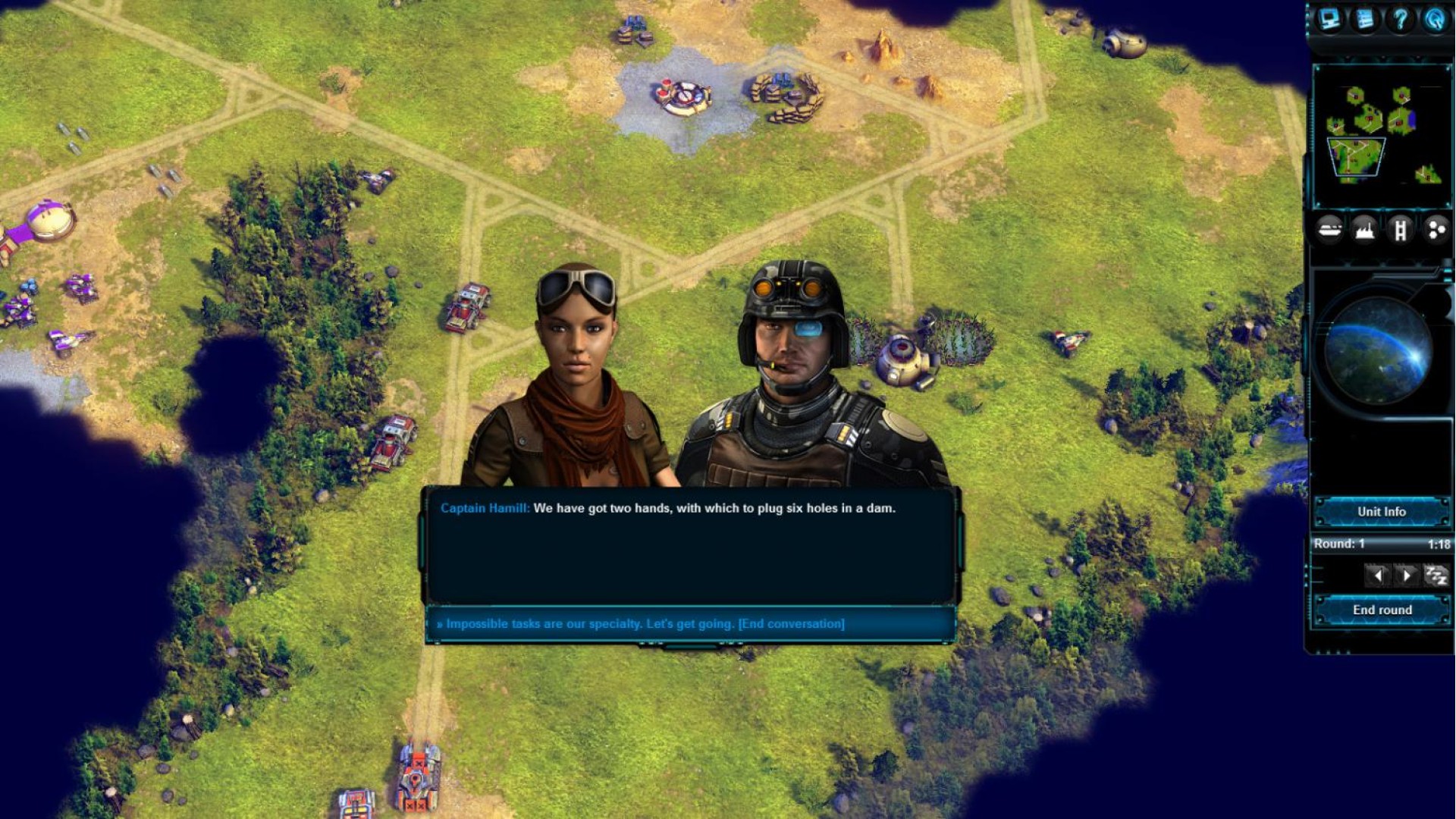
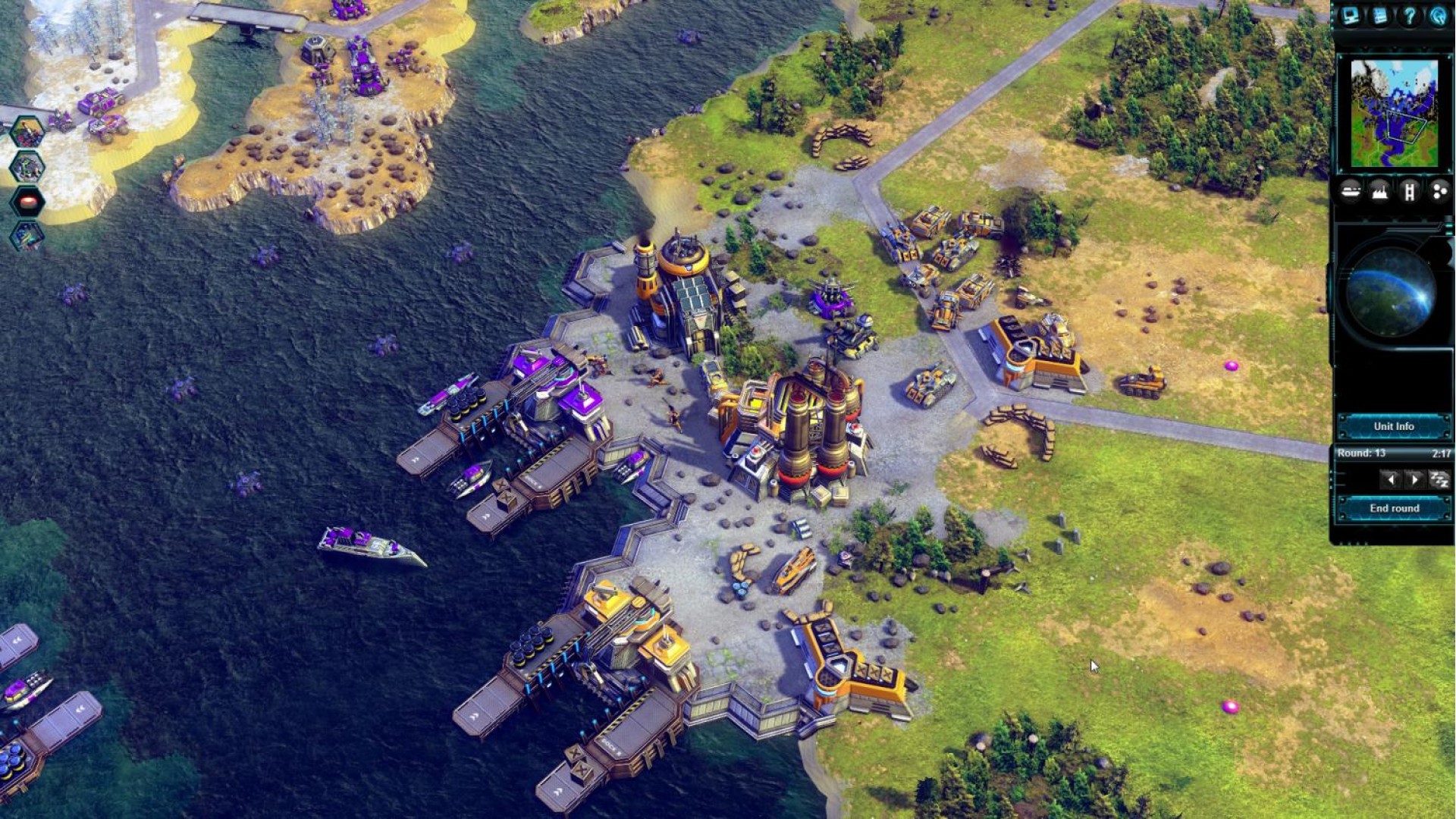
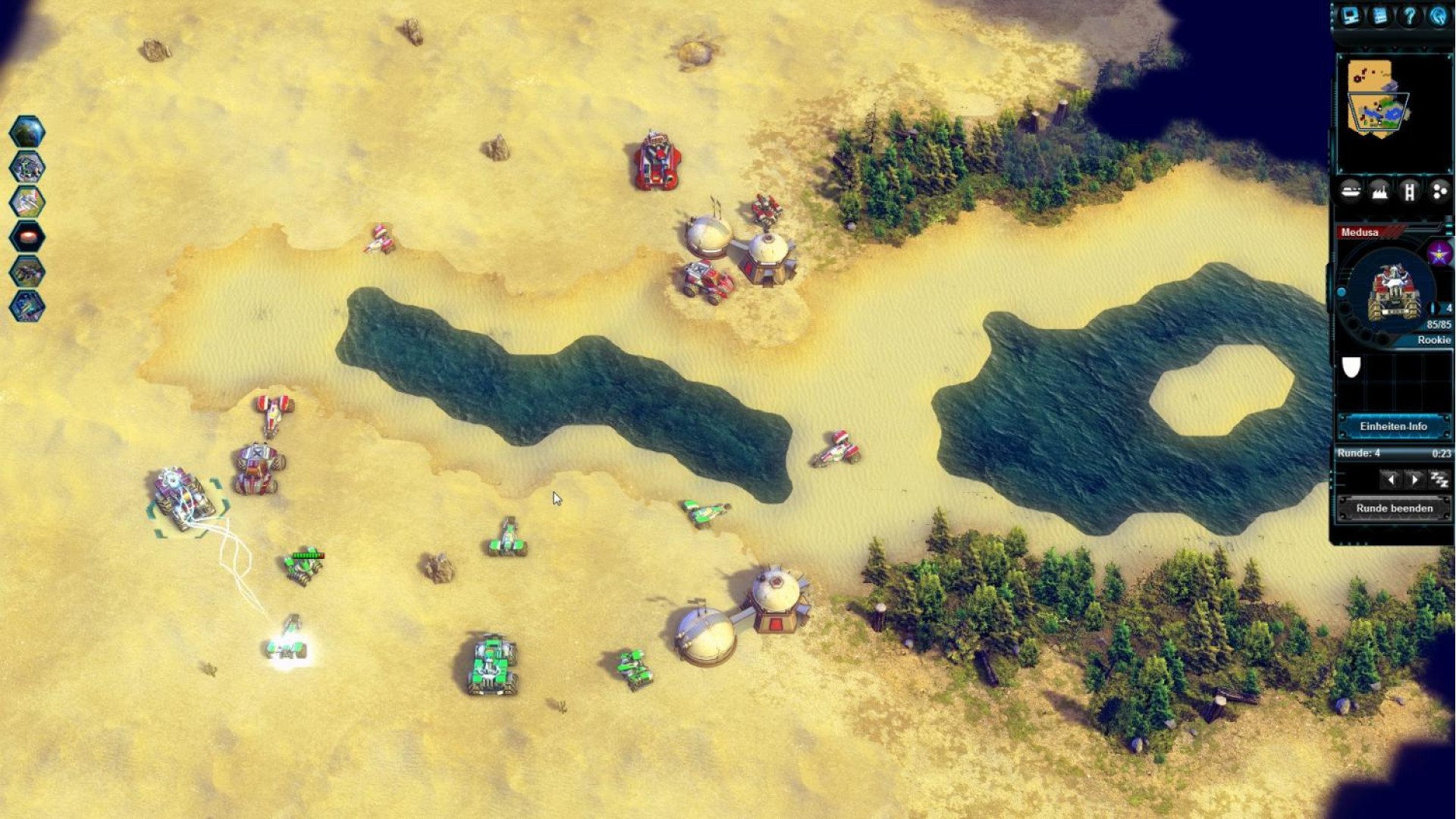
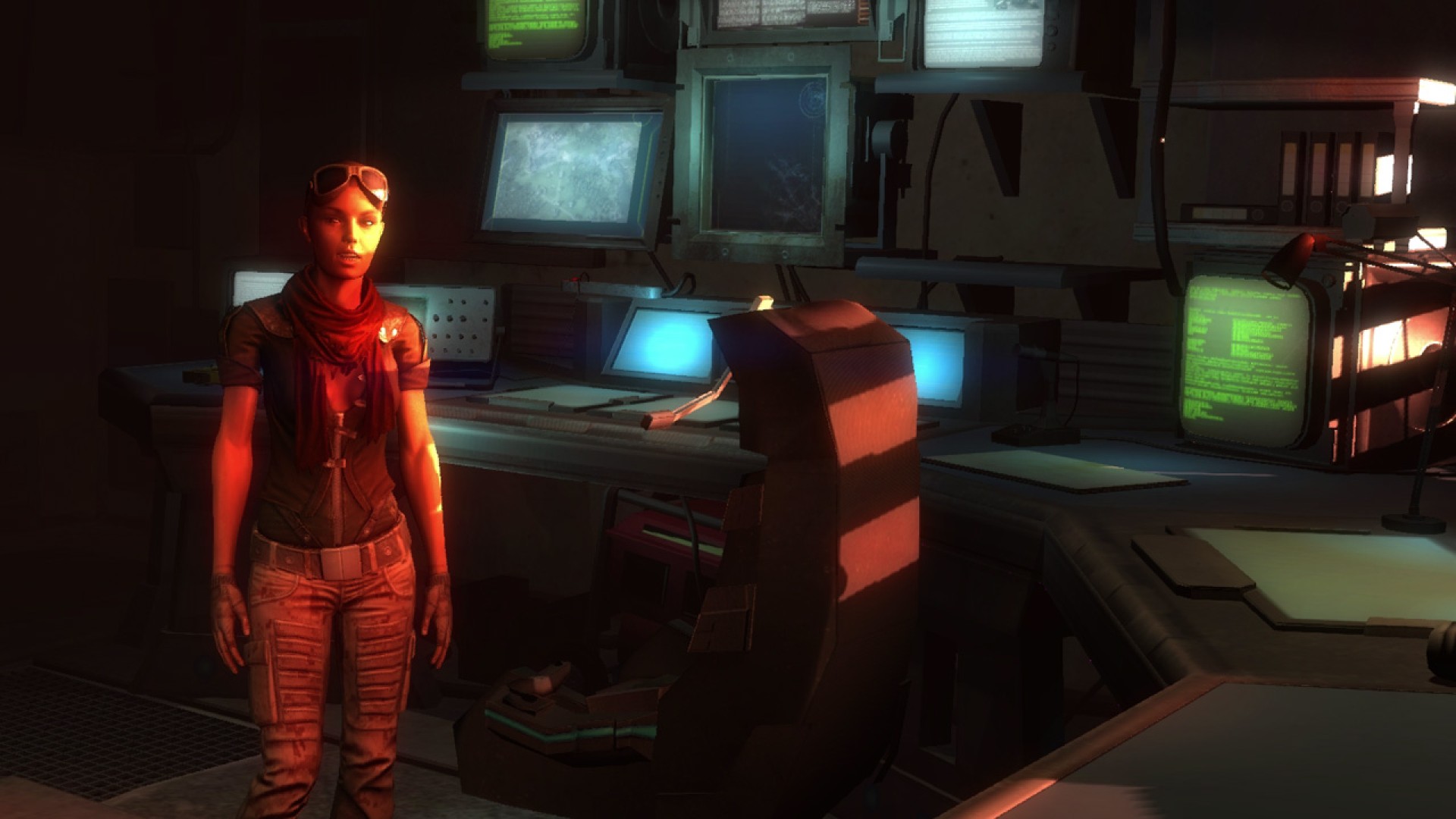
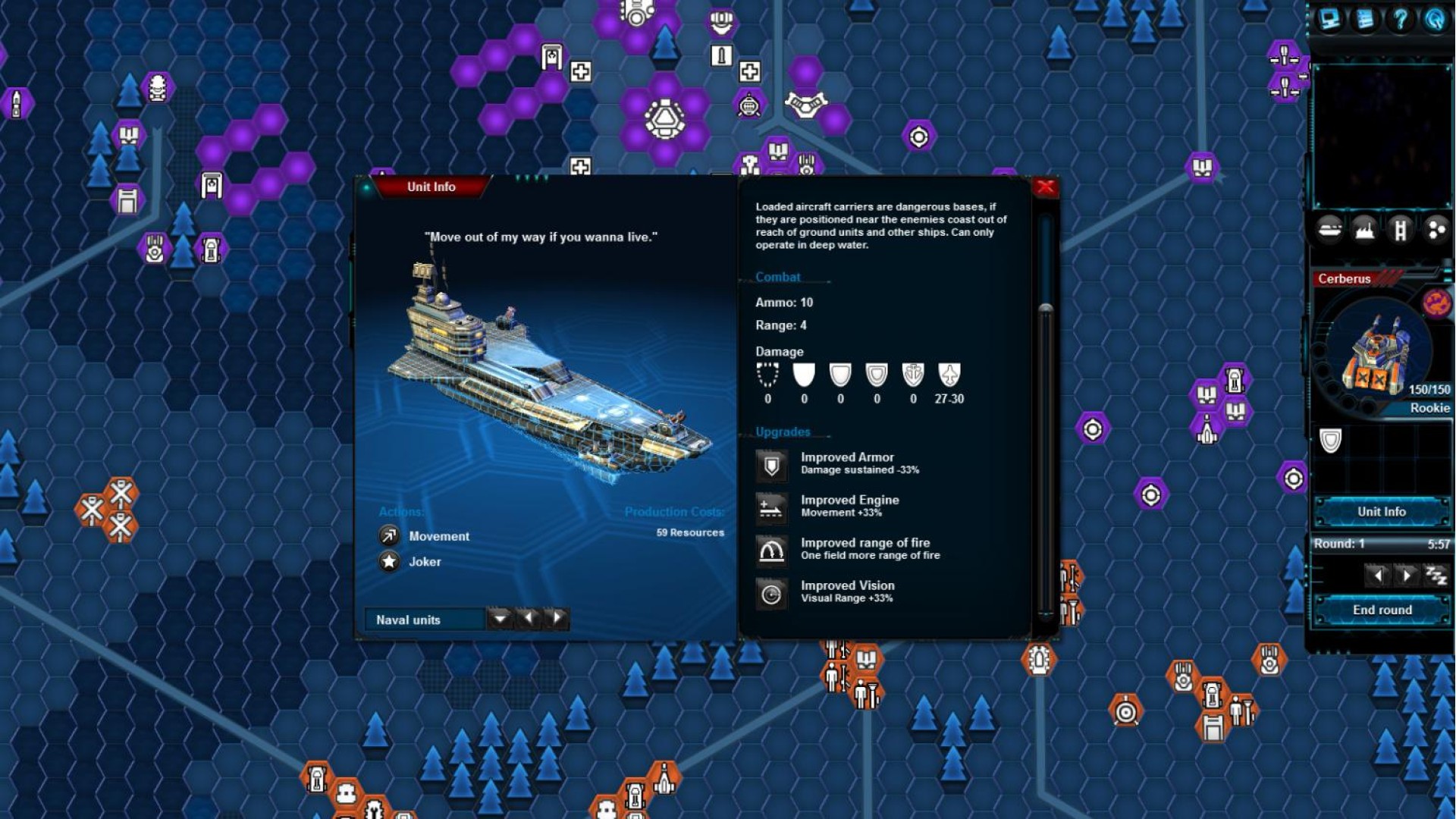
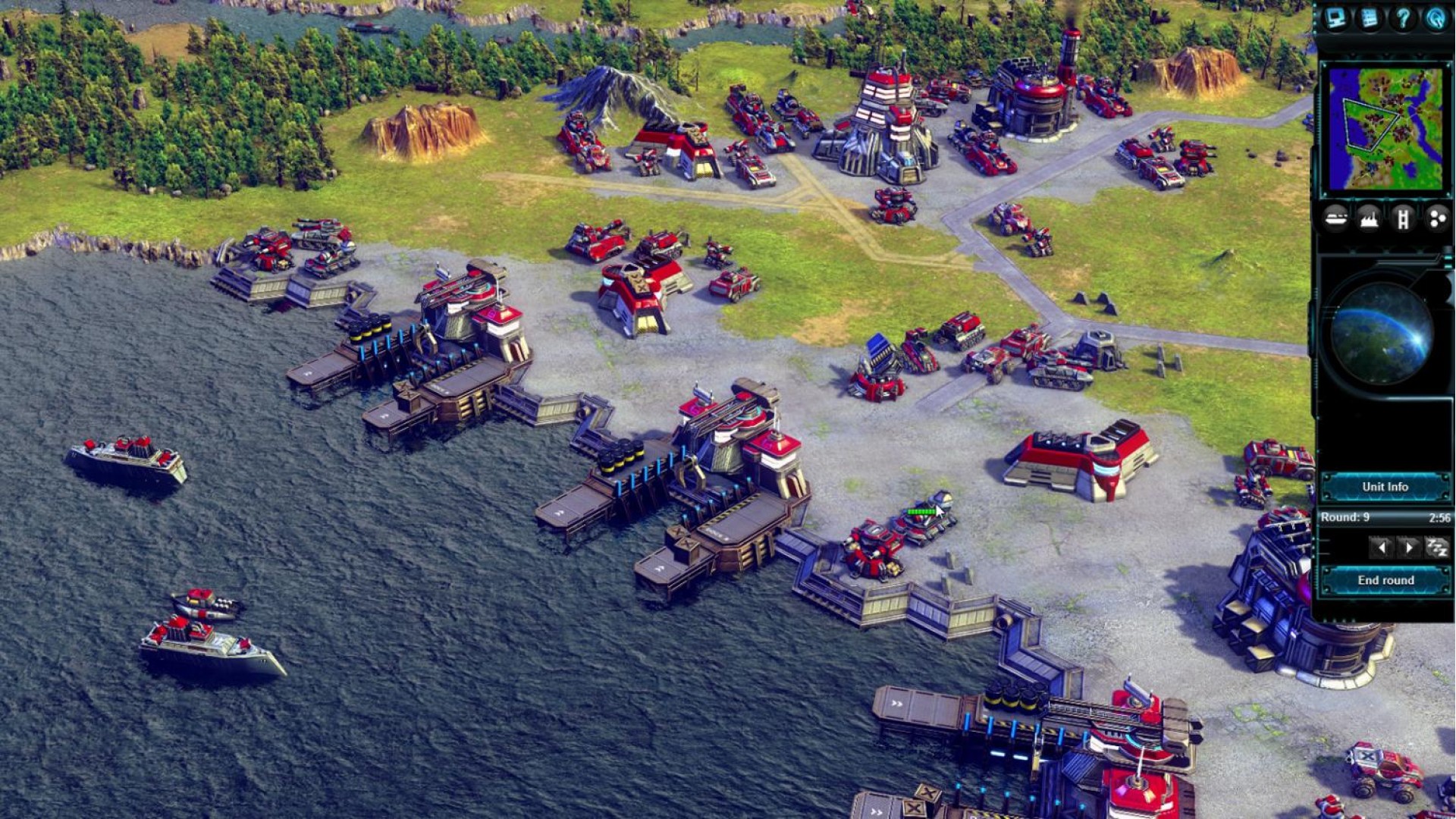
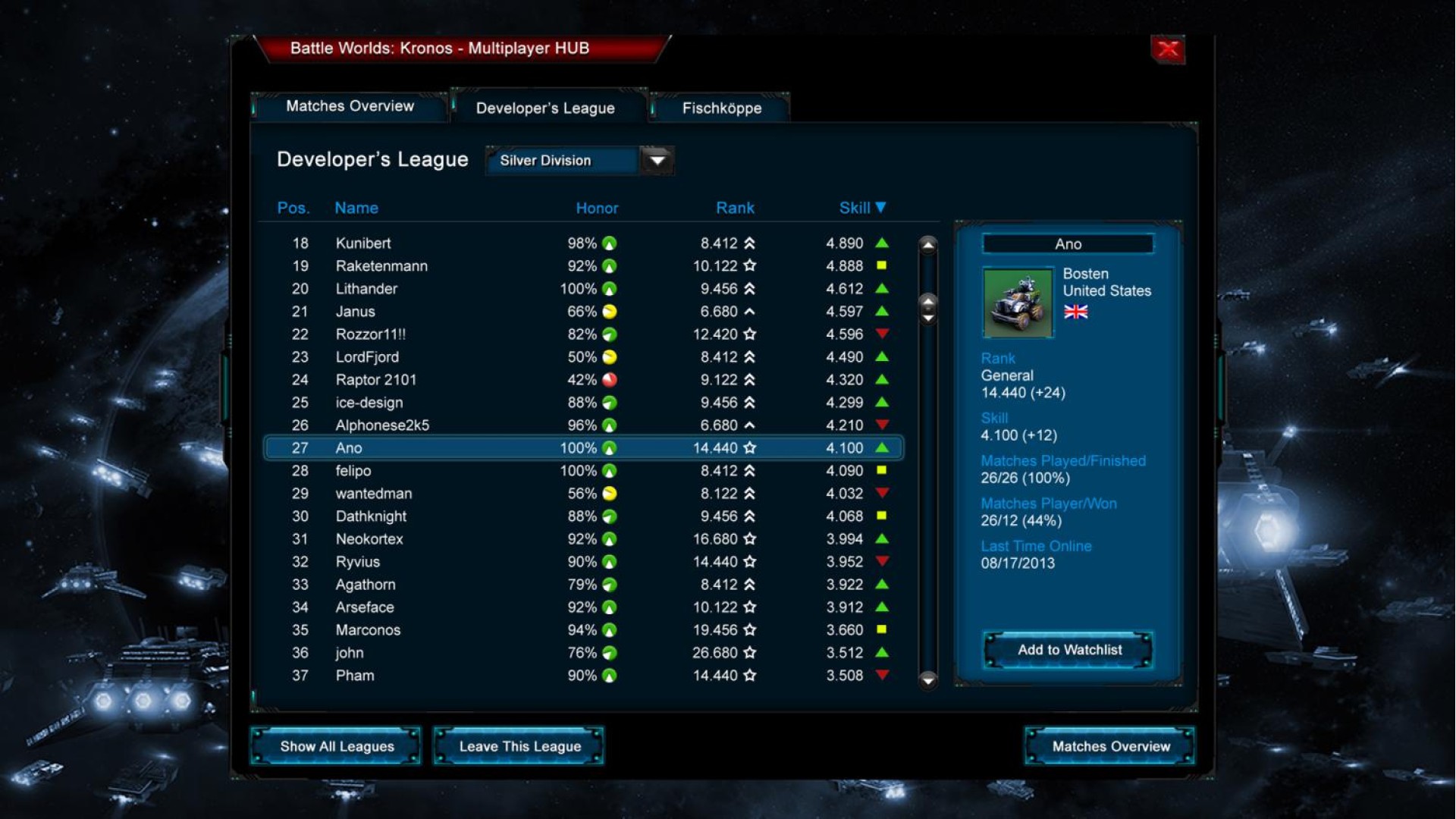
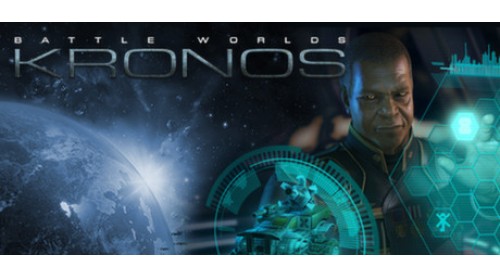
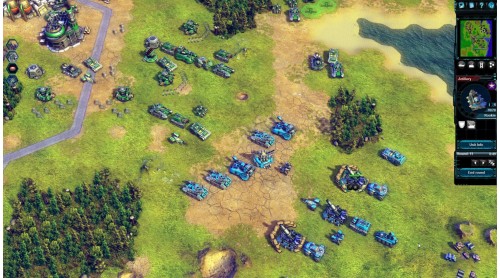
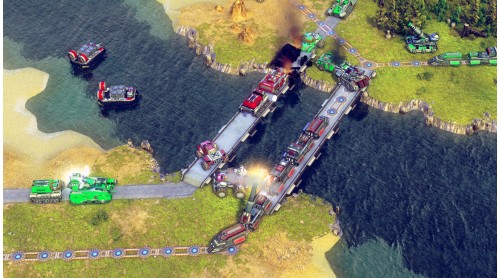
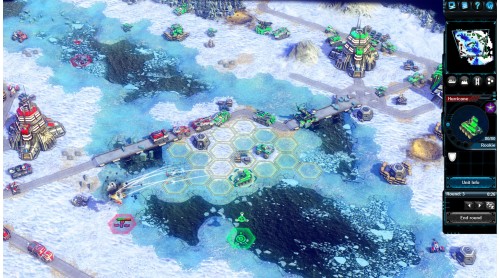
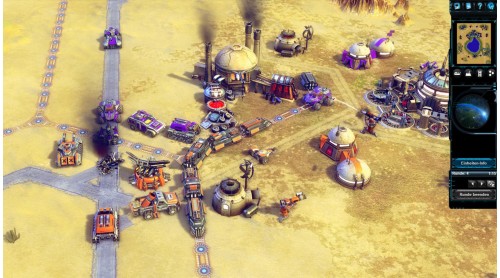
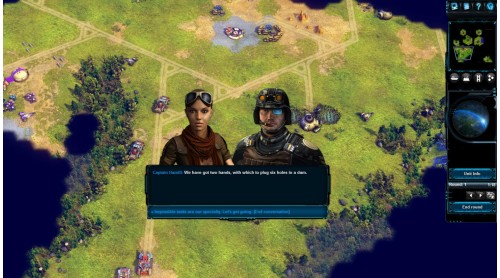
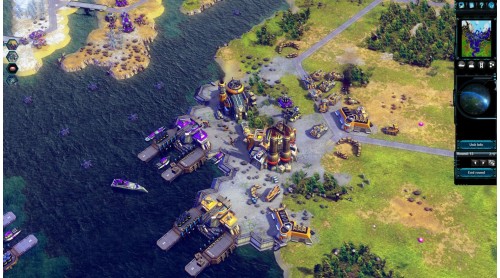
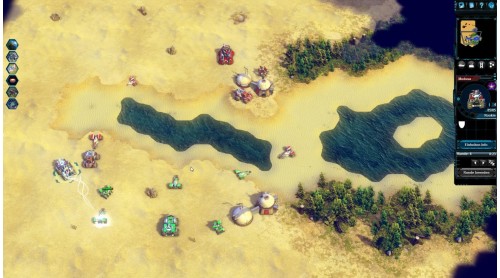
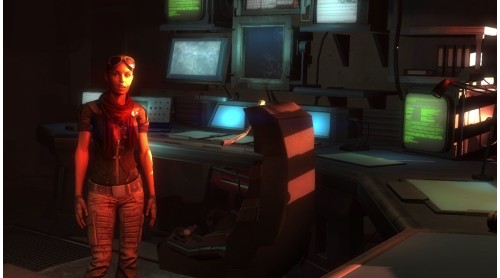
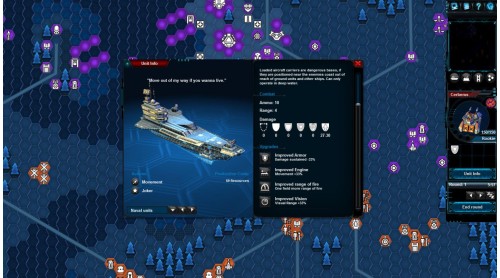
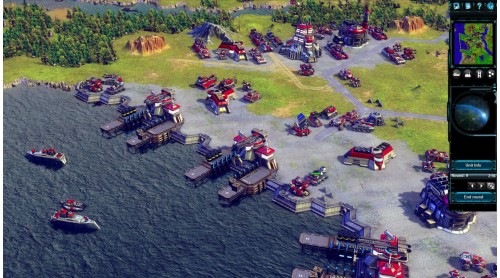
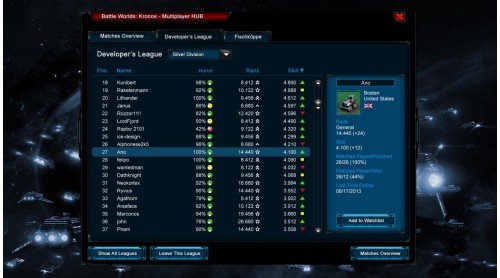
Battle Worlds: Kronos is a classic turn-based strategy game in the tradition of Battle Isle,Advance Wars and Panzer General. Have you ever wondered what games like that would look like today? Well, we did. As a result, we decided to develope Battle Worlds: Kronos.
Key Features:
Battle Worlds: Kronos © 2013 KING Art GmbH. All rights reserved.
We assume no liability for damage caused by possible viruses. All brand names and trademarks are property of their respective owners.


How to activate your Steam key?
1. Open your Steam client. (If you don't have a Steam Client, you can install from here https://store.steampowered.com/about/)
2. Sign in to your Steam account. (If you don't have a Steam Account, you can create from here https://store.steampowered.com/join/)
3. Click “ADD A GAME” button which is at the bottom of the Steam Client.
4. Now select "Activate a product on Steam..."
5. Write or copy-paste your Steam key which you purchased from Gamesforpc.
6. Now your game is in your library.
7. Find your game in your library, select and click install to start your download.