 Steam
| Release Date | 21.01.2019 | |
| Publisher | Microsoft | |
| PEGI Rating | + 16 | |
| Genres | shooter |
99.99€
Added to Cart
99.99€
Added to Wishlist
99.99€
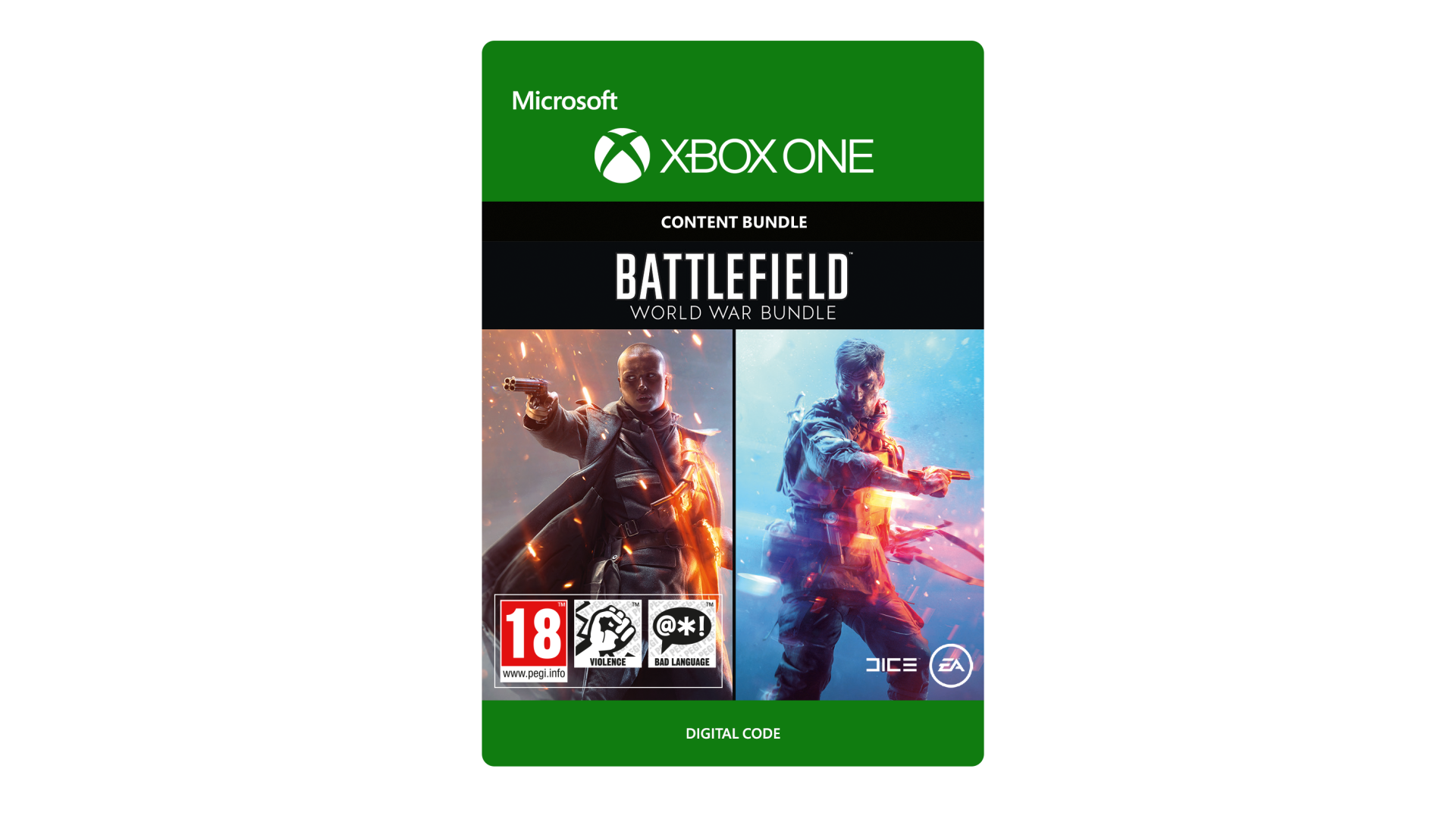
Join the front lines in two of mankind’s greatest conflicts with the Battlefield™ World War Bundle.
Enlist in a never-before-seen portrayal of WW2 with the Battlefield™ V Deluxe Edition. Get the base game, five sets of Paratrooper Outfits, the chance to test your skill in bonus Starter Assignments, regular customization items thanks to the weekly Airlift system, and more. Then experience WW1, the dawn of all-out war, in Battlefield™ 1 Revolution, complete with the base game, Battlefield 1 Premium Pass, and all four expansion packs.
ACCEPTANCE OF EA USER AGREEMENT (terms.ea.com) AND PRIVACY AND COOKIE POLICY (privacy.ea.com) REQUIRED TO PLAY. YOU MUST BE 13+ AND HAVE AN INTERNET CONNECTION AND EA ACCOUNT TO ACCESS ONLINE FEATURES AND DELUXE CONTENT. CONTENT DOWNLOADS MAY INCUR BANDWIDTH USAGE CHARGES. ADDITIONAL IN-GAME CONTENT MAY BE PURCHASED. ACCEPTANCE OF PRODUCT END USER LICENSE AGREEMENT (EULA), MANDATORY CONTENT UPDATES, INTERNET CONNECTION AND REGISTRATION WITH THE ENCLOSED SINGLE-USE SERIAL CODE REQUIRED TO PLAY BATTLEFIELD 1 REVOLUTION. SERIAL CODE REGISTRATION IS LIMITED TO ONE ACCOUNT PER SERIAL CODE, WHICH IS NON-TRANSFERABLE ONCE USED. EULAS AND ADDITIONAL DISCLOSURES AVAILABLE AT ea.com/legal. EA MAY PROVIDE CERTAIN FREE INCREMENTAL CONTENT AND/OR UPDATES, IF AND WHEN AVAILABLE. EA MAY RETIRE ONLINE FEATURES AFTER 30 DAYS NOTICE POSTED ON ea.com/service-updates.
Battlefield World War Bundle © 2018 Electronic Arts Inc. EA, the EA logo, Battlefield, Battlefield 1, Battlefield V, the Battlefield 1 logo, and the DICE logo are trademarks of Electronic Arts Inc.


How to activate your Steam key?
1. Open your Steam client. (If you don't have a Steam Client, you can install from here https://store.steampowered.com/about/)
2. Sign in to your Steam account. (If you don't have a Steam Account, you can create from here https://store.steampowered.com/join/)
3. Click “ADD A GAME” button which is at the bottom of the Steam Client.
4. Now select "Activate a product on Steam..."
5. Write or copy-paste your Steam key which you purchased from Gamesforpc.
6. Now your game is in your library.
7. Find your game in your library, select and click install to start your download.