











 Steam
| Release Date | 19.11.2018 | |
| Publisher | Microsoft | |
| PEGI Rating | + 16 | |
| Genres | shooter |
39.99€
Added to Cart
39.99€
Added to Wishlist
39.99€
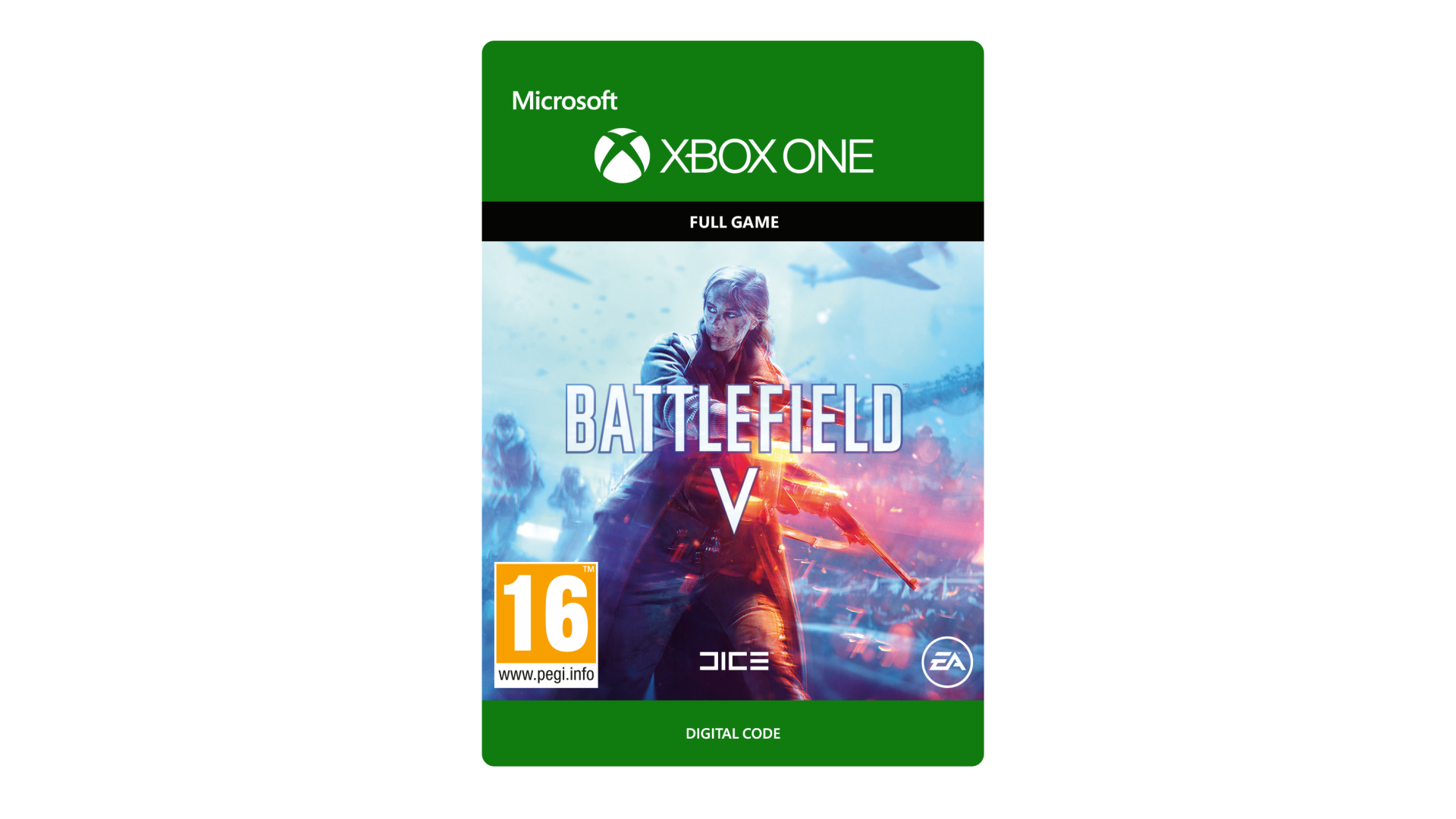
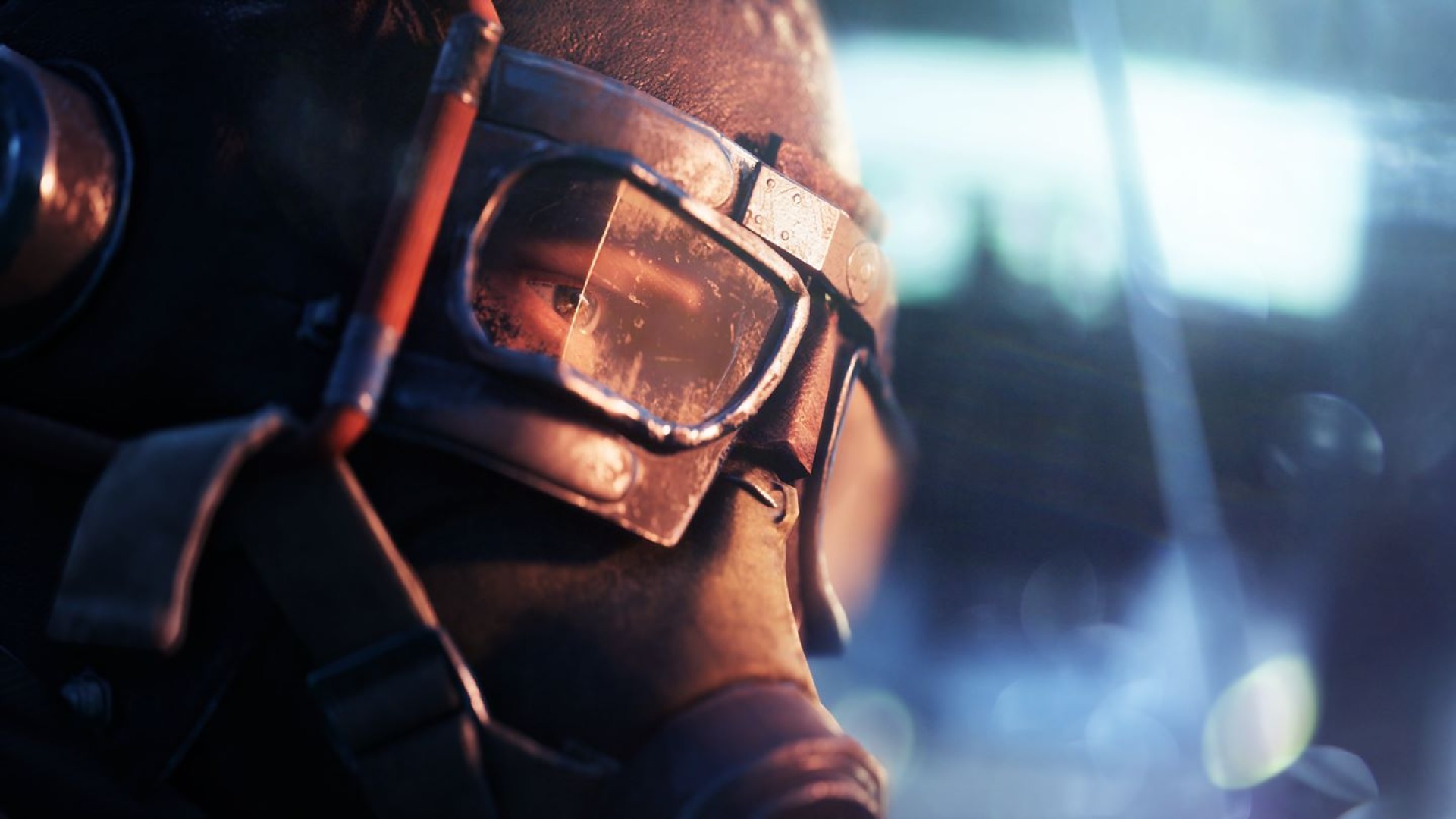
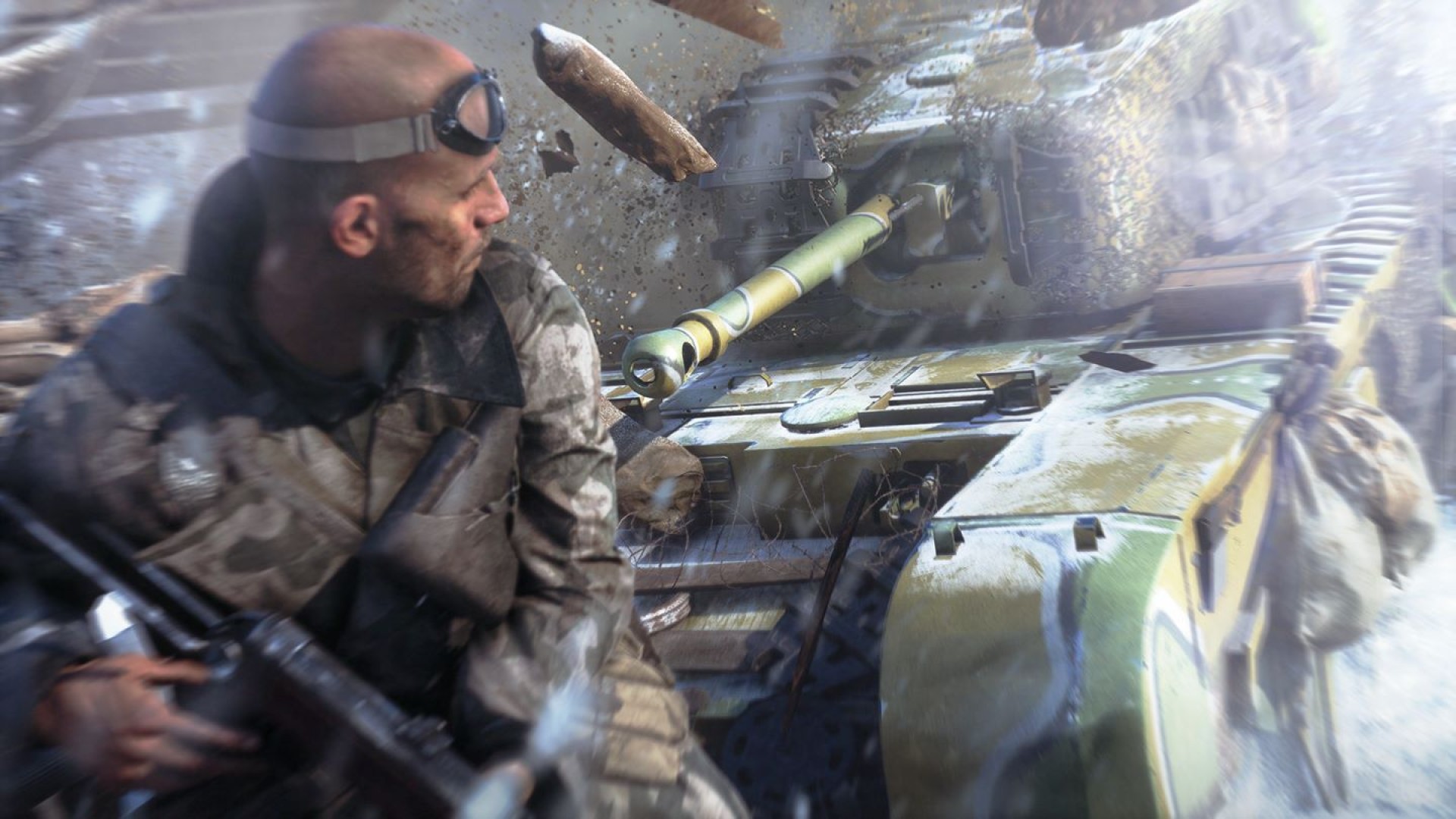
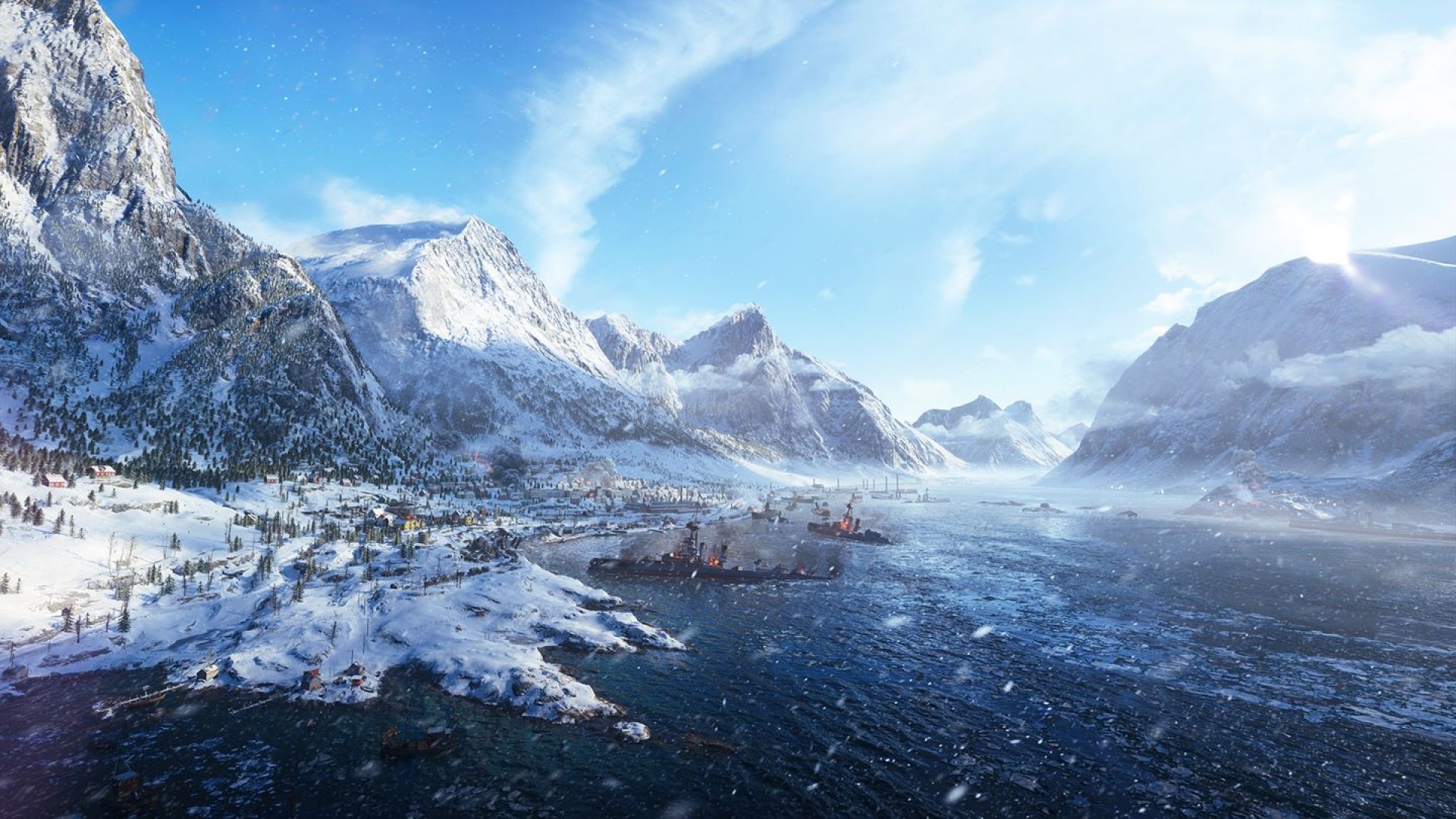
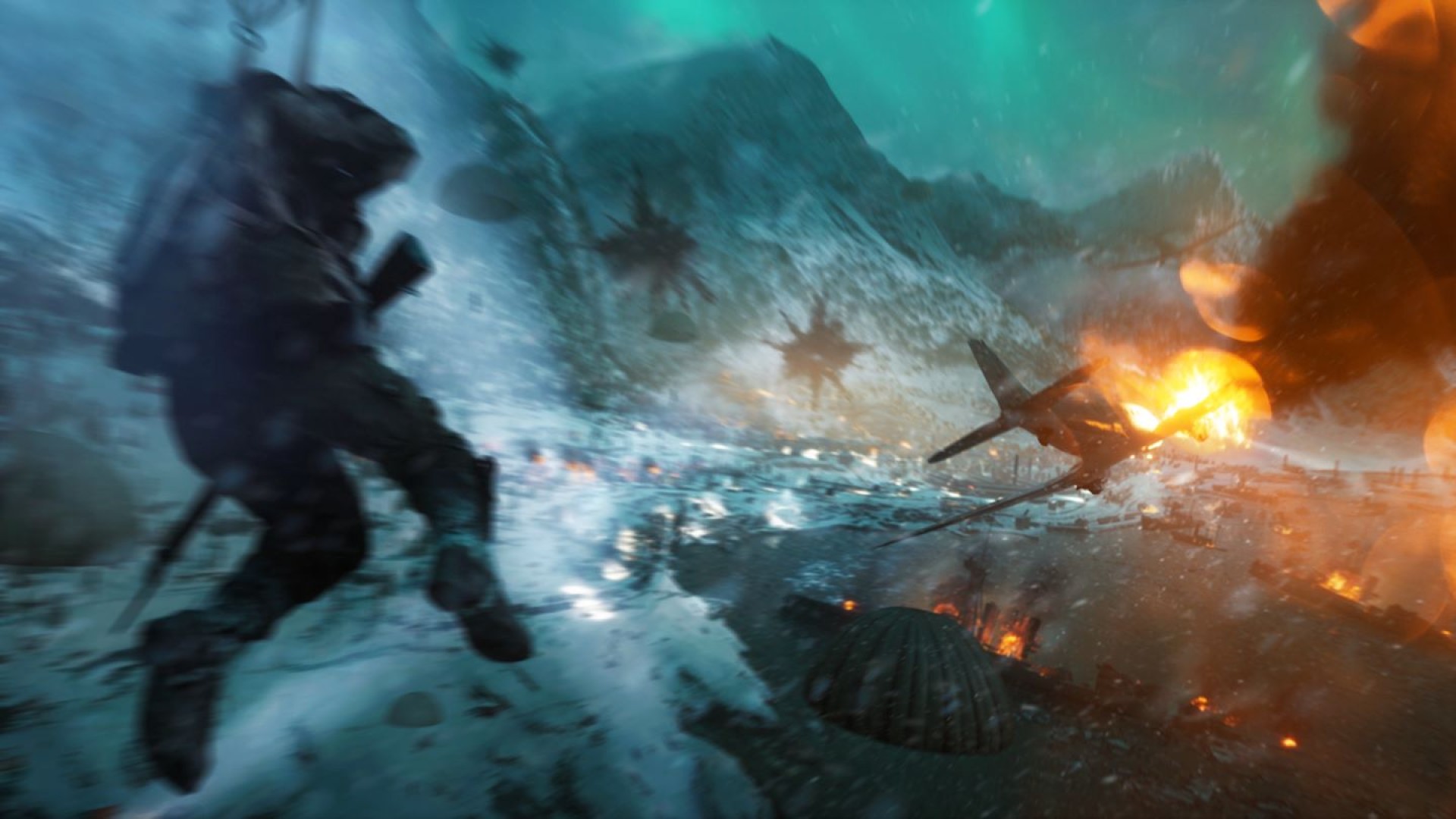
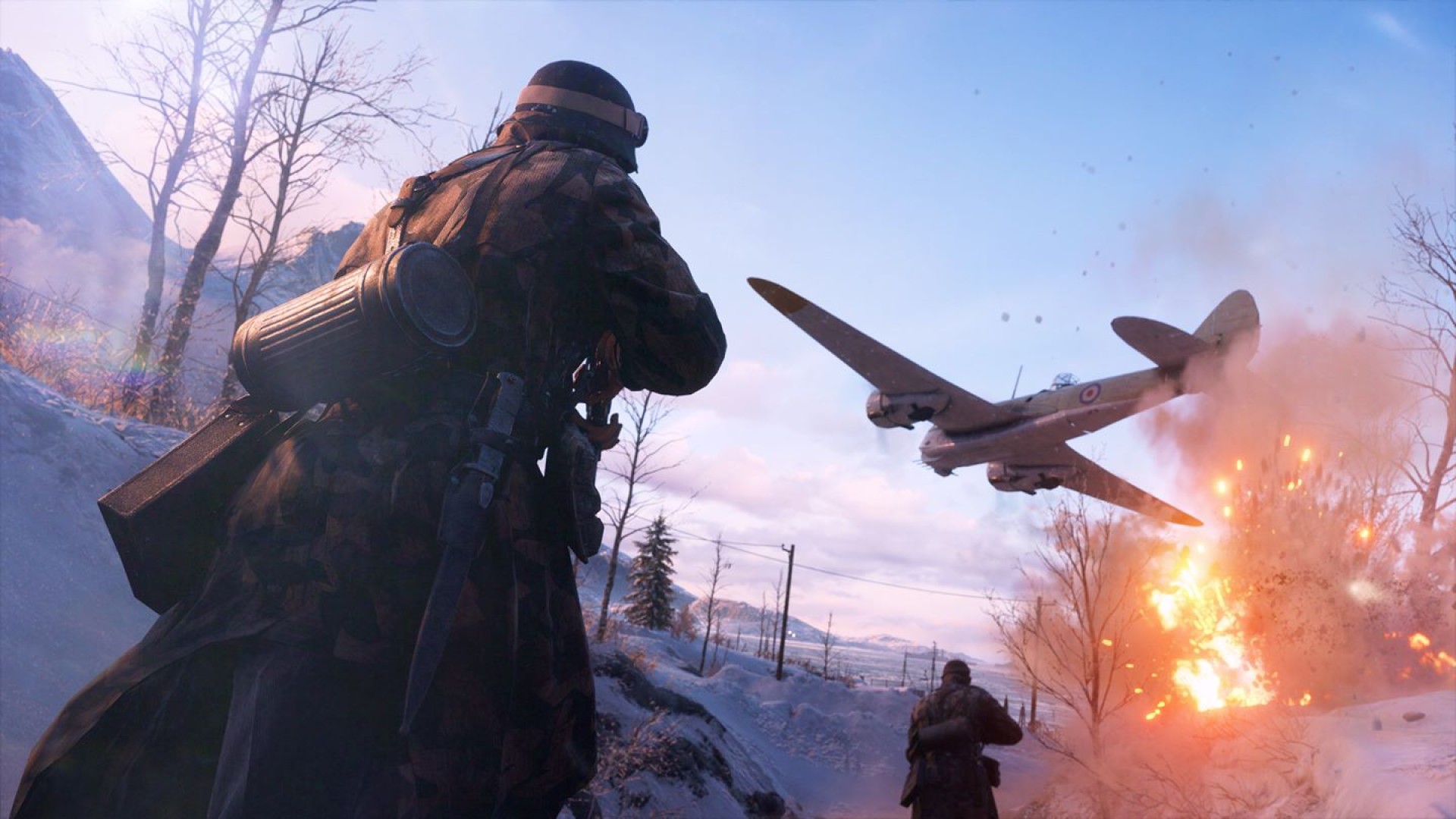
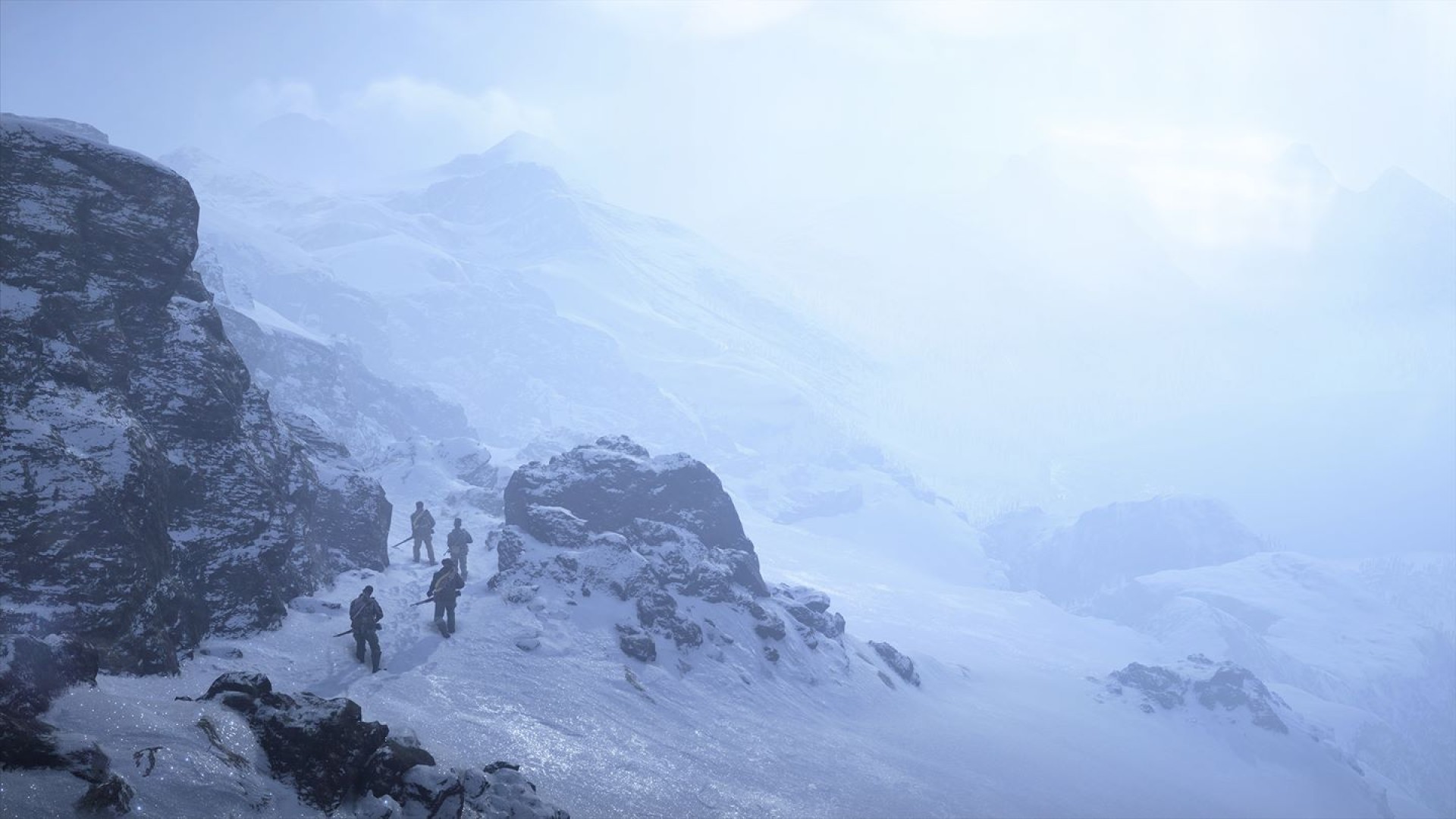
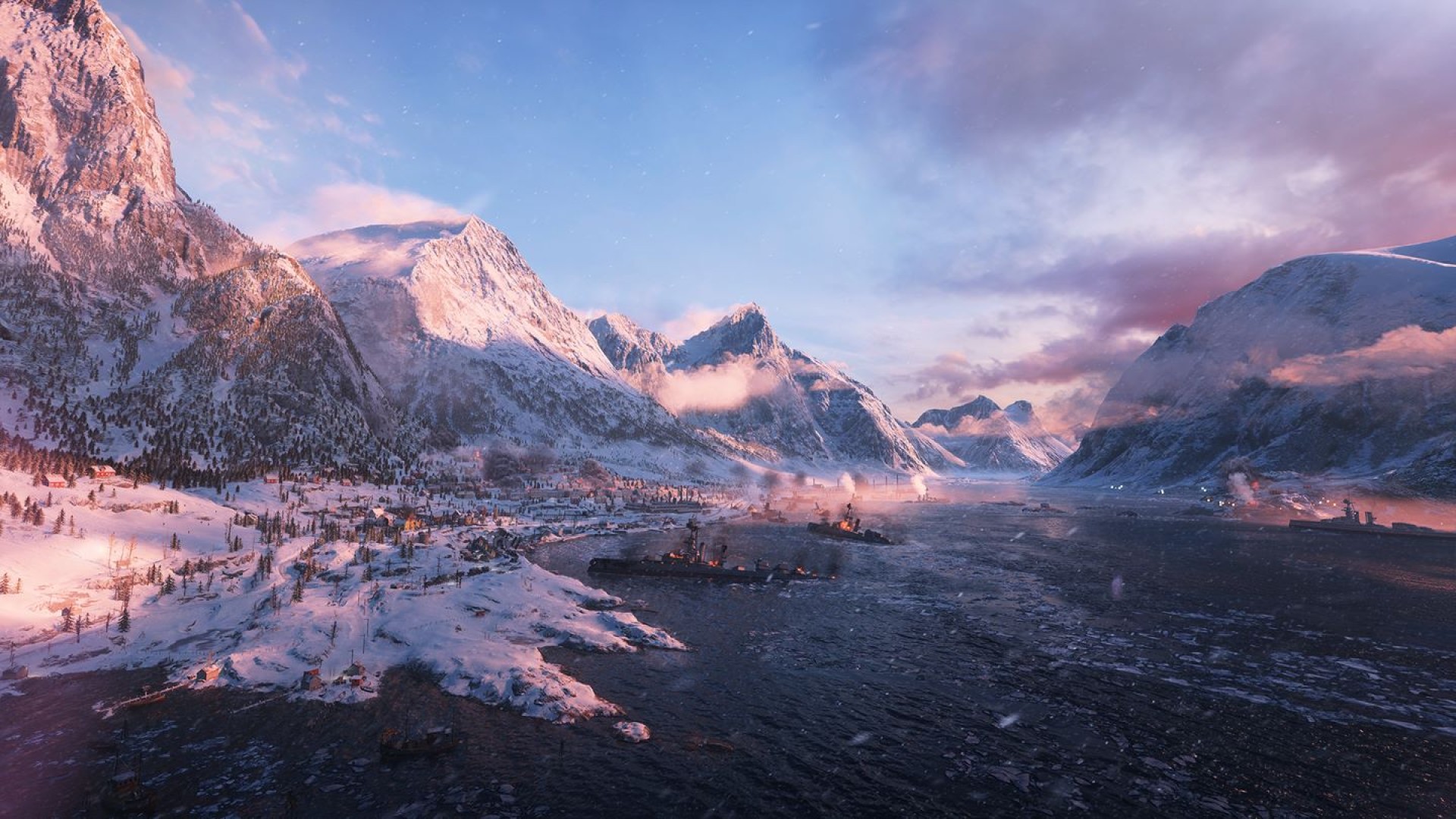
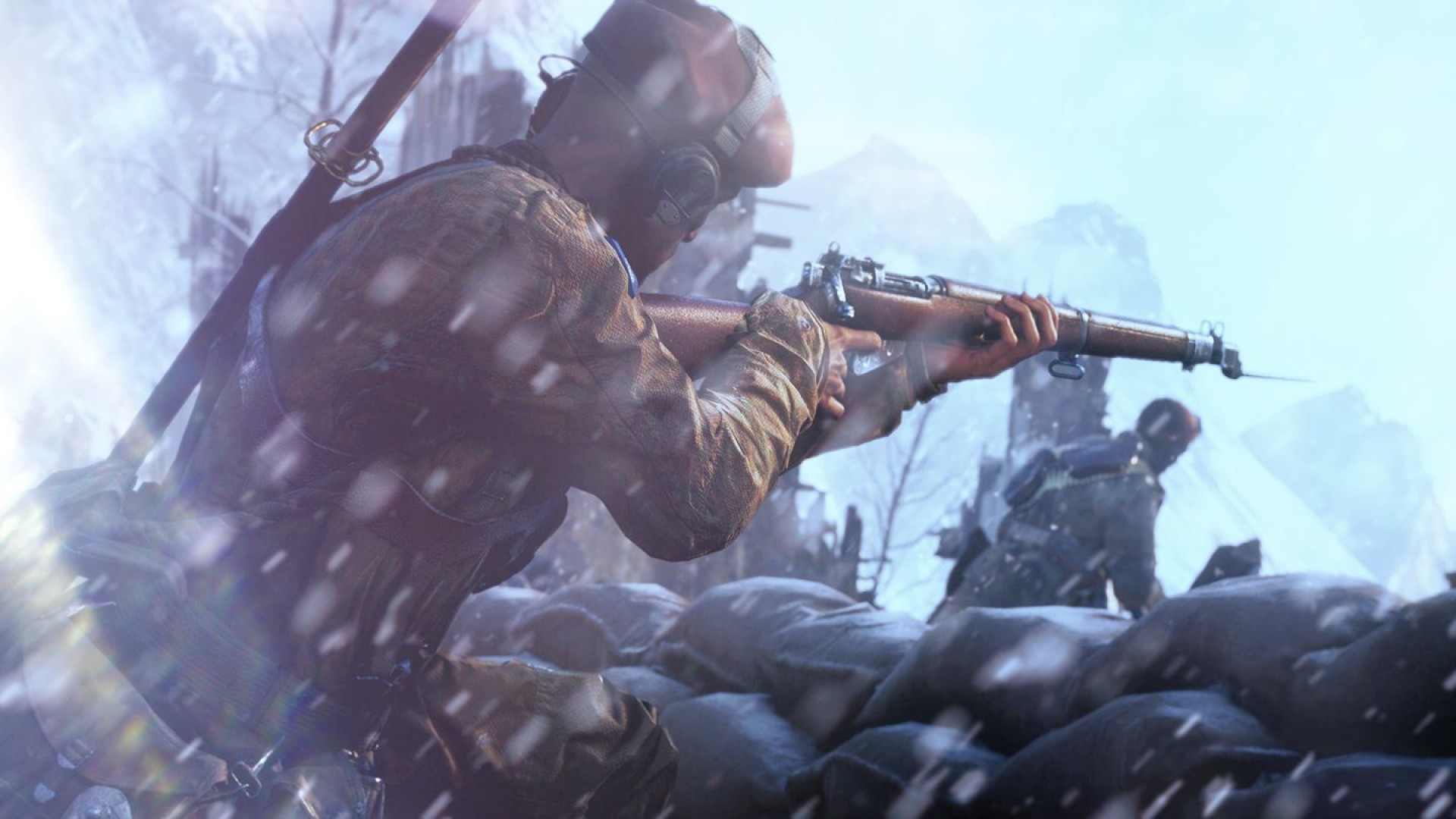
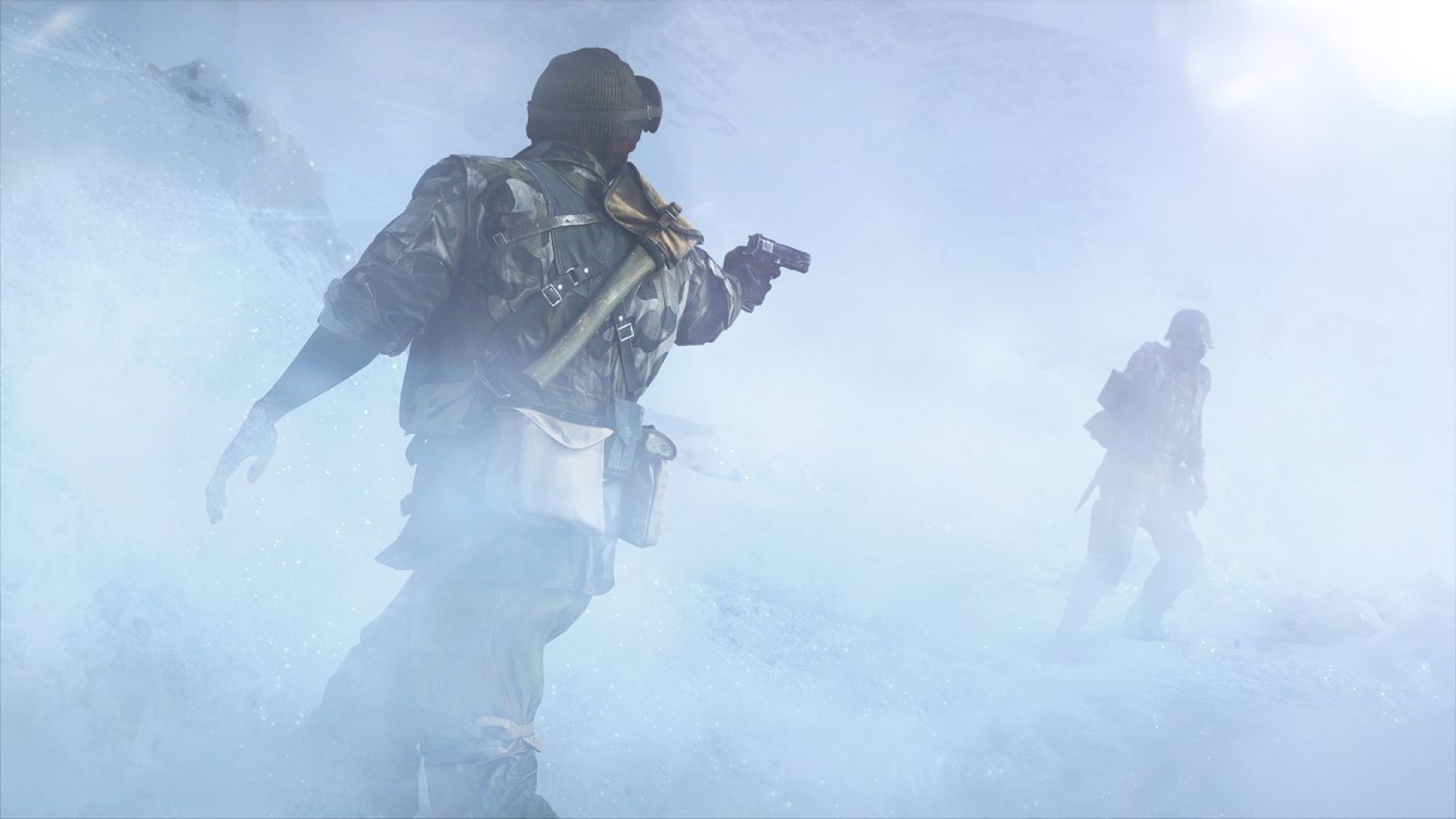
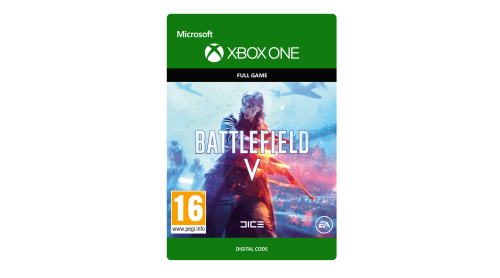
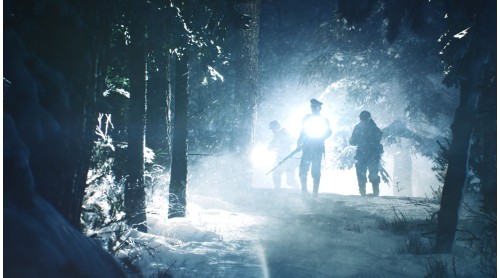
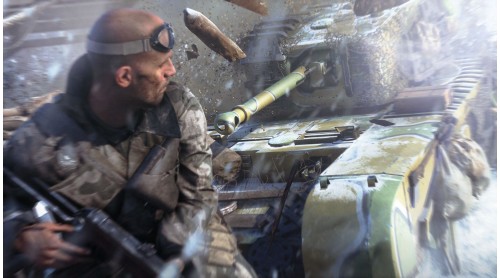
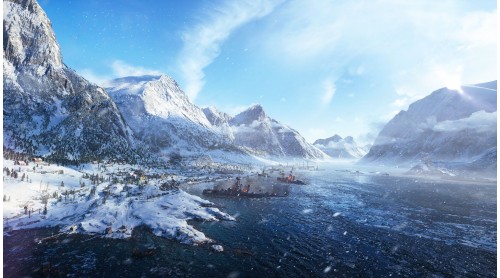
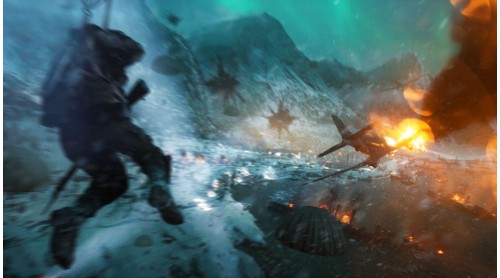
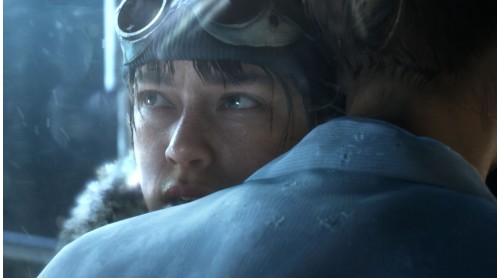
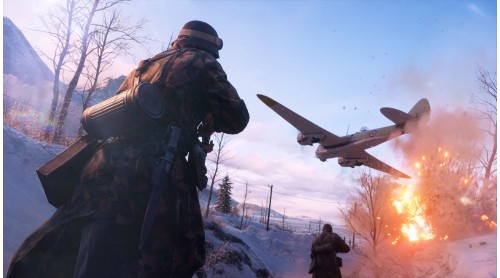
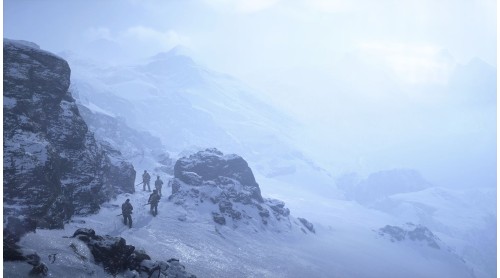
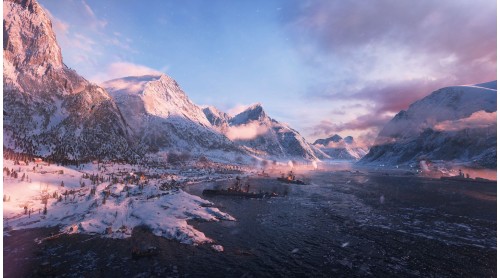
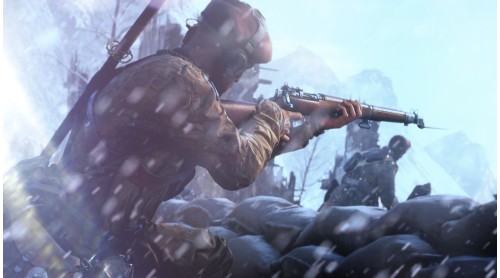
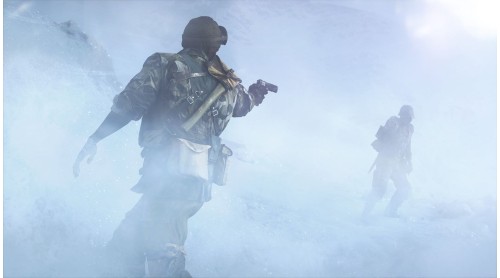
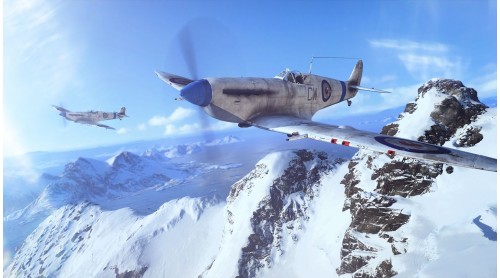
Enter mankind’s greatest conflict with Battlefield V as the series goes back to its roots in a never-before-seen portrayal of World War 2. Take on physical, all-out multiplayer with your squad in modes like the vast Grand Operations and the cooperative Combined Arms, or witness human drama set against global combat in the single player War Stories. As you fight in epic, unexpected locations across the globe, enjoy the richest and most immersive Battlefield yet.
NO WEAPON, VEHICLE OR GEAR MANUFACTURER IS AFFILIATED WITH OR HAS SPONSORED OR ENDORSED THIS GAME.INTERNET CONNECTION, EA ACCOUNT AND ACCEPTANCE OF EA USER AGREEMENT (TERMS.EA.COM) AND PRIVACY AND COOKIE POLICY (PRIVACY.EA.COM), AND REGISTRATION WITH SINGLE-USE PRODUCT CODE MAY BE REQUIRED TO PLAY. SEE FINAL PRODUCT DETAILS AND CONTENT PROTECTION TECHNOLOGY AT WWW.EA.COM/LEGAL, IF AND WHEN AVAILABLE. YOU MUST BE 16+ TO ACCESS ONLINE FEATURES. MANDATORY CONTENT UPDATES MAY BE DOWNLOADED AUTOMATICALLY, REQUIRE ADDITIONAL STORAGE, INCUR BANDWIDTH USAGE FEES, AND REQUIRE AN ADDITIONAL PURCHASE TO ACCESS. EA MAY PROVIDE CERTAIN FREE INCREMENTAL CONTENT AND/OR UPDATES, IF AND WHEN AVAILABLE. EA MAY RETIRE ONLINE FEATURES AFTER 30 DAYS NOTICE AT www.ea.com/1/service-updates. SOFTWARE MAY COLLECT DATA FOR IN-GAME ADVERTISING.
©2018 Electronic Arts Inc. Battlefield and Battlefield V are trademarks of Electronic Arts Inc.


How to activate your Steam key?
1. Open your Steam client. (If you don't have a Steam Client, you can install from here https://store.steampowered.com/about/)
2. Sign in to your Steam account. (If you don't have a Steam Account, you can create from here https://store.steampowered.com/join/)
3. Click “ADD A GAME” button which is at the bottom of the Steam Client.
4. Now select "Activate a product on Steam..."
5. Write or copy-paste your Steam key which you purchased from Gamesforpc.
6. Now your game is in your library.
7. Find your game in your library, select and click install to start your download.