 Steam
Steam 39.99€
Added to Cart
39.99€
Added to Wishlist
39.99€
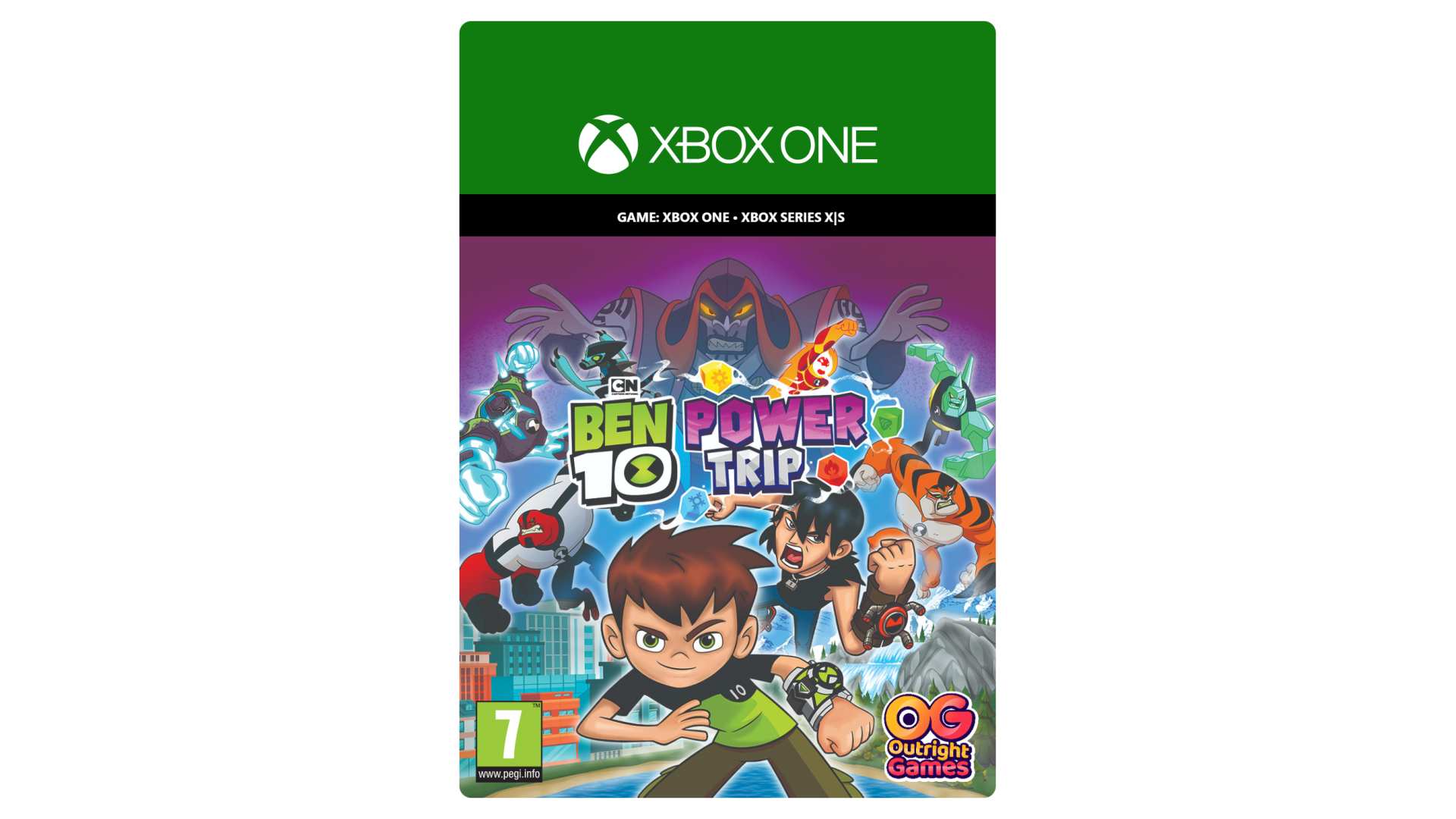
Ben Tennyson and his family are all set for a relaxing European vacation – until evil Hex awakens four mysterious crystals and summons monstrous visitors from the Void. Now it’s up to you to help Ben stop the master magician’s Hex-tremely fiendish plans!
So put on the Omnitrix and transform into Ben 10’s incredible aliens, as you adventure and battle through an action-packed 3D world. Take on some of the deadliest enemies Ben has ever faced in thrilling combat. Solve fun puzzles, use your skills to help out the townspeople you meet, and collect power-ups to upgrade your aliens. And explore the cities, forests and mountains of Europe on your way to the final showdown against villainous Hex.
With Gwen and Grandpa Max on your side, all the humor and rivalry from the Cartoon Network show is here. And since four arms are better than two, Kevin Levin is along for the adventure in local split-screen co-op. This is one Power Trip you’ll want to take again and again.
It’s hero time!
Ben 10: Power Trip! software © 2020 Cartoon Network. Published by Outright Games Limited. Software © 2020 Outright Games Limited.


How to activate your Steam key?
1. Open your Steam client. (If you don't have a Steam Client, you can install from here https://store.steampowered.com/about/)
2. Sign in to your Steam account. (If you don't have a Steam Account, you can create from here https://store.steampowered.com/join/)
3. Click “ADD A GAME” button which is at the bottom of the Steam Client.
4. Now select "Activate a product on Steam..."
5. Write or copy-paste your Steam key which you purchased from Gamesforpc.
6. Now your game is in your library.
7. Find your game in your library, select and click install to start your download.