





 Steam
Steam  Windows
 | Release Date | 22.05.2026 |
| Publisher | ALLAF GAMES |
| Operating Systems | Windows |
| Genres | Action |
6.15€
Added to Cart
6.15€
Added to Wishlist
6.15€
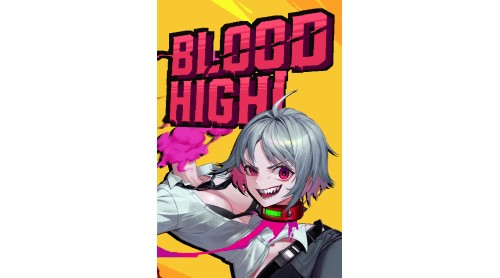
One day, you wake up to find your head and body separated.
Perhaps someone who bore a grudge against you has cursed you.
Fortunately, as a vampire, you are spared from immediate death, but your blood keeps draining away.
You must replenish it to survive, hunt down the culprit who dared to curse you, and break free from this fate.
Now, it’s time for a bloody revenge.
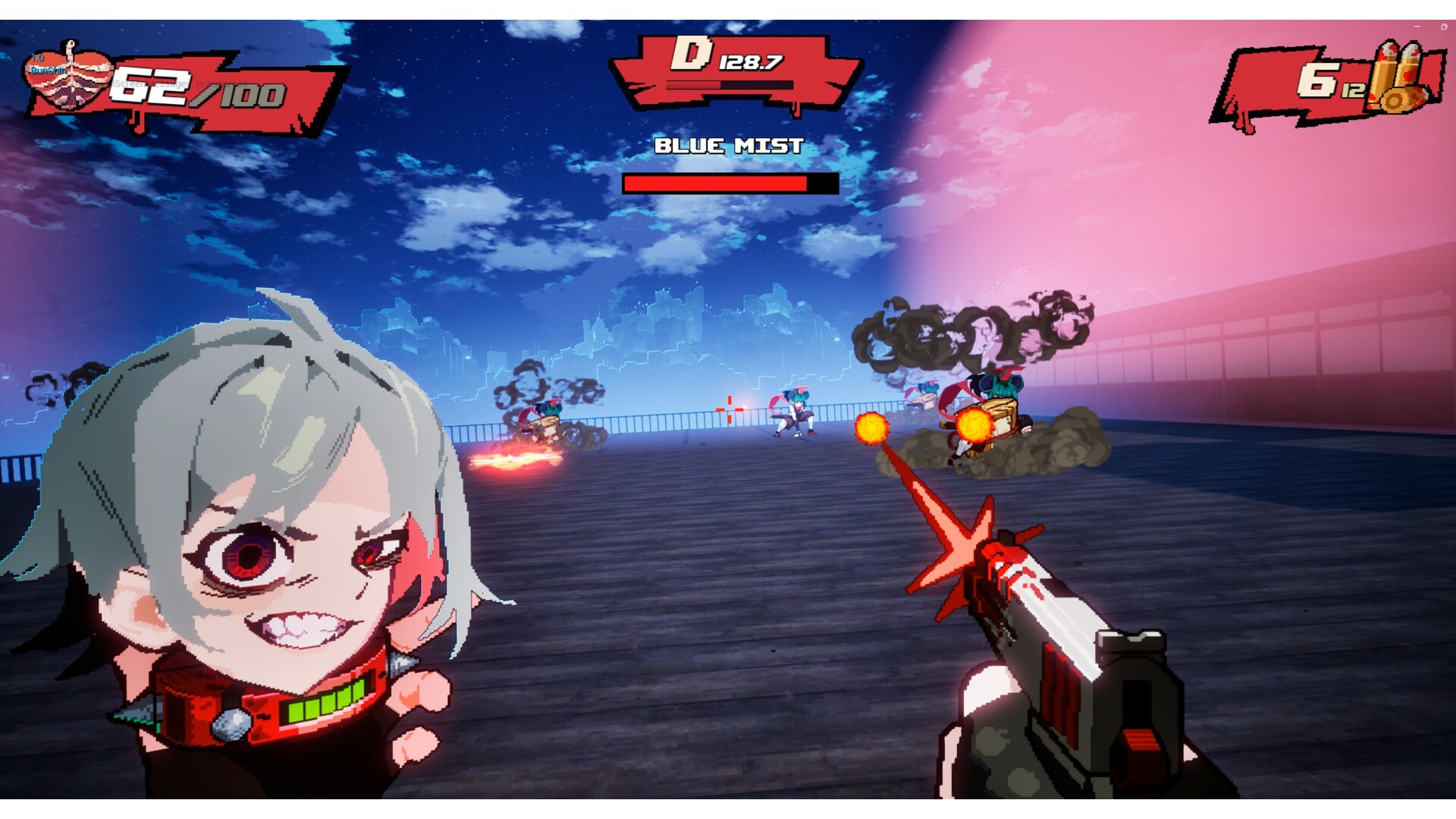
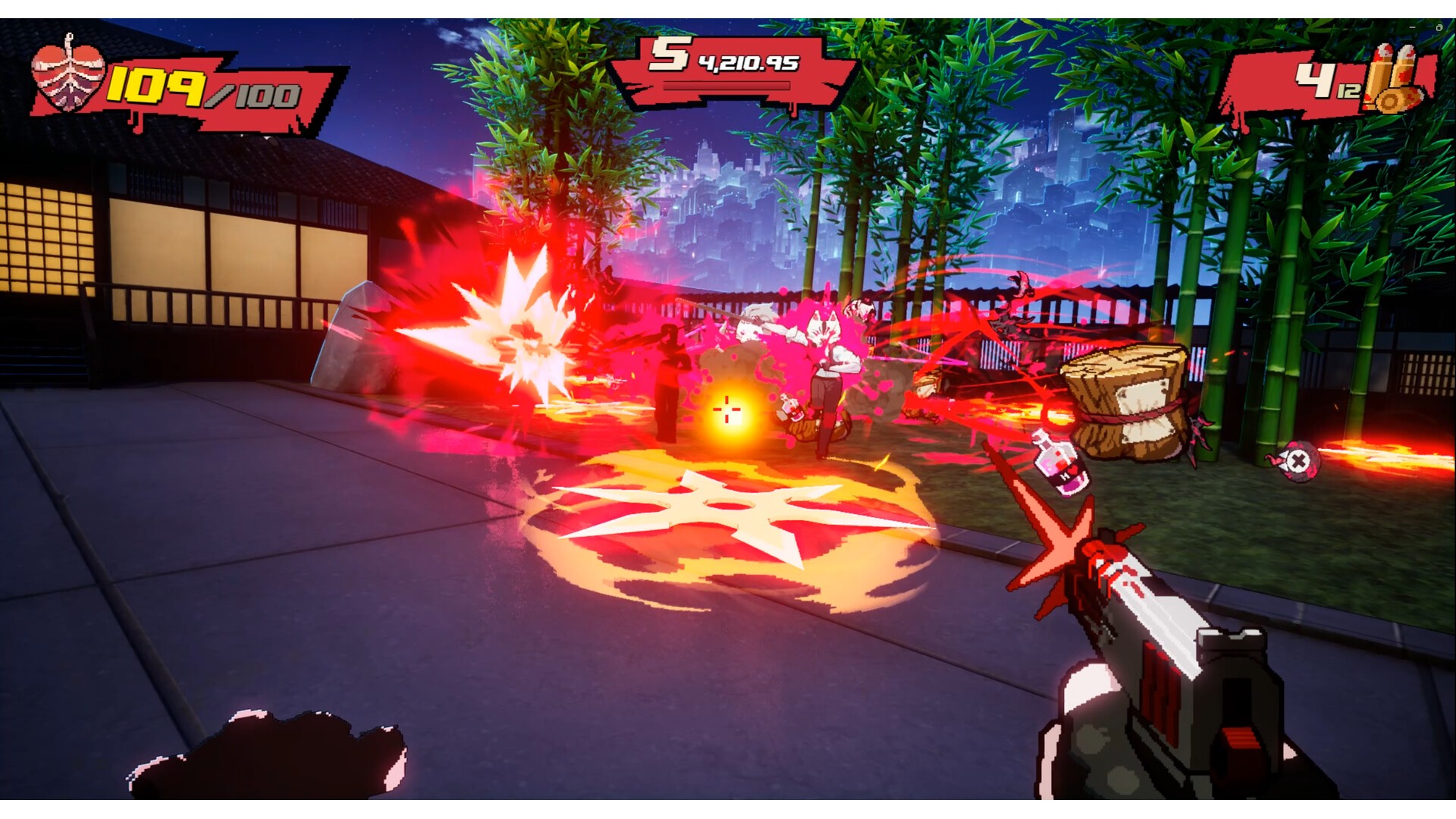
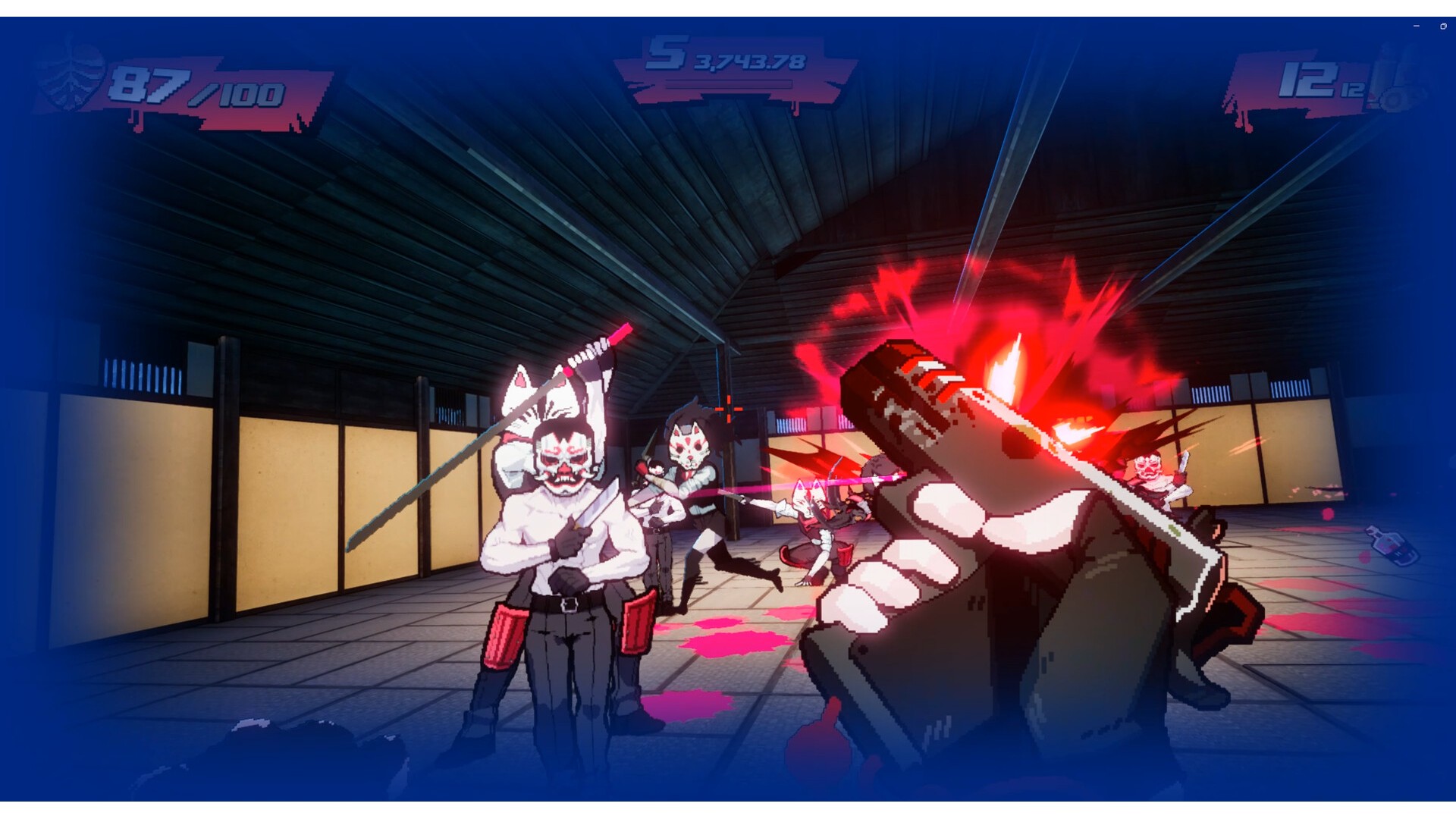
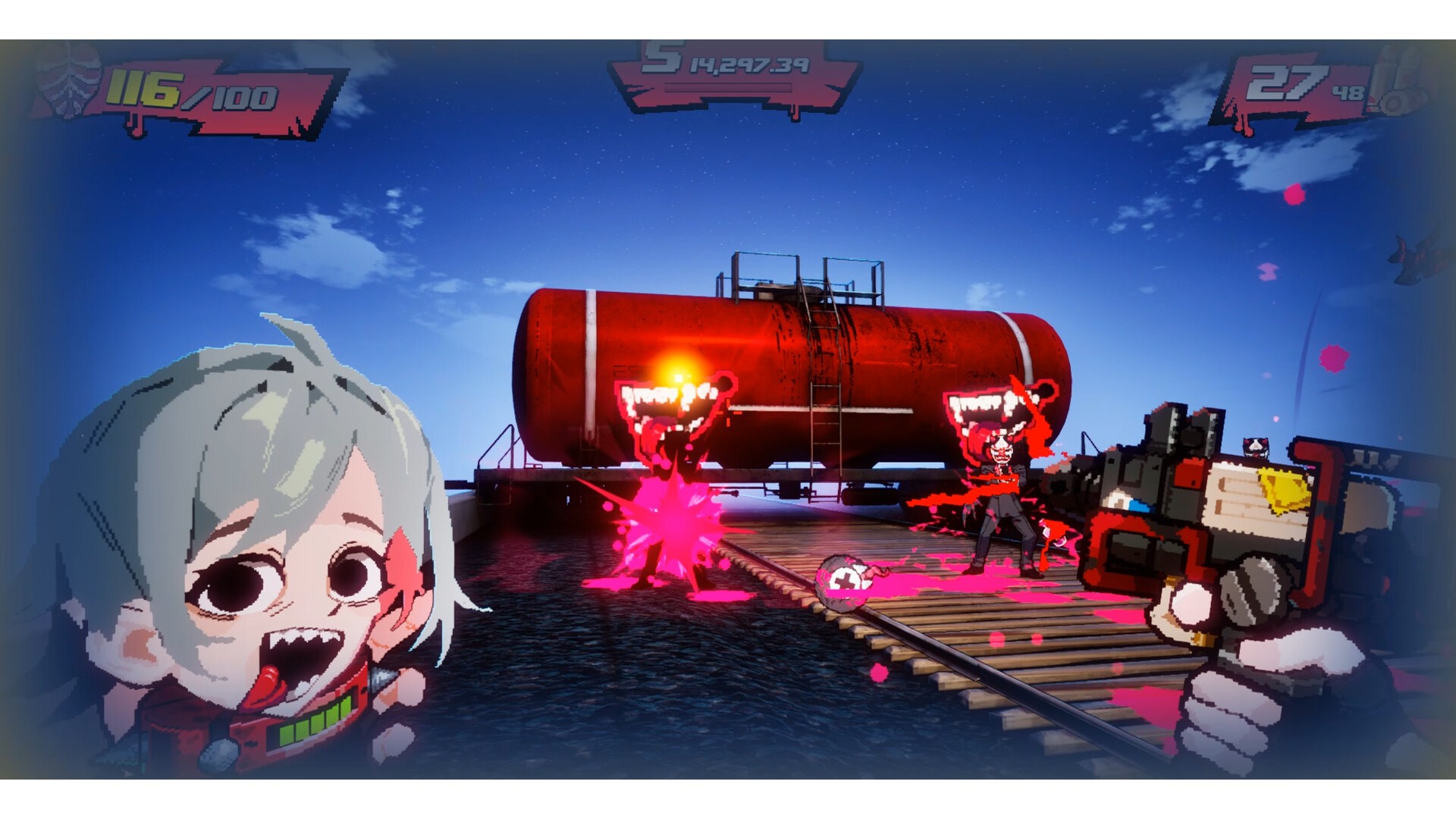
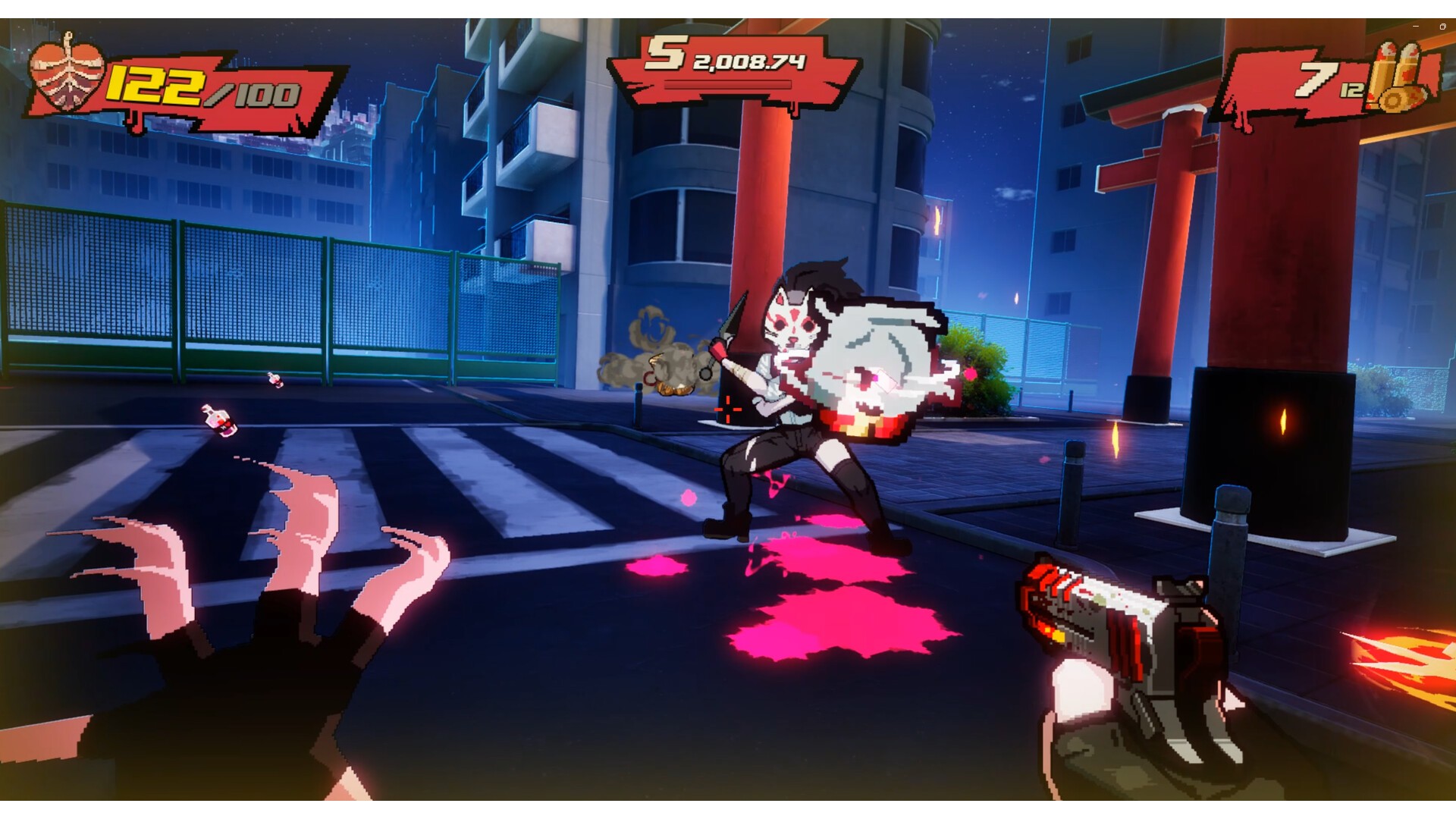
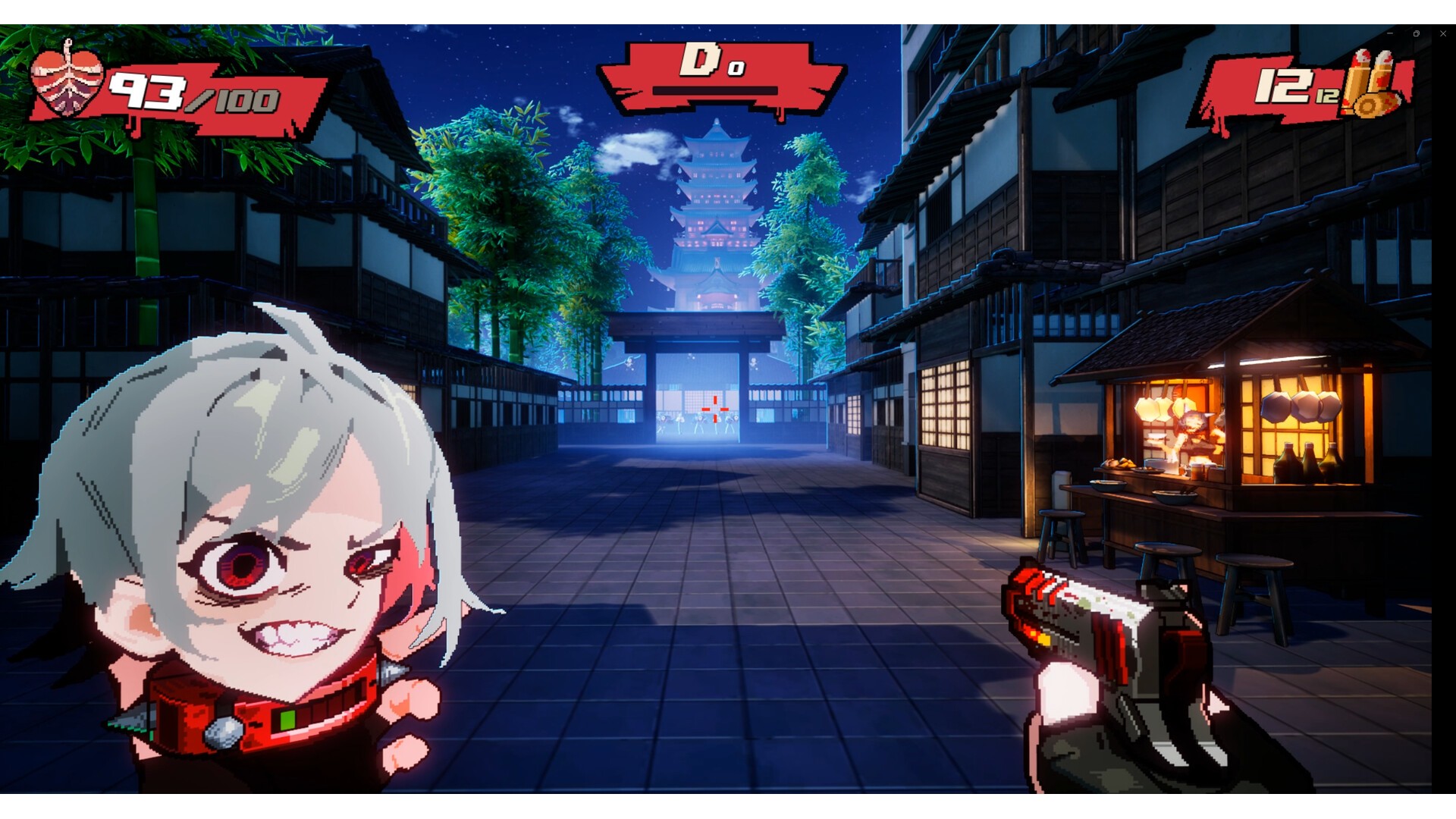
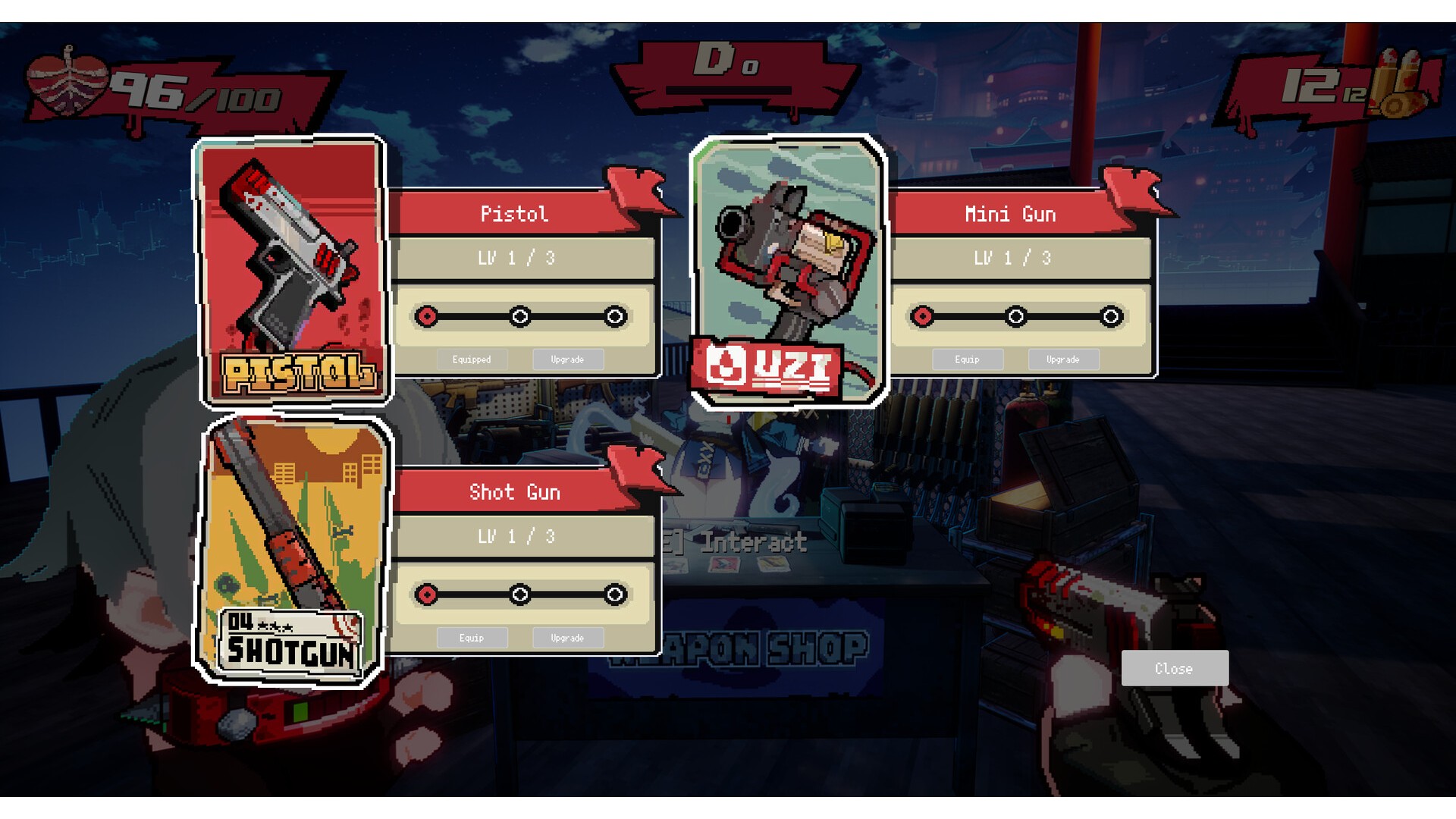
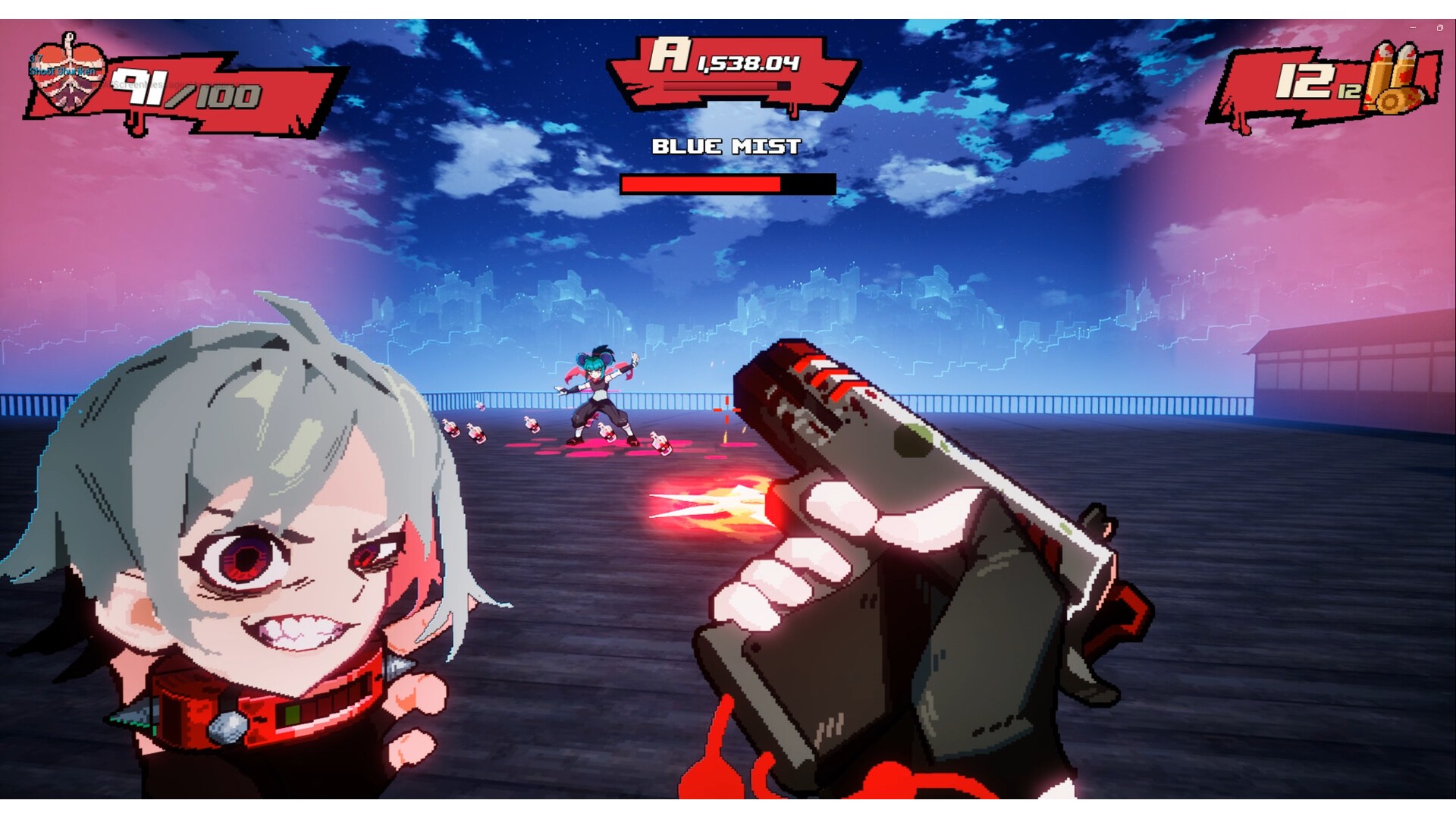
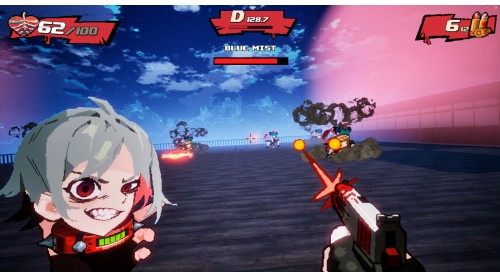
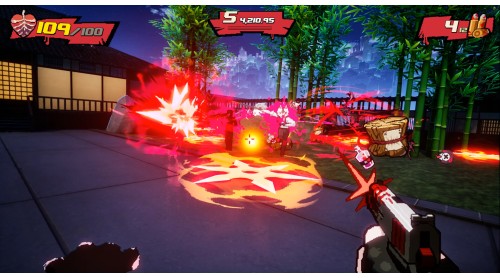
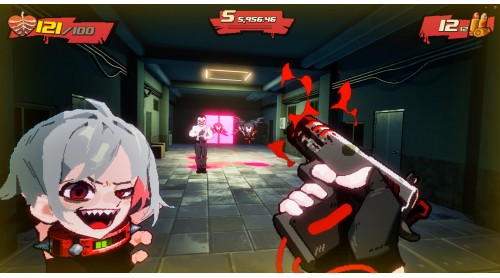
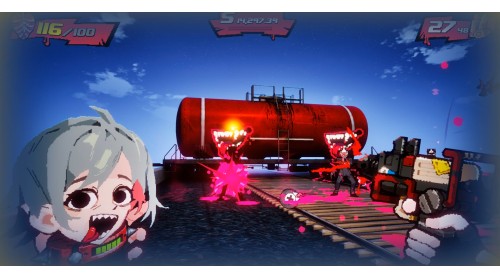
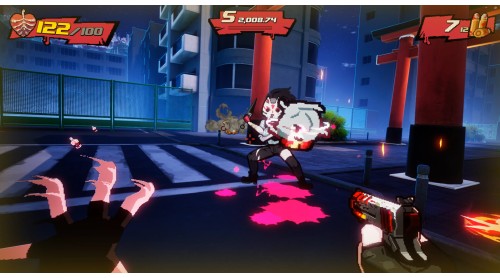
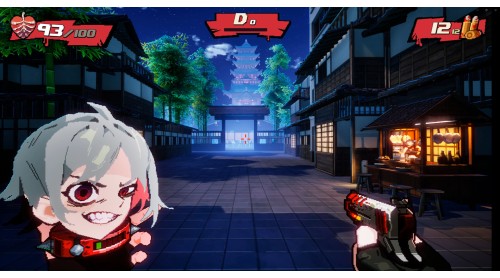
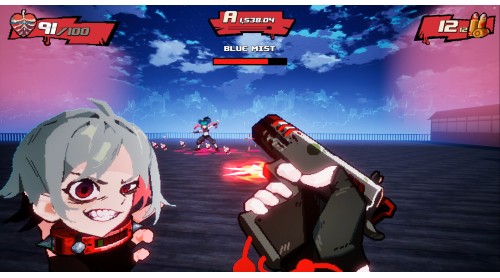
Blood High! is a fast-paced shooter with the spirit of classic FPS action.
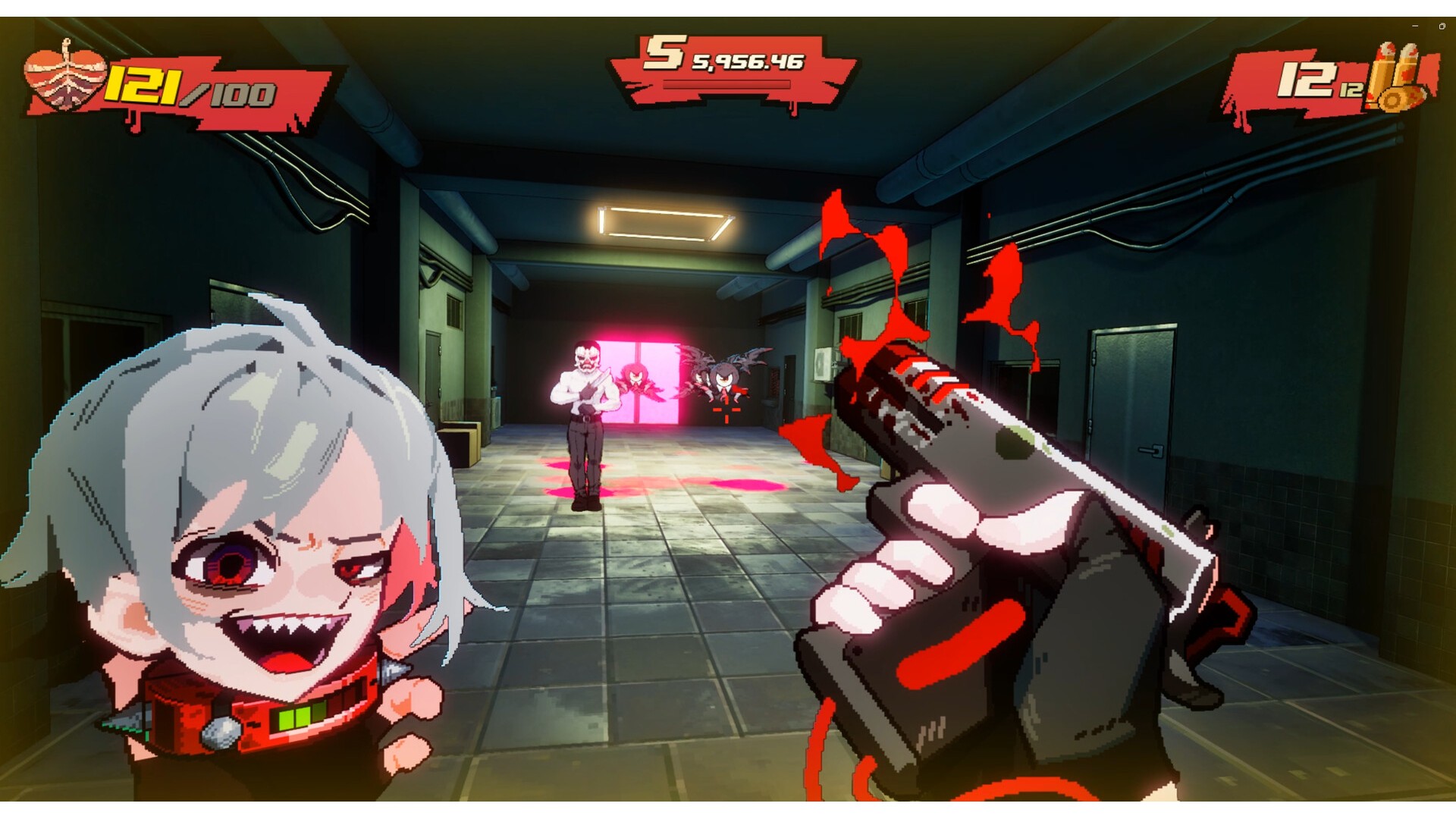
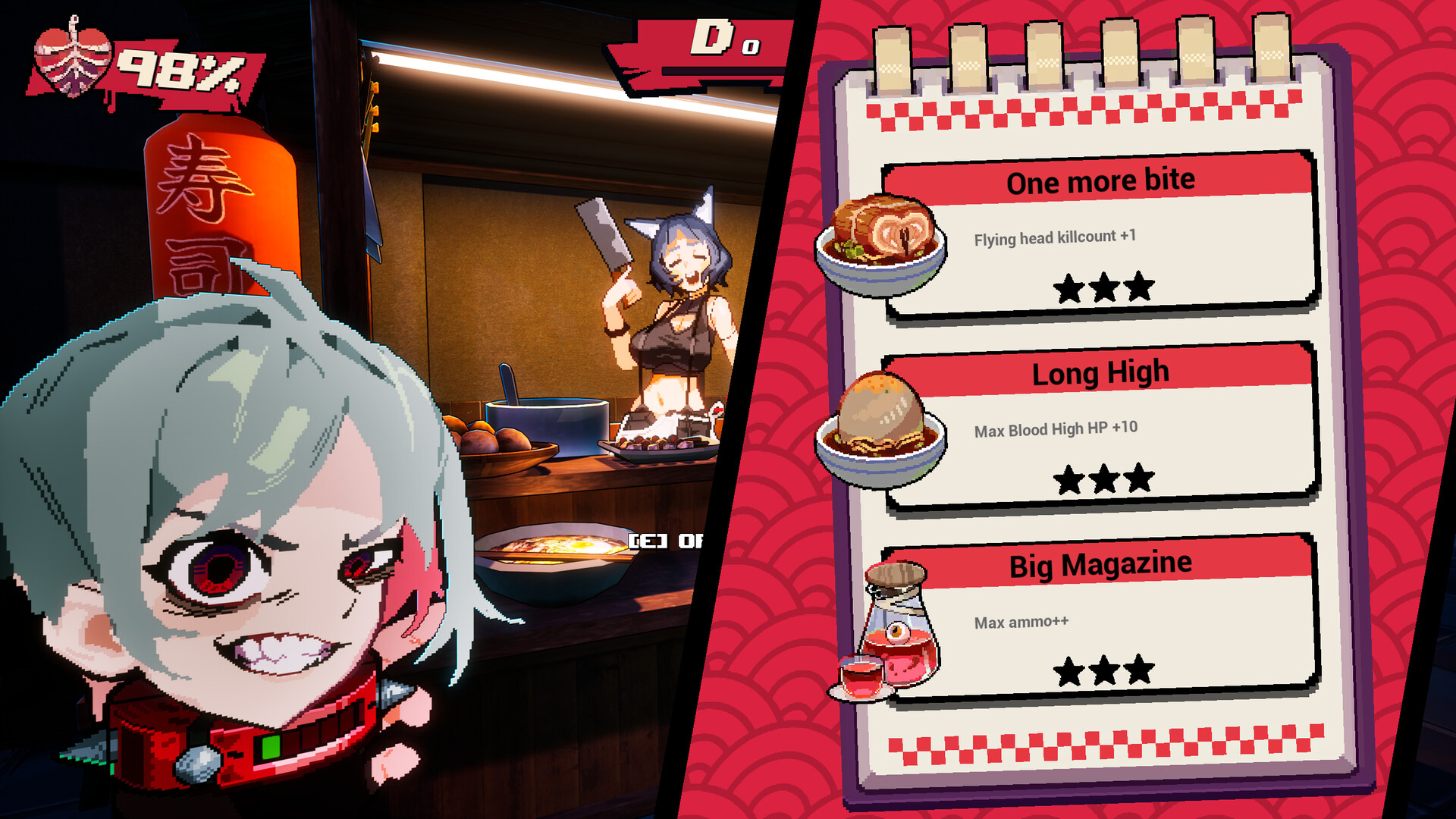
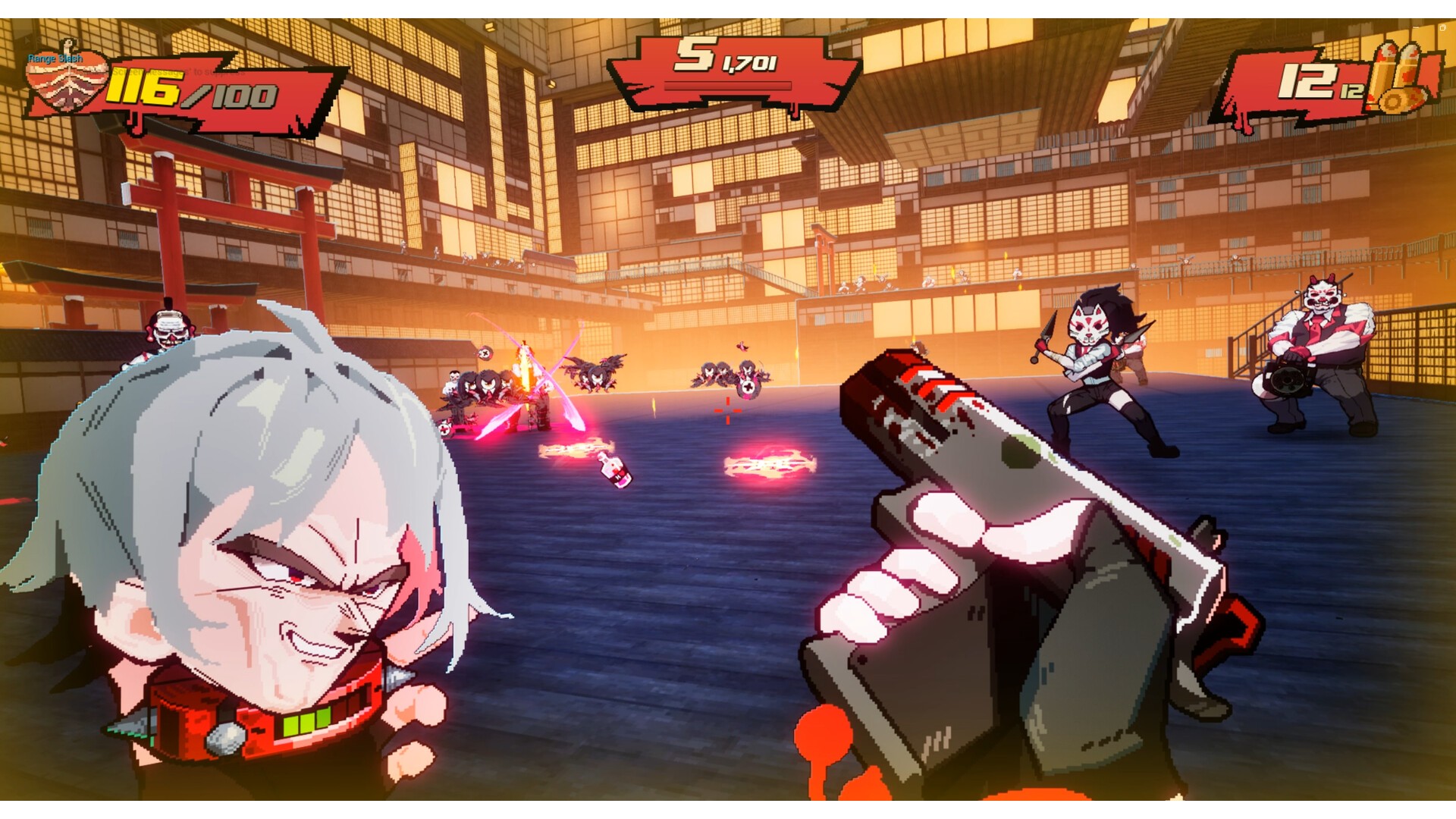
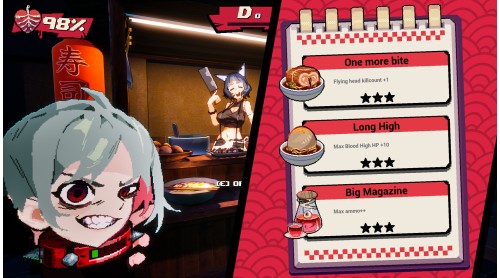
Absorb blood from fallen enemies to stay alive and keep yourself in a High state to enjoy extreme speed.
Throw your head to wipe out enemies all at once and savor the thrill.
Your HP gradually decreases over time.
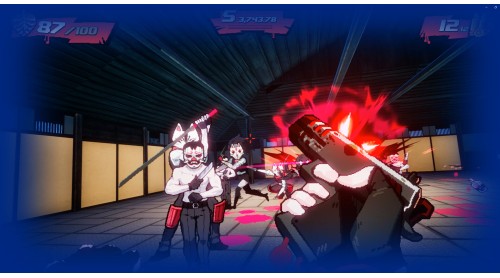
Execution: Throw your head to finish off enemies and instantly regain HP.
Blood High Mode: When your HP exceeds the maximum, go berserk and revel in insane speed.
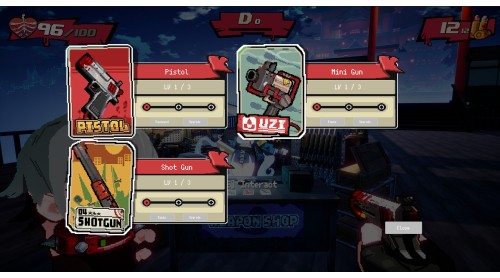
Hardcore Shooting Action: Nonstop speed, blood-soaked battles, and stylish absurdity.
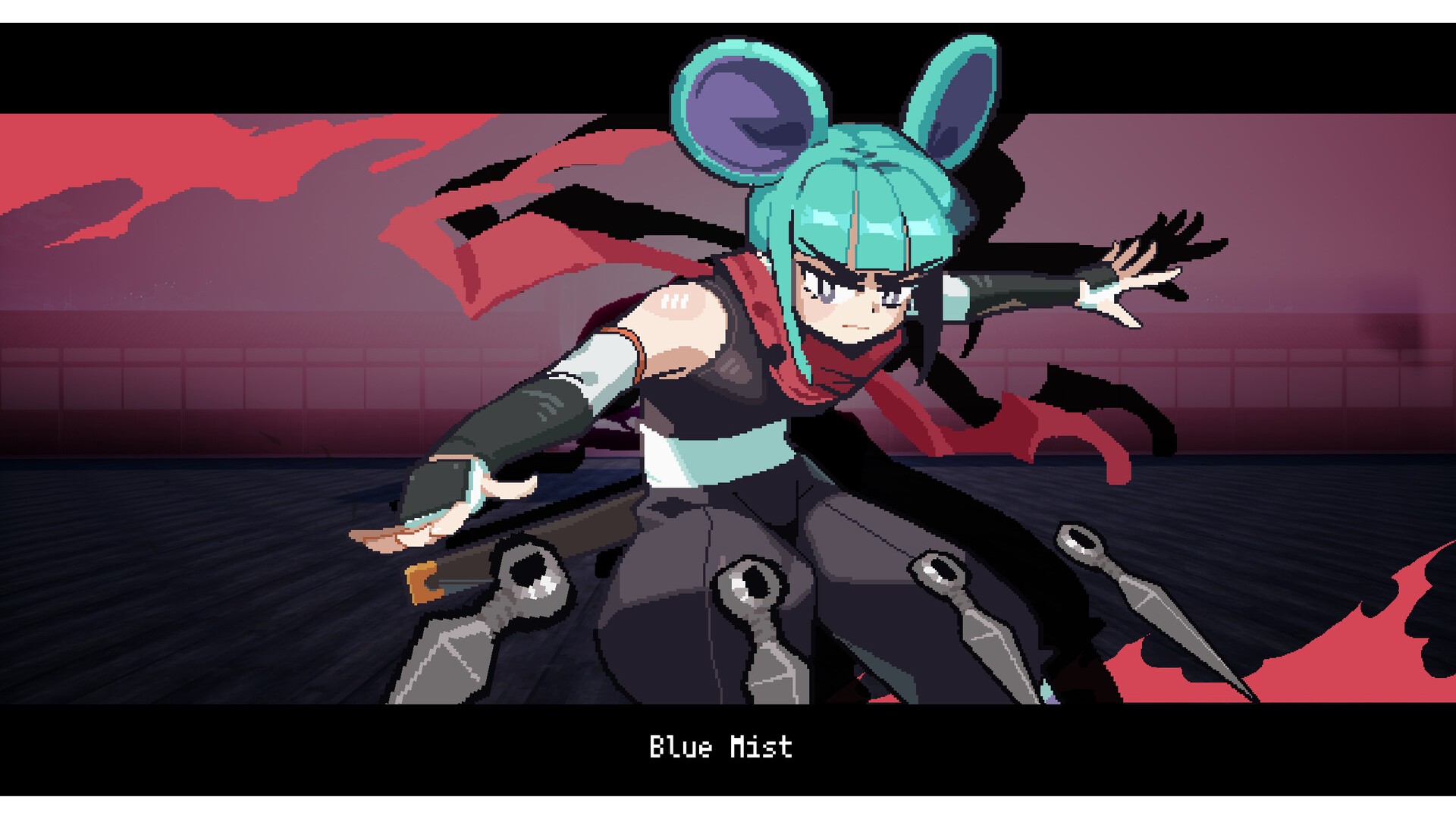
Cartoonish Bloodbath: A boomer shooter reimagined with pop colors and cartoon-style graphics.
Mad Random : Provided all BGM used in the game (albums used: Red, Rouge, Harvest).If you’d like to learn more, please search for Mad Random on Bandcamp.
Vocalist
Jchan : "Clash" of Harvest
JuviraArachne : "Come Get it" of Harvest
SnootyDeath : "Got This" of Harvest
Sejitsuna : "Into The Fray" of Harvest
KatieDamon : "Make A Mess" of Harvest
Boney B : "Skull Games" of Harvest
FelilyPond : "Take Another Step" of Harvest
VTMira : "Warm Blooded" of Harvest
RoeBunny : "How It Plays Out" of Harvest
SayuriKitsuneVT : "It's a Kraze" of Harvest
DeliciaRin : "It's a Kraze" of Harvest
YashAwoo : "Cool Headed" of Harvest
ODongDog : Title IllustFor more details, please search for “steamdoggy_11” on X.


How to activate your Steam key?
1. Open your Steam client. (If you don't have a Steam Client, you can install from here https://store.steampowered.com/about/)
2. Sign in to your Steam account. (If you don't have a Steam Account, you can create from here https://store.steampowered.com/join/)
3. Click “ADD A GAME” button which is at the bottom of the Steam Client.
4. Now select "Activate a product on Steam..."
5. Write or copy-paste your Steam key which you purchased from Gamesforpc.
6. Now your game is in your library.
7. Find your game in your library, select and click install to start your download.