






















 Steam
Steam  Windows
  Mac
Mac | Release Date | 27.03.2013 | |
| Operating Systems | Mac OS | |
| Publisher | THQ Nordic GmbH | |
| PEGI Rating | + 3 | |
| Operating Systems | Windows | |
| Genres | Simulation |
19.99€
5.00€
Added to Cart
19.99€
5.00€
Added to Wishlist
19.99€
5.00€
Build A Bridge... and Get Over It!
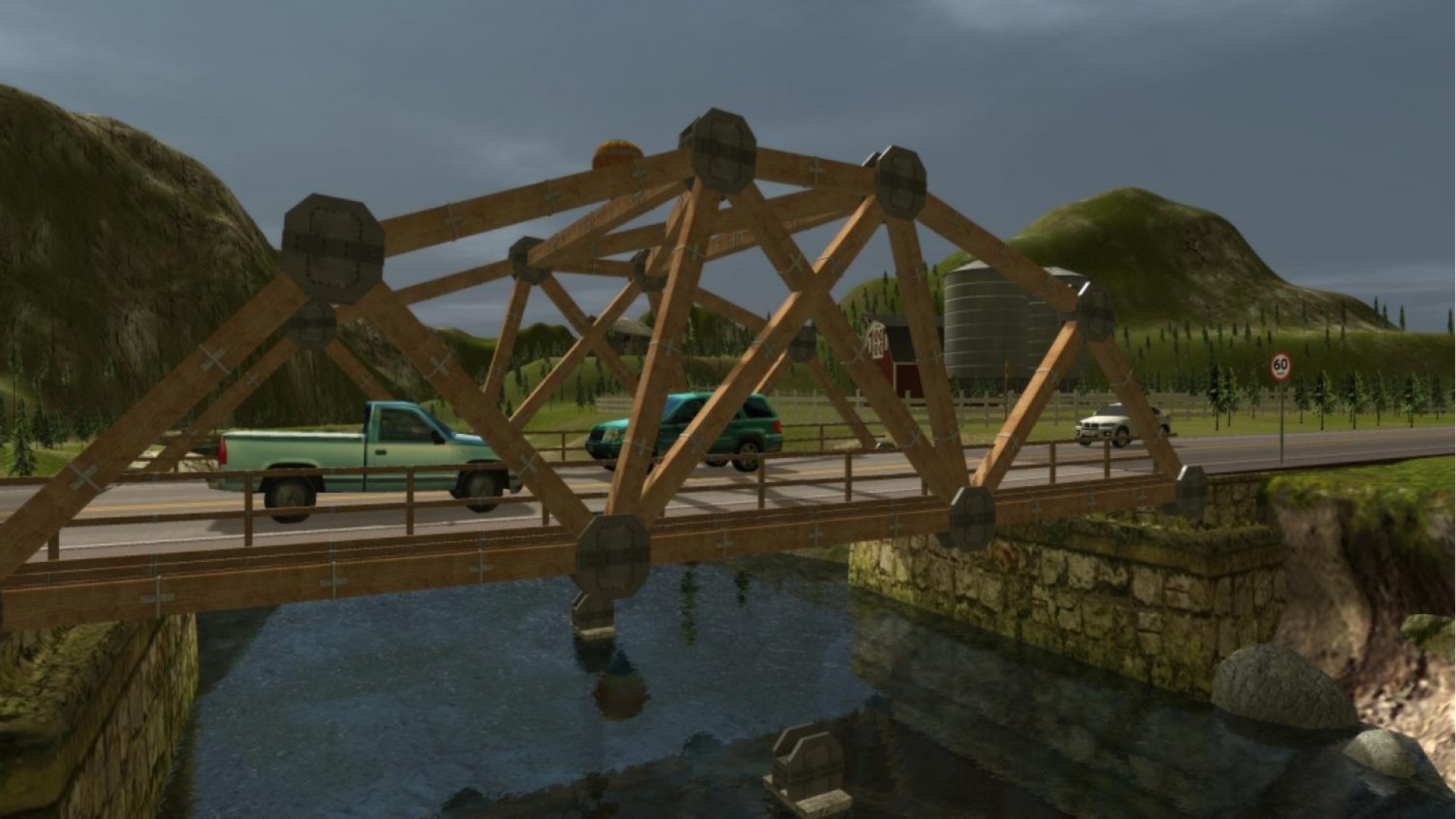
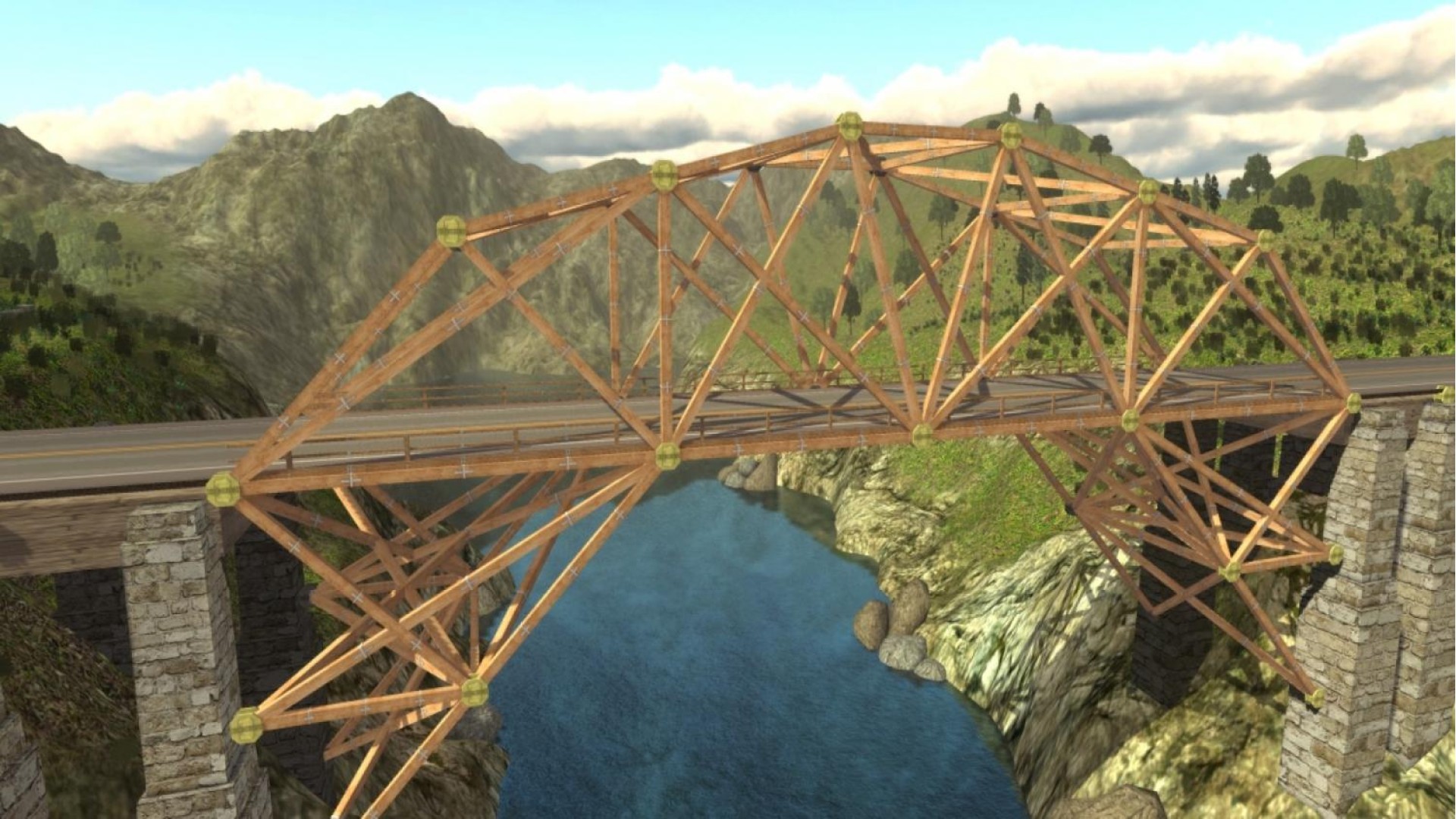
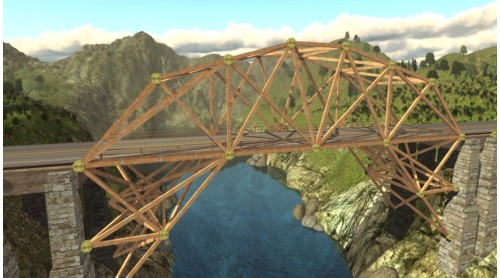
The Bridge Project is the successor to the original and award-winning Bridge Builder simulation, all amateur designers and structural engineers finally have a new challenge on their PC.
The gameplay has been subject to much tweaking and development with new up to date materials exciting scenarios and a variety of tasks waiting to be solved.
Build stable bridges in a variety of landscapes with detailed environment.
Take on the task of constructing a huge variety of different bridges: suspended, folding, stone, steel, wood, car or railway bridges.
Whilst you enjoy the enhanced graphics and the new, improved physics engine putting the most spectacular bridges to the test with stress tests.
Download free levels from the global Bridge Project community, and participate in competitions.
Key Features
Your Bridges


How to activate your Steam key?
1. Open your Steam client. (If you don't have a Steam Client, you can install from here https://store.steampowered.com/about/)
2. Sign in to your Steam account. (If you don't have a Steam Account, you can create from here https://store.steampowered.com/join/)
3. Click “ADD A GAME” button which is at the bottom of the Steam Client.
4. Now select "Activate a product on Steam..."
5. Write or copy-paste your Steam key which you purchased from Gamesforpc.
6. Now your game is in your library.
7. Find your game in your library, select and click install to start your download.