 Steam
 Windows
| Release Date | 05.11.2026 |
| Publisher | The Arcade Crew |
| Operating Systems | Windows |
| Genres | Action, Adventure, indie |
9.99€
8.99€
Added to Cart
9.99€
8.99€
Added to Wishlist
9.99€
8.99€
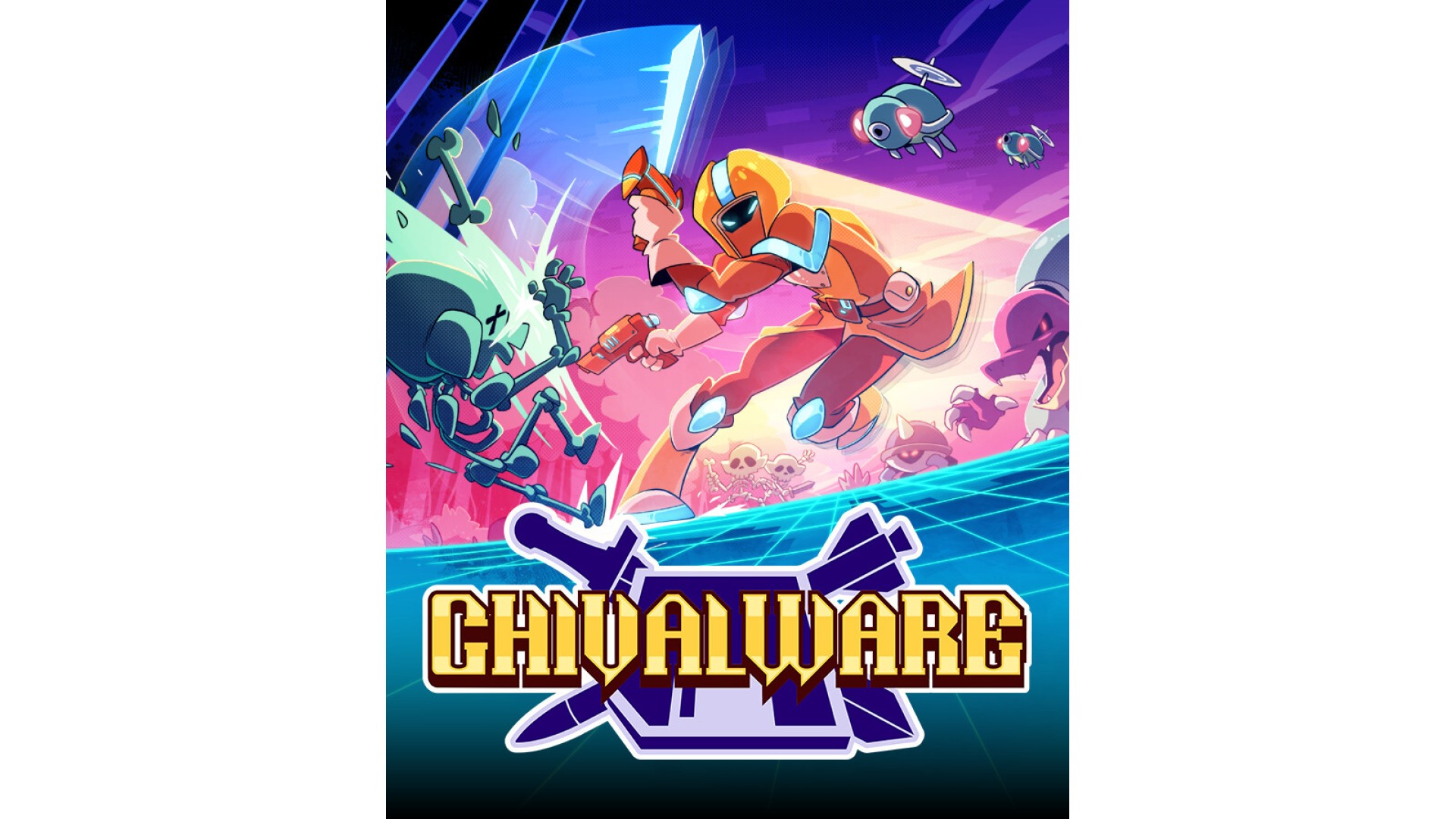
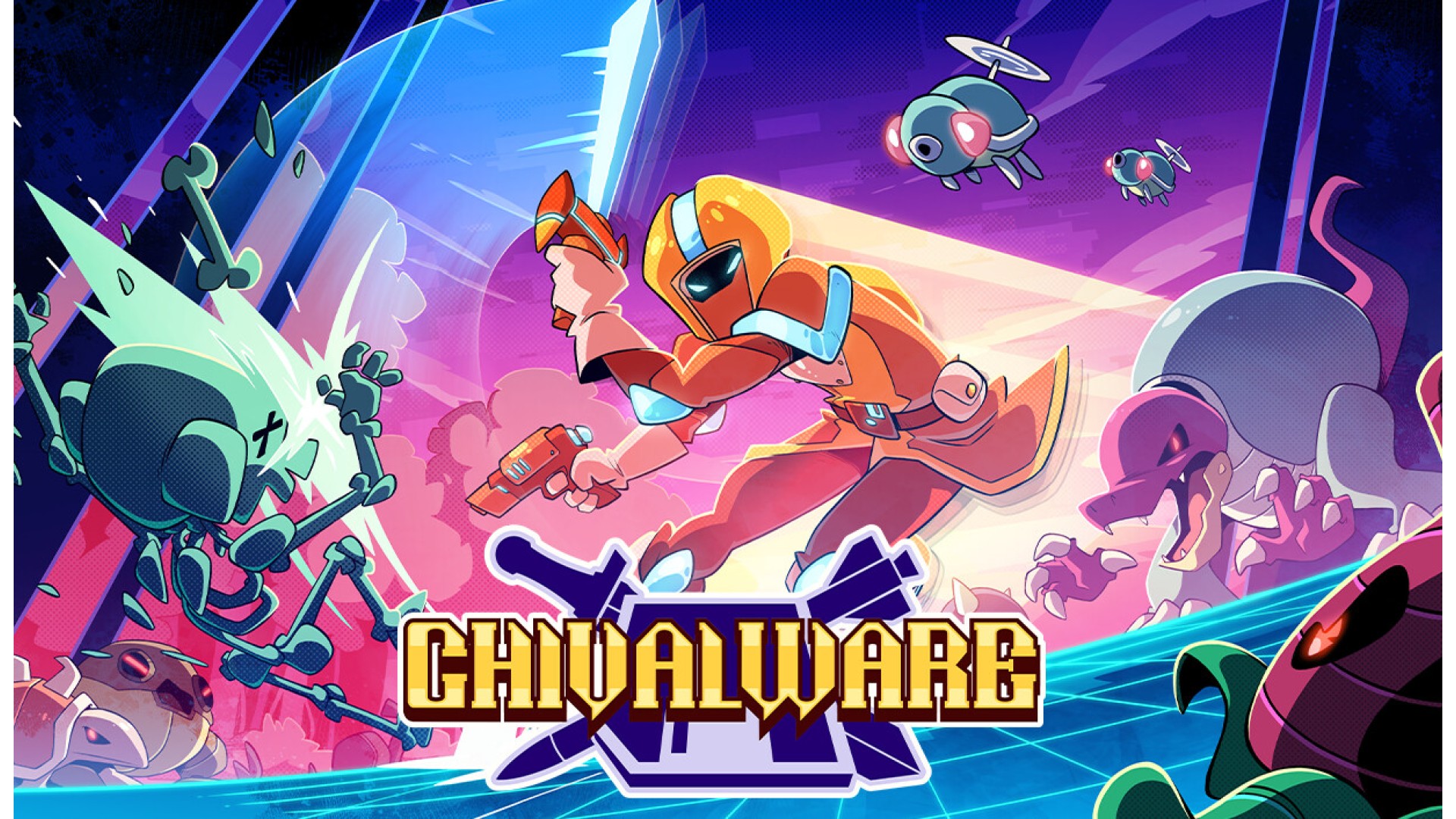
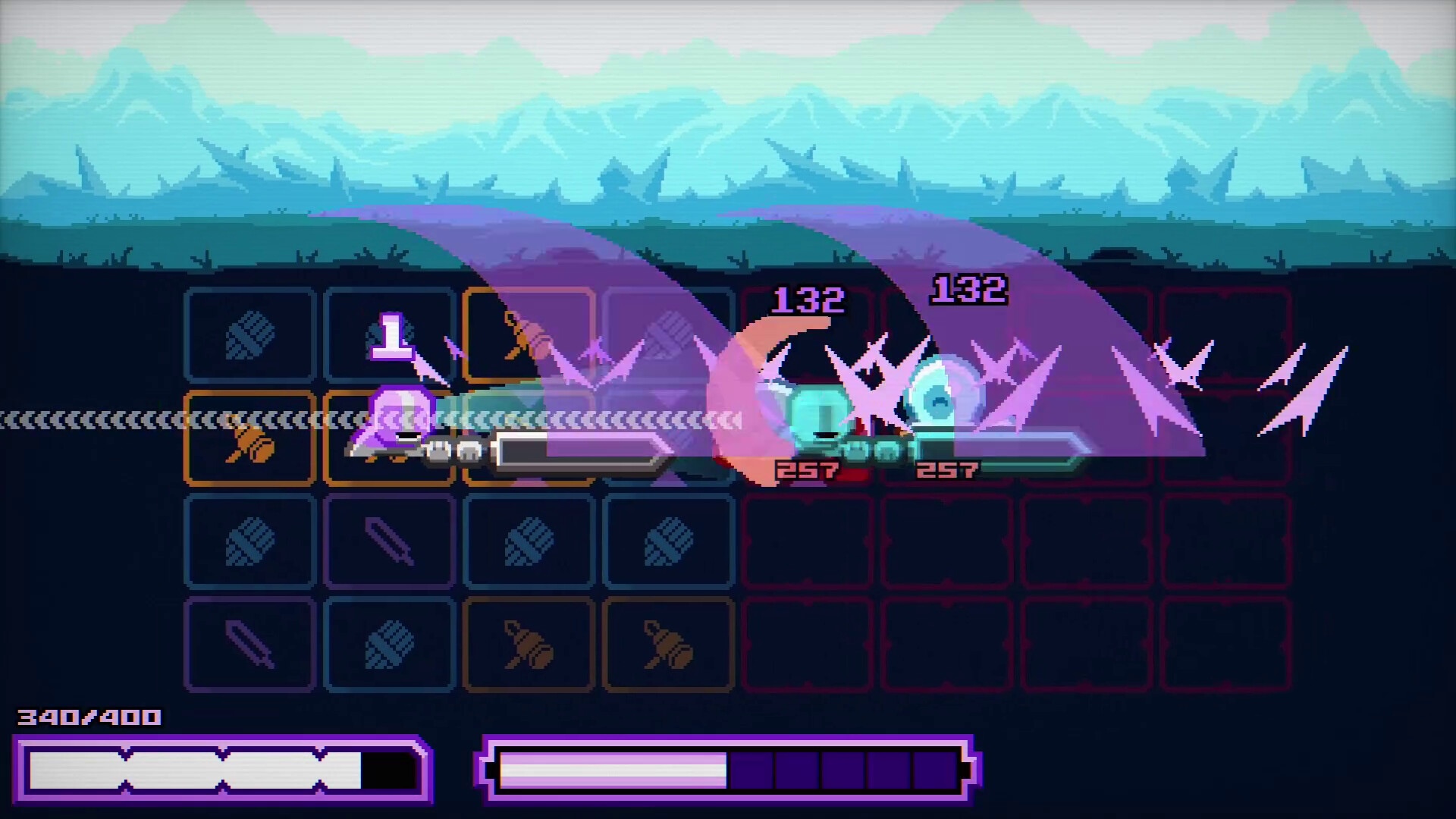
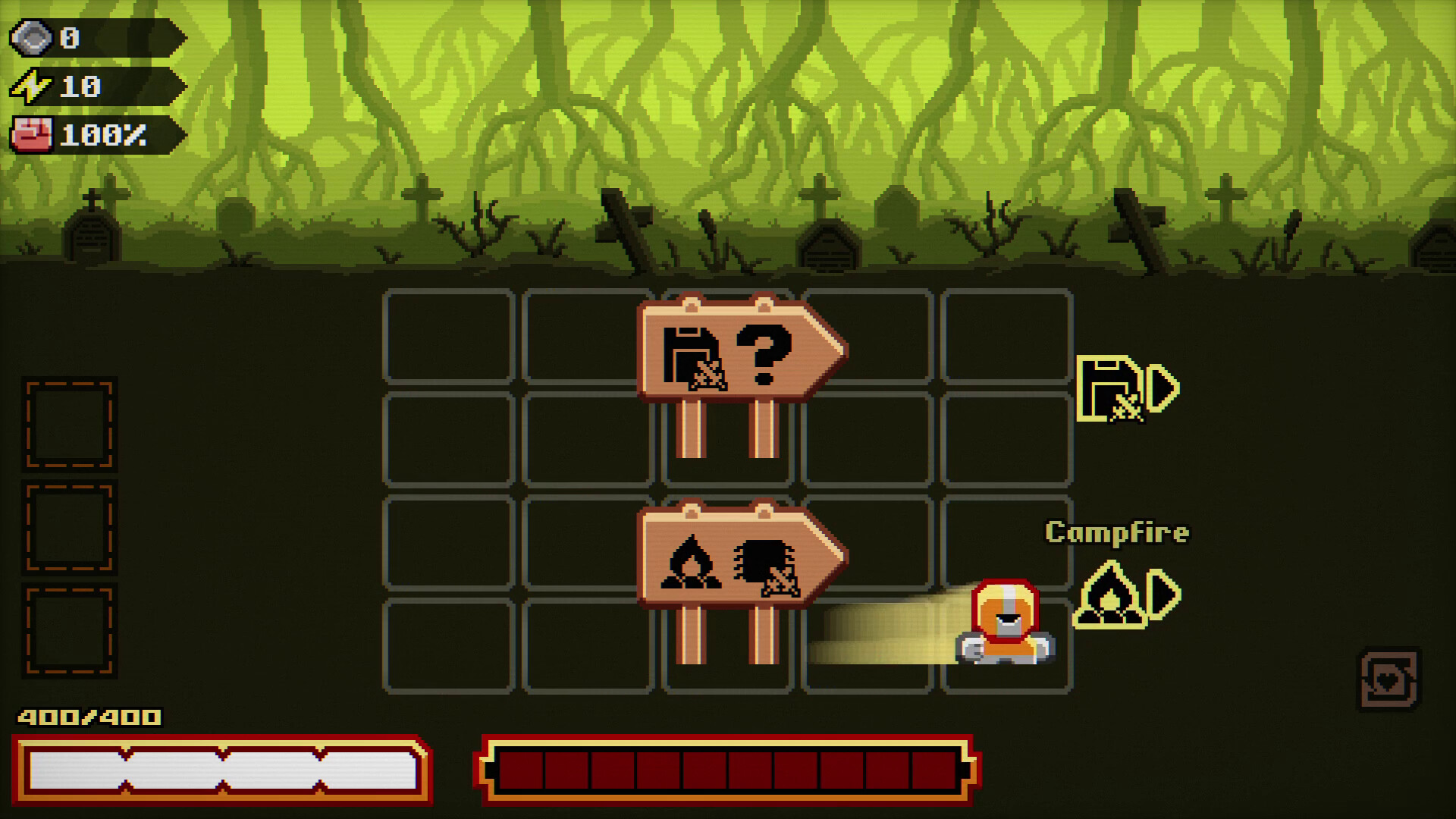
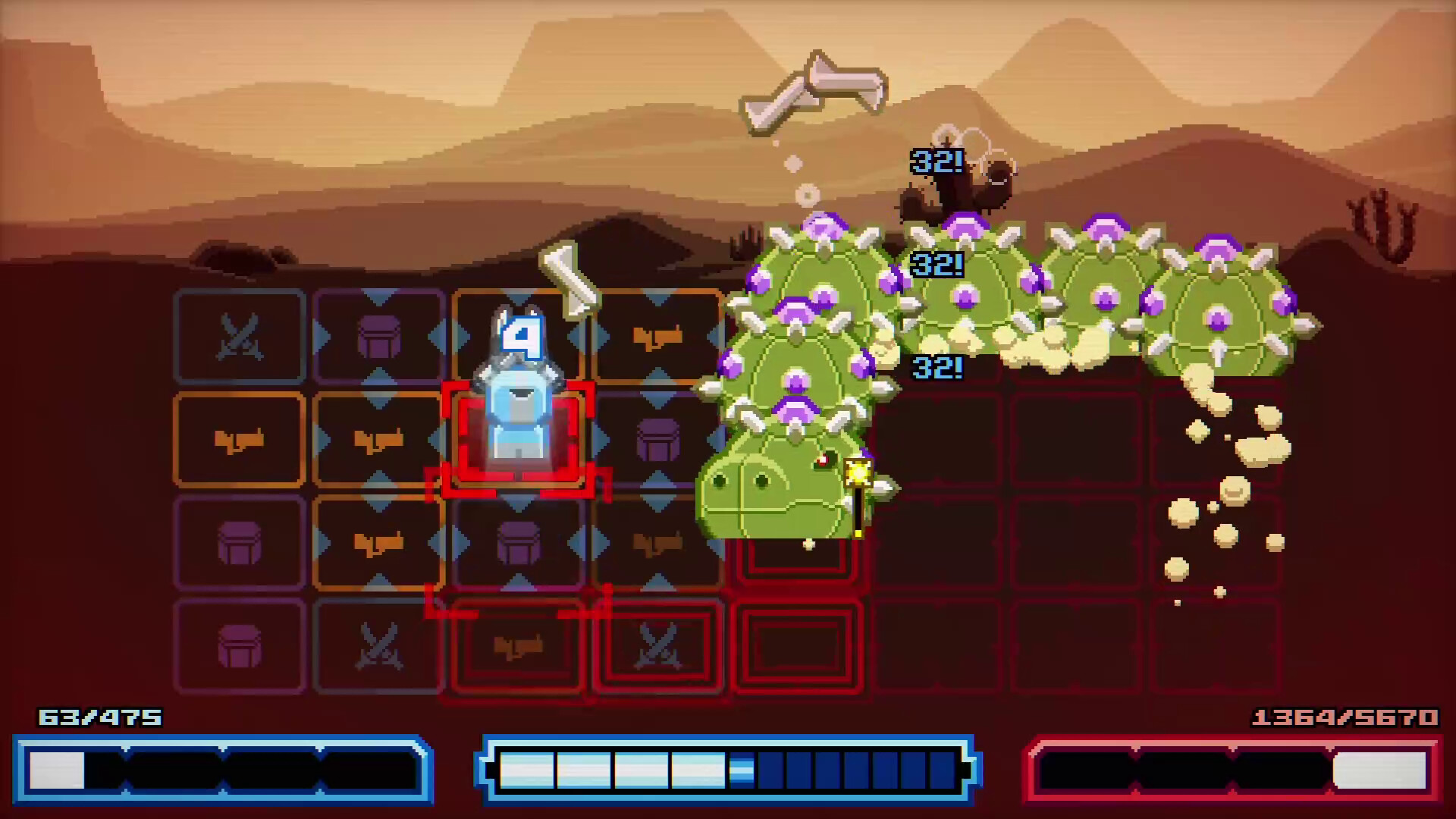
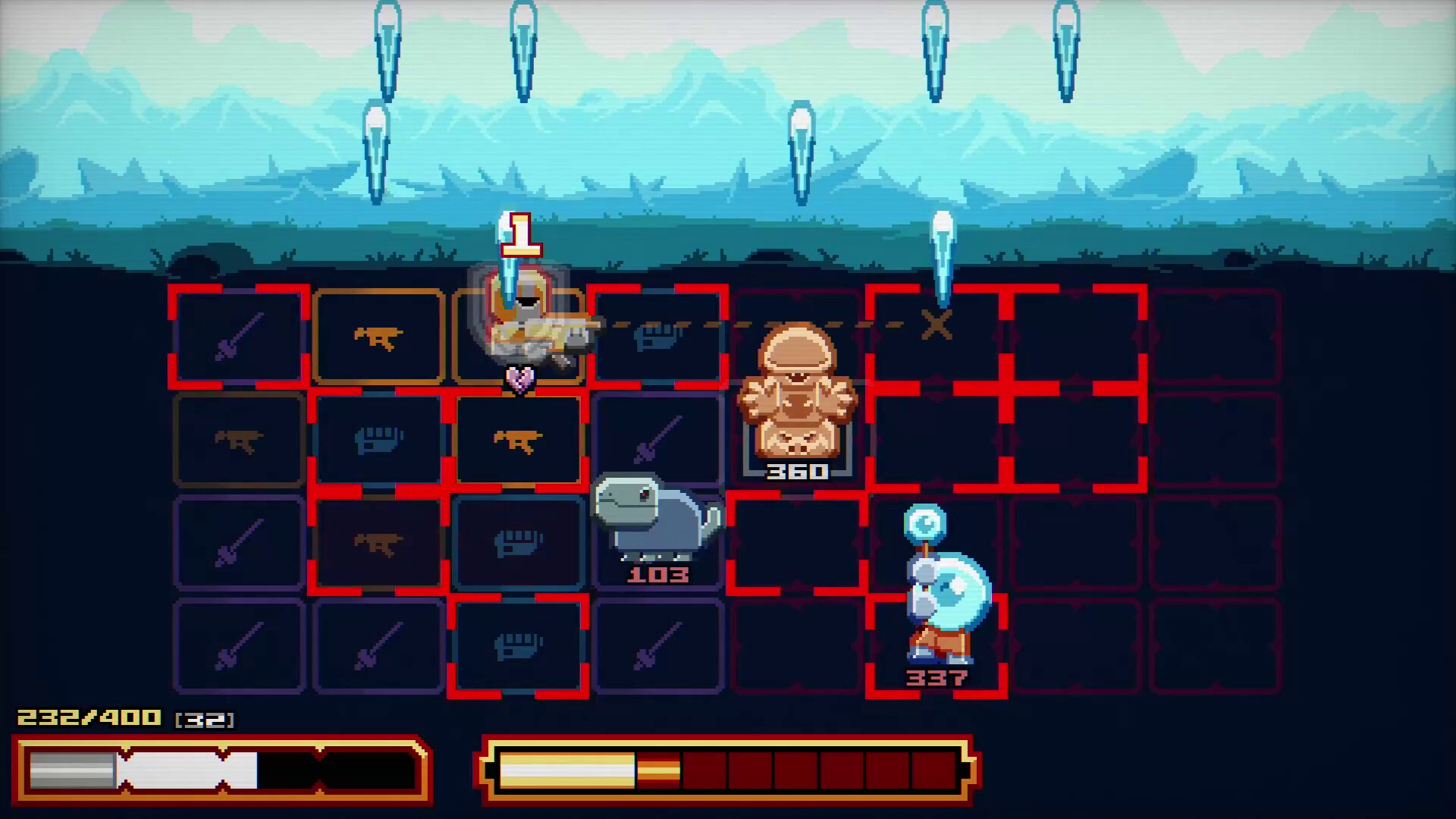
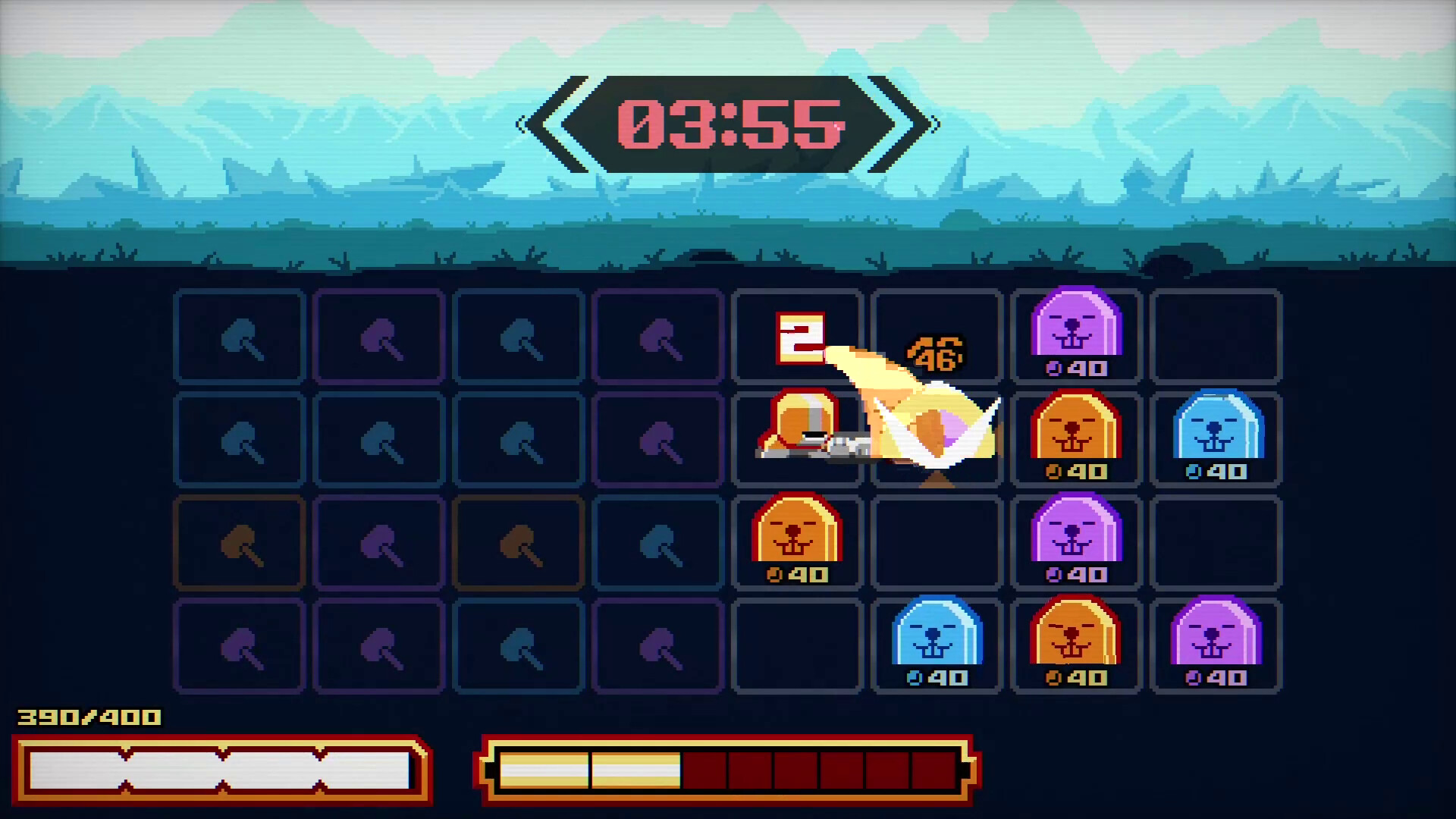
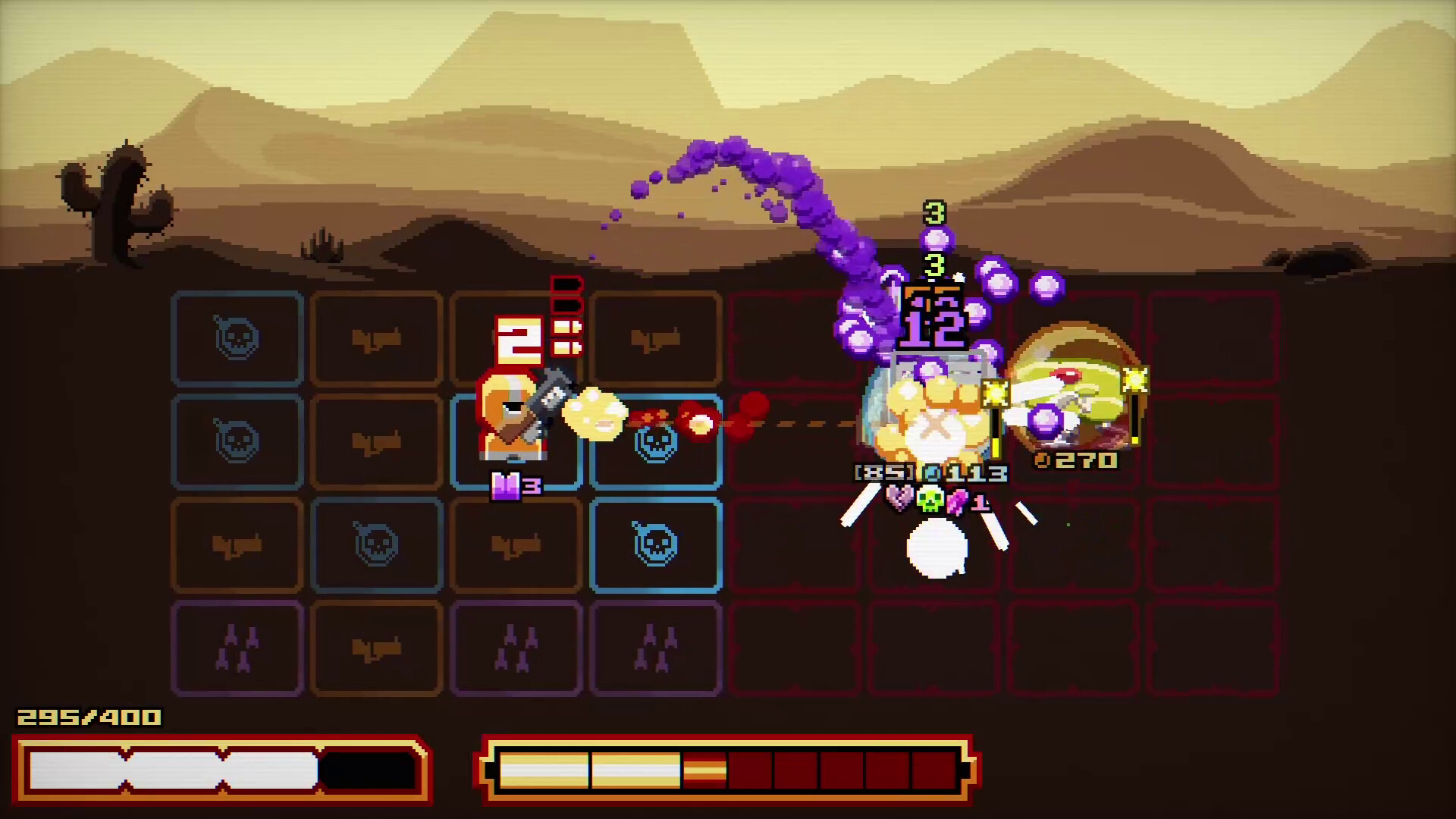
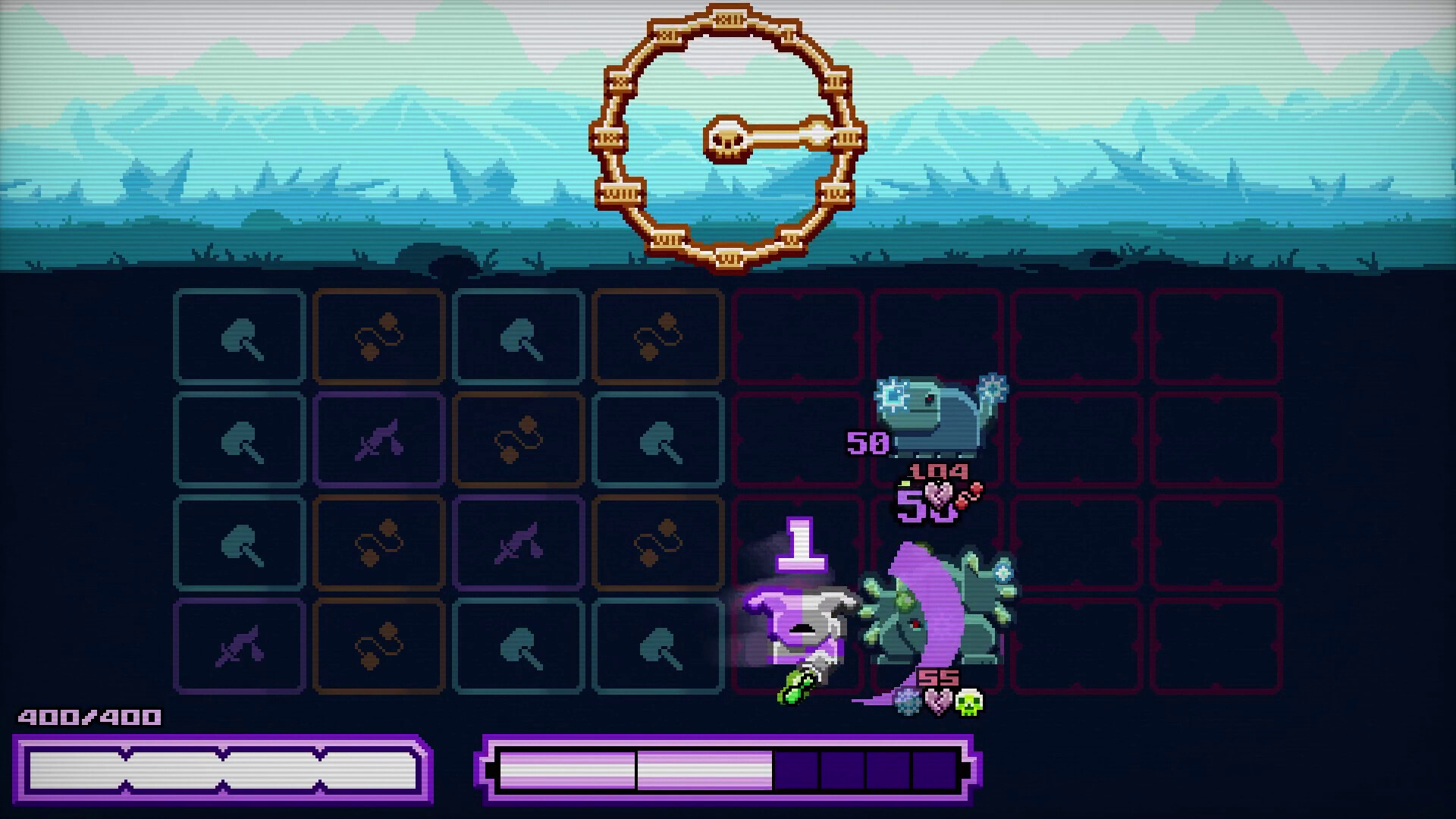
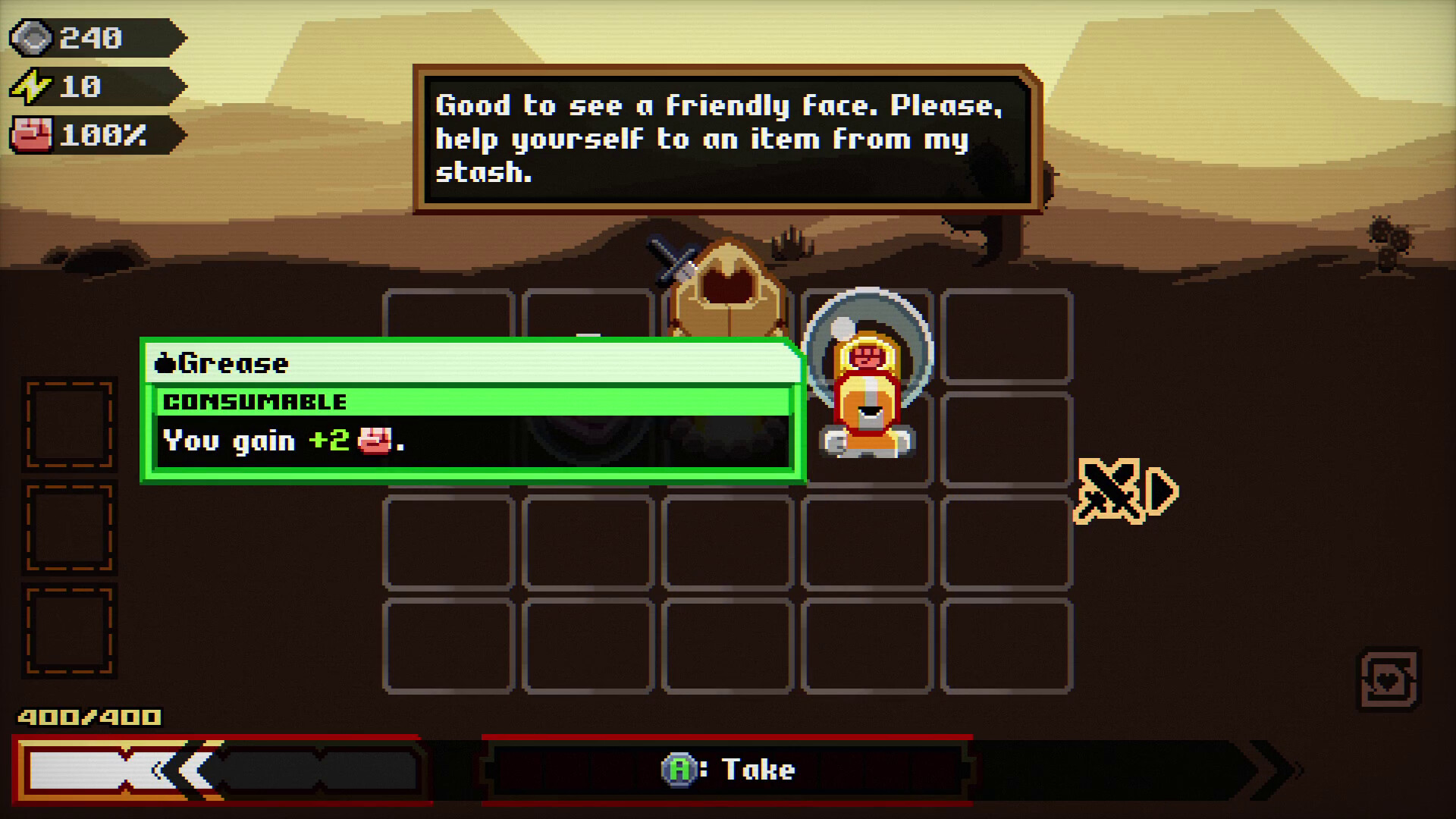
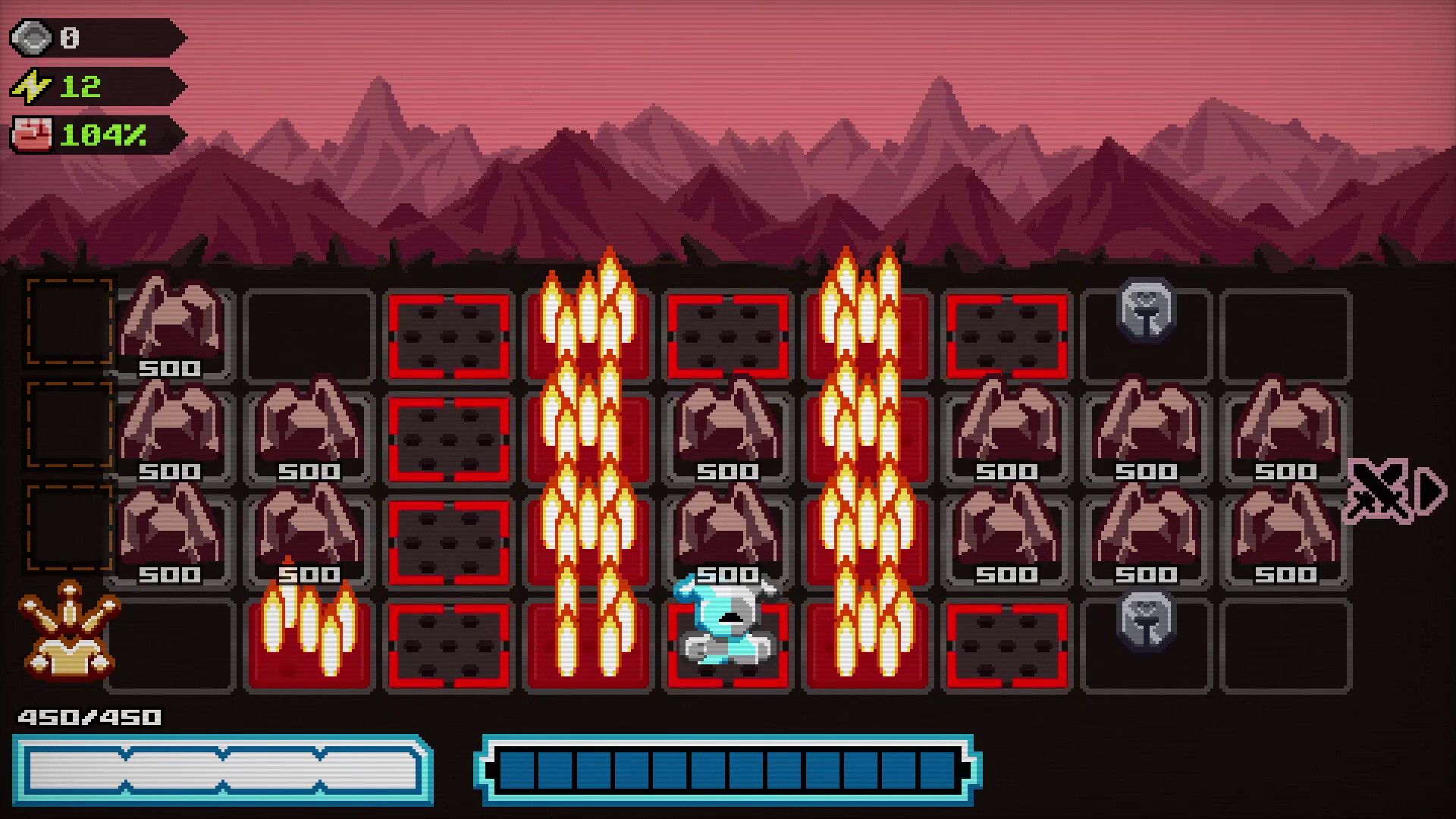
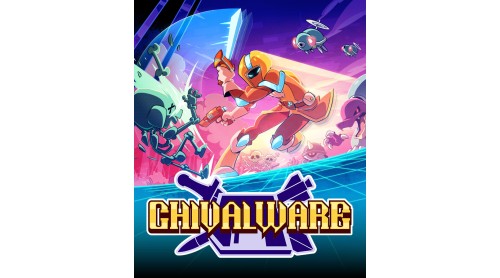
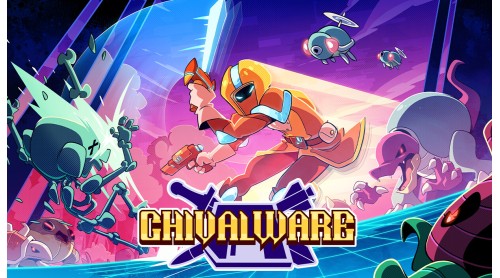
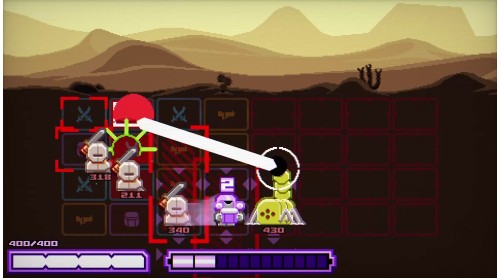
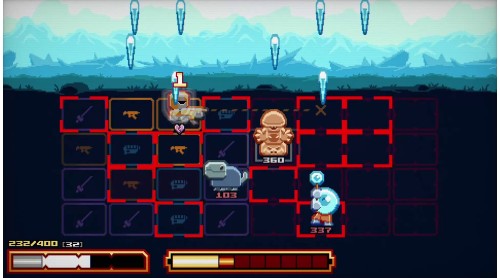
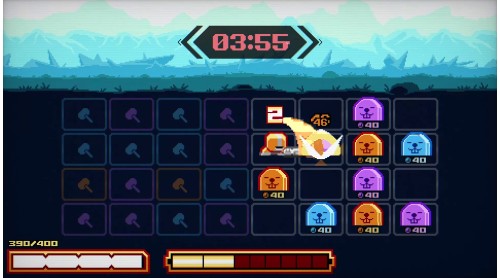
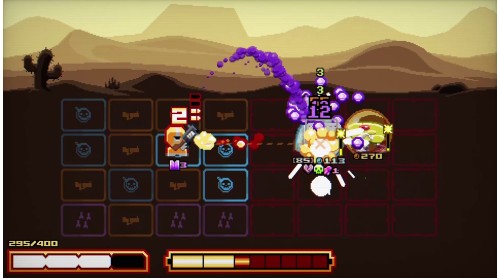
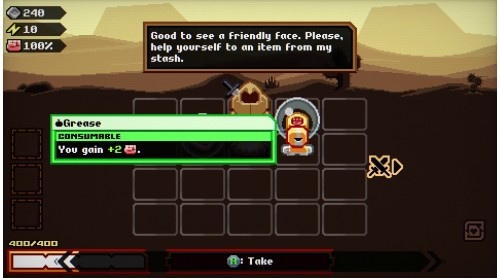
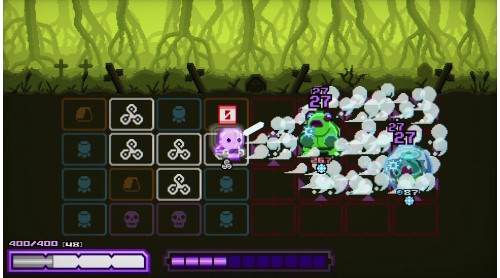
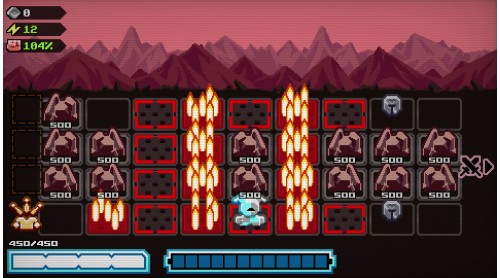
Chivalware is a fast-paced action roguelite with tactical tile-matching mechanics.

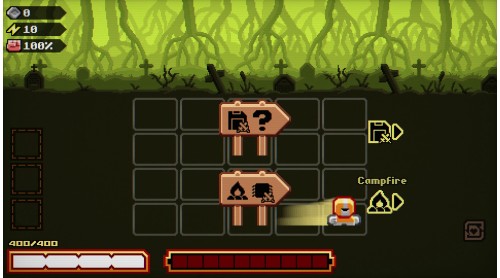
You are a Disk Knight — a legendary warrior who wields weapon disks! The kingdom calls on you to slay its King, driven mad by power and years of isolation. But as you carve your way toward the castle, strange glitches suggest something deeper is at play…

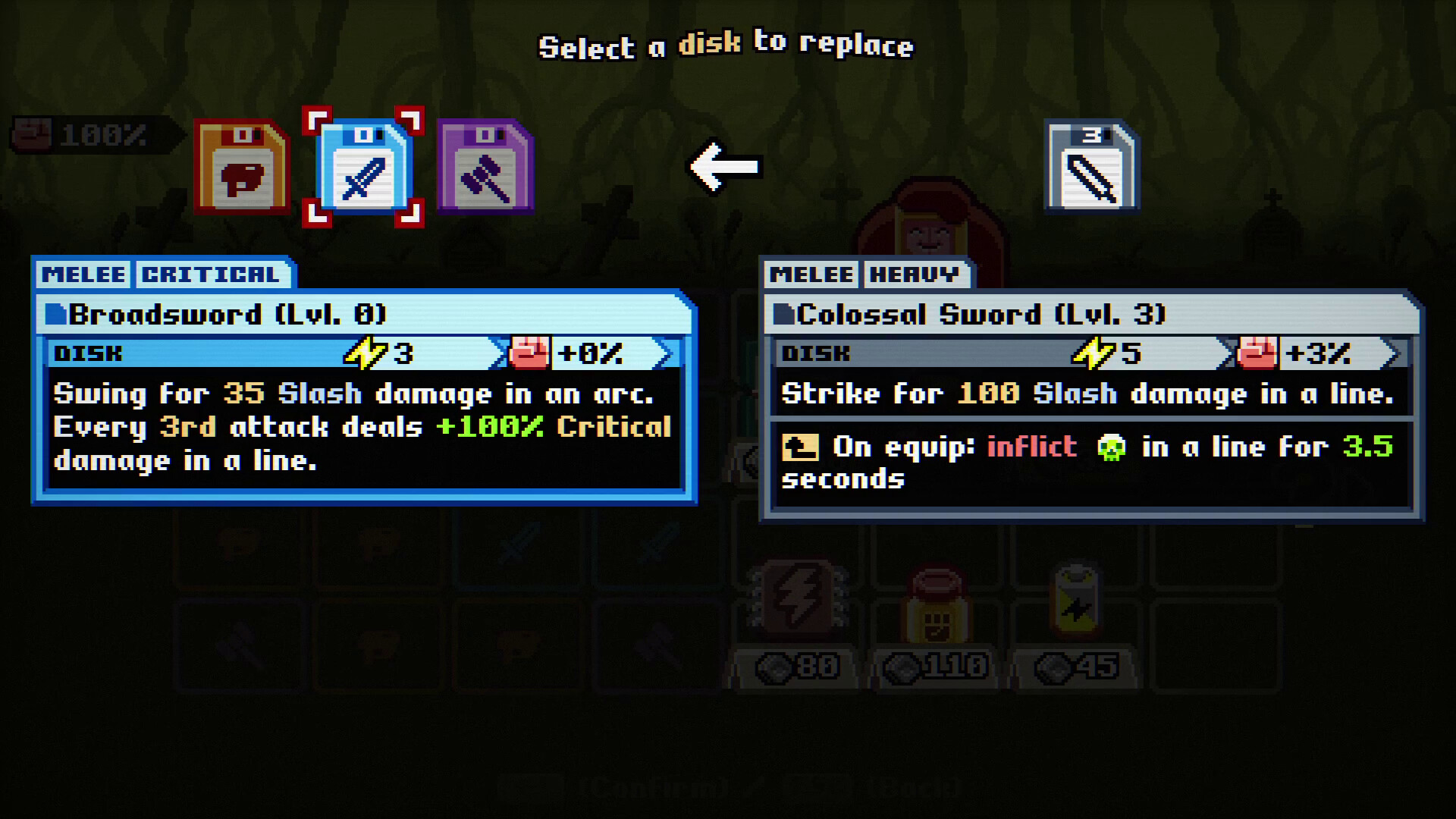
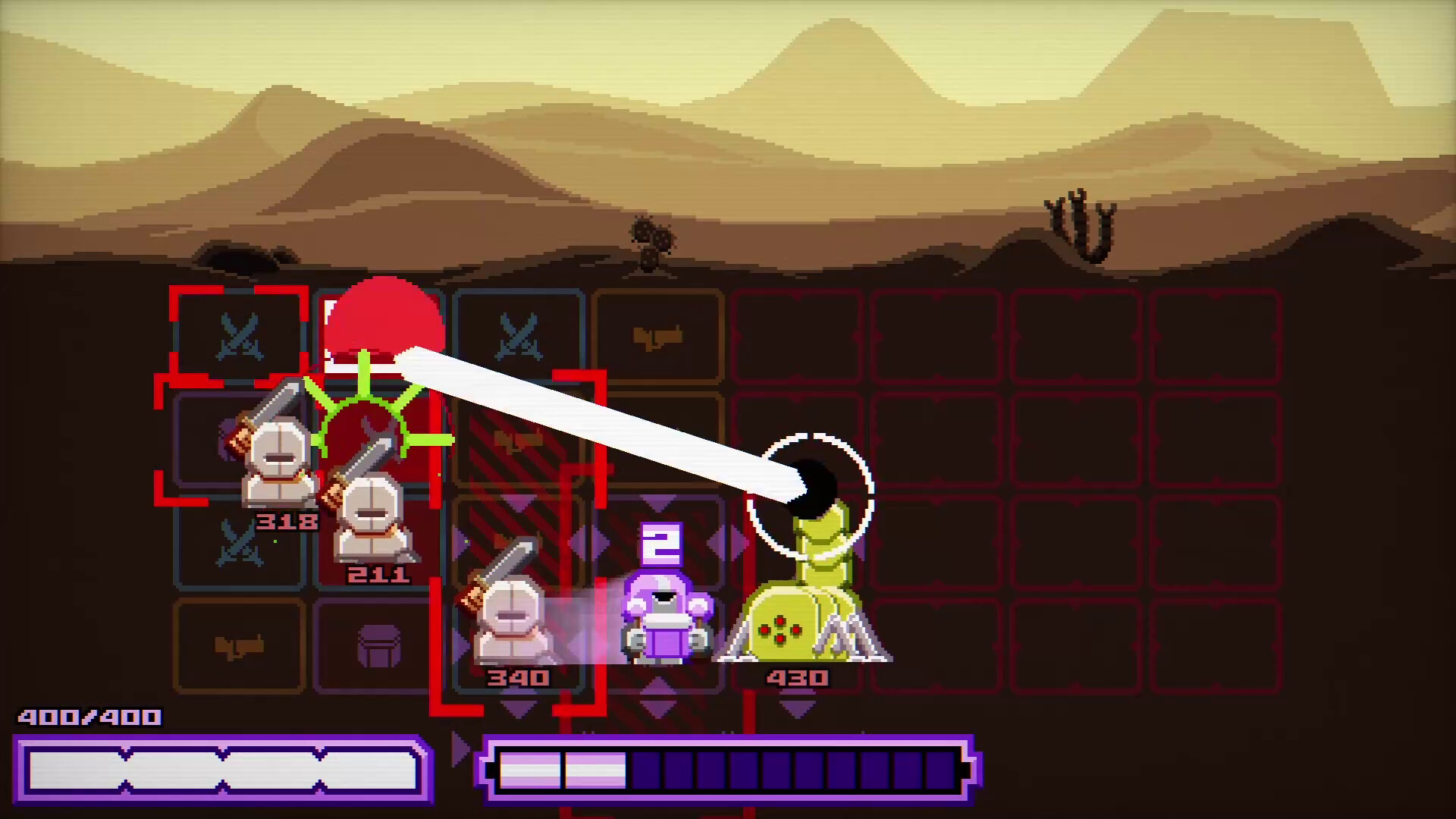
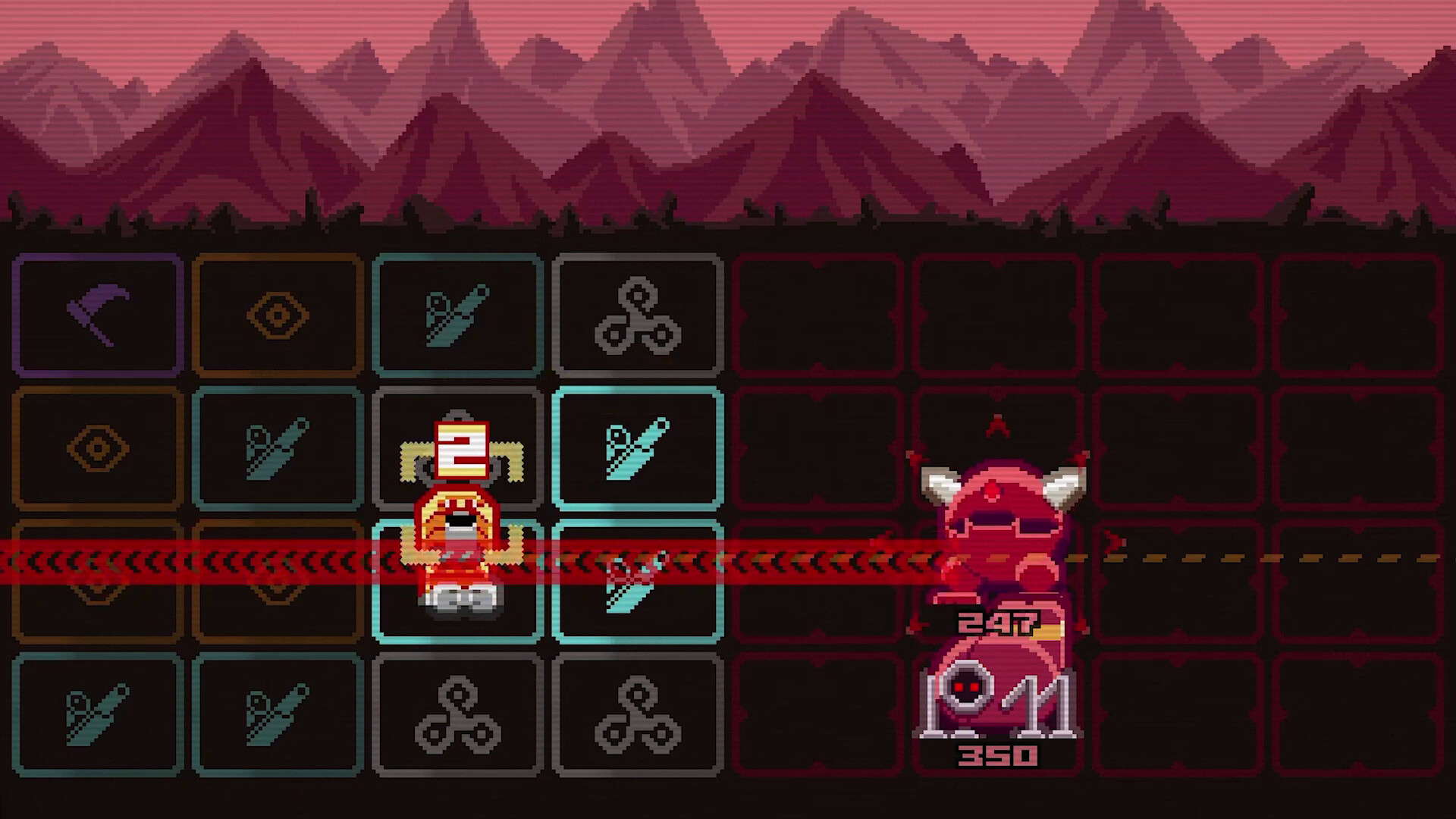
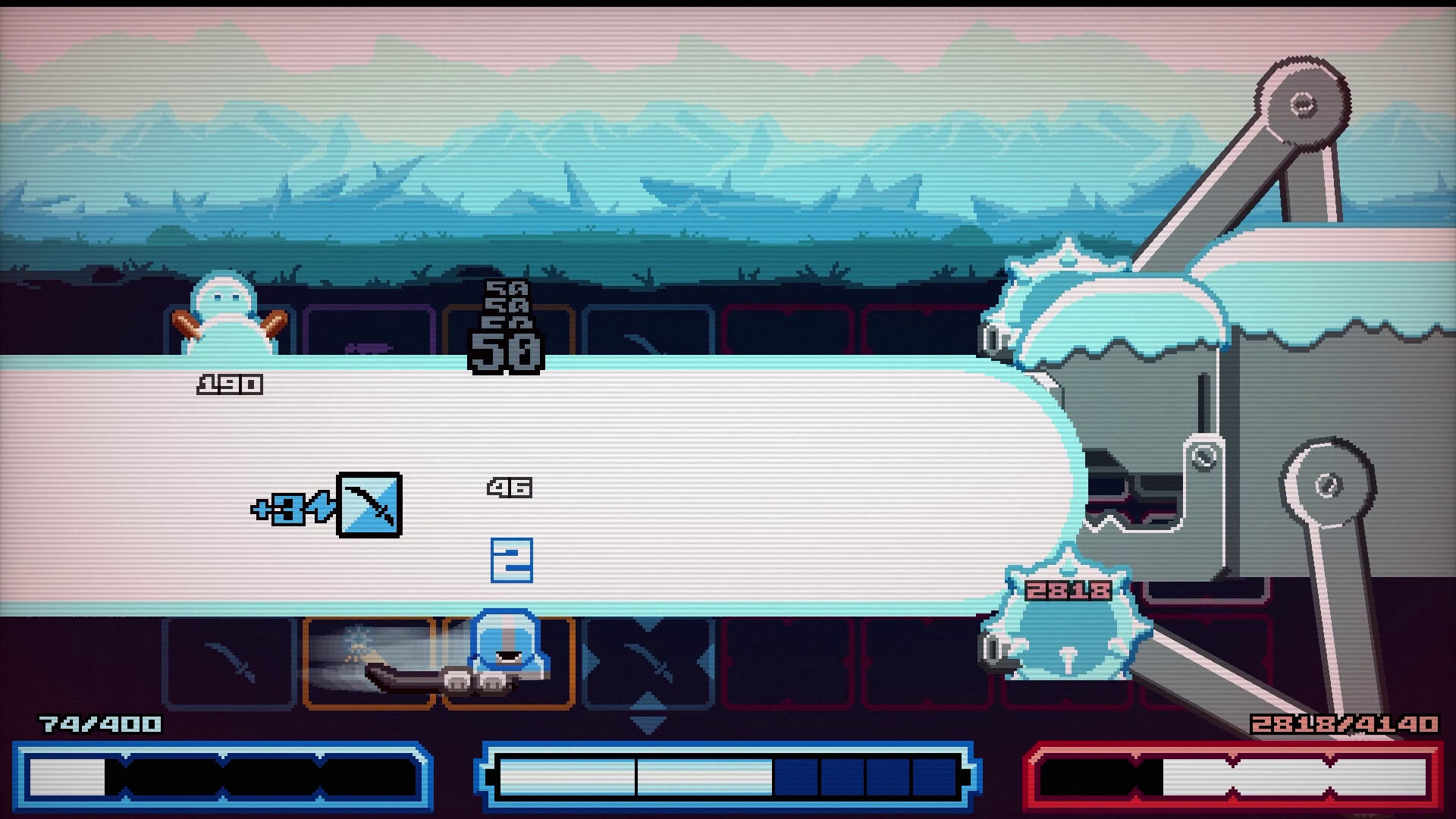
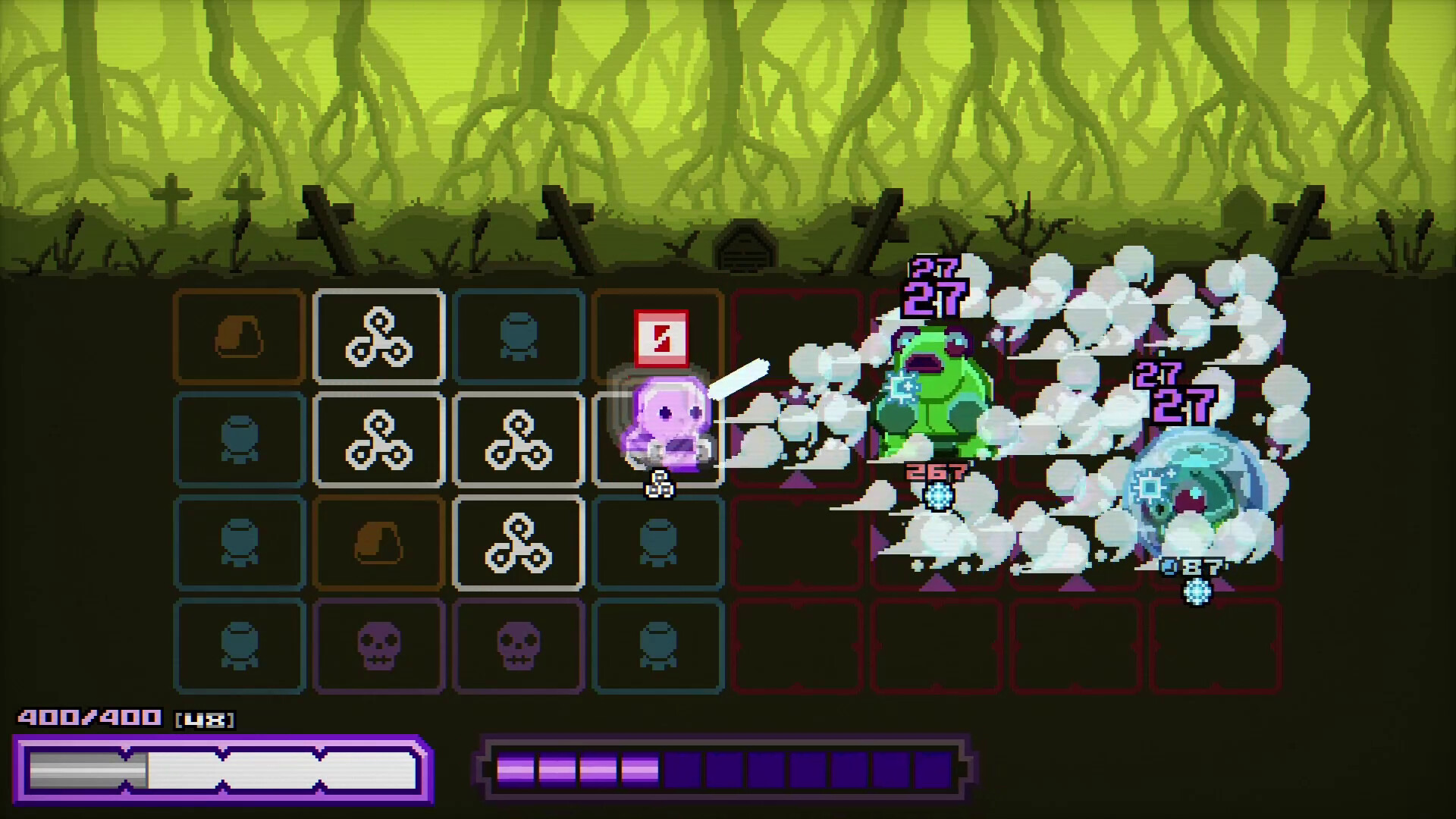
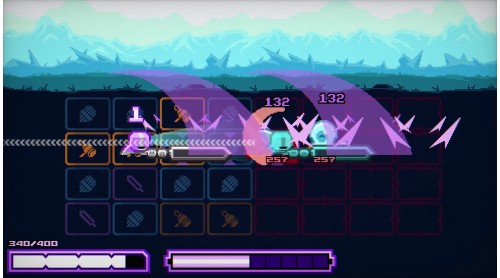
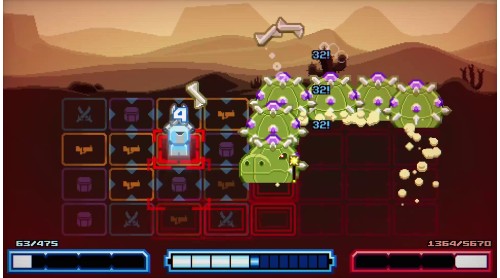
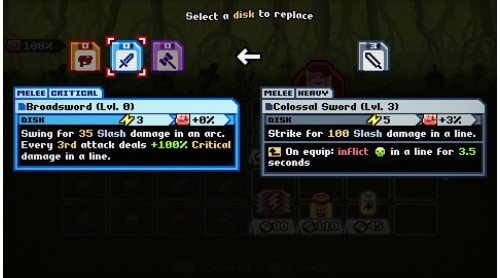
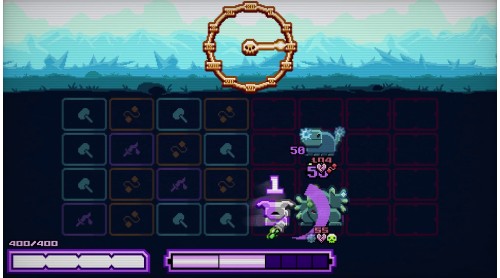
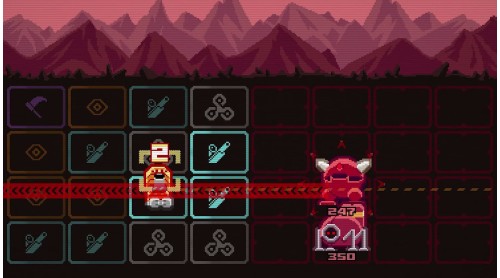
Equip up to three weapon disks, each with its own color. Charge a weapon’s energy by matching tiles on the battlefield; the more you match, the more you can attack!

Constantly move in and out of enemy attacks as you recharge your weapons on the fly! Read the patterns on the battlefield to find the right opportunity to strike. Never stay still, a Disk Knight is always evading or planning his next attack!

A Disk Knight may fall in battle, but defeat unlocks new possibilities:
4 playable Disk Knights, each with a unique mechanic
Over 80 weapons and 150+ upgrades to unlock
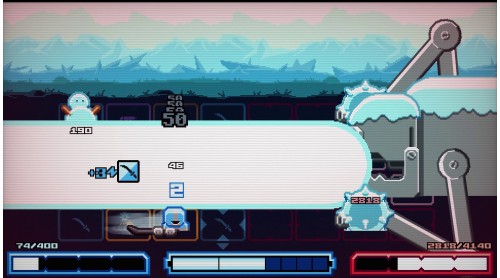
New Bosses to encounter
Countless unique builds to master!
© The Arcade Crew - Regal Pigeon - 2026, All Rights Reserved. Chivalware™ is a trademark of Regal Pigeon.


How to activate your Steam key?
1. Open your Steam client. (If you don't have a Steam Client, you can install from here https://store.steampowered.com/about/)
2. Sign in to your Steam account. (If you don't have a Steam Account, you can create from here https://store.steampowered.com/join/)
3. Click “ADD A GAME” button which is at the bottom of the Steam Client.
4. Now select "Activate a product on Steam..."
5. Write or copy-paste your Steam key which you purchased from Gamesforpc.
6. Now your game is in your library.
7. Find your game in your library, select and click install to start your download.