 Steam
Steam  Windows
  Mac
Mac  Linux
Linux | Release Date | 10.03.2026 | |
| Operating Systems | Linux | |
| Operating Systems | Mac OS | |
| Publisher | Paradox Interactive | |
| PEGI Rating | + 3 | |
| Operating Systems | Windows | |
| Genres | Simulation, Strategy |
12.99€
Added to Cart
12.99€
Added to Wishlist
12.99€
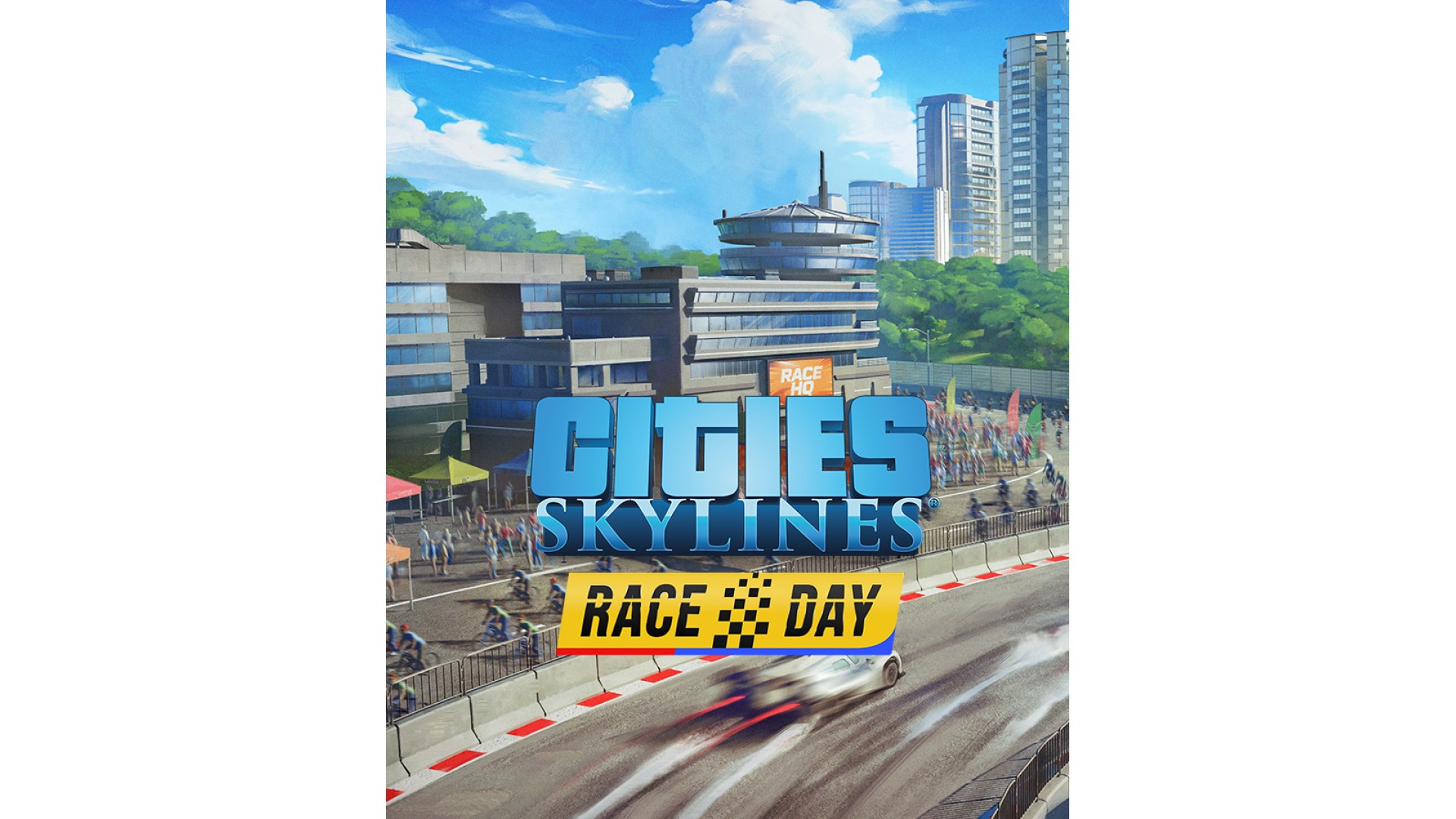
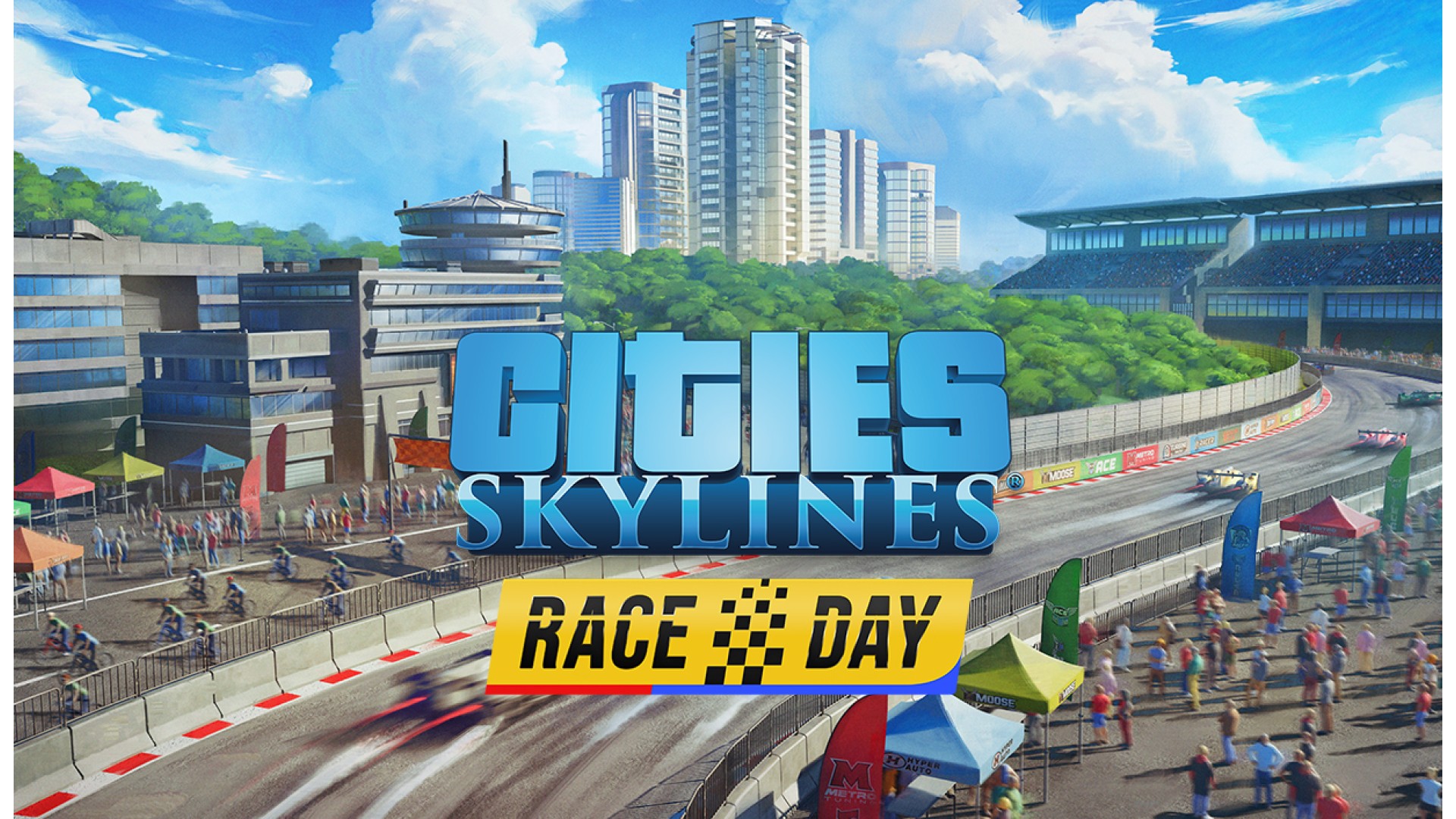
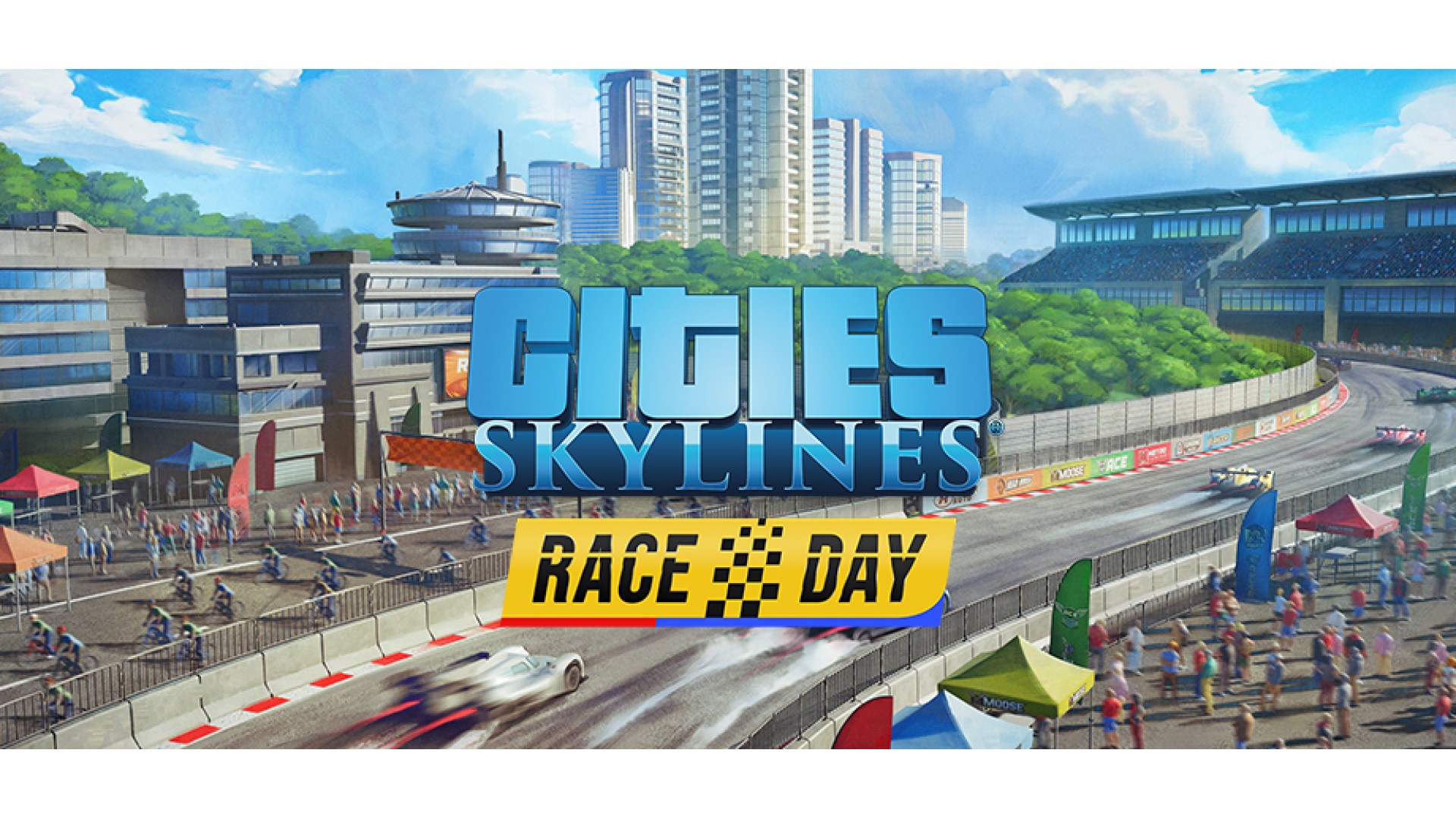
Get ready to rev up your city!
Transform your streets into high-octane race courses, host thrilling running and cycling events, and dazzle crowds with massive parades. Whether you're drawing in tourists or entertaining your citizens, this expansion lets you create jaw-dropping spectacles and adds dynamic city-planning features that kick your city into overdrive.
Features:
Host Races & Parades
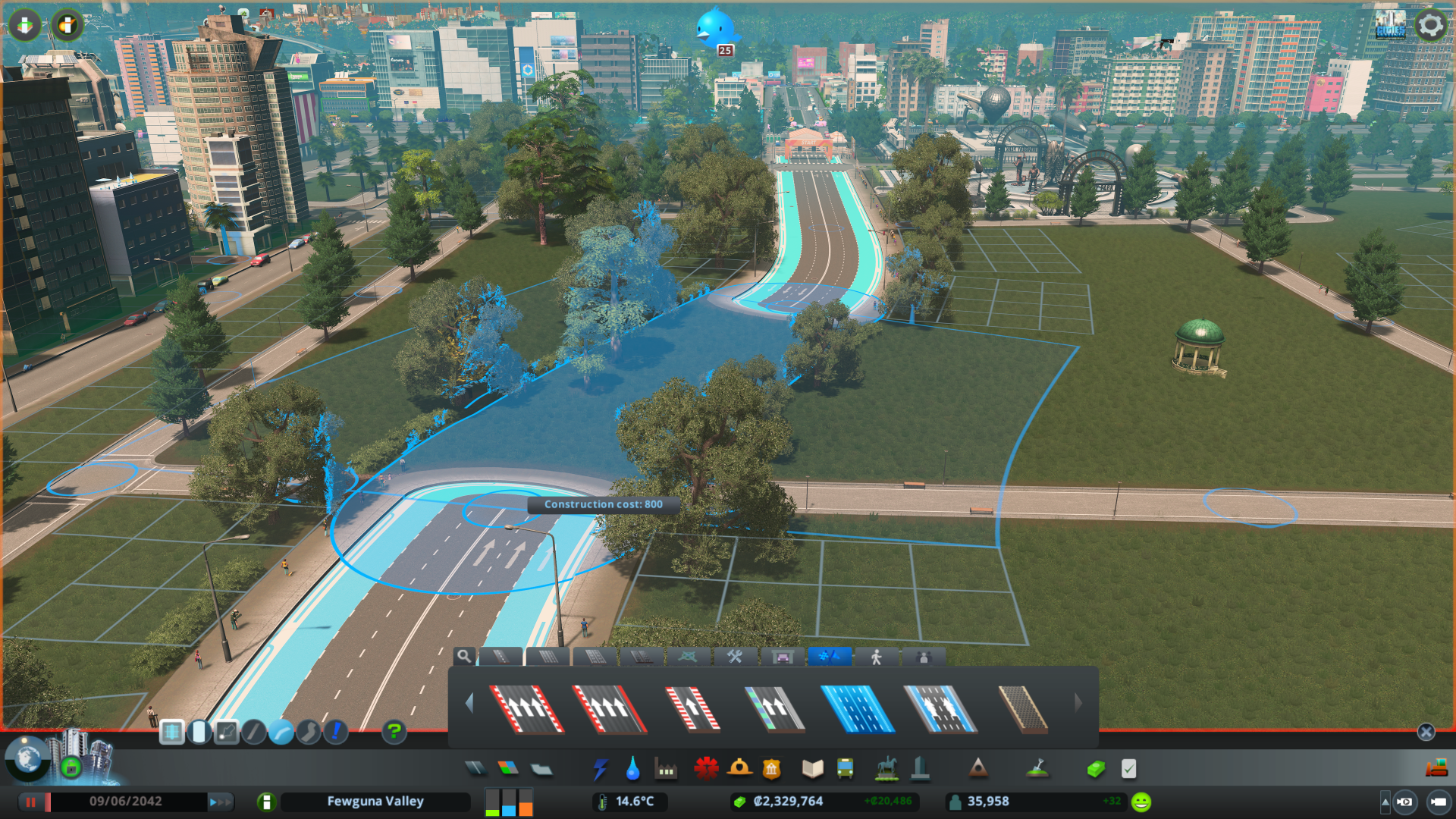
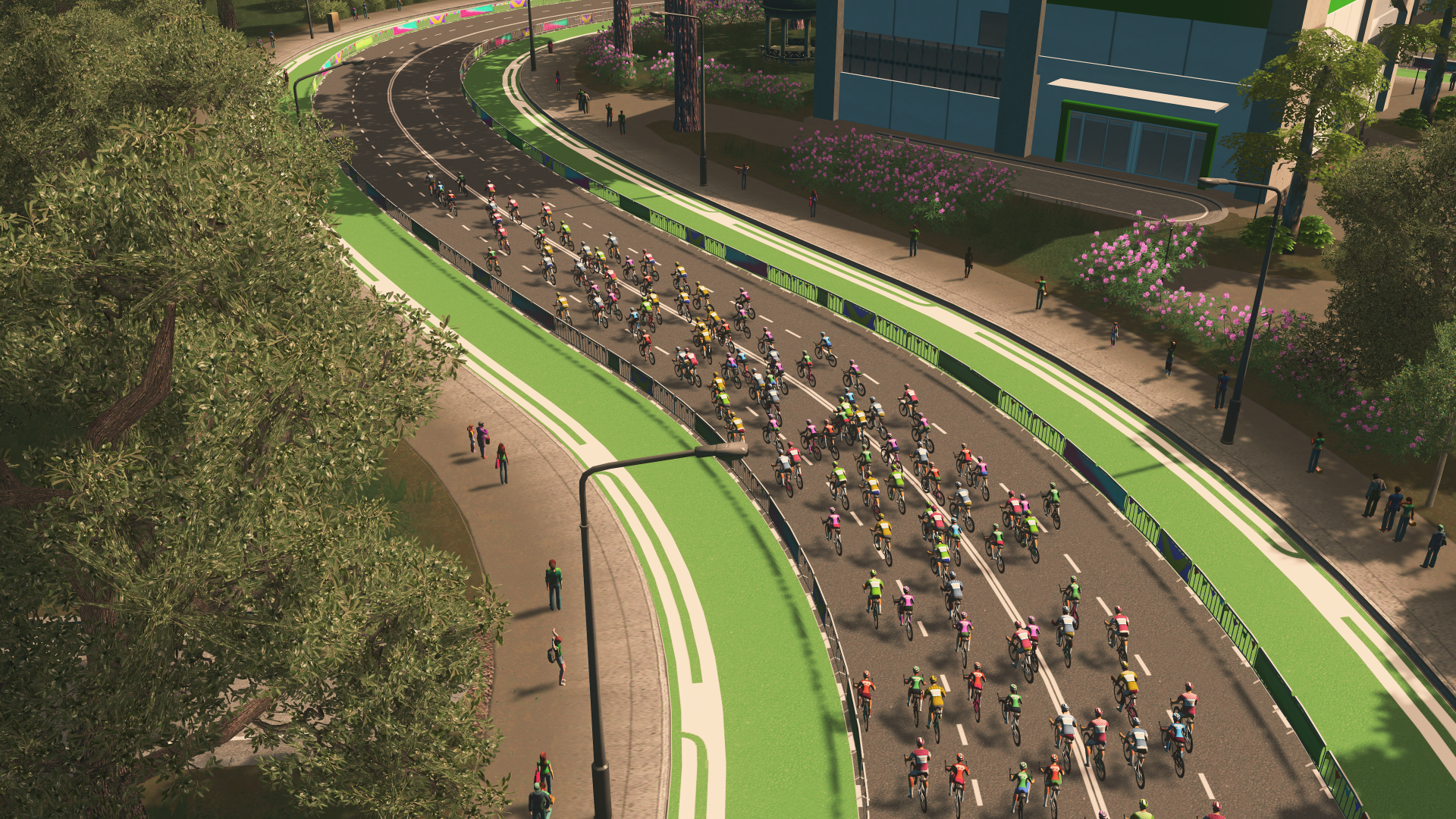
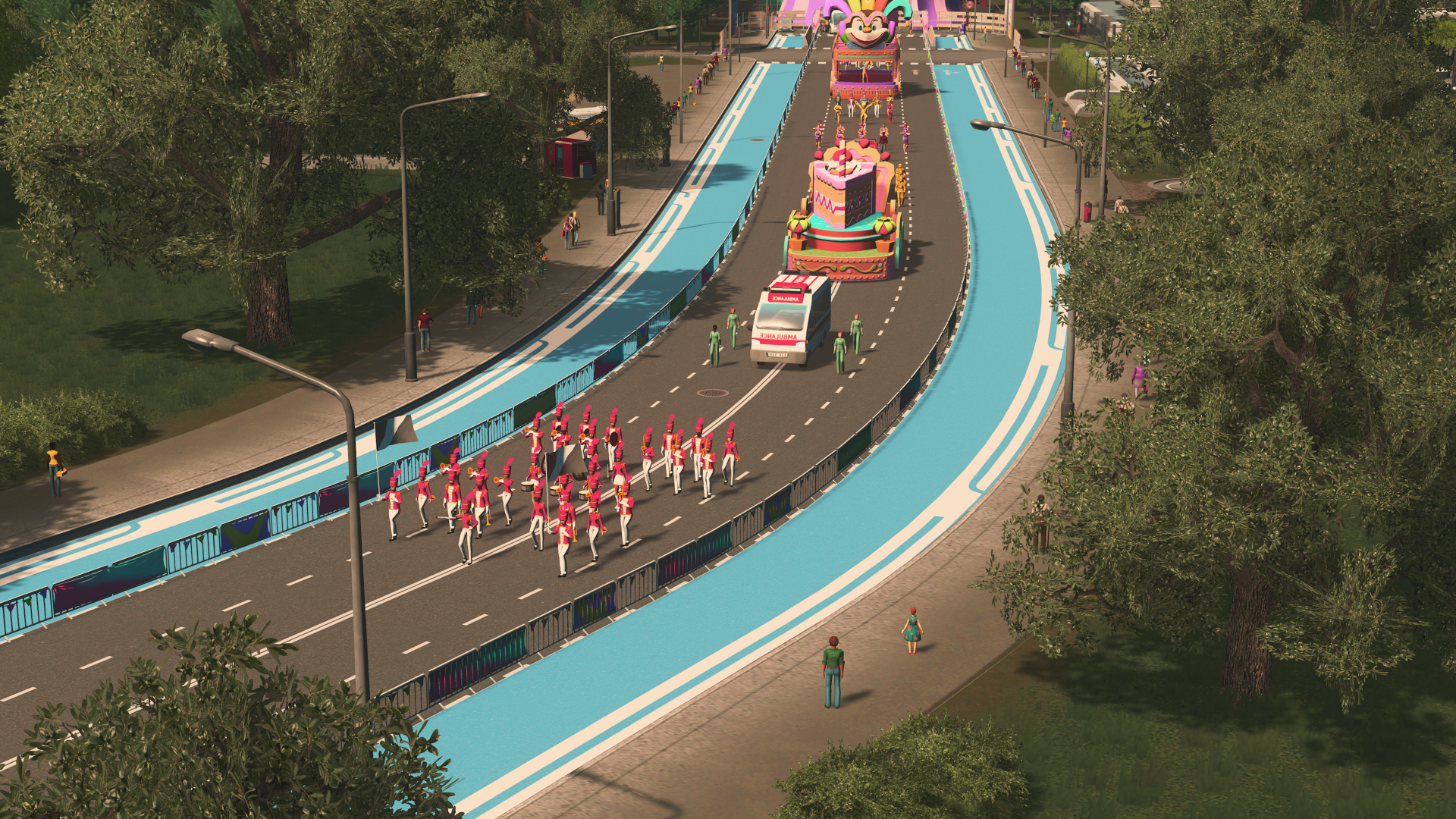
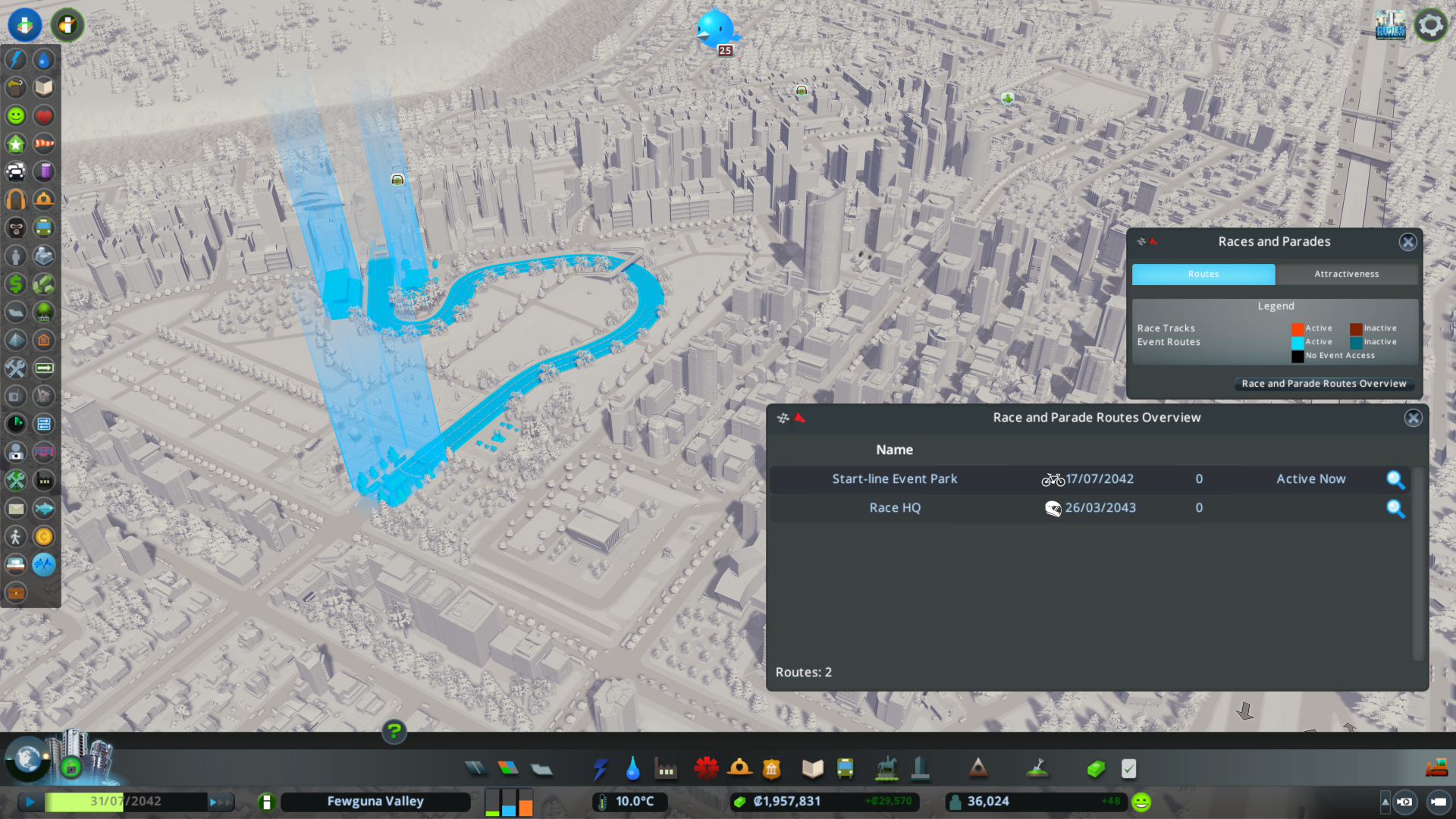
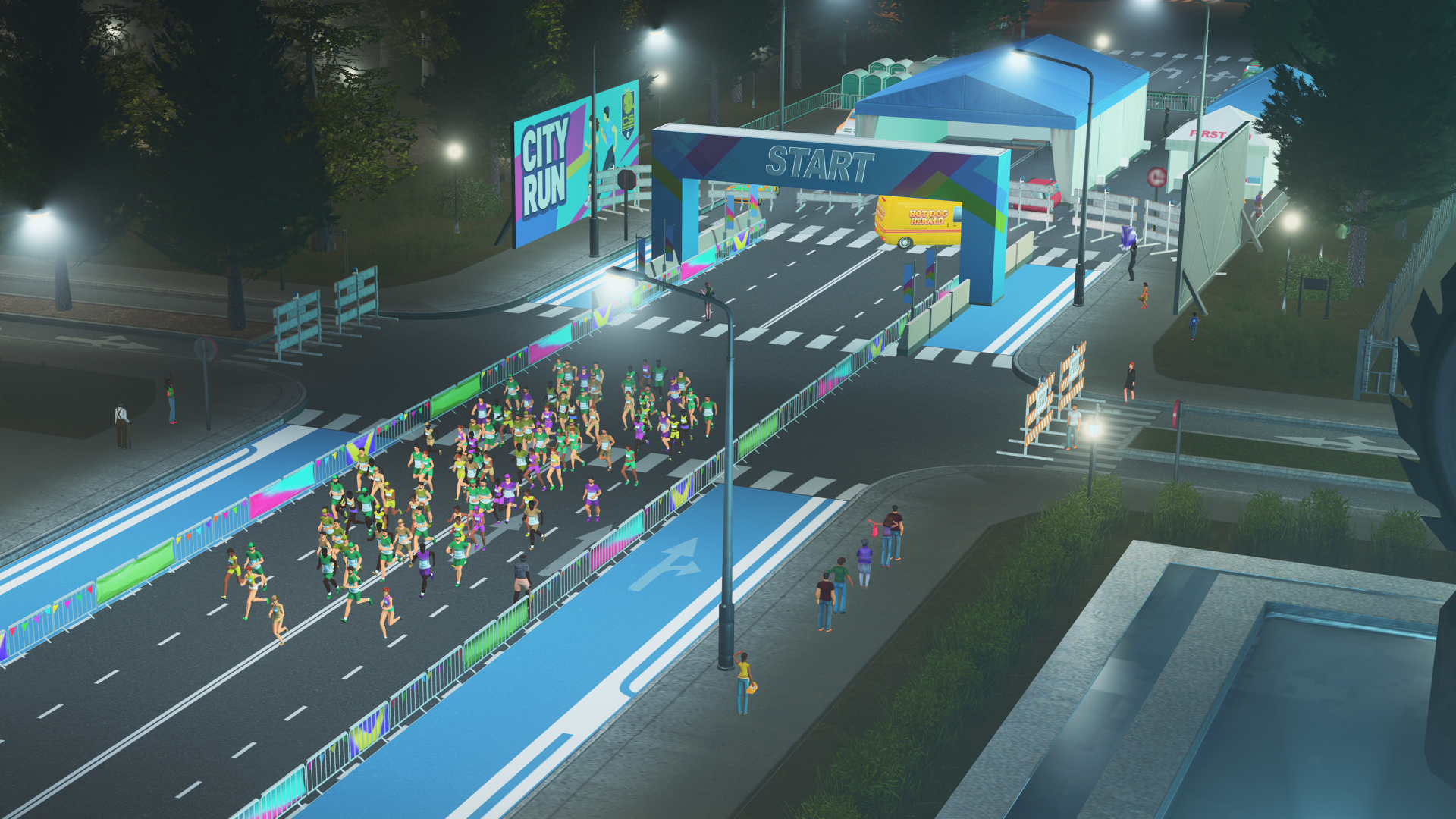
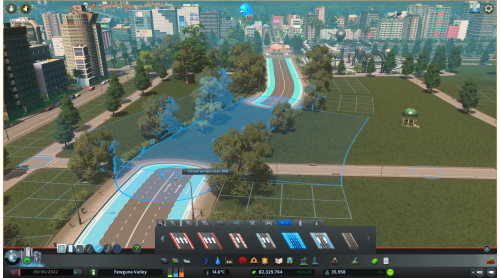
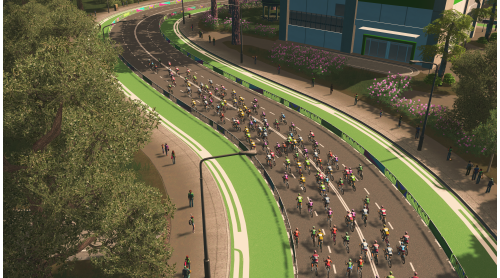
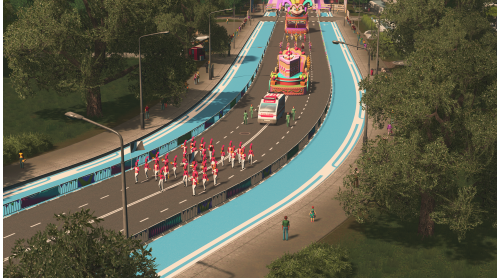
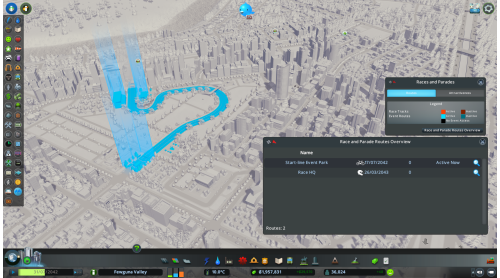
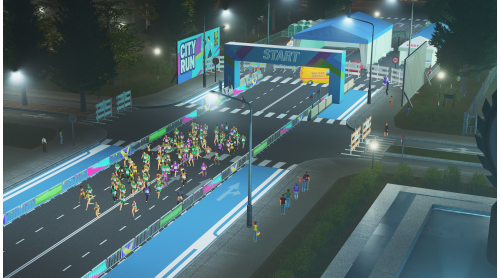
Use Event Roads to create routes for Motor Races, Running Races, Cycling Races, and Parades. Event Roads function as regular streets day-to-day, then temporarily close to traffic when an event starts—transforming your city into a safe, festive venue.
Build a Custom Race Venue
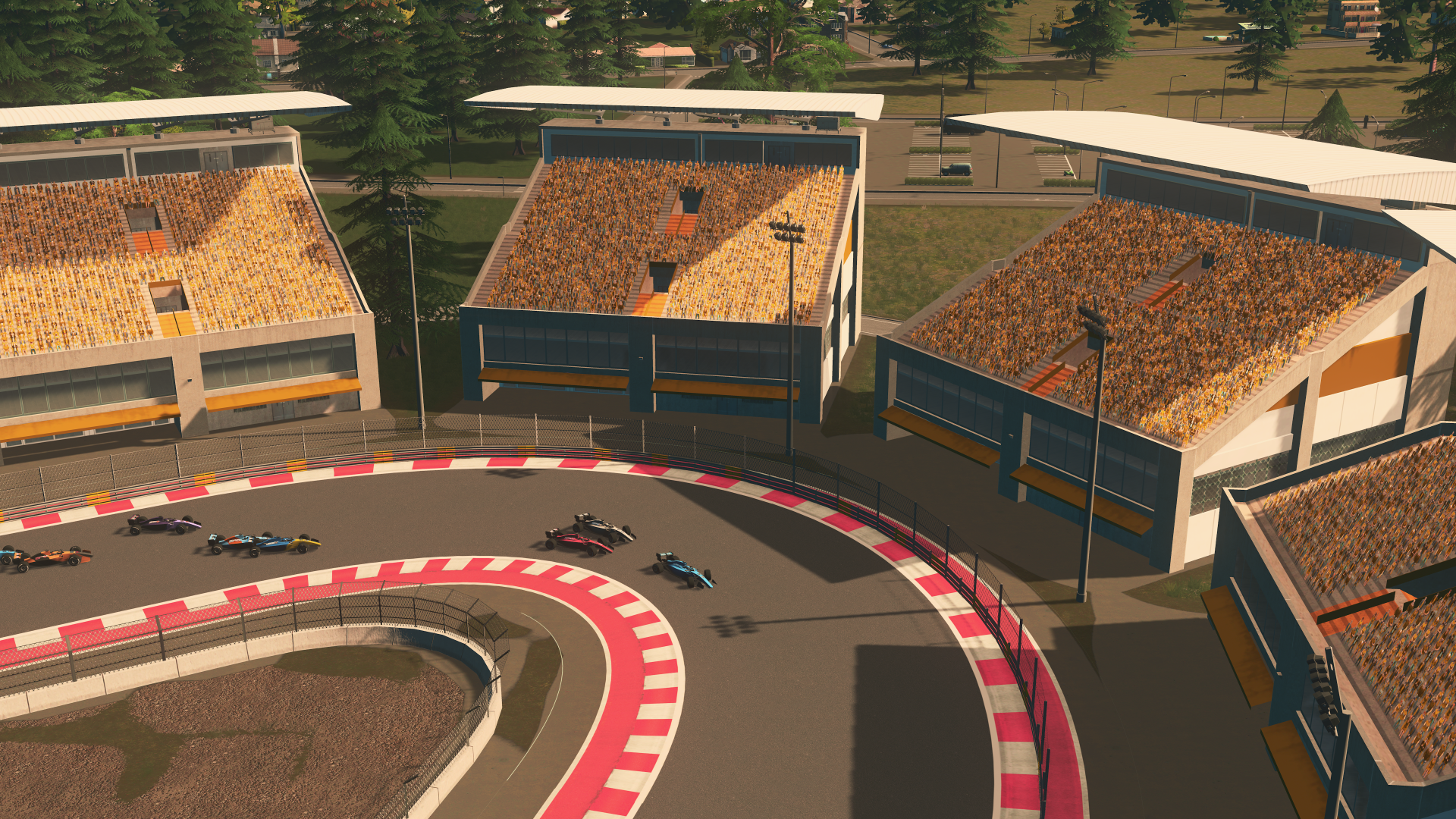
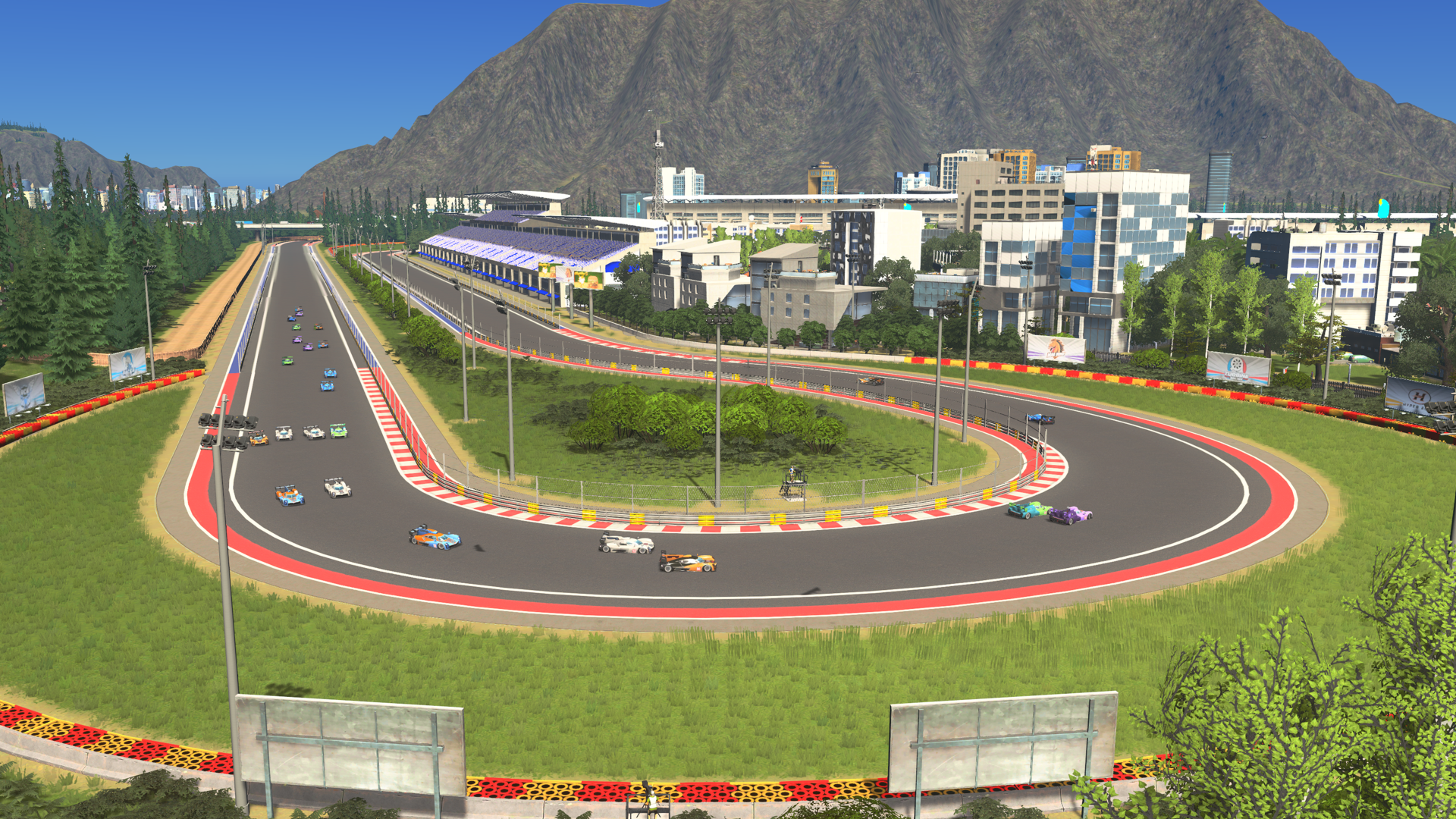
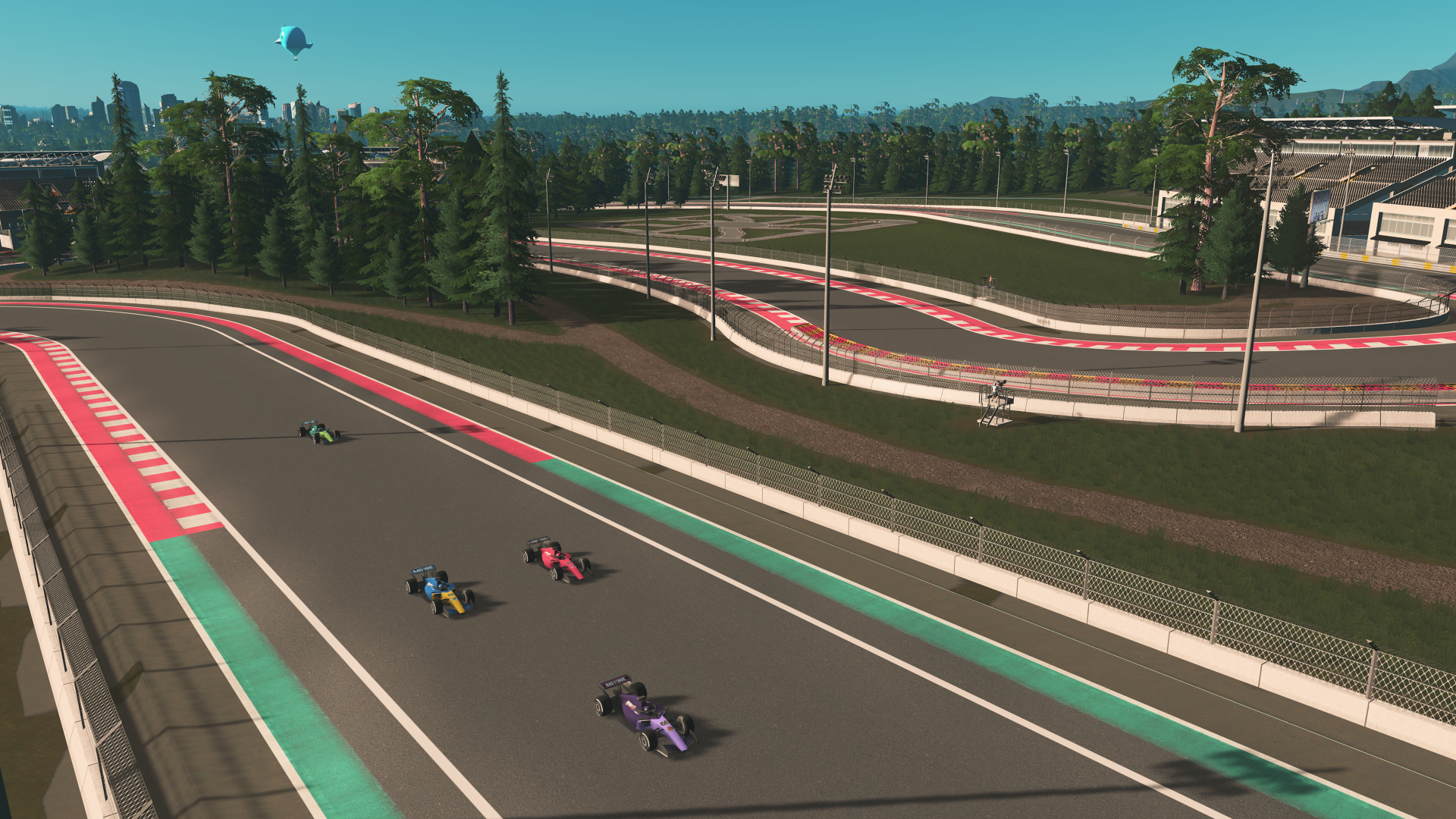
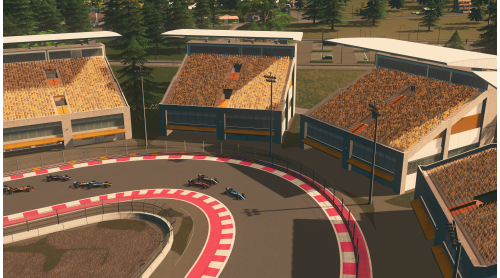
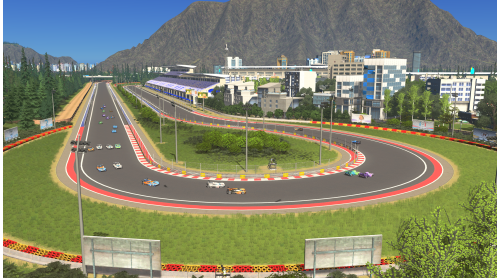
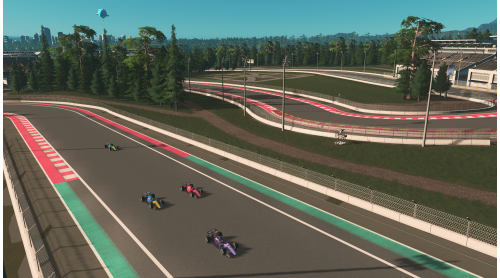
Create a race destination that’s uniquely yours. Build a custom motor racing venue with Motor Race Tracks and your own road layout. Design a purpose-built circuit, or connect your track to Event Roads to create a citywide race route that roars through the streets on race day.
New Event Buildings and Spectator Stands
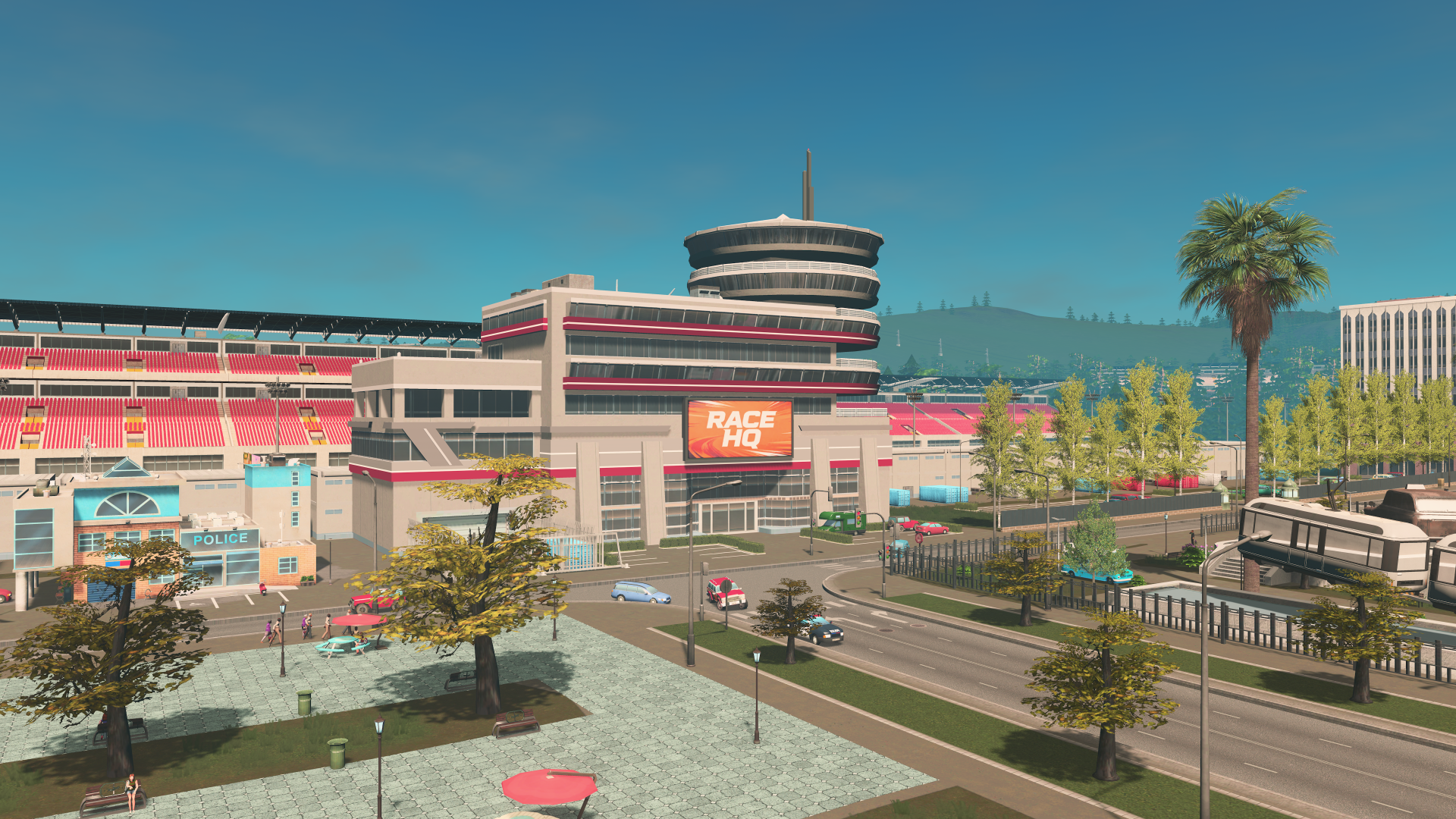
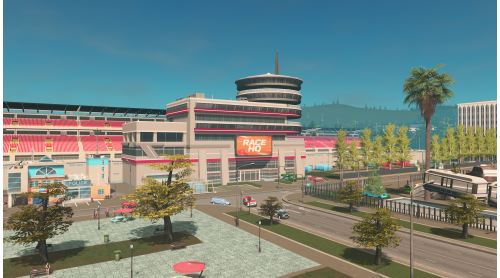
Build the heart of the action with new event buildings such as Race HQ, pit garages, and start and finish areas. Line your routes with spectator stands and decorations to pack the sidewalks with cheering crowds and boost the spectacle.
Customize Your Events
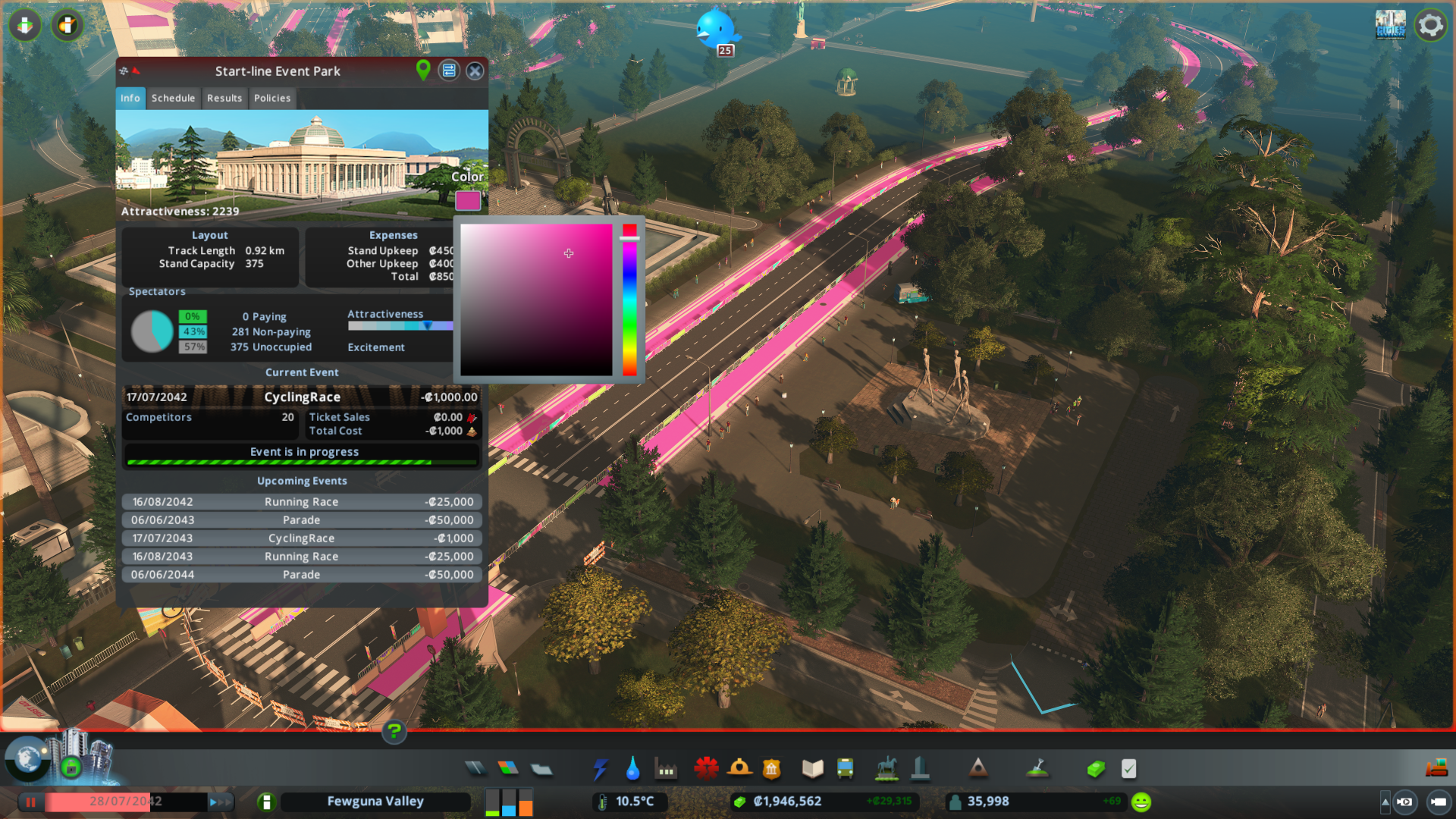
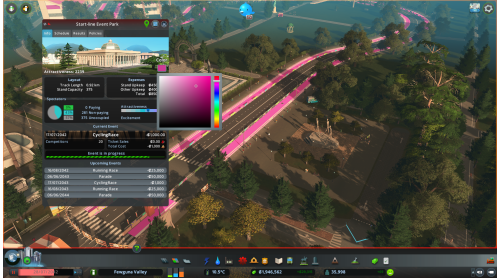
Run the show with new event tools: choose event types and tiers, set ticket prices, and manage your city’s full event lineup, from past highlights to current happenings and upcoming shows.
This expansion can be bought as part of the “Race Day Bundle,” containing “Race Day,” “Renewed History,” “Iconic Brutalism,” and “8 Gear Radio.”
© 2015-2026 Paradox Interactive AB. Cities: Skylines is published by Paradox Interactive AB and developed by Tantalus Media. CITIES: SKYLINES and PARADOX INTERACTIVE are trademarks and/or registered trademarks of Paradox Interactive AB in Europe, the U.S. and other countries. Any other trademark, logo and copyright is the property of its owner.


How to activate your Steam key?
1. Open your Steam client. (If you don't have a Steam Client, you can install from here https://store.steampowered.com/about/)
2. Sign in to your Steam account. (If you don't have a Steam Account, you can create from here https://store.steampowered.com/join/)
3. Click “ADD A GAME” button which is at the bottom of the Steam Client.
4. Now select "Activate a product on Steam..."
5. Write or copy-paste your Steam key which you purchased from Gamesforpc.
6. Now your game is in your library.
7. Find your game in your library, select and click install to start your download.