 Steam
Steam  Windows
 | Release Date | 15.06.2004 | |
| Publisher | THQ Nordic GmbH | |
| PEGI Rating | + 12 | |
| Operating Systems | Windows | |
| Genres | Simulation, Strategy |
14.99€
Added to Cart
14.99€
Added to Wishlist
14.99€
Remaster Features:
No, this can't be! Initial outpost reports showed only armored infantry, but some serious hardware is headed this way! How could two 70-ton German Königstiger battle tanks simply be overlooked?! Well, no time to lay blame, just aim the bazooka and bring up the tanks from the rear. Only a direct hit can destroy them....
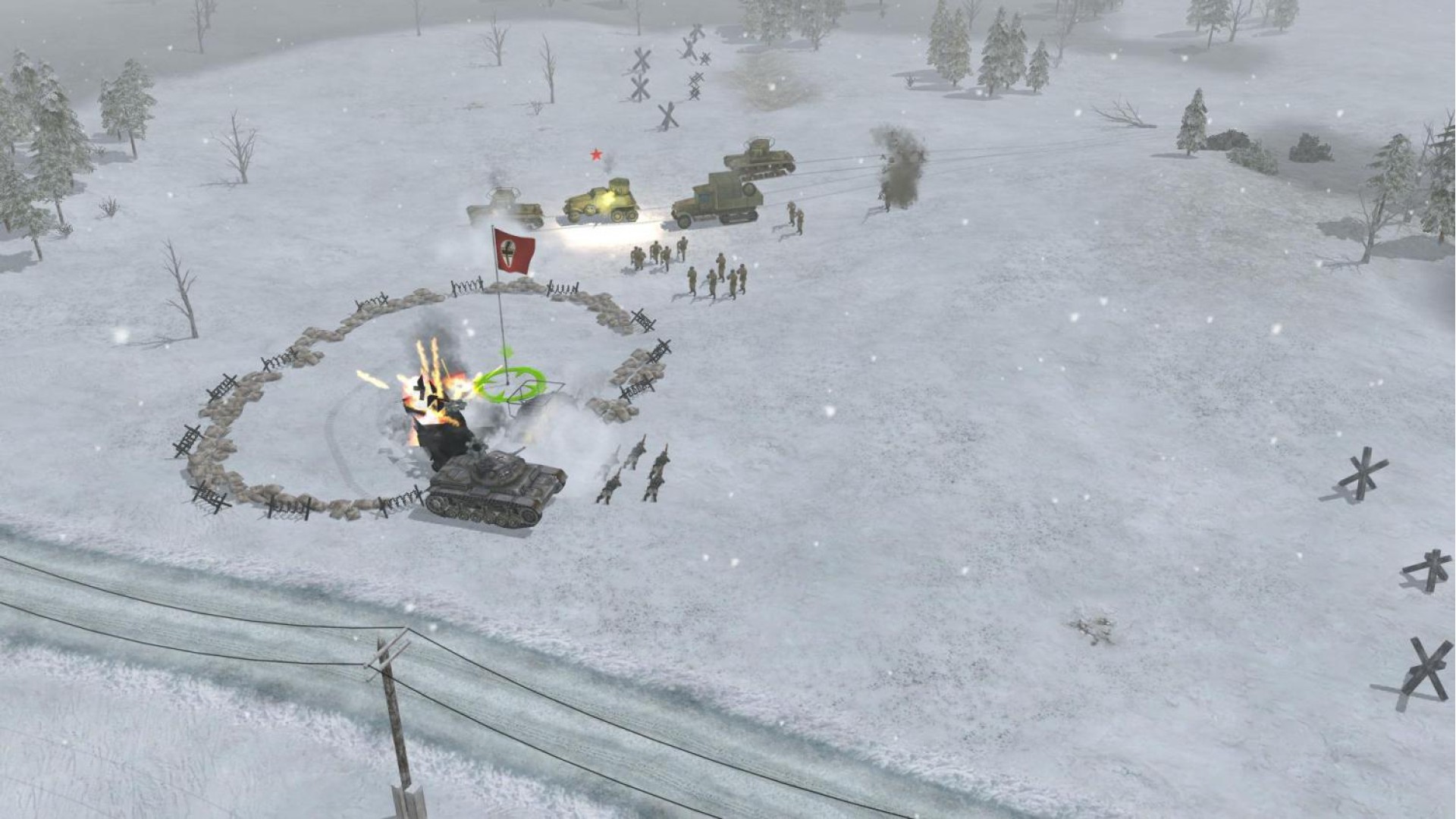
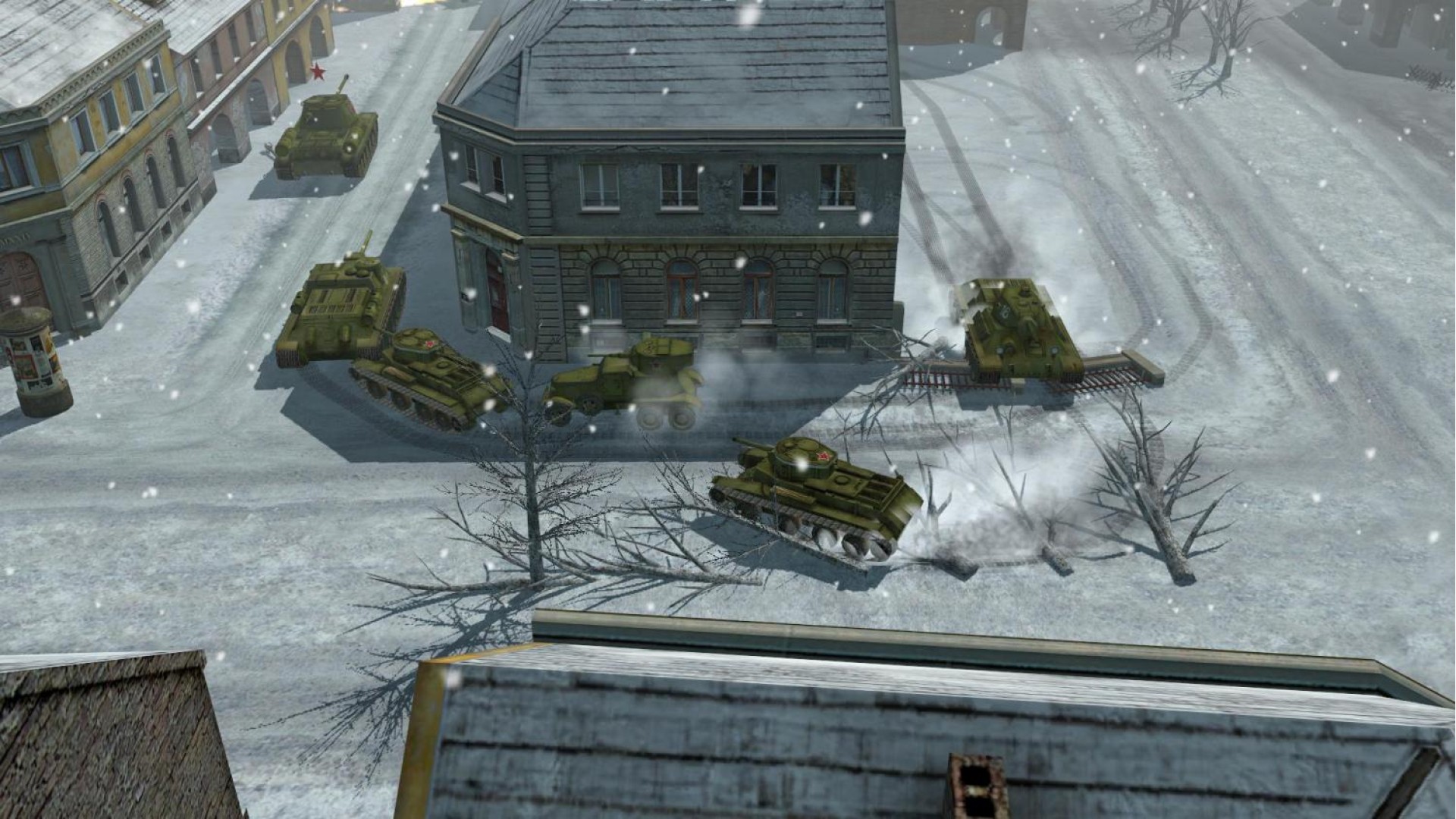
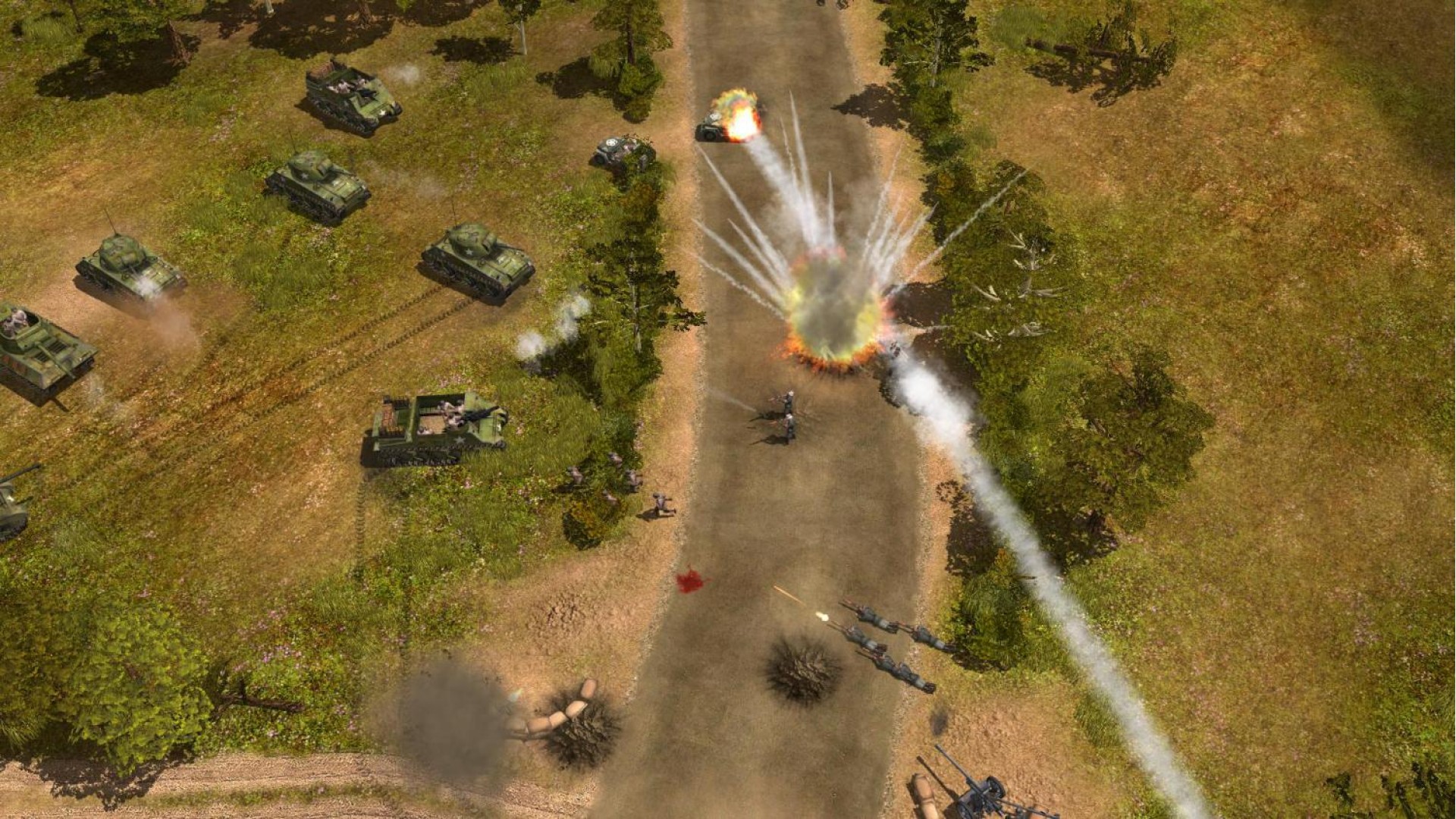
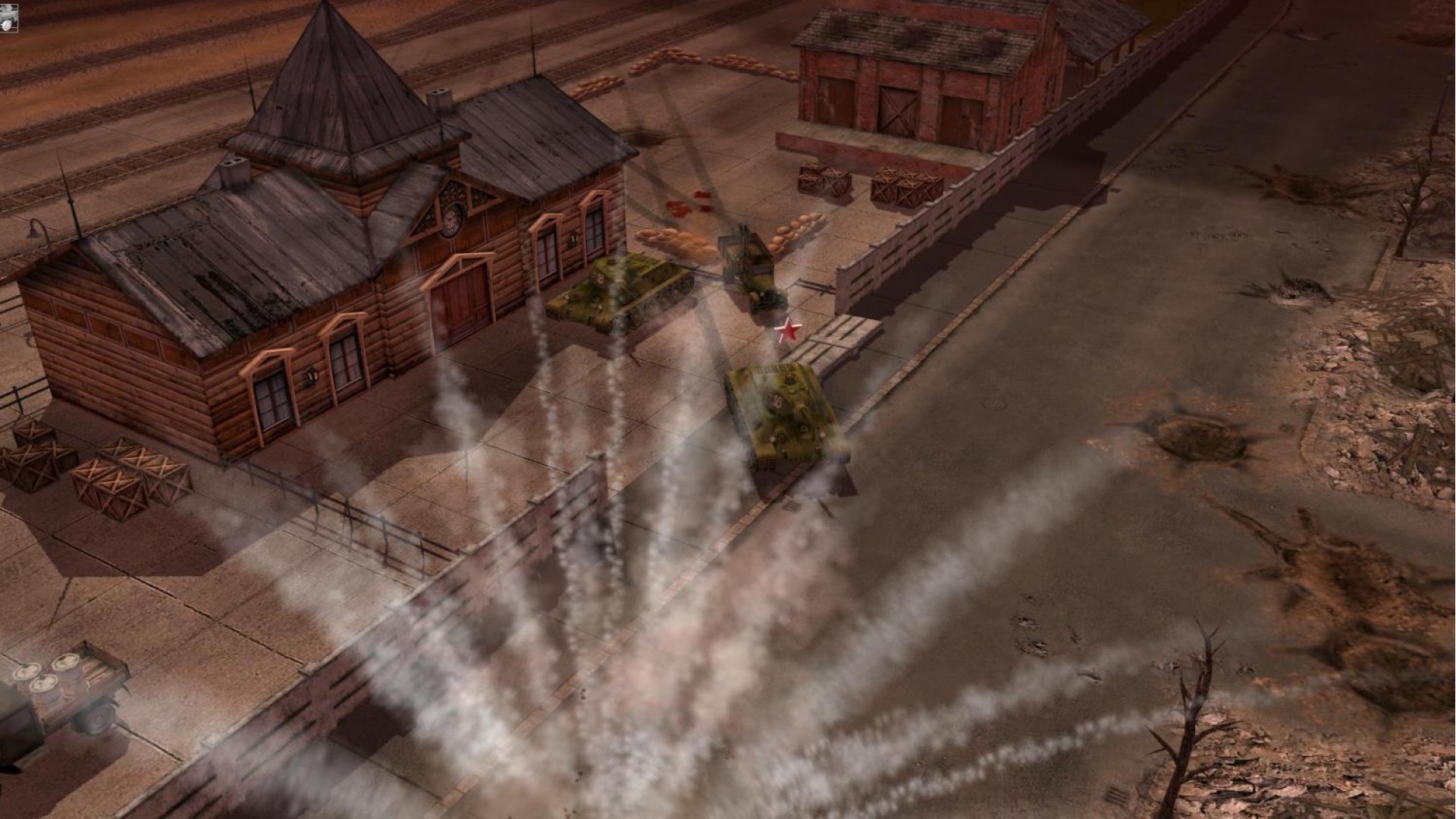
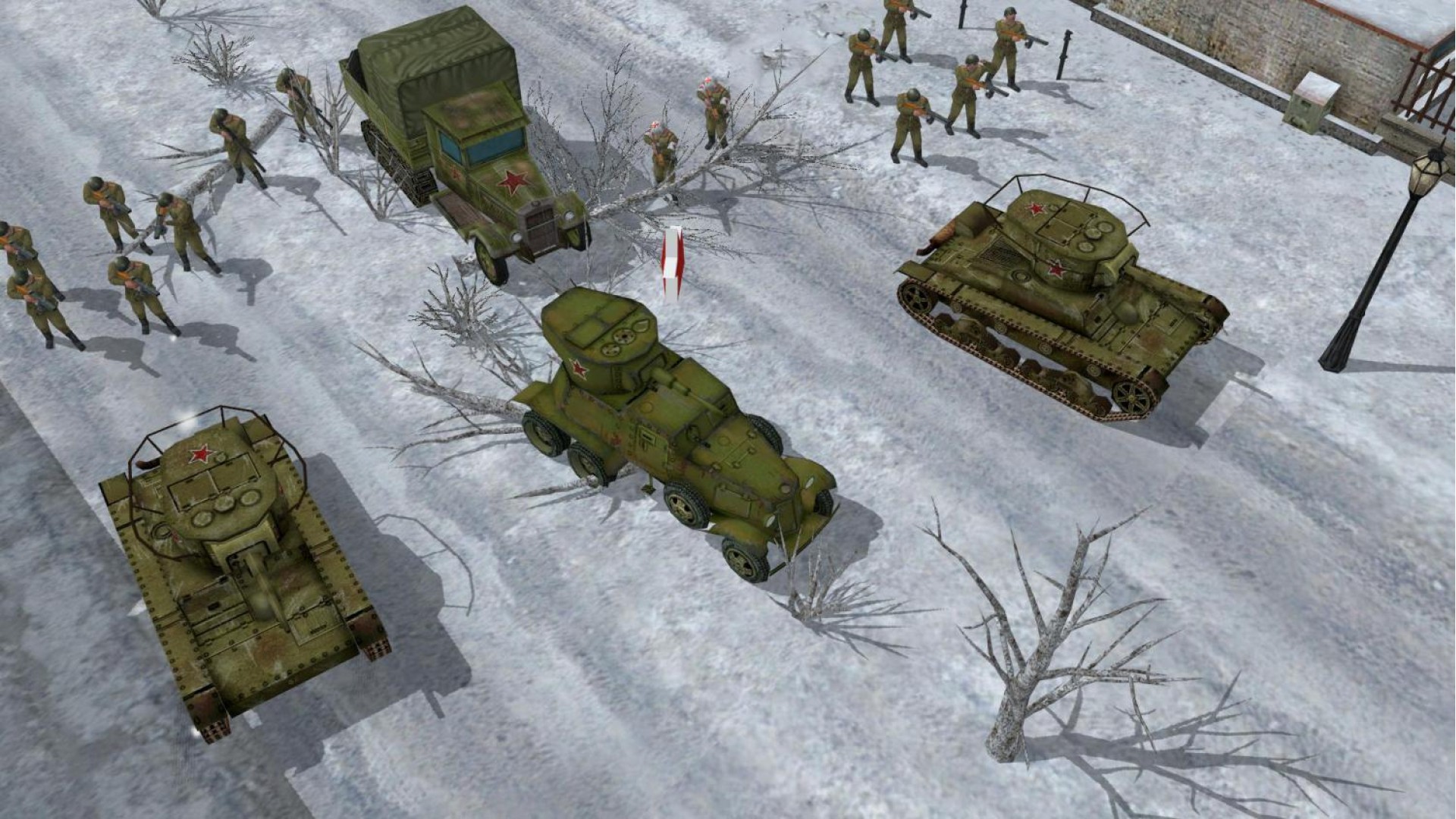
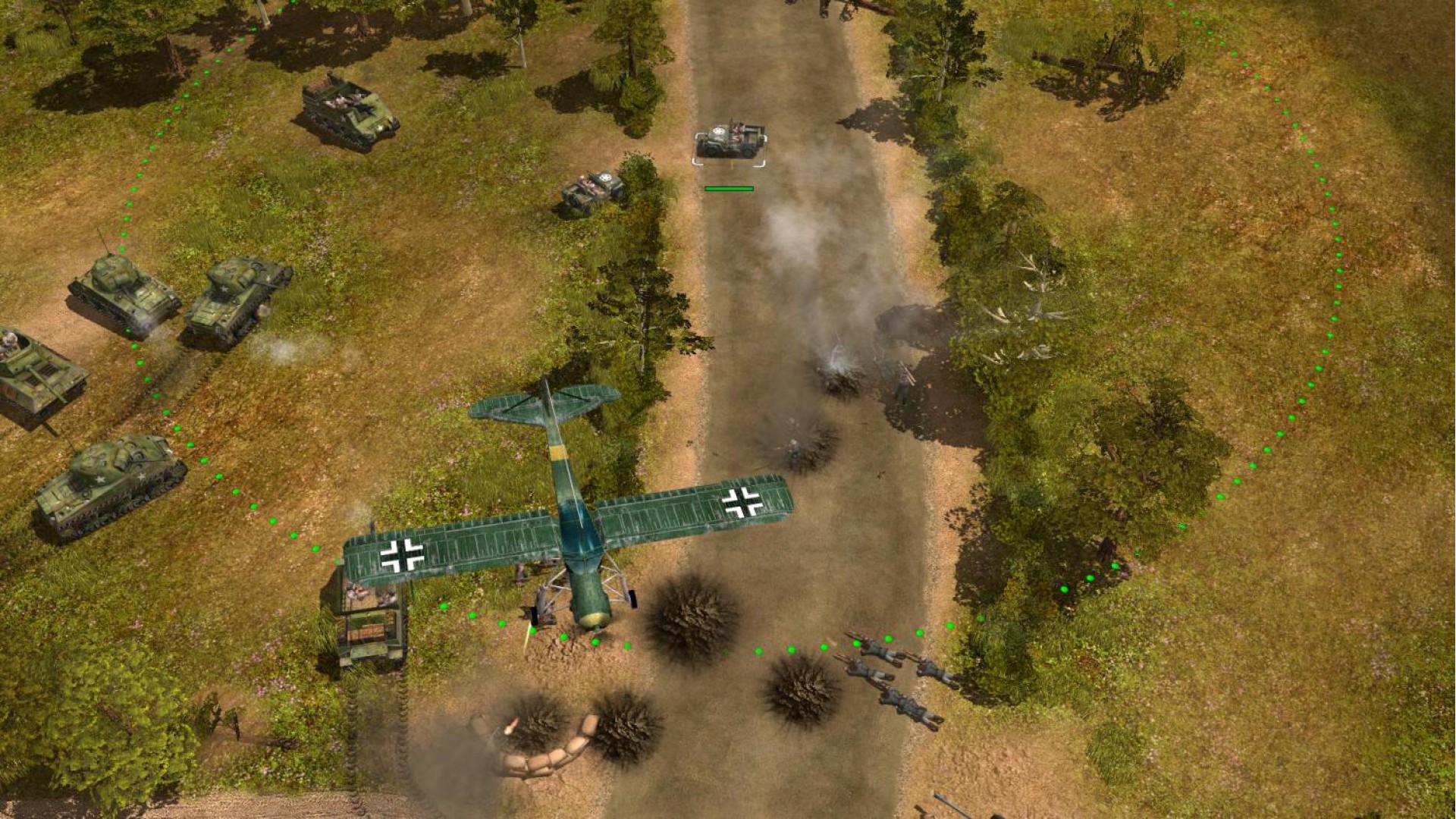
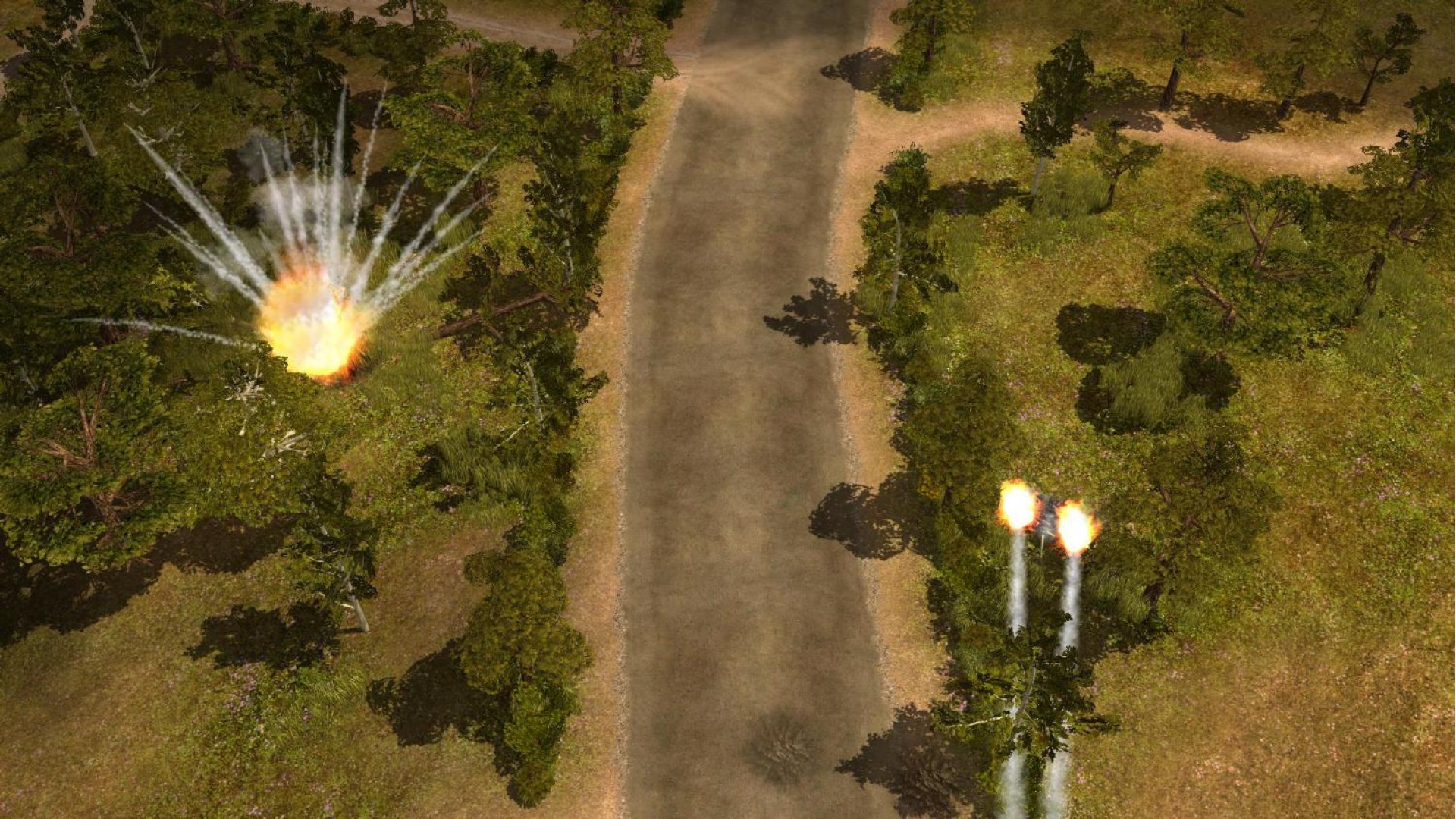
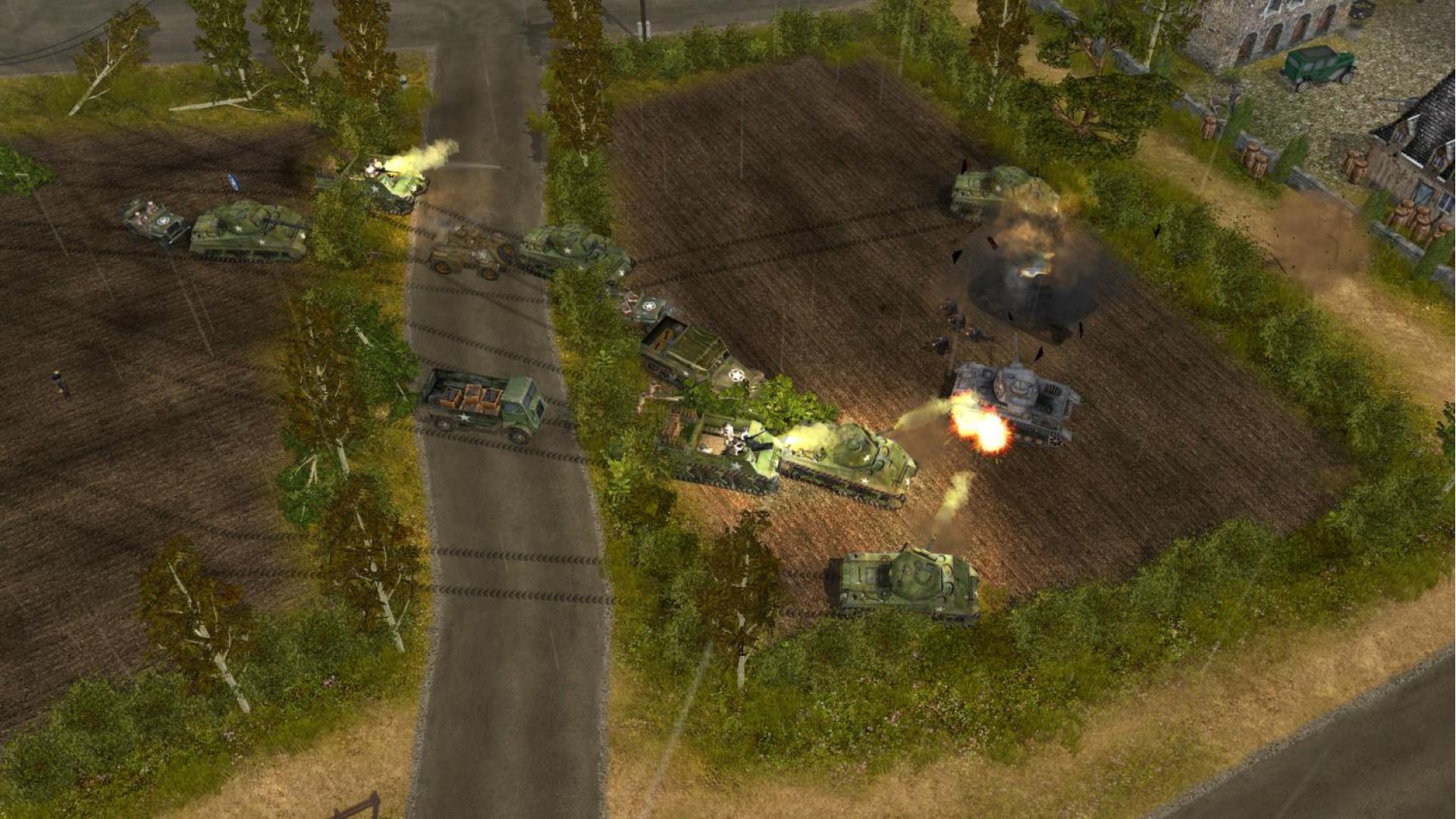
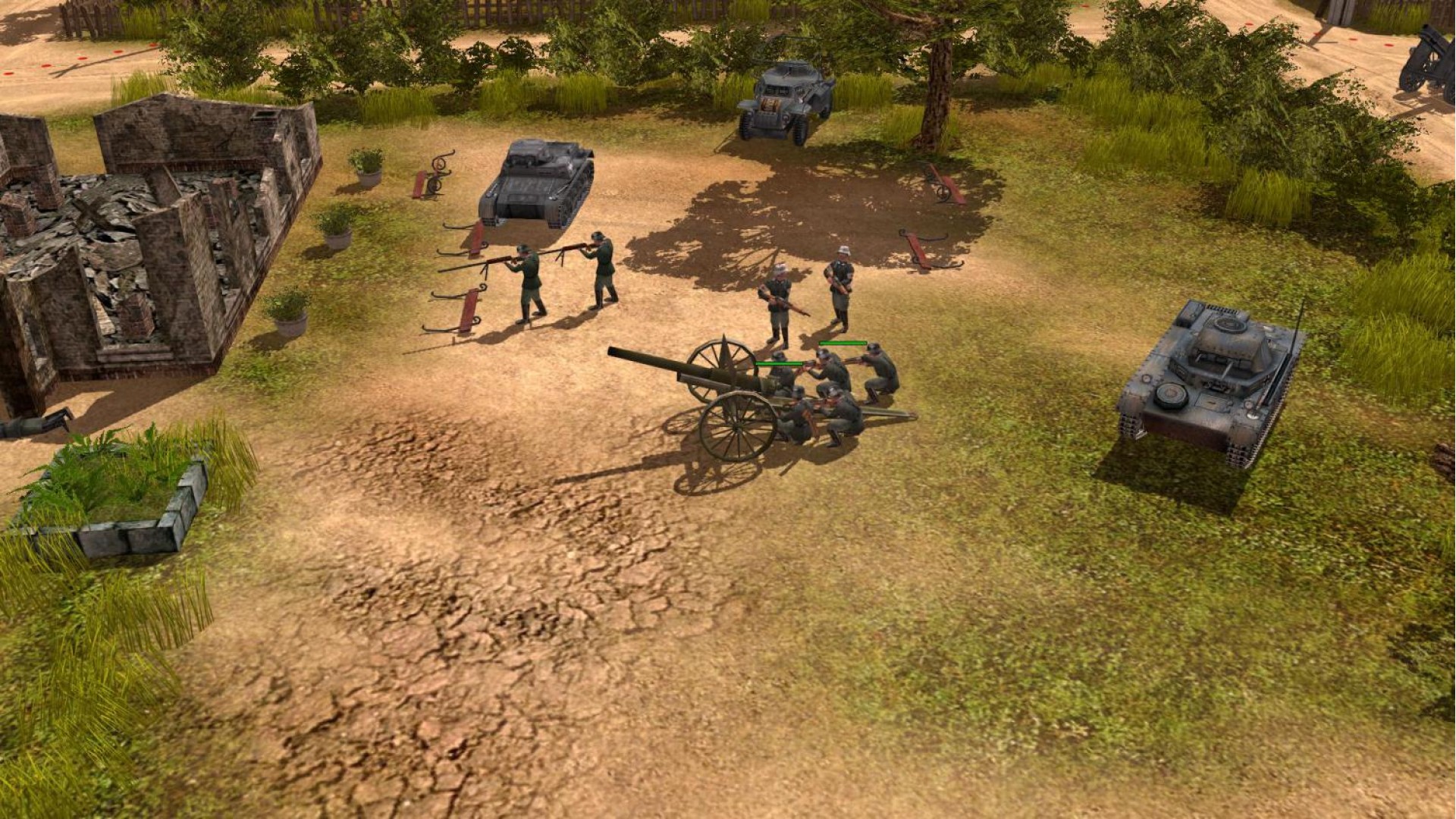
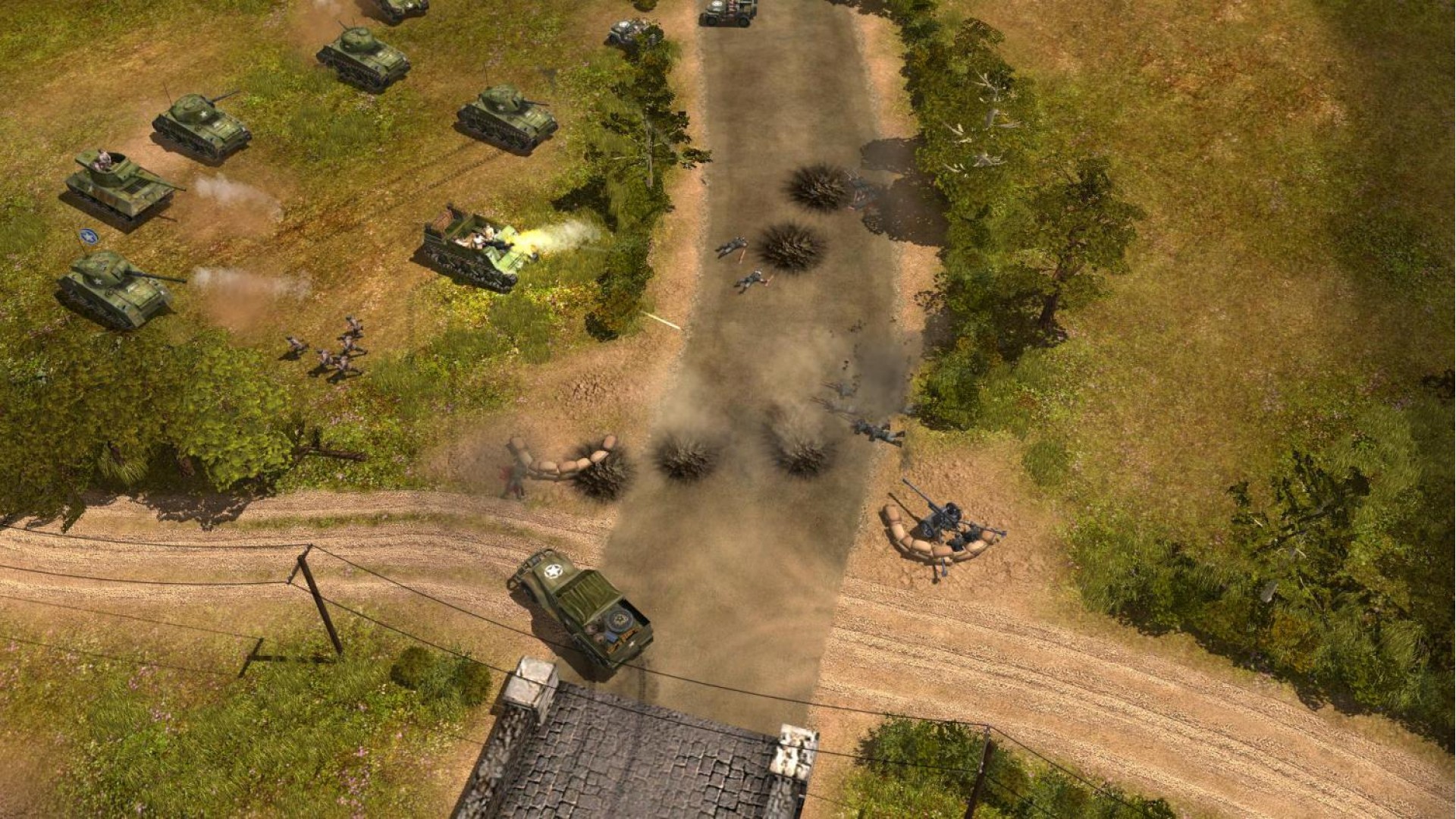
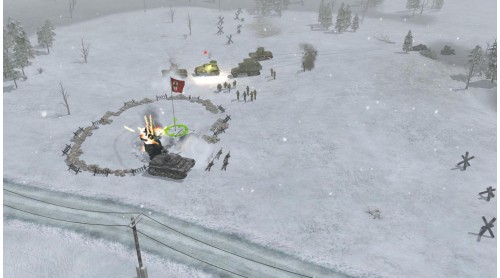
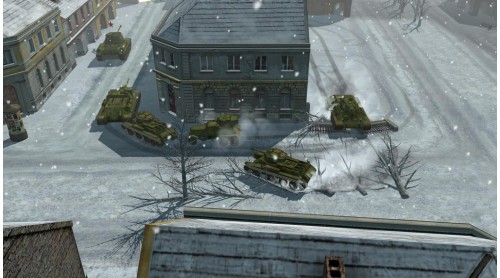
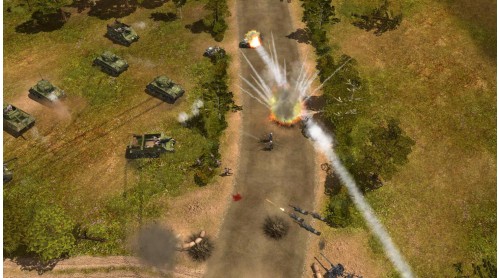
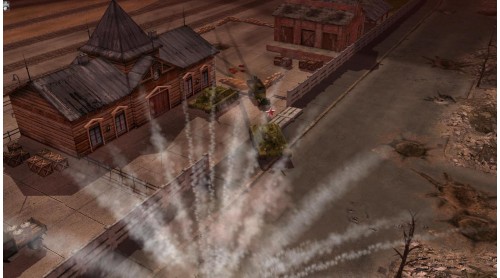
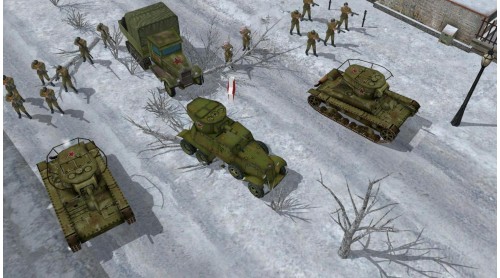
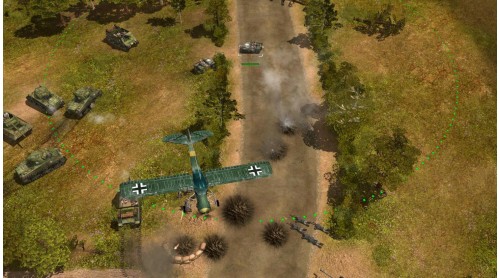
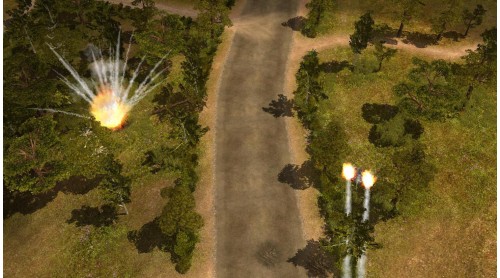
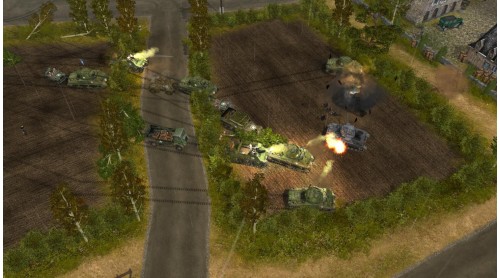
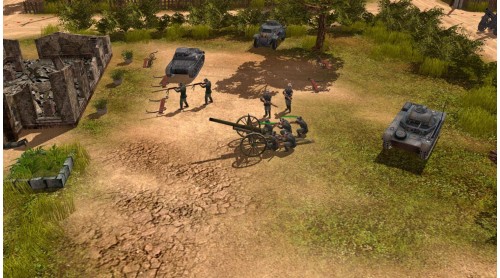
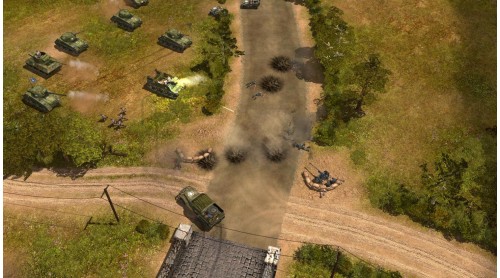
Codename: Panzers thrusts you into the high-powered battles of World War II. Whether played in towns with bullet-riddled buildings, bleak mountain landscapes, or treacherous swamps, Codename: Panzers offers real-time combat rampages with awesome 3D graphics. Create your combat force from over 100 finely detailed units, from a flame-throwing squad to a Soviet Stalin organ rocket launcher to a German Königstiger battle tank. Be the commander--demolish the enemy with clever tactical maneuvers. Experience the nerve-jangling thrill of strategic gaming--in Codename: Panzers!


How to activate your Steam key?
1. Open your Steam client. (If you don't have a Steam Client, you can install from here https://store.steampowered.com/about/)
2. Sign in to your Steam account. (If you don't have a Steam Account, you can create from here https://store.steampowered.com/join/)
3. Click “ADD A GAME” button which is at the bottom of the Steam Client.
4. Now select "Activate a product on Steam..."
5. Write or copy-paste your Steam key which you purchased from Gamesforpc.
6. Now your game is in your library.
7. Find your game in your library, select and click install to start your download.