












 Steam
Steam  Windows
  Mac
Mac  Linux
Linux | Release Date | 17.11.2014 | |
| Operating Systems | Linux | |
| Operating Systems | Mac OS | |
| Publisher | Relic Entertainment | |
| PEGI Rating | + 18 | |
| Operating Systems | Windows | |
| Genres | Strategy |
18.49€
Added to Cart
18.49€
Added to Wishlist
18.49€
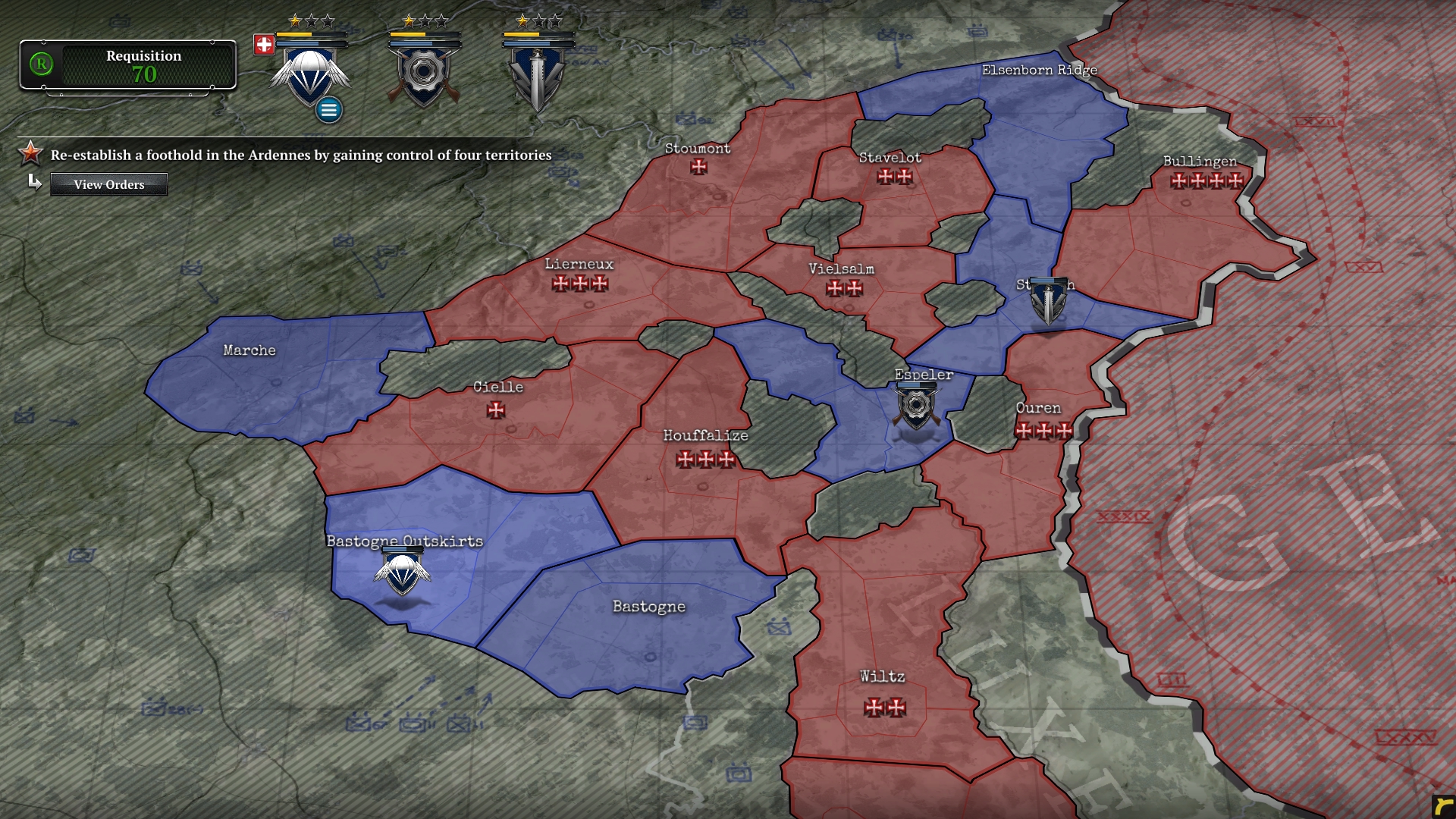
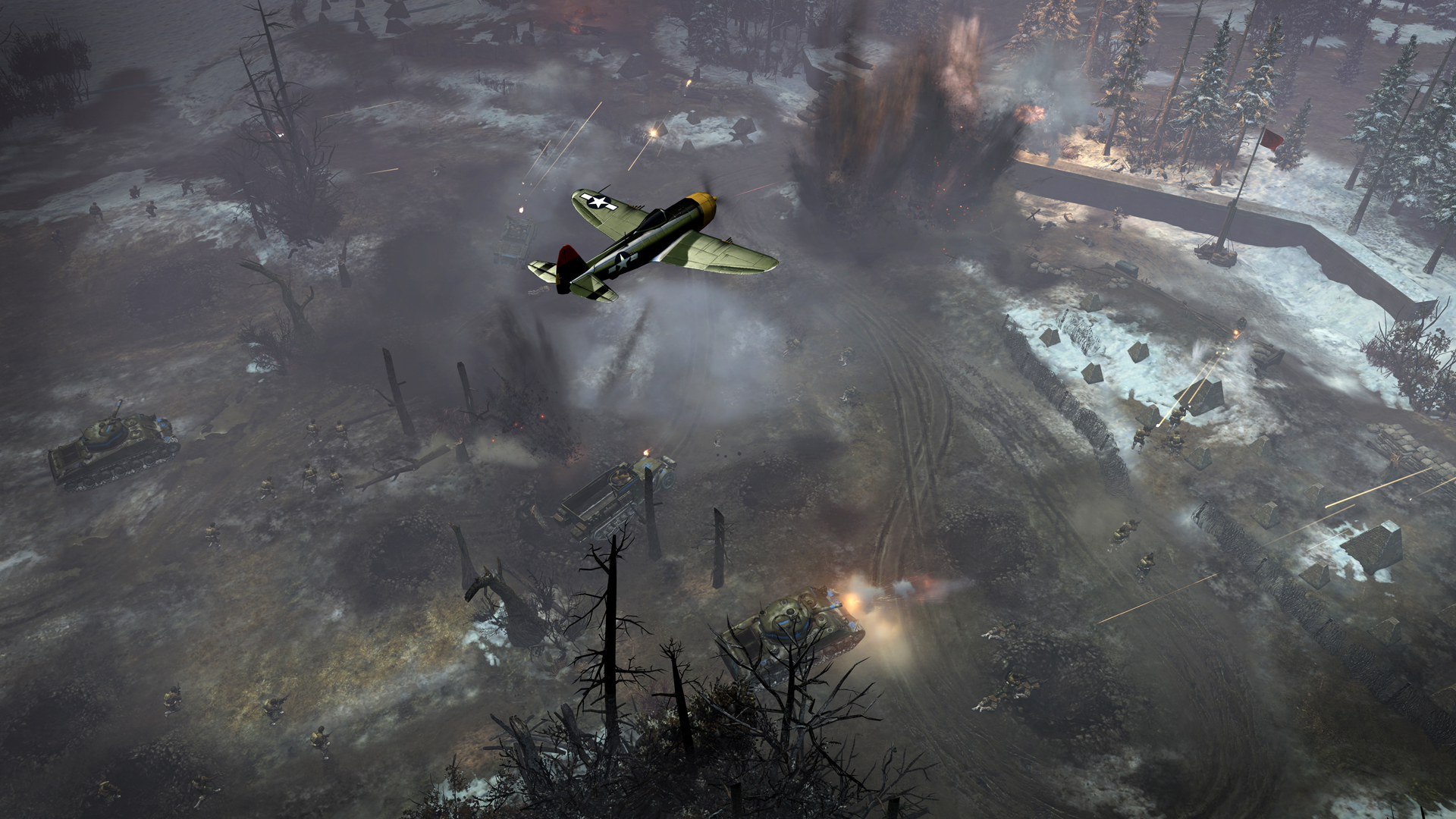
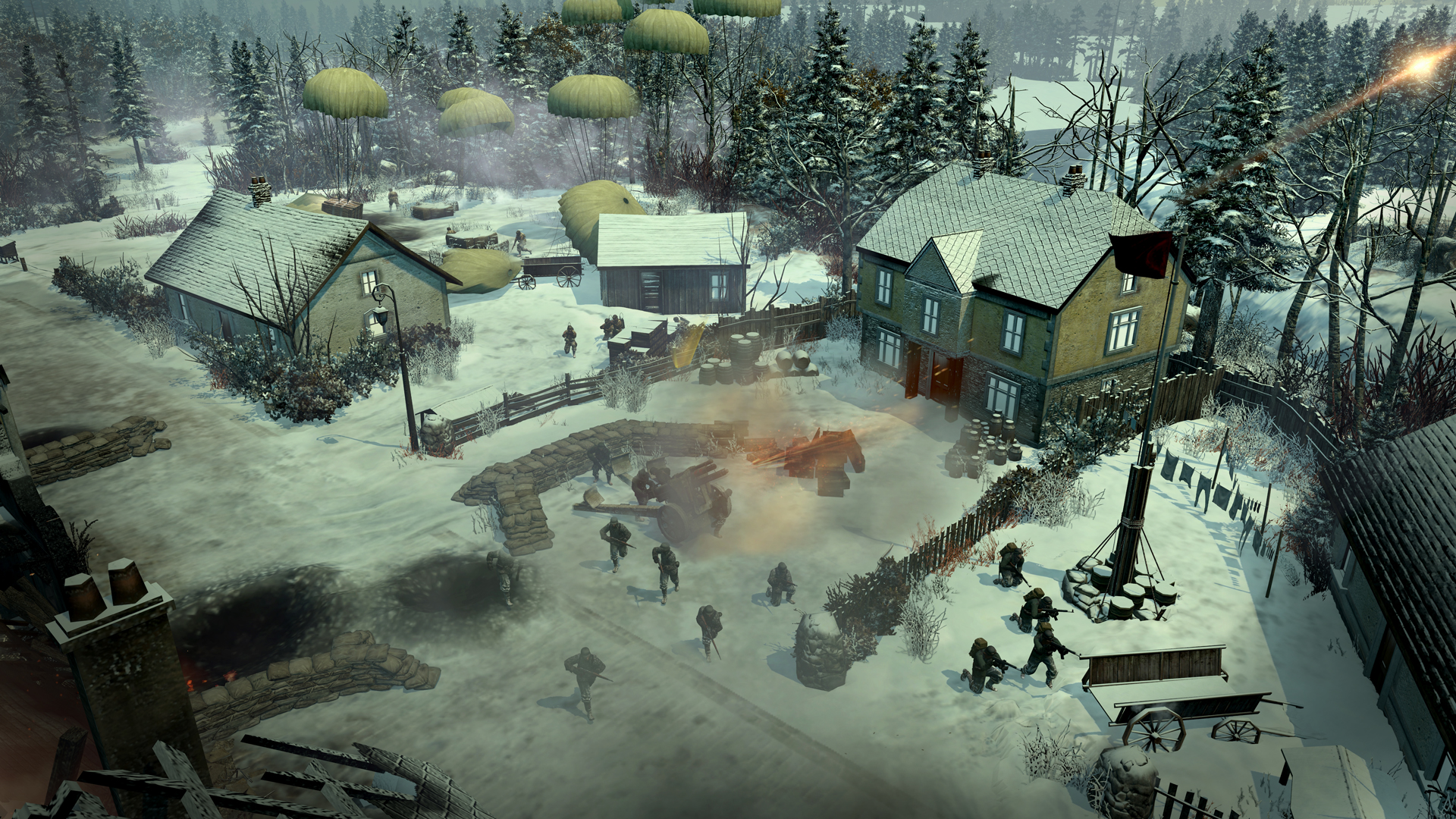
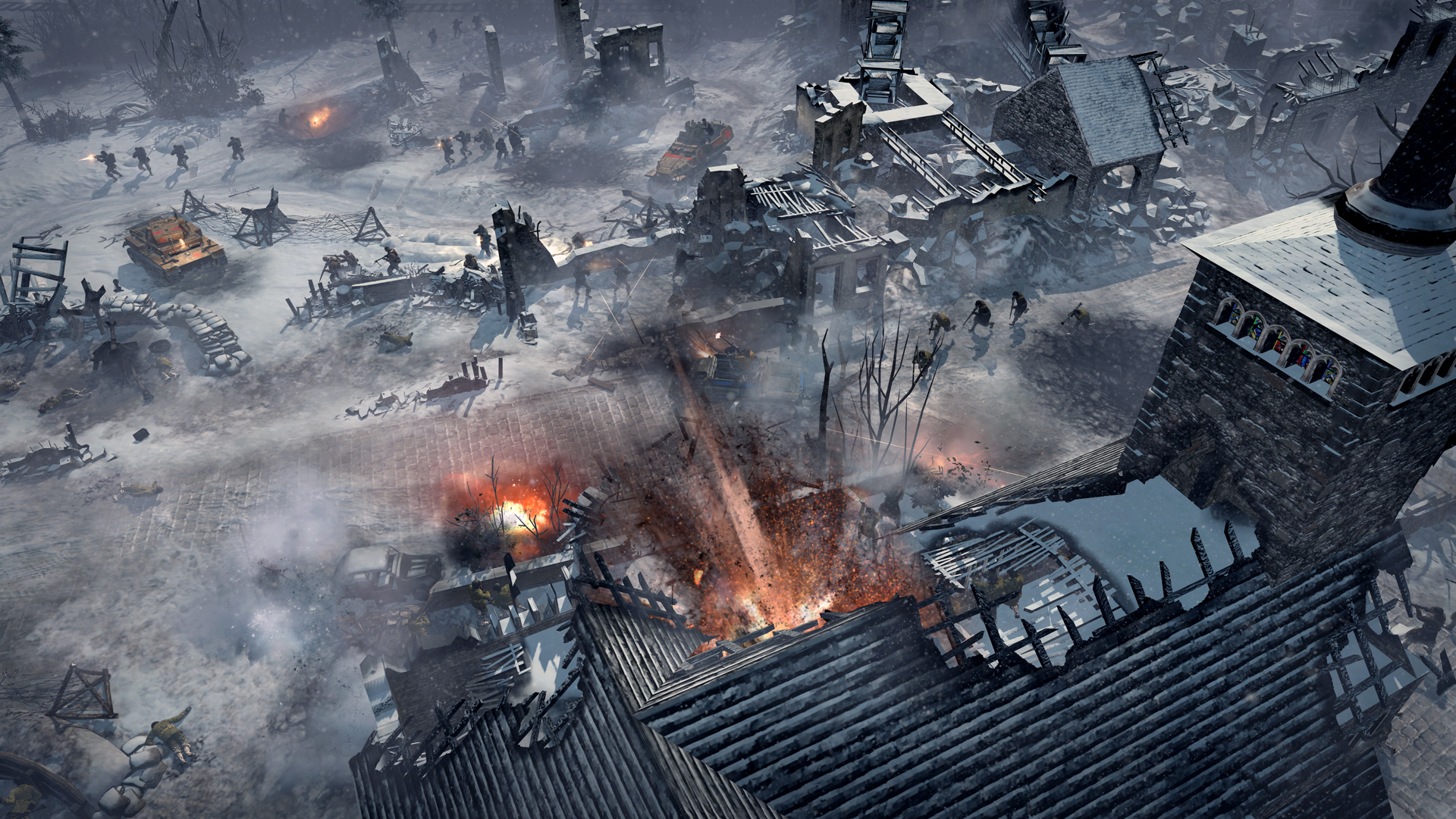
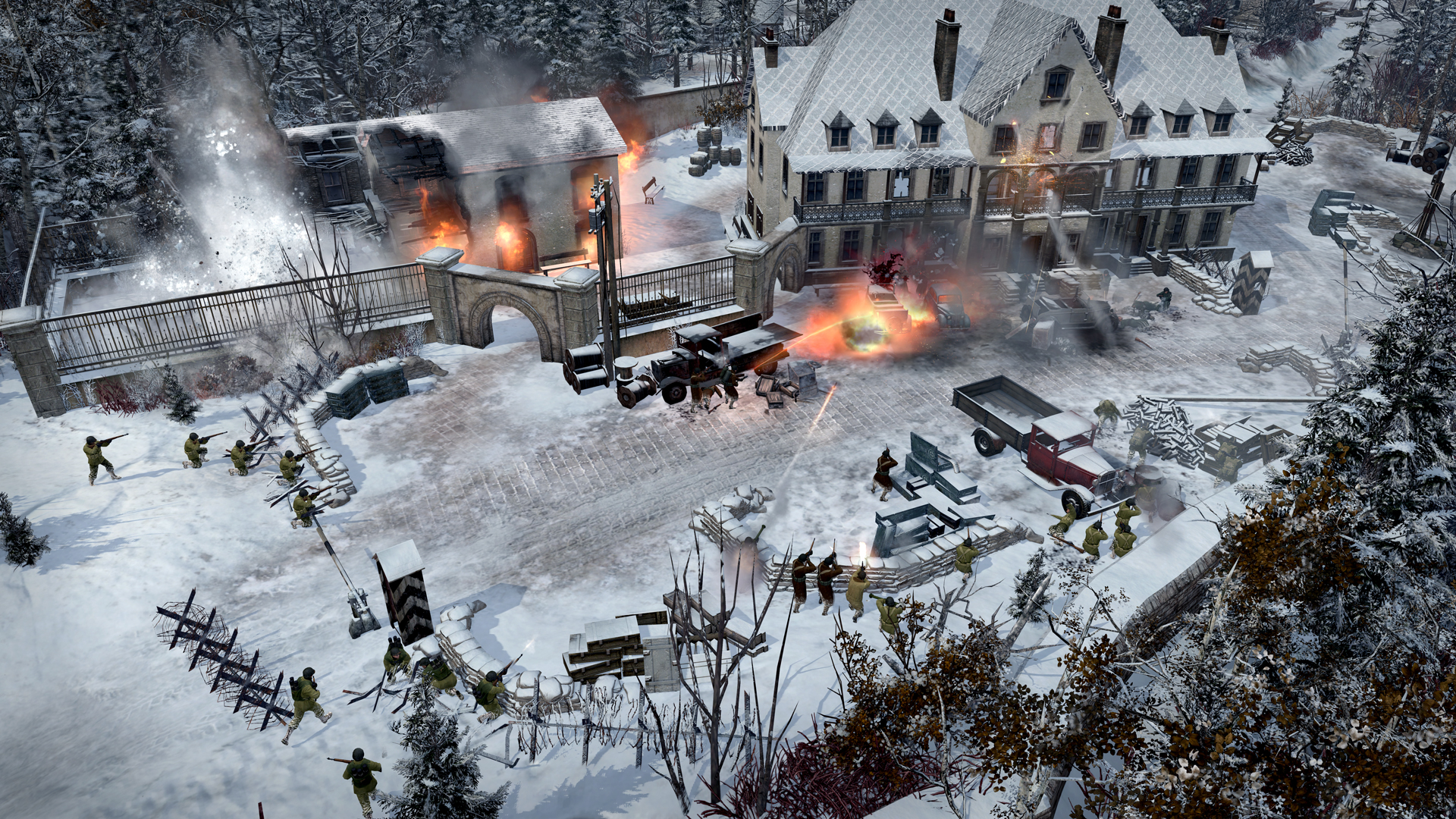
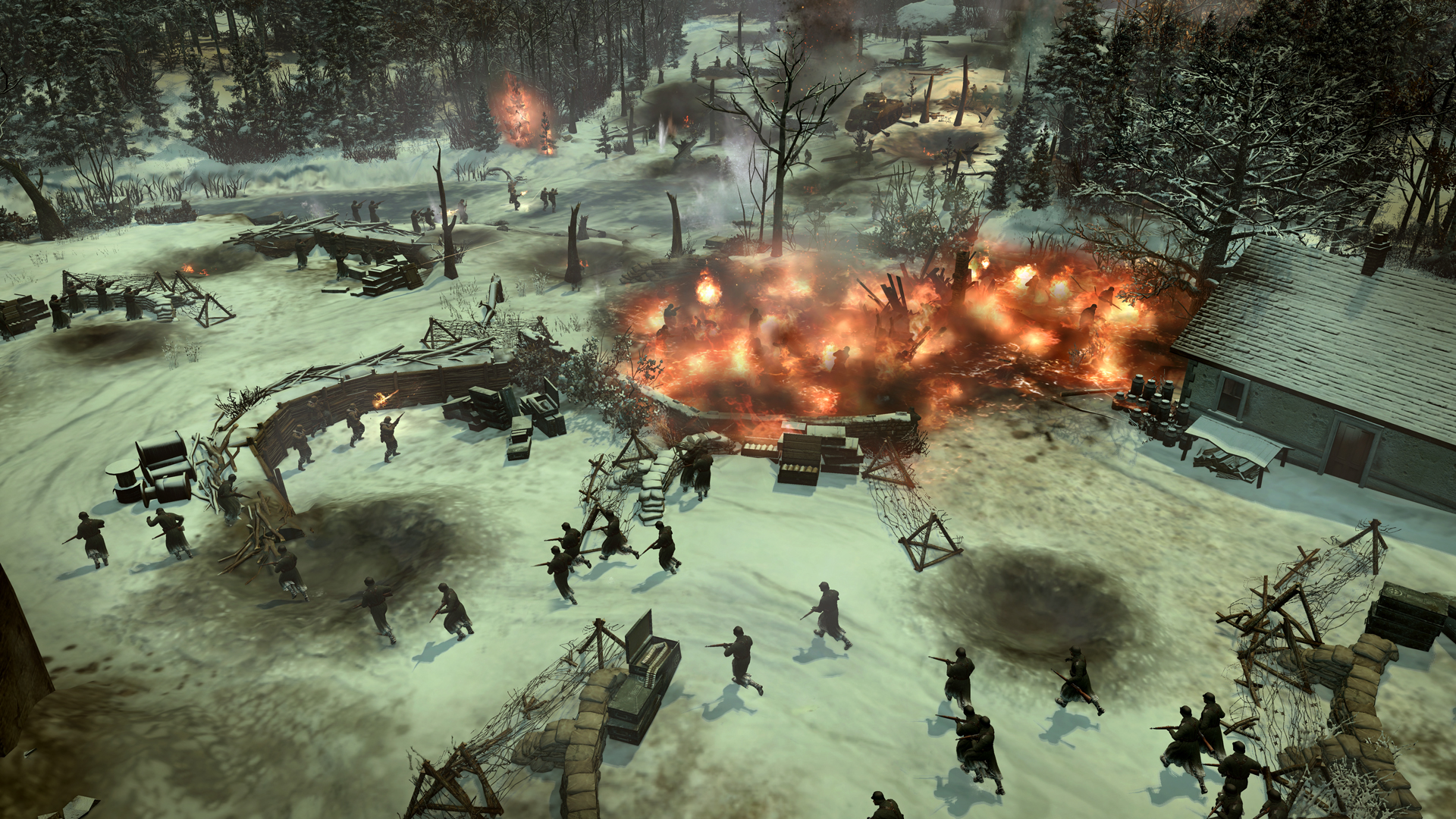
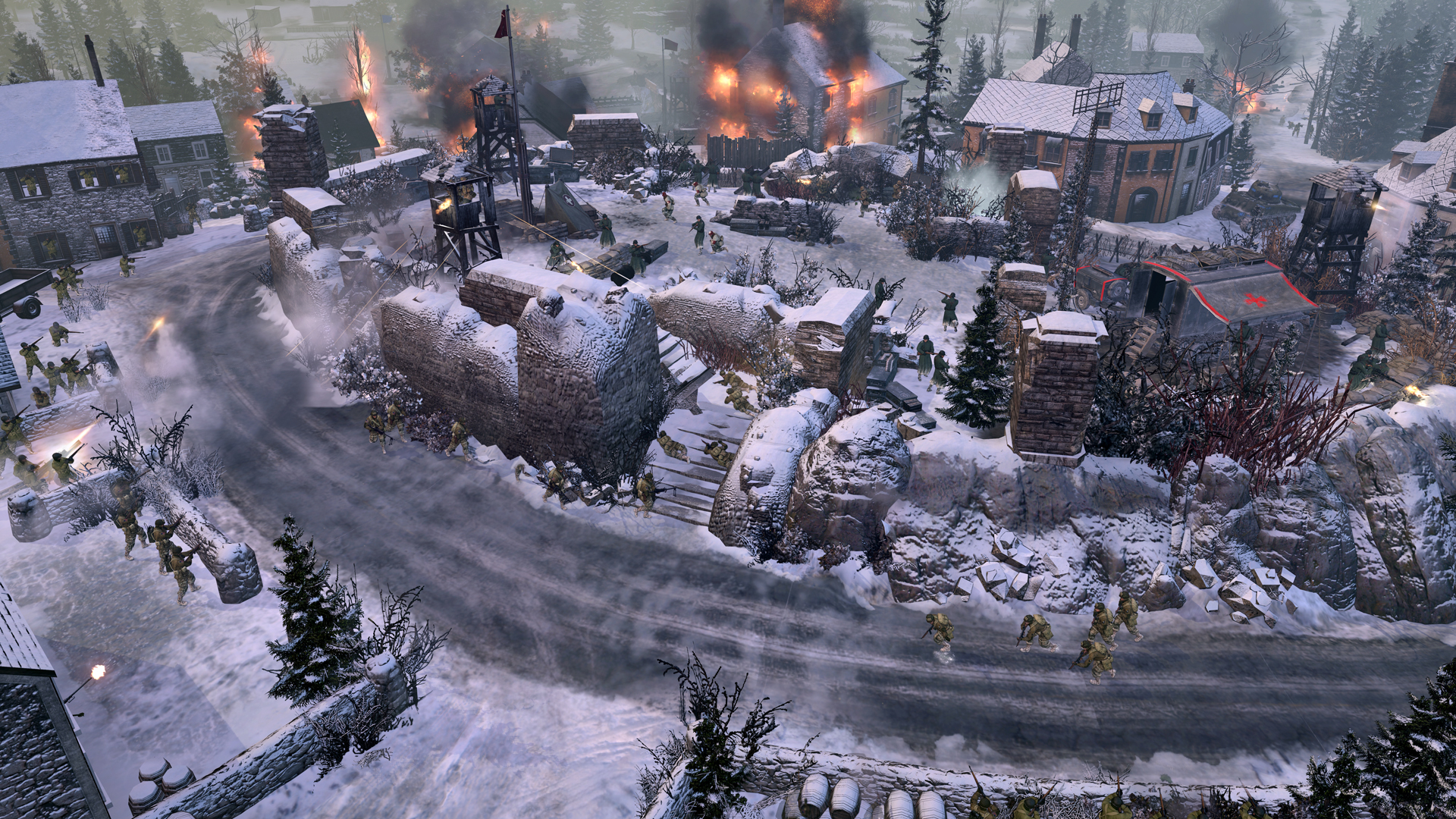
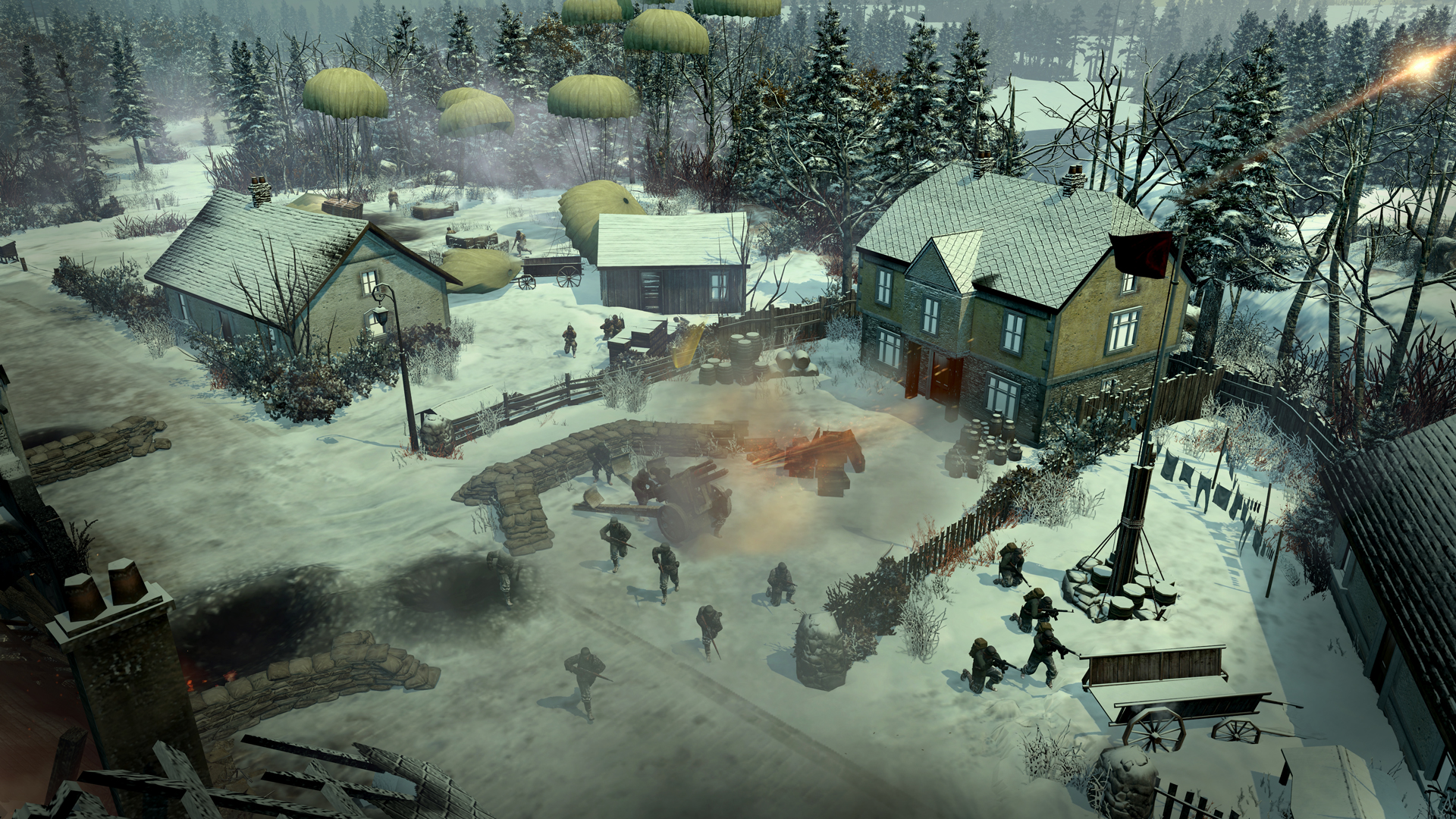
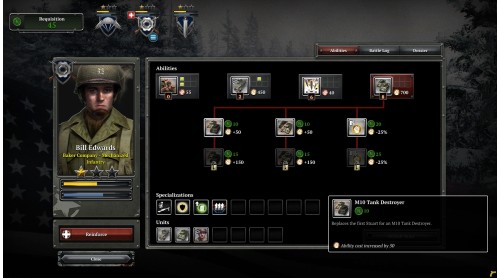
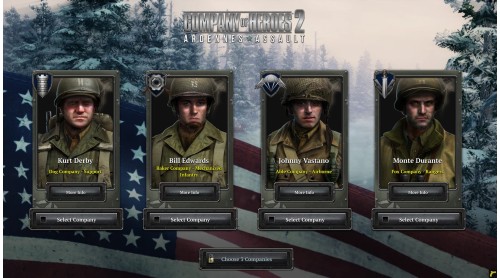
Company of Heroes™ 2: Ardennes Assault is a single-player only standalone experience that will allow you to familiarize yourself with the USF faction through 18 scenarios. To also have access to the USF army in multiplayer, you will either need to buy it separately or through The Western Front Armies.
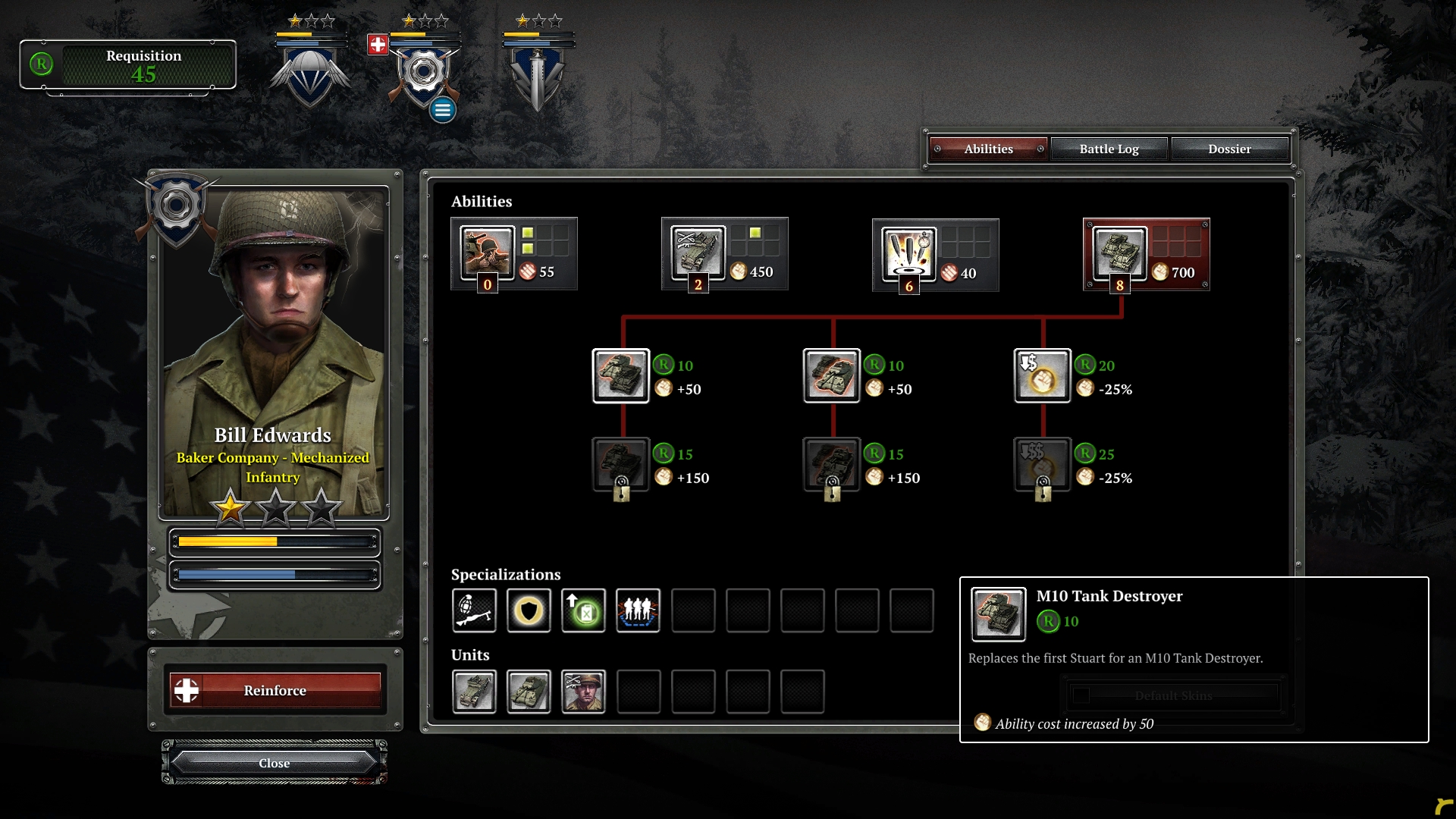
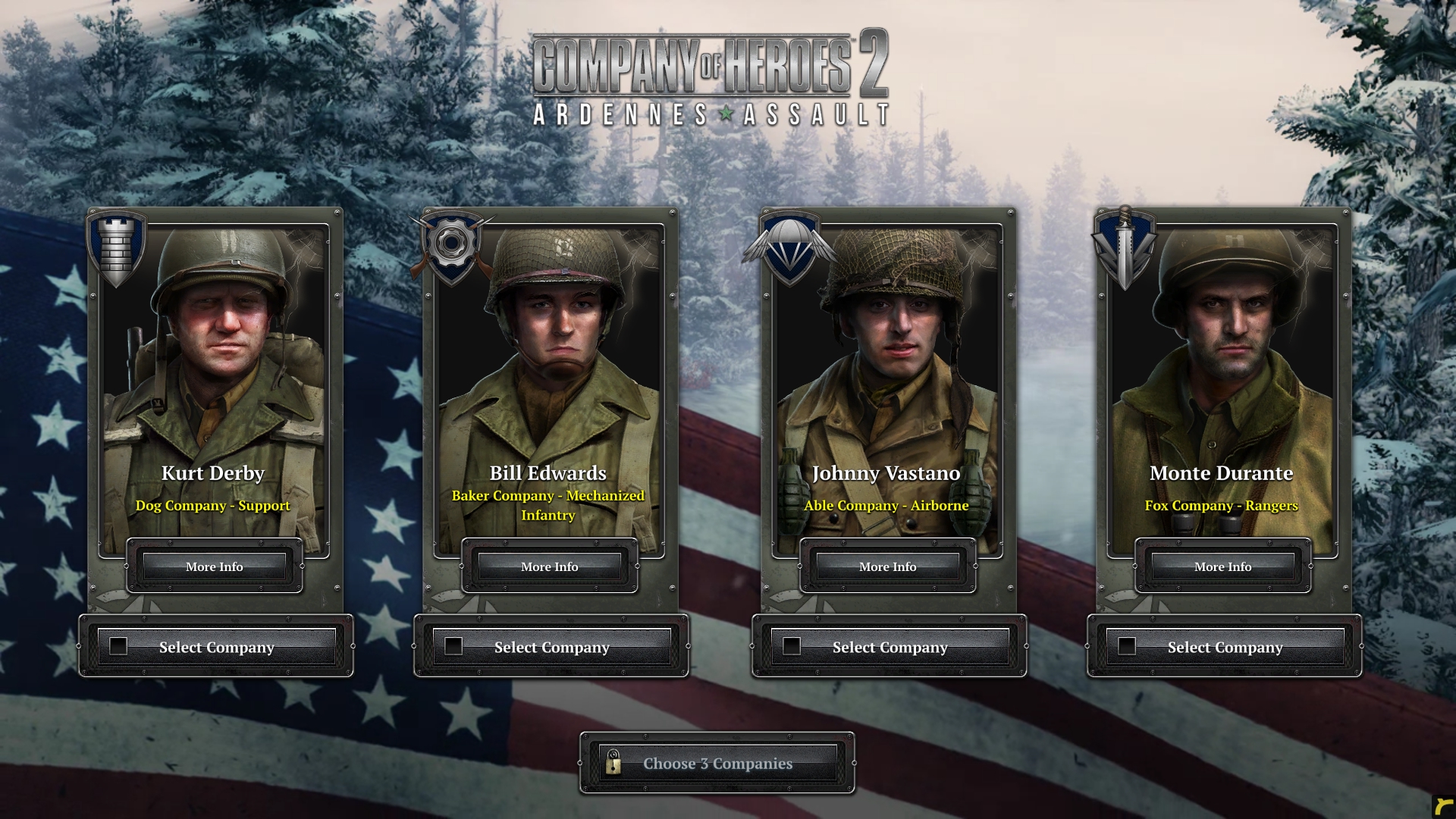
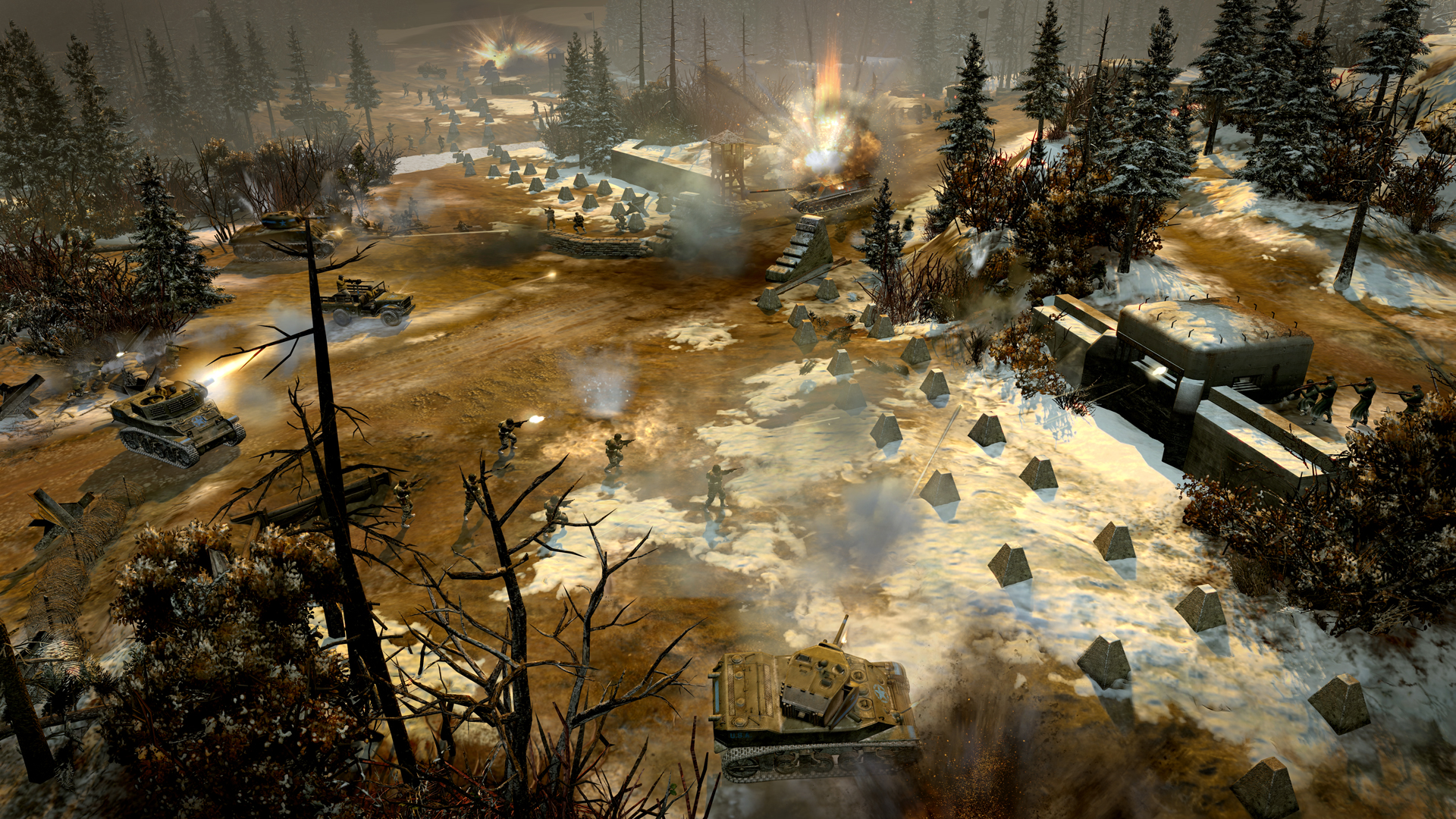
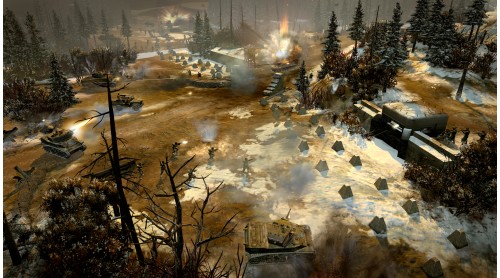
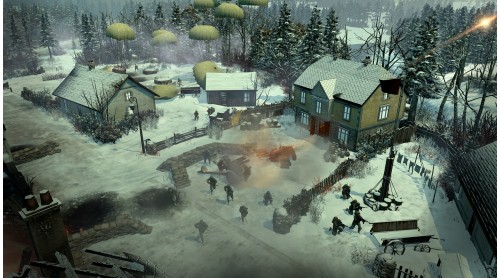
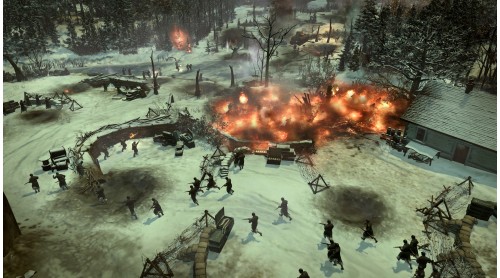
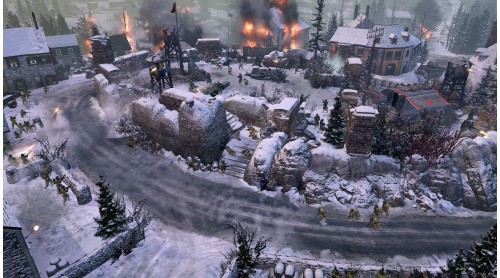
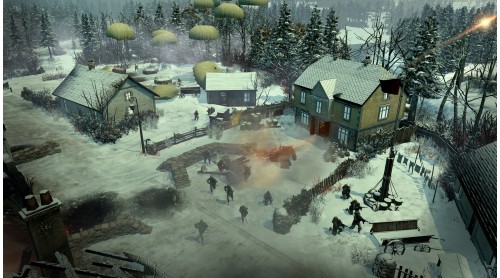
Continuing the story in World War II, this exciting campaign places you in the heart of the battle, once described by Churchill as “...undoubtedly the greatest American battle of the War”. This pivotal conflict is known to many as ‘The Battle of the Bulge.’ Take charge of US Allied forces as they face tactical challenges and punishing terrain during a surprise offensive manoeuvre led by the relentless resurgent Oberkommando West. Watch the dramatic Battle of the Bulge unfold through the eyes of three different Officers; experience first-hand the unique struggles they encounter during the war, and how the weight of your actions will shape their future. The harsh reality of war is that no one is truly safe, and your Companies are not excluded from this ultimate truth. Bear witness to their heroism in the face of extreme odds, and fight to win control of the strategically critical Ardennes region.
©Relic Entertainment. All rights reserved. Developed by Relic Entertainment. Relic Entertainment, the Relic Entertainment logo, Company of Heroes and the Company of Heroes logo are either registered trademarks or trademarks of Relic Entertainment. Relic Entertainment is registered in the U.S. Patent and Trademark Office. All other trademarks, logos and copyrights are property of their respective owners.


How to activate your Steam key?
1. Open your Steam client. (If you don't have a Steam Client, you can install from here https://store.steampowered.com/about/)
2. Sign in to your Steam account. (If you don't have a Steam Account, you can create from here https://store.steampowered.com/join/)
3. Click “ADD A GAME” button which is at the bottom of the Steam Client.
4. Now select "Activate a product on Steam..."
5. Write or copy-paste your Steam key which you purchased from Gamesforpc.
6. Now your game is in your library.
7. Find your game in your library, select and click install to start your download.