




























 Steam
Steam  Windows
  Mac
Mac  Linux
Linux | Release Date | 25.06.2013 | |
| Operating Systems | Linux | |
| Operating Systems | Mac OS | |
| Publisher | Relic Entertainment | |
| PEGI Rating | + 18 | |
| Operating Systems | Windows | |
| Genres | Strategy |
18.49€
Added to Cart
18.49€
Added to Wishlist
18.49€
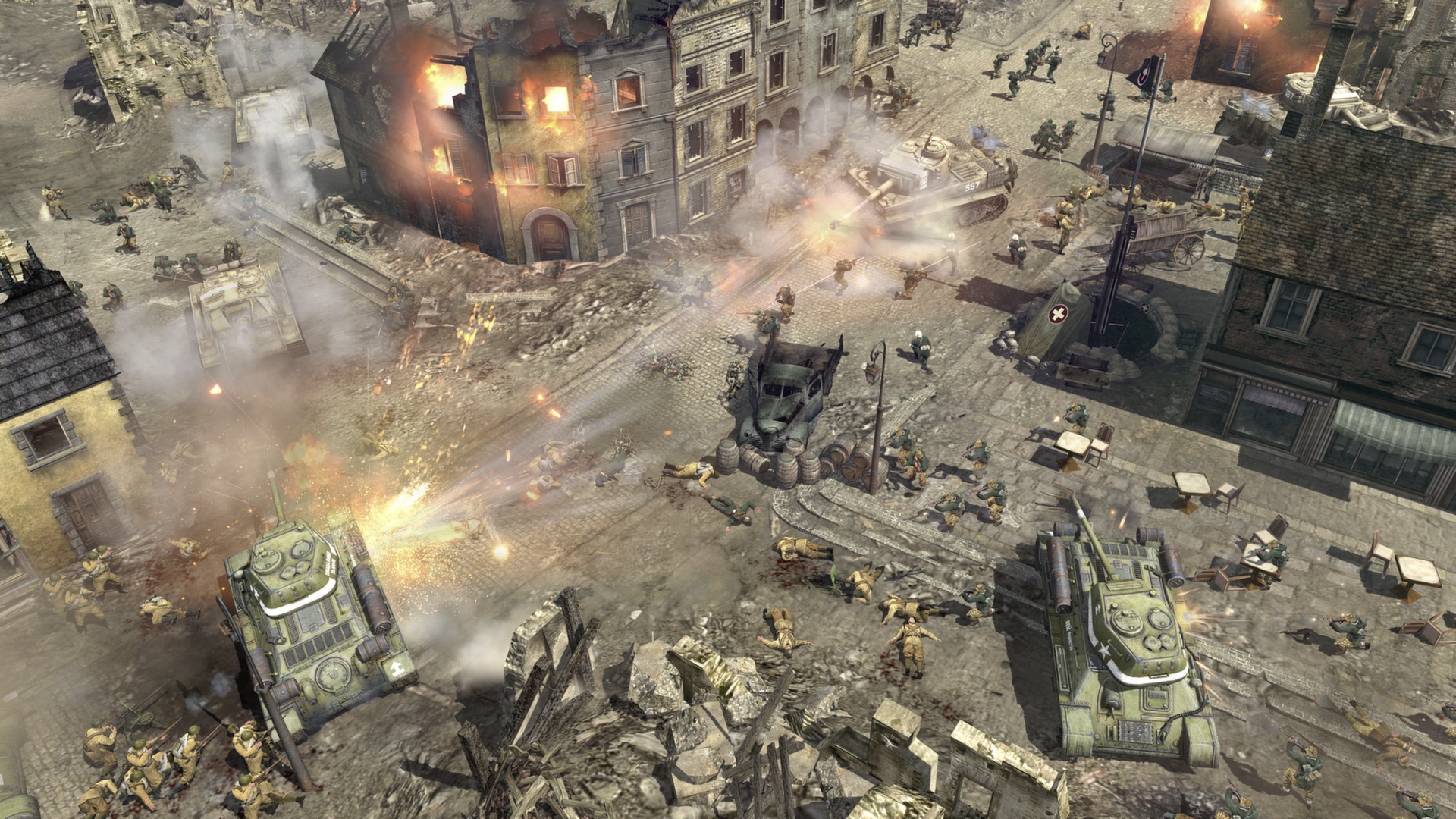
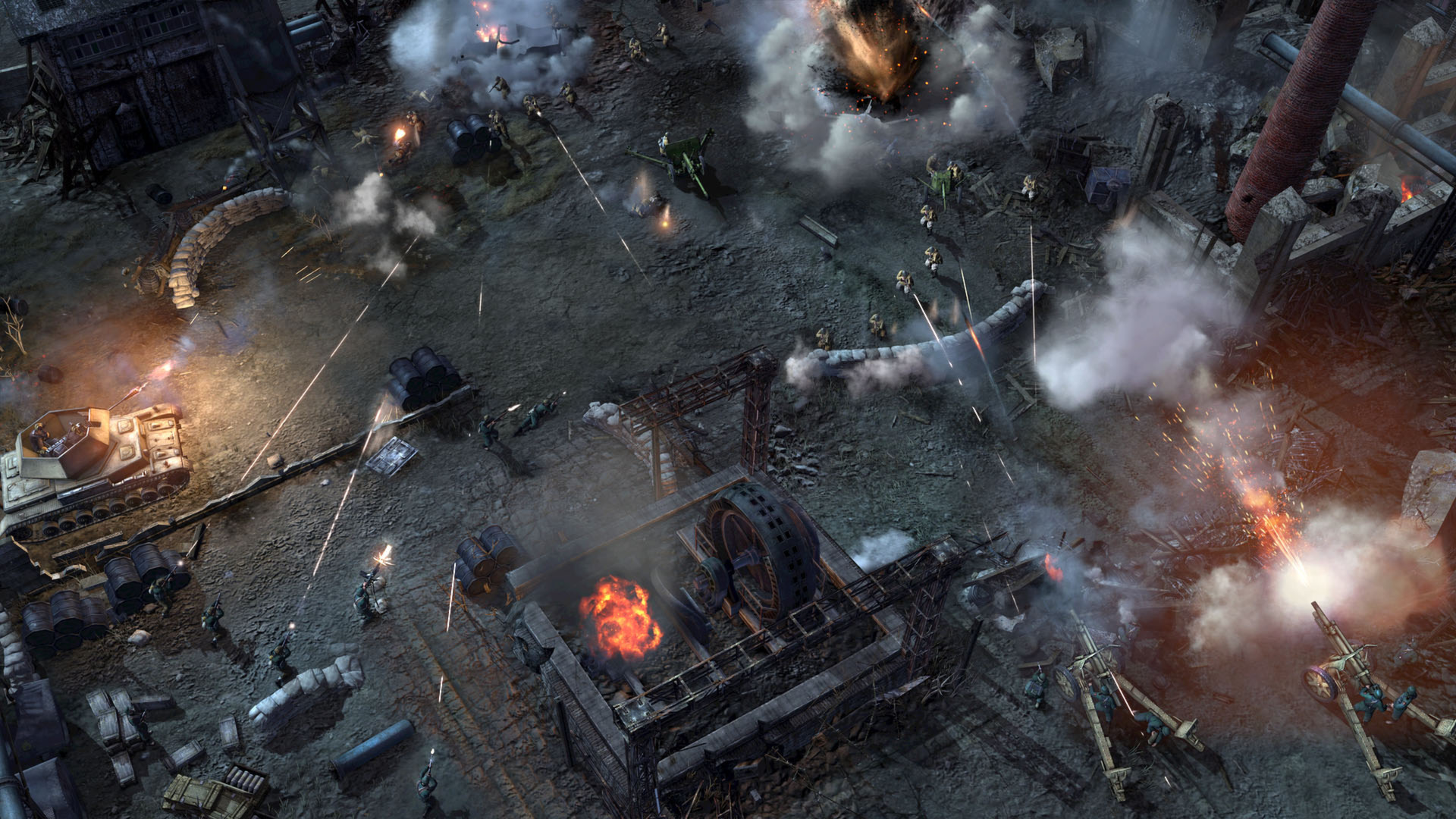
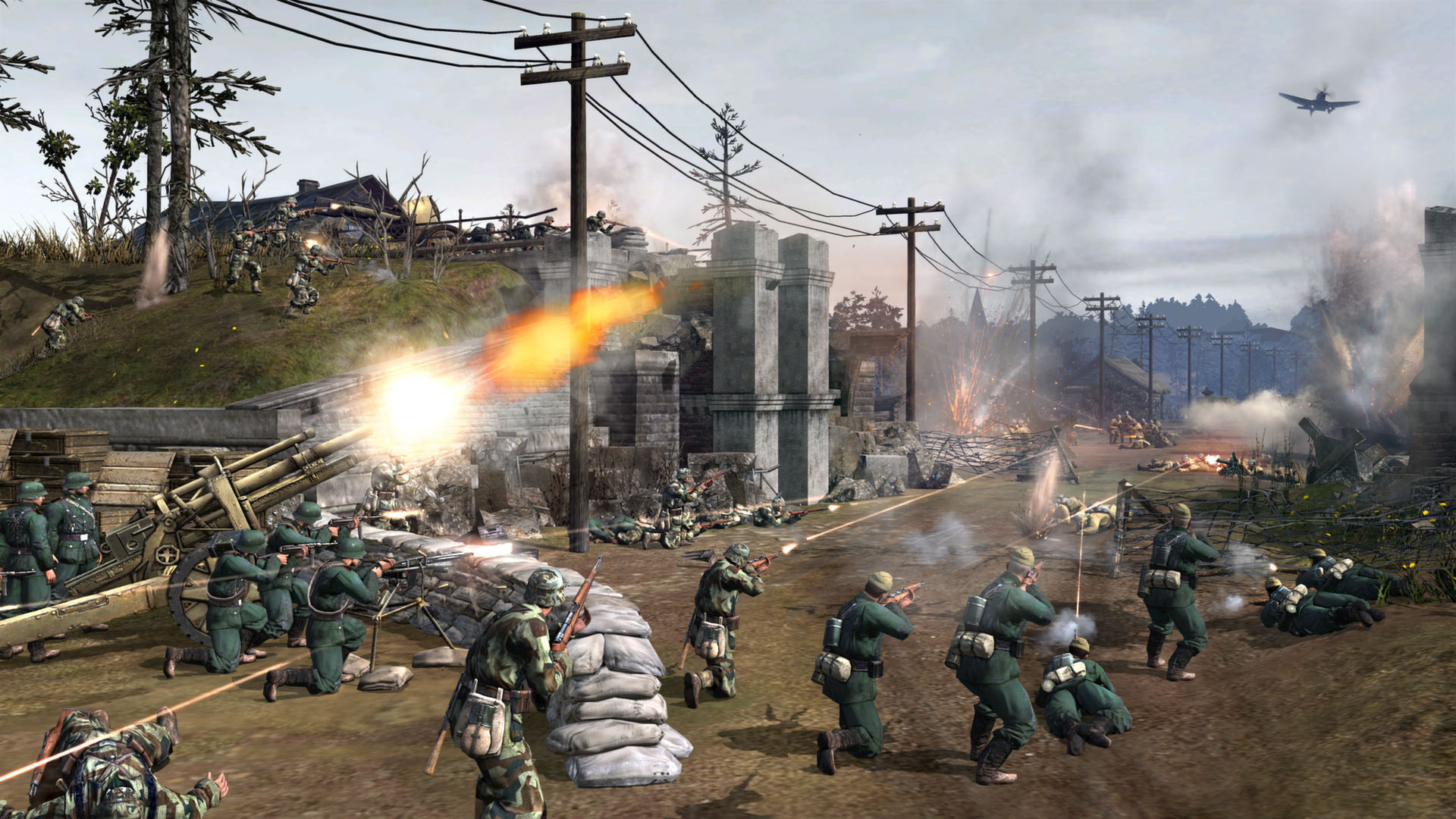
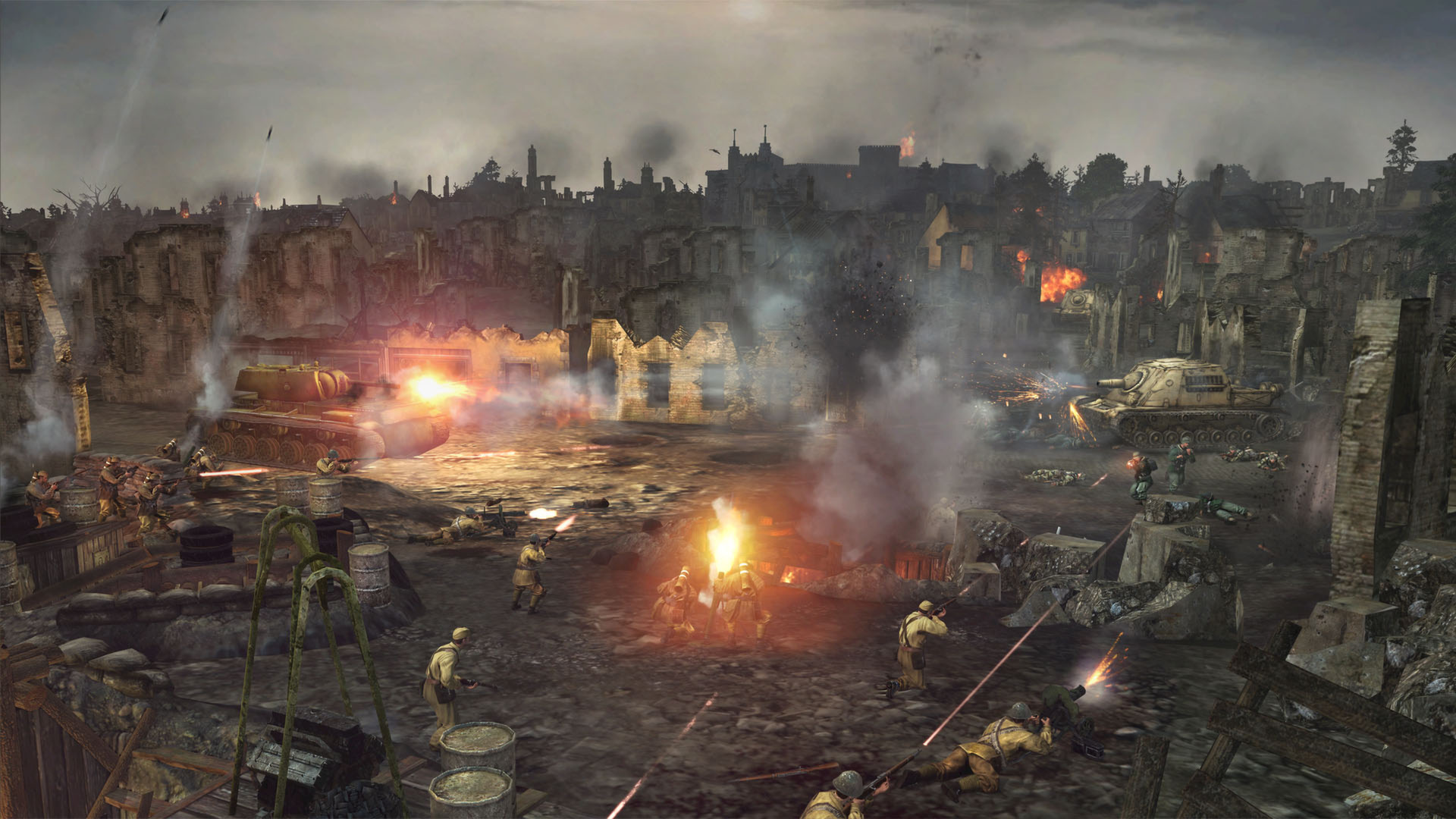
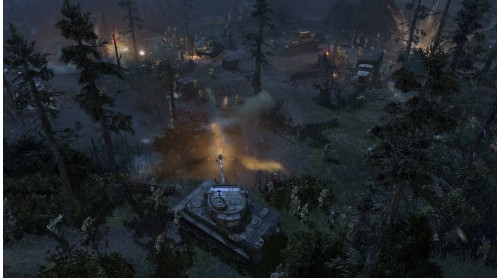
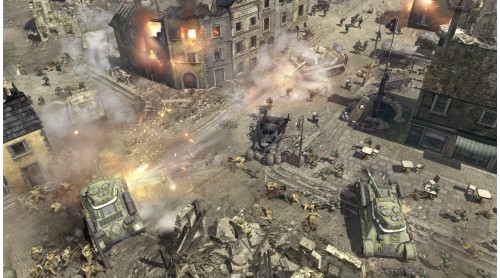
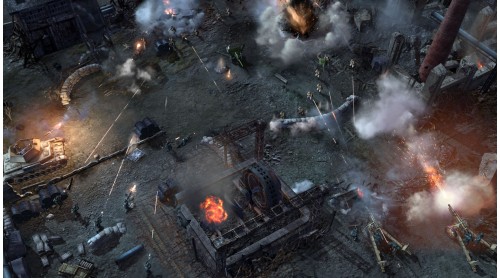
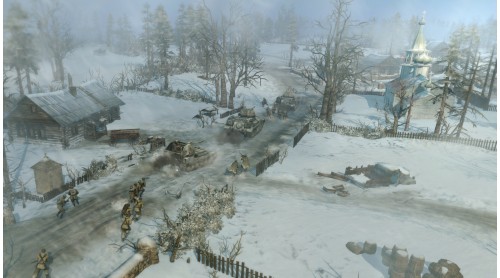
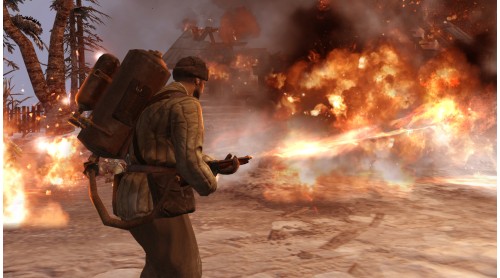
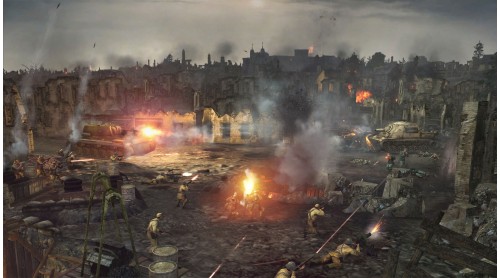
Powered by the Essence Engine 3.0, the Company of Heroes 2 series feature some unique mechanics rewarding thoughtful players. From the TrueSight™ system that emulates the units’ line of sight to the cover-system that encourages clever unit placement – not to mention the combined arms approach and the hard and soft counters gameplay that will make you think twice before trying to destroy a tank with a simple squad of riflemen – each game presents players with an uninterrupted stream of meaningful tactical choices that can turn the tide of war.
PICK YOUR FIGHT
COMPANY OF HEROES™ - Original Game
INCLUDES:
Single Player campgain (SOV)
Multiplayer armies (SOV + GER)
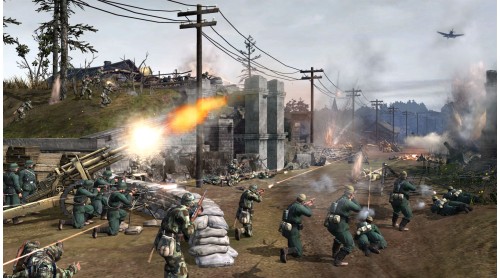
The Company of Heroes 2 base game gives you access to two multiplayer armies from the Eastern Front: the Red Army (SOV) and the Wehrmacht Ostheer (GER). It also comes with a gritty single-player campaign that will give you a chance to familiarize yourself with the series core tenets. Step into the boots of a Soviet commander of the Red Army, entrenched in brutal frontline warfare to free Mother Russia from the Enemy invaders! Adjust your tactics to take into account the brutal weather conditions and wield the might of the Soviet Empire as you smash your way to Berlin.
Find out the multiplayer army (and associated game/standalone) that suits your play style.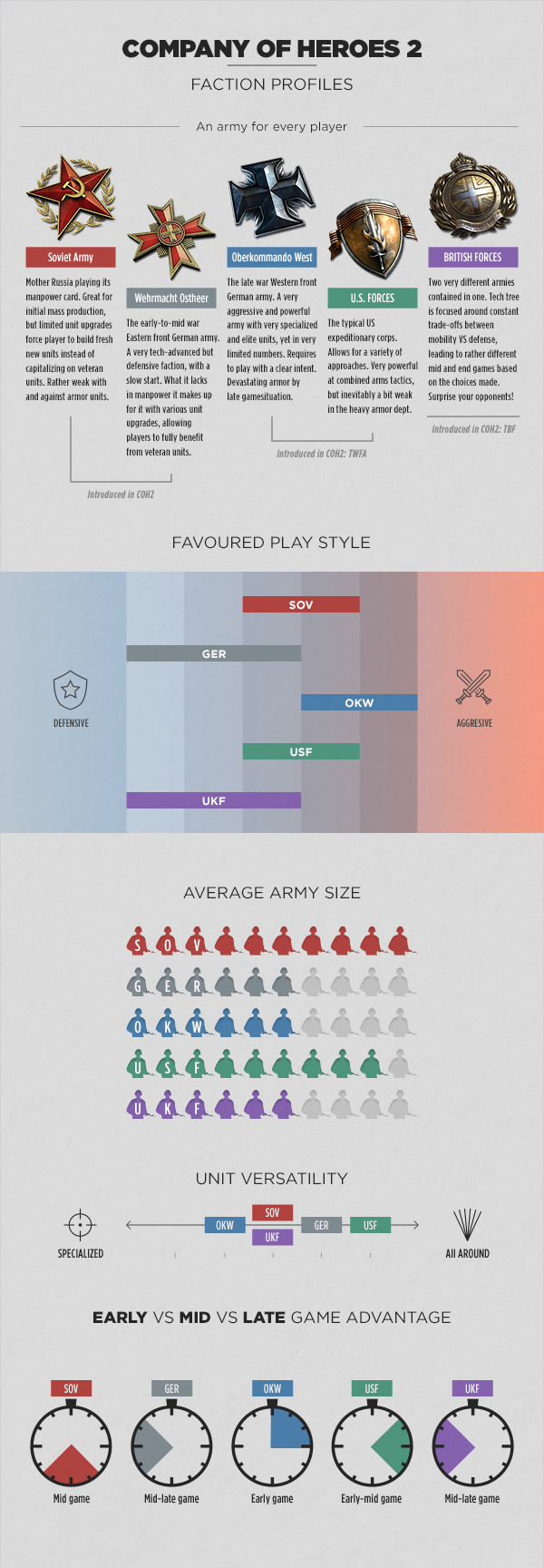
©Relic Entertainment. All rights reserved. Developed by Relic Entertainment. Relic Entertainment, the Relic Entertainment logo, Company of Heroes and the Company of Heroes logo are either registered trademarks or trademarks of Relic Entertainment. Relic Entertainment is registered in the U.S. Patent and Trademark Office. All other trademarks, logos and copyrights are property of their respective owners.


How to activate your Steam key?
1. Open your Steam client. (If you don't have a Steam Client, you can install from here https://store.steampowered.com/about/)
2. Sign in to your Steam account. (If you don't have a Steam Account, you can create from here https://store.steampowered.com/join/)
3. Click “ADD A GAME” button which is at the bottom of the Steam Client.
4. Now select "Activate a product on Steam..."
5. Write or copy-paste your Steam key which you purchased from Gamesforpc.
6. Now your game is in your library.
7. Find your game in your library, select and click install to start your download.