 Steam
Steam  Windows
 | Release Date | 23.08.2004 |
| Publisher | THQ Nordic GmbH |
| Operating Systems | Windows |
| Genres | Adventure |
4.99€
Added to Cart
4.99€
Added to Wishlist
4.99€
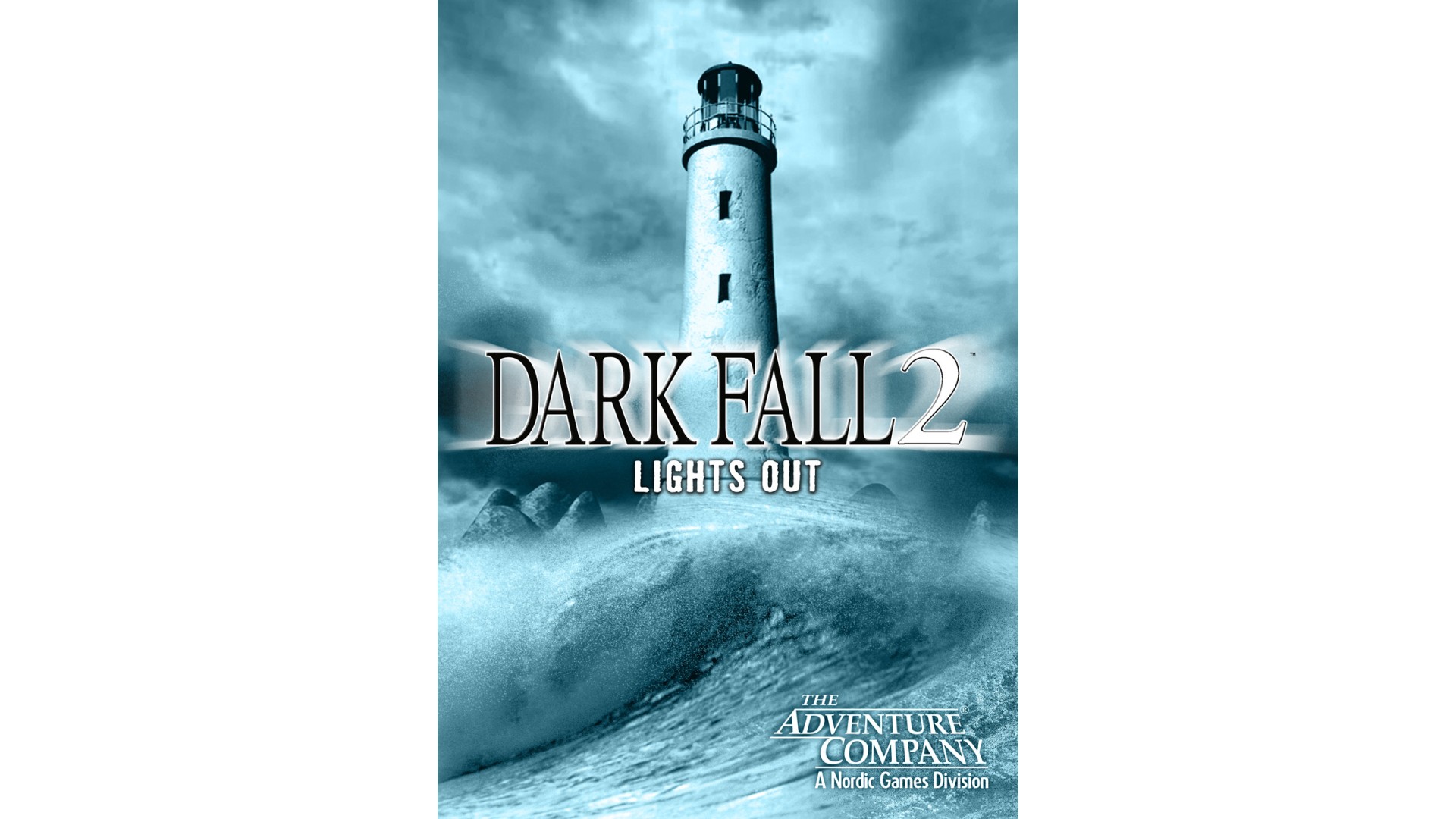
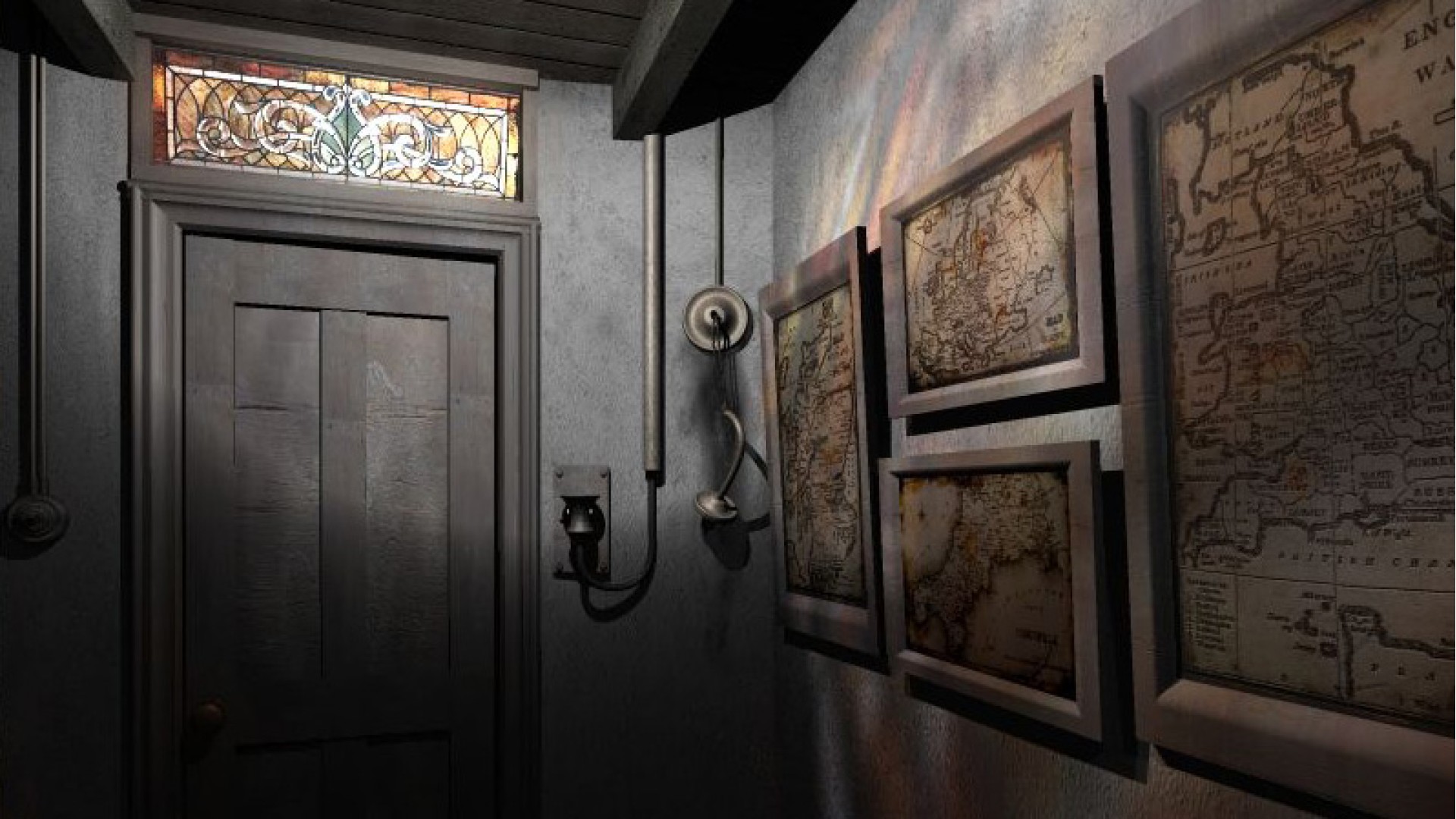
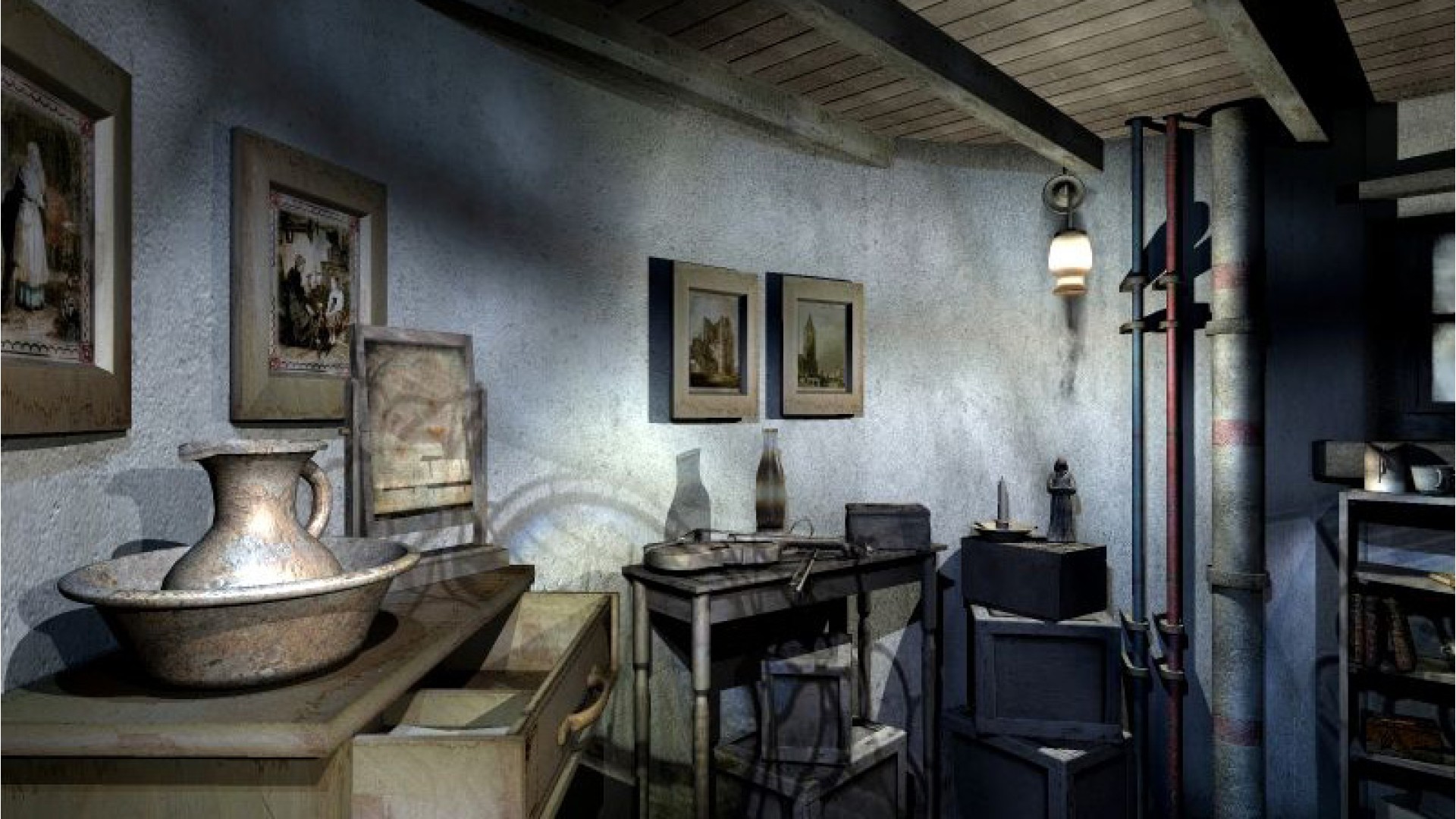
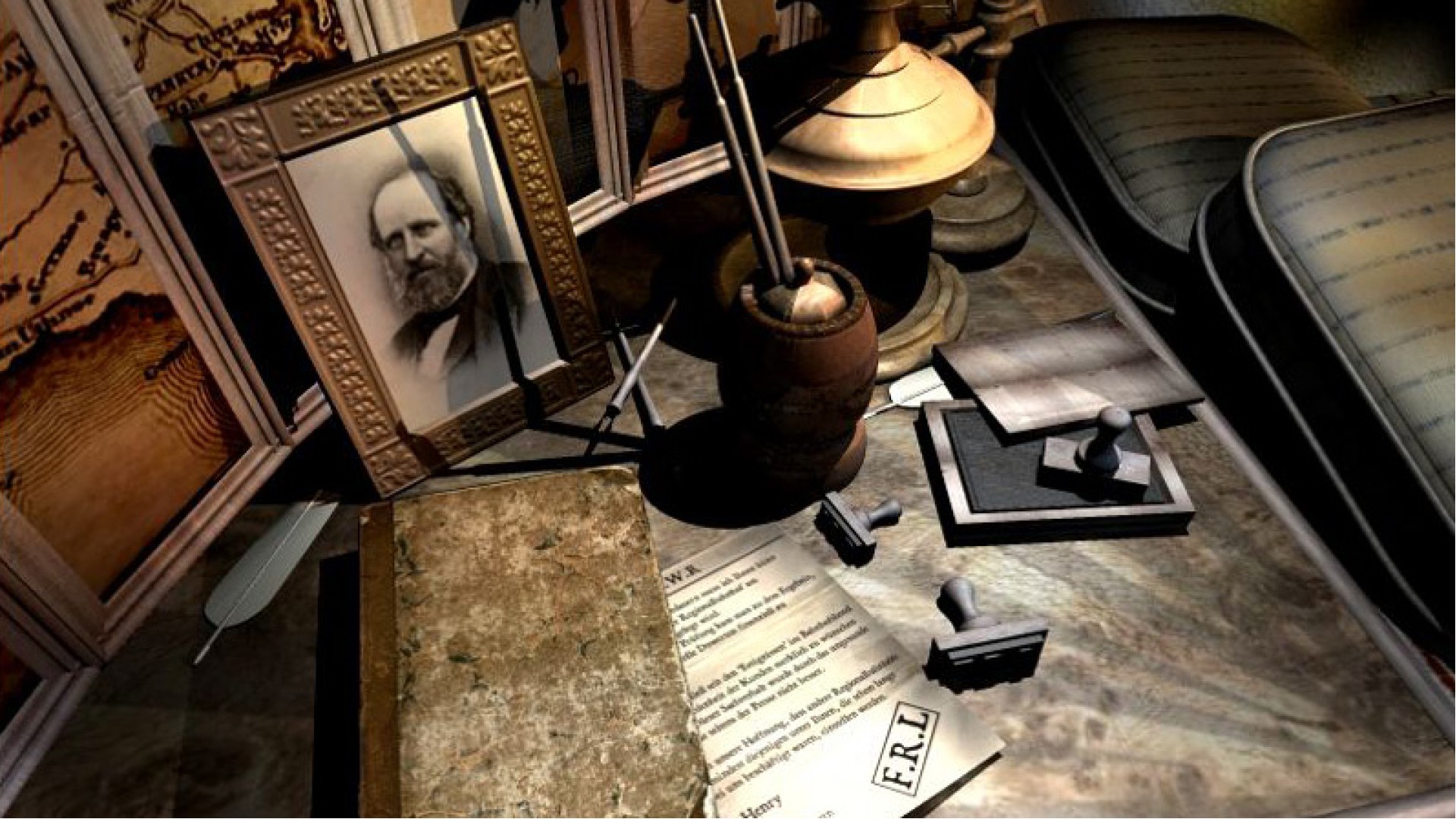
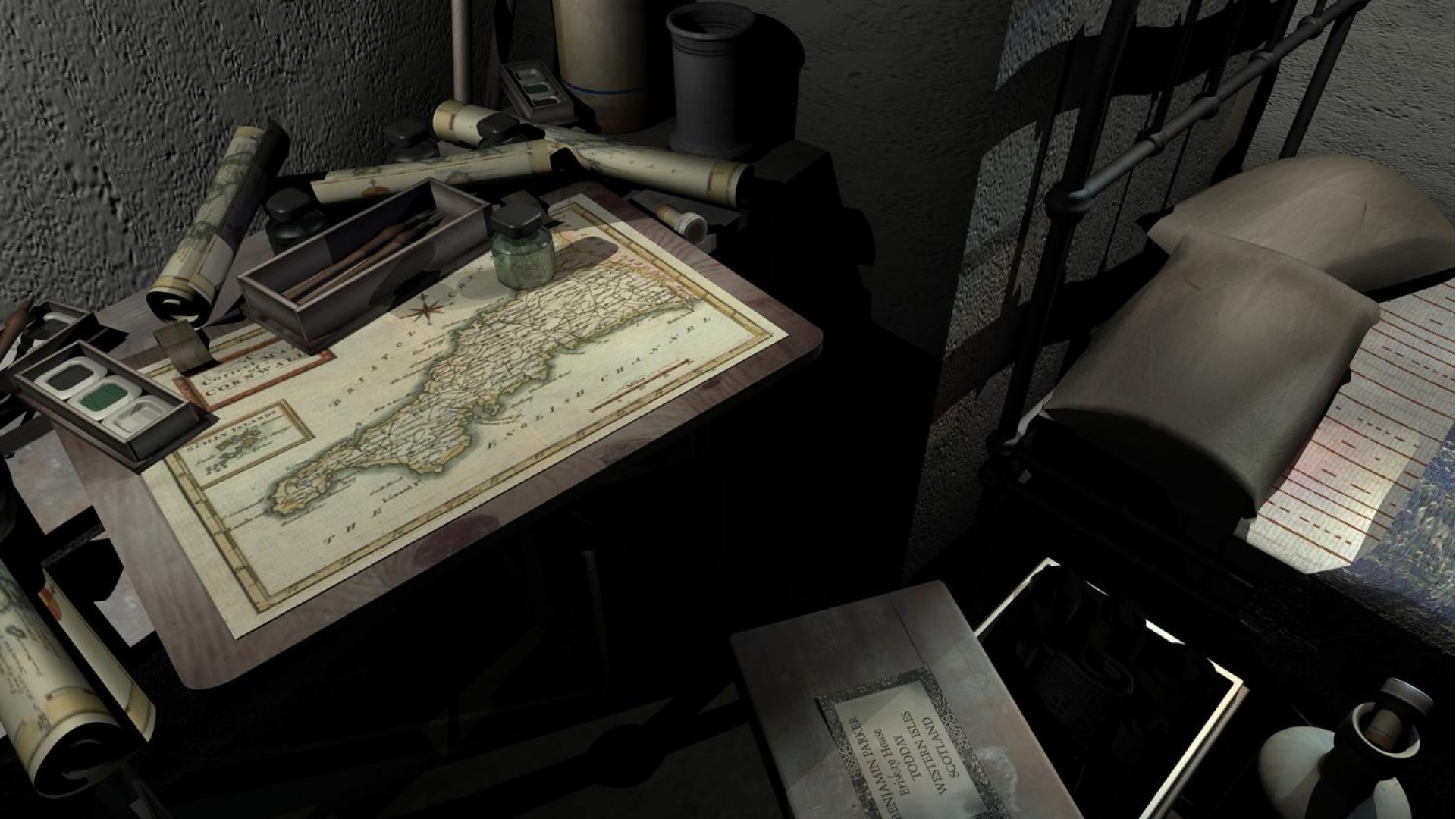
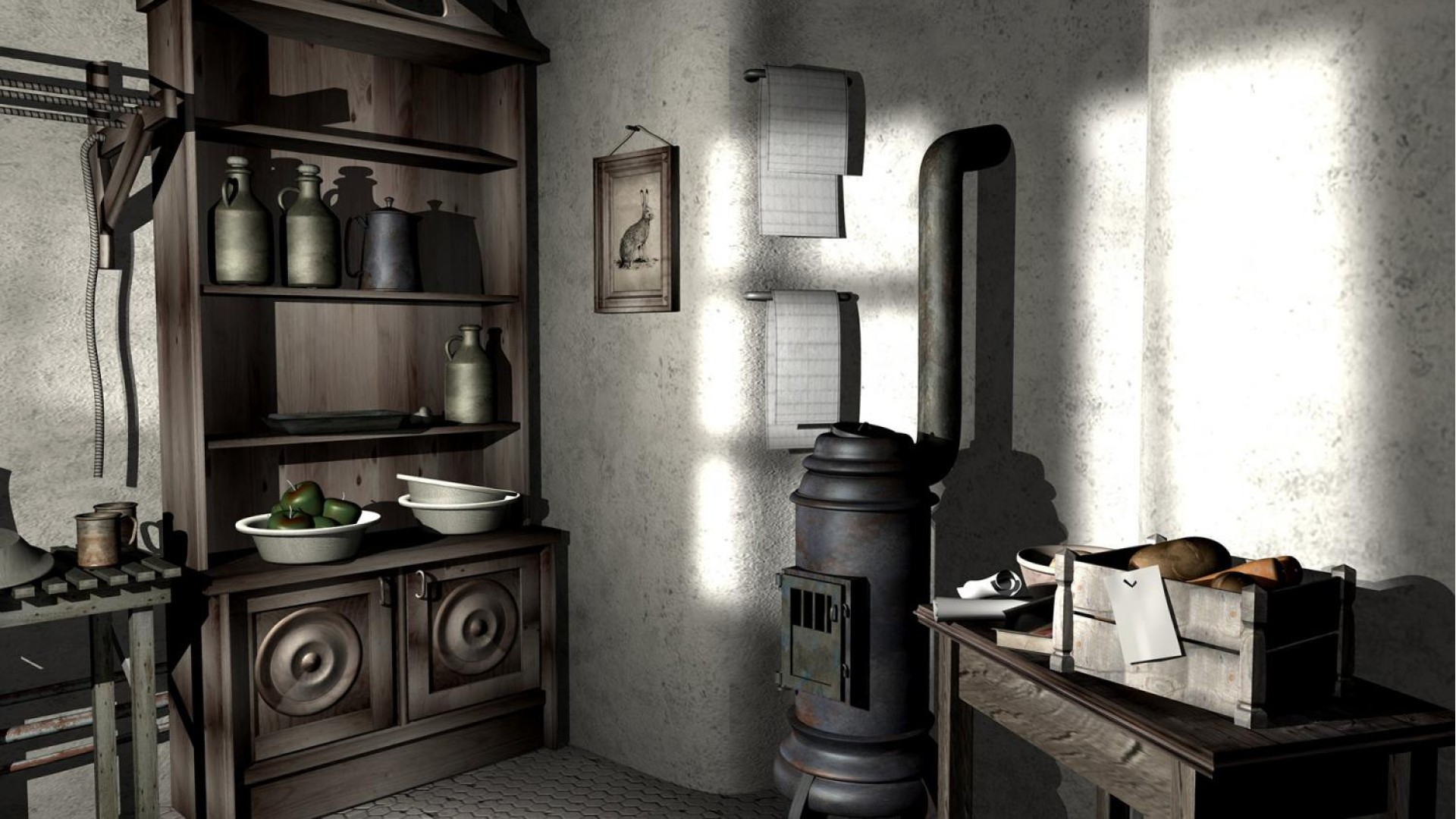
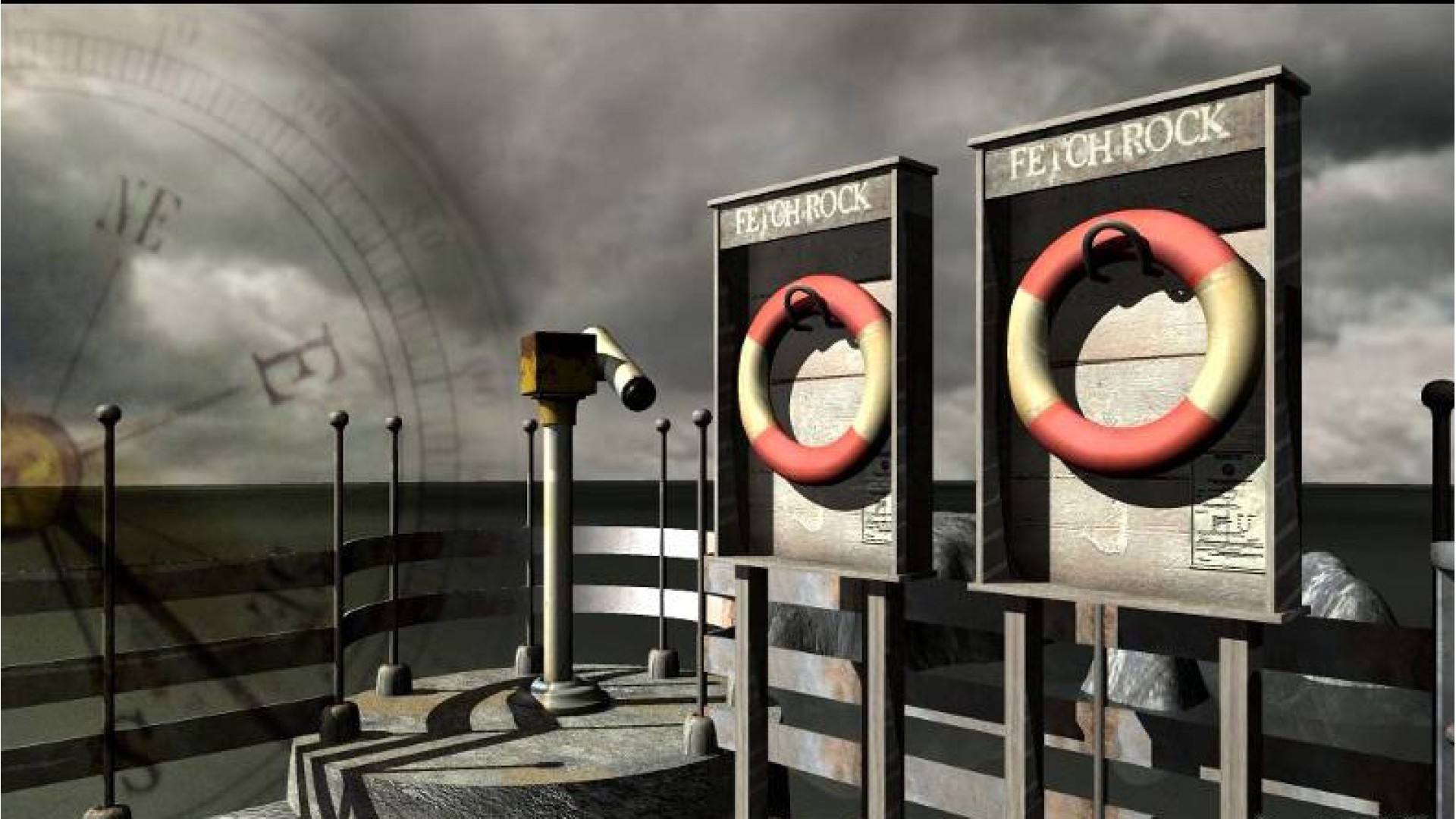
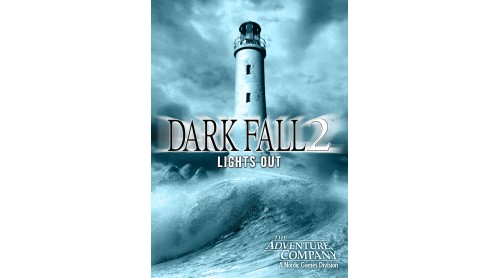
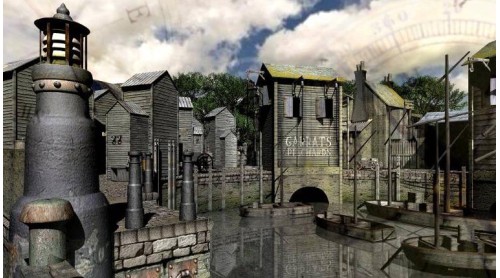
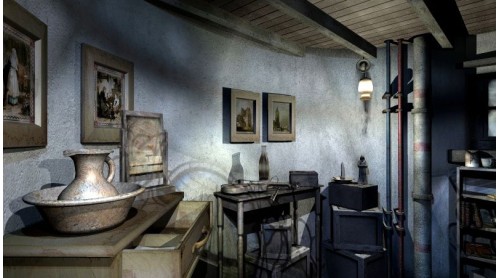
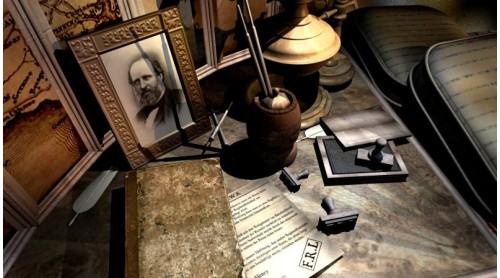
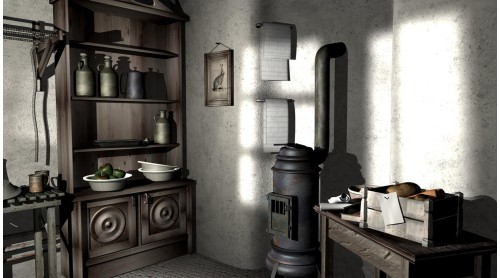
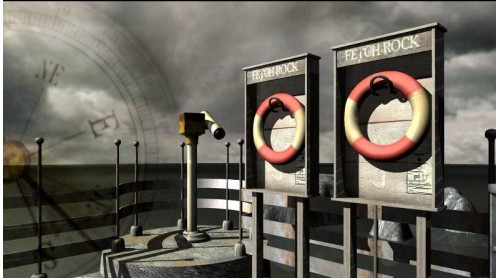
Three men once manned the lighthouse on Fetch Rock, but they vanished without trace on New Year, 1900. No-one knows what really happened to those three poor souls, and no-one is brave enough to stay in the lighthouse, alone, after dark. Except you...travel to Fetch Rock Island, and discover what really happened...
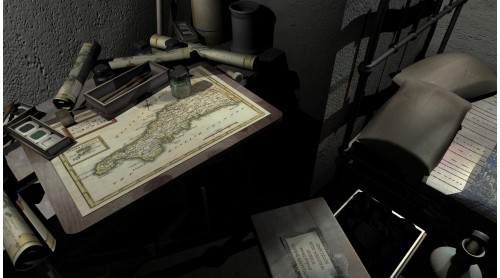
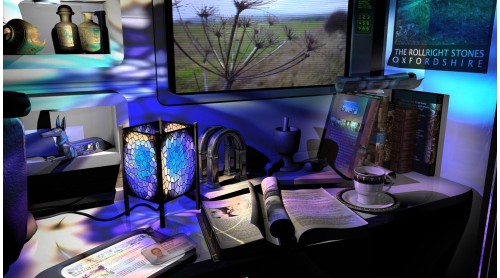
Use supernatural investigative techniques and realistic ghost hunting gadgets to reveal the evil presence that threatens Fetch Rock. Together you must defeat the evil that hides in the mist and uncover the mystery of Lights Out.
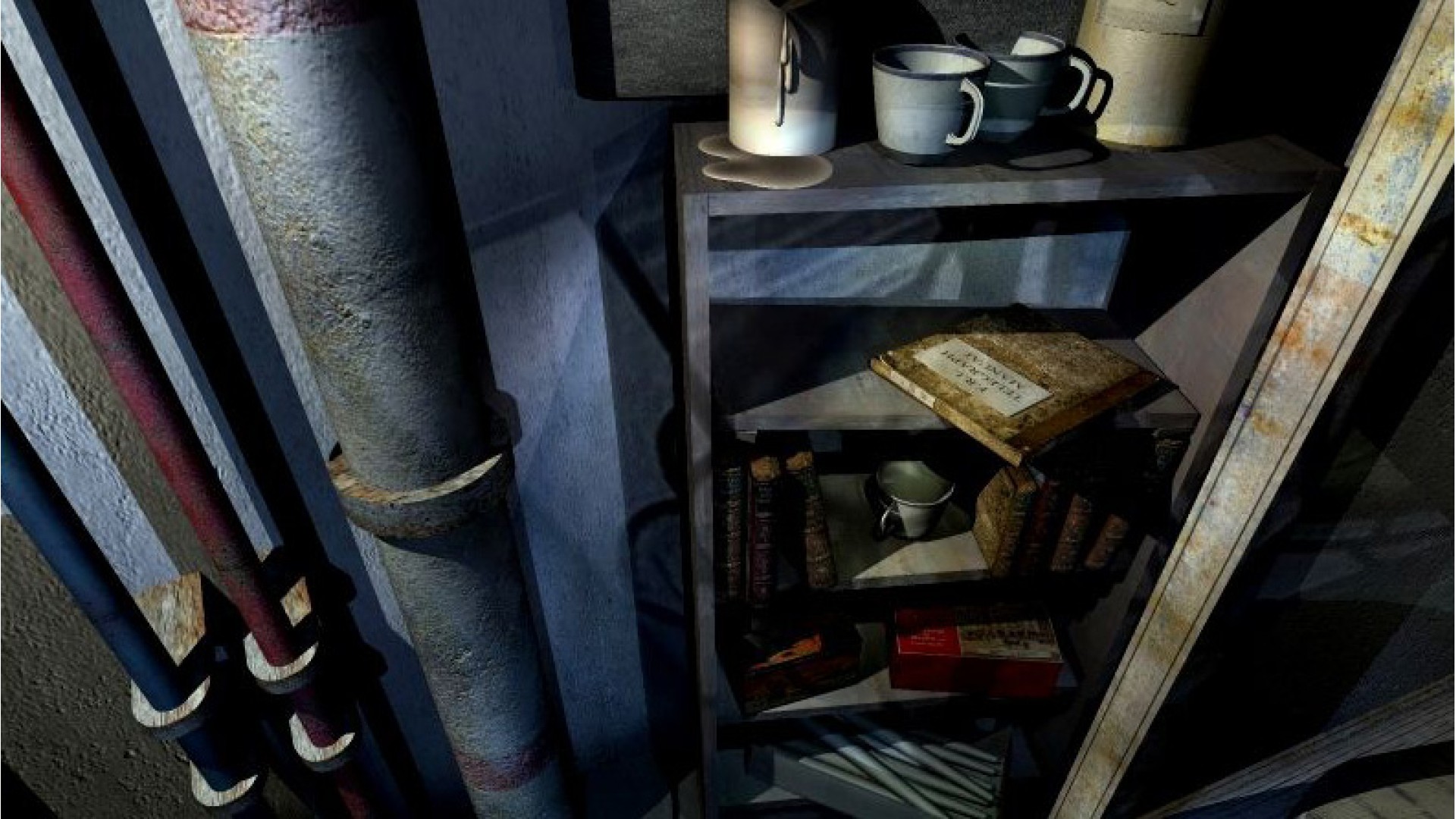
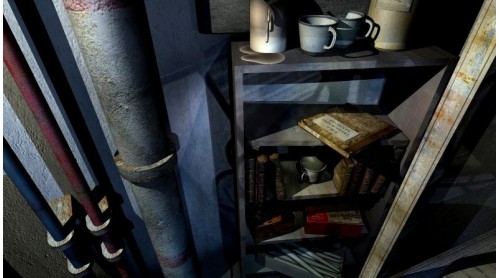
The game is best played in a dark room with your speakers turned up. Unless you're scared, of course.
The Story
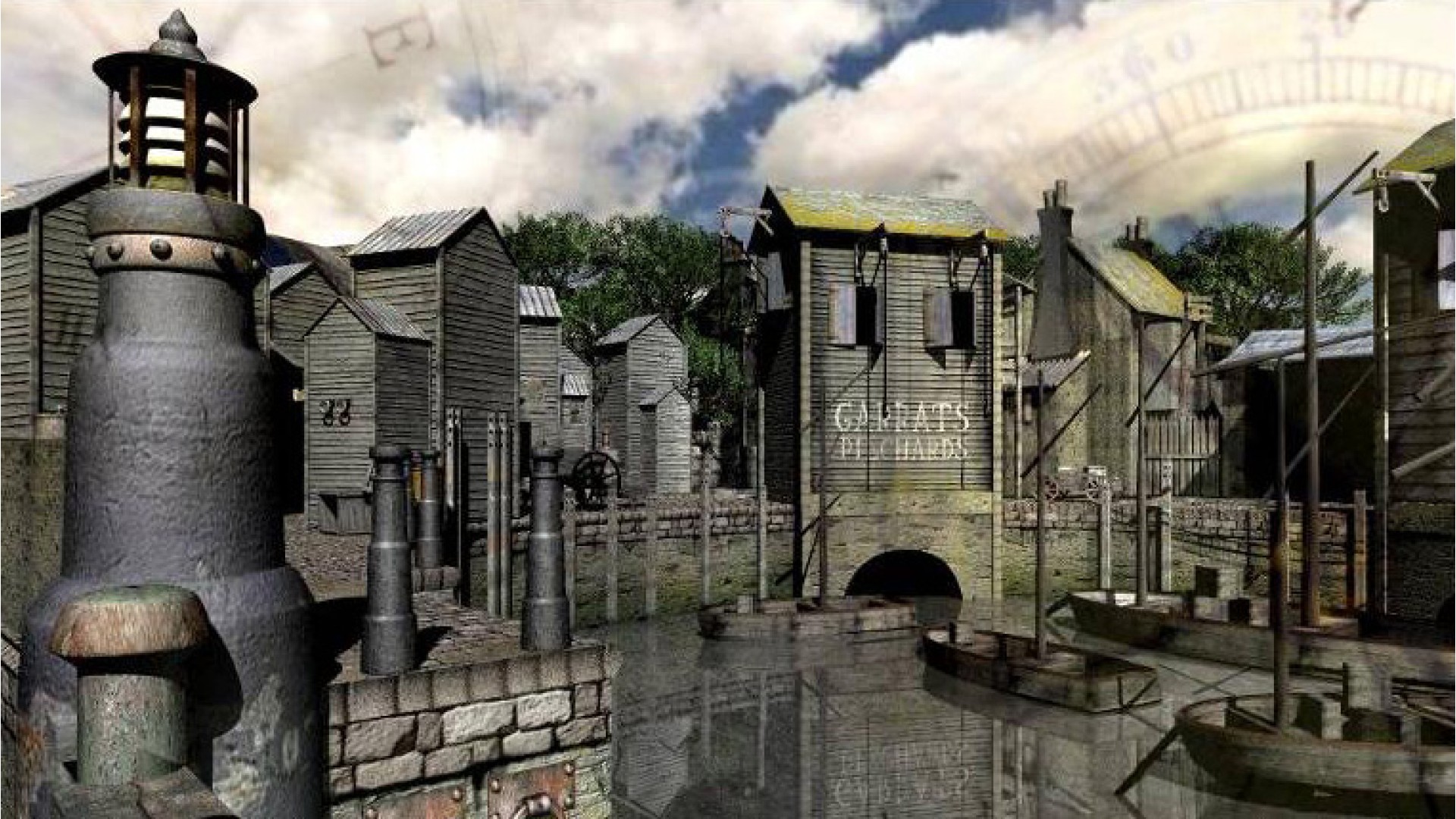
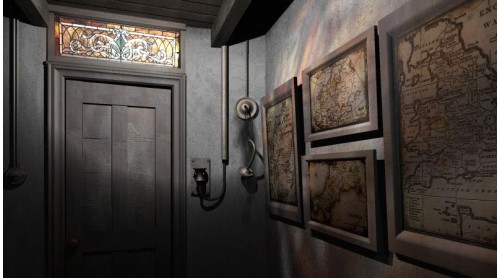
Many lives have been lost on the lethal rocks surrounding the harbour town of Trewarthan. Mysteriously, a thick fog covers the land and the silence is shattered by the sound of ghastly foghorn. Suddenly, the faithful light of Fetch Rock Lighthouse is plunged into darkness.
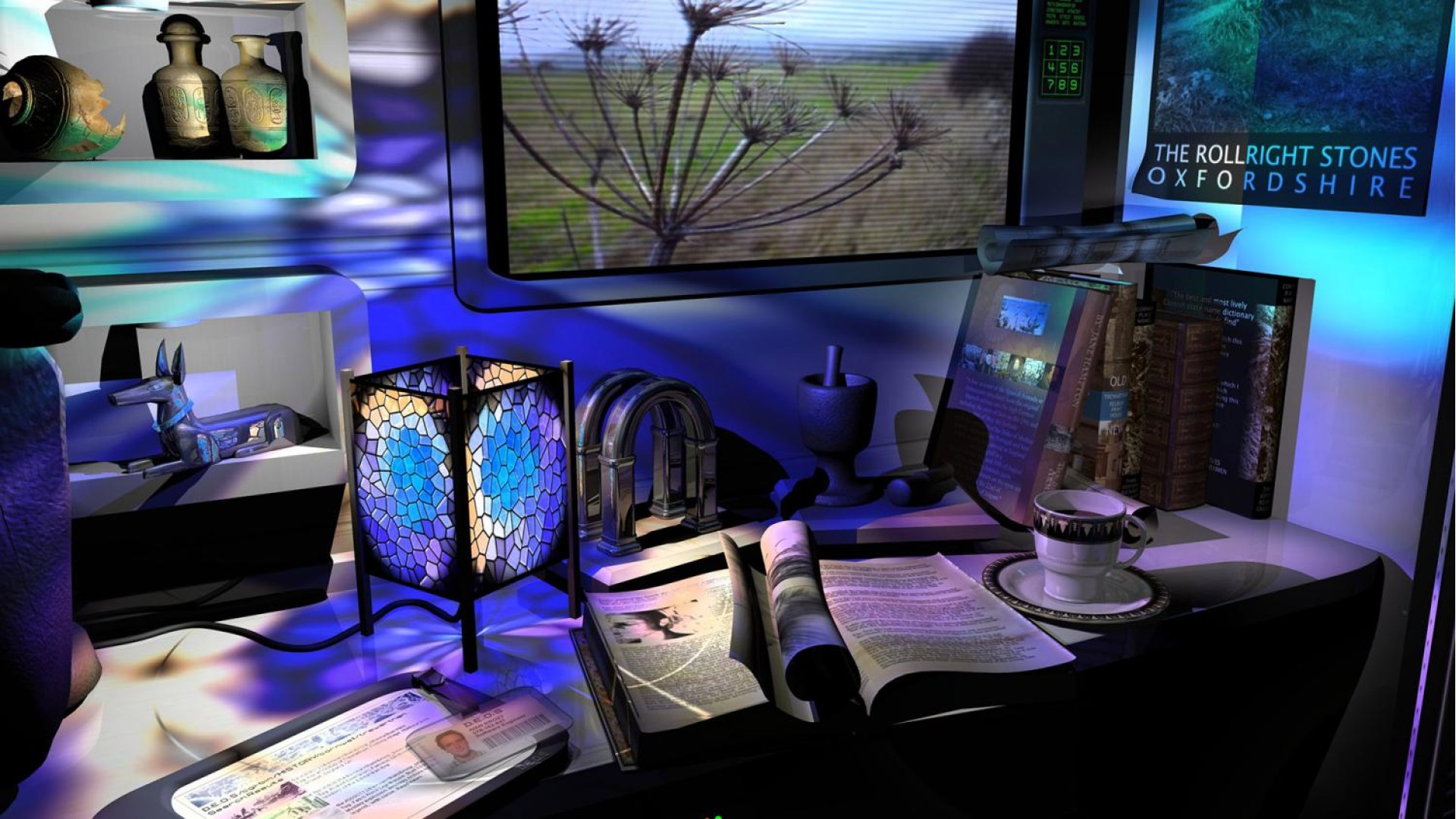
‘Fetch’ is the old English word for ‘ghost’; The old lighthouse is built upon something ancient and terrible, causing manifestations, time distortions and unexplainable paranormal events. Only by jumping through time, from the ancient Bronze Age to a futuristic research base, will you be able to uncover what is really happening on fetch Rock. Was your arrival upon the Island, that foggy night, really coincidence, or is someone, or something calling to you, across time.


How to activate your Steam key?
1. Open your Steam client. (If you don't have a Steam Client, you can install from here https://store.steampowered.com/about/)
2. Sign in to your Steam account. (If you don't have a Steam Account, you can create from here https://store.steampowered.com/join/)
3. Click “ADD A GAME” button which is at the bottom of the Steam Client.
4. Now select "Activate a product on Steam..."
5. Write or copy-paste your Steam key which you purchased from Gamesforpc.
6. Now your game is in your library.
7. Find your game in your library, select and click install to start your download.