Description
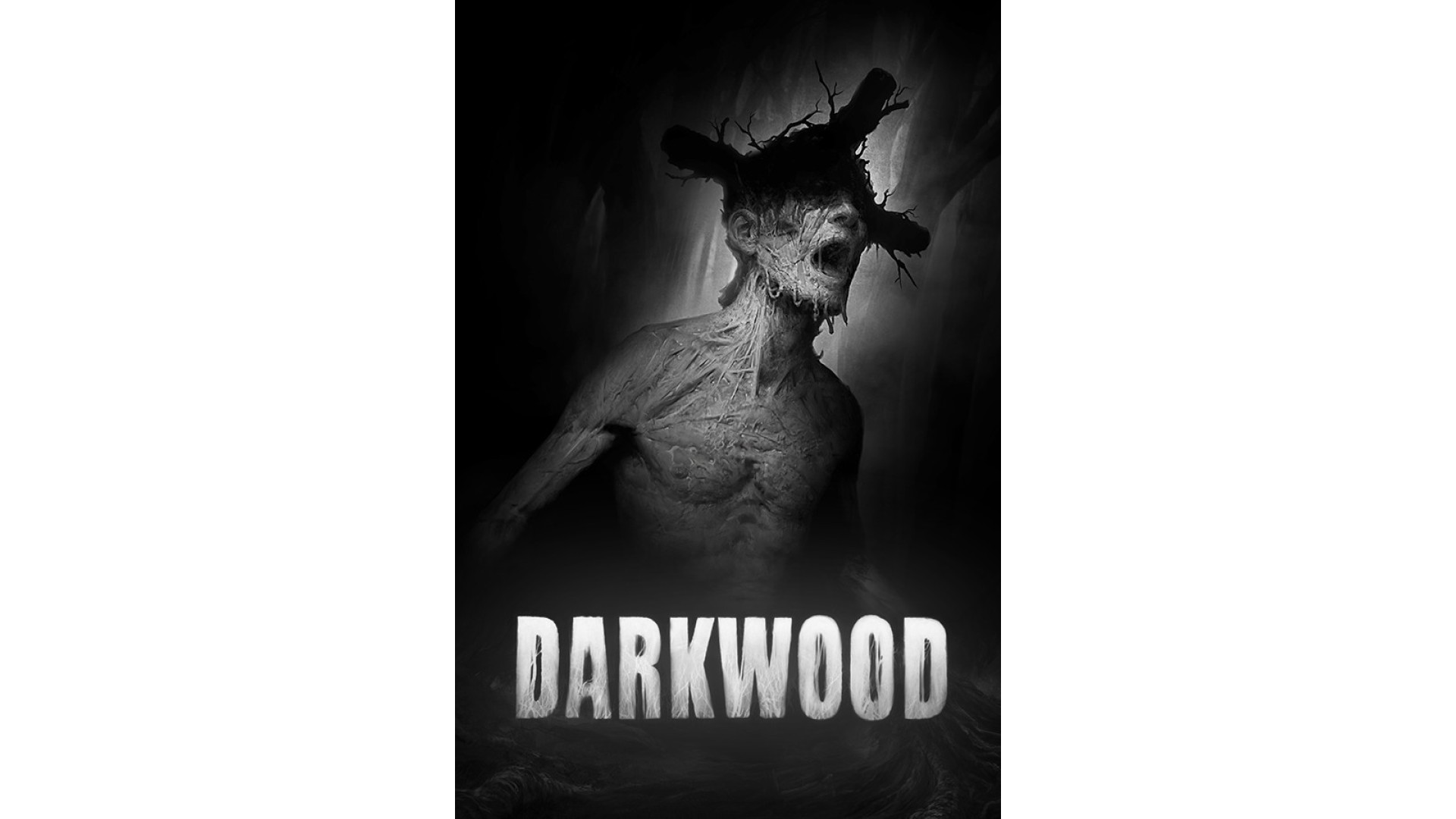
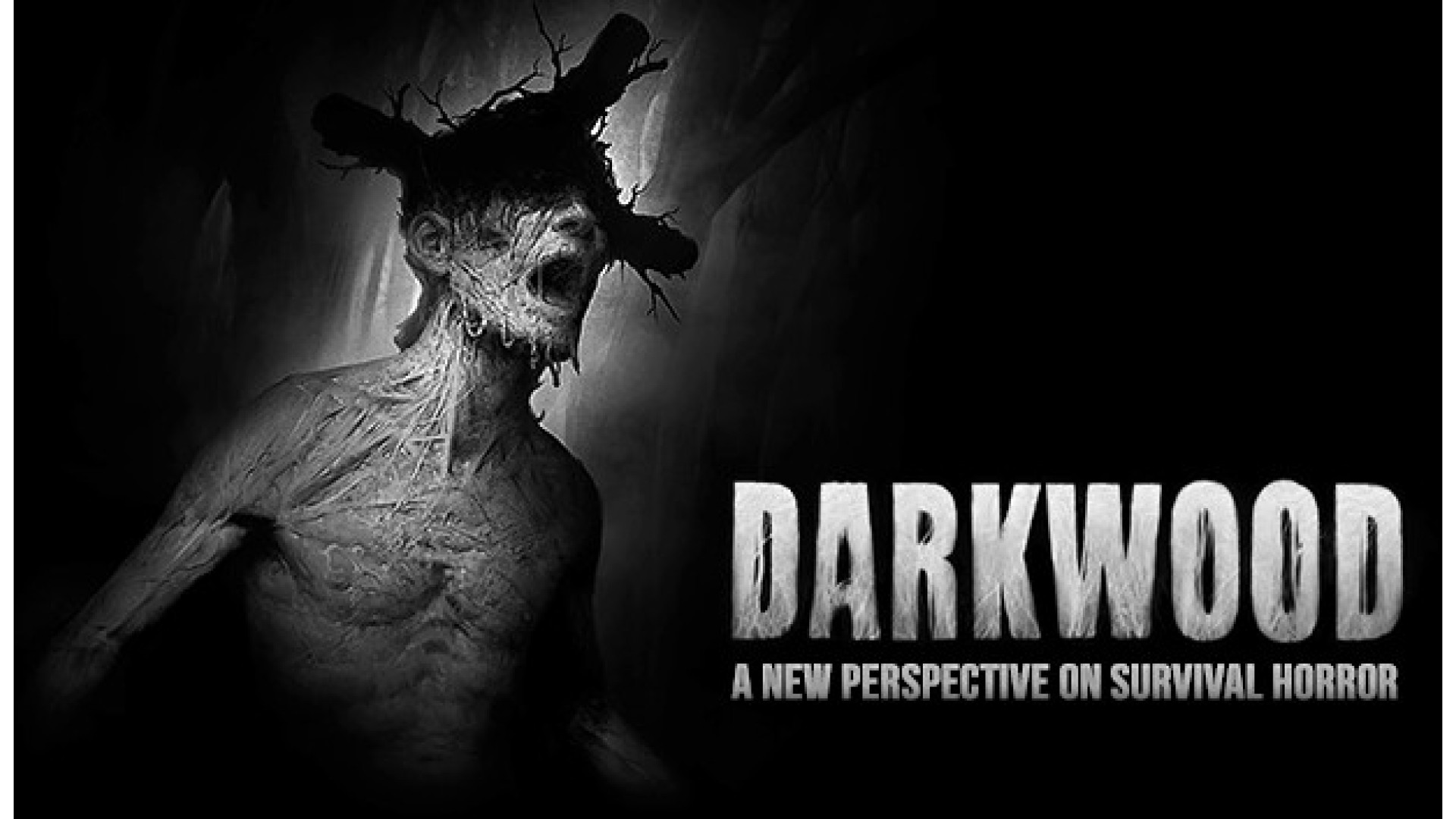
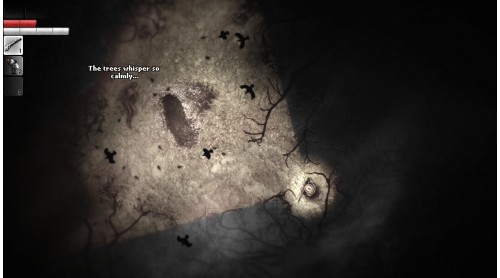
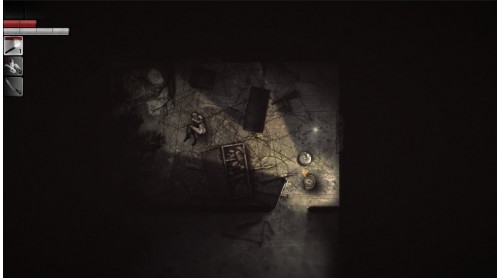
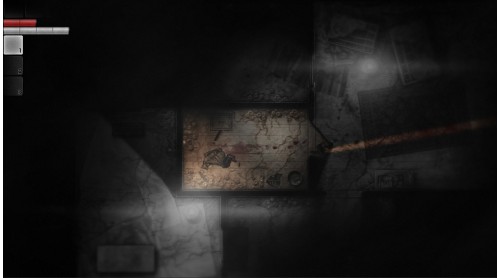
Darkwood provides a new perspective on survival horror.
Scavenge and explore the rich, ever-changing free-roam world by day, then hunker down in your hideout and pray for the morning light.
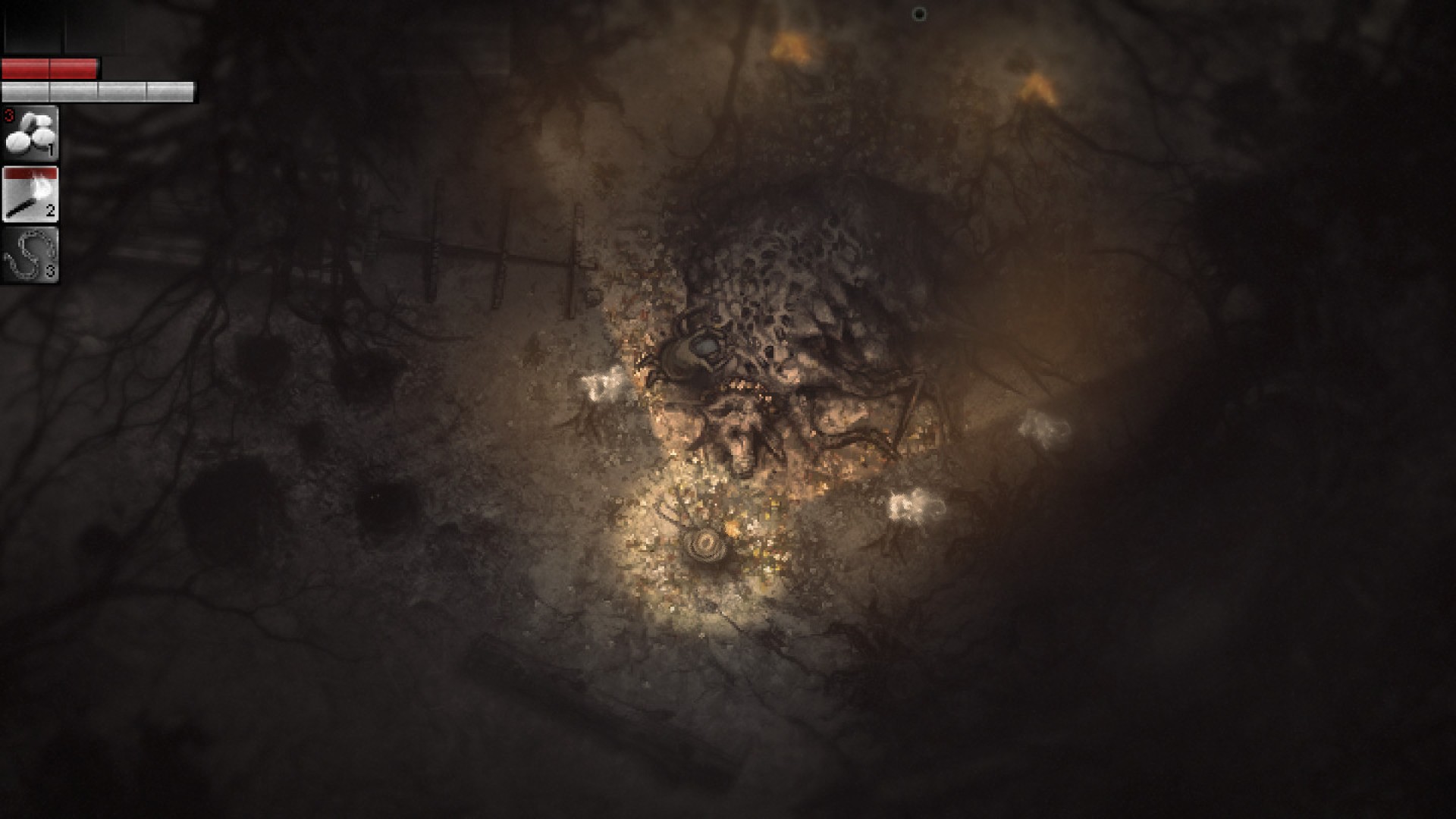
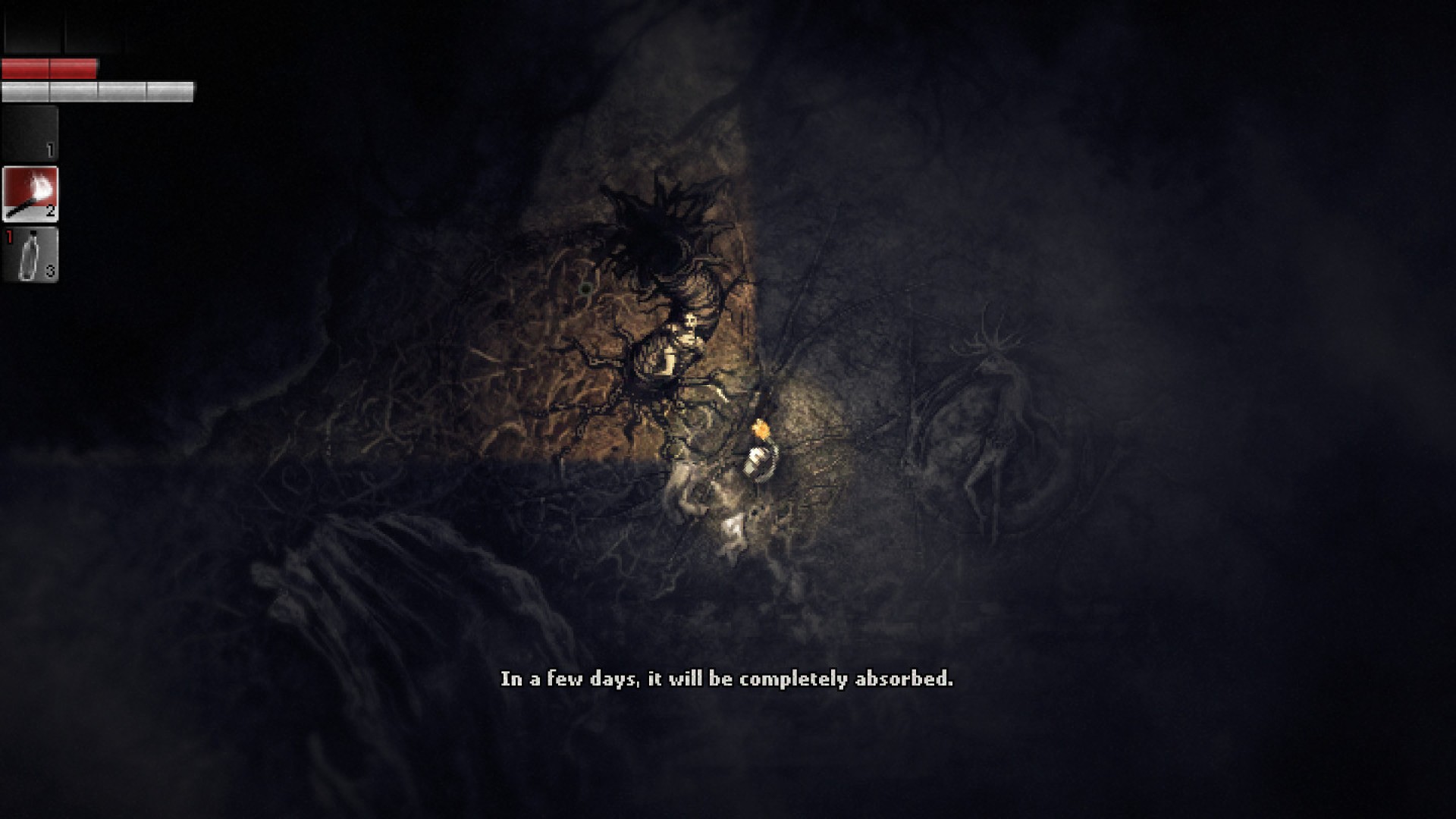
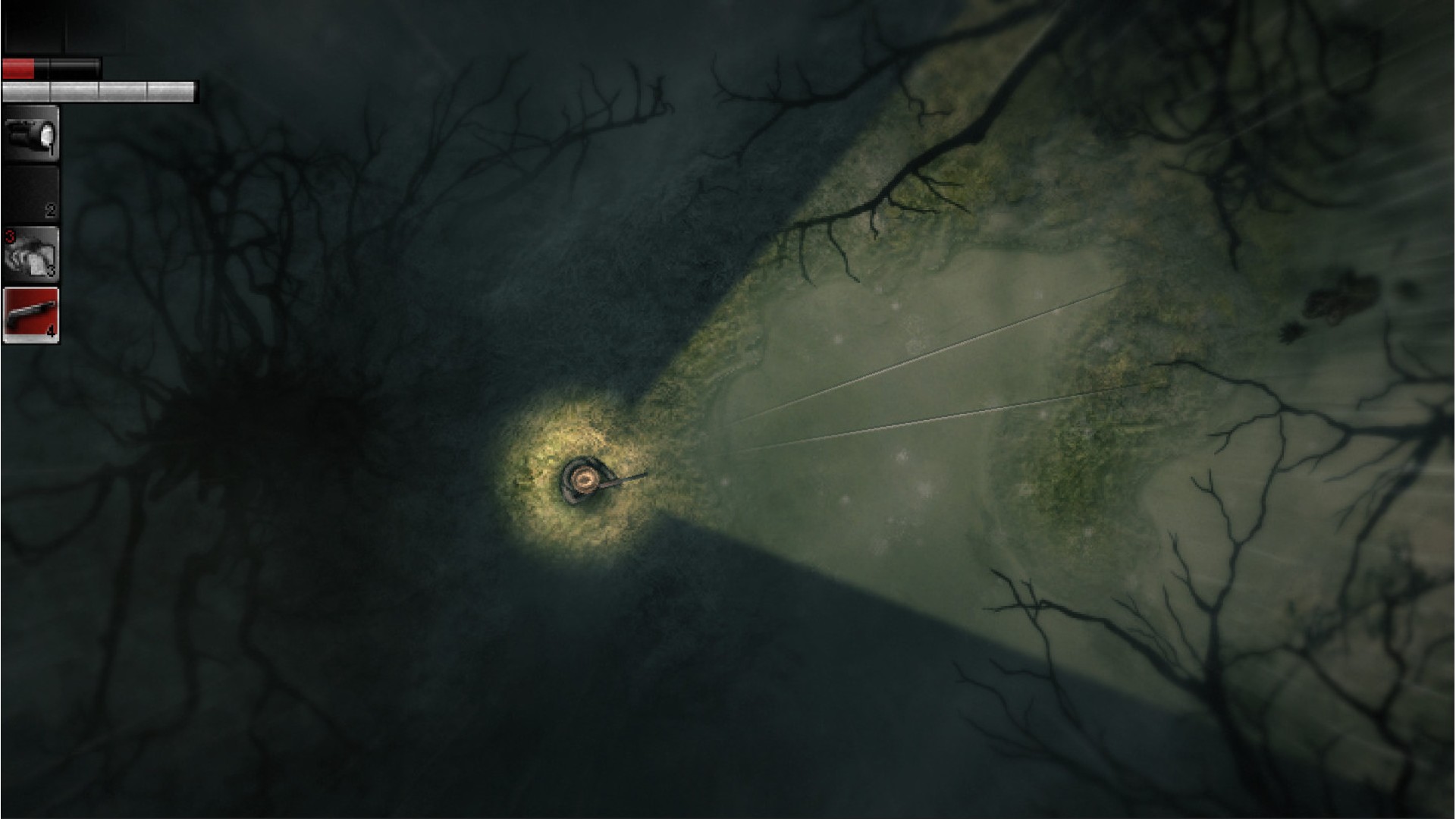
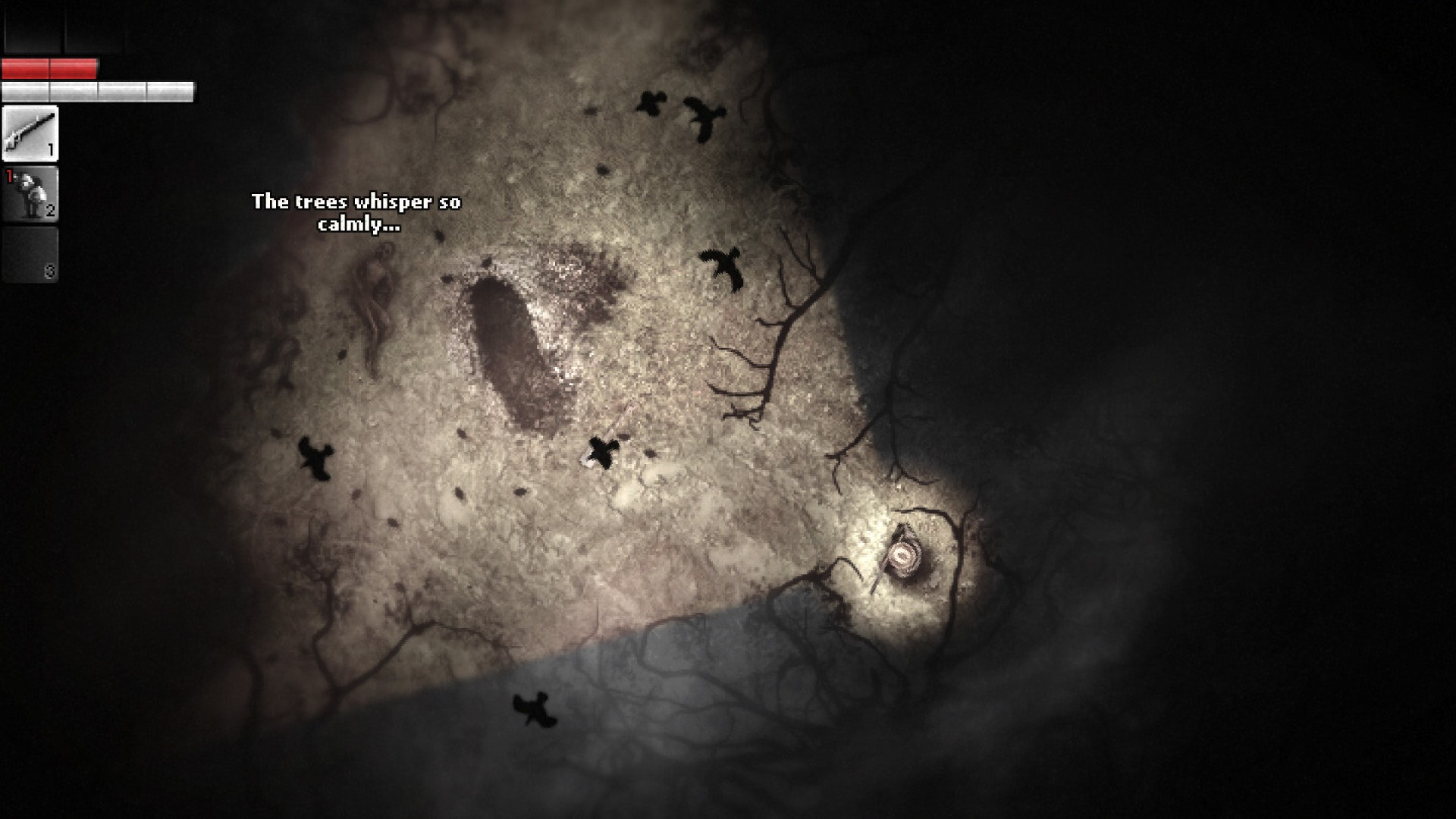
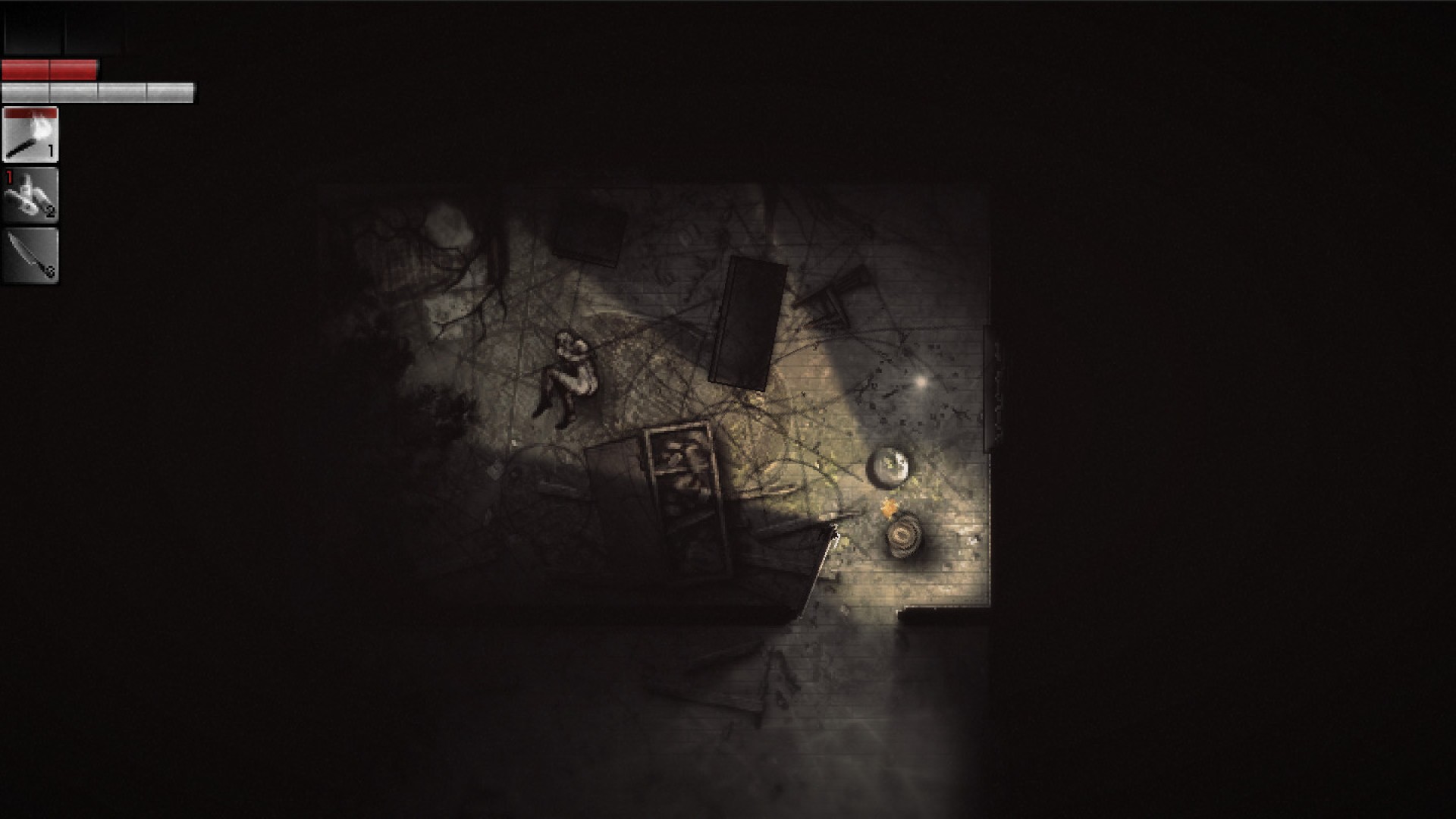
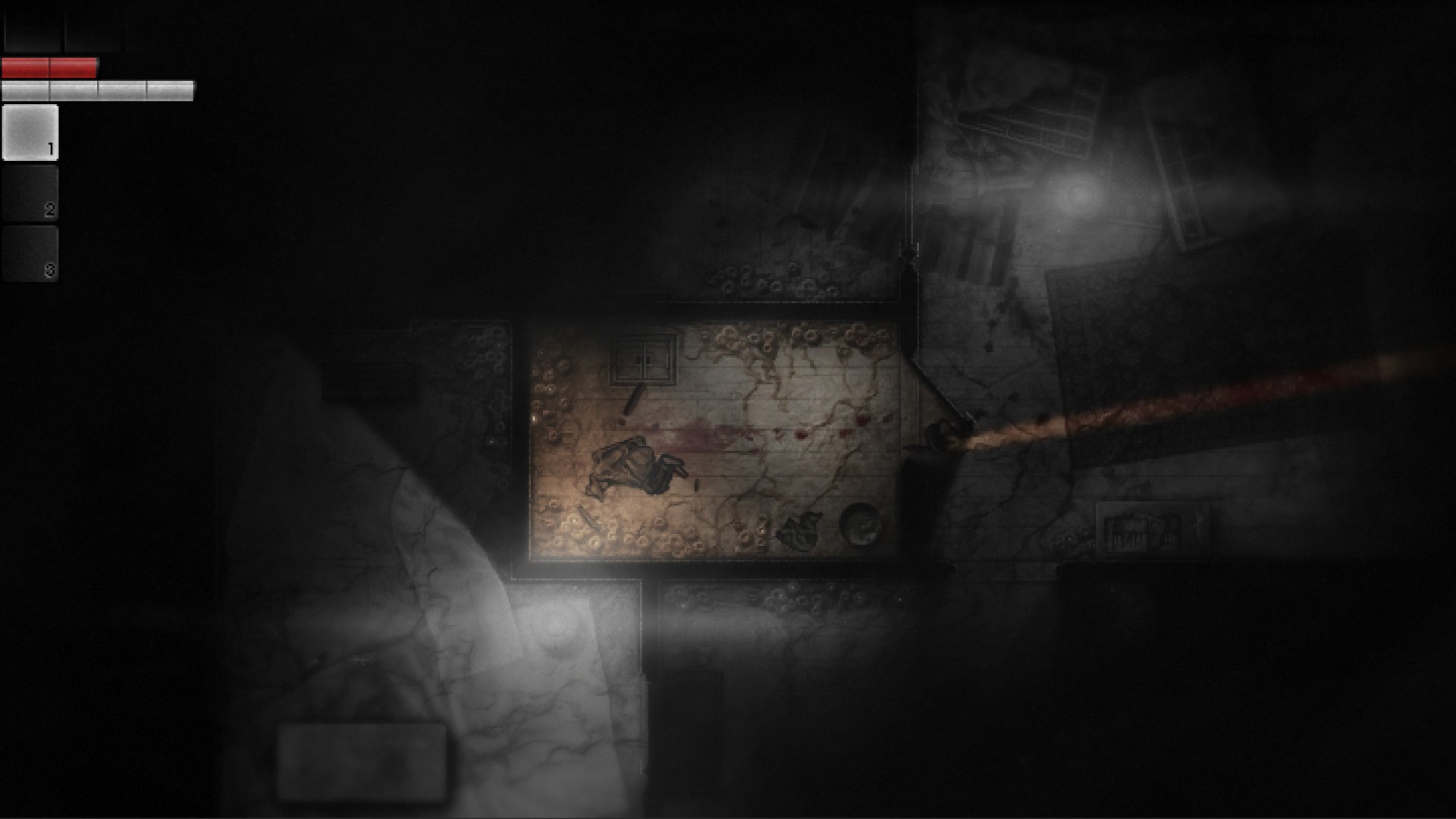
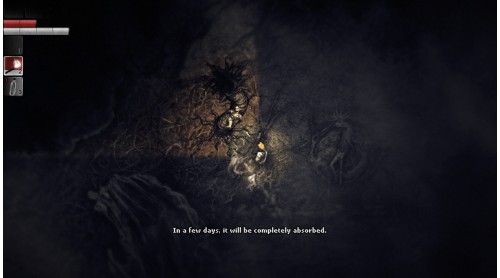
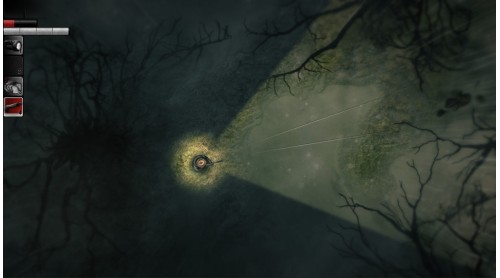
- Survival horror from a top-down perspective that is terrifying to play.
- No hand holding or quest markers. Test your skills and figure things out on your own!
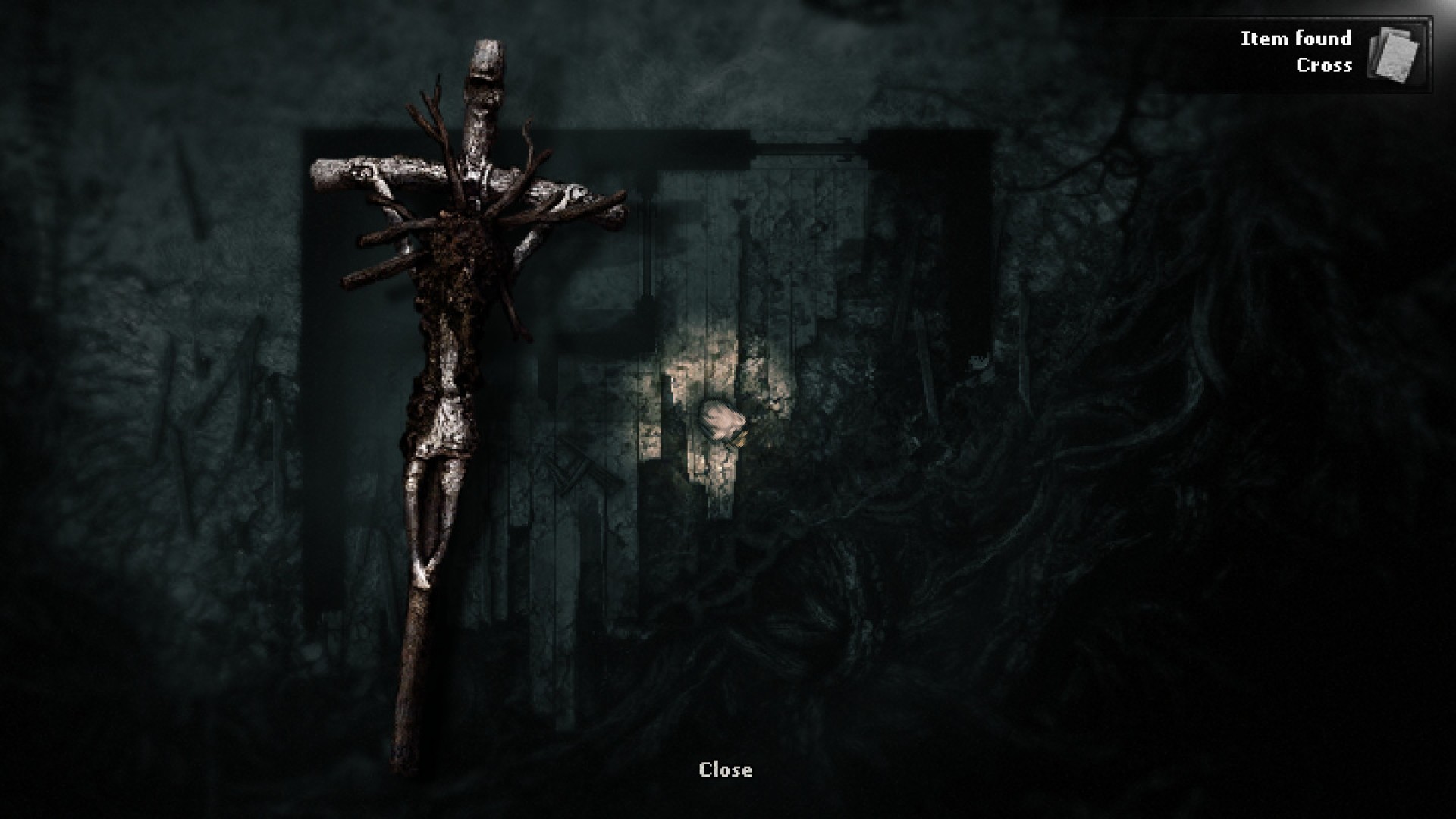
- By day explore the randomly generated, ever-sinister woods, scavenge for materials, craft weapons and discover new secrets.
- By night find shelter, barricade, set up traps and hide or defend yourself from the horrors that lurk in the dark.
- Gain skills and perks by extracting a strange essence from mutated fauna and flora and injecting it into your bloodstream. Watch out for unexpected consequences…
- Make decisions that impact the world of Darkwood, its inhabitants and the story you experience.
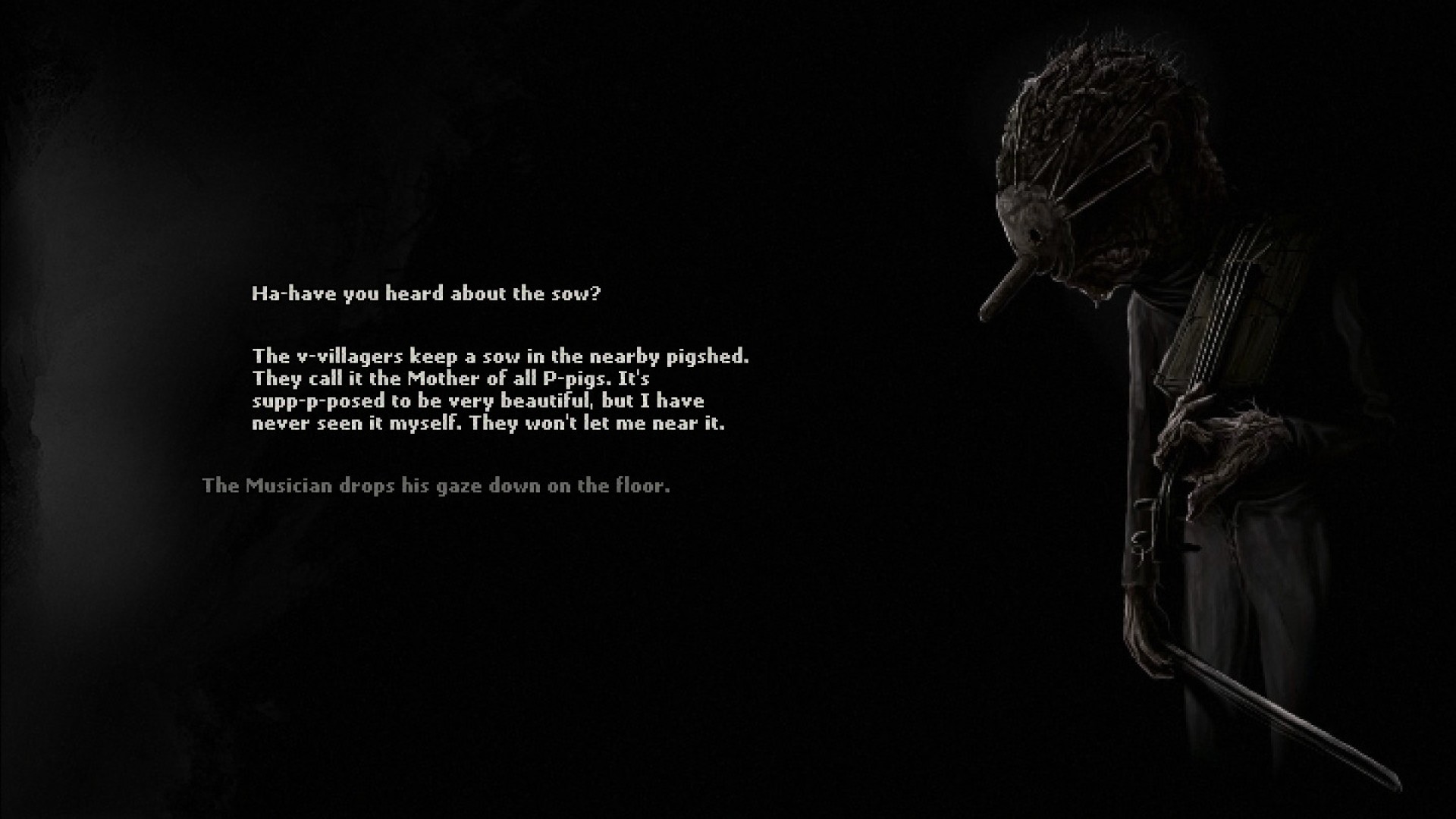
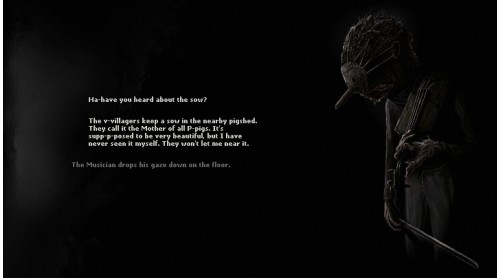
- Meet eerie characters, learn their stories and decide their fate. And remember - don’t trust anyone.
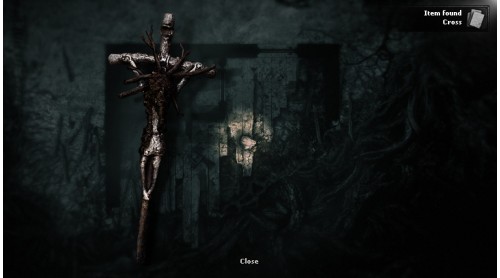
- As nights go by, the lines between reality and nightmarish fantasies begin to blur. Are you ready to step into Darkwood?



 Steam
Steam  Windows
  Mac
Mac  Linux
Linux 

How to activate your Steam key?
1. Open your Steam client. (If you don't have a Steam Client, you can install from here https://store.steampowered.com/about/)
2. Sign in to your Steam account. (If you don't have a Steam Account, you can create from here https://store.steampowered.com/join/)
3. Click “ADD A GAME” button which is at the bottom of the Steam Client.
4. Now select "Activate a product on Steam..."
5. Write or copy-paste your Steam key which you purchased from Gamesforpc.
6. Now your game is in your library.
7. Find your game in your library, select and click install to start your download.