




 Steam
Steam  Windows
  Mac
Mac | Release Date | 13.10.2026 |
| Operating Systems | Mac OS |
| Publisher | Raw Fury |
| Operating Systems | Windows |
| Genres | Action, Strategy |
15.49€
13.17€
Added to Cart
15.49€
13.17€
Added to Wishlist
15.49€
13.17€
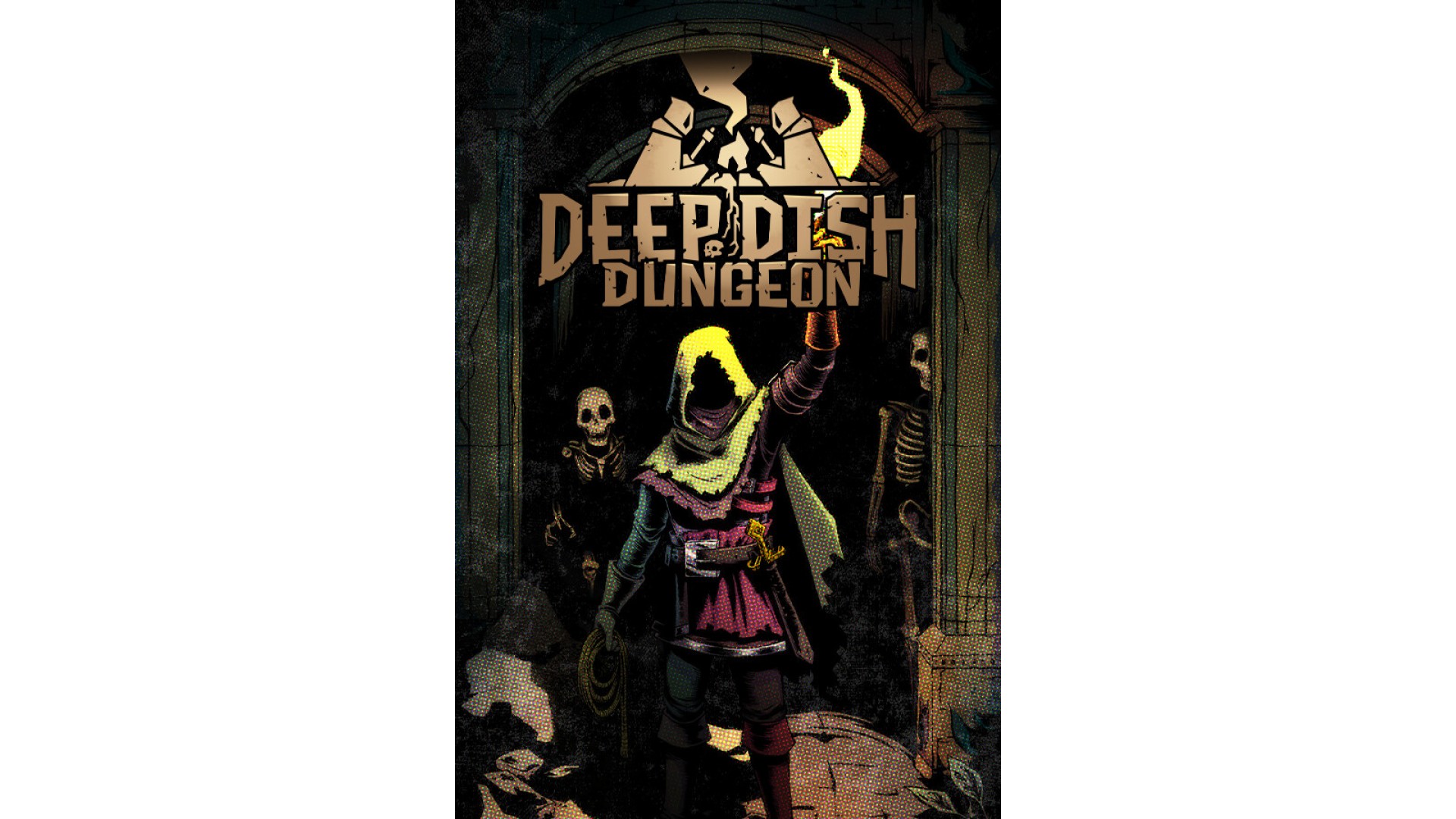
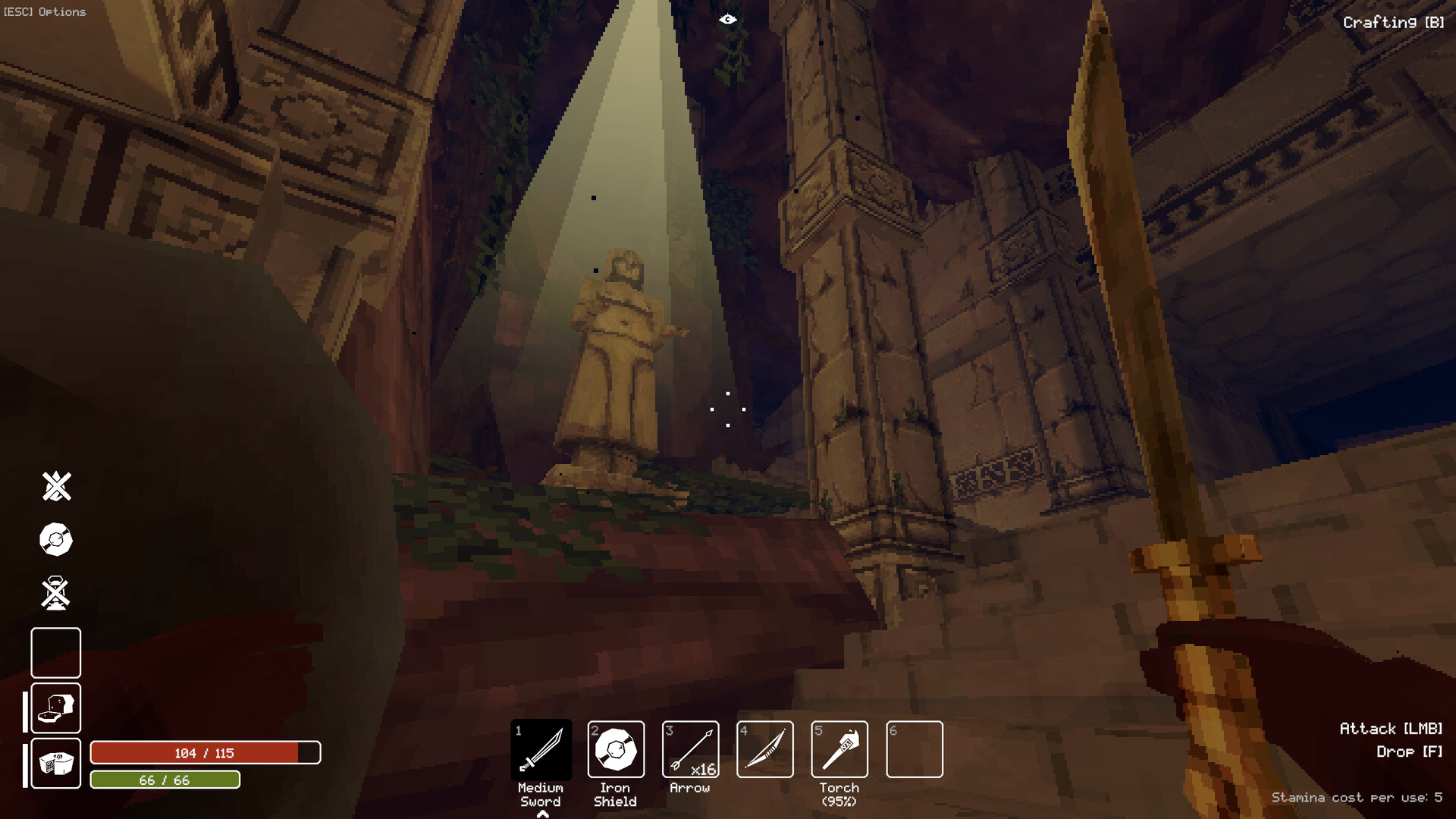
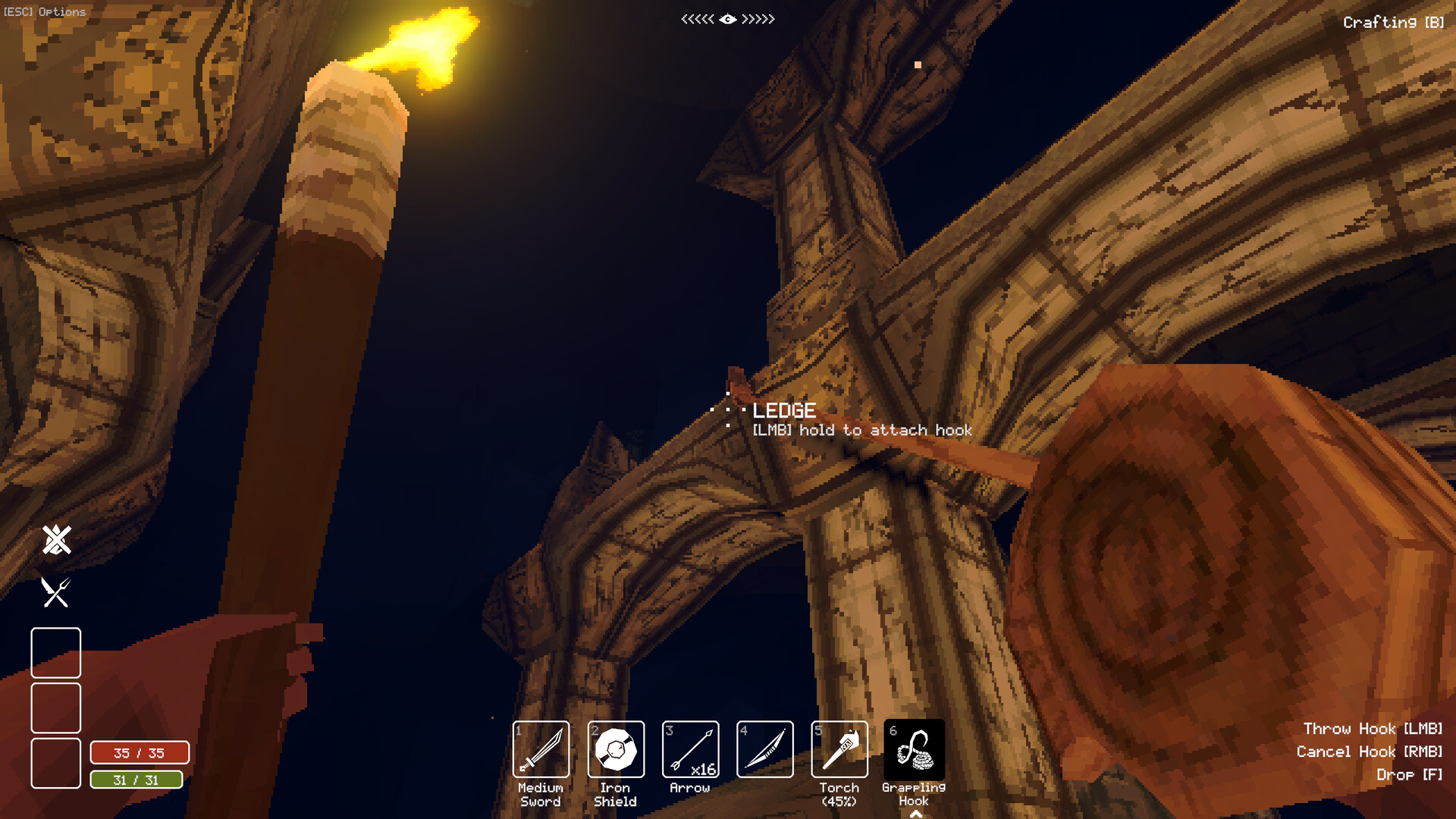
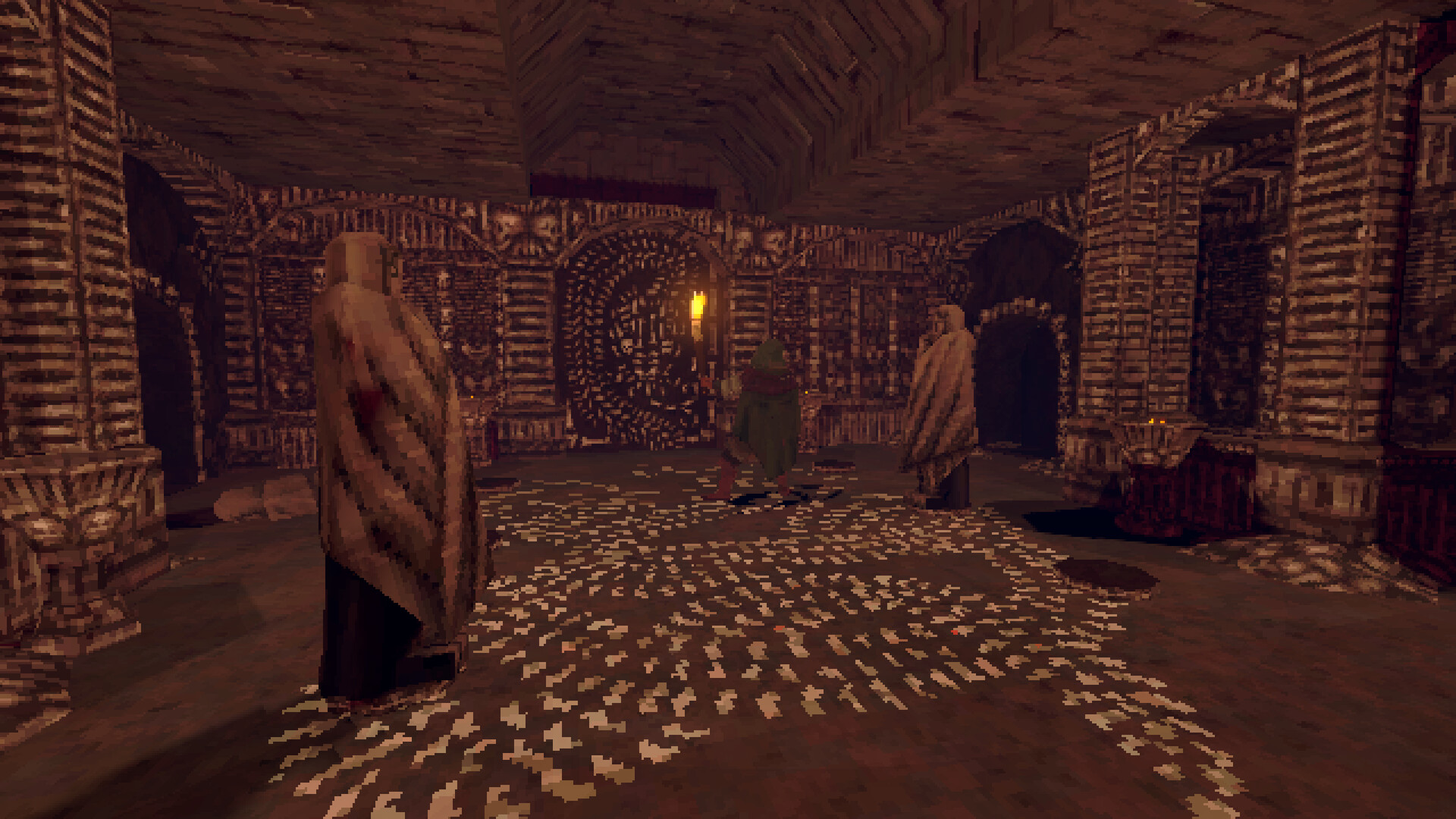
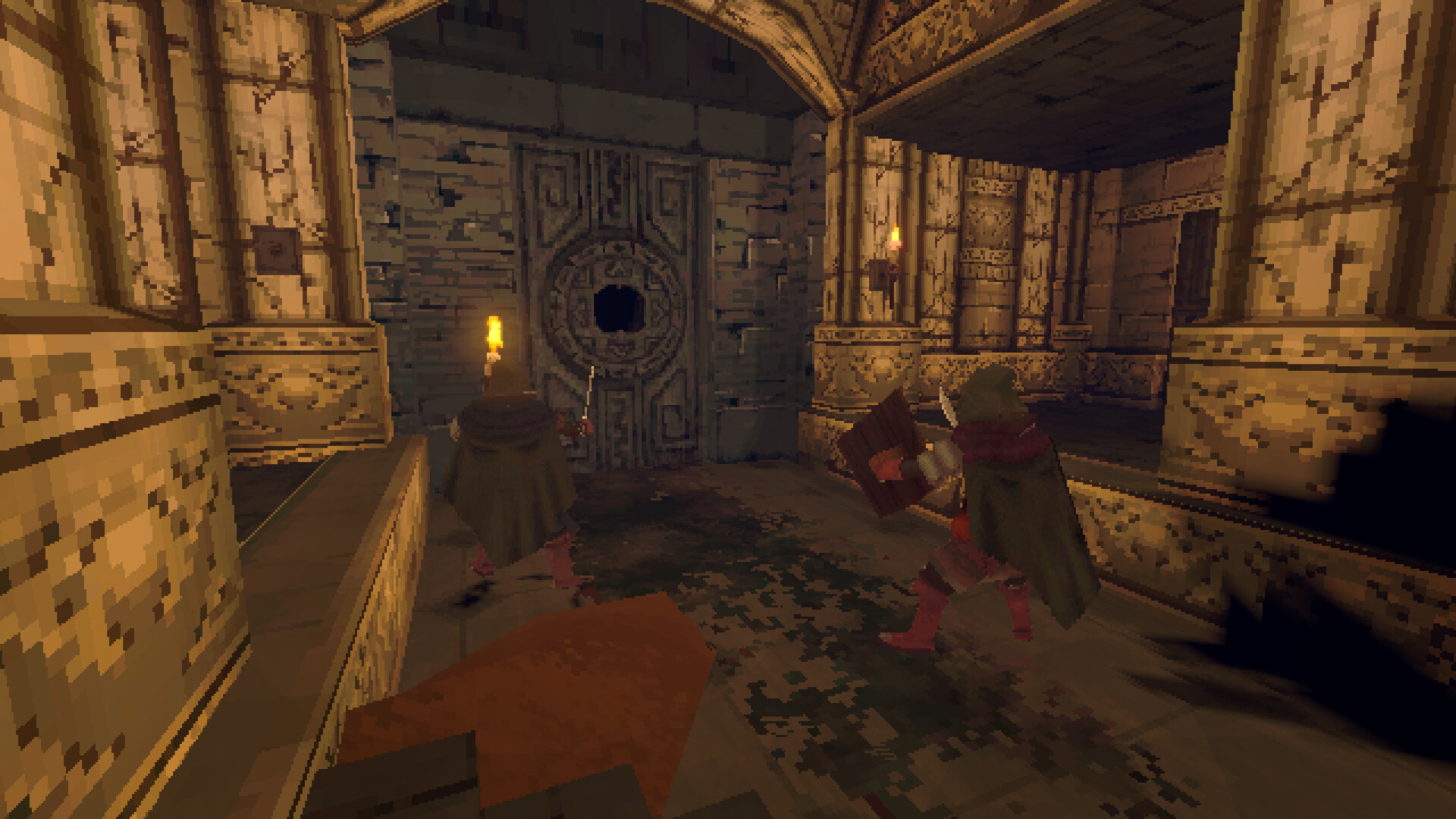
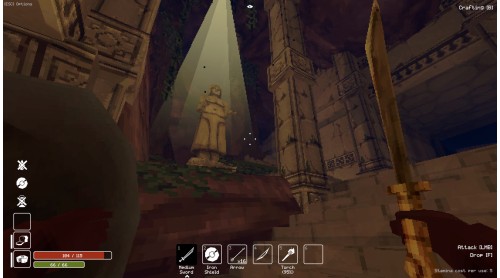
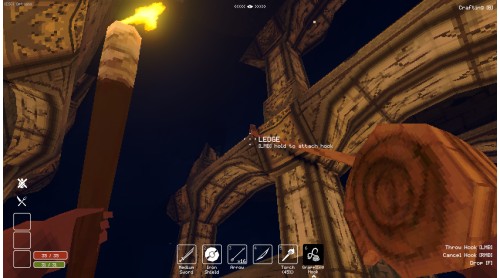
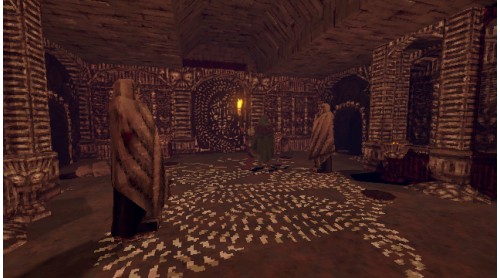
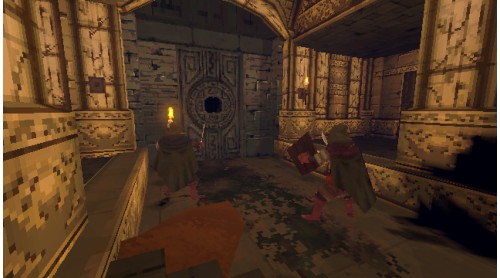
Deep Dish Dungeon is a dungeon crawler and exploration game that rewards curiosity and resourcefulness. In an atmospheric environment, explore corridors, rooms and passageways solo or with up to two friends, and gather resources to improve your camping site. Craft tools and cook nourishing meals to bolster strength throughout the journey, and unravel the enigma that lies within the shadows.
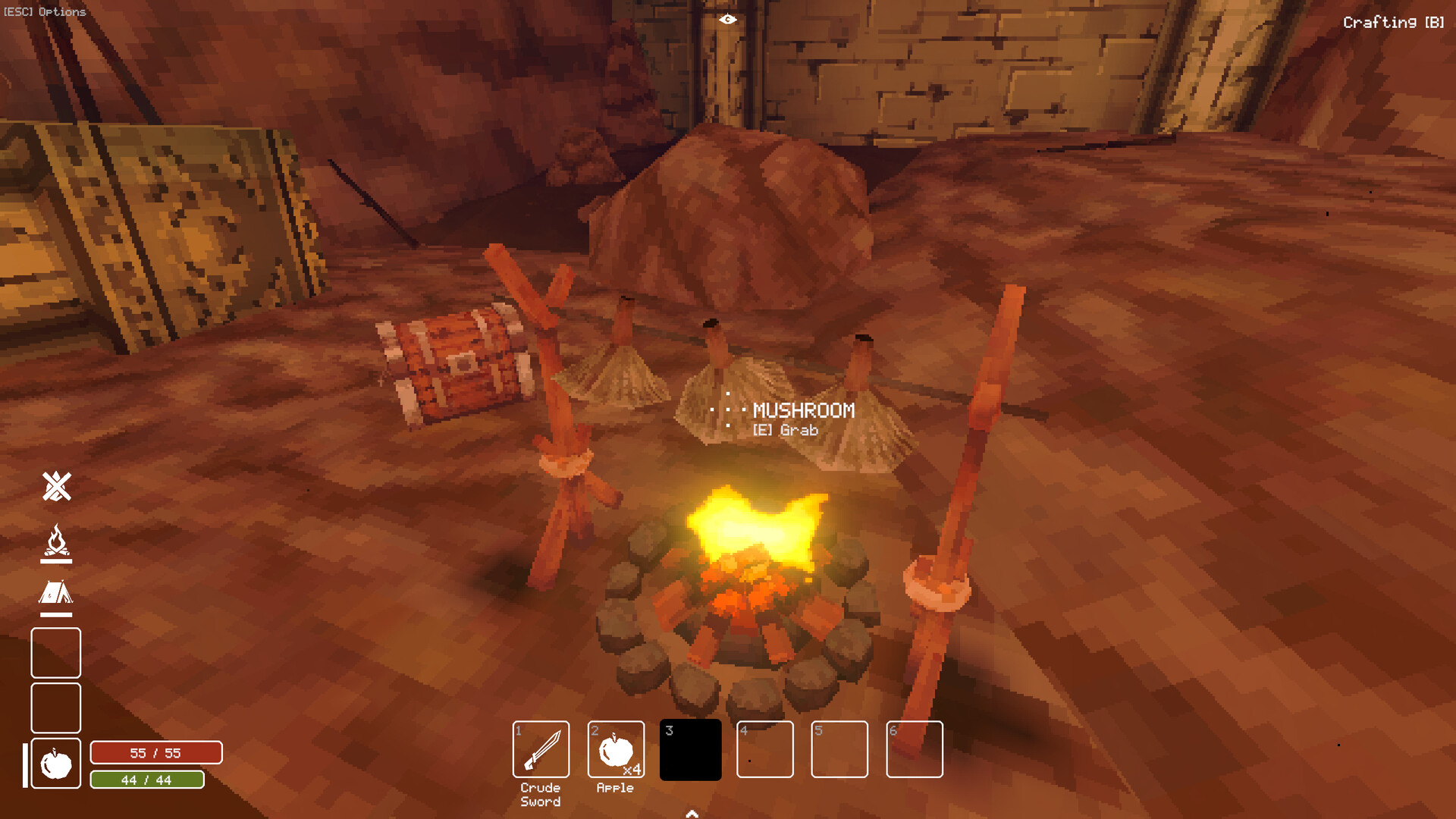
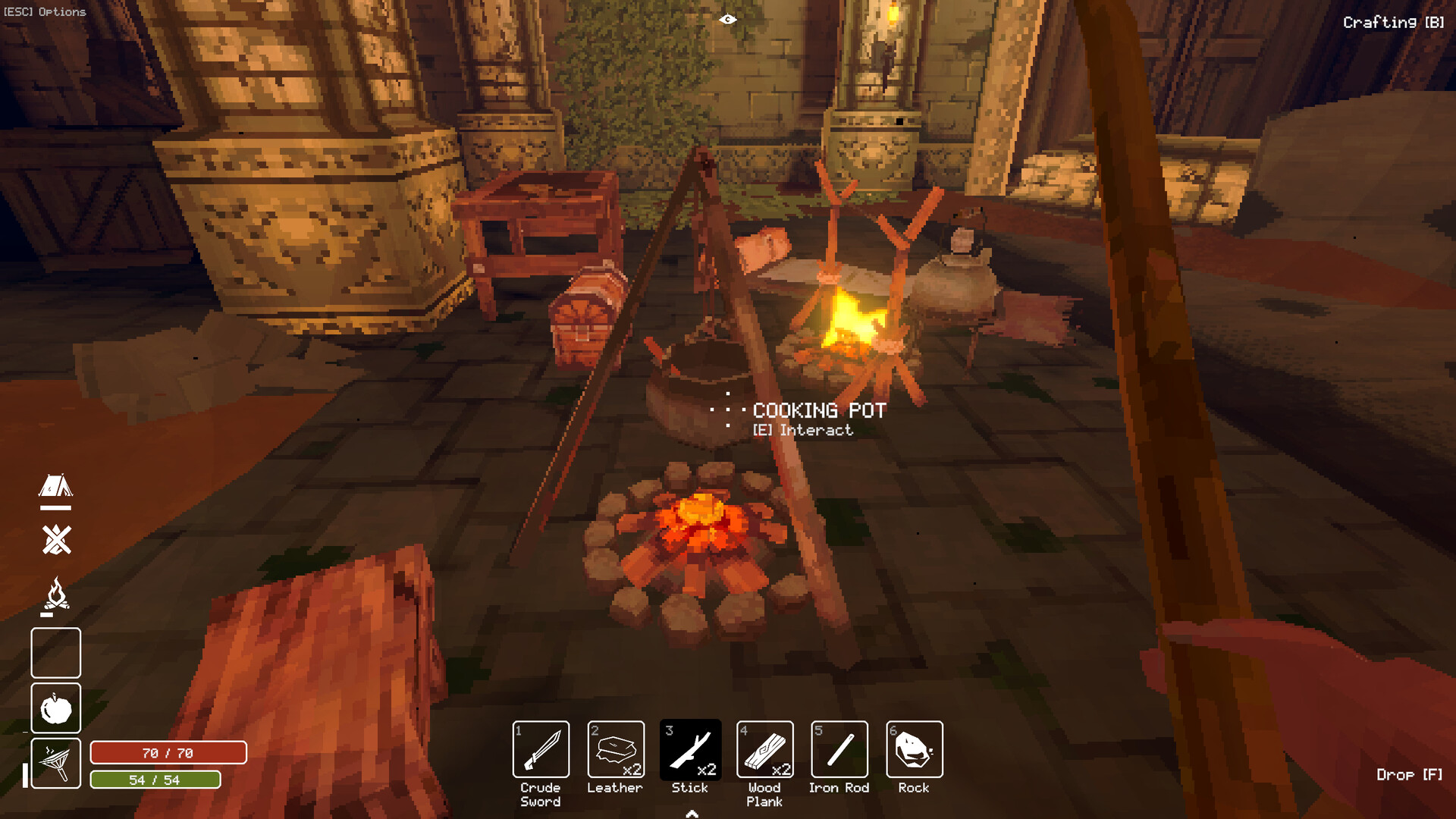
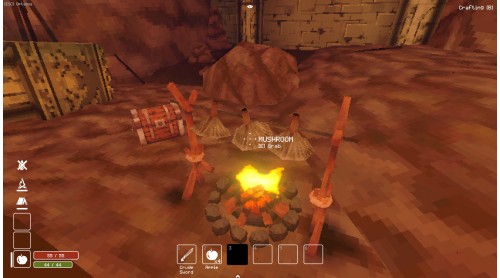
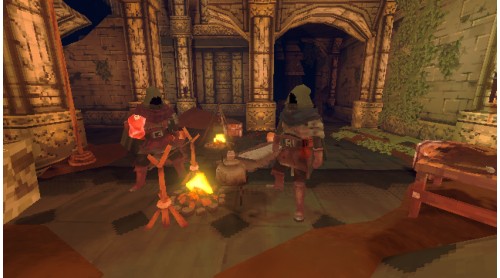
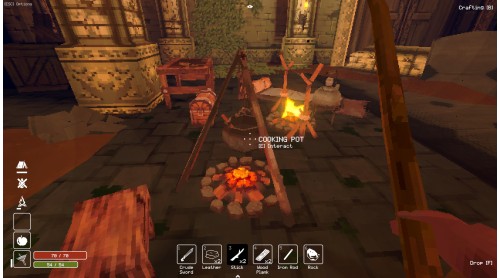
Forage and scavenge as you traverse through the dungeon's bountiful depths. Between your journeys, return to camp and plan your next steps by the fire. Use the resources you find to craft new tools and cook a hearty meal. Remember that food is progress: over time, unlock recipes that have different effects on your stats.
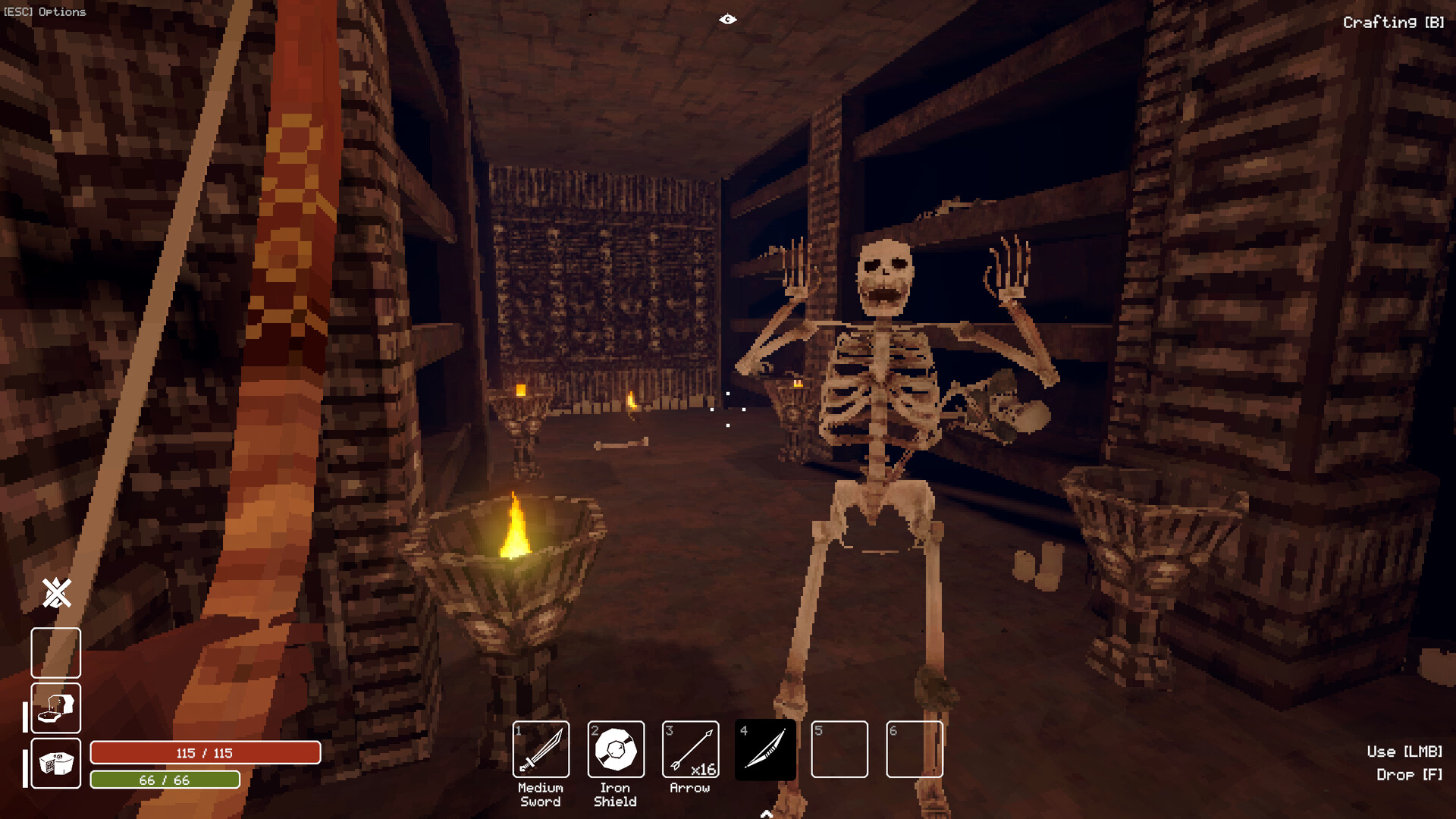
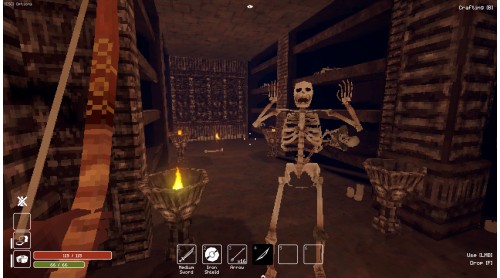
Fortune favors the bold. Take your time to investigate every shadow, solve every puzzle, and open every door. The dungeon will reveal its secrets only if you are patient and persistent. Learn how to defeat enemies with diverse behaviors, discover coveted treasures, and never take a hint for granted.
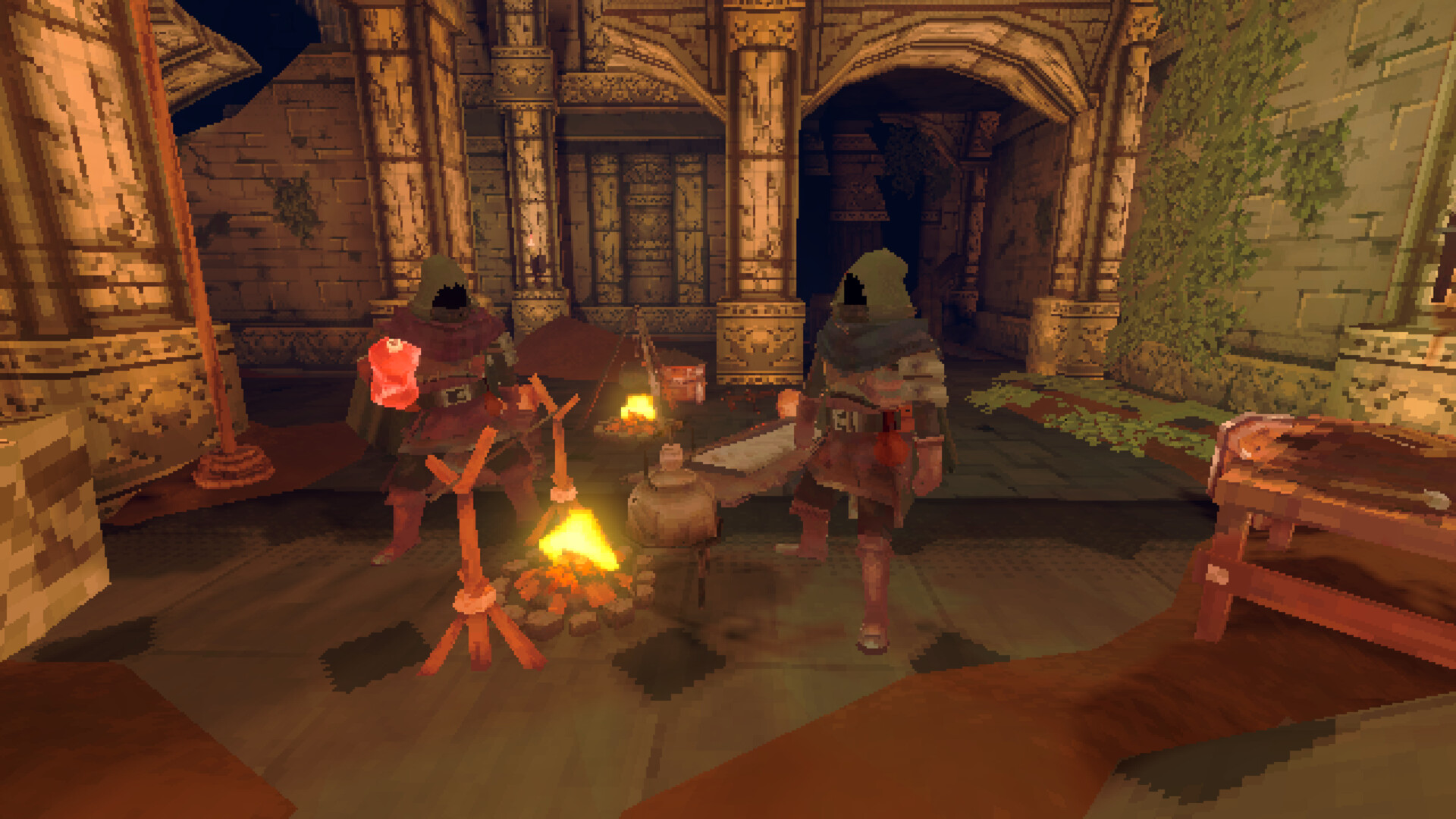
Any adventure is better with pals! Play with up to two friends and collaborate to unveil the secrets of the dungeon. Remember, co-op mode in Deep Dish Dungeon is not about competition, but connecting, sharing knowledge, and taking care of each other.

Disclaimer

© Copyright 2025 Behold Studios. Developed by Behold Studios. Published by Raw Fury AB. All Rights Reserved.


How to activate your Steam key?
1. Open your Steam client. (If you don't have a Steam Client, you can install from here https://store.steampowered.com/about/)
2. Sign in to your Steam account. (If you don't have a Steam Account, you can create from here https://store.steampowered.com/join/)
3. Click “ADD A GAME” button which is at the bottom of the Steam Client.
4. Now select "Activate a product on Steam..."
5. Write or copy-paste your Steam key which you purchased from Gamesforpc.
6. Now your game is in your library.
7. Find your game in your library, select and click install to start your download.