 Steam
Steam  Windows
 19.99€
14.99€
Added to Cart
19.99€
14.99€
Added to Wishlist
19.99€
14.99€
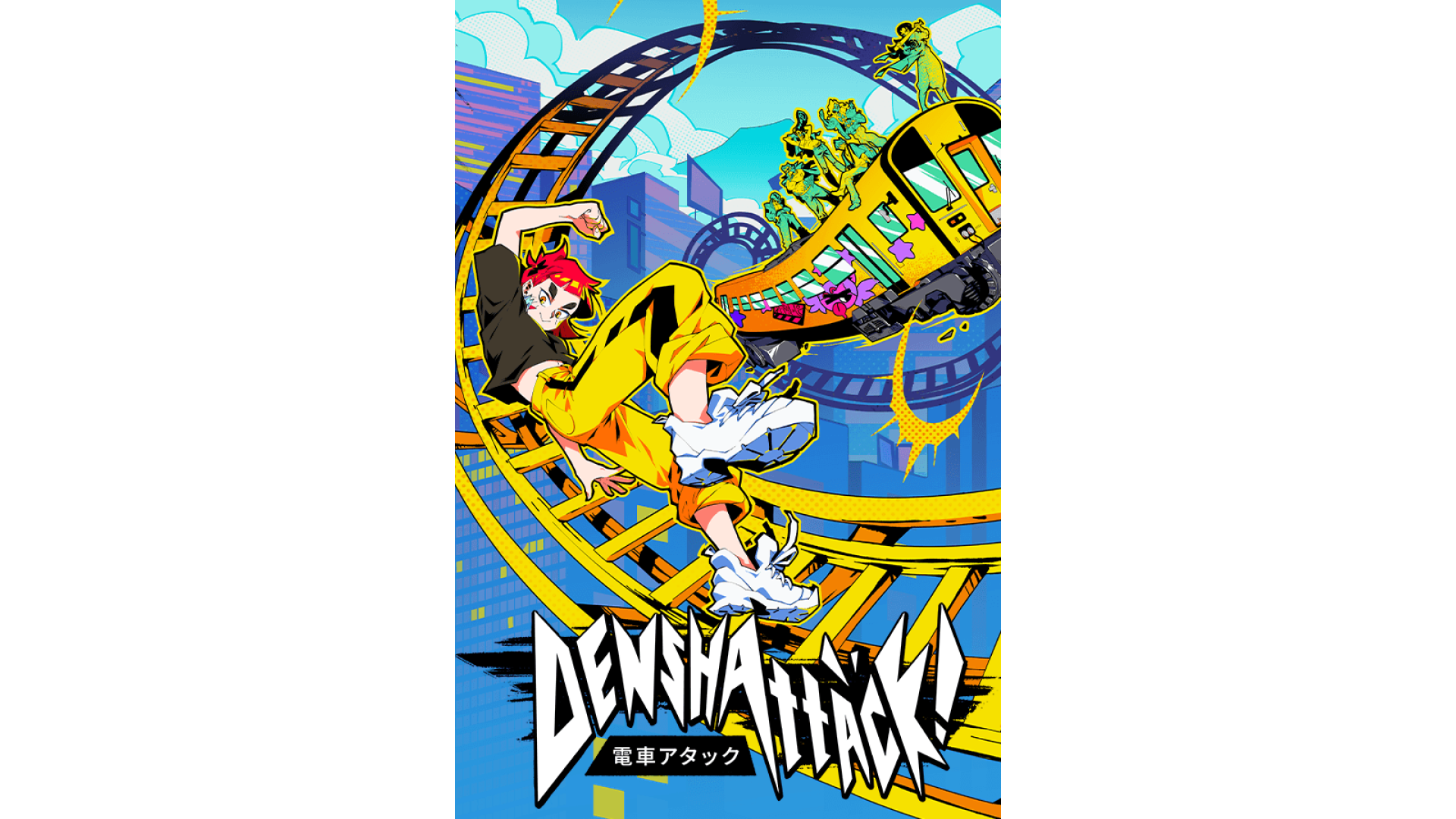
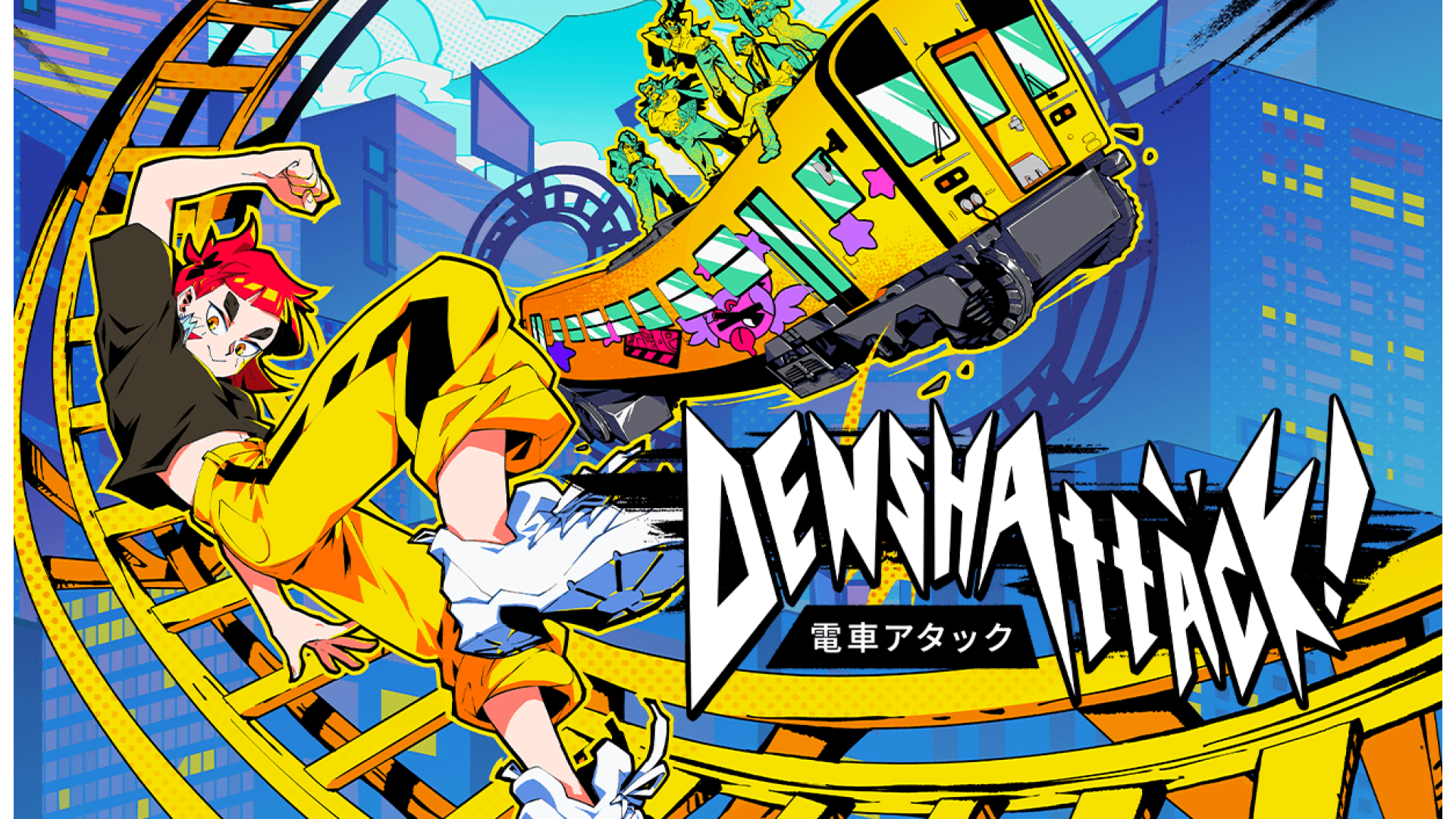
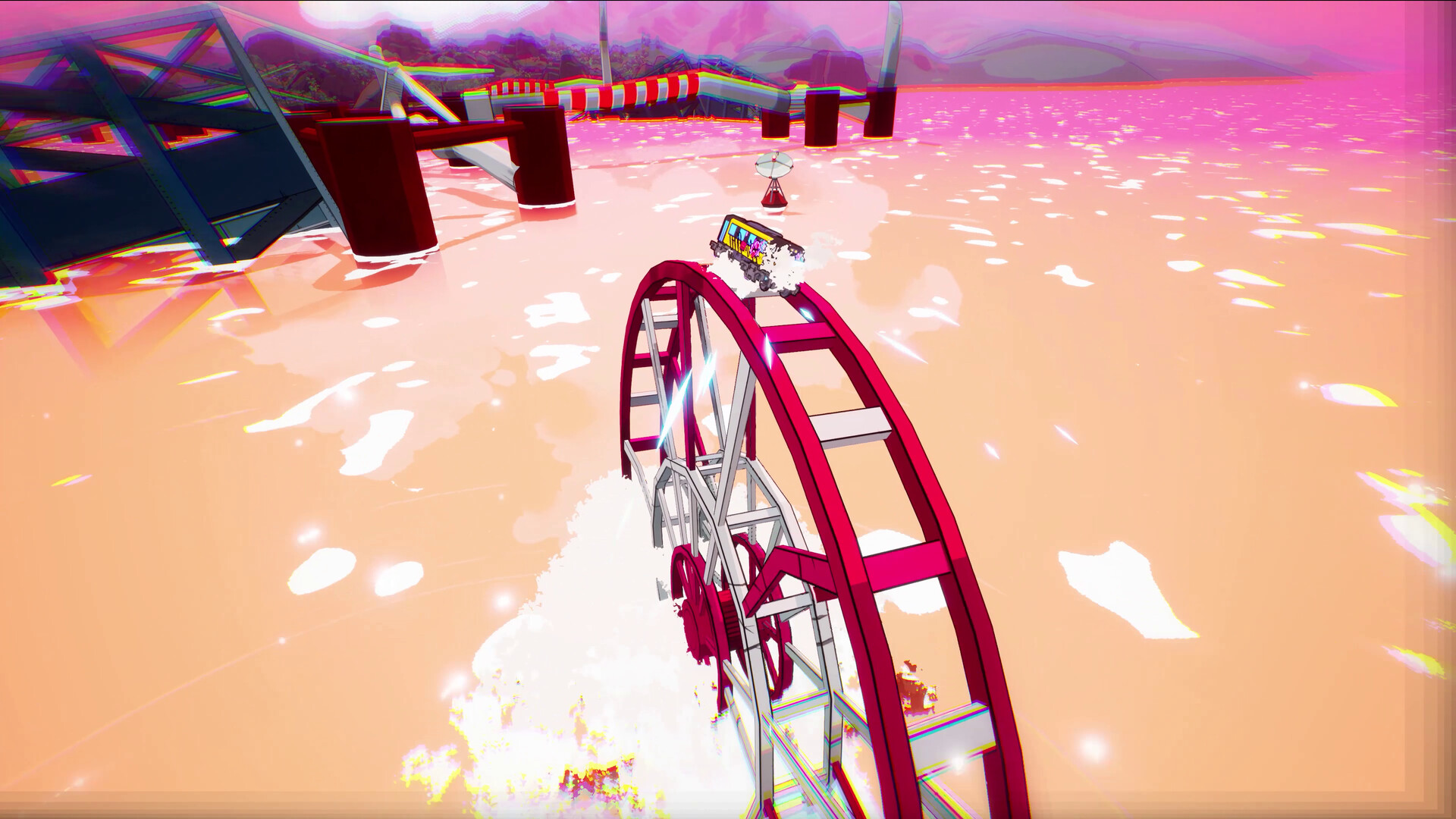
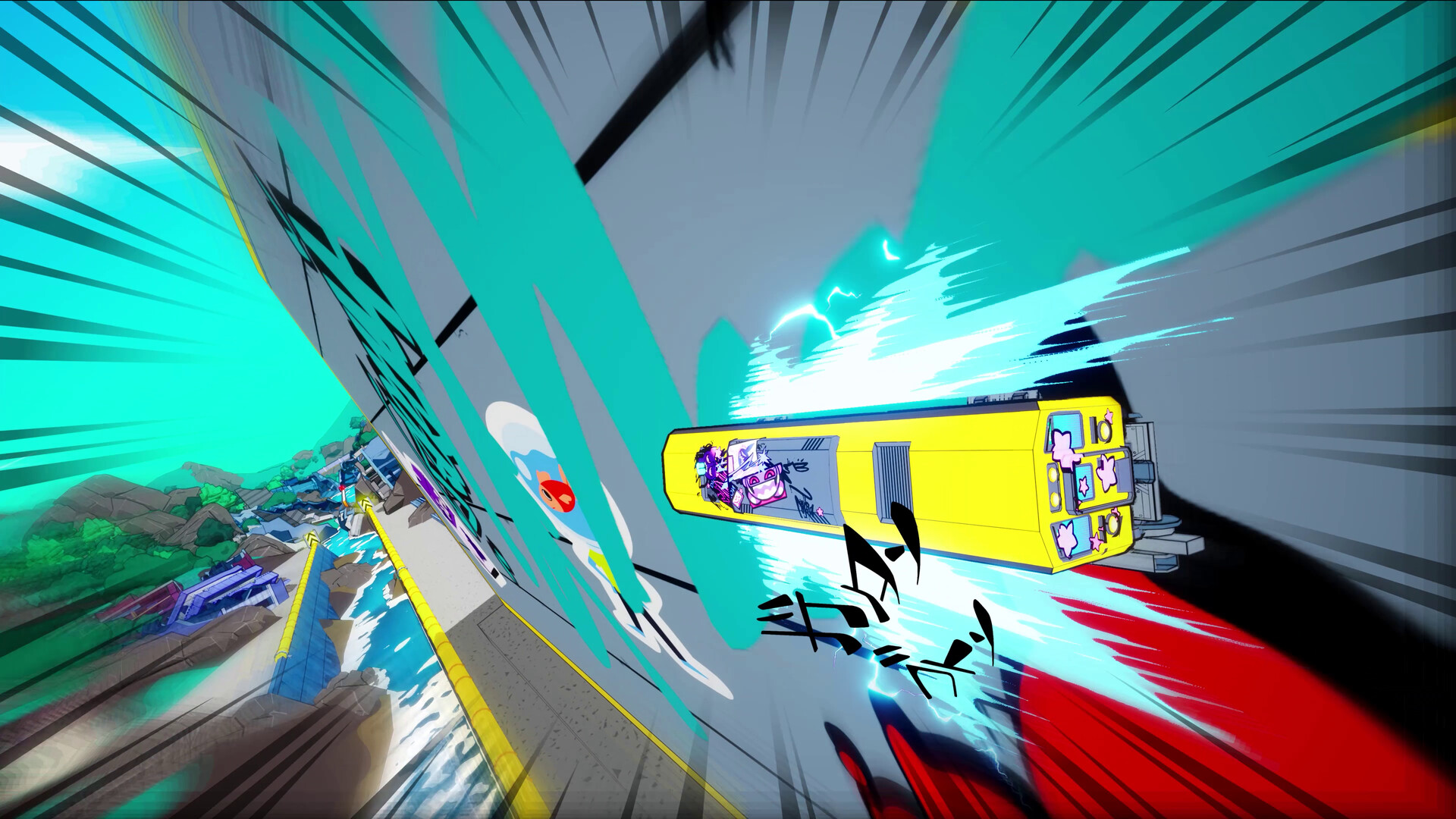
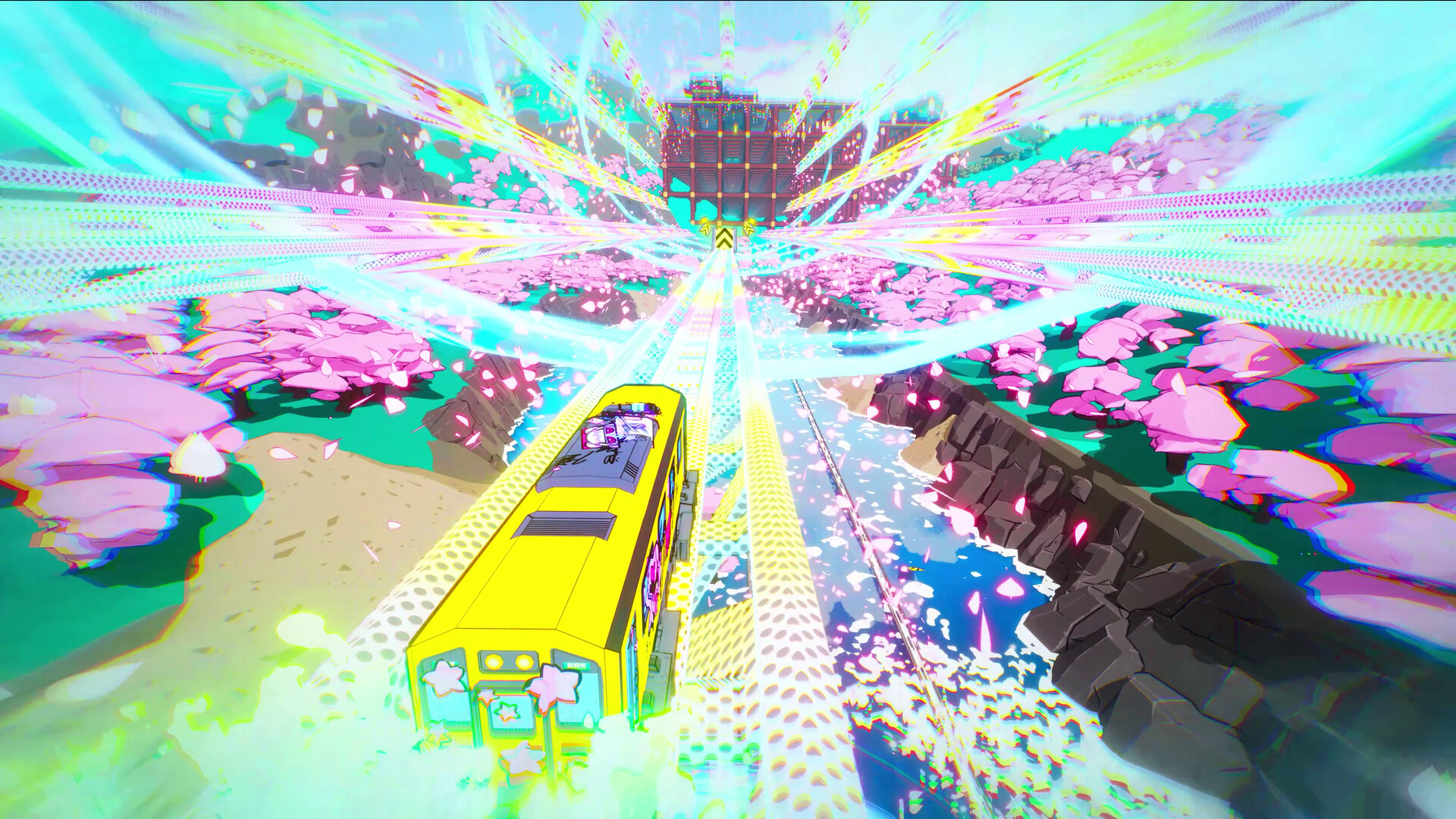
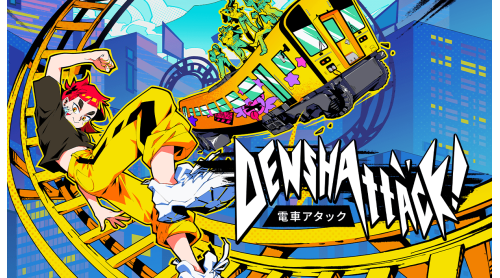
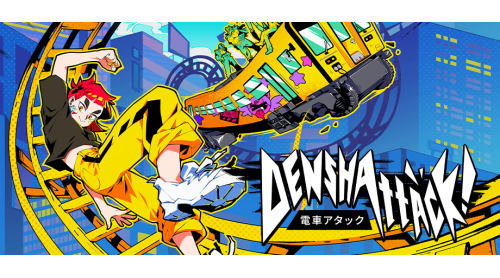
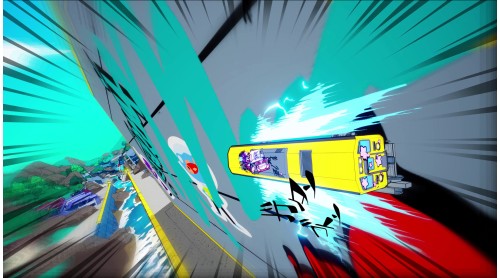
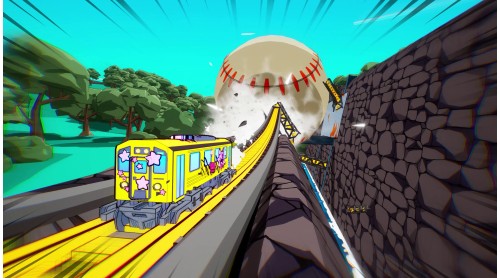
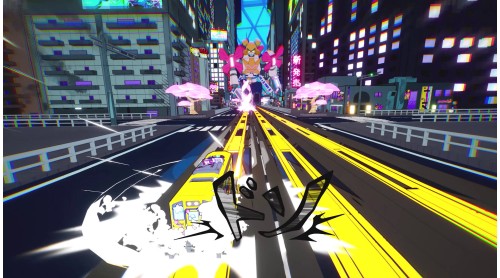
Hop aboard your custom gravity-defying train and embark on a hectic quest to defeat the sinister Miraidō corporation, alongside a vibrant pack of outcasts.
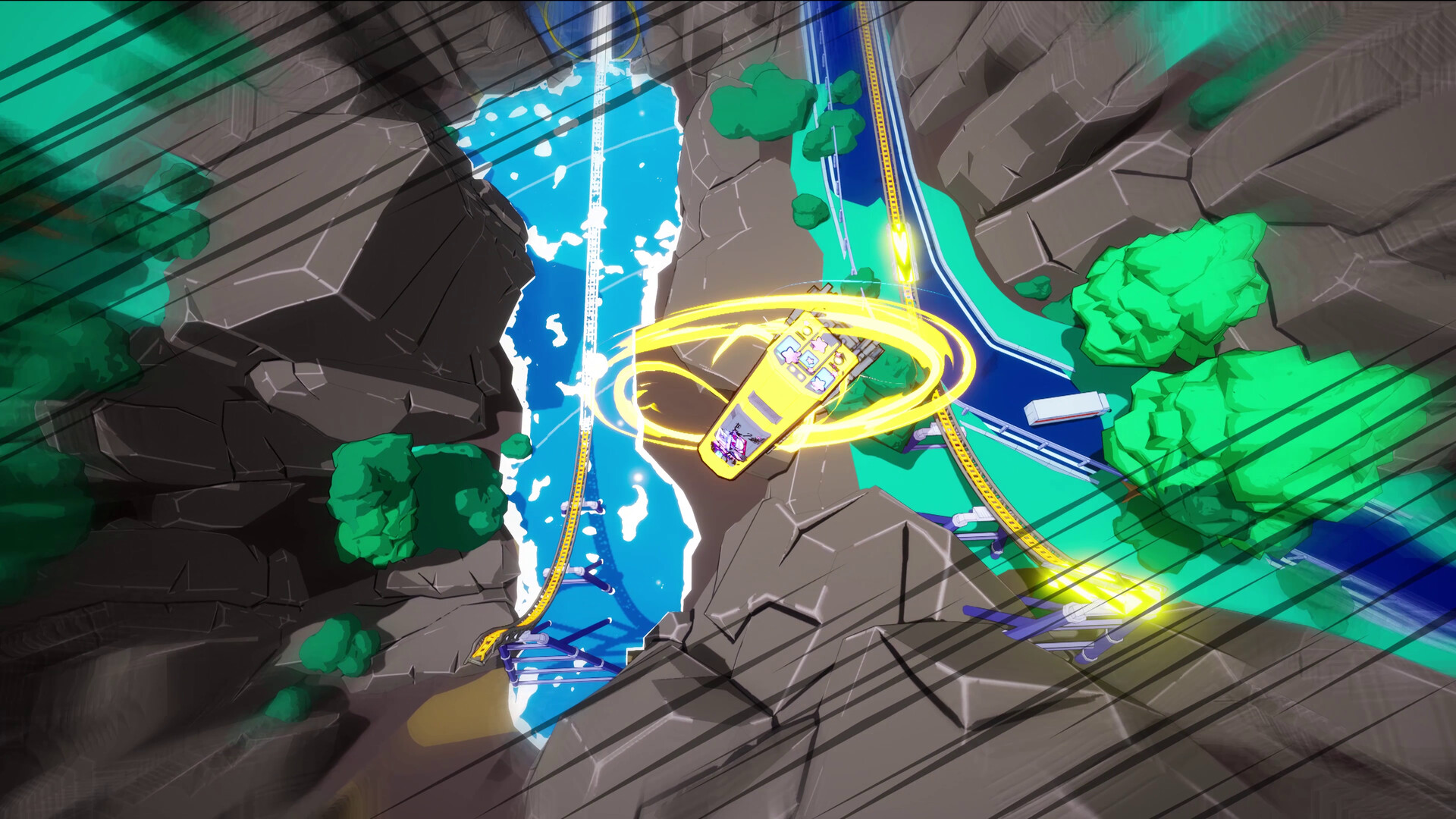
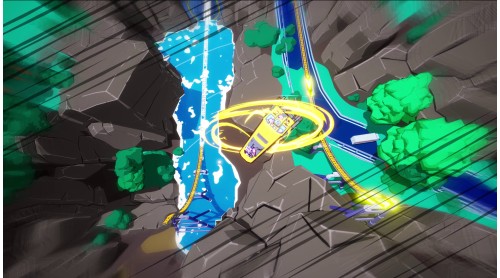
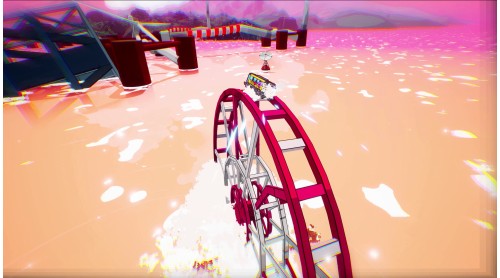
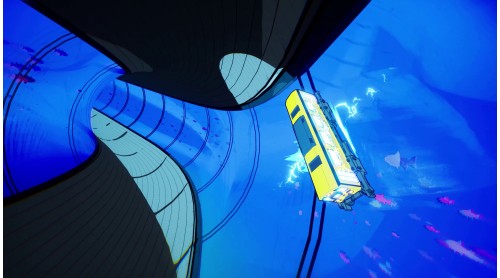
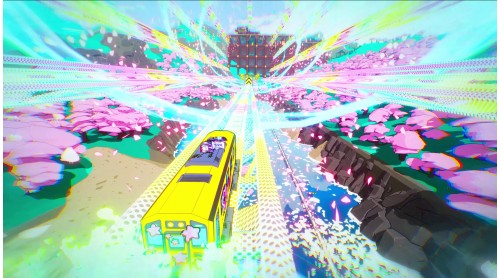
Ollie, kickflip, and grind your way through Japan's biggest cities, as well as a world of meadows, volcanoes and oceans. Rack up points and chase that sweet high score as you flip, trick and stick the landing in your customisable ride.
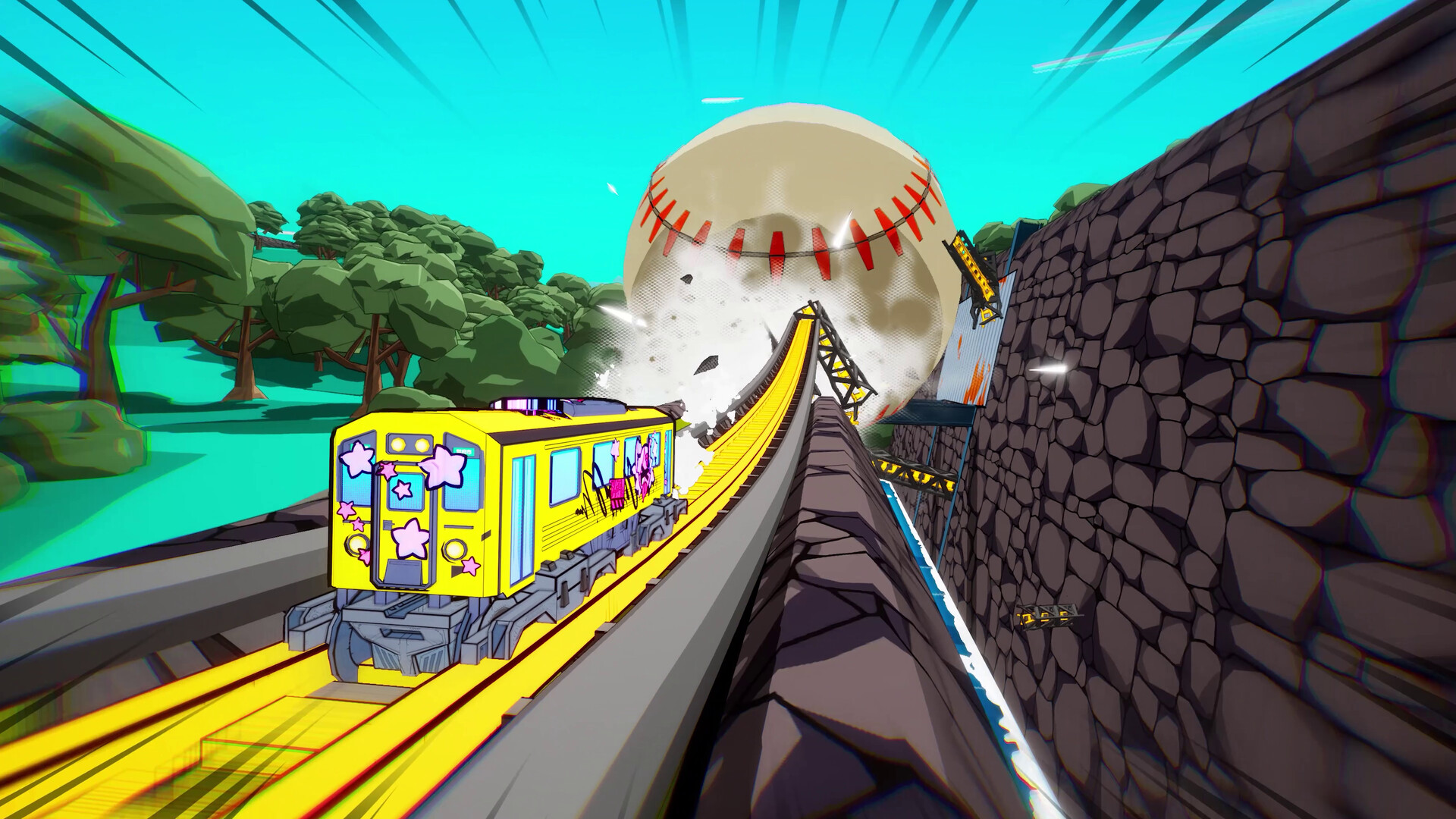
Face off against a lineup of reimagined Japanese trains, gain the respect of an underground network of gangs and rebels, and turn rivals to allies as you master your skills. Journey from naive beginner to seasoned pro as you strive to race the fastest train in existence and become a legendary Denshattacker!
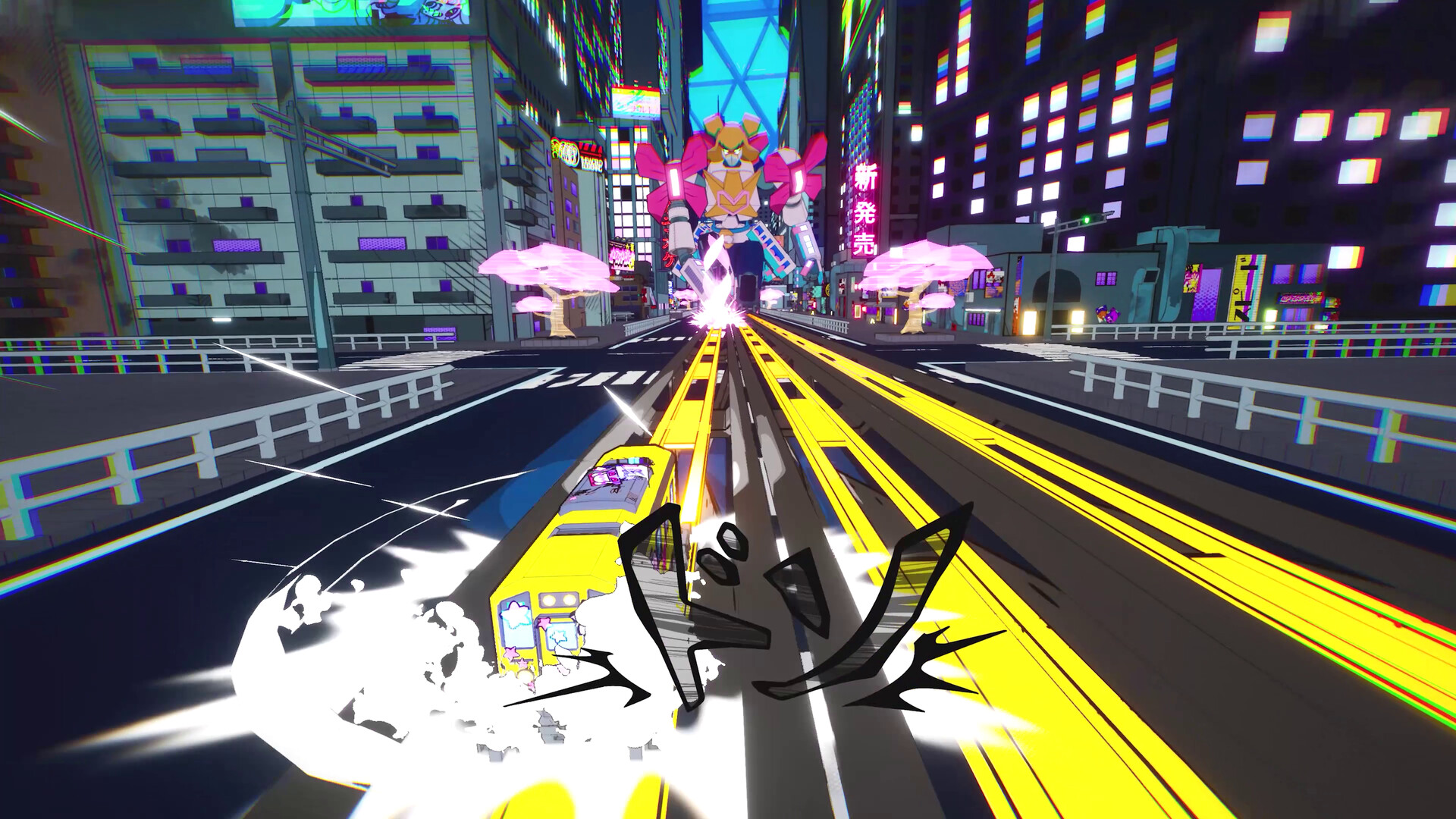
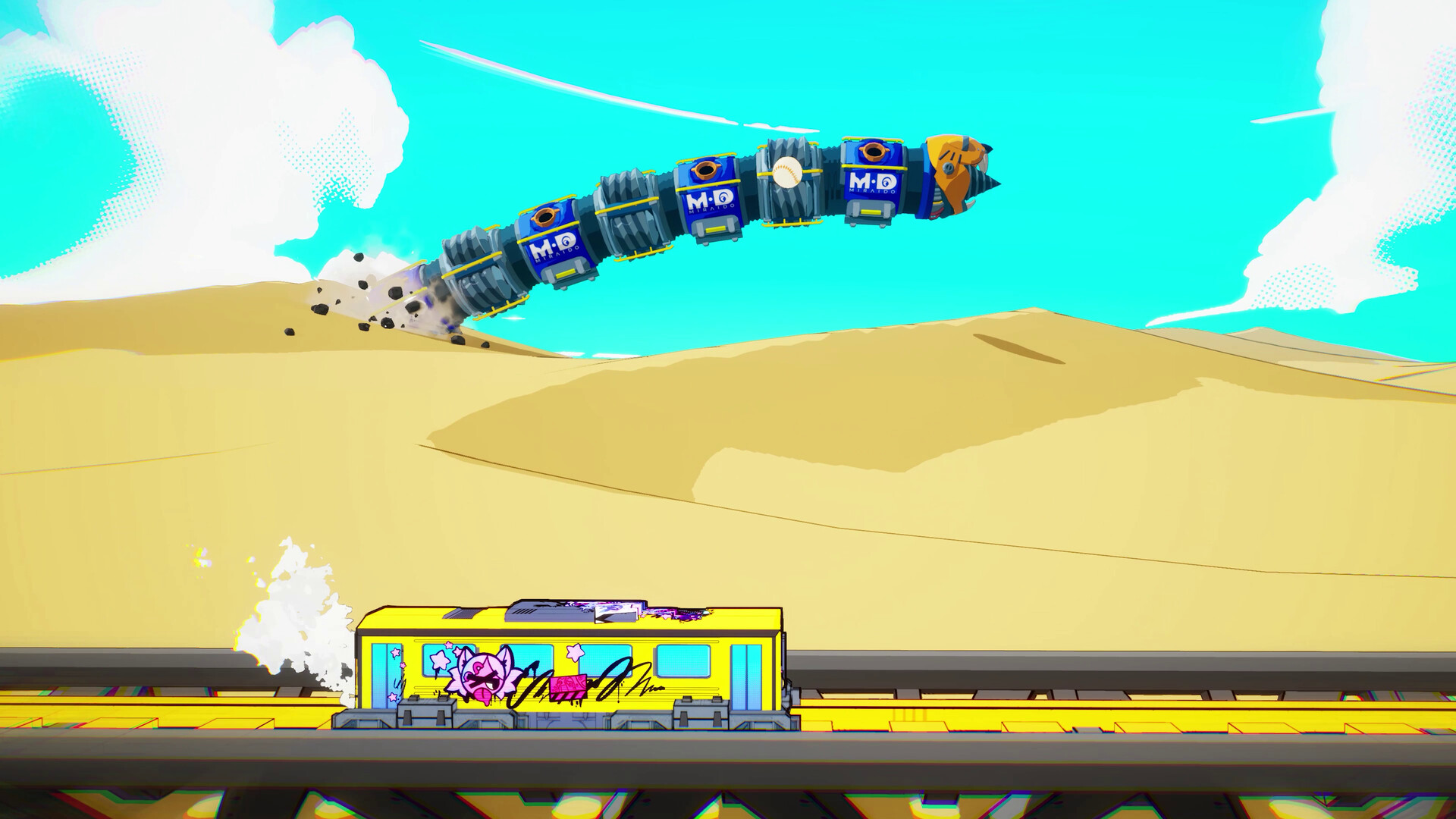
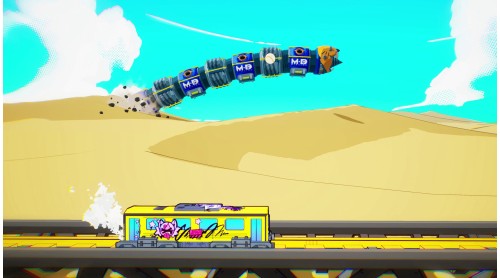
From mecha magical girls to moving castles, and mechanical worms to a Denshattacker army -- face a flurry of madcap bosses that get wilder and wilder the further you get. Use what you’ve learned to stop them in their tracks.
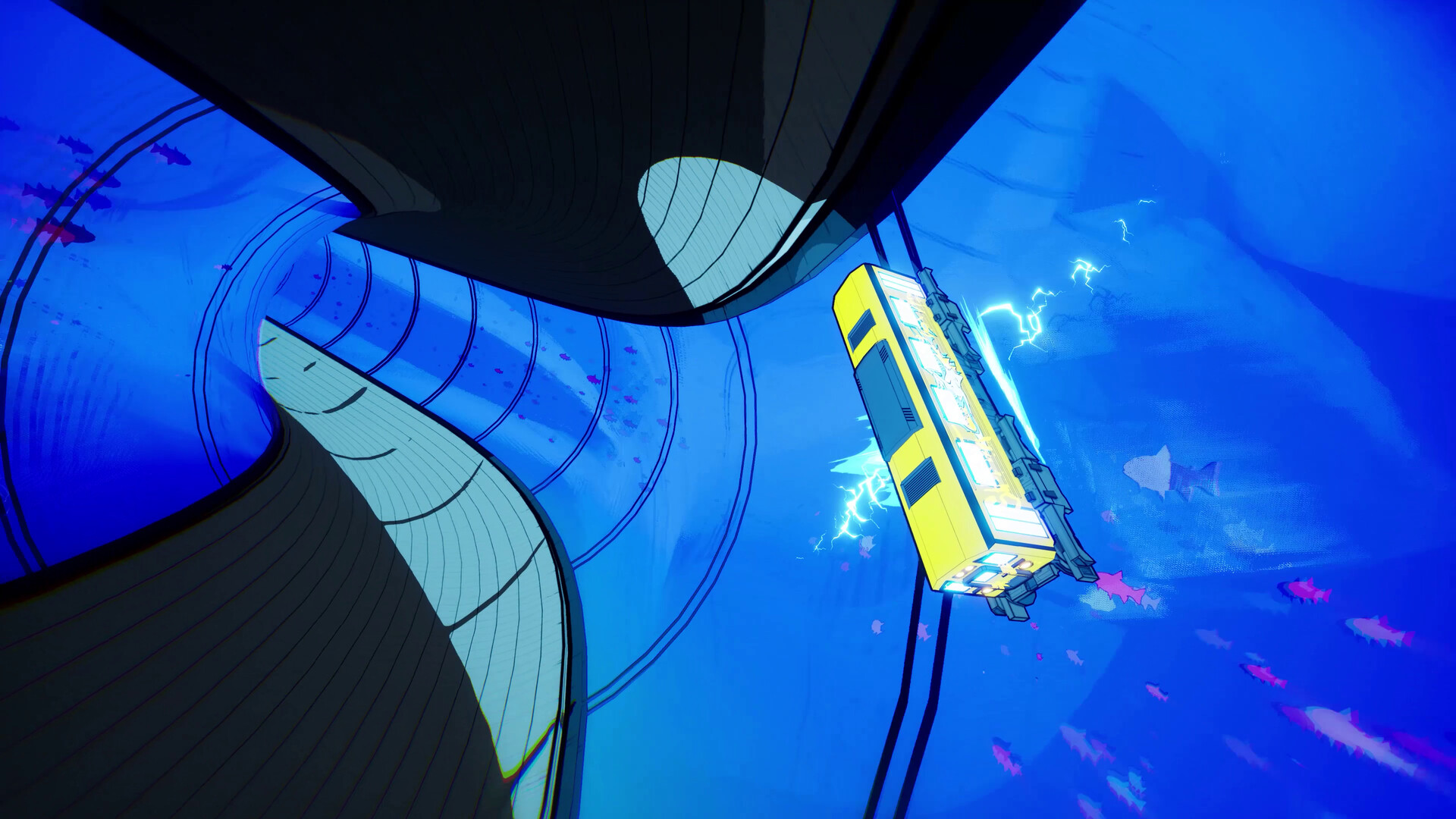
Travel from the countryside of Kyushu through the metropolises of Osaka, Tokyo and more, now sealed under domes by Miraidō. Venture across Japan to the snowfields of Hokkaido... and beyond! Each new region holds fresh challenges to beat and rules to break.


How to activate your Steam key?
1. Open your Steam client. (If you don't have a Steam Client, you can install from here https://store.steampowered.com/about/)
2. Sign in to your Steam account. (If you don't have a Steam Account, you can create from here https://store.steampowered.com/join/)
3. Click “ADD A GAME” button which is at the bottom of the Steam Client.
4. Now select "Activate a product on Steam..."
5. Write or copy-paste your Steam key which you purchased from Gamesforpc.
6. Now your game is in your library.
7. Find your game in your library, select and click install to start your download.