 Steam
 Windows
20.49€
Added to Cart
20.49€
Added to Wishlist
20.49€
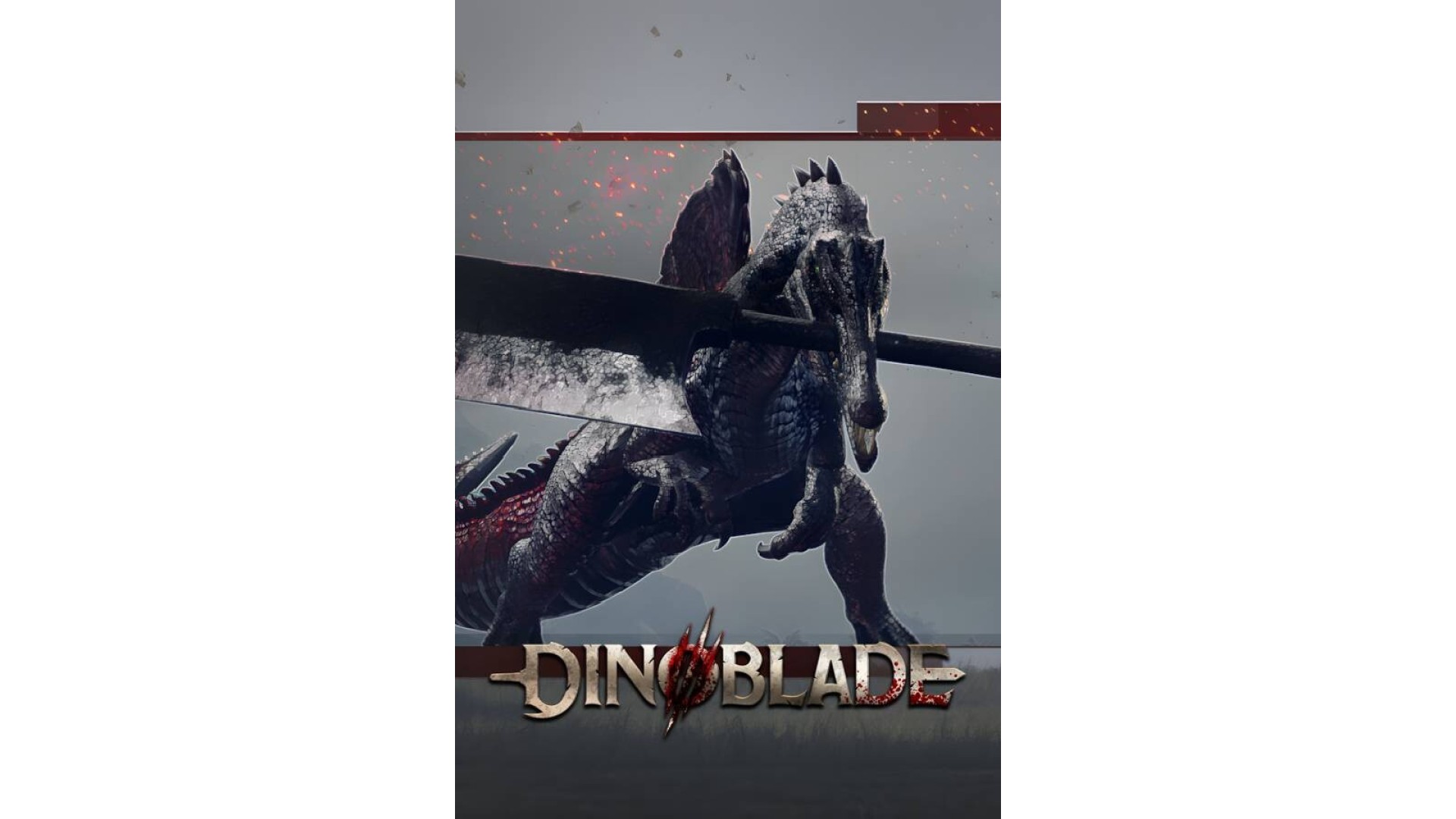
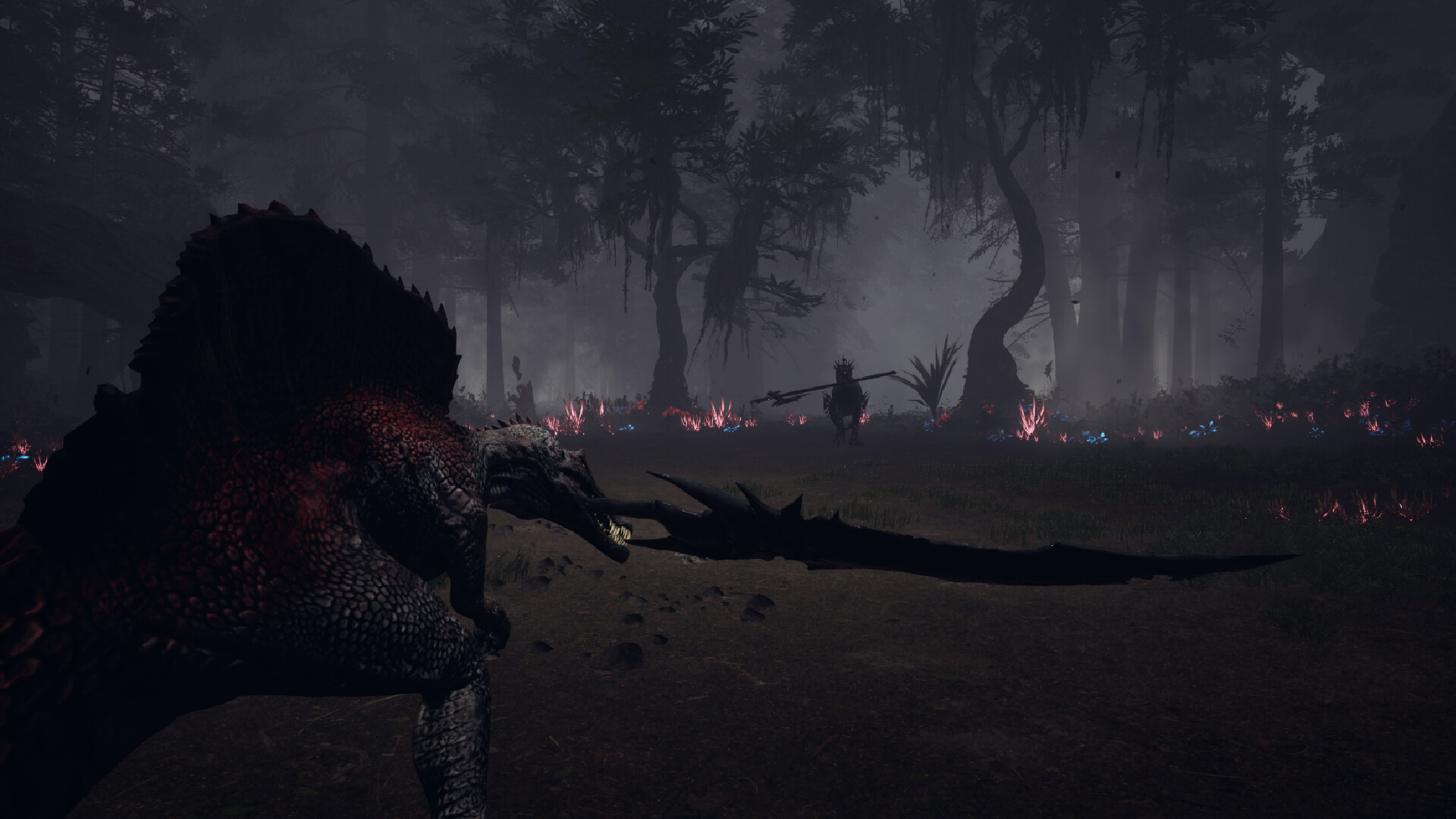
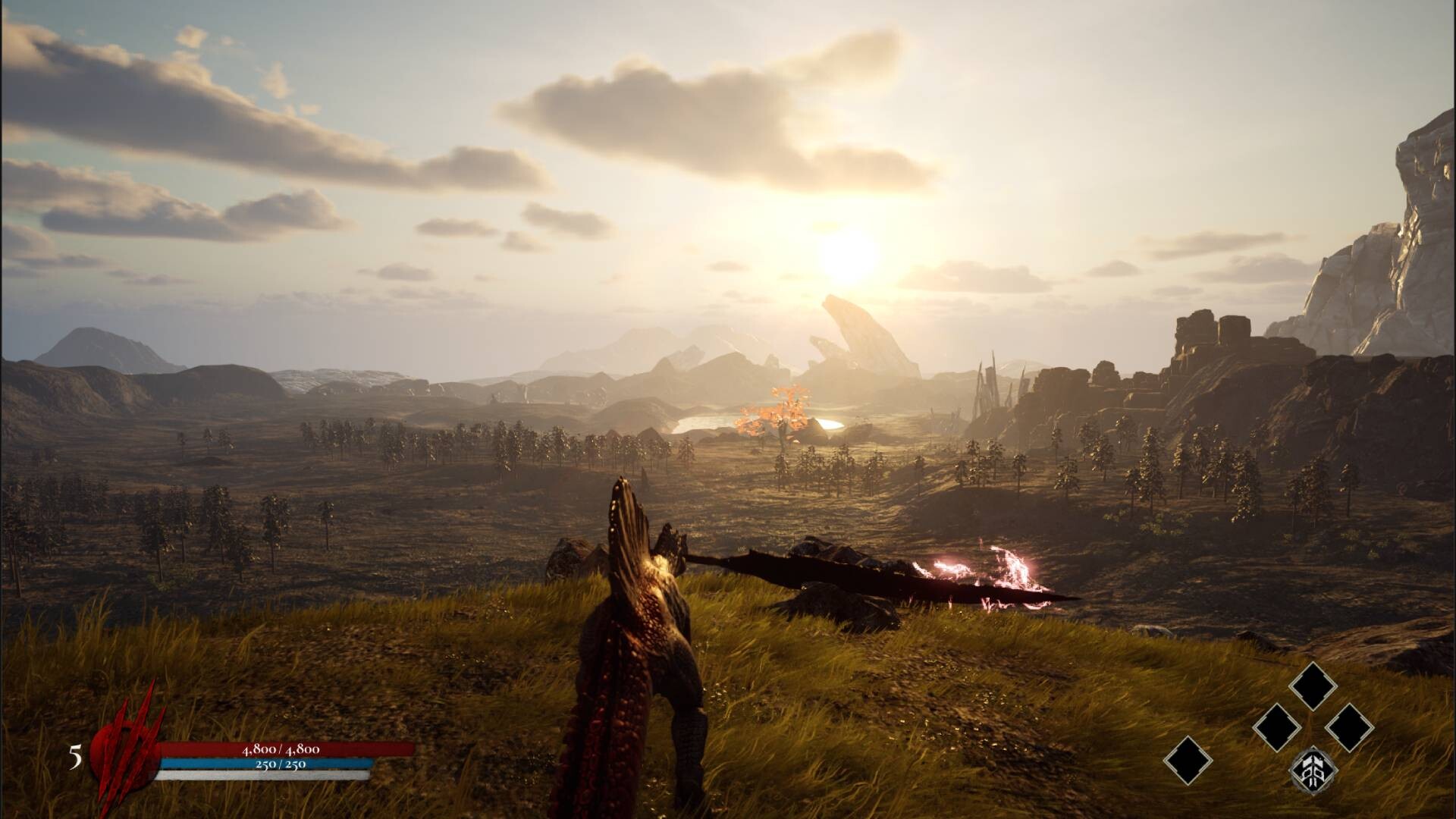
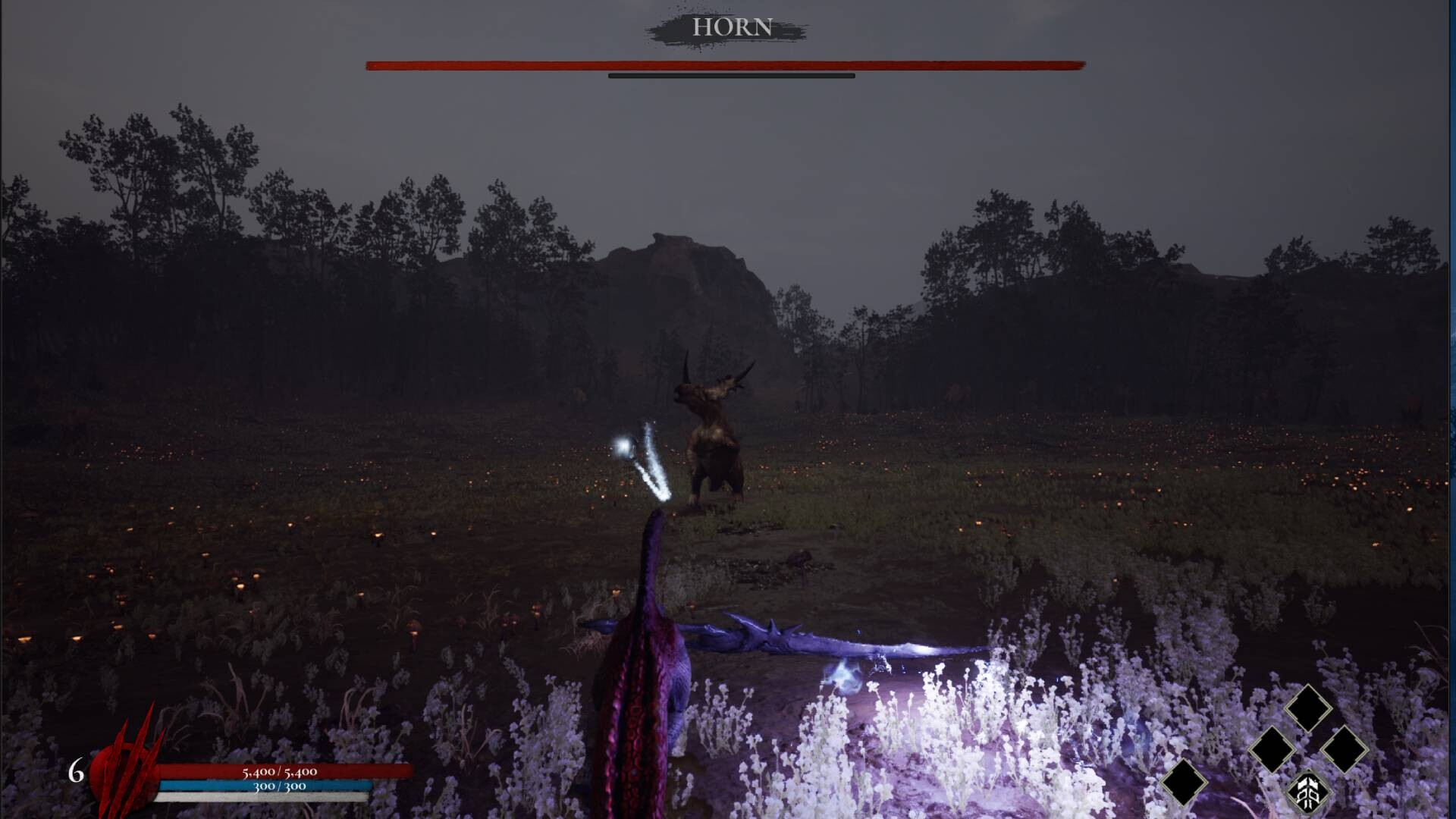
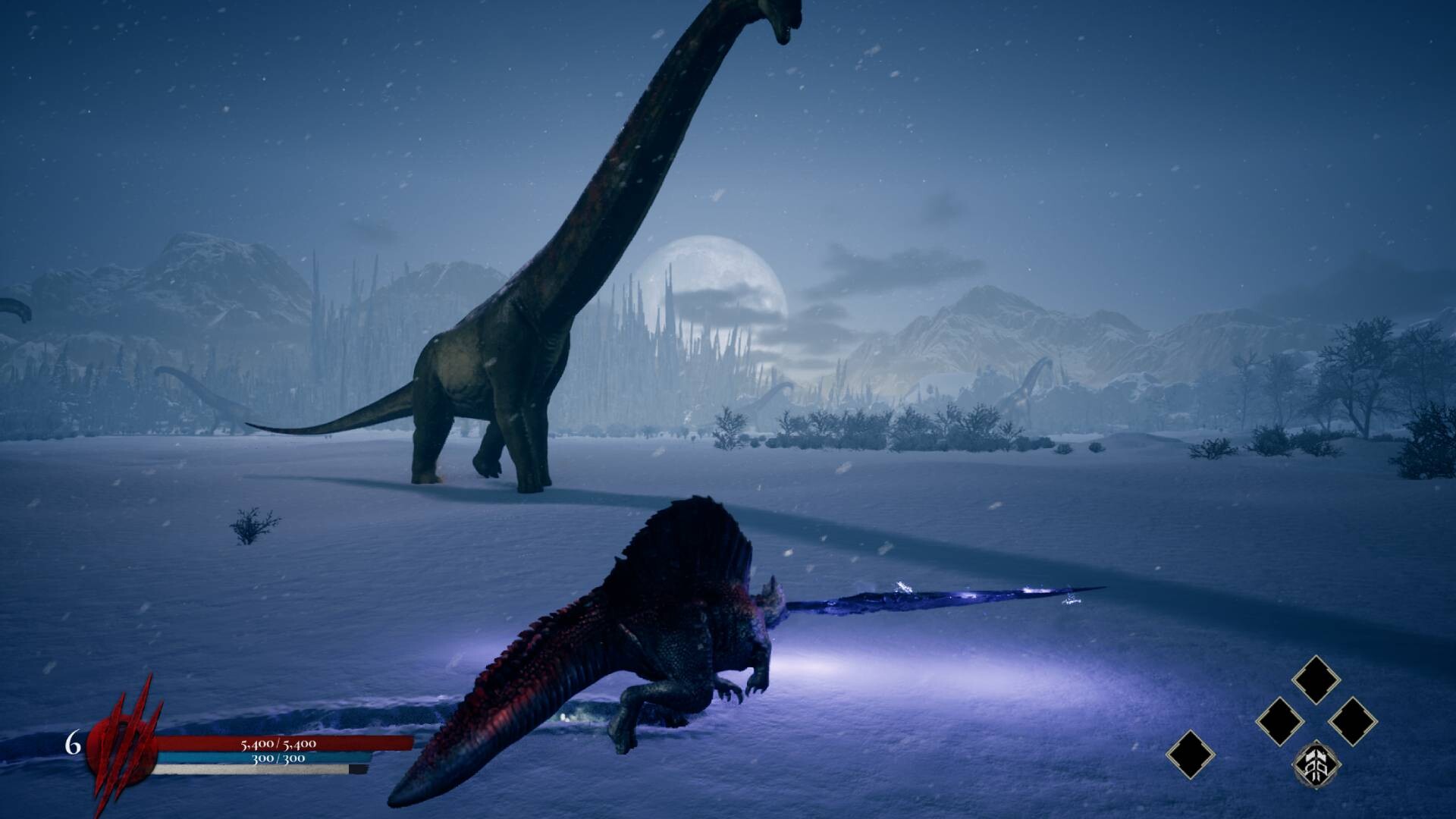
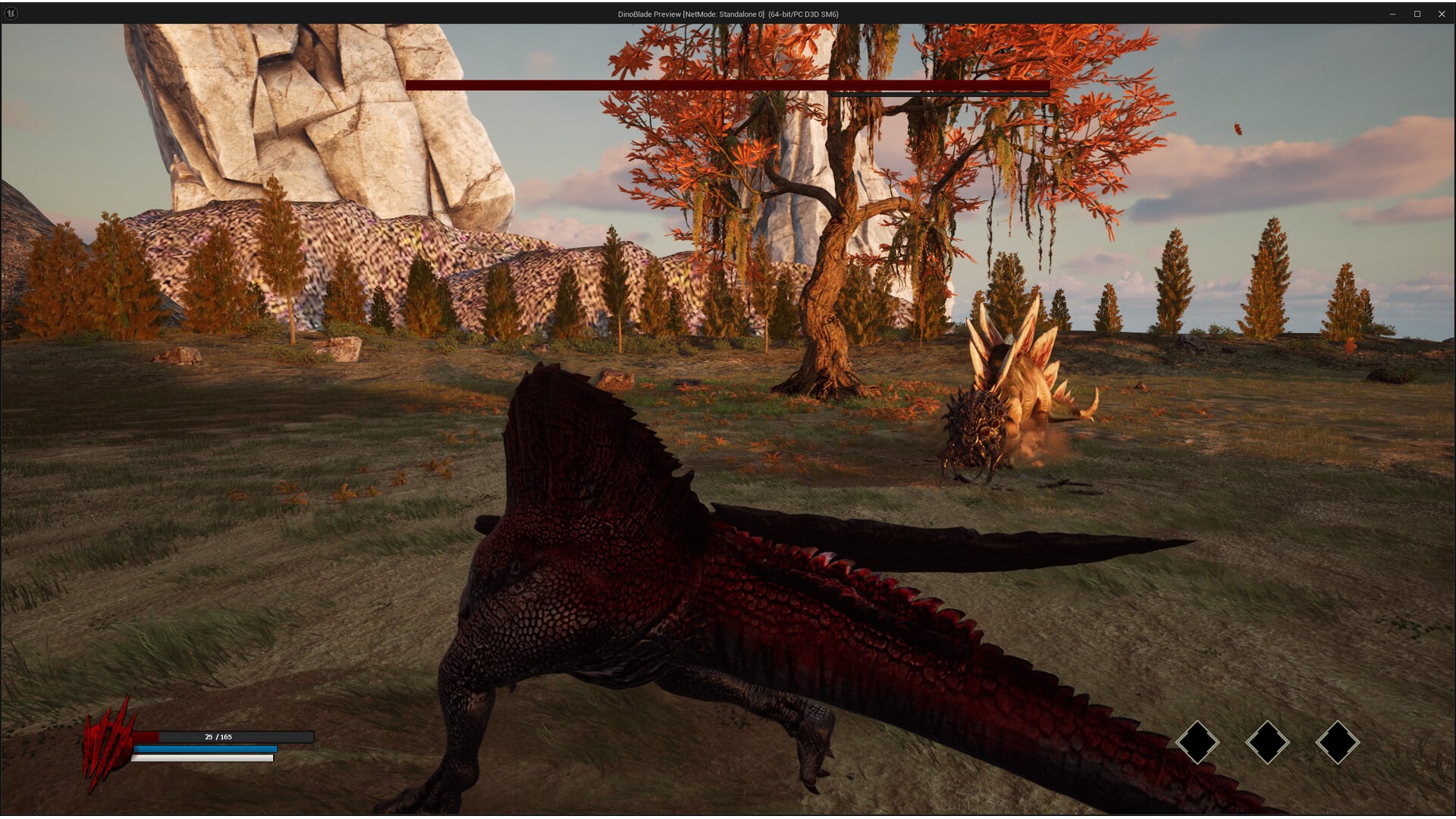
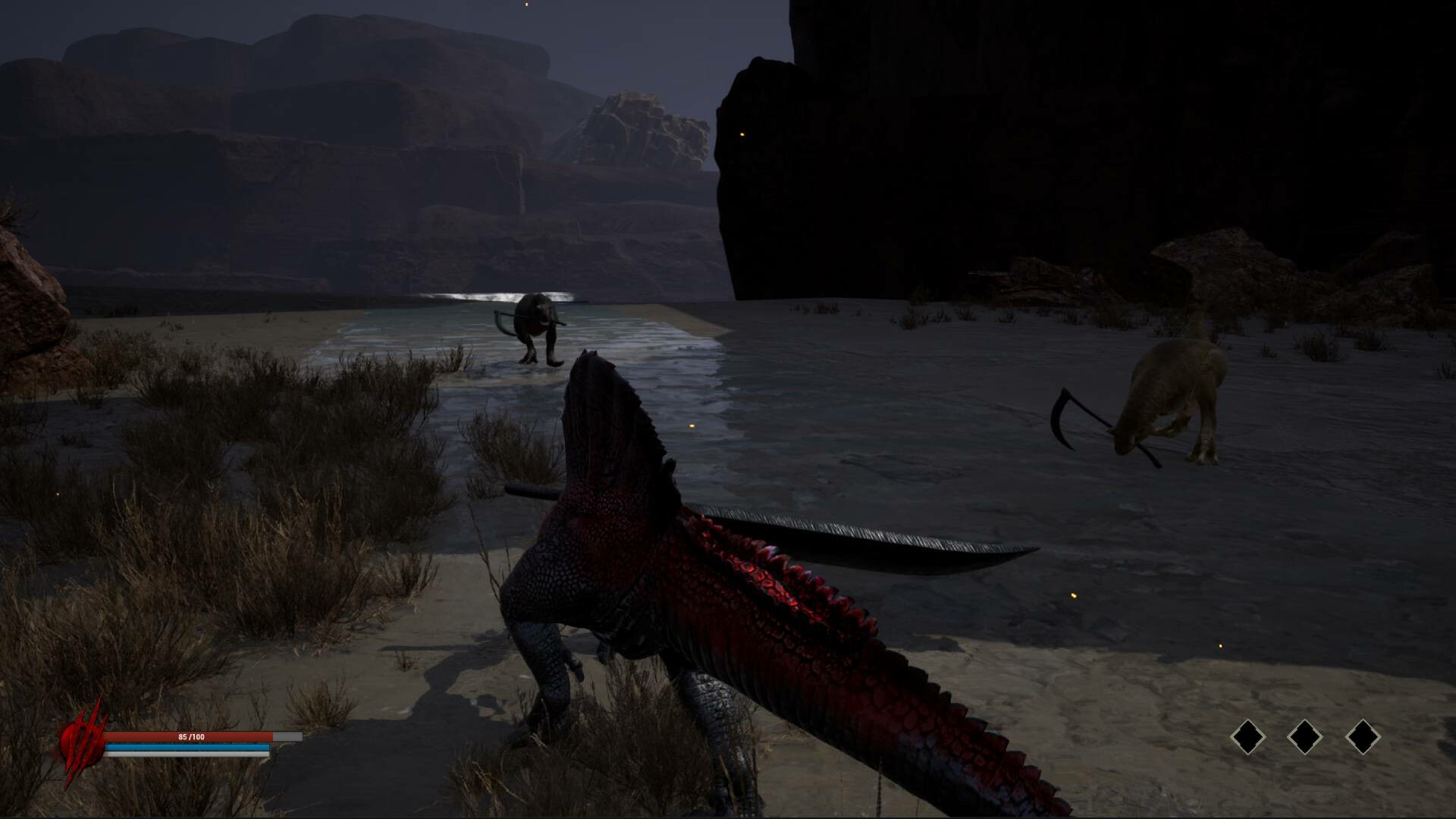
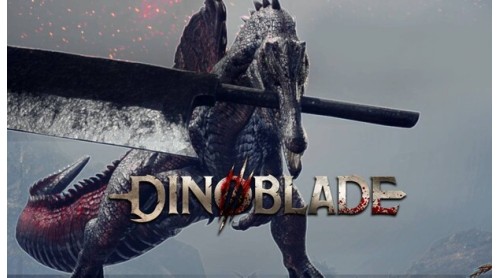
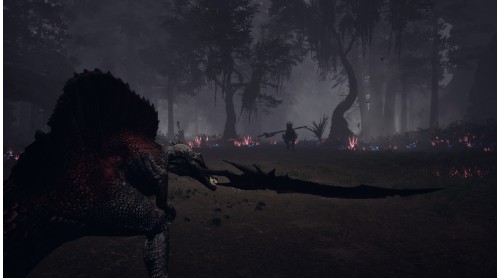
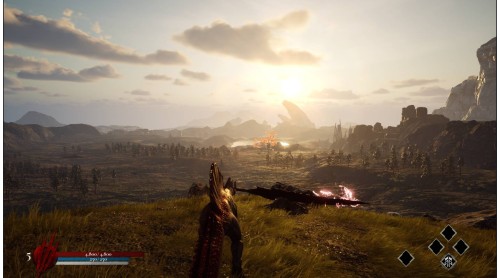
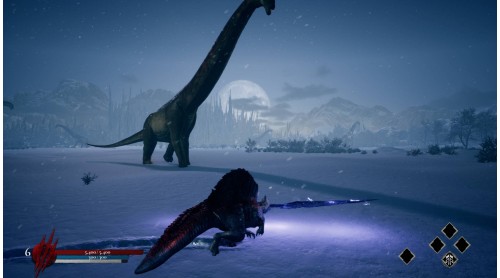
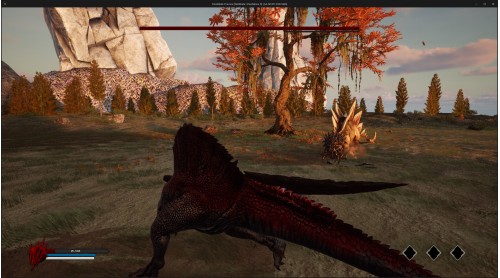
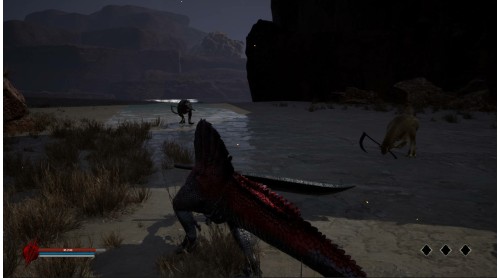
Dinoblade is an intense action RPG set in a prehistoric world forever changed by a cataclysmic event, one that redefined the very nature of Dinosaurs. Step into the role of a young Spinosaurus, wielding a colossal Great Sword forged from ancient power. Confront rival dinosaurs, some armed with brutal weapons of their own, all in a desperate fight to prevent a looming extinction.
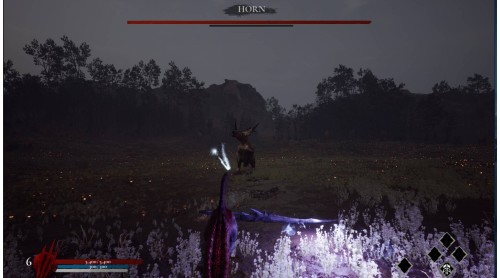
Venture across a sprawling world filled with awe-inspiring biomes, from dry canyons to dense, mist-shrouded jungles. Each region is ruled by a ferocious Alpha, an apex predator who guards the path forward. Defeat them, or be devoured.
Every victory unlocks strength. Master new skills, unleash devastating abilities, and forge your own combat style. Chain together powerful combos, time your dodges, rolls, and parries, and discover legendary weapons hidden across the lands.
At the heart of this savage world lies a mystery — one that could save your species, or doom them forever. Rise as a Legend, conquer the wilds, and decide the fate of your home.
Become the blade and rewrite history before your world is lost to the shadow of extinction.
Conquer the Challenge: Defeat the final boss to unlock the ultimate Boss Rush Mode


How to activate your Steam key?
1. Open your Steam client. (If you don't have a Steam Client, you can install from here https://store.steampowered.com/about/)
2. Sign in to your Steam account. (If you don't have a Steam Account, you can create from here https://store.steampowered.com/join/)
3. Click “ADD A GAME” button which is at the bottom of the Steam Client.
4. Now select "Activate a product on Steam..."
5. Write or copy-paste your Steam key which you purchased from Gamesforpc.
6. Now your game is in your library.
7. Find your game in your library, select and click install to start your download.