

 Steam
Steam  Windows
 | Release Date | 14.09.2018 | |
| Publisher | THQ Nordic GmbH | |
| PEGI Rating | + 7 | |
| Operating Systems | Windows | |
| Genres | Adventure |
16.79€
Added to Cart
16.79€
Added to Wishlist
16.79€
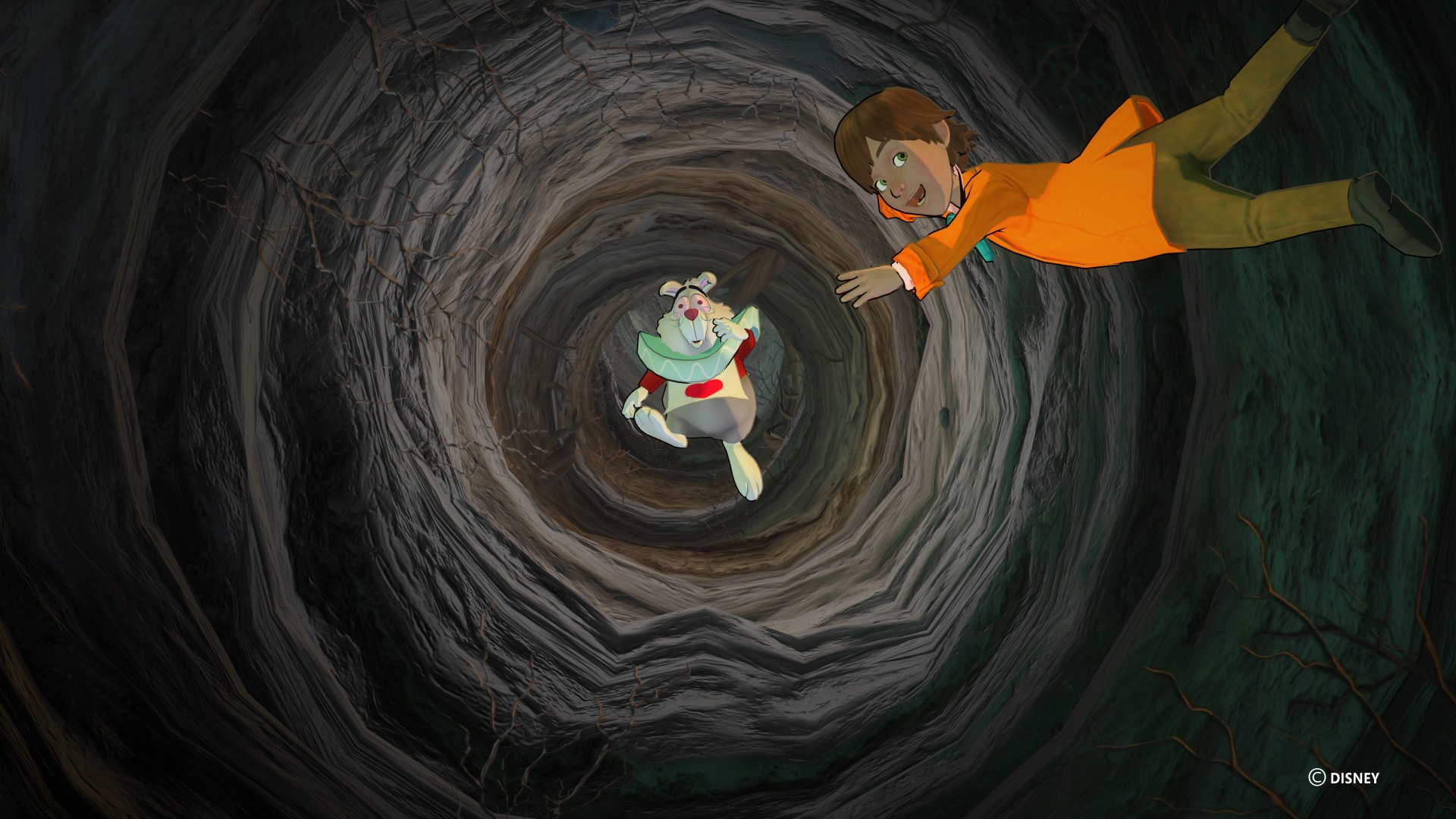
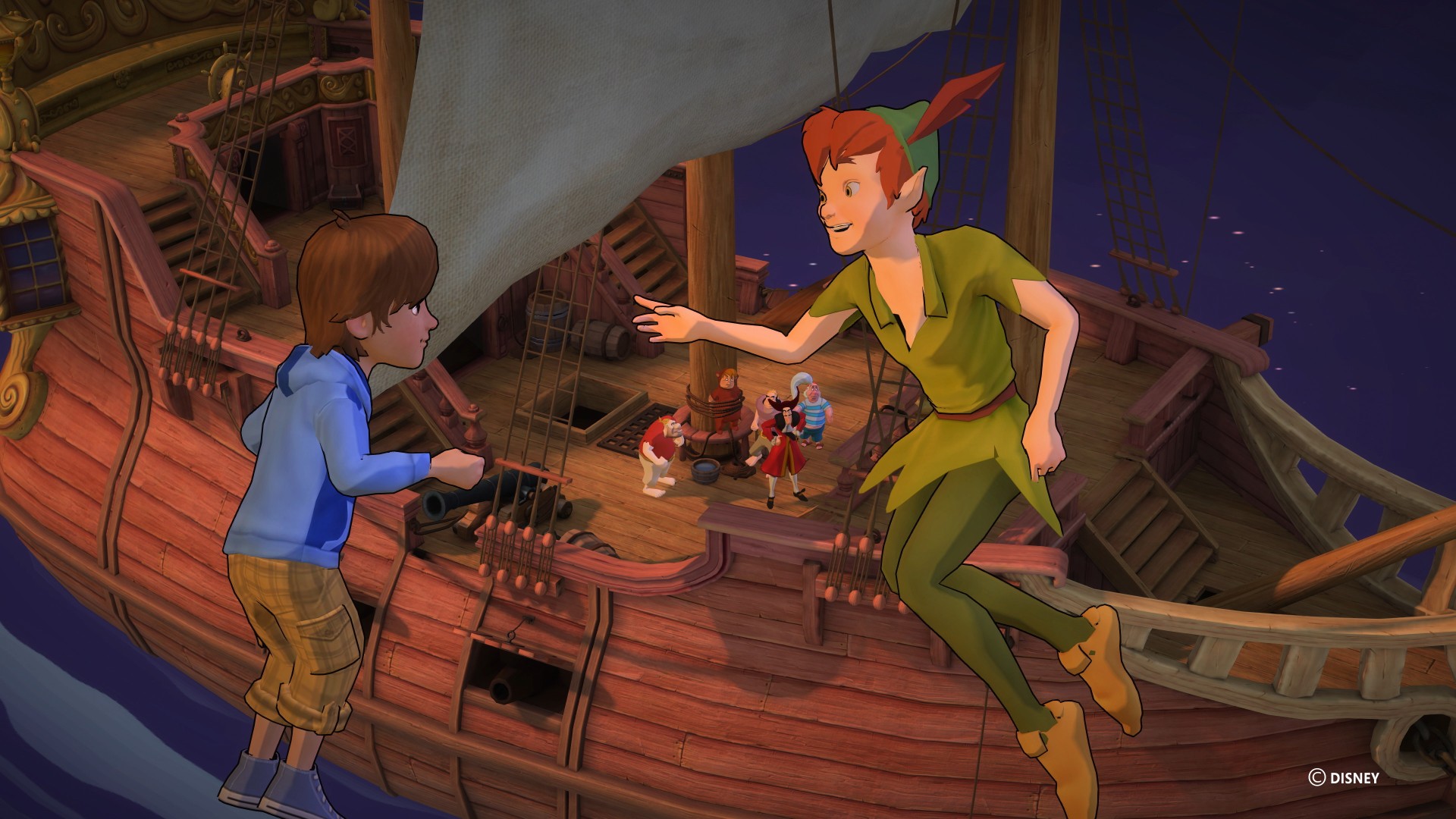
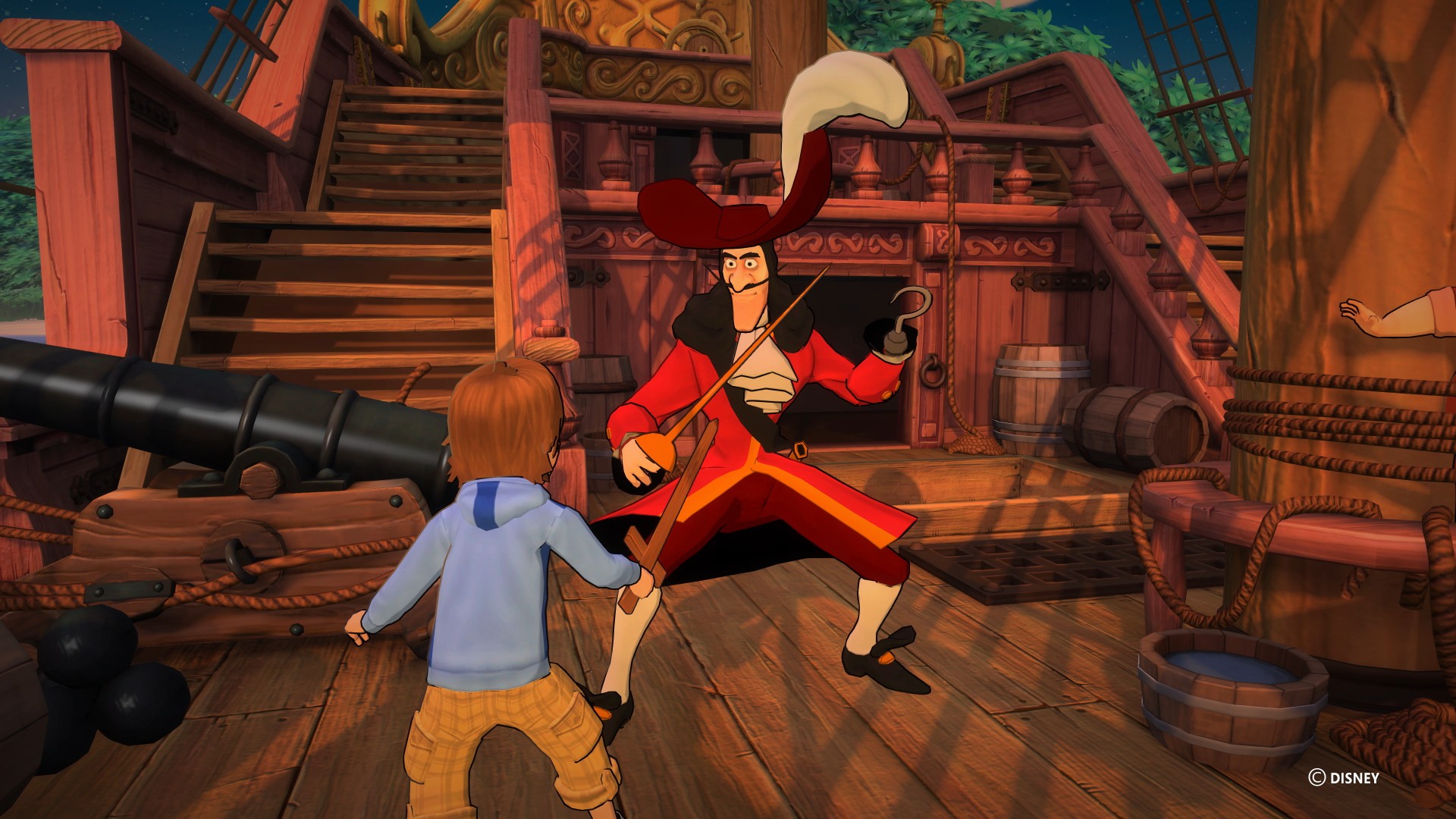
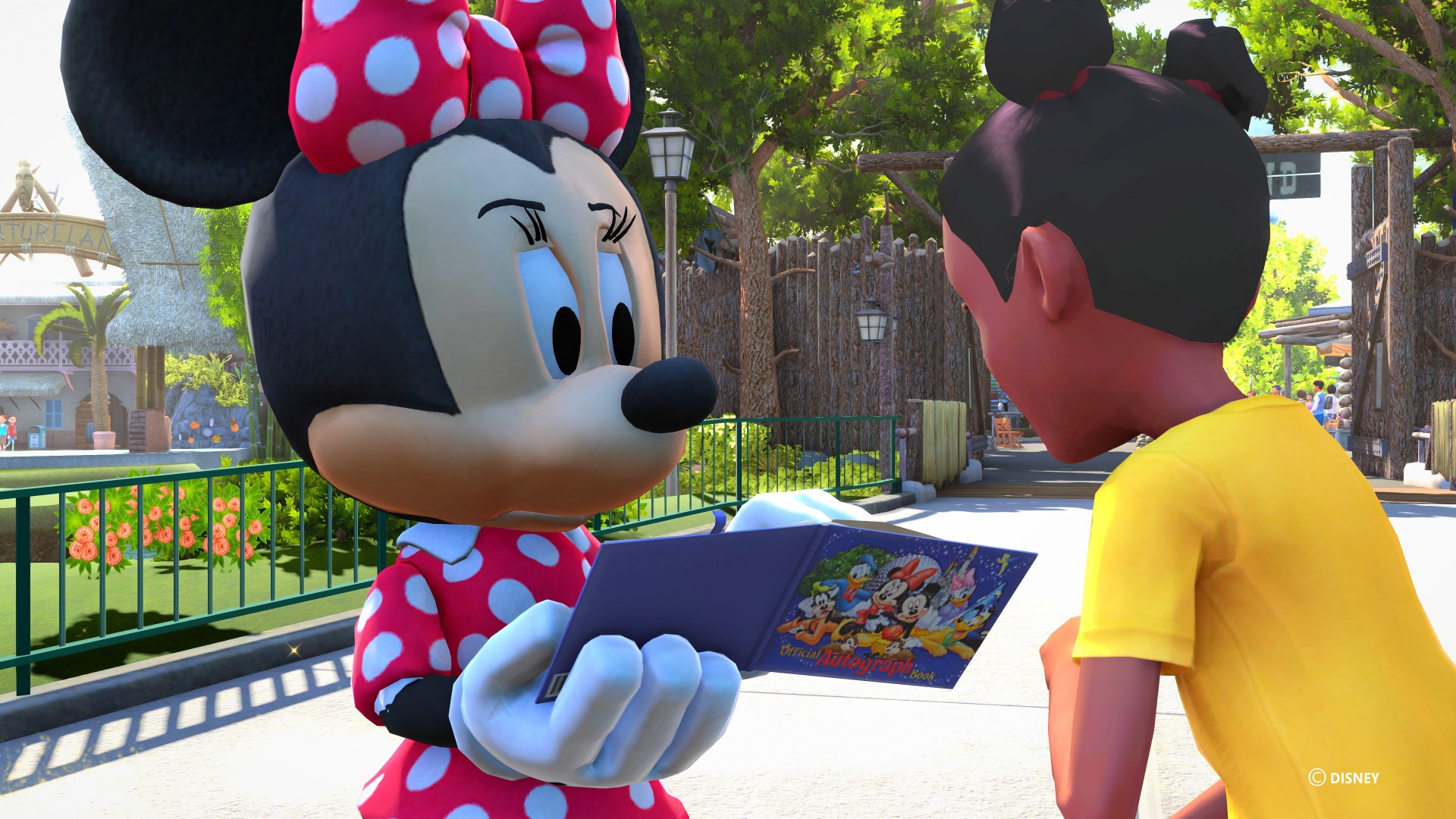
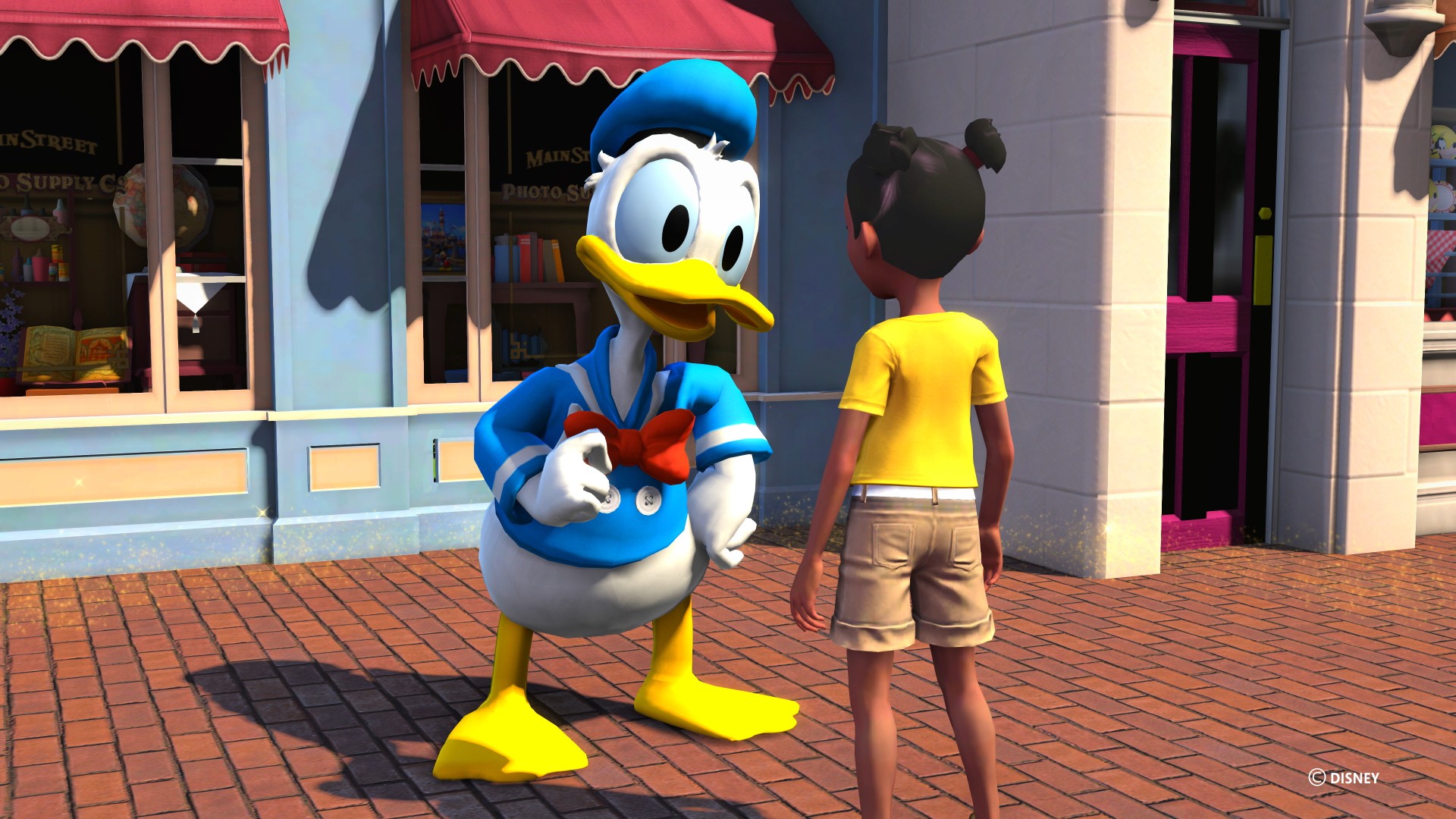
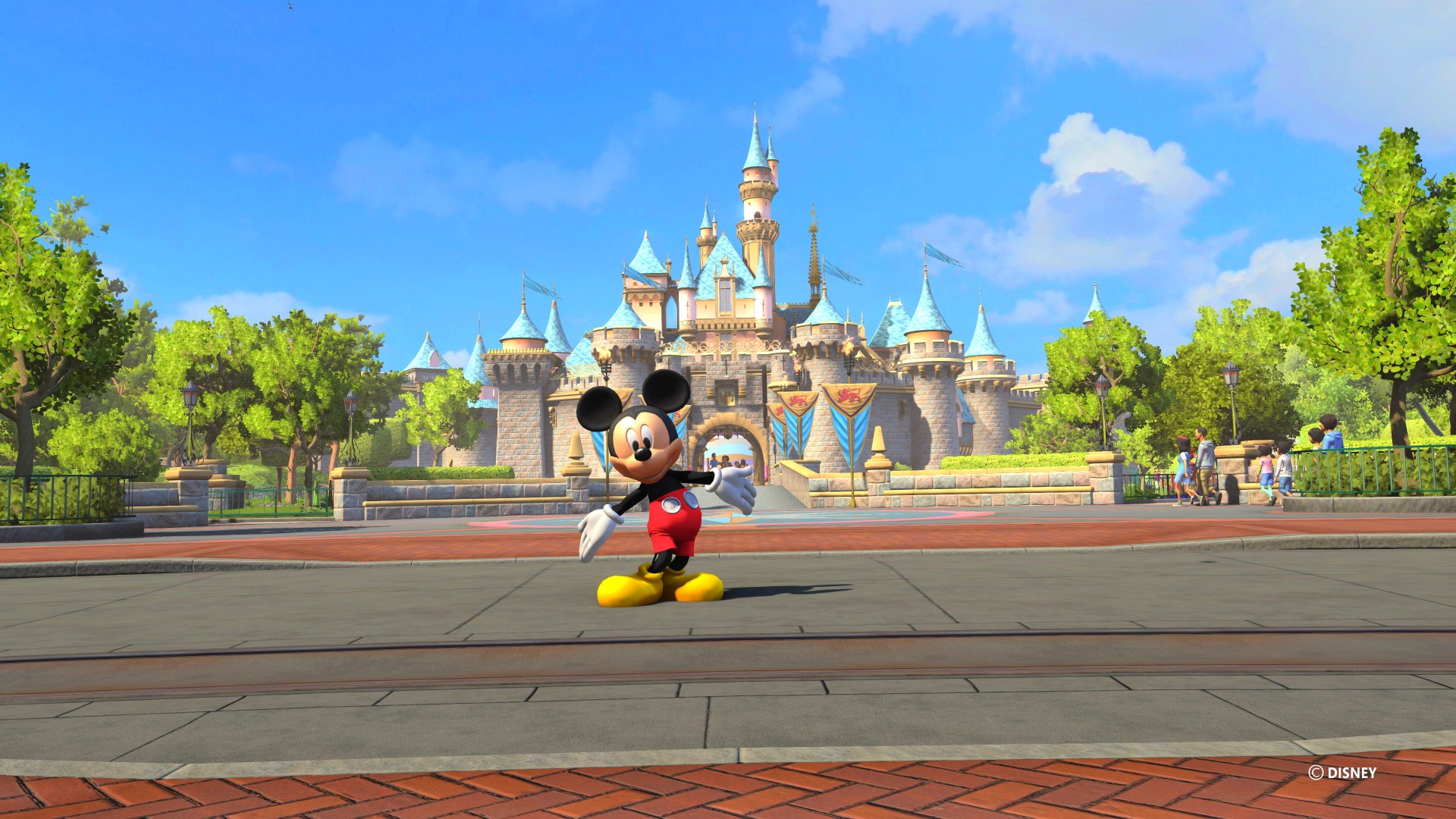
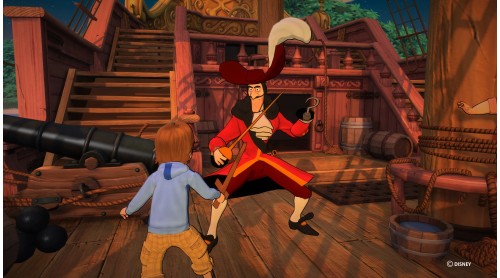
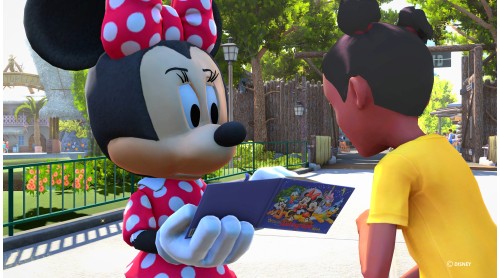
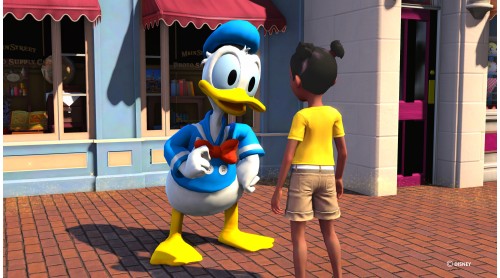
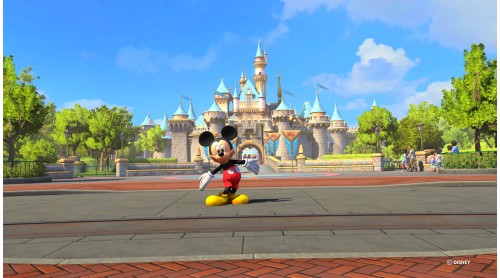
Experience the magic of Disneyland like never before! Take a journey where stories come to life and dreams come true, right in your living room! Explore Disneyland® park — from Main Street U.S.A. to Critter Country — join Peter Pan to battle Captain Hook, high-five Mickey Mouse or hug Snow White.
Disneyland Adventures allows children, families and Disney fans of all ages to explore Disneyland park, step into adventures based on attractions, engage in challenging quests, and interact with beloved Disney characters.
Features:
© 2018 ASOBO STUDIO
Microsoft Studios © 2018 Microsoft Corporation


How to activate your Steam key?
1. Open your Steam client. (If you don't have a Steam Client, you can install from here https://store.steampowered.com/about/)
2. Sign in to your Steam account. (If you don't have a Steam Account, you can create from here https://store.steampowered.com/join/)
3. Click “ADD A GAME” button which is at the bottom of the Steam Client.
4. Now select "Activate a product on Steam..."
5. Write or copy-paste your Steam key which you purchased from Gamesforpc.
6. Now your game is in your library.
7. Find your game in your library, select and click install to start your download.