










 Steam
Steam  Windows
  Linux
Linux | Release Date | 23.07.2026 |
| Operating Systems | Linux |
| Publisher | Solo Game |
| Operating Systems | Windows |
| Genres | Adventure, indie |
11.99€
8.39€
Added to Cart
11.99€
8.39€
Added to Wishlist
11.99€
8.39€
Quack the code of reality as the clumsy yet courageous duck Dodo and traverse bizarre yet charming planets to rescue your kidnapped chicken kin and master impossible new abilities with every waddle to solve puzzles.
What begins as a lighthearted rescue mission unfurls into a profound, heartfelt journey of self-discovery, where perhaps even a clumsy duck can find a home.

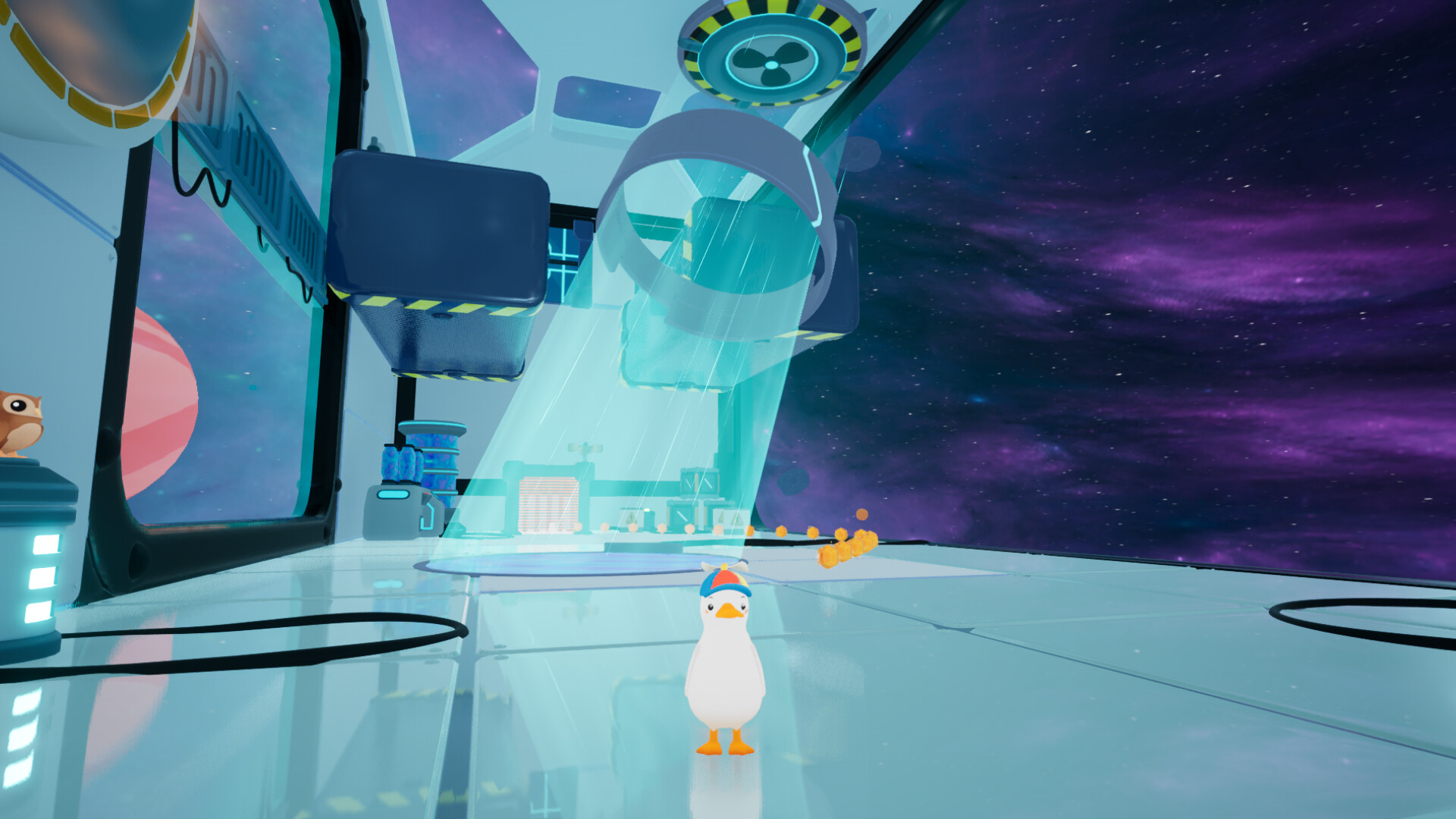
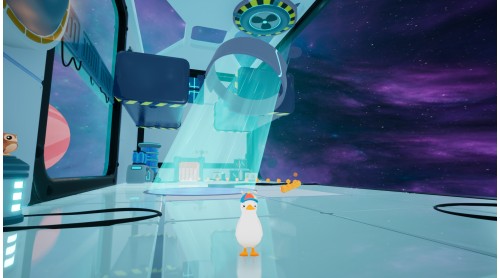
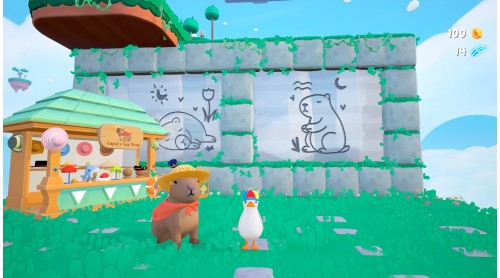
It was a peaceful day on the farm… until a giant alien beam yoinked your chicken family into the sky. With nothing but his waddle, his will, and a very special cap, Dodo dives into a glitched dimension to bring them back.

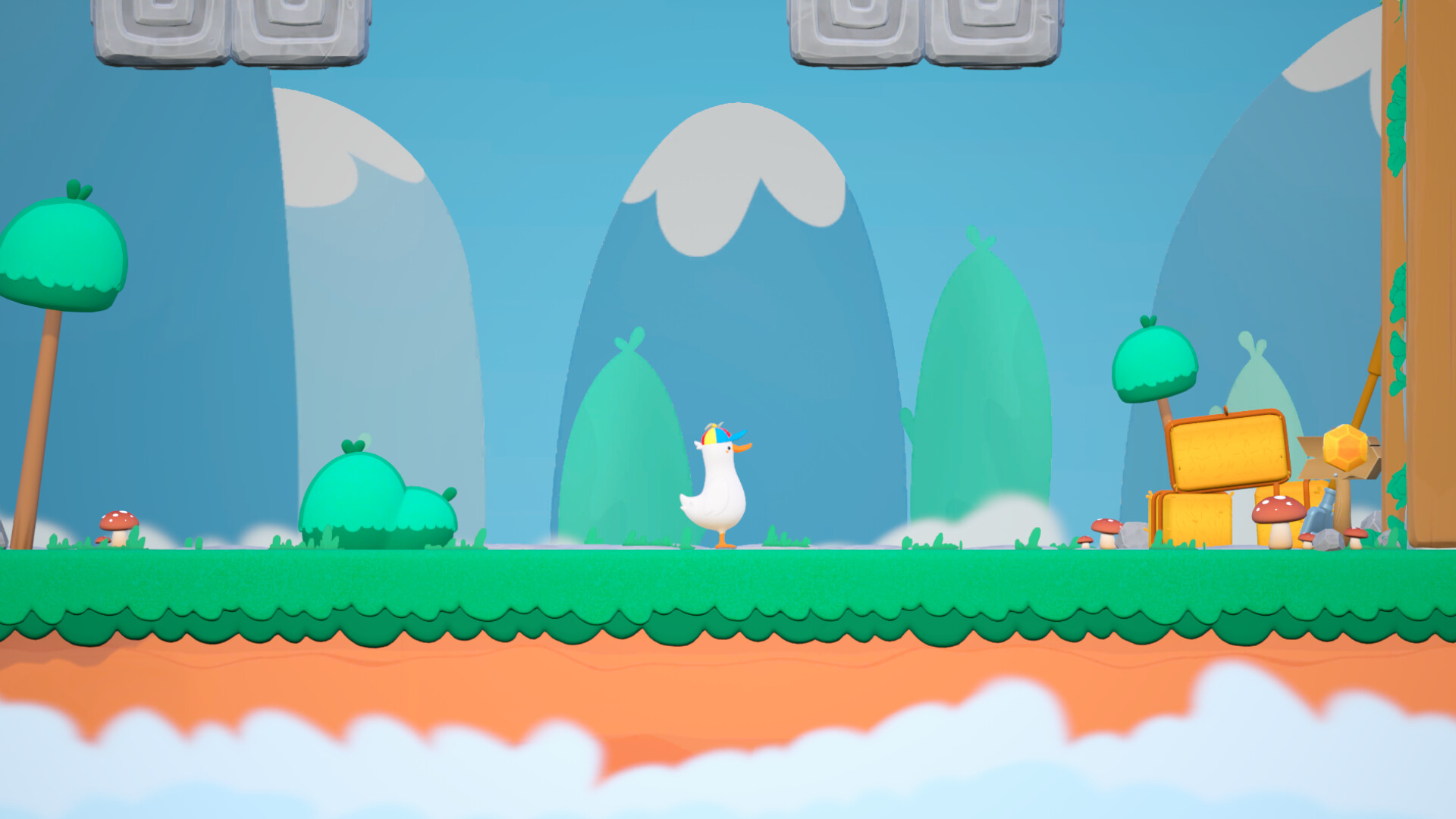
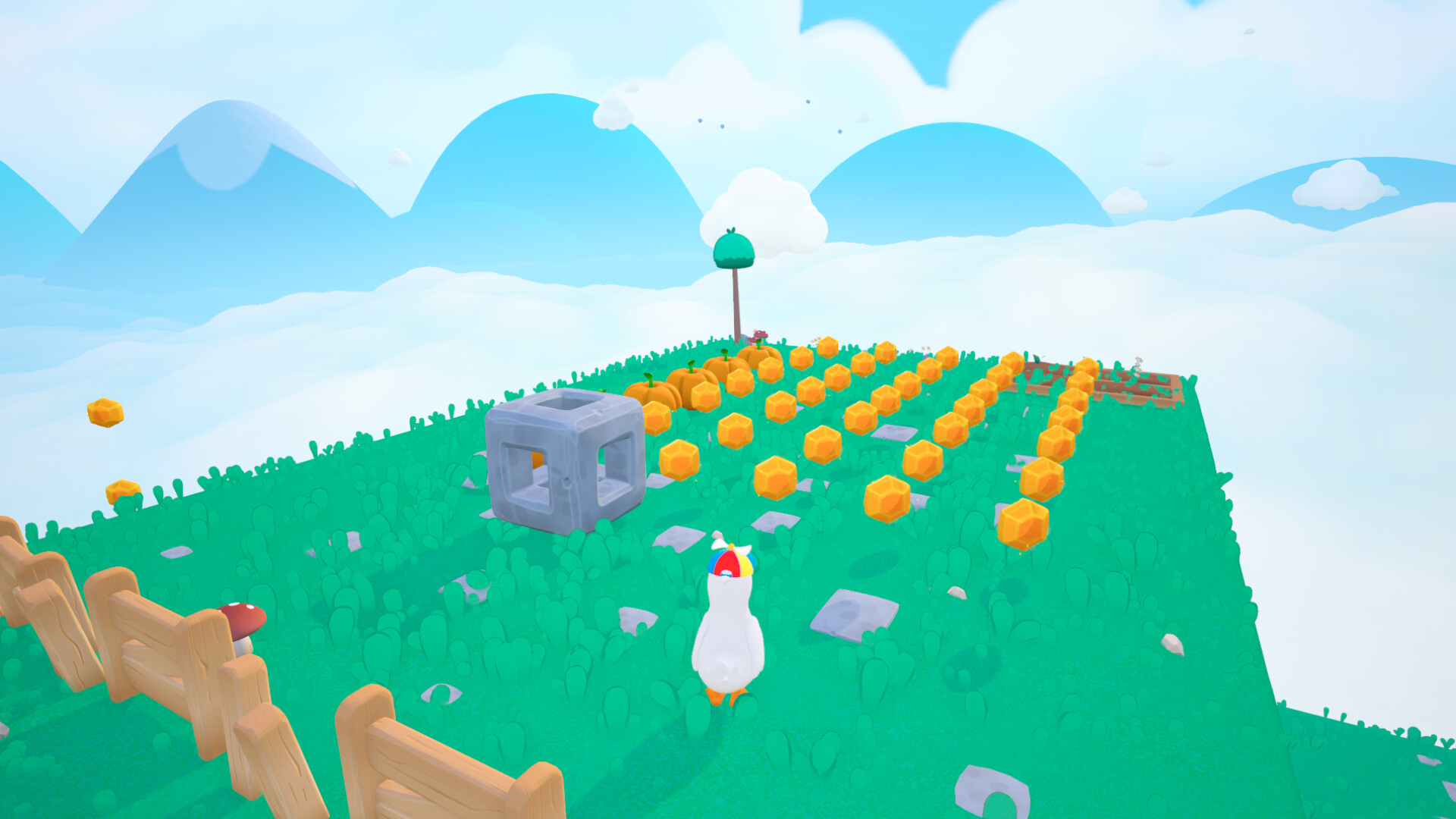
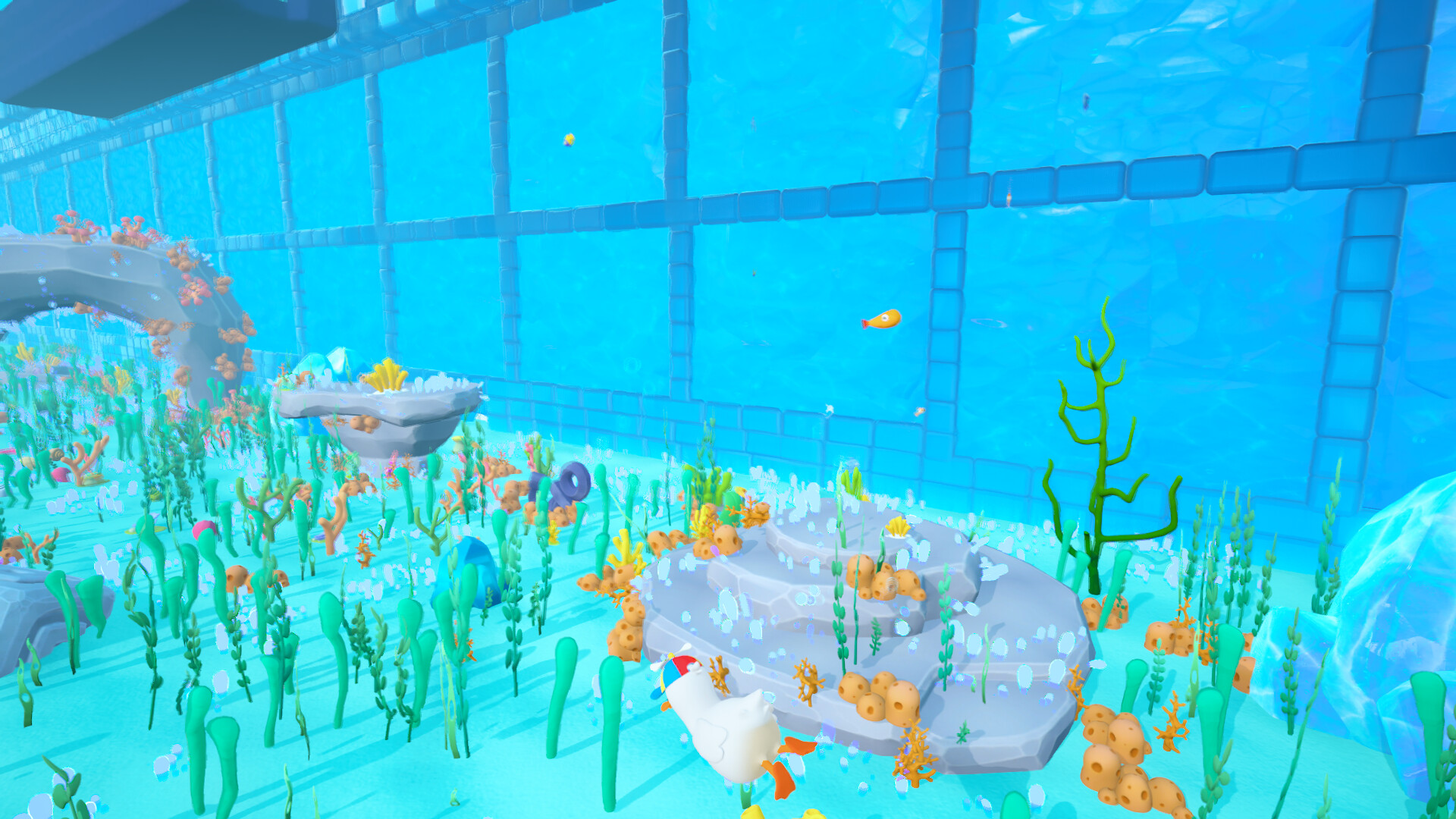
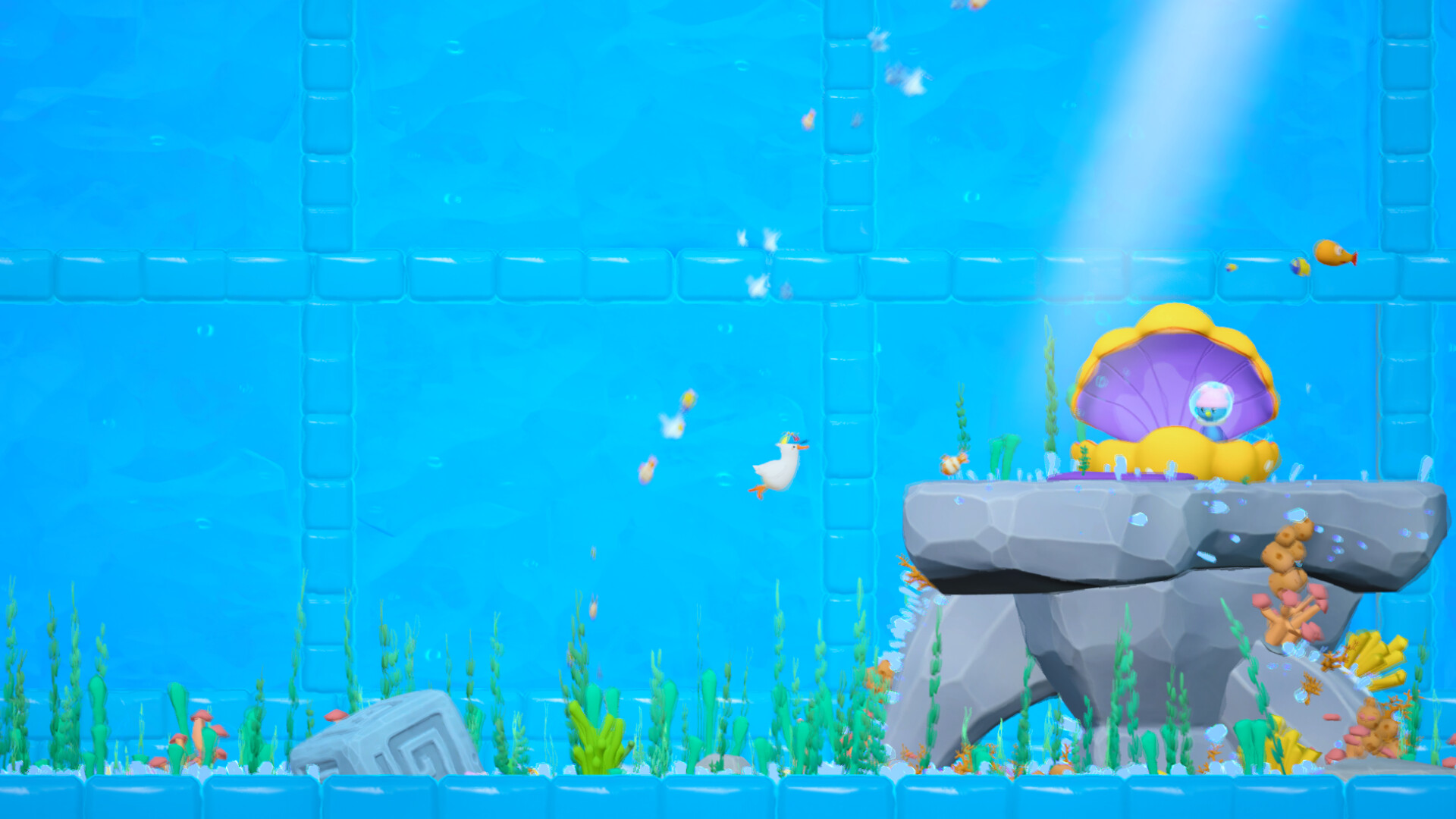
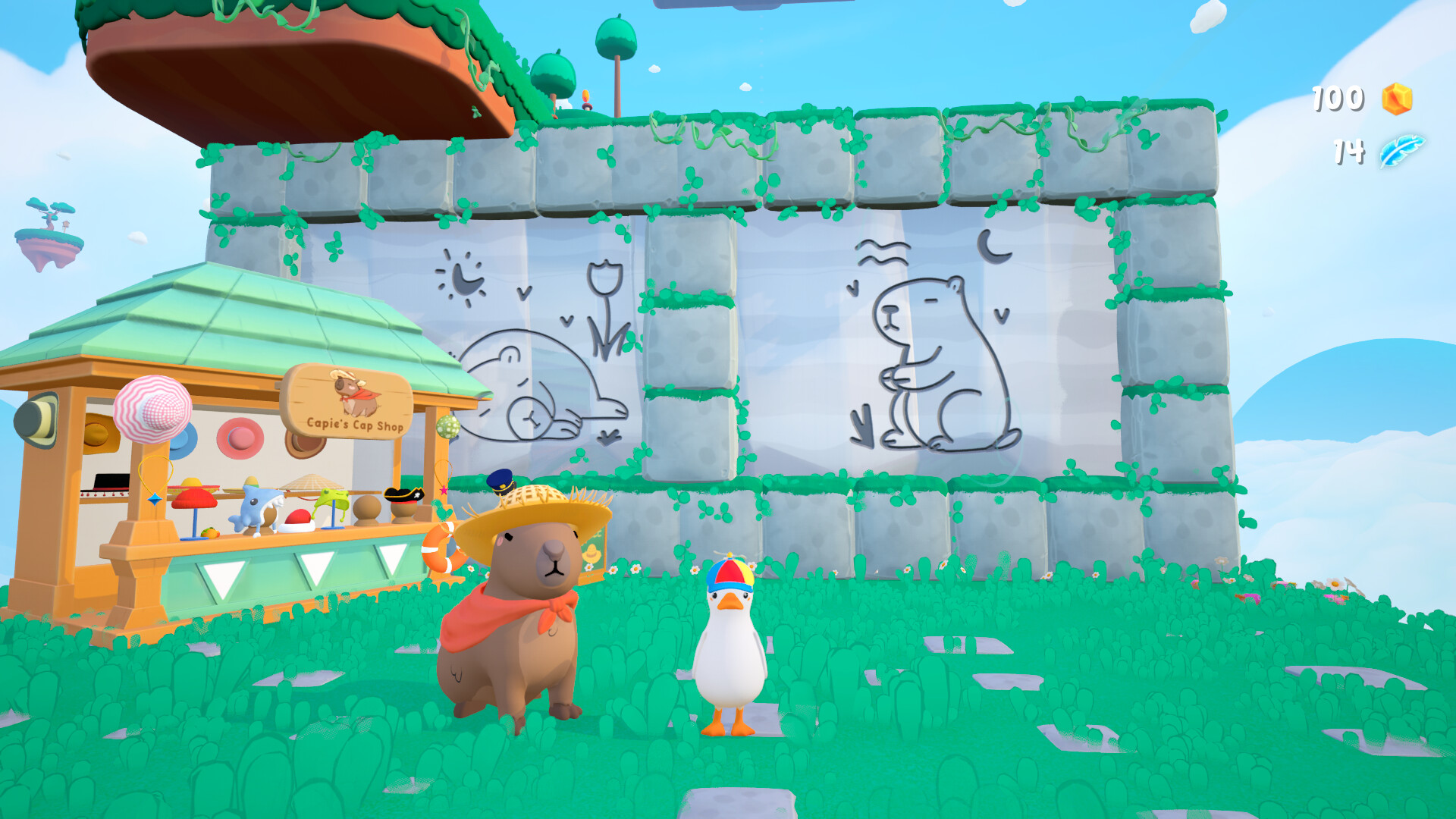
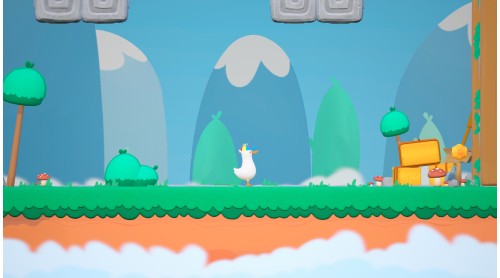
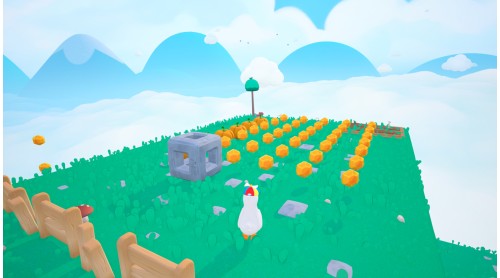
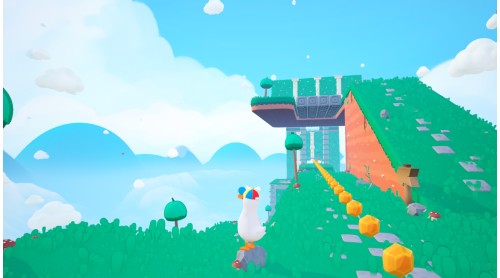
Two dimensions, one adventure. With Capie the Capybara's magical cap, you can flip between side-scrolling and 3rd Person view whenever you like. Swap perspectives to reveal hidden paths and surprise platforms, and use them to crack every puzzle and peek into every corner of the world.

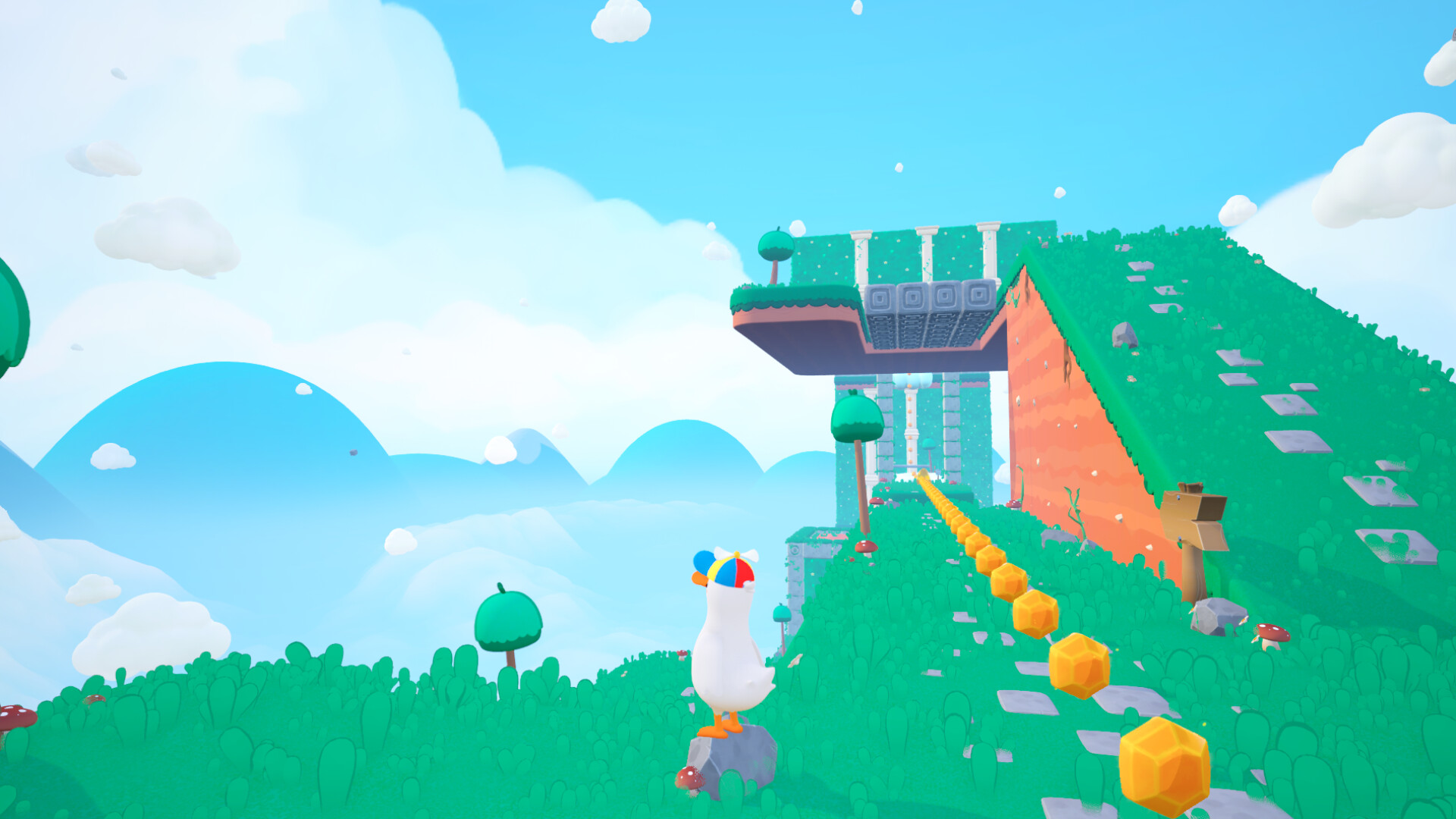
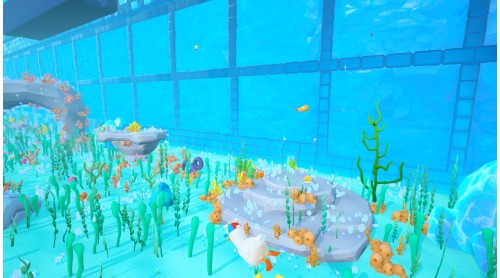
Dodo does a lot more than waddle. Glide over gaps, splash through water, float, flop, and improvise your way through each puzzle. Every move fits into the way you explore, experiment and solve weird little alien puzzles. And yes, there is a dedicated quack button. Hit Q to QUACK, scare some aliens, and calm your own brain at the same time.

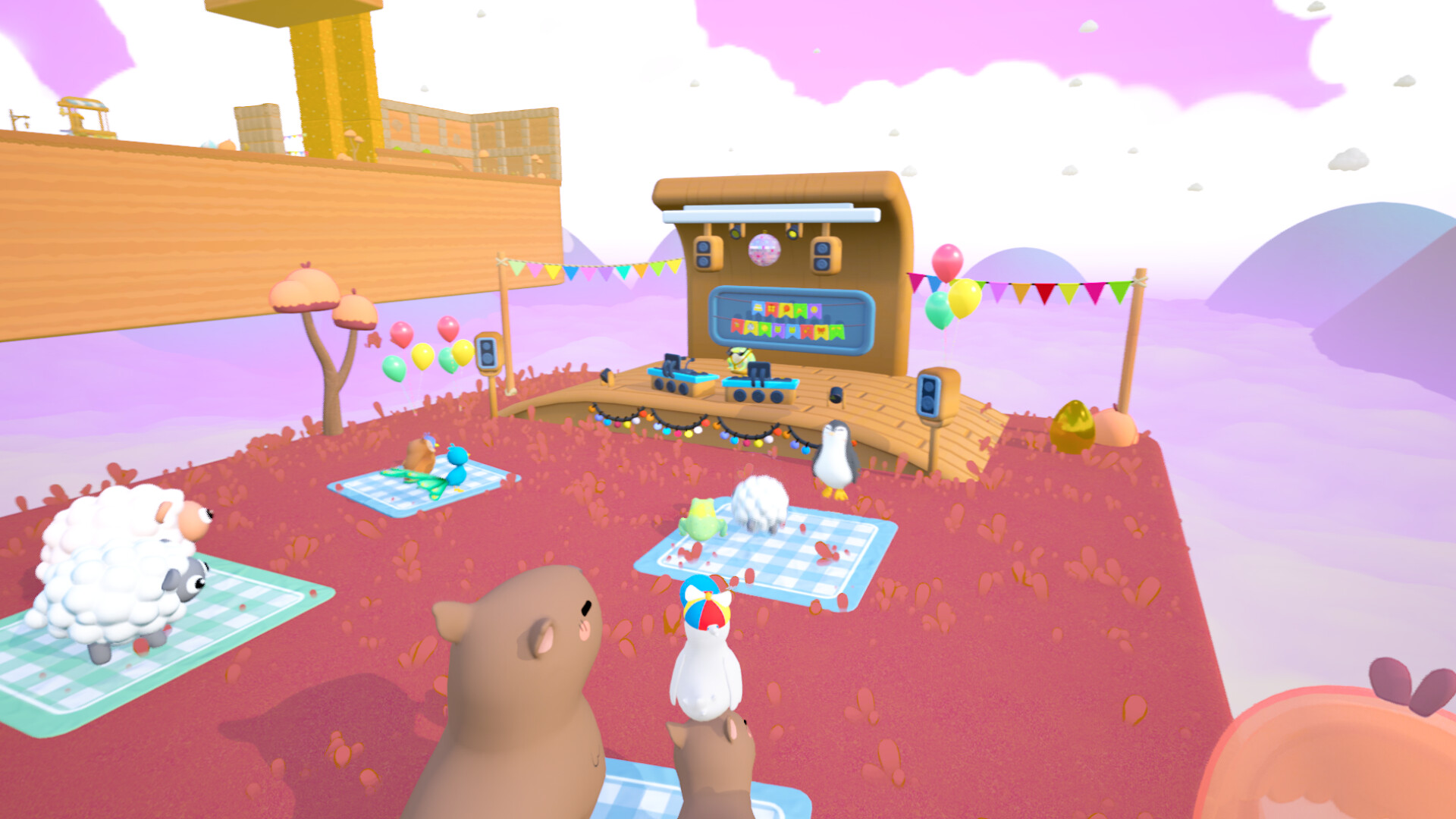
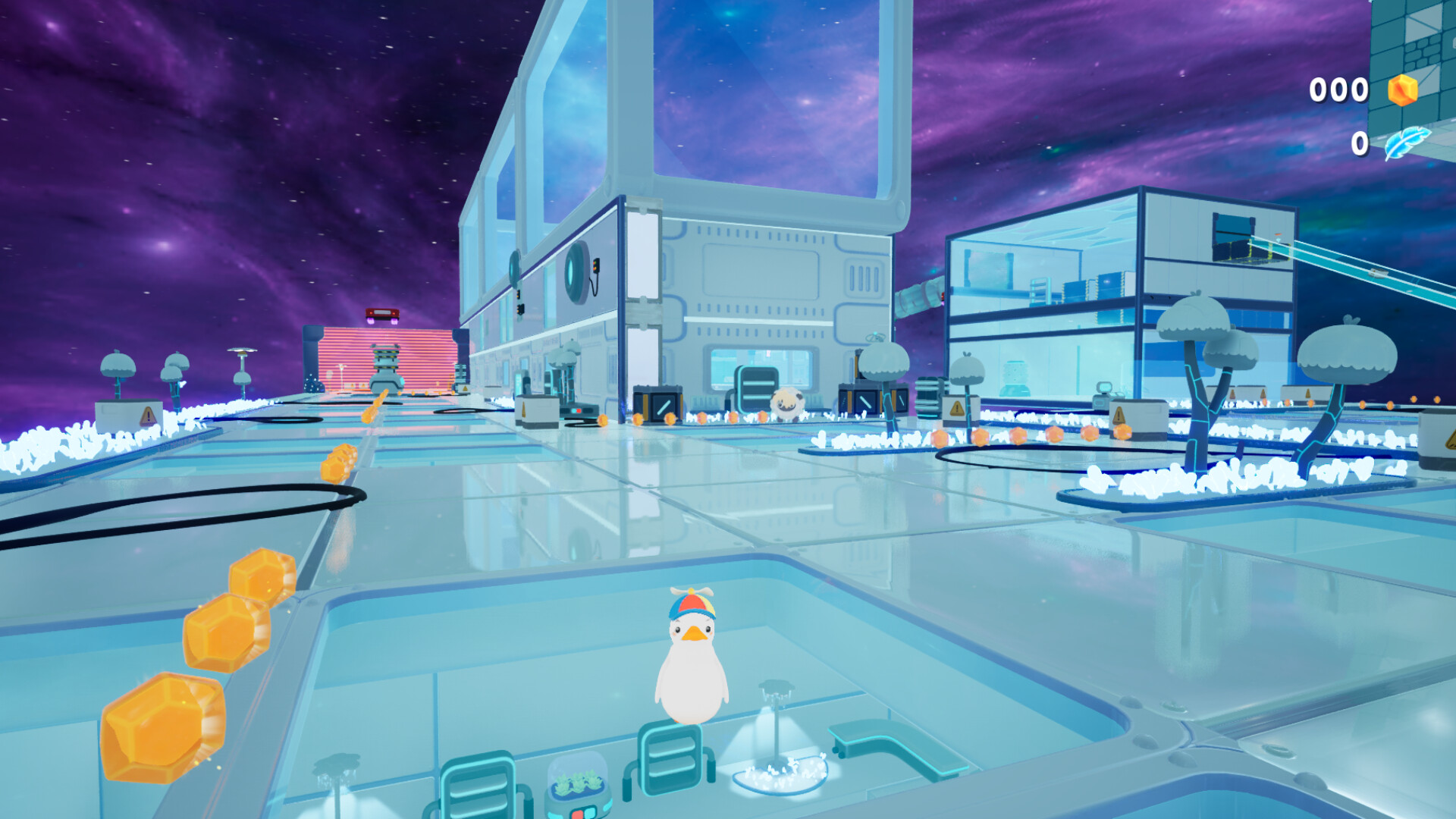
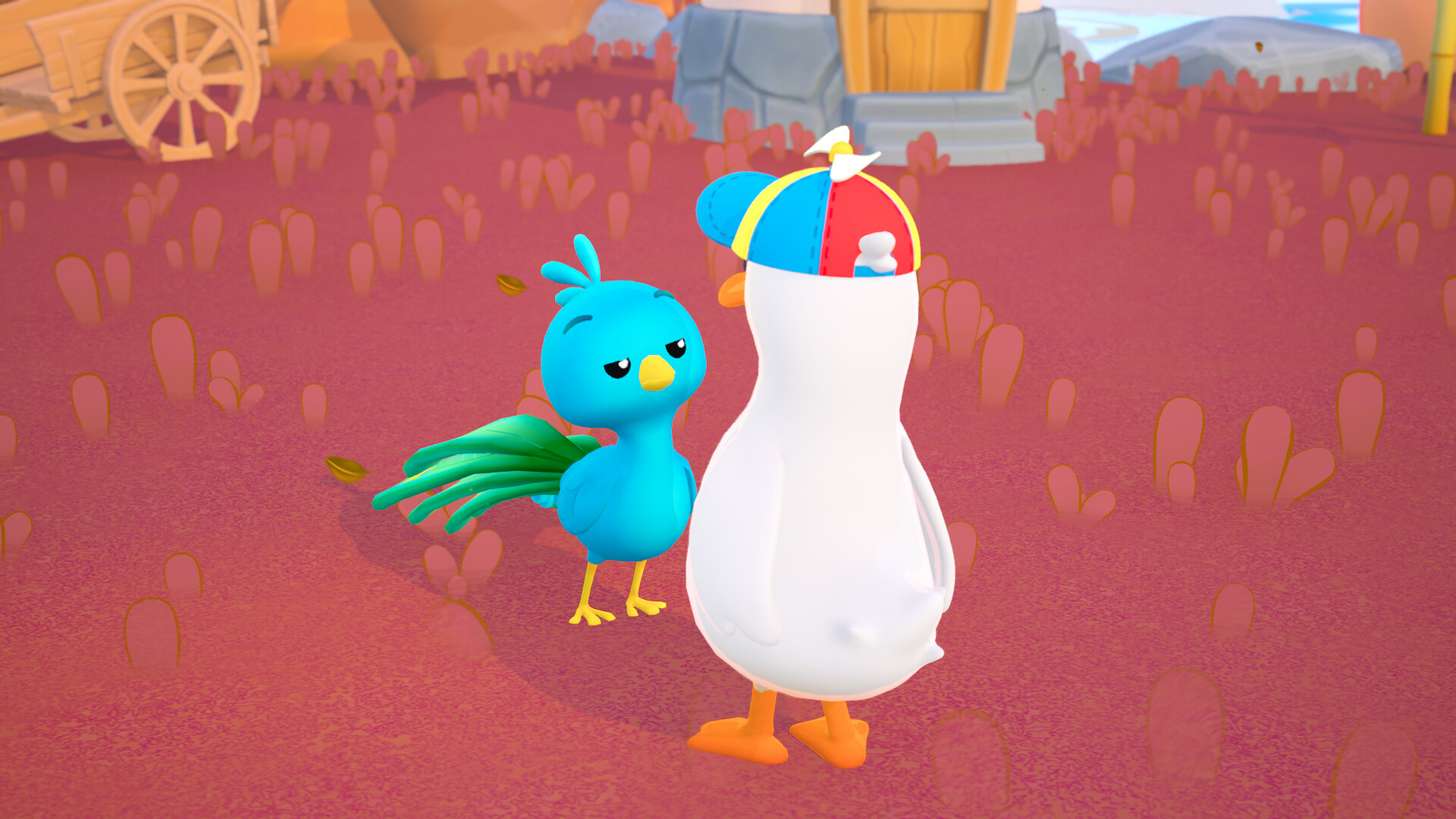
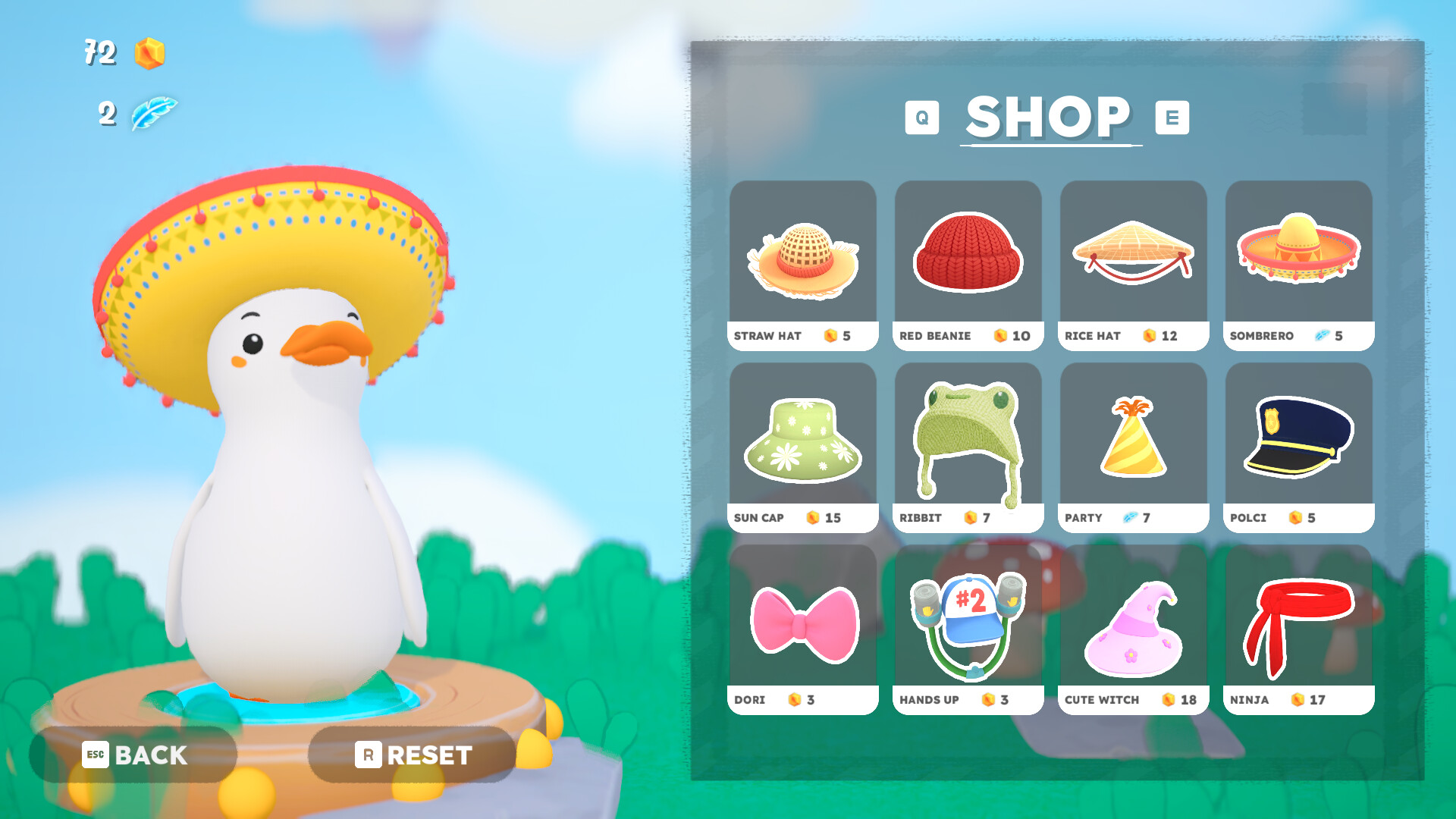
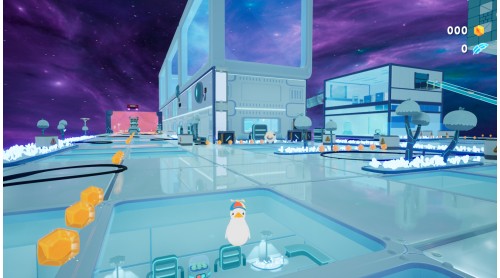
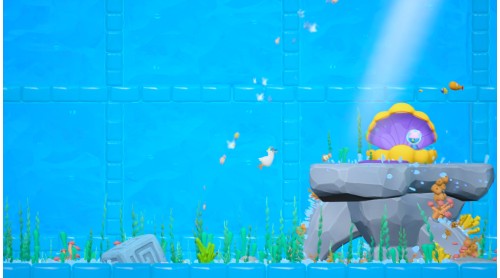
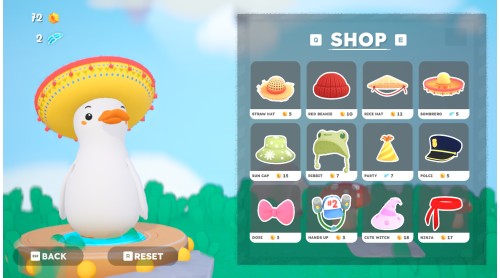
Hop from one odd and adorable planet to the next, each stranger and cuter than the last. Collect shiny stardust, uncover secret routes, and meet Capie, the chill shopkeeper who sells very good caps. Don’t forget to take advantage of every very silly photo opportunity.

Dodo wobbles, trips, and occasionally face-plants, but never gives up on its chicken family. Underneath the clumsy feet is a very determined little heart. Ready to accompany this adorable little duckie? This adventure is full of quacks, caps, and chaos, so grab the hat and jump in. Your next adventure (and your next cute screenshot) is waiting.


How to activate your Steam key?
1. Open your Steam client. (If you don't have a Steam Client, you can install from here https://store.steampowered.com/about/)
2. Sign in to your Steam account. (If you don't have a Steam Account, you can create from here https://store.steampowered.com/join/)
3. Click “ADD A GAME” button which is at the bottom of the Steam Client.
4. Now select "Activate a product on Steam..."
5. Write or copy-paste your Steam key which you purchased from Gamesforpc.
6. Now your game is in your library.
7. Find your game in your library, select and click install to start your download.