 Steam
| Release Date | 31.07.2017 | |
| Publisher | Microsoft | |
| PEGI Rating | + 3 | |
| Genres | Simulation |
18.49€
Added to Cart
18.49€
Added to Wishlist
18.49€
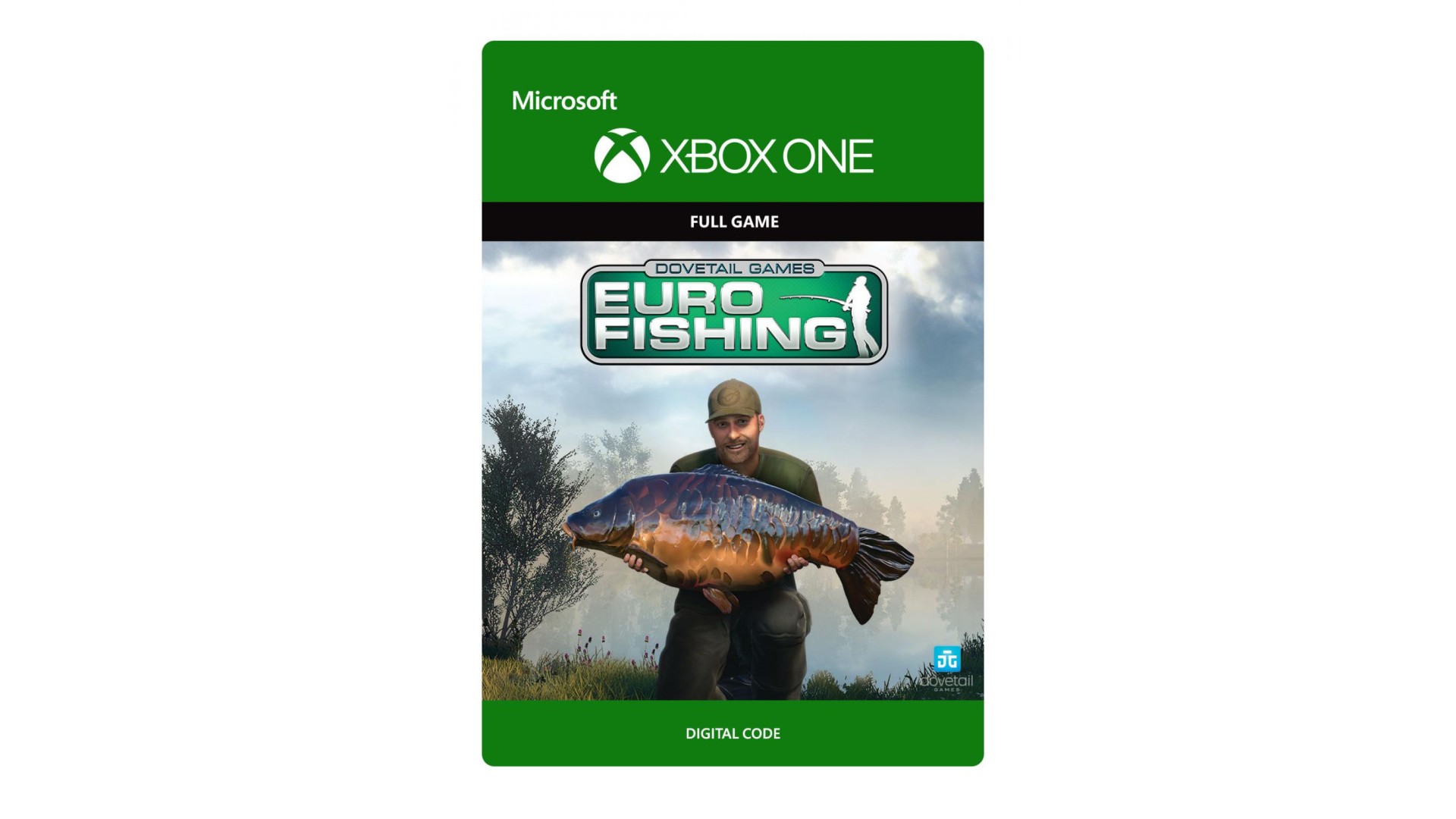
Euro Fishing immerses you deep into the adrenaline-packed action, fun and beauty of Europe’s most famous lakes. Master your rod, line, tactics, and refine your technique to become a top angler. This is the closest you’ll get to real fishing from the comfort of your sofa. Welcome to the Great Indoors!
© 2015 Dovetail Games, a trading name of RailSimulator.com Limited (“DTG”). All rights reserved. "Dovetail Games" is a registered trademark of Dovetail Games Limited. Unreal® Engine, copyright 1998-2015, Epic Games, Inc. All rights reserved. Unreal® is a registered trademark of Epic Games. Portions of this software utilise SpeedTree® technology (©2014 Interactive Data Visualization, Inc.) SpeedTree® is a registered trademark of Interactive Data Visualization, Inc. All rights reserved. Used under license from Korda Developments Limited. All rights reserved. Used under license from Linear Fisheries (Oxford) Limited. All rights reserved. All other copyrights or trademarks are the property of their respective owners. Unauthorised copying, adaptation, rental, re-sale, arcade use, charging for use, broadcast, cable transmission, public performance, distribution or extraction of the product or any trademark or copyright work that forms part of this product is prohibited. Developed and published by DTG.


How to activate your Steam key?
1. Open your Steam client. (If you don't have a Steam Client, you can install from here https://store.steampowered.com/about/)
2. Sign in to your Steam account. (If you don't have a Steam Account, you can create from here https://store.steampowered.com/join/)
3. Click “ADD A GAME” button which is at the bottom of the Steam Client.
4. Now select "Activate a product on Steam..."
5. Write or copy-paste your Steam key which you purchased from Gamesforpc.
6. Now your game is in your library.
7. Find your game in your library, select and click install to start your download.