
 Steam
Steam  Windows
 | Release Date | 30.07.2026 |
| Publisher | Bandai Namco Entertainment Inc. |
| Operating Systems | Windows |
| Genres | Action |
34.99€
Added to Cart
34.99€
Added to Wishlist
34.99€
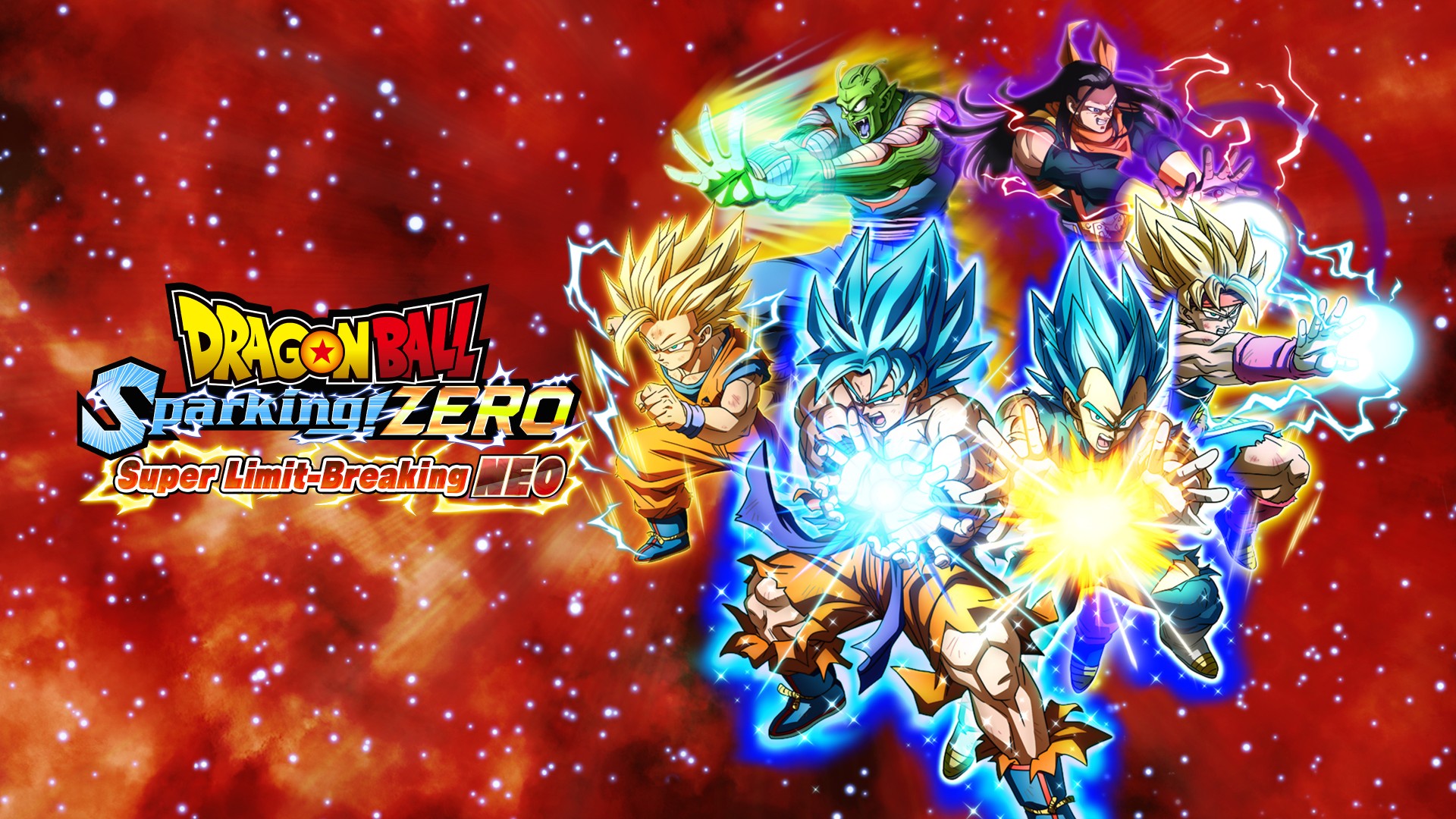
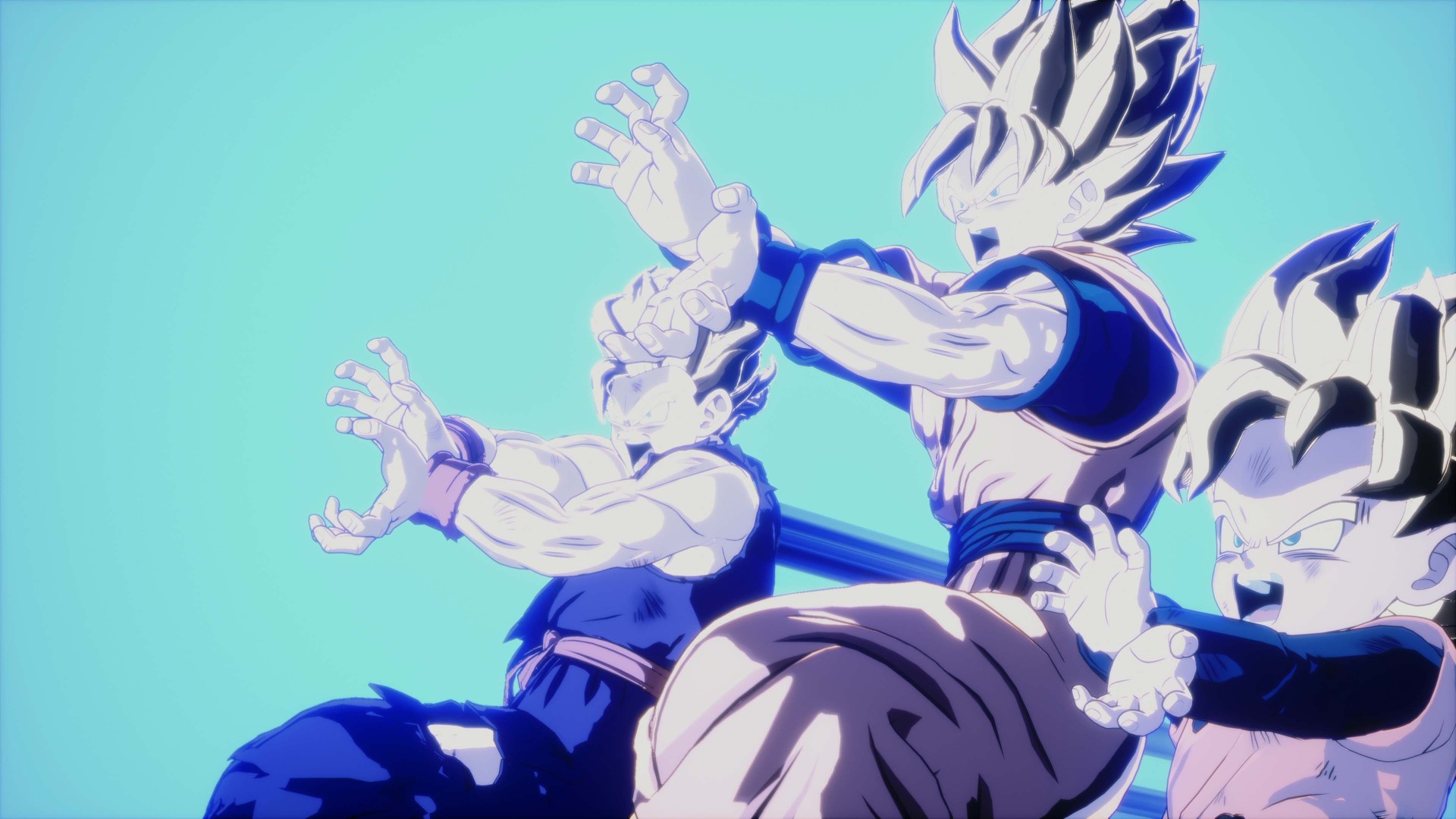
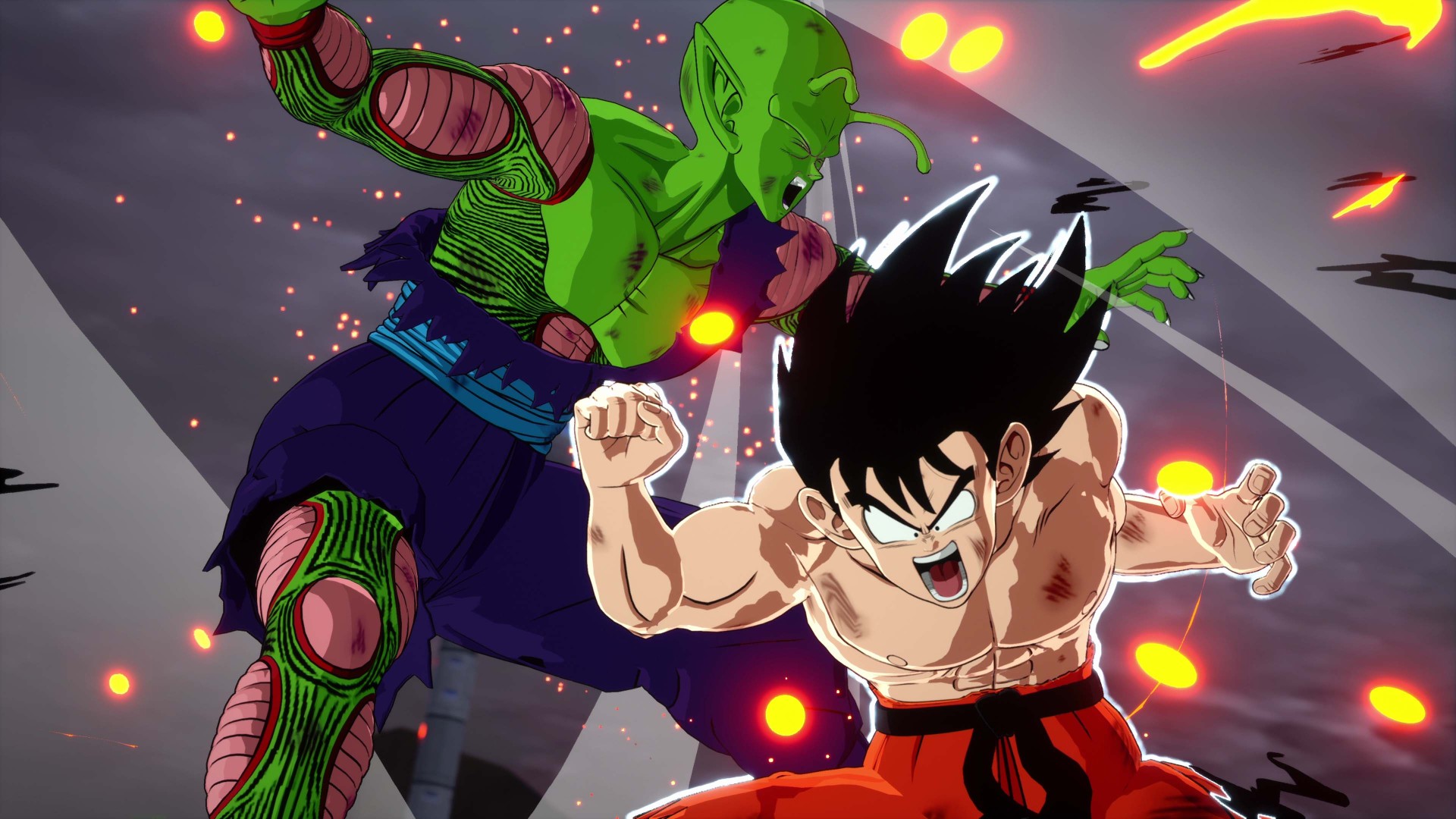
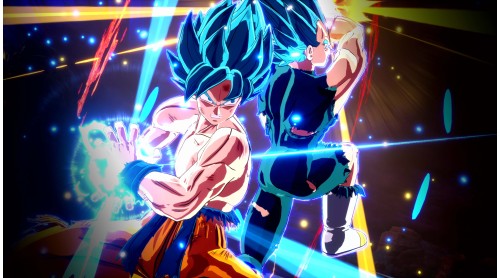
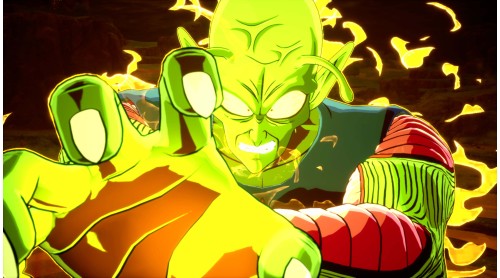
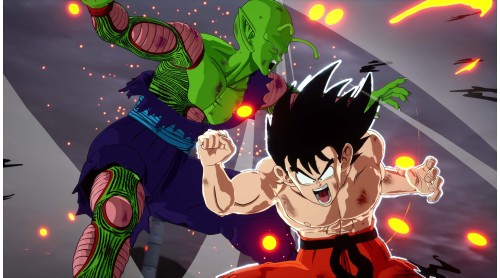
Super Limit-Breaking NEO has come to DRAGON BALL: Sparking! ZERO!
Adding new Playable Characters, new Customization, new Stages, and Solo Mode!
Experience the Super Limit-Breaking battle!
PLAYABLE CHARACTERS
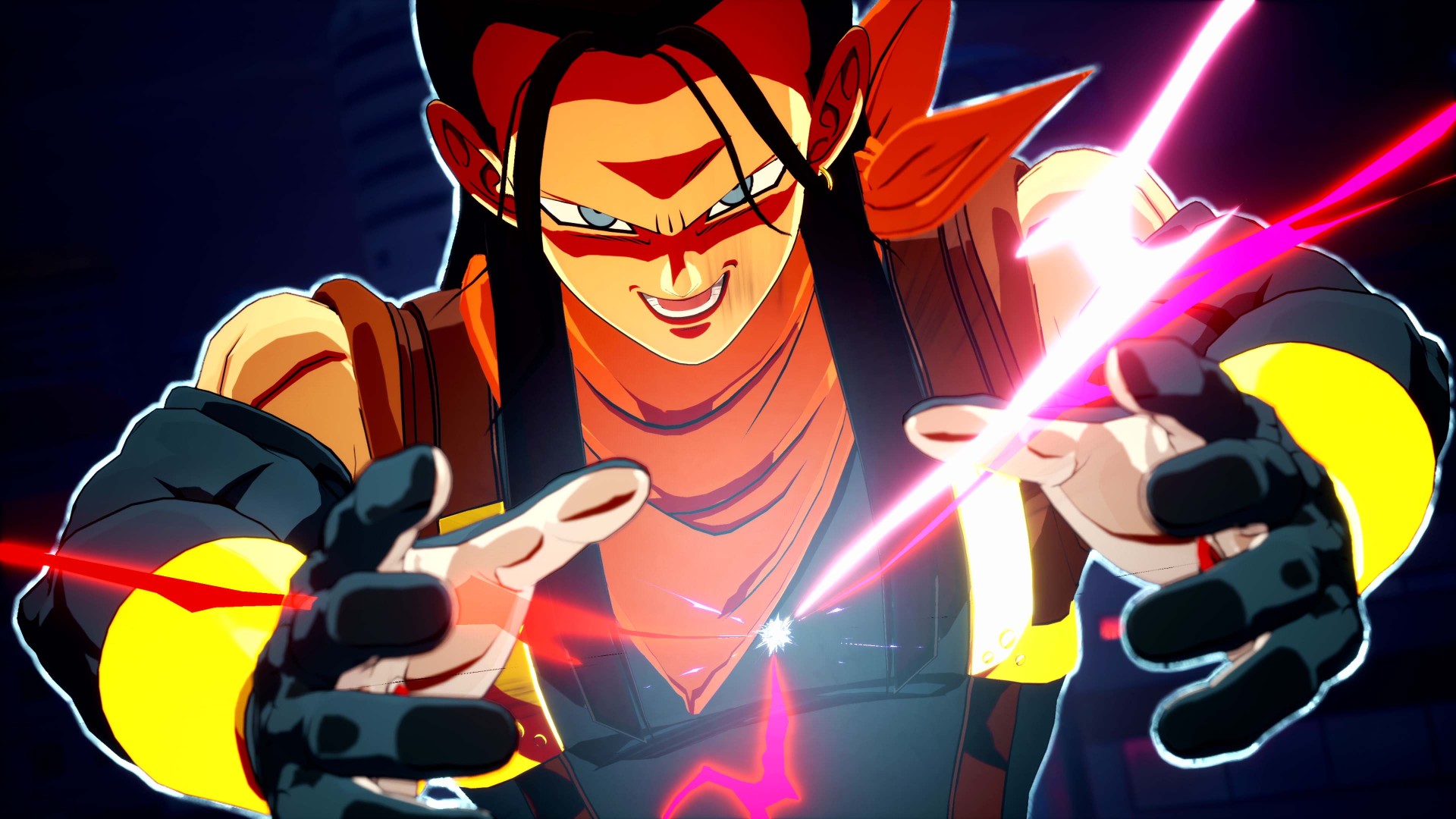
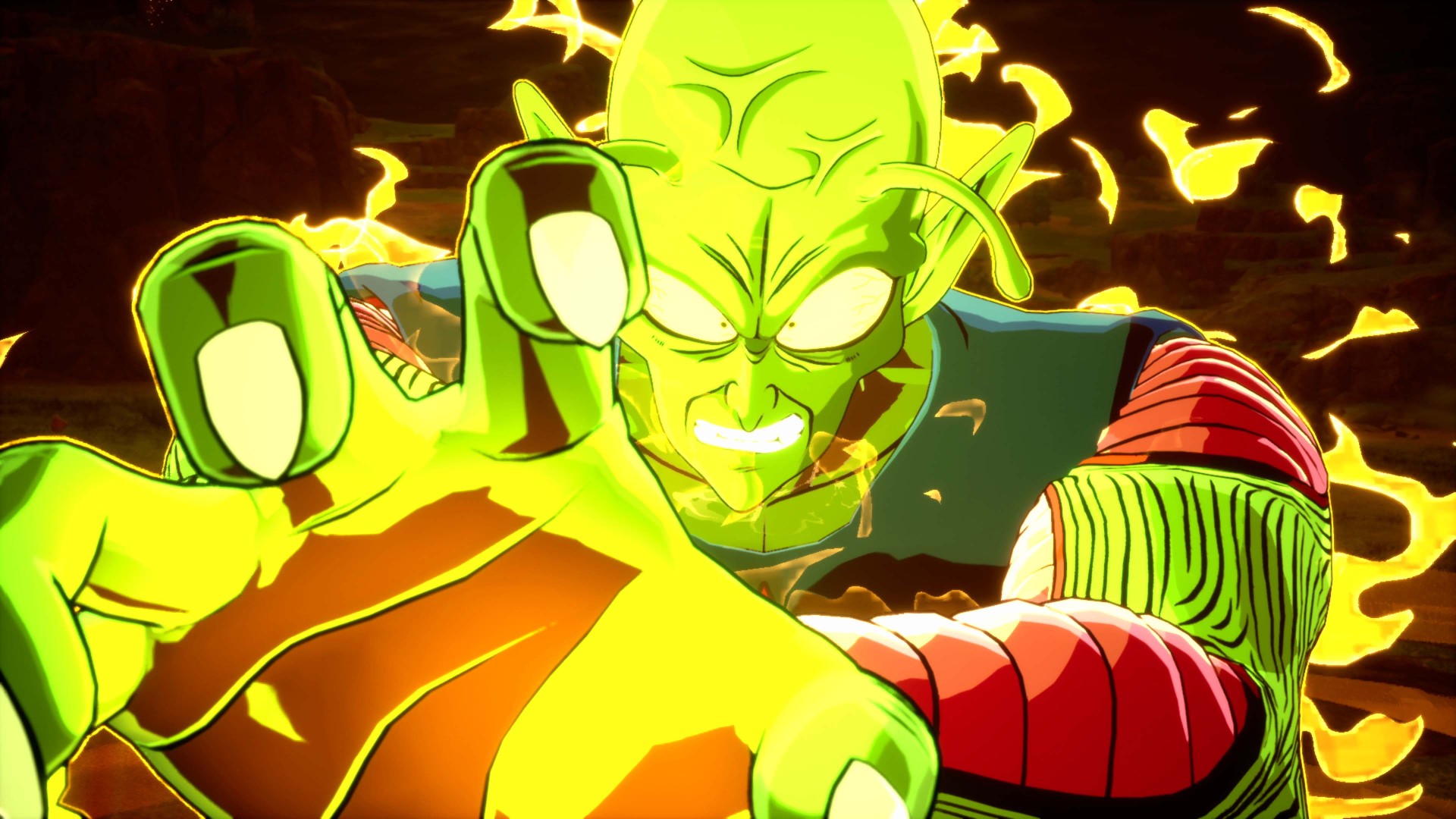
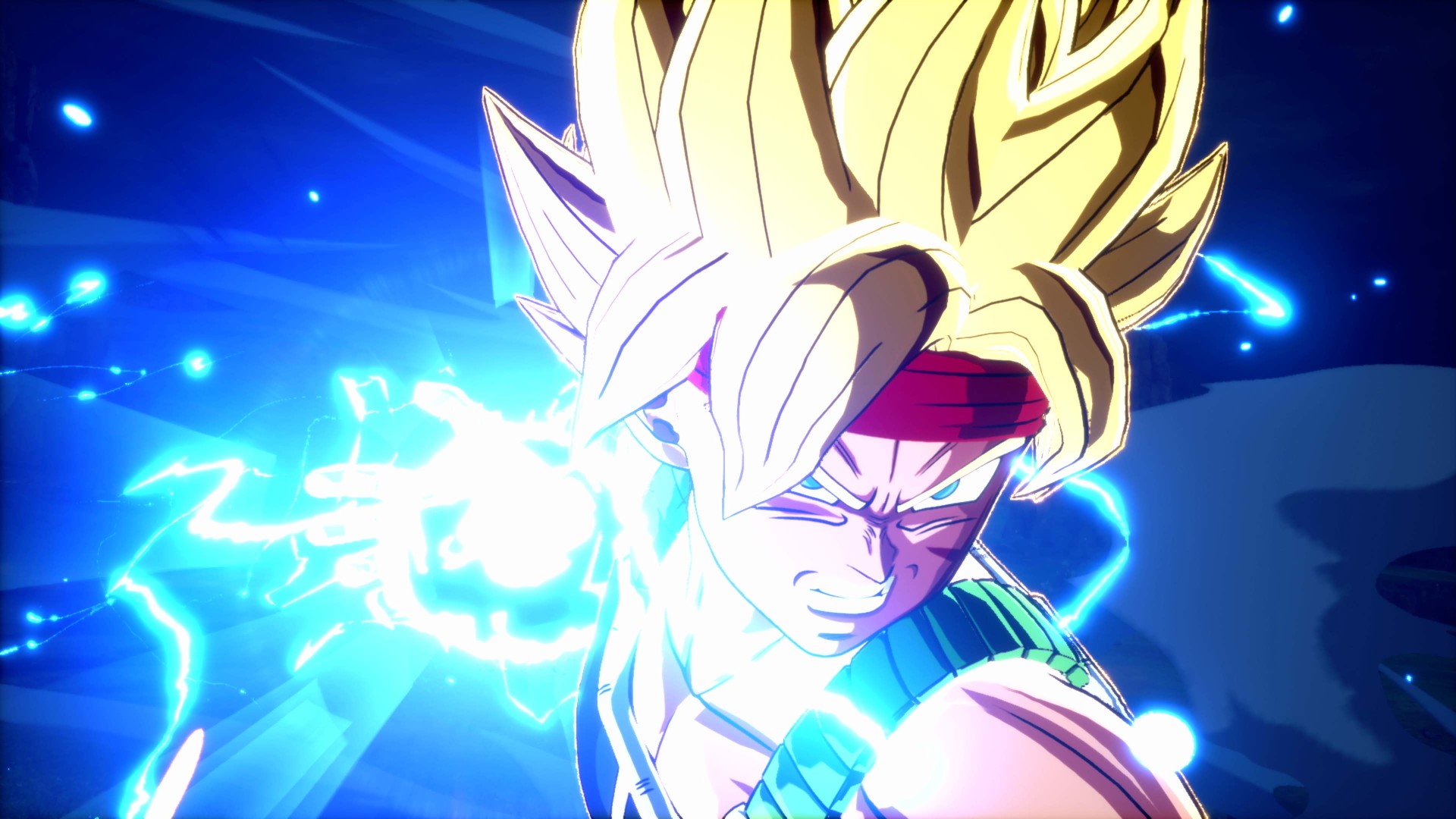
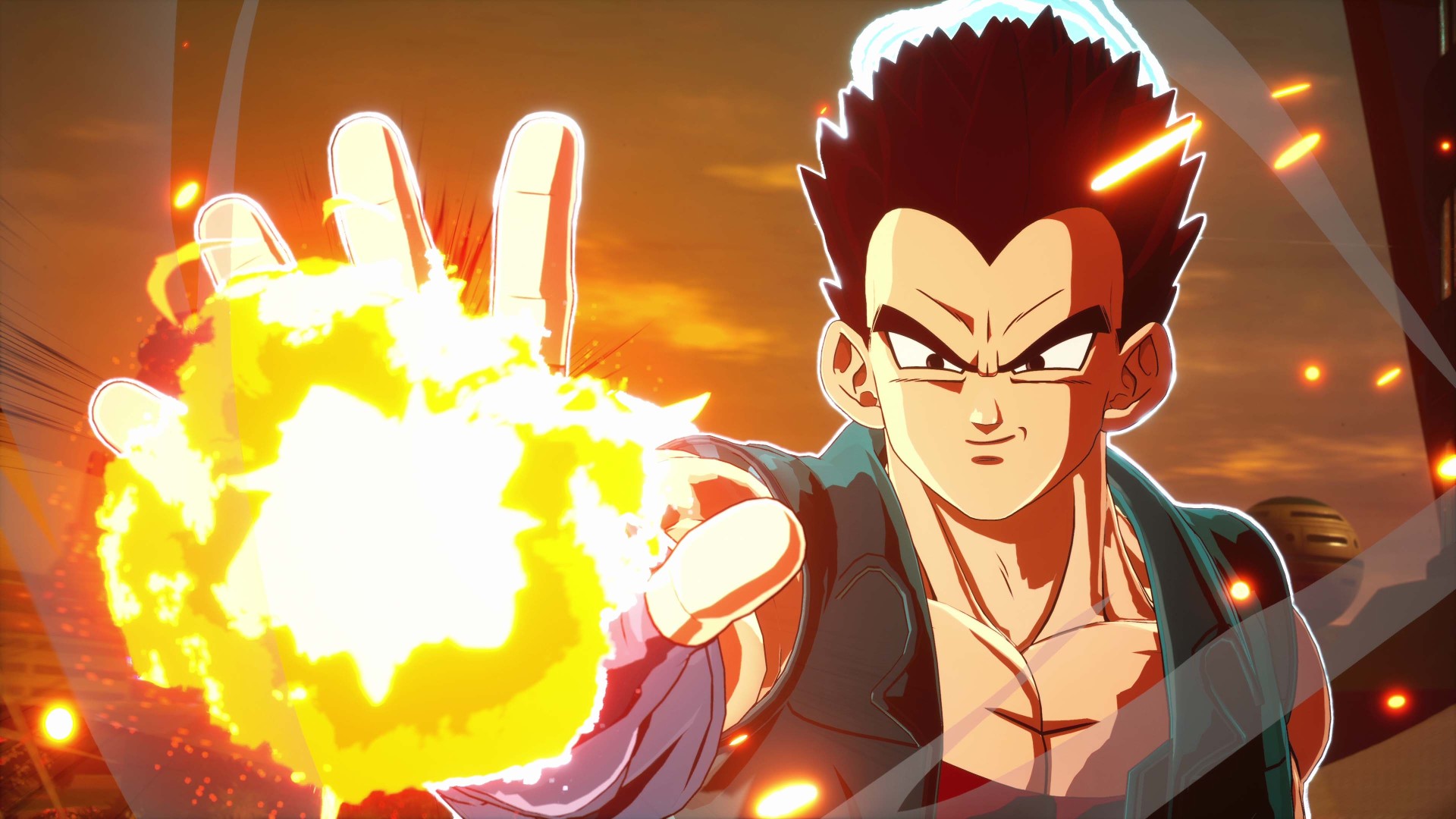
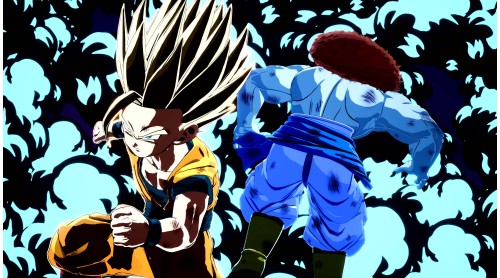
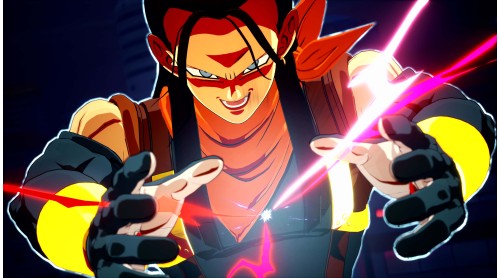
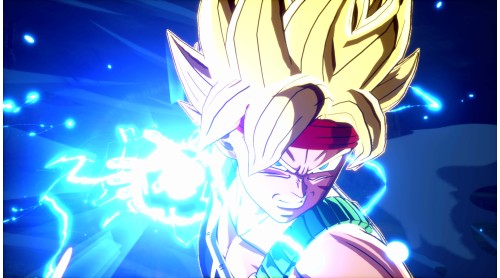
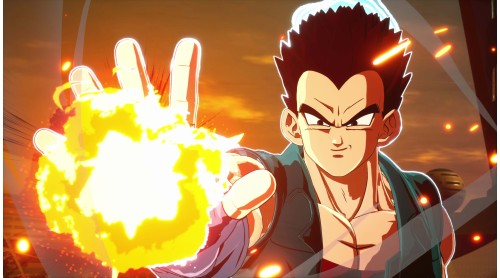
Adding about 30 characters including those joining the the Budokai Tenkaichi series for the first time such as Super 17, Bardock, Super Saiyan, and Champa and Vegeta (GT)!
CUSTOMIZATION
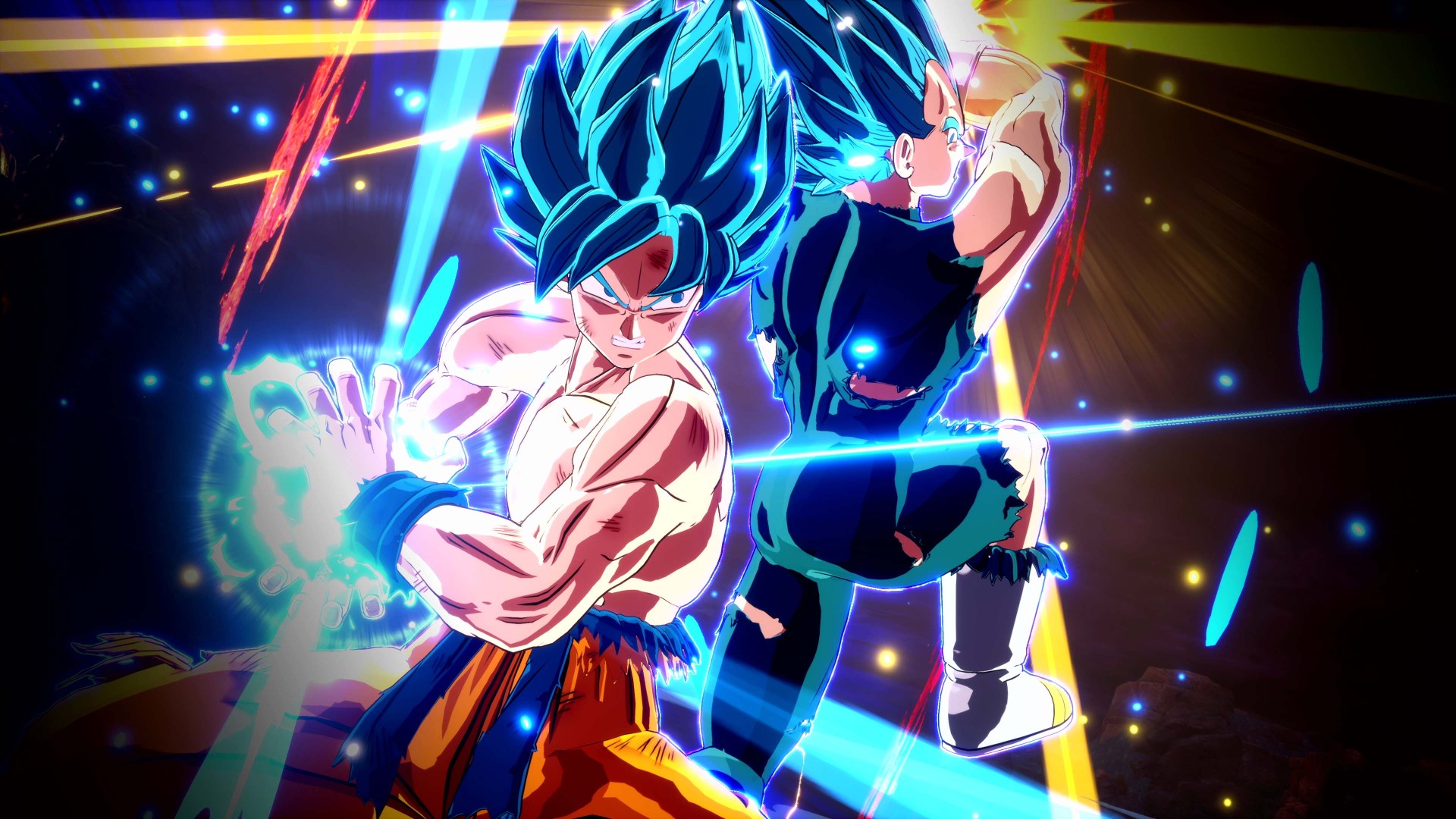
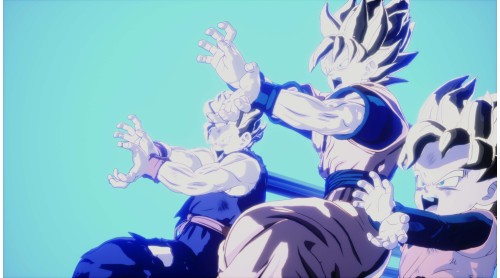
Adding about 20 Customization items such as costumes and Super Attacks. Recreate iconic scenes or enjoy even more intense Dragon Ball battles by equipping your favorite ultimate techniques!
STAGES
Four new stages have been added, including Kami’s Lookout, which served as a place of training and battle in the series, and the S Planet Vegeta, where Bardock clashed with Frieza’s forces!
SOLO MODE
A new mode has been added that allows you to grow your favorite characters into even greater Super Warriors. Select your destination from the map, and through battles and events at each location, you’ll gain experience points and acquire special abilities known as Battle Arts. Use these to develop your own customized Super Warrior. The warriors you train can be used in Player Matches as well as offline battles.
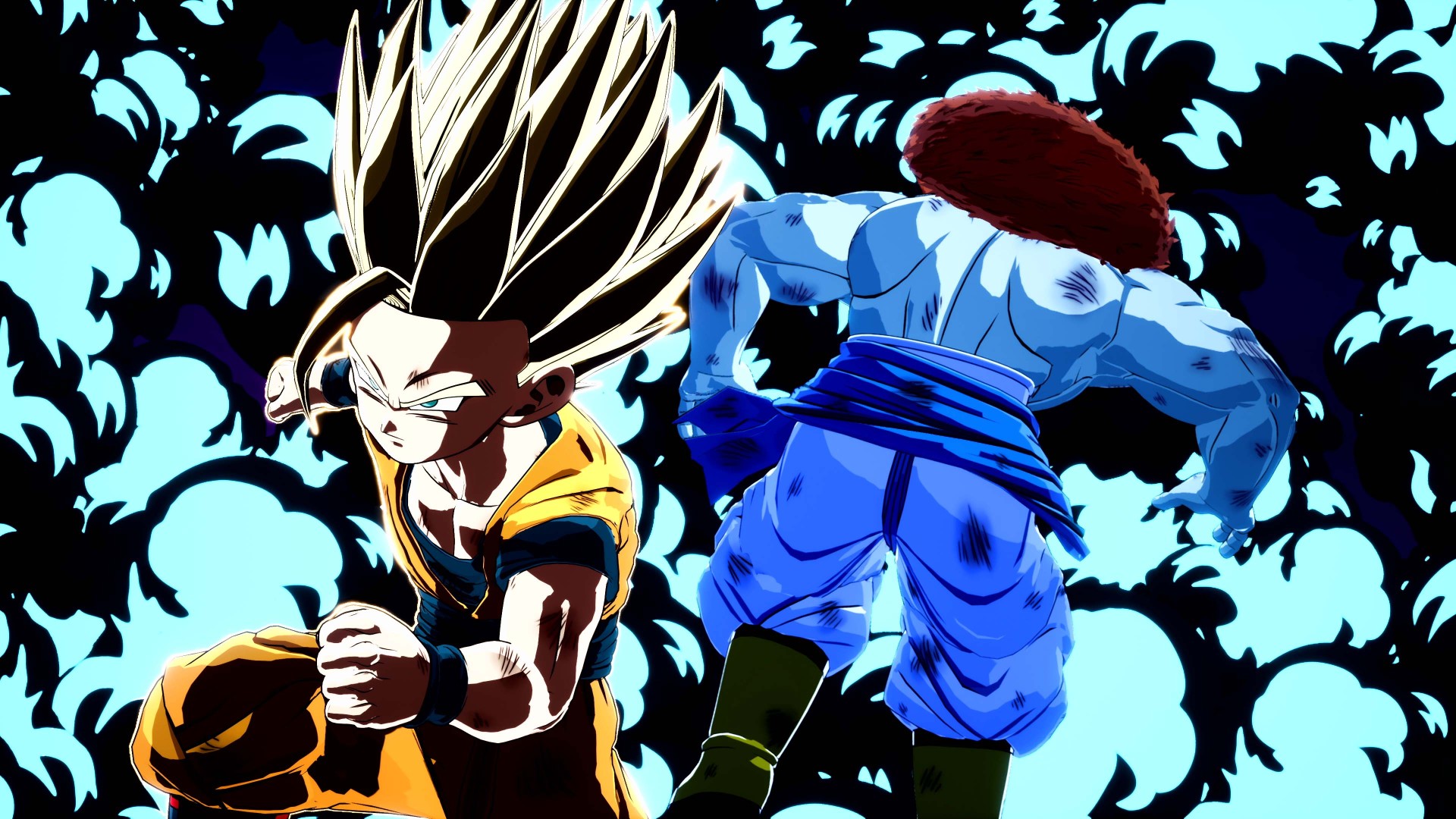
Show off overwhelming power with an aura that grows larger as your strength increases!
*This product is included in some bundles. Please take care to avoid duplicate purchases.


How to activate your Steam key?
1. Open your Steam client. (If you don't have a Steam Client, you can install from here https://store.steampowered.com/about/)
2. Sign in to your Steam account. (If you don't have a Steam Account, you can create from here https://store.steampowered.com/join/)
3. Click “ADD A GAME” button which is at the bottom of the Steam Client.
4. Now select "Activate a product on Steam..."
5. Write or copy-paste your Steam key which you purchased from Gamesforpc.
6. Now your game is in your library.
7. Find your game in your library, select and click install to start your download.