 Steam
| Release Date | 14.10.2014 |
| Publisher | Microsoft |
39.99€
Added to Cart
39.99€
Added to Wishlist
39.99€
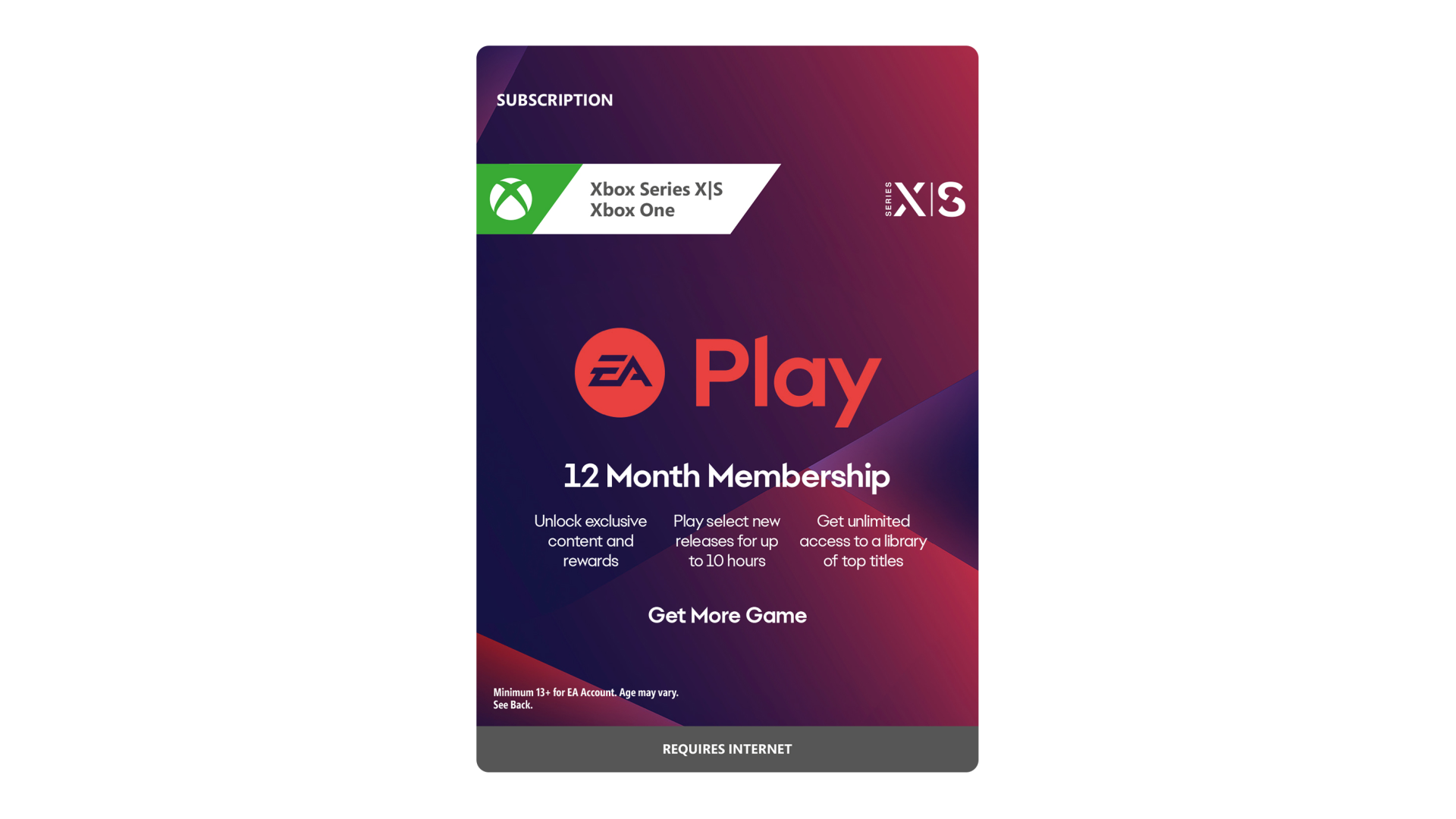
EA Play 12 Month Membership
WHAT IS EA PLAY?
EA Play is a gaming membership that gives you exclusive rewards, member-only content and access to a
library of top titles.
Join today and enjoy these benefits:
CONDITIONS, LIMITATIONS AND EXCLUSIONS APPLY. SEE https://tos.ea.com/legalapp/eaplay/US/en/PC/ AND ea.com/ea-play FOR DETAILS. EA ACCOUNT REQUIRED TO JOIN AND PLAY; MUST BE 13+ OR THE MINIMUM AGE DESIGNATED FOR YOUR TERRITORY TO CREATE AN EA ACCOUNT. SEE http://o.ea.com/ea/child-access FOR DETAILS. EA PRIVACY AND COOKIE POLICY AND USER AGREEMENT AVAILABLE AT WWW.EA.COM. ADDITIONAL DISCLOSURES AVAILABLE AT www.ea.com/legal. EA MAY RETIRE EA PLAY AFTER 30 DAYS’ NOTICE POSTED ON www.ea.com/service-updates. AFTER YOUR EA PLAY SUBSCRIPTION OR TRIAL ENDS YOU WILL NOT HAVE FURTHER ACCESS TO MEMBERSHIP BENEFITS, INCLUDING PLAY LIST TITLES, GAME UPGRADES, OR IN-GAME PURCHASES MADE IN A PLAY LIST TITLE UNLESS YOU SEPARATELY HAVE ACCESS TO THAT TITLE.
EA and the EA logo are trademarks of Electronic Arts Inc.
EA Info: see www.ea.com/about


How to activate your Steam key?
1. Open your Steam client. (If you don't have a Steam Client, you can install from here https://store.steampowered.com/about/)
2. Sign in to your Steam account. (If you don't have a Steam Account, you can create from here https://store.steampowered.com/join/)
3. Click “ADD A GAME” button which is at the bottom of the Steam Client.
4. Now select "Activate a product on Steam..."
5. Write or copy-paste your Steam key which you purchased from Gamesforpc.
6. Now your game is in your library.
7. Find your game in your library, select and click install to start your download.