



 Steam
Steam  Windows
  Mac
Mac  Linux
Linux | Release Date | 29.05.2013 | |
| Operating Systems | Linux | |
| Operating Systems | Mac OS | |
| Publisher | THQ Nordic GmbH | |
| PEGI Rating | + 16 | |
| Operating Systems | Windows | |
| Genres | Strategy, indie, rpg |
19.99€
Added to Cart
19.99€
Added to Wishlist
19.99€
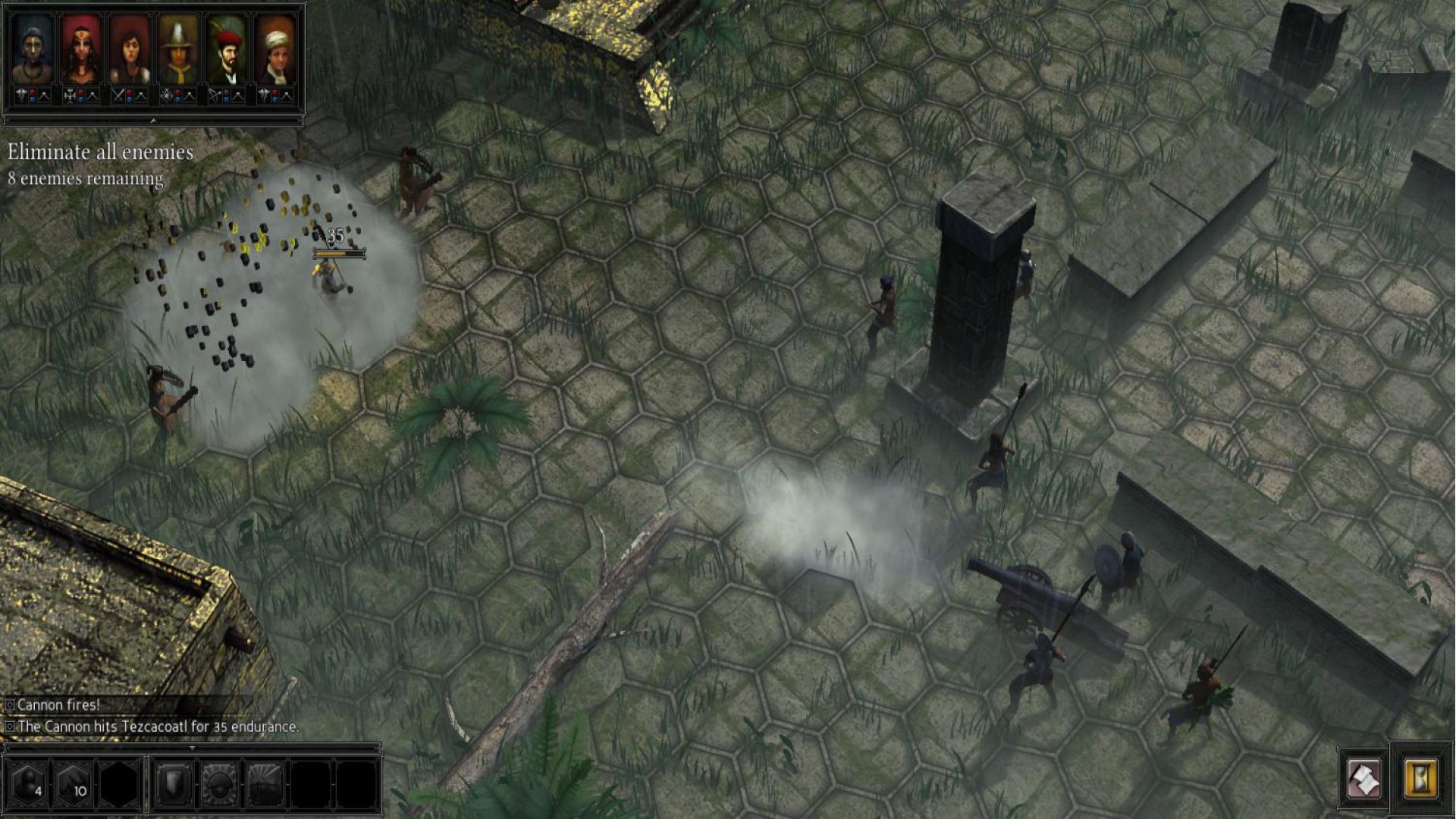
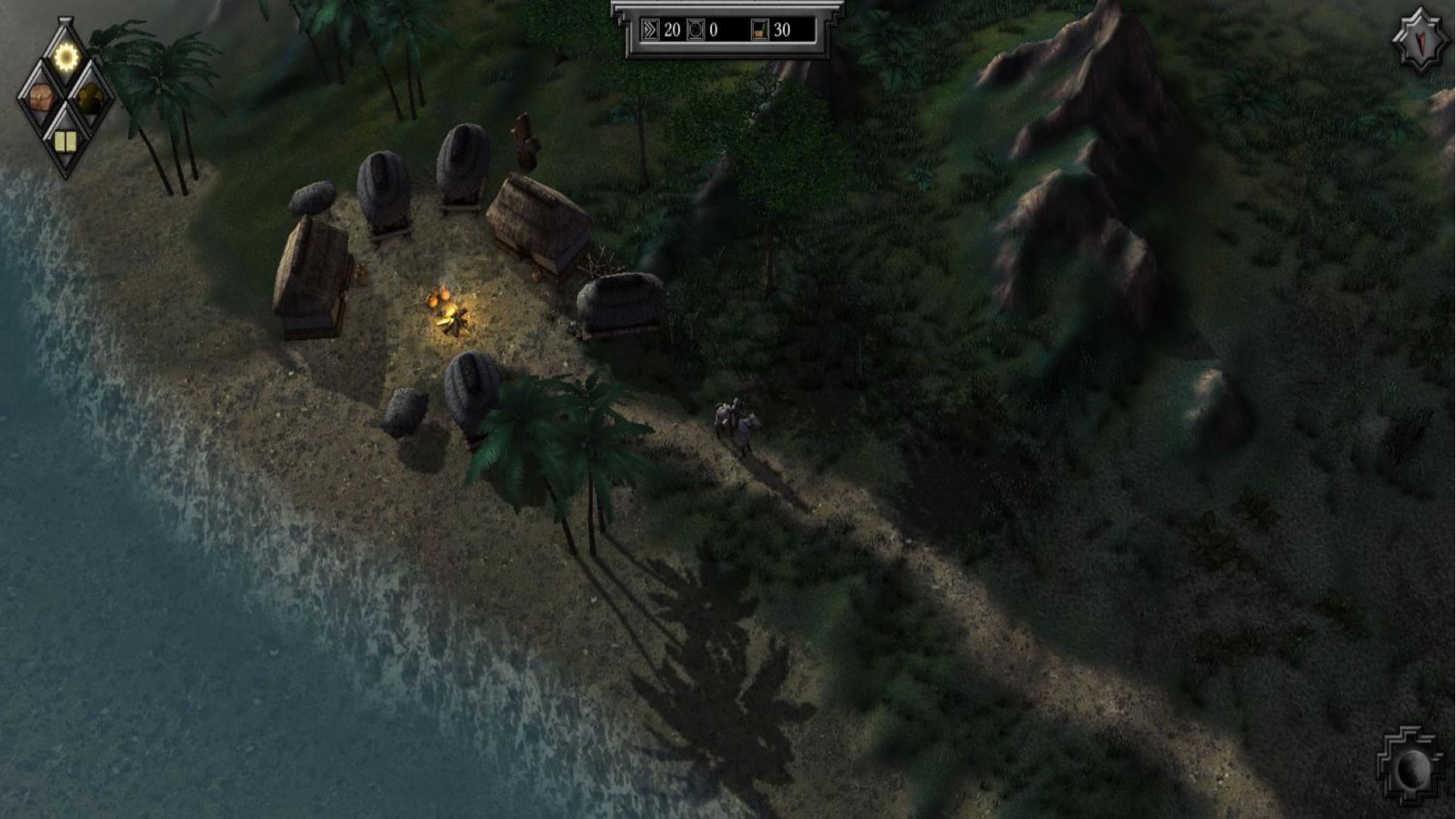
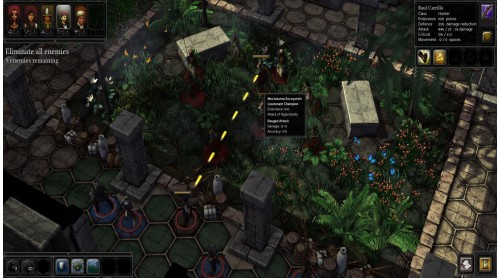
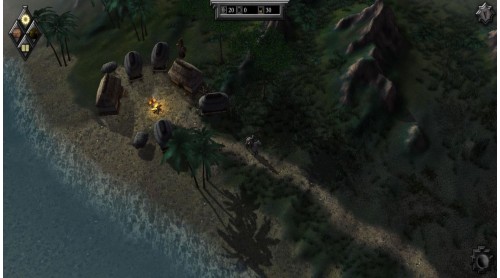
Conquer the New world: In the 16th Century, Spanish explorers and soldiers reached the shores of America. The search for gold, fame, and adventure drove these travelers into a treacherous wilderness where they faced hunger, disease, and dangerous predators. In their wake, the Aztec Empires lay in ruins.
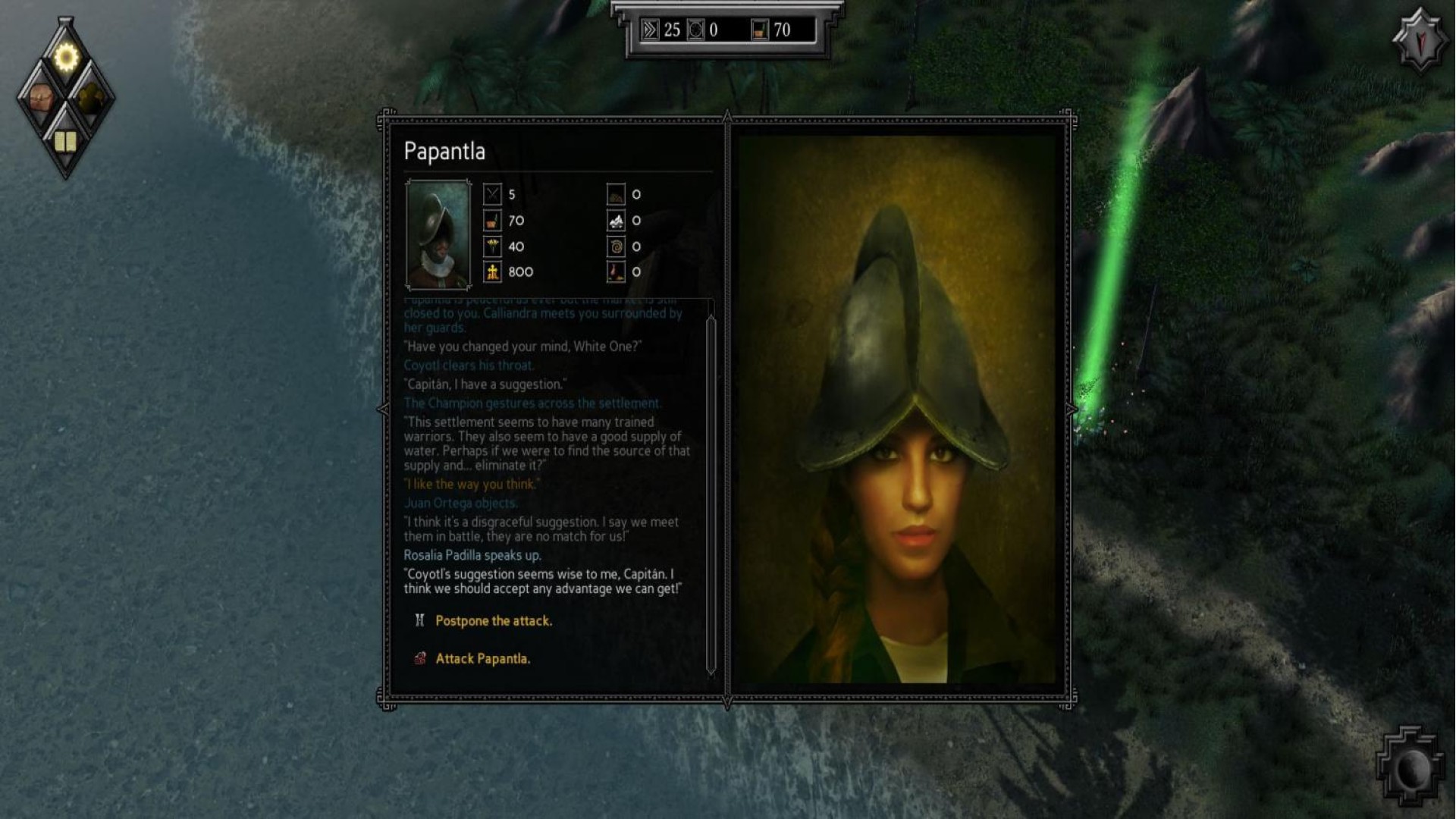
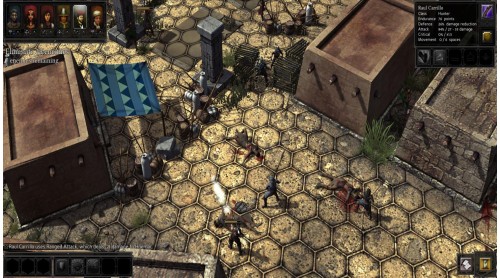
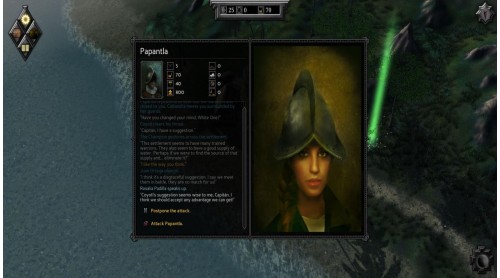
Re-write the history of the Conquistadors: Forge diplomatic alliances with the natives... or crush the savages and bring civilization to the pagan tribes! Create an expedition of individual characters: Choose your followers wisely from over 30 characters, but be careful - they each have their own traits, opinions and moral standards.
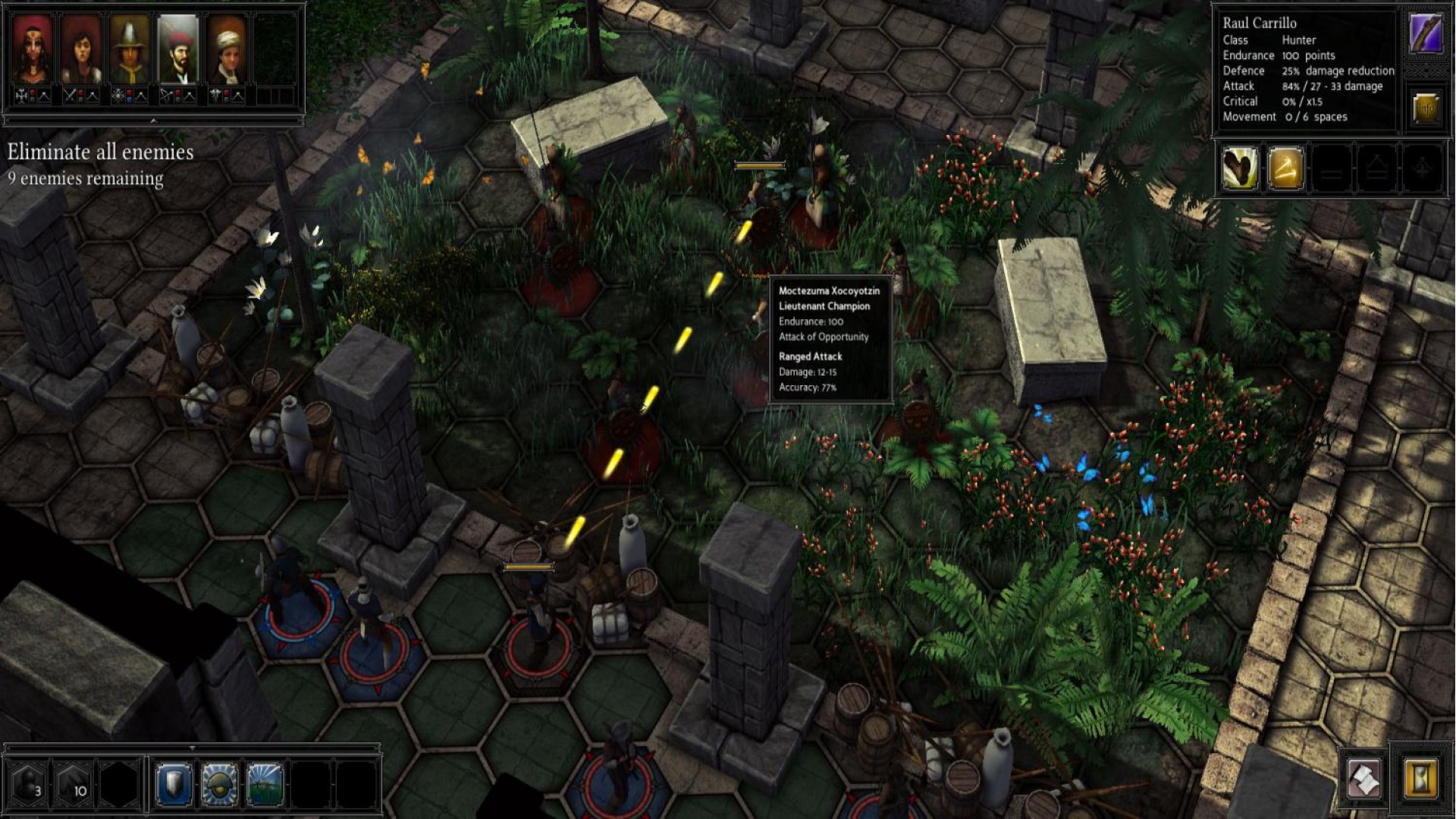
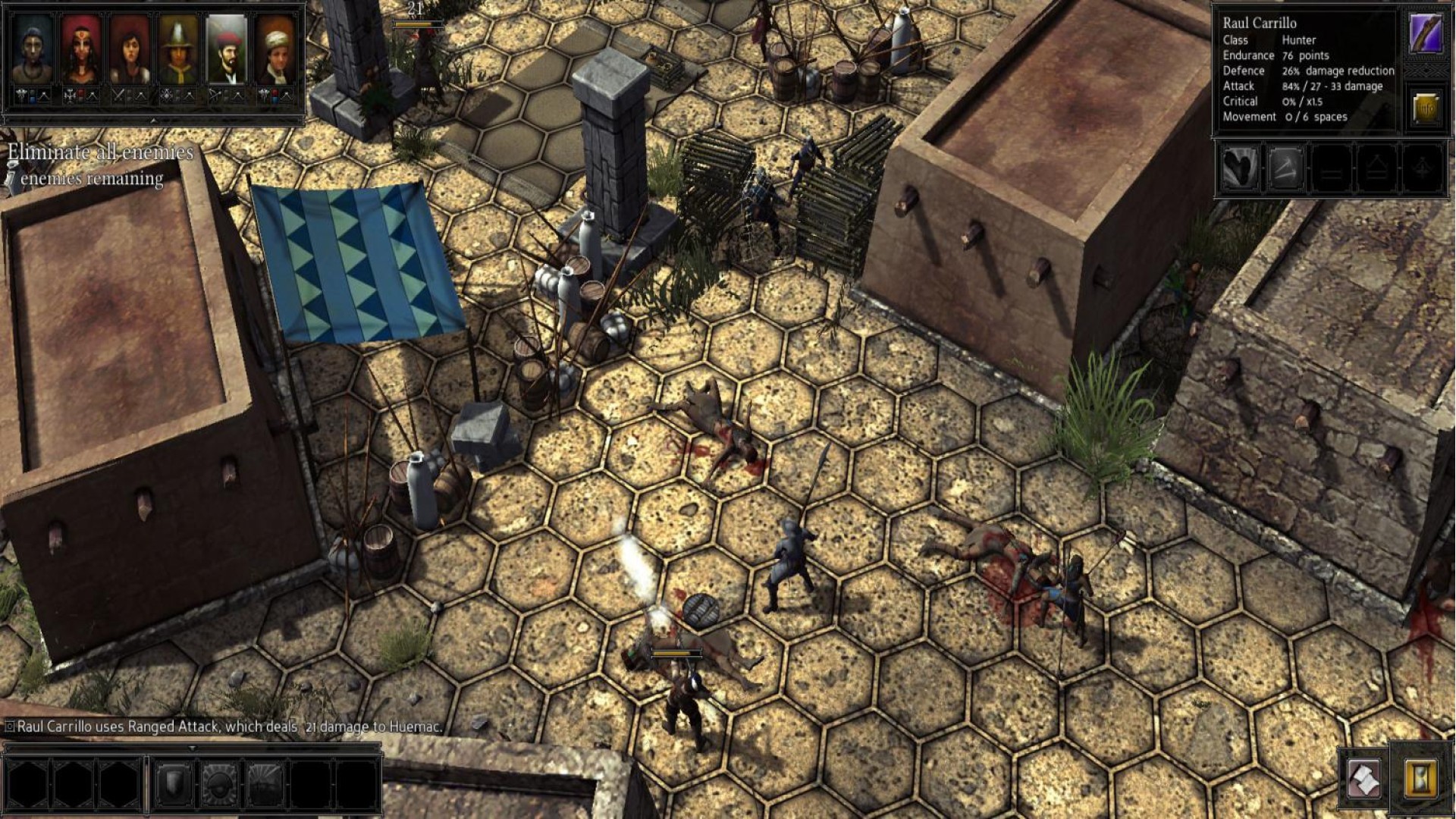
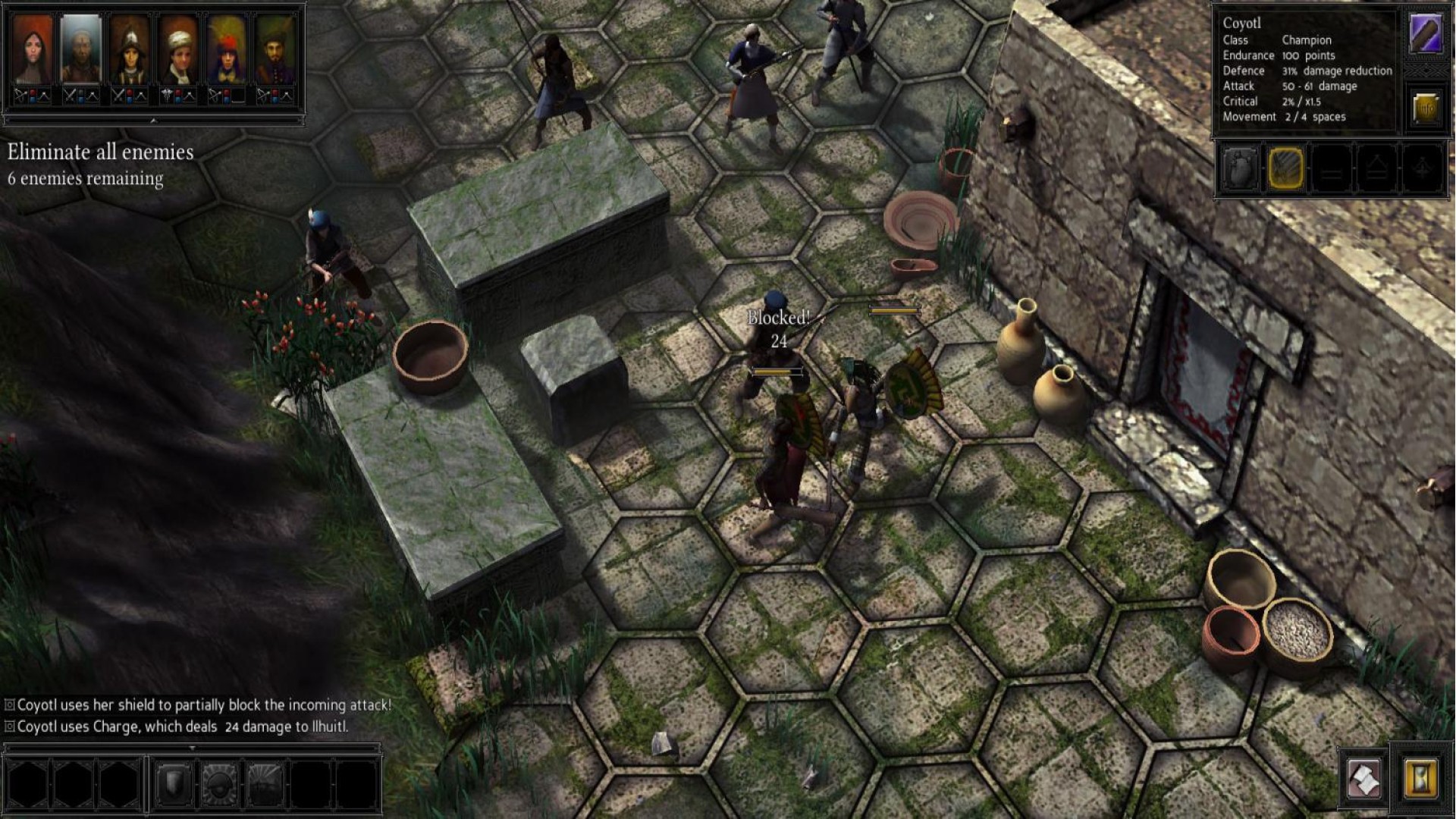
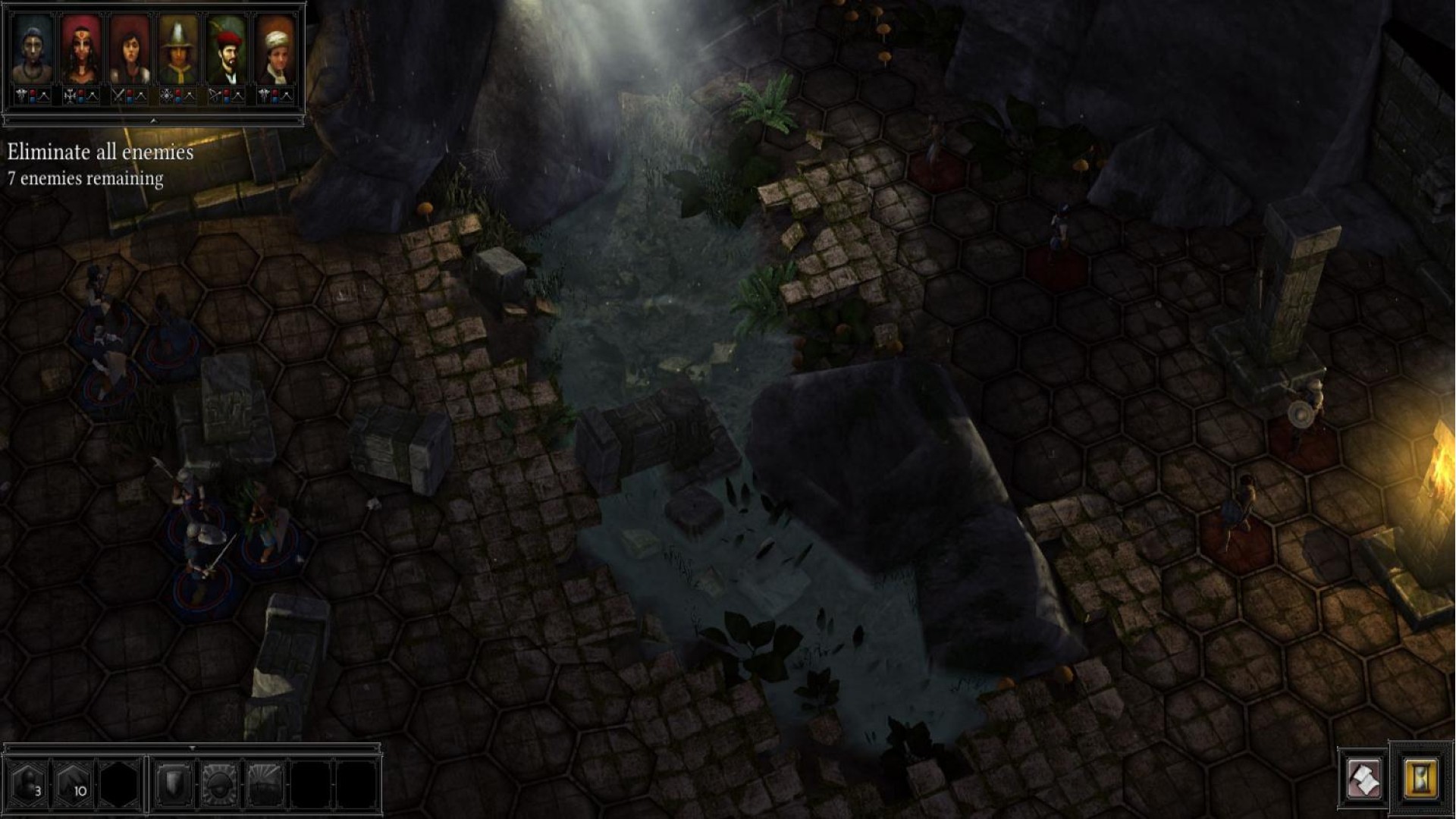
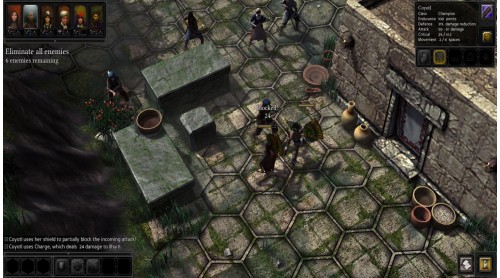
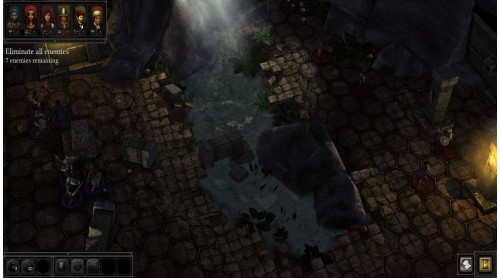
Hunt for unimaginable riches and fight intense battles in the unforgiving jungle. In this turn based strategy RPG, a cunning plan is as vital as thoughtful resource management. Expeditions: Conquistador offers a rich storyline separated into two campaigns, challenging players throughout 25+ hours of gameplay. Strategy veterans as well as newbies will find their turn-based El Dorado!
Features


How to activate your Steam key?
1. Open your Steam client. (If you don't have a Steam Client, you can install from here https://store.steampowered.com/about/)
2. Sign in to your Steam account. (If you don't have a Steam Account, you can create from here https://store.steampowered.com/join/)
3. Click “ADD A GAME” button which is at the bottom of the Steam Client.
4. Now select "Activate a product on Steam..."
5. Write or copy-paste your Steam key which you purchased from Gamesforpc.
6. Now your game is in your library.
7. Find your game in your library, select and click install to start your download.