


 Steam
Steam  Windows
 | Release Date | 26.04.2017 | |
| Publisher | THQ Nordic GmbH | |
| PEGI Rating | + 18 | |
| Operating Systems | Windows | |
| Genres | Strategy, indie, rpg |
29.99€
Added to Cart
29.99€
Added to Wishlist
29.99€
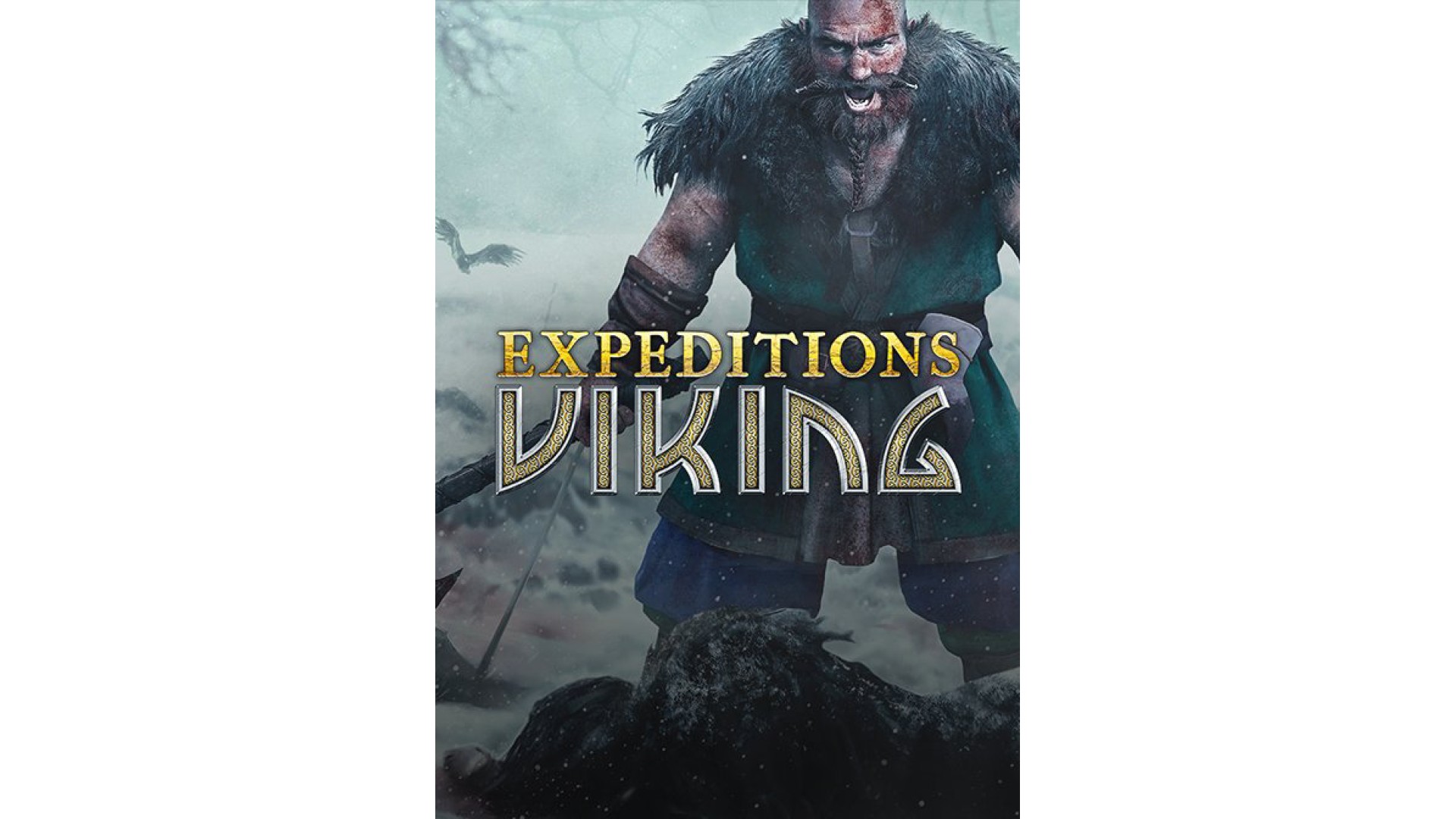
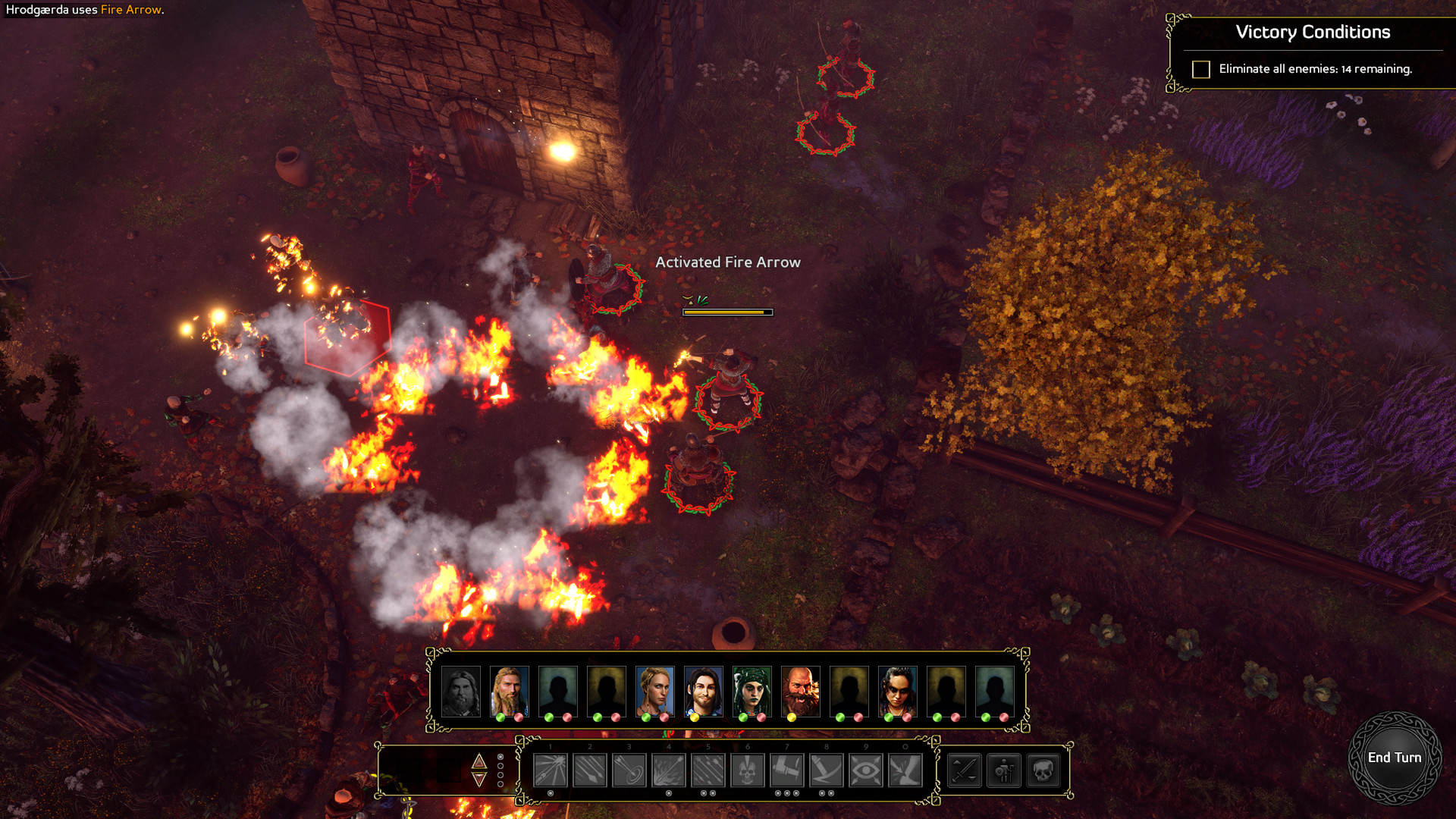
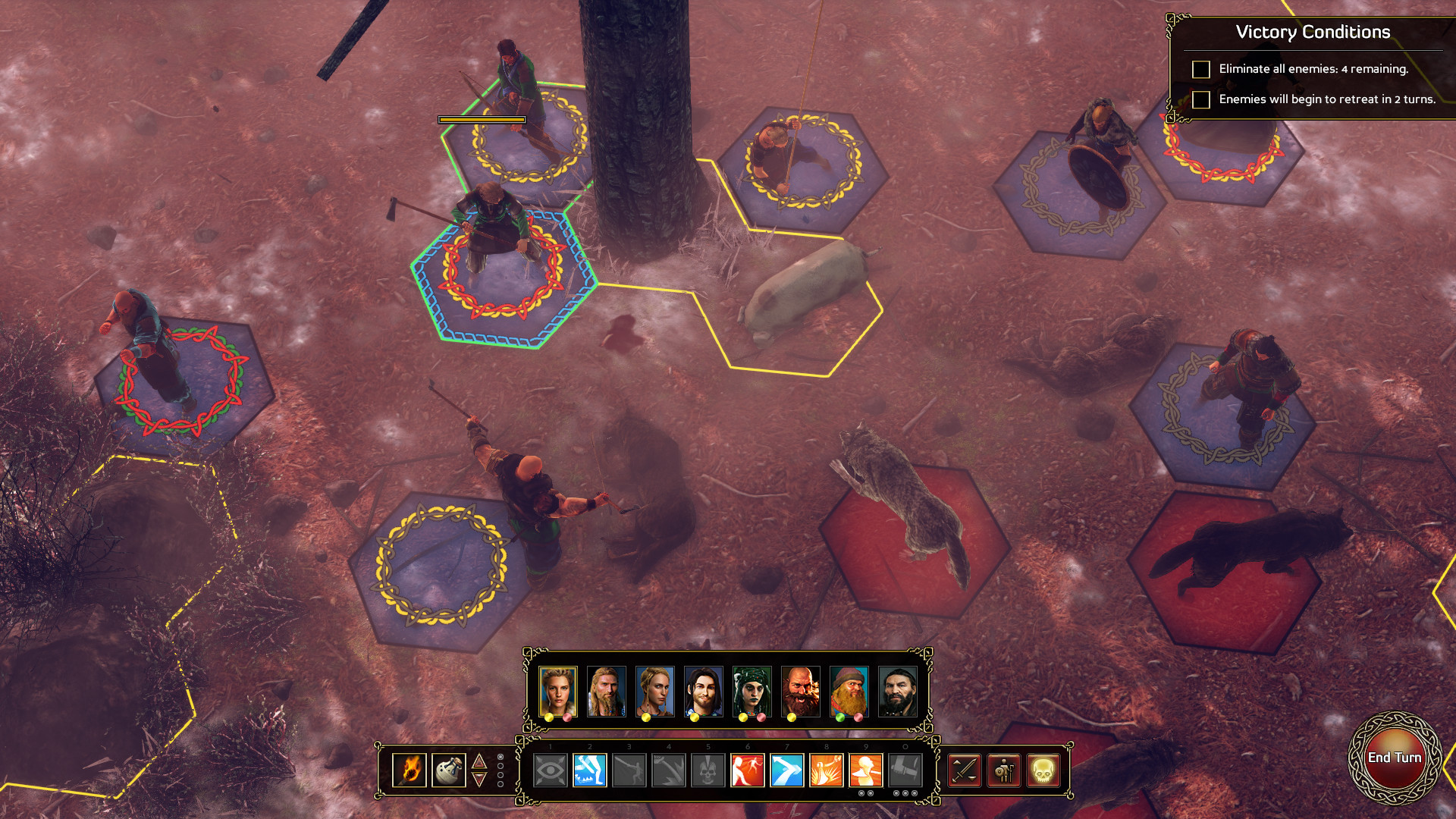
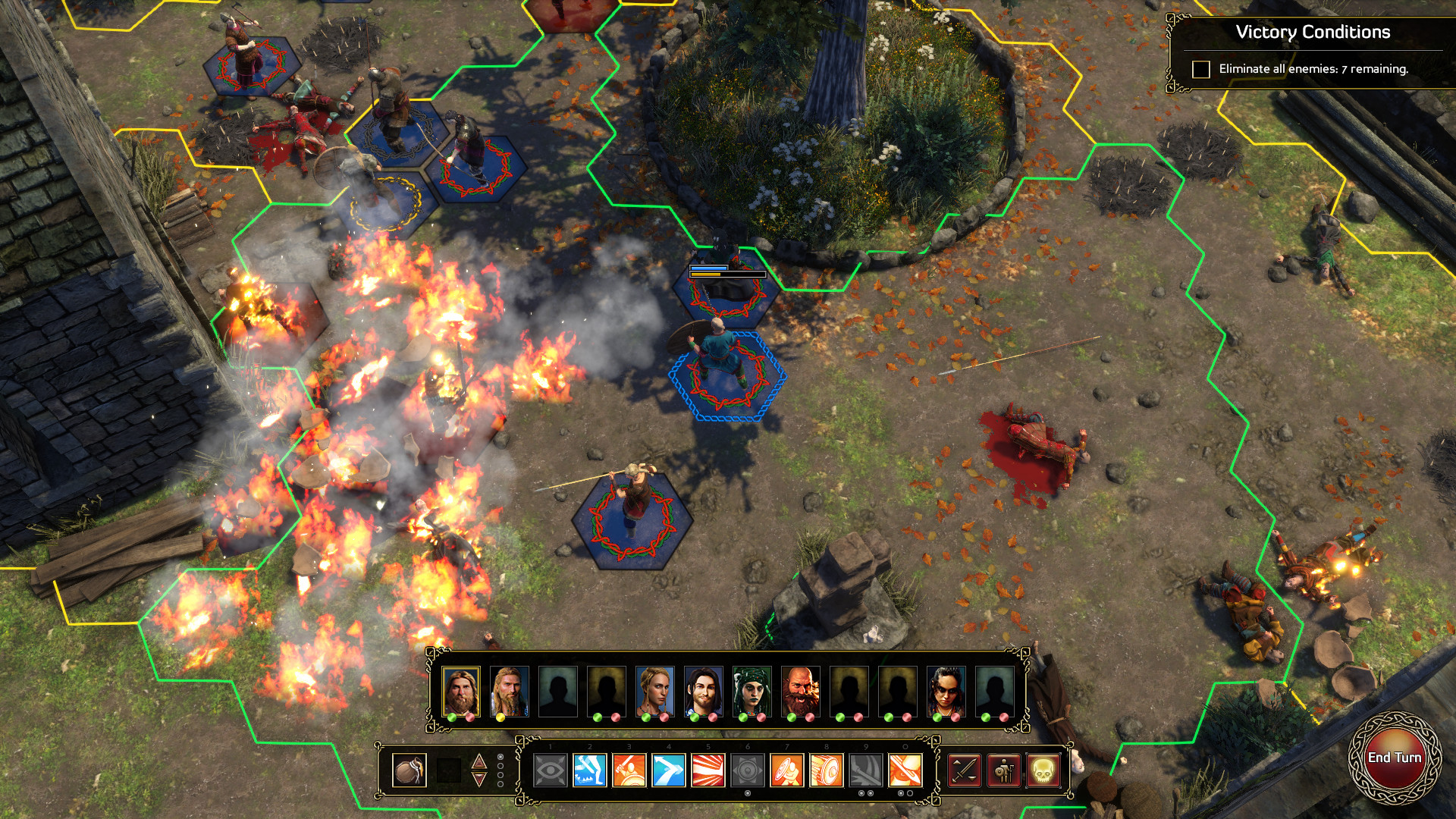
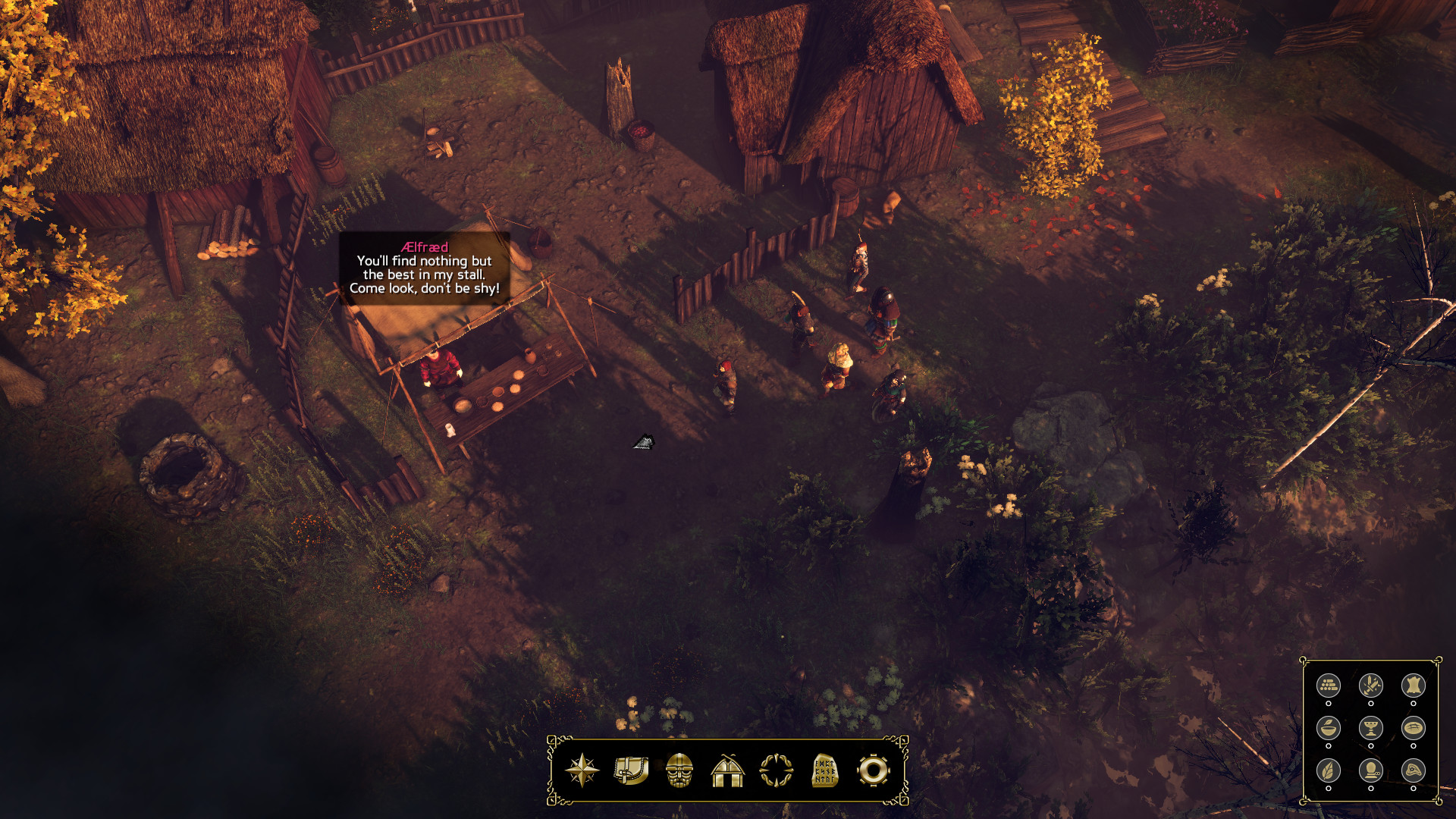
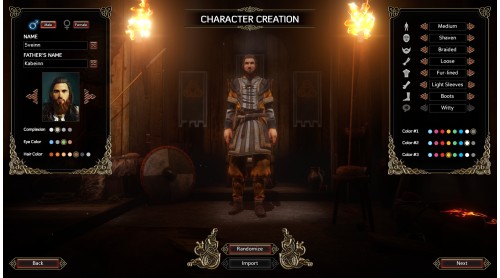
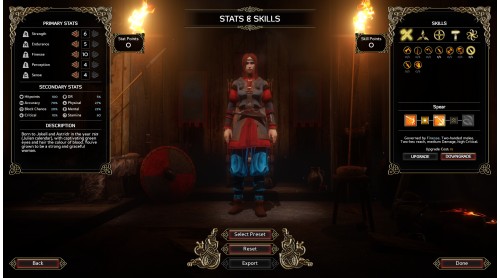
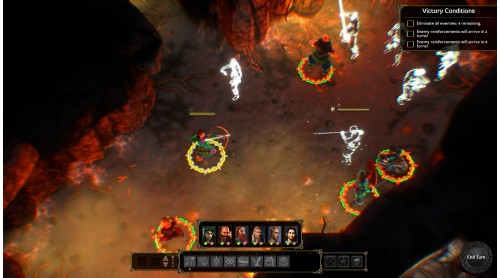
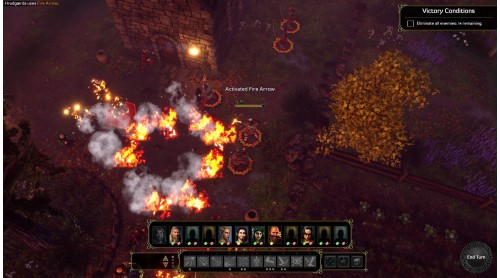
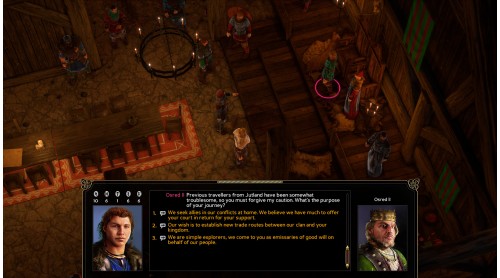
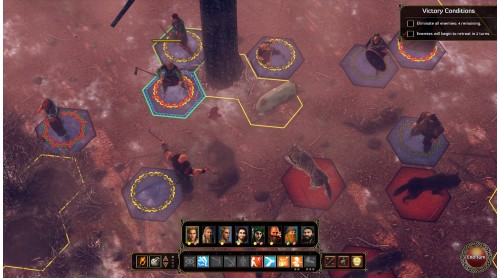
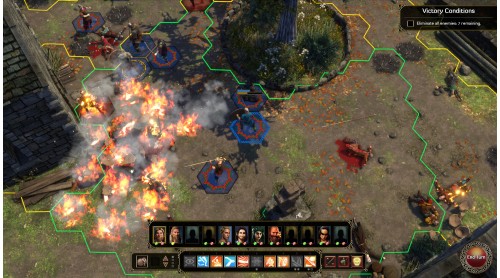
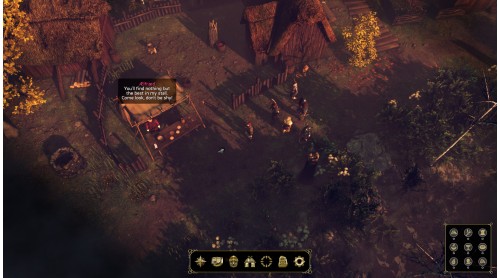
Get ready for an adventure in history! Logic Artists, the makers of Expeditions: Conquistador, are pleased to bring you Expeditions: Viking.
Prepare for a grand adventure
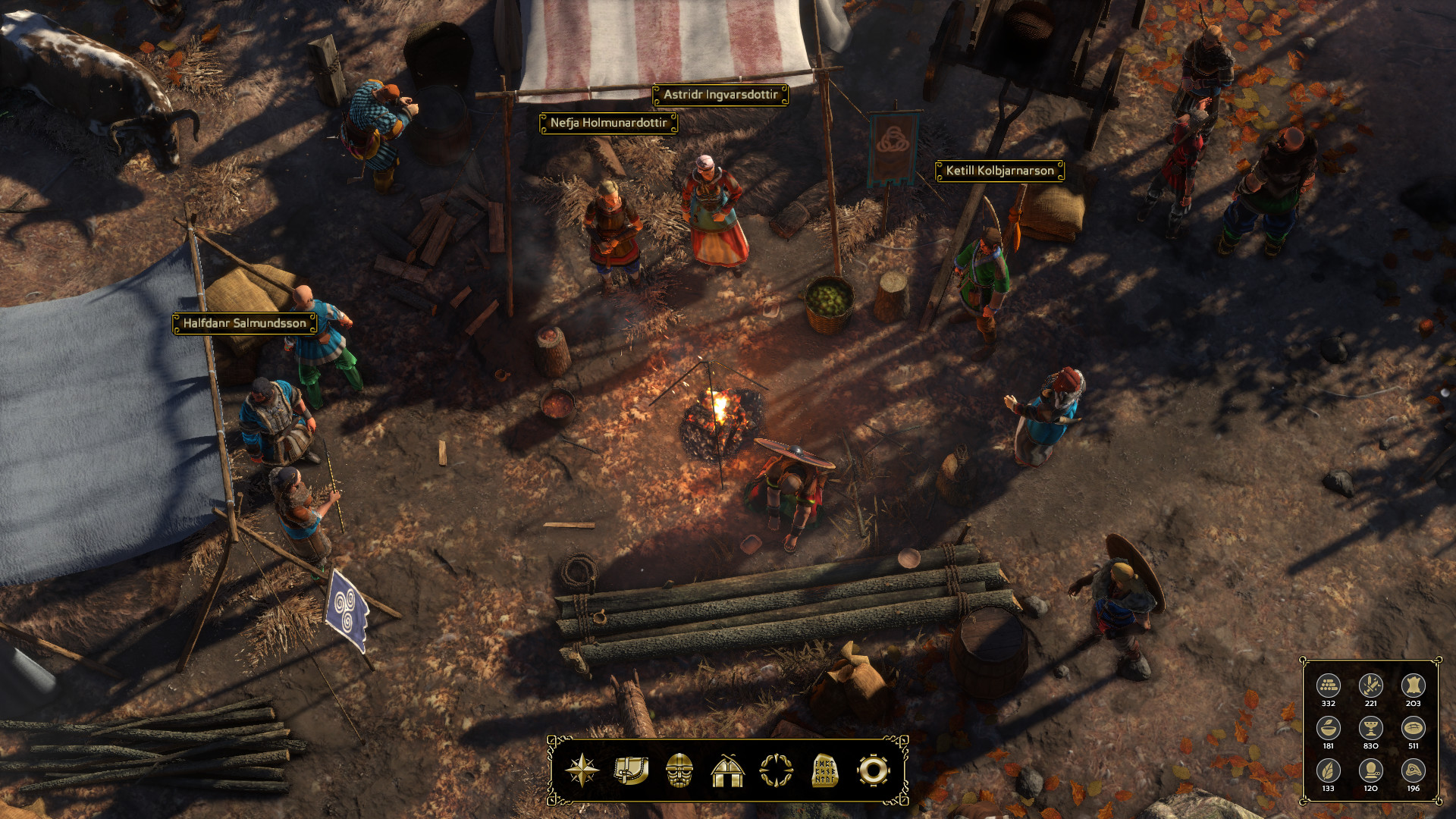
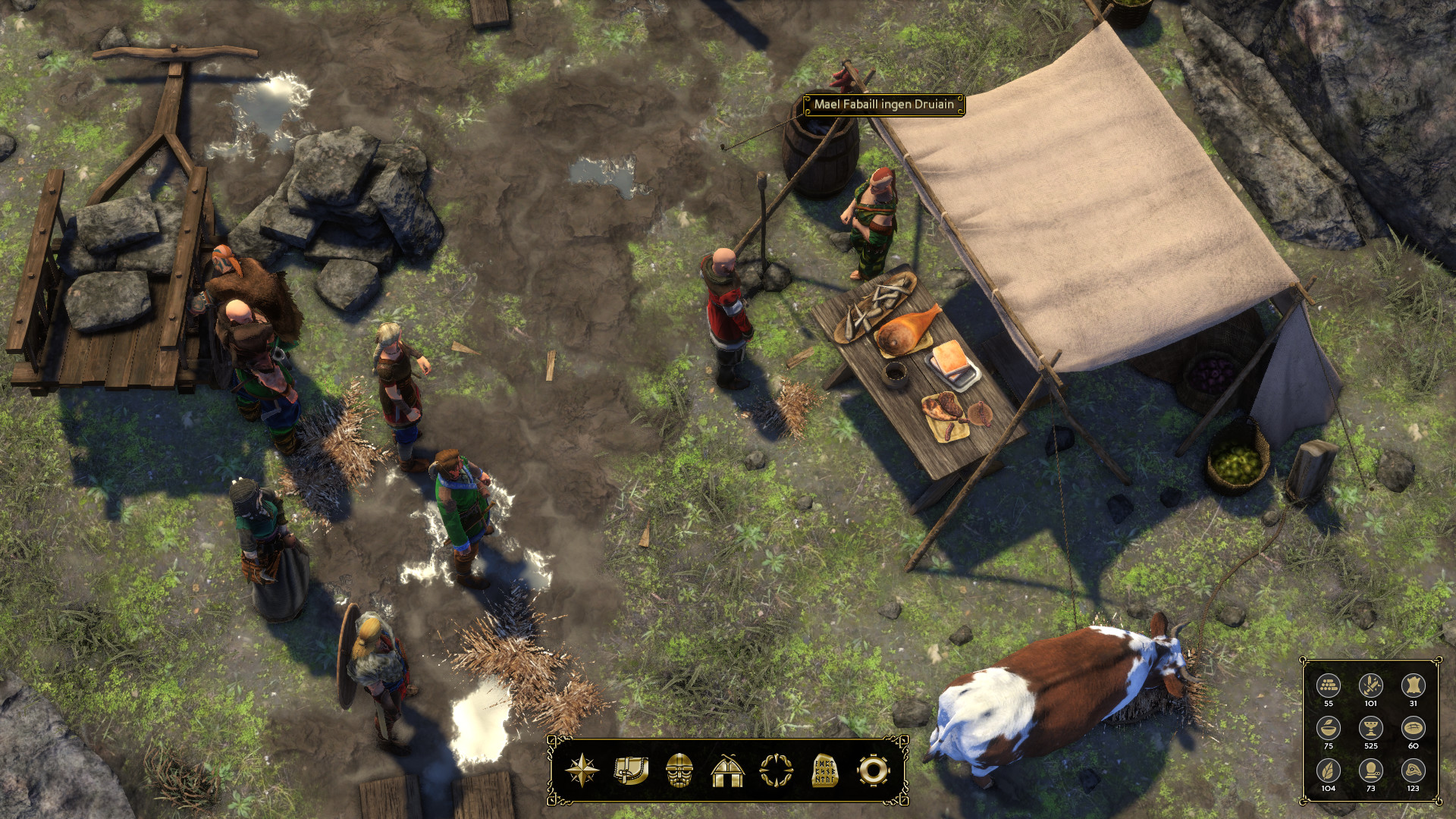
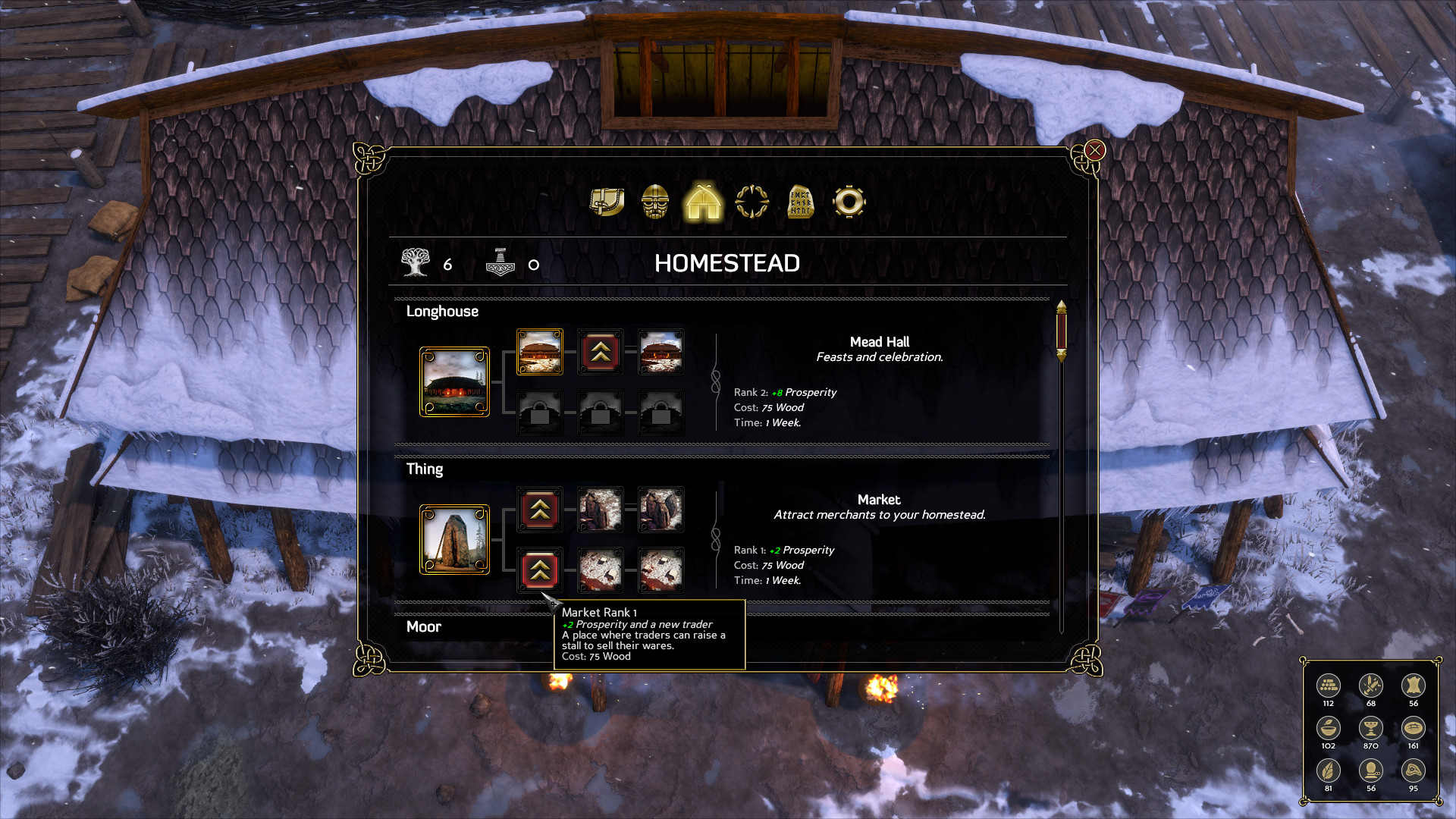
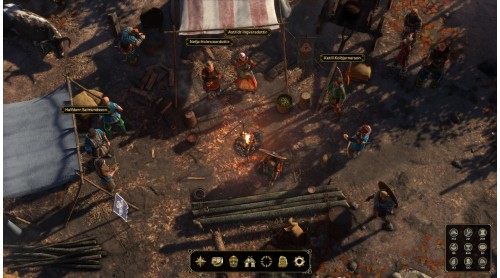
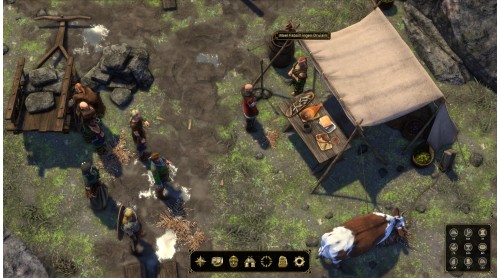
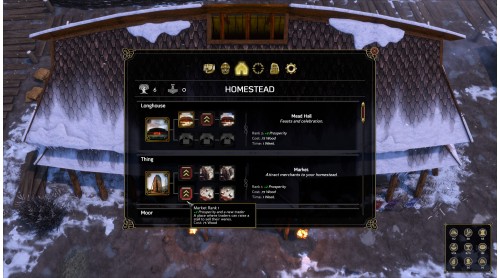
As the newly appointed chieftain of a modest Viking clan, you’ll have a village of your very own. But to carve your name into the runestones of history you’ll need great strength, and great wealth to grow your village’s prosperity and renown. There is little left to be gained from the Norse lands and so you must set your sights on the the seas to the West, where tales speak of a great island filled with treasure ready for the taking.
Seek your fortune
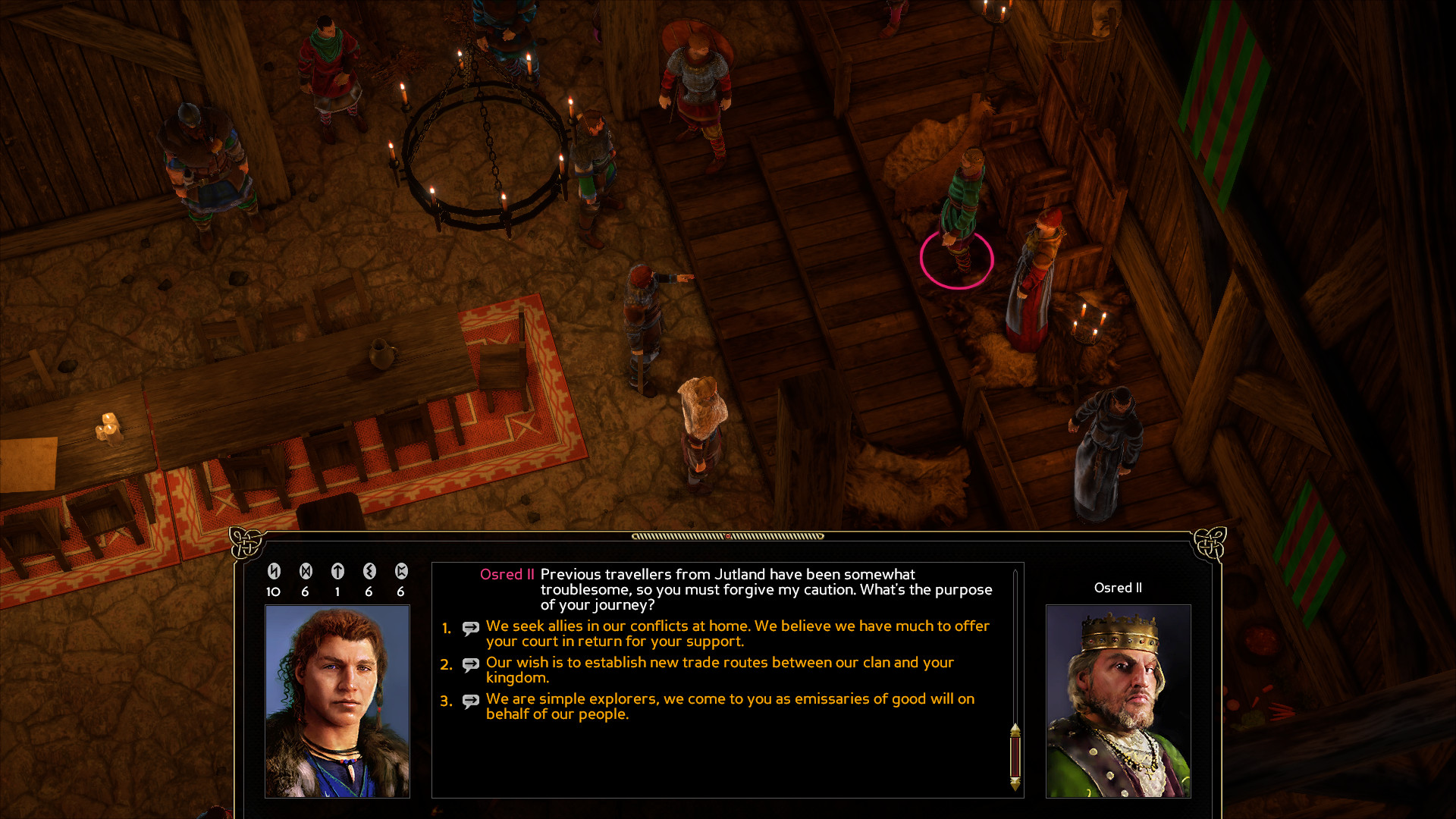
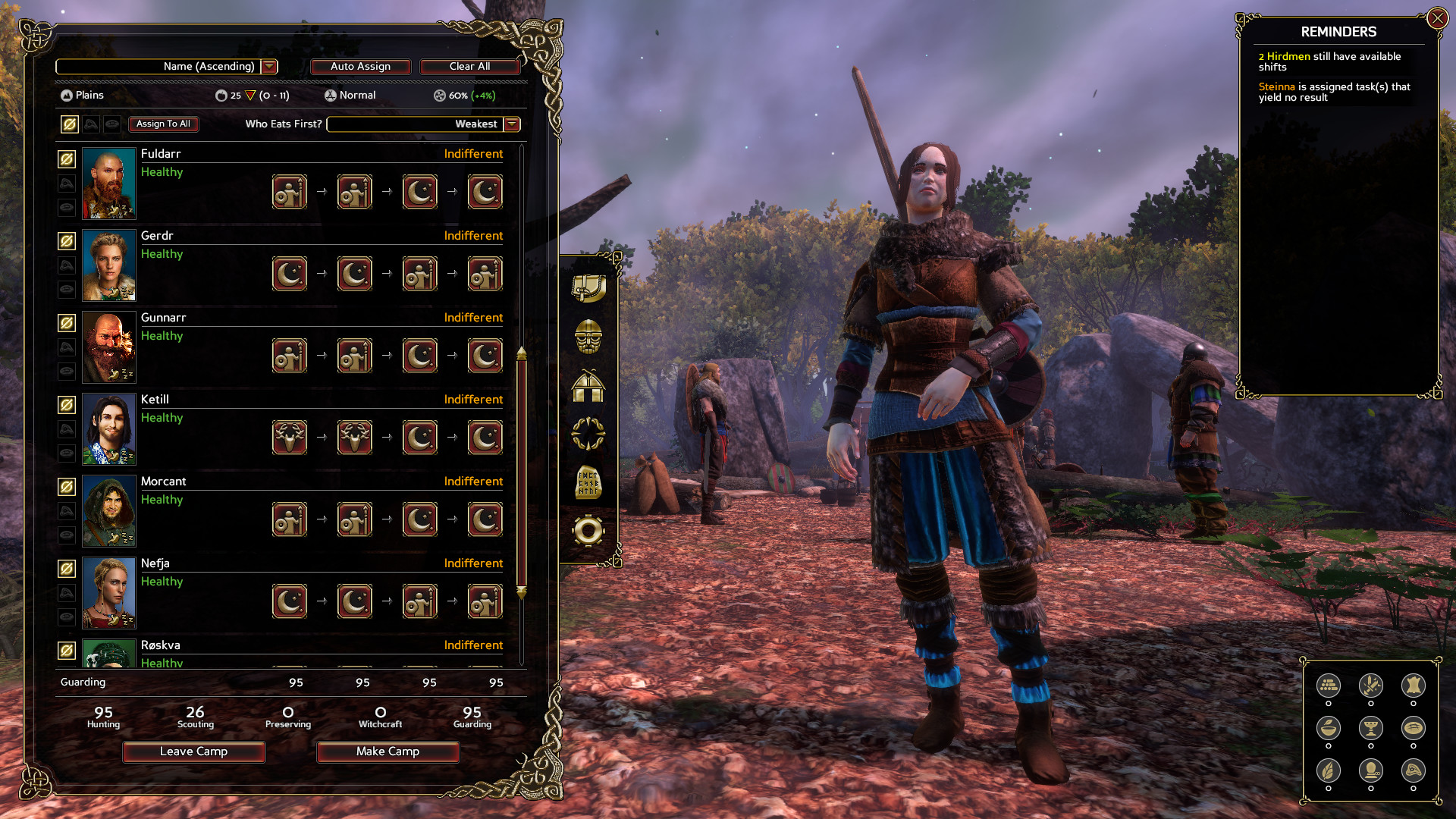
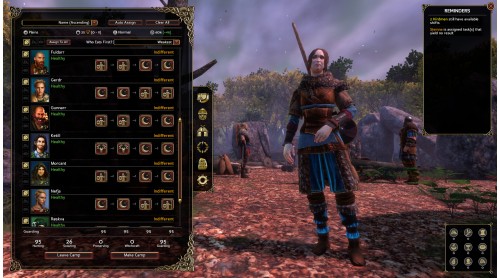
Your trusted huscarls will follow you to Valhalla if that be the order of the day, but you’ll need more than loyalty to leave a legacy that will be remembered for a thousand years. Now assemble a worthy band of warriors, build a ship, and seek your wealth and glory across the sea. Britannia awaits in Logic Artists’ Expeditions: Viking.
Main features:


How to activate your Steam key?
1. Open your Steam client. (If you don't have a Steam Client, you can install from here https://store.steampowered.com/about/)
2. Sign in to your Steam account. (If you don't have a Steam Account, you can create from here https://store.steampowered.com/join/)
3. Click “ADD A GAME” button which is at the bottom of the Steam Client.
4. Now select "Activate a product on Steam..."
5. Write or copy-paste your Steam key which you purchased from Gamesforpc.
6. Now your game is in your library.
7. Find your game in your library, select and click install to start your download.