 Steam
 Windows
| Release Date | 01.10.2026 | |
| Publisher | Mojang Studios | |
| PEGI Rating | + 7 | |
| Operating Systems | Windows | |
| Genres | Action, Simulation, Adventure, family |
9.99€
Added to Cart
9.99€
Added to Wishlist
9.99€
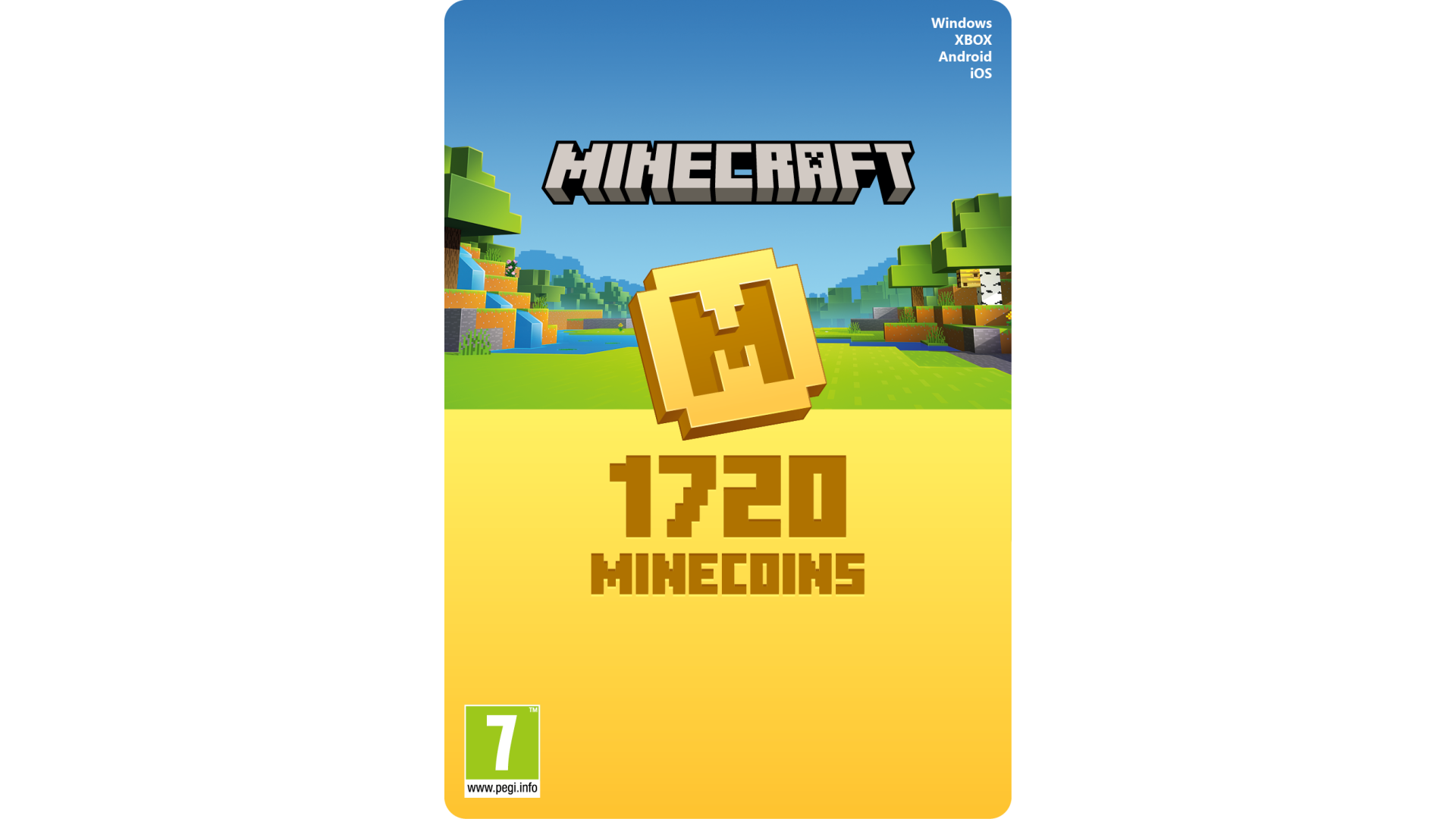
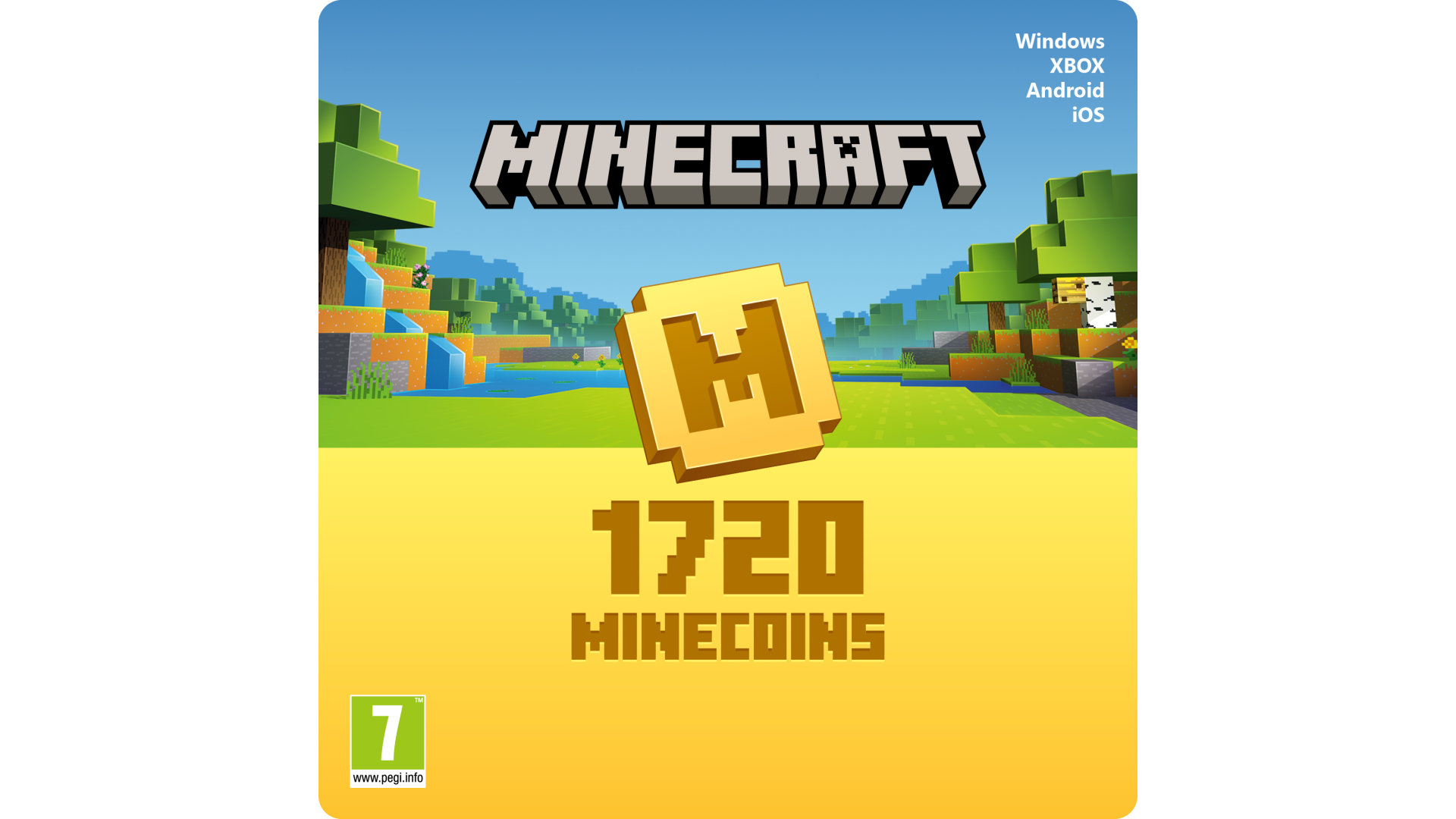
MINECRAFT MINECOINS – 1720 MINECOINS [Digital Code]
*See bottom of page for important information.
Explore a world of possibility with Minecoins: Minecraft’s in-game currency! Minecoins let you add variety to your gameplay across supported Minecraft games. Whether you want to change your character's appearance, transform your world, or embark on new adventures, you'll find an ever-expanding library of exciting content from imaginative creators at Minecraft Marketplace. Once redeemed, your Minecoins are linked to your Microsoft account, so you can access your coins and purchases on other supported devices, too!*
ADD-ONS
Add more cuteness, comedy, or chaos to your Bedrock worlds with add-ons. Explore a growing catalog of custom blocks, items, mobs, recipes and other unique content. Add-ons are the easiest way to change your game, your way.
MINI-GAMES AND ADVENTURE MAPS
Explore more ways to enjoy Minecraft with mini-games and adventure maps.
Browse through Minecraft Marketplace to discover brand new content every week, including skin packs, mashup packs, mini-games and adventure maps to explore.
SKIN PACKS – Put on some fresh pixels and express yourself with a huge variety of inspired looks.
MASH-UP PACKS – Explore thrilling themed worlds, parcelled up with matching skins, textures and more!
ADVENTURE MAPS – Embark on custom-made quests in hand-crafted lands. Excitement (and probably a little danger) awaits!
MINI GAMES – Tackle inventive challenges alongside or against your friends and fellow Minecrafters.
ENJOY YOUR CONTENT WHEREVER YOU PLAY
Use Minecoins to buy exciting additional content from Minecraft community creators through the in-game Minecraft Marketplace! You can use Minecoins on Android, iOS, and Windows 10, Xbox One, devices.
*Minecoins require a version of Minecraft: Bedrock Edition with Minecraft Marketplace. Minecoins are not compatible on Sony PlayStation. For compatibility information see minecraft.net/minecoins
Minecraft Marketplace content, eligible purchases, and prices vary by region, device, platform, and over time. Geography limitations, country and balance restrictions, and taxes may apply. Paid subscriptions required for some content. Age restrictions apply. Except as required by law, codes cannot be redeemed or exchanged for cash and are not refundable. Microsoft may, freely and without liability, remove Minecoins redeemed, suspend or ban accounts, and take other disciplinary or corrective action if Microsoft suspects your account is engaged in fraudulent or abusive activity. To create a new Microsoft account go to xbox.com/live. Microsoft Services Agreement applies (aka.ms/msa).
Void where prohibited or restricted by law.
TM & © Mojang AB.


How to activate your Steam key?
1. Open your Steam client. (If you don't have a Steam Client, you can install from here https://store.steampowered.com/about/)
2. Sign in to your Steam account. (If you don't have a Steam Account, you can create from here https://store.steampowered.com/join/)
3. Click “ADD A GAME” button which is at the bottom of the Steam Client.
4. Now select "Activate a product on Steam..."
5. Write or copy-paste your Steam key which you purchased from Gamesforpc.
6. Now your game is in your library.
7. Find your game in your library, select and click install to start your download.