 Steam
 Windows
| Release Date | 13.10.2023 | |
| Publisher | Outright Games Ltd. | |
| PEGI Rating | + 3 | |
| Operating Systems | Windows | |
| Genres | Action, Adventure, family |
39.99€
Added to Cart
39.99€
Added to Wishlist
39.99€
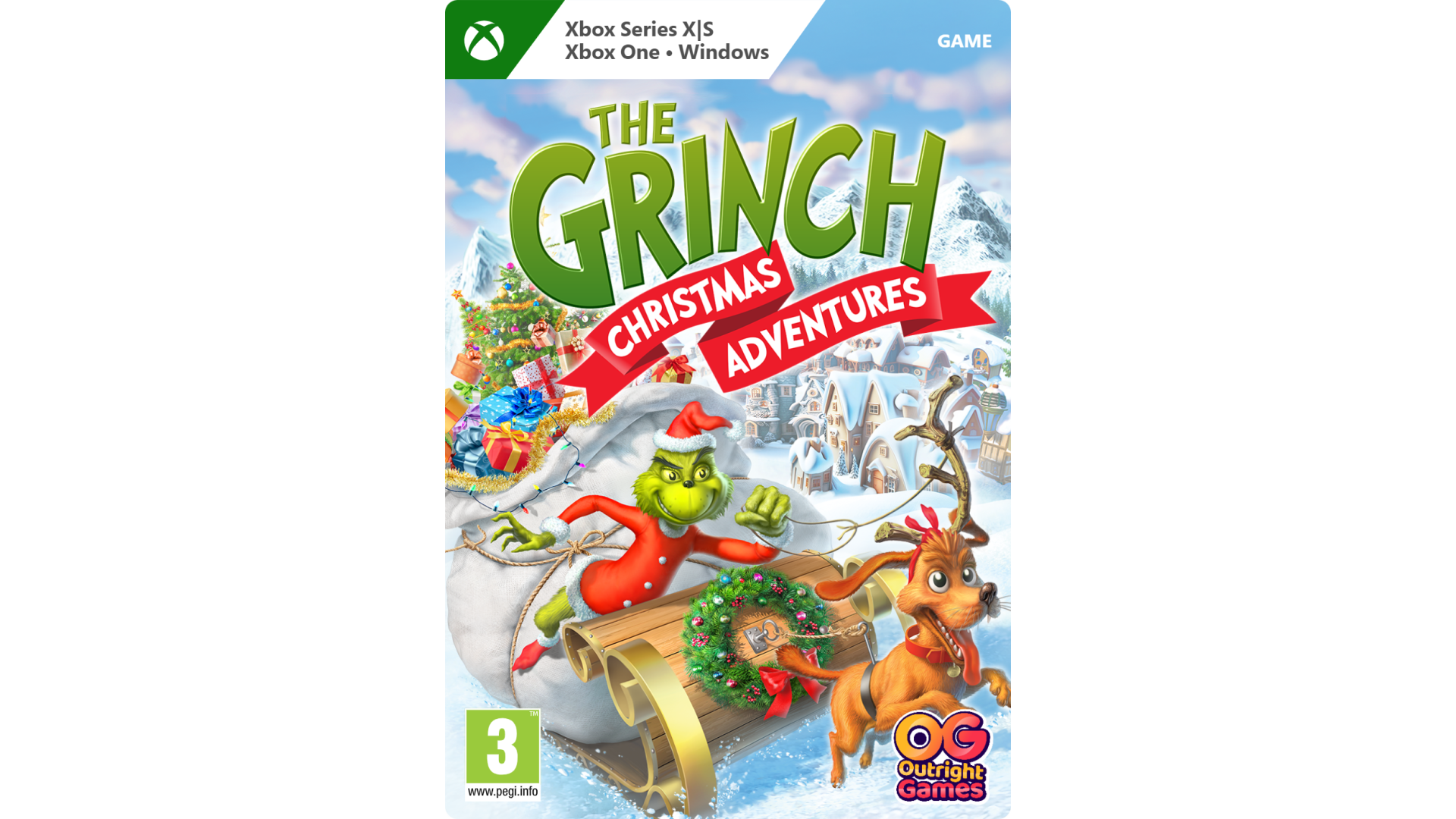
Have a great Grinchy time trying to steal Christmas in this festive platformer – and help the Grinch’s small heart grow a few sizes bigger along the way!
Every Who down in Who-ville loves to sing, gift and feast, which are all of the things Grinch can’t stand in the least. So, help the Grinch and his dog Max set out to steal all the presents in Who-ville. You’ll have to be sneaky to avoid the bothersome babble of carol singers, the ever-eager Whos, and all of the tinsel, trimmings and trappings of the Christmas season. Thankfully, the Grinch has some wonderful, awful ideas – like a Santa costume for stealthy sneaking, a Candy Cane Lasso to swing around, a speedy snowboard that can reach special race areas, and more. And Grinch can throw snowballs to freeze any pesky creatures that get in his way.
With colorful visuals inspired by Dr. Seuss’s original illustrations, local multiplayer fun with up to two players controlling the Grinch and Max, and controls and puzzles designed for younger players, The Grinch: Christmas Adventures is a fun new way to enjoy the classic Christmas tale.
HAVE AWFULLY GOOD FUN – Sneak and steal presents as the Grinch and his dog Max.
UNLOCK GRINCHY GADGETS – Solve puzzles to gain abilities! Throw snowballs, disguise as Santa, use a Candy Cane Lasso or a Jumping Jetpack, and more!
GET IN THE SPIRIT – The Grinch wants to stop Christmas, but you can help his heart grow three sizes!
EXPERIENCE A CLASSIC – With visuals inspired by Dr. Seuss’s book and controls for young players.
TM & ©2023 Dr. Seuss Enterprises, L.P. All rights reserved. Published by Outright Games Limited. Software © 2023 Outright Games Limited. Casual Brothers Ltd. - All Rights Reserved


How to activate your Steam key?
1. Open your Steam client. (If you don't have a Steam Client, you can install from here https://store.steampowered.com/about/)
2. Sign in to your Steam account. (If you don't have a Steam Account, you can create from here https://store.steampowered.com/join/)
3. Click “ADD A GAME” button which is at the bottom of the Steam Client.
4. Now select "Activate a product on Steam..."
5. Write or copy-paste your Steam key which you purchased from Gamesforpc.
6. Now your game is in your library.
7. Find your game in your library, select and click install to start your download.