
 Steam
Steam  Windows
  Mac
Mac | Release Date | 12.11.2024 |
| Operating Systems | Mac OS |
| Publisher | Giants Software |
| Operating Systems | Windows |
| Genres | Simulation |
39.99€
Added to Cart
39.99€
Added to Wishlist
39.99€
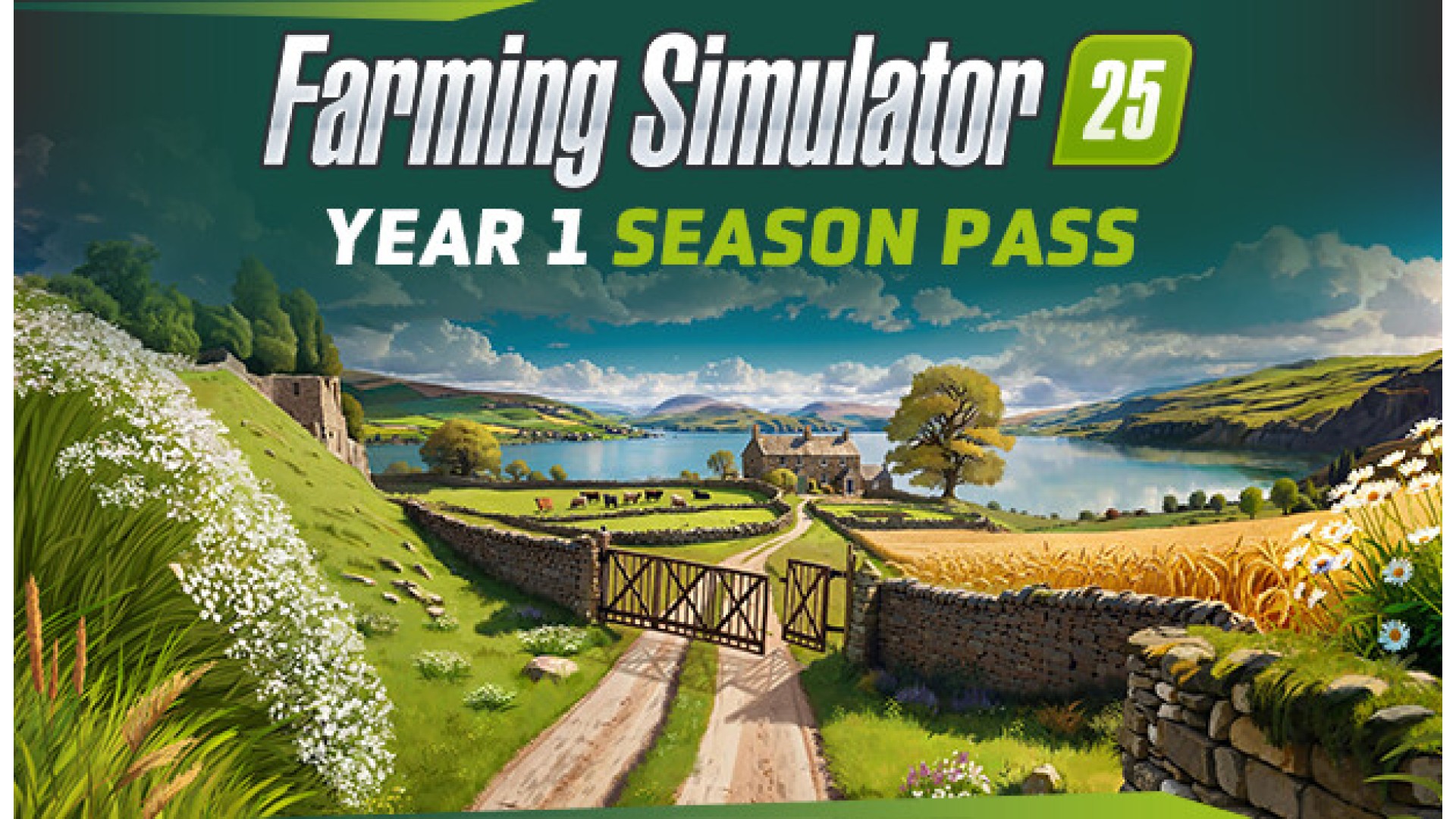
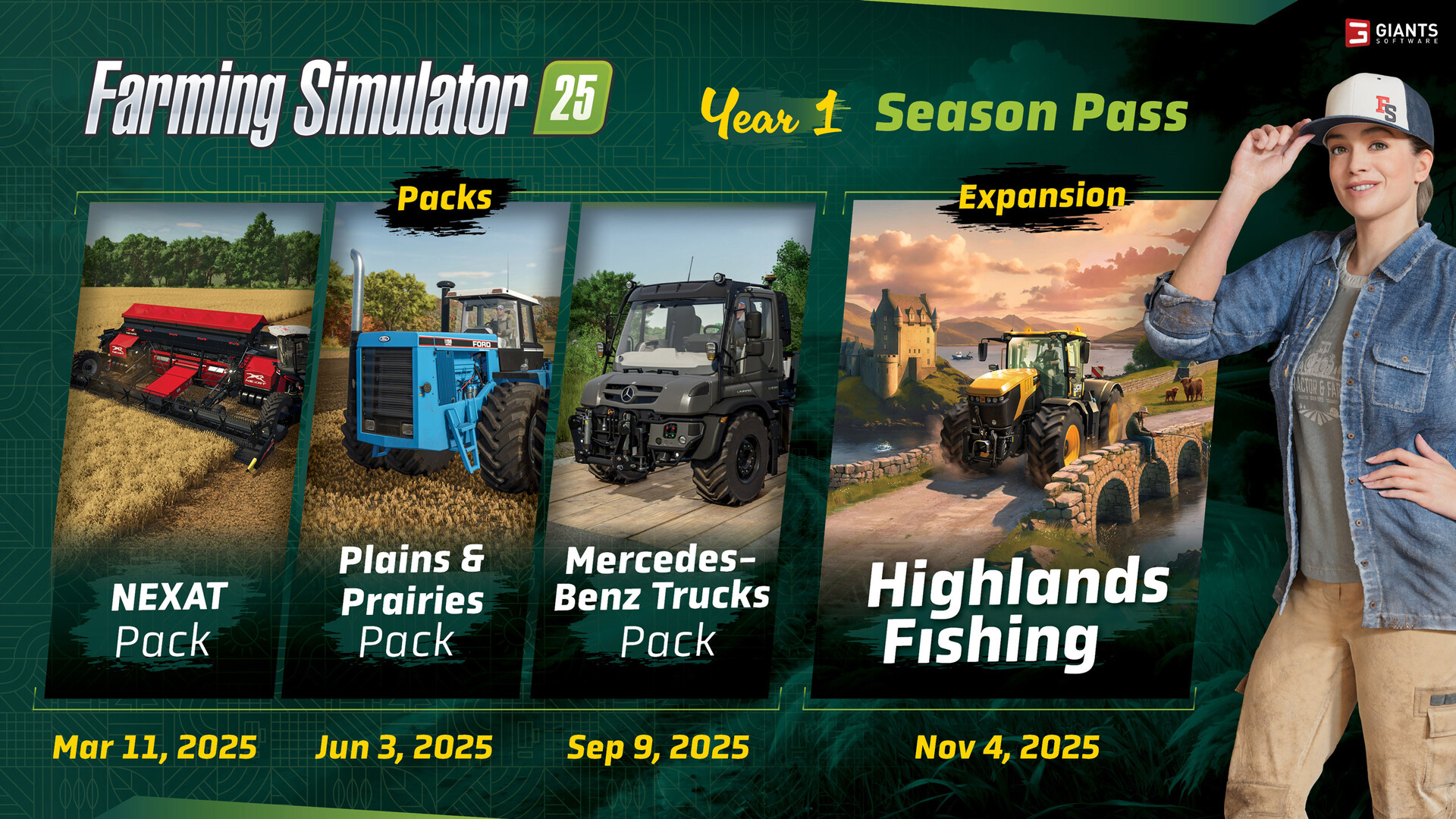
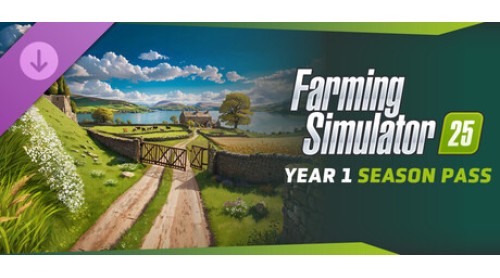
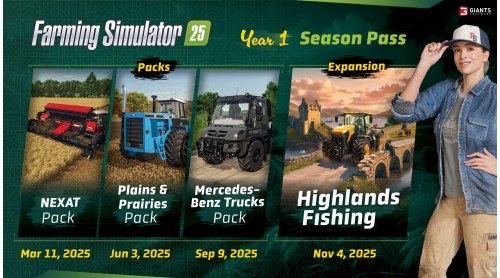
Expand Farming Simulator 25 with more machines, brands, gameplay, and a whole new environment to grow your farming business! The Year 1 Season Pass grants you access to three official packs and one large expansion developed by GIANTS Software, as listed below.
Pack 1: FS25 - Nexat Pack
Pack 2: FS25 - Plains and Prairies Pack
Pack 3: FS25 - Mercedes-Benz Trucks Pack
Expansion: Farming Simulator 25: Highlands Fishing Expansion
With the Year 1 Season Pass, you benefit from the price advantage compared to buying the content separately: you save up to 25%!
© 2024 GIANTS Software GmbH. Published and developed by GIANTS Software. Farming Simulator, GIANTS Software and its logos are trademarks or registered trademarks of GIANTS Software. All rights reserved. All manufacturers, agricultural machinery, agricultural equipment, names, brands and associated imagery featured in this game in some cases include trademarks and/or copyrighted materials of their respective owners. The agricultural machines and equipment in this game may be different from the actual machines in shapes, colours and performance. All other names, trademarks and logos are property of their respective owners.


How to activate your Steam key?
1. Open your Steam client. (If you don't have a Steam Client, you can install from here https://store.steampowered.com/about/)
2. Sign in to your Steam account. (If you don't have a Steam Account, you can create from here https://store.steampowered.com/join/)
3. Click “ADD A GAME” button which is at the bottom of the Steam Client.
4. Now select "Activate a product on Steam..."
5. Write or copy-paste your Steam key which you purchased from Gamesforpc.
6. Now your game is in your library.
7. Find your game in your library, select and click install to start your download.