 Steam
Steam 19.99€
Added to Cart
19.99€
Added to Wishlist
19.99€
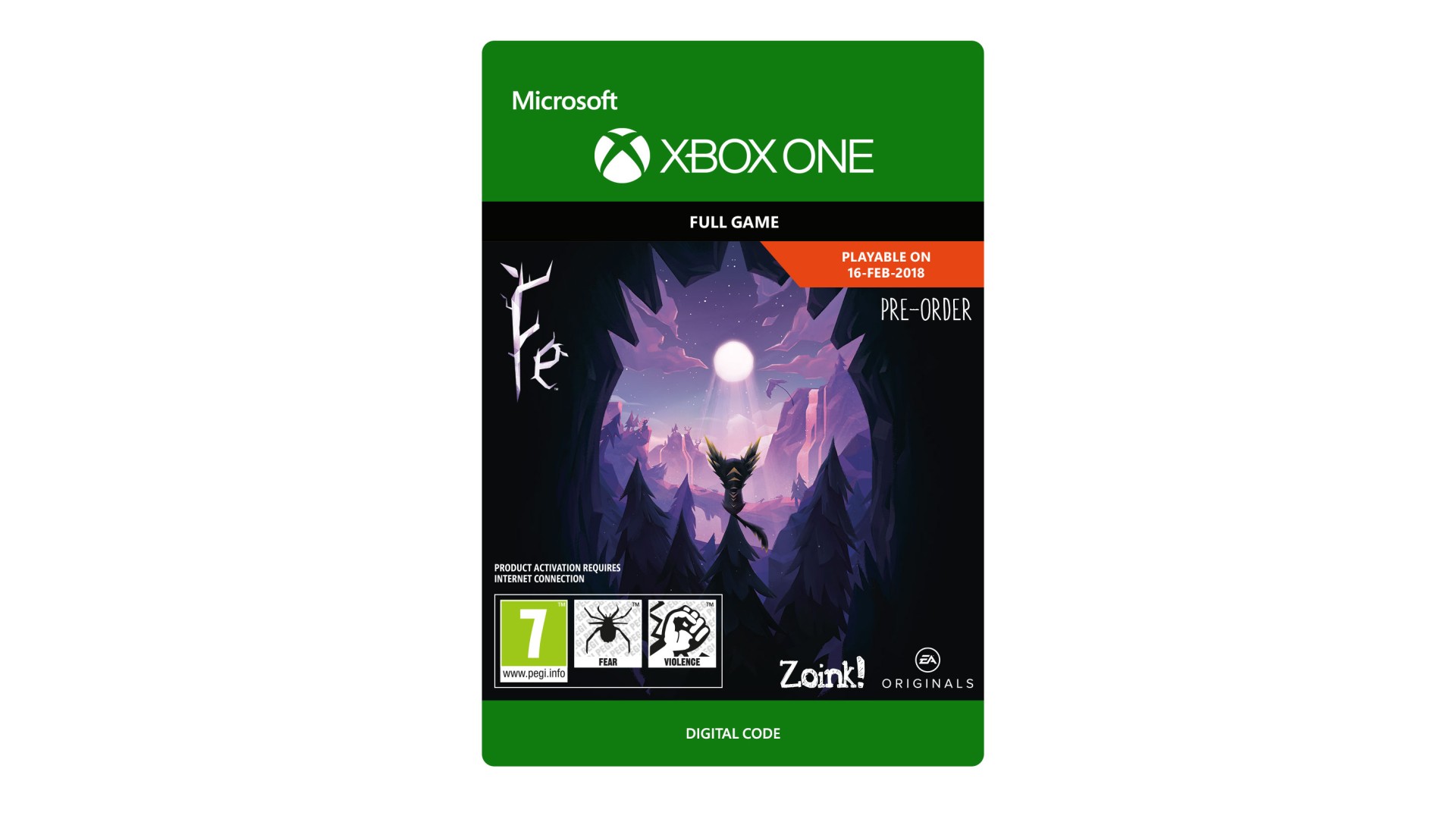
Climb, glide and dig your way through a dark Nordic forest and explore its living, breathing ecosystem filled with secrets and mystical creatures.
Become Fe and discover a world that you will never want to leave.
© 2017 Zoink AB. Fe and the Fe logo are all trademarks held by Zoink AB. The EA logo is a trademark of Electronic Arts Inc. PRODUCT ACTIVATION REQUIRES INTERNET CONNECTION.ACCEPTANCE OF EA USER AGREEMENT (TERMS.EA.COM) AND PRIVACY AND COOKIE POLICY (PRIVACY.EA.COM) REQUIRED TO PLAY. EA MAY PROVIDE CERTAIN FREE INCREMENTAL CONTENT AND/OR UPDATES, IF AND WHEN AVAILABLE.


How to activate your Steam key?
1. Open your Steam client. (If you don't have a Steam Client, you can install from here https://store.steampowered.com/about/)
2. Sign in to your Steam account. (If you don't have a Steam Account, you can create from here https://store.steampowered.com/join/)
3. Click “ADD A GAME” button which is at the bottom of the Steam Client.
4. Now select "Activate a product on Steam..."
5. Write or copy-paste your Steam key which you purchased from Gamesforpc.
6. Now your game is in your library.
7. Find your game in your library, select and click install to start your download.