
 Steam
Steam  Windows
 | Release Date | 09.04.2026 |
| Publisher | Polden Publishing |
| Operating Systems | Windows |
| Genres | Simulation, indie |
10.25€
Added to Cart
10.25€
Added to Wishlist
10.25€
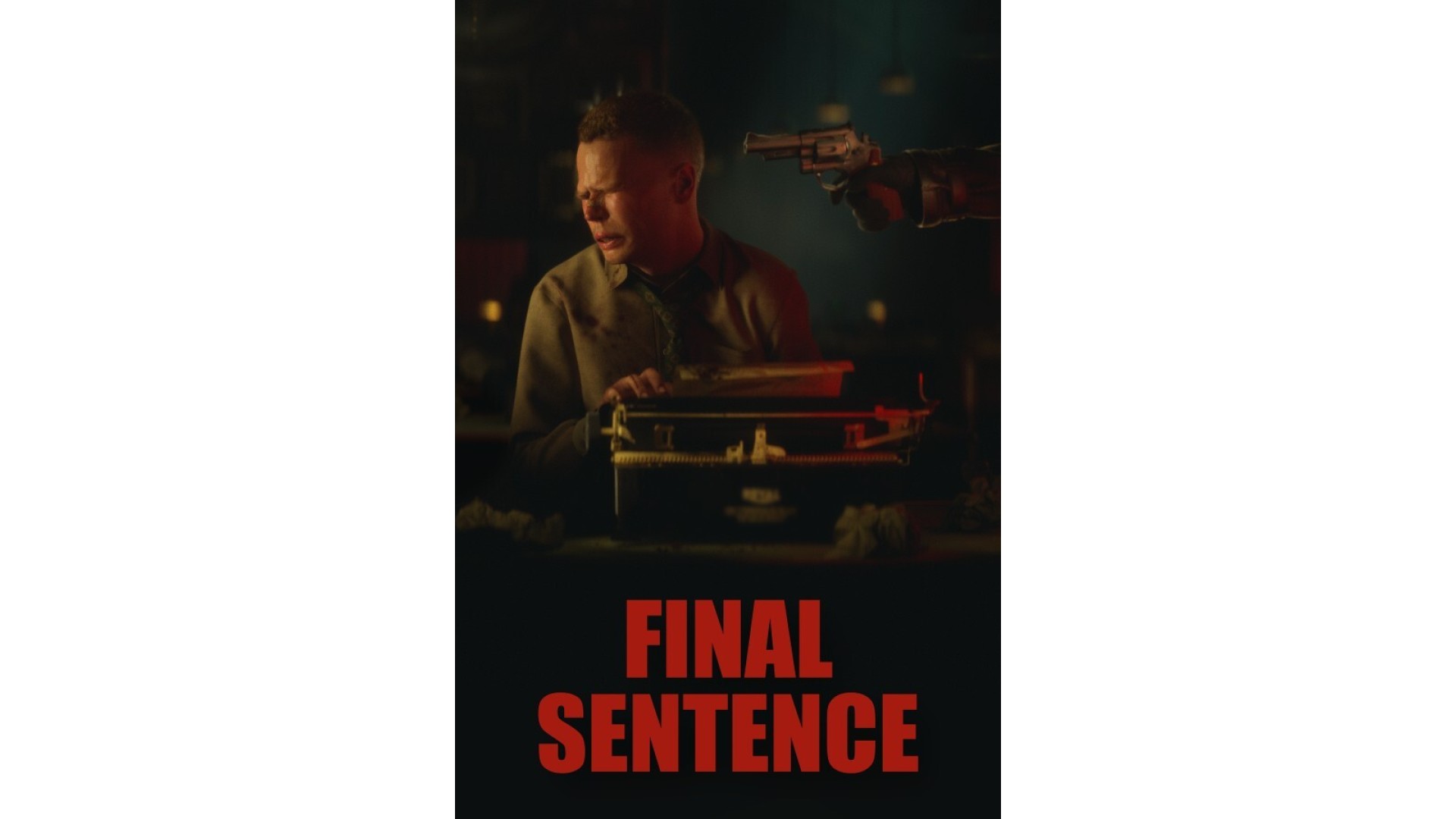
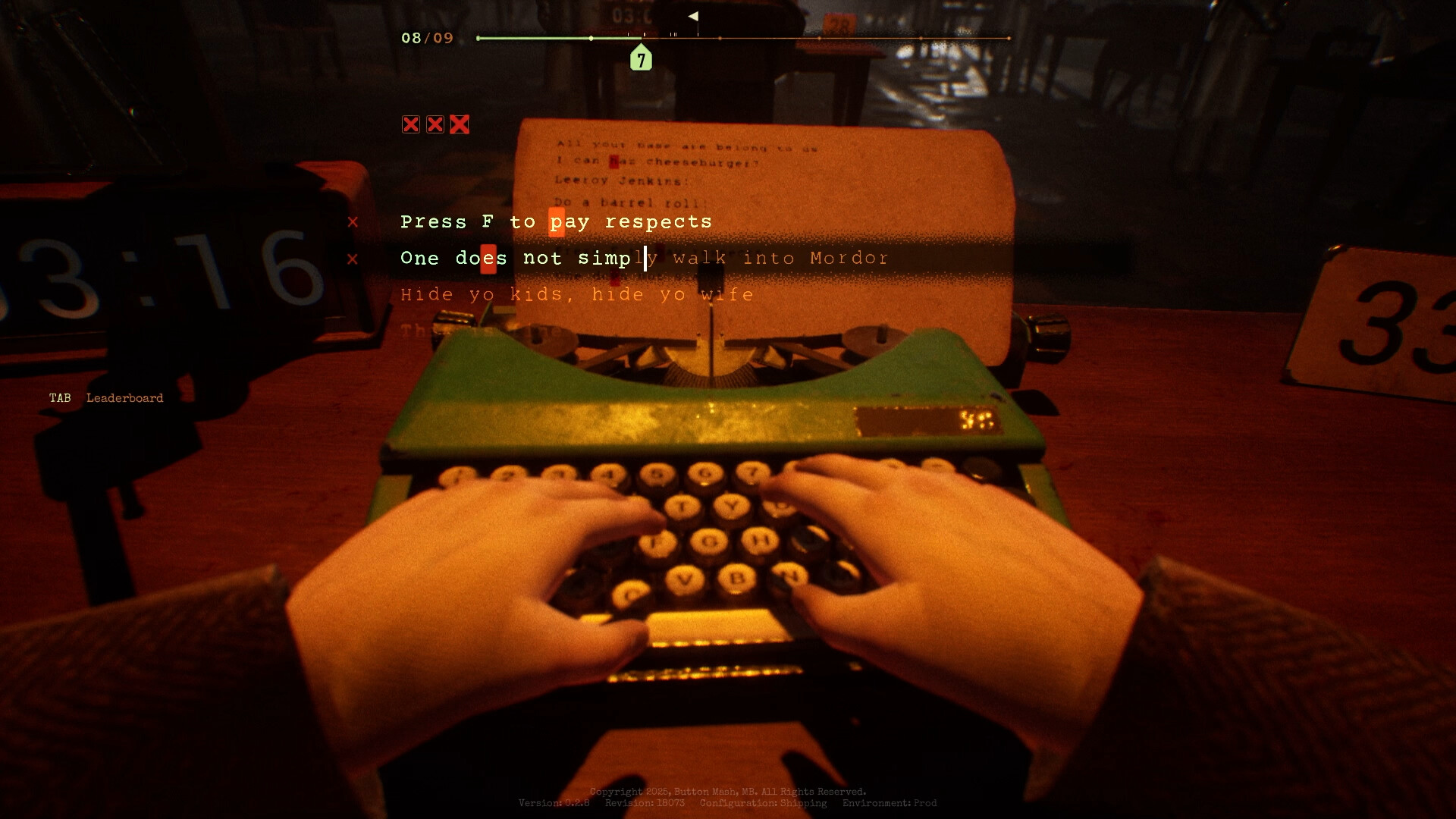
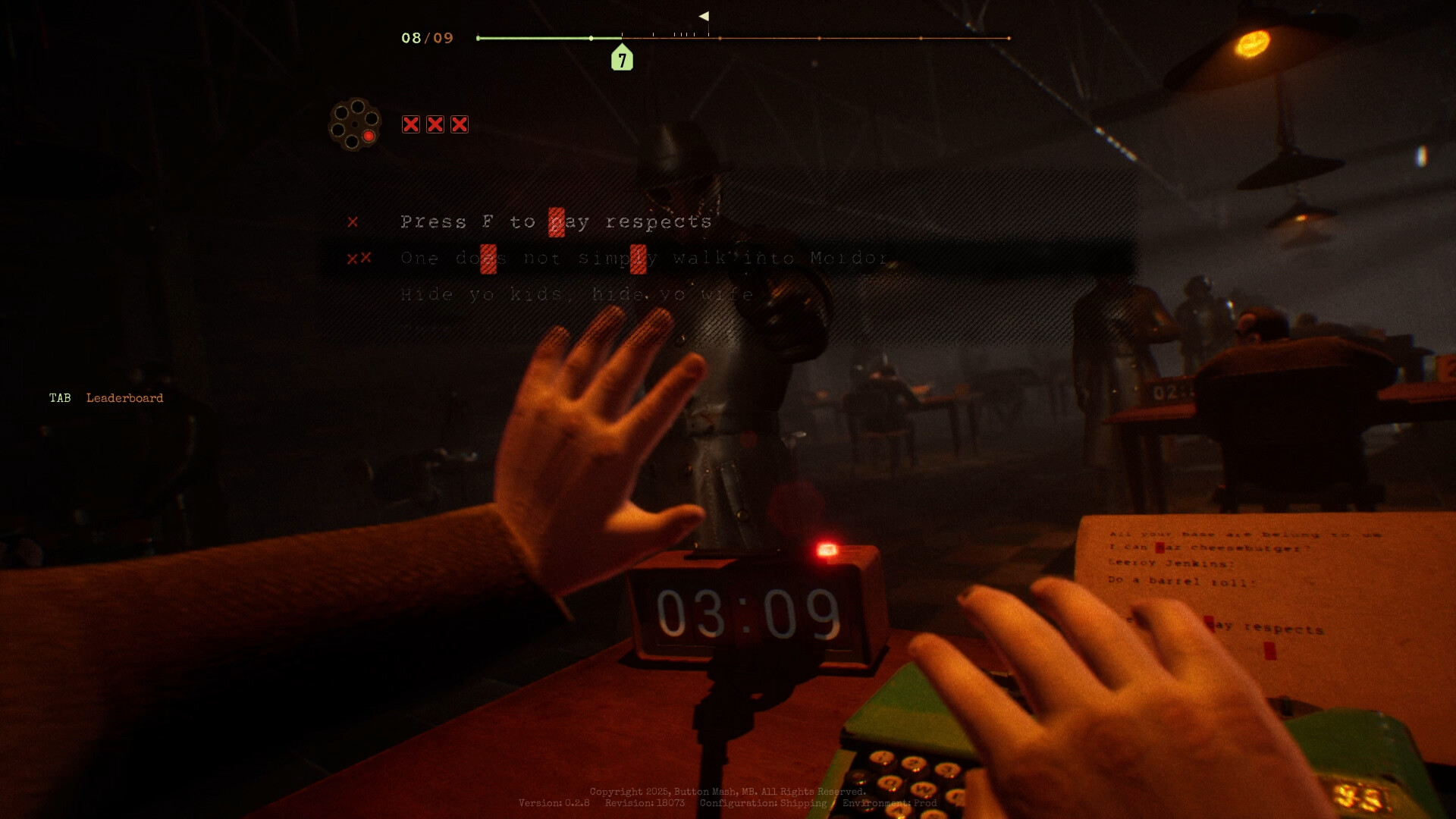
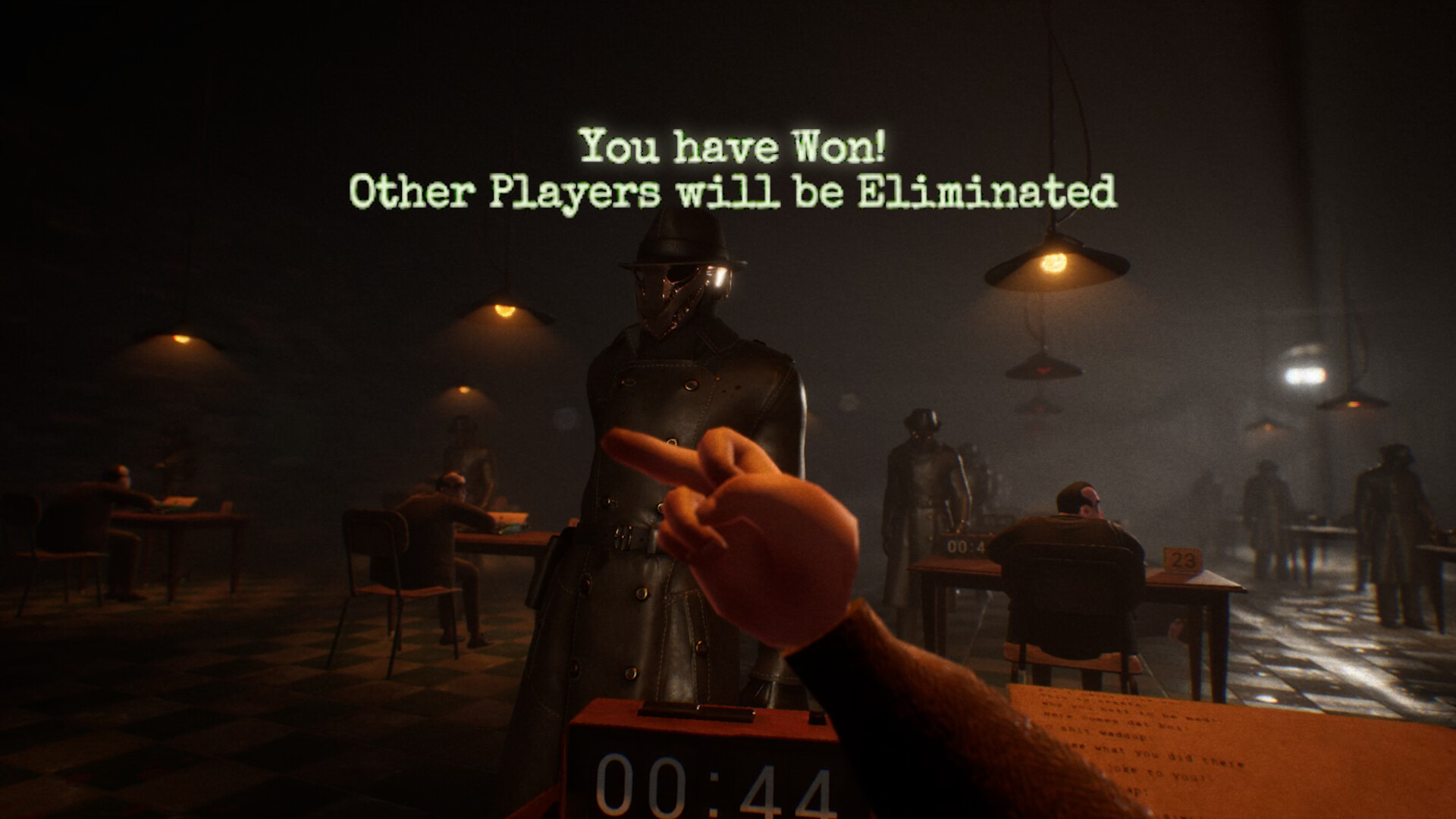
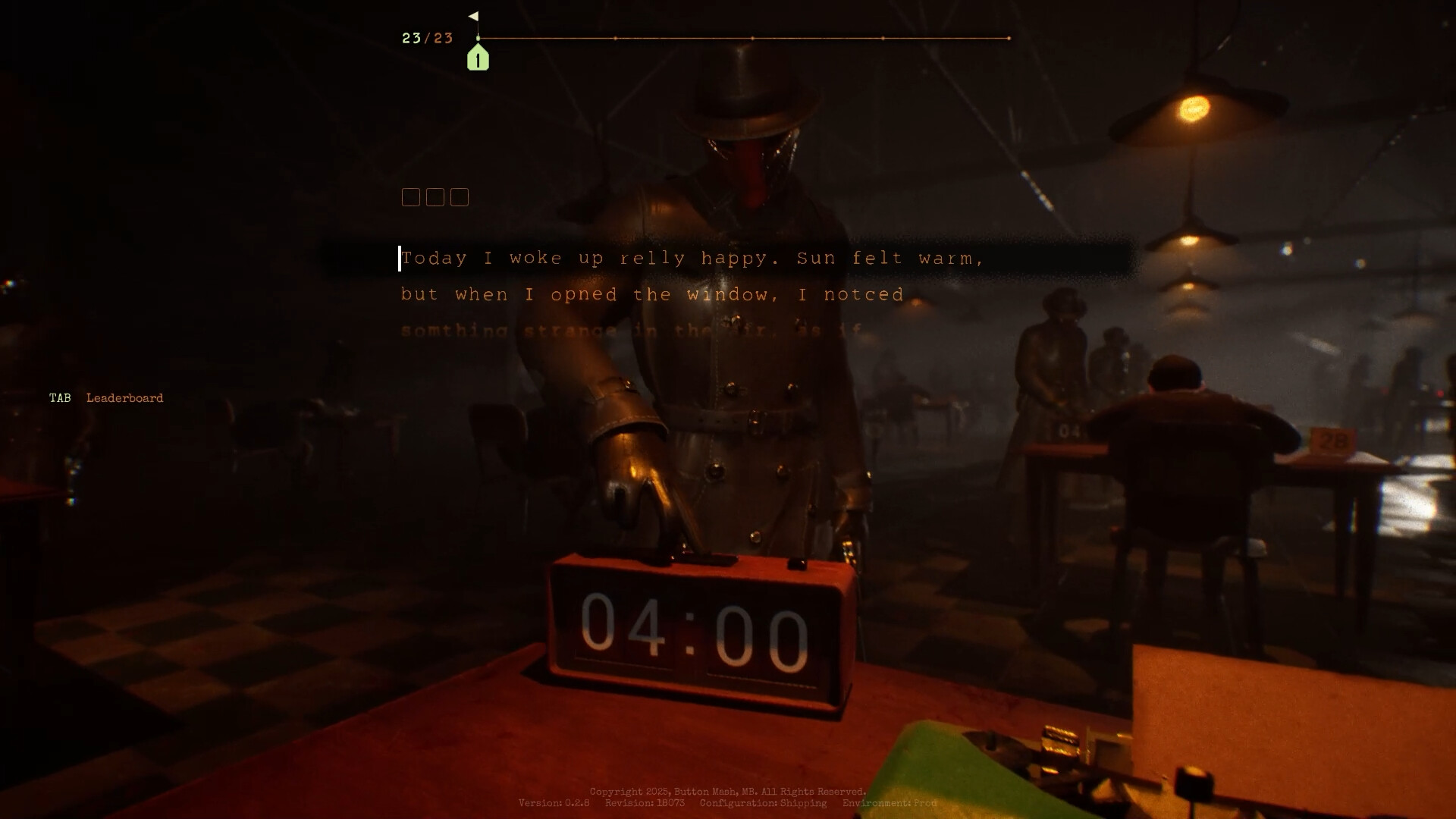
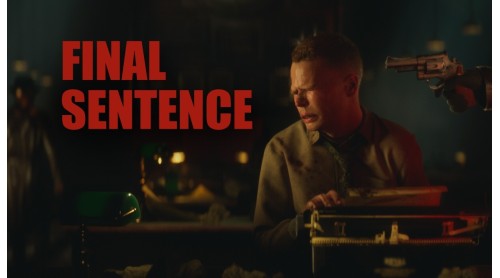
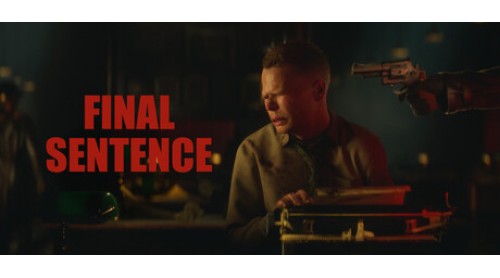
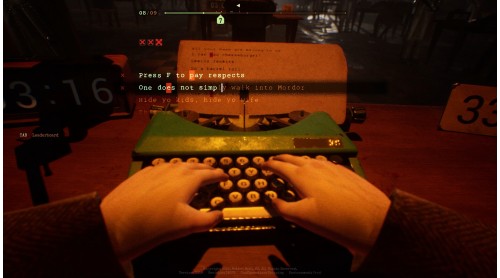
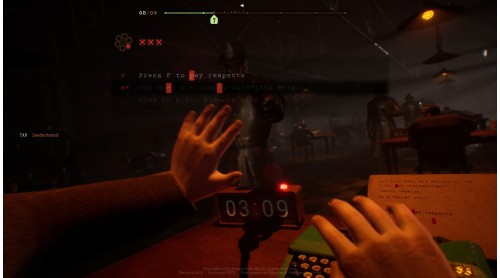
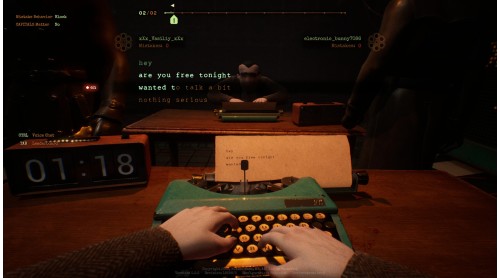
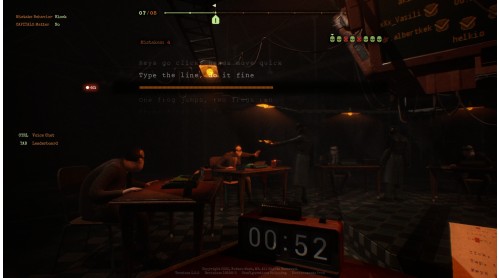
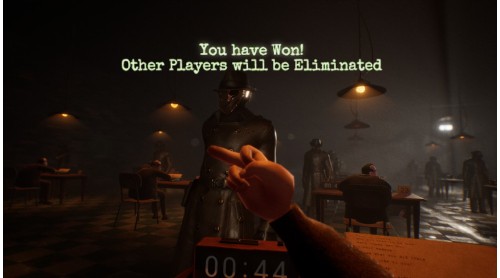
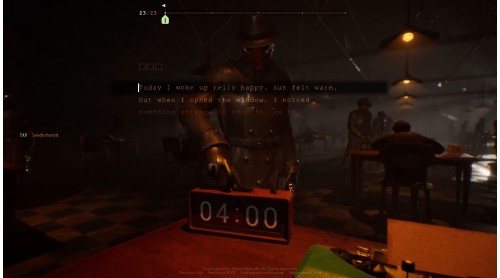
You’ve never played anything like this before. Type fast and accurately as if your life depends on it - because it does. There's a revolver pointed at your head with one bullet in the chamber. Every mistake or slip can lead you to your final sentence.
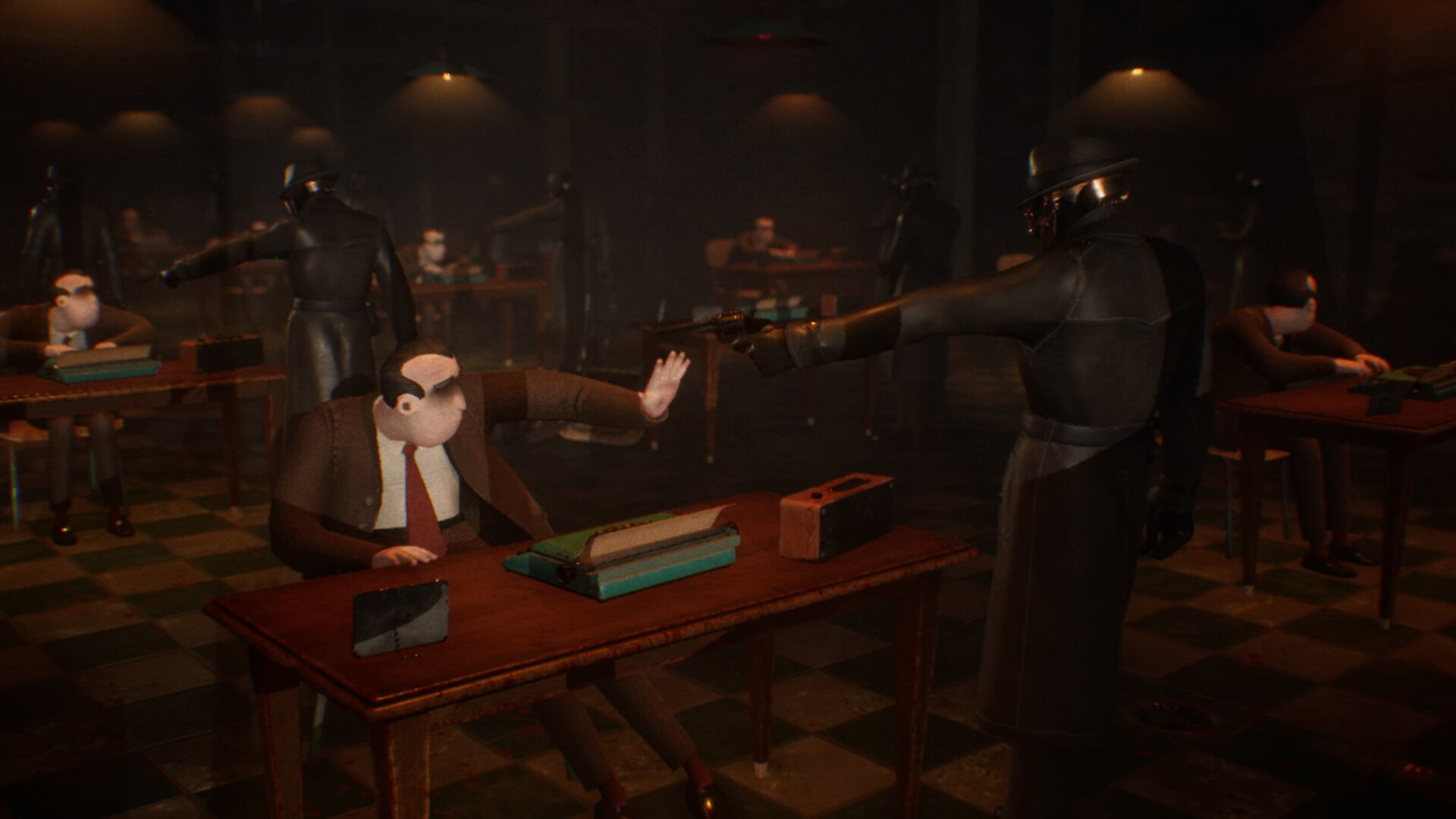
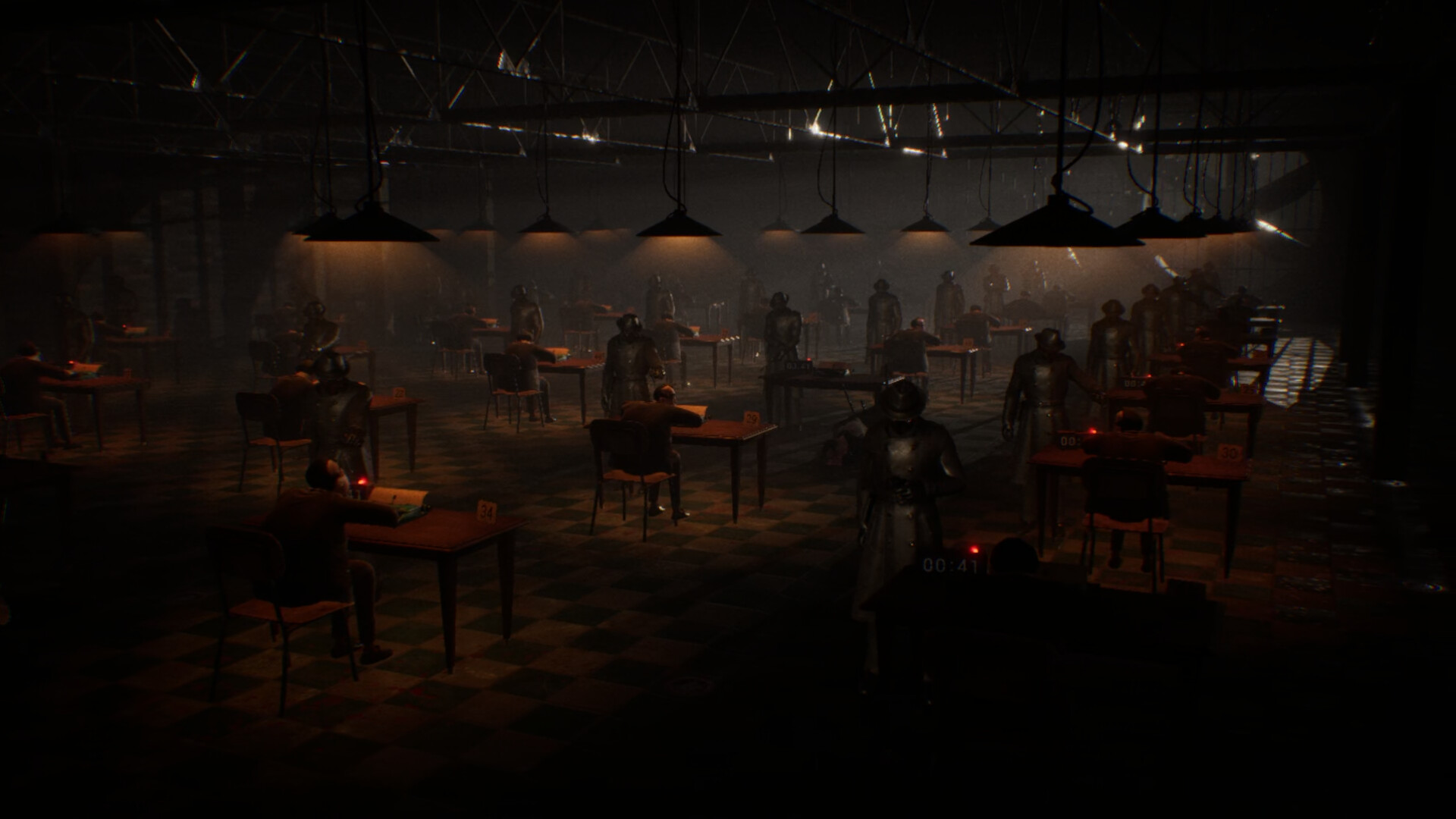
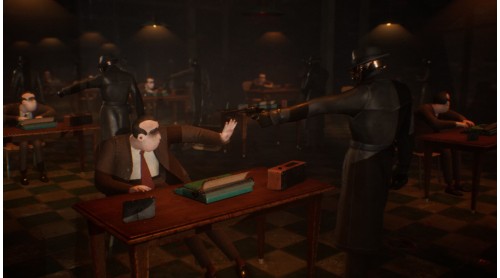
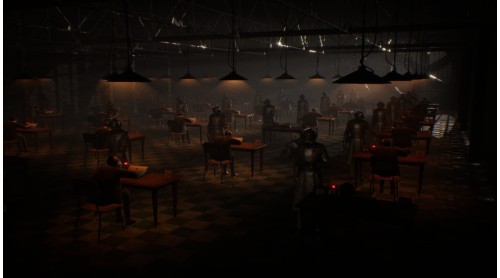
You woke up in a dark metal hangar without sunlight and there is a gun against your skull. Sinister masked guards, no way out - a dark ordeal in the spirit of survival thrillers.
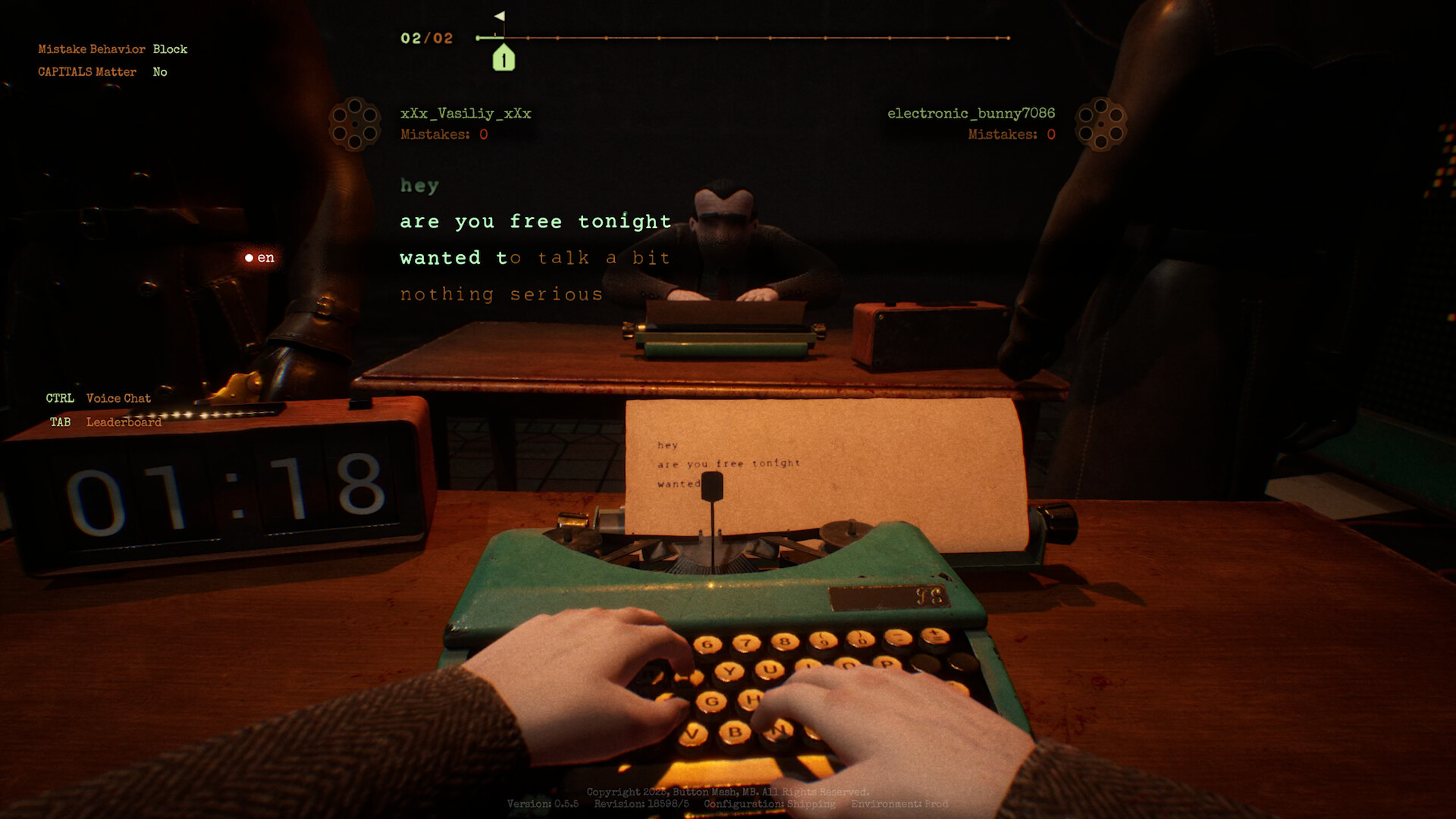
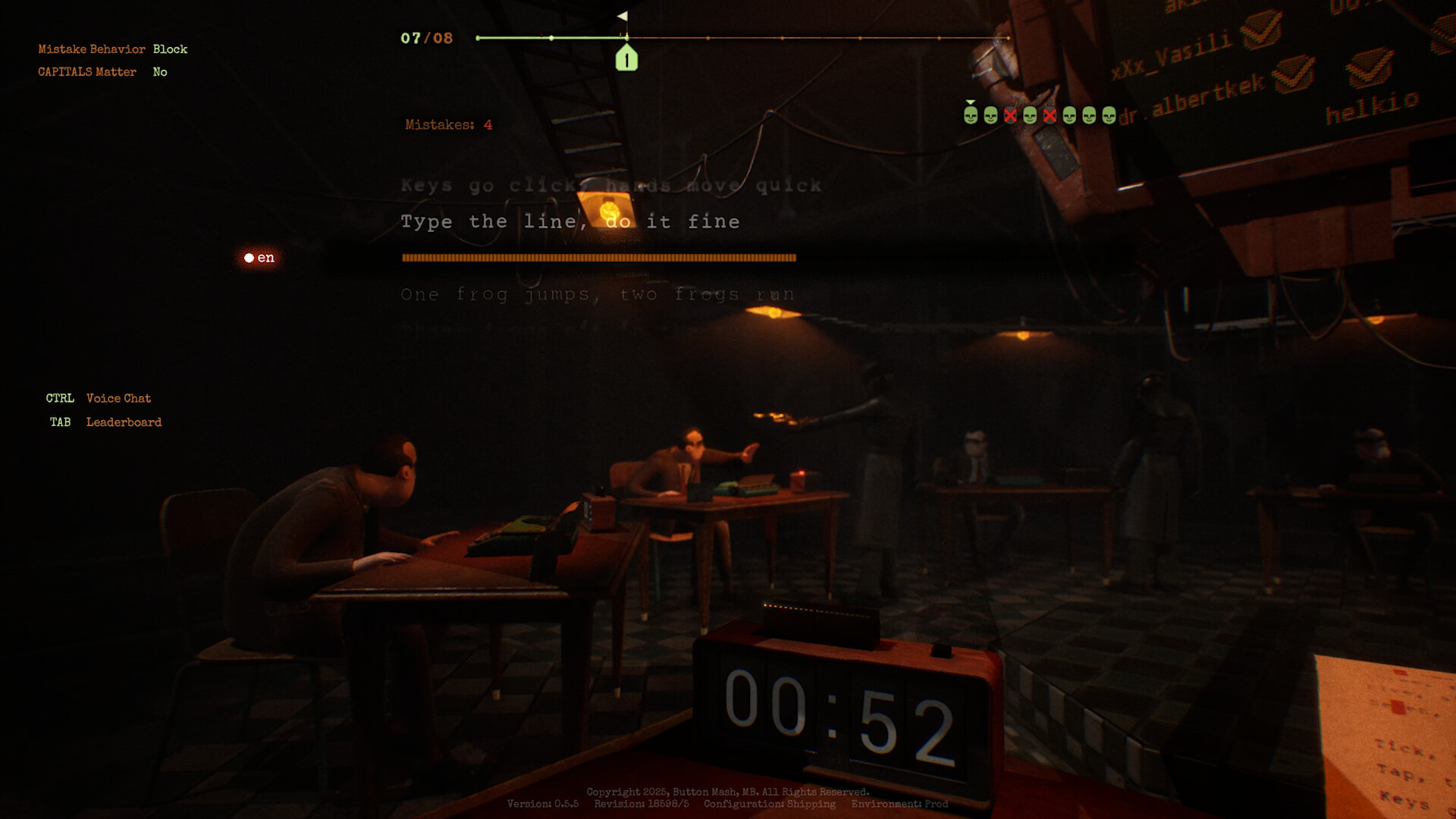
Play Classic Battle Royale with up to 40 players, compete in typewriting speed in Knockdown, or battle against one opponent in Duel mode. If you need some time to practice, you can play against various AIs in training matches.
Customize private lobbies for friends: choose modes and text types, set error limits, or enable Russian Roulette mode if you’re looking for the extra risk.
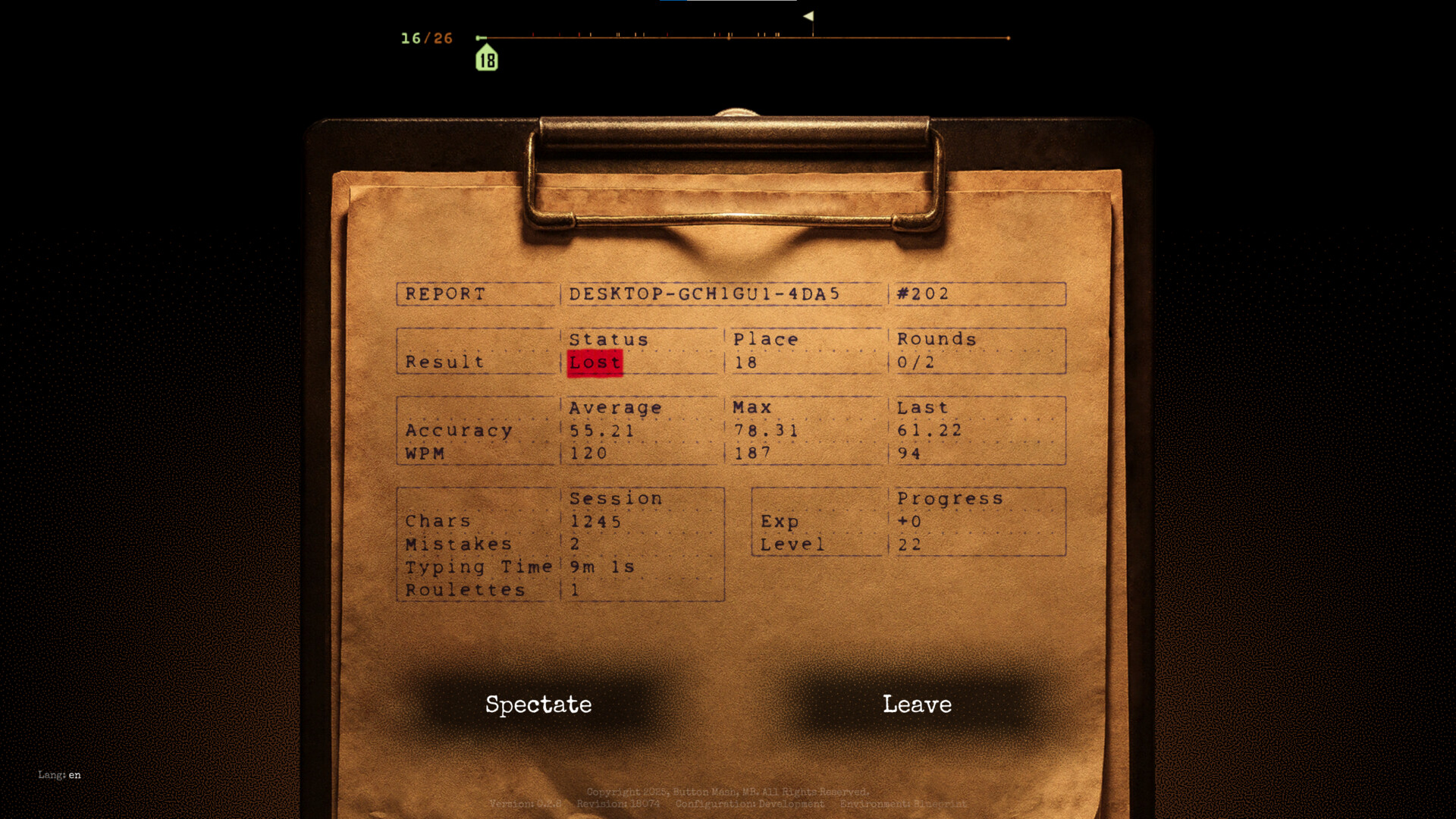
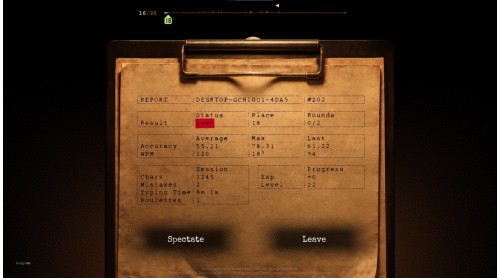
Detailed analytics for accuracy, speed, and progress help you track every improvement — these features will be added to the game soon. Compete with friends and players from around the globe to climb the global leaderboard.
© 2024-2025, Button Mash, MB. All rights reserved.


How to activate your Steam key?
1. Open your Steam client. (If you don't have a Steam Client, you can install from here https://store.steampowered.com/about/)
2. Sign in to your Steam account. (If you don't have a Steam Account, you can create from here https://store.steampowered.com/join/)
3. Click “ADD A GAME” button which is at the bottom of the Steam Client.
4. Now select "Activate a product on Steam..."
5. Write or copy-paste your Steam key which you purchased from Gamesforpc.
6. Now your game is in your library.
7. Find your game in your library, select and click install to start your download.