19.99€
Added to Cart
Added to Wishlist
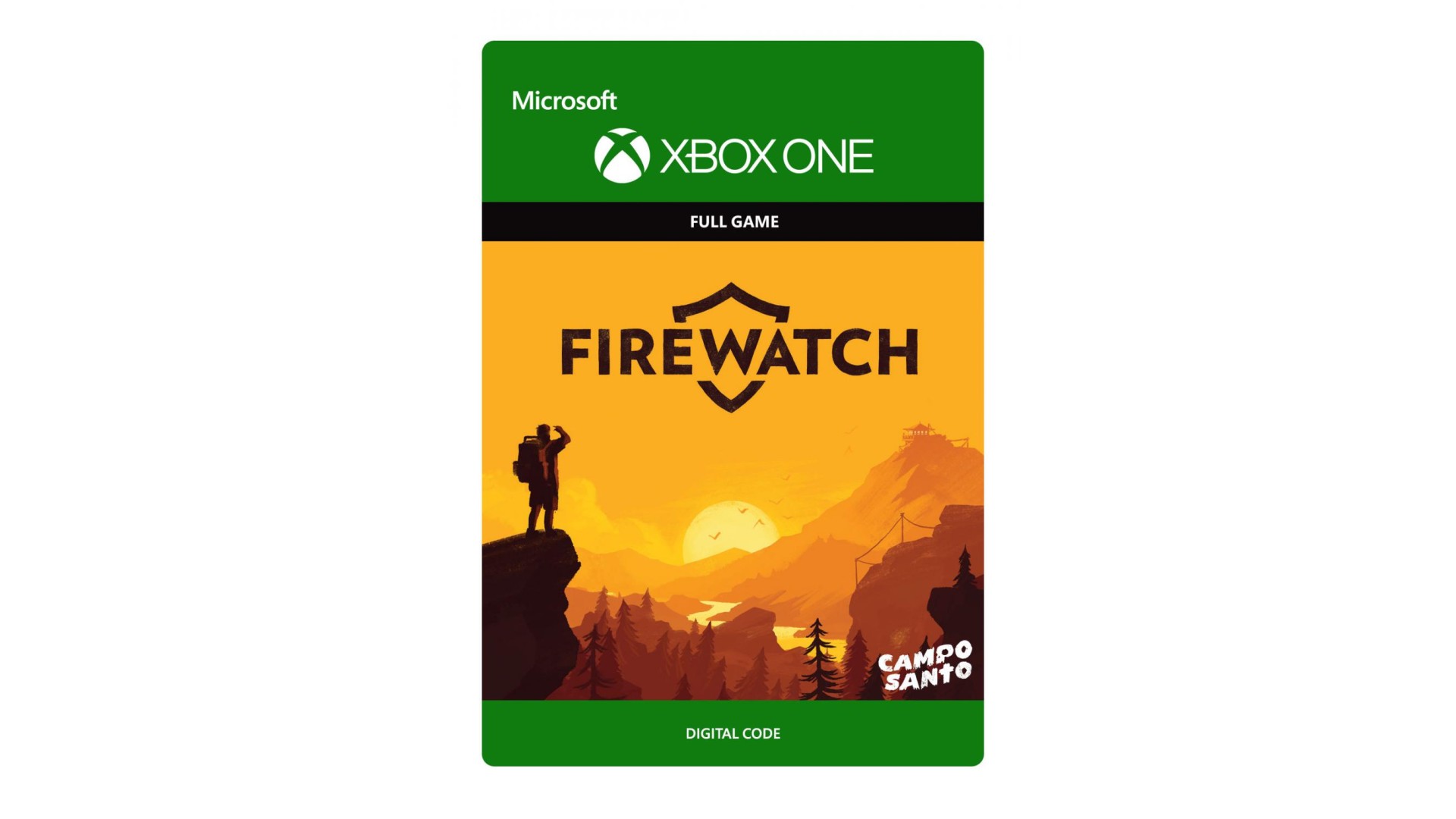
Firewatch is a single-player first-person mystery set in the Wyoming wilderness.© 2017 Campo Santo Productions, LLC. All rights reserved.
How to activate your Xbox key on your console?
1. Turn on yourXbox Series X|S and sign in with the Microsoft account you want the game on.
2. Press the Xbox button on your controller and open the Store.
3. Press the View button on your controller and select "Redeem".
4. Enter the 25-character code you purchased from Gamesforpc and confirm.
5. The game is now in your library. Go to "My games & apps" and install it.
Prefer the web?
1. Go to https://www.microsoft.com/redeem and sign in with the same Microsoft account you use on your Xbox.
2. Enter your 25-character code and confirm.
3. On your Xbox, find the game in "My games & apps" > "Full library" and install it.
 Xbox Series X|S


How to activate your Xbox key on your console?
1. Turn on yourXbox Series X|S and sign in with the Microsoft account you want the game on.
2. Press the Xbox button on your controller and open the Store.
3. Press the View button on your controller and select "Redeem".
4. Enter the 25-character code you purchased from Gamesforpc and confirm.
5. The game is now in your library. Go to "My games & apps" and install it.
Prefer the web?
1. Go to https://www.microsoft.com/redeem and sign in with the same Microsoft account you use on your Xbox.
2. Enter your 25-character code and confirm.
3. On your Xbox, find the game in "My games & apps" > "Full library" and install it.