
 Steam
Steam  Windows
 | Release Date | 30.09.2026 |
| Publisher | Matrix Games |
| Operating Systems | Windows |
| Genres | Strategy |
15.49€
Added to Cart
15.49€
Added to Wishlist
15.49€
July 20th, 1989 – 03:03 – Oldendorf, West Germany
"Jeroen, do you hear the rumbling thunder? The forecast didn’t call for a storm..."
"Meneer – the fresh intelligence from our ground radar indicates it’s certainly NOT thunder!"
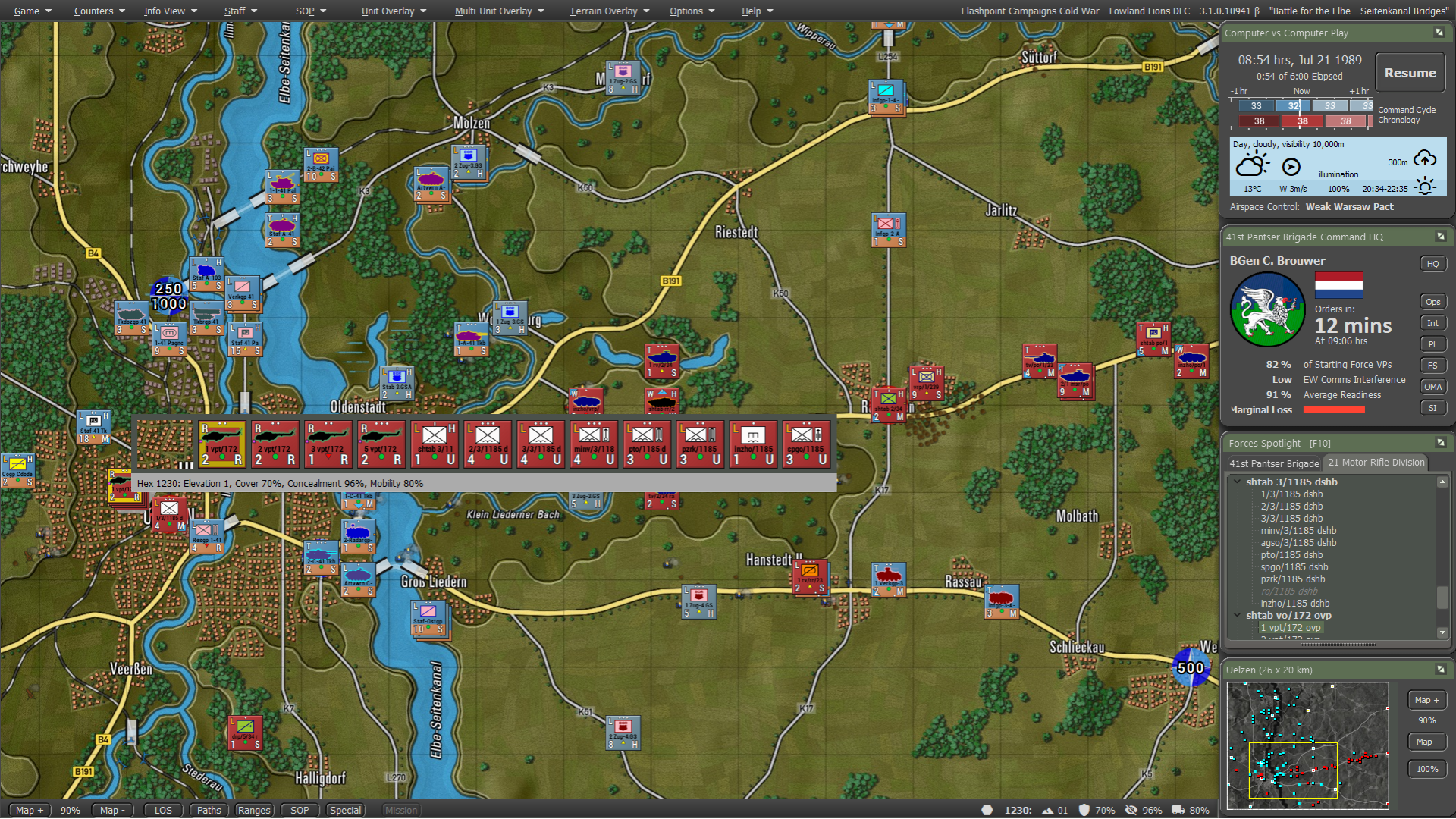
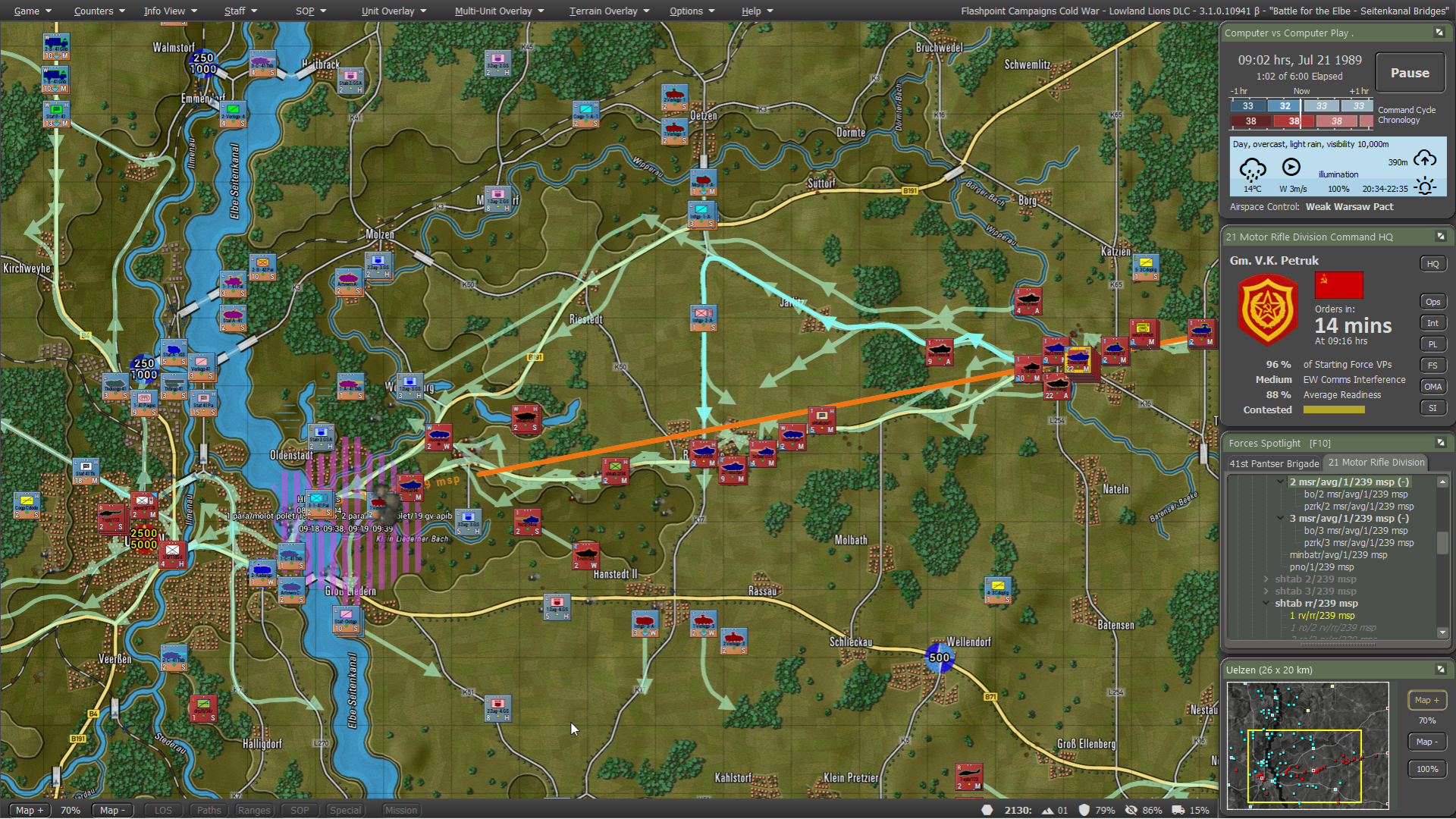
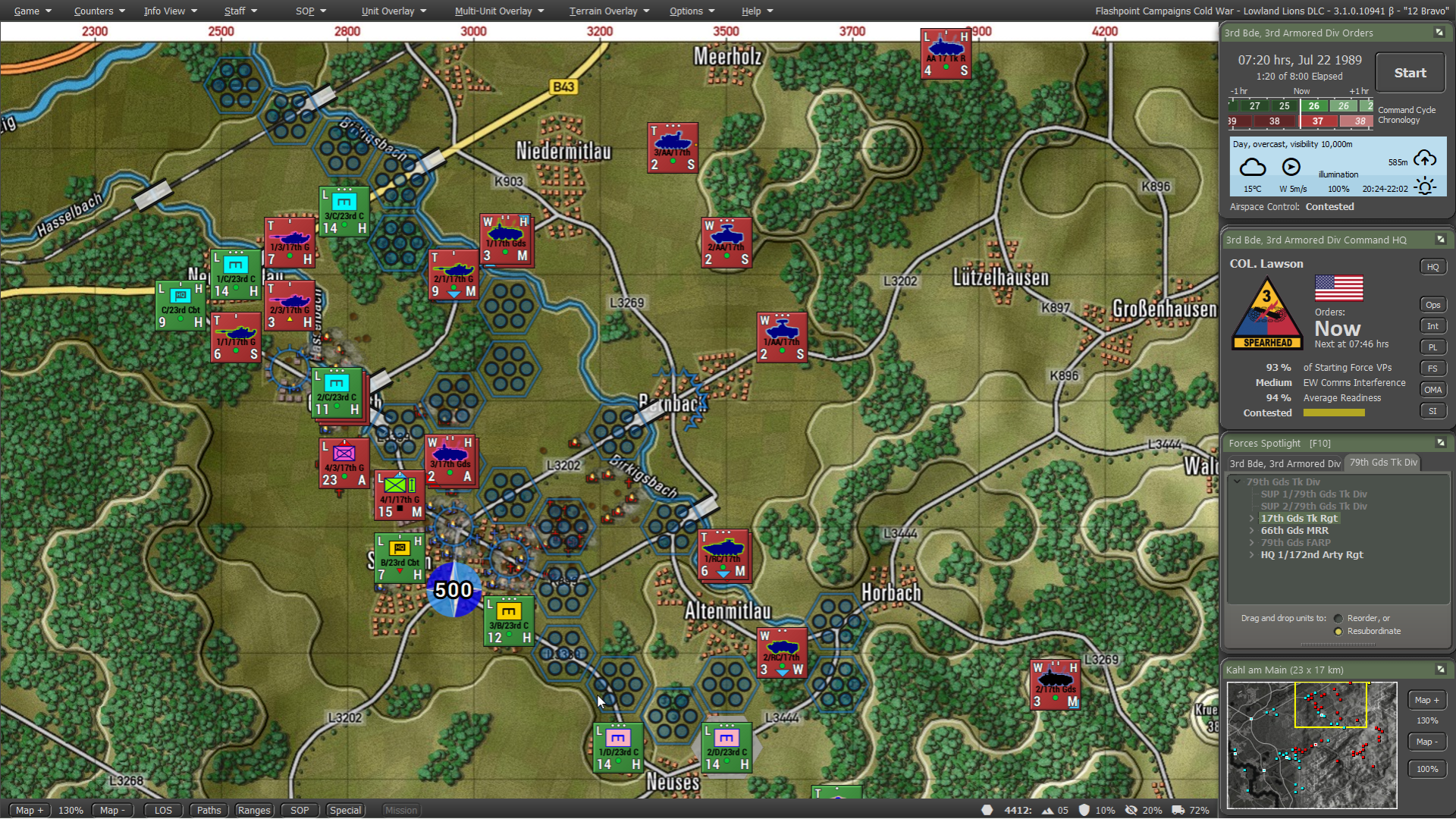
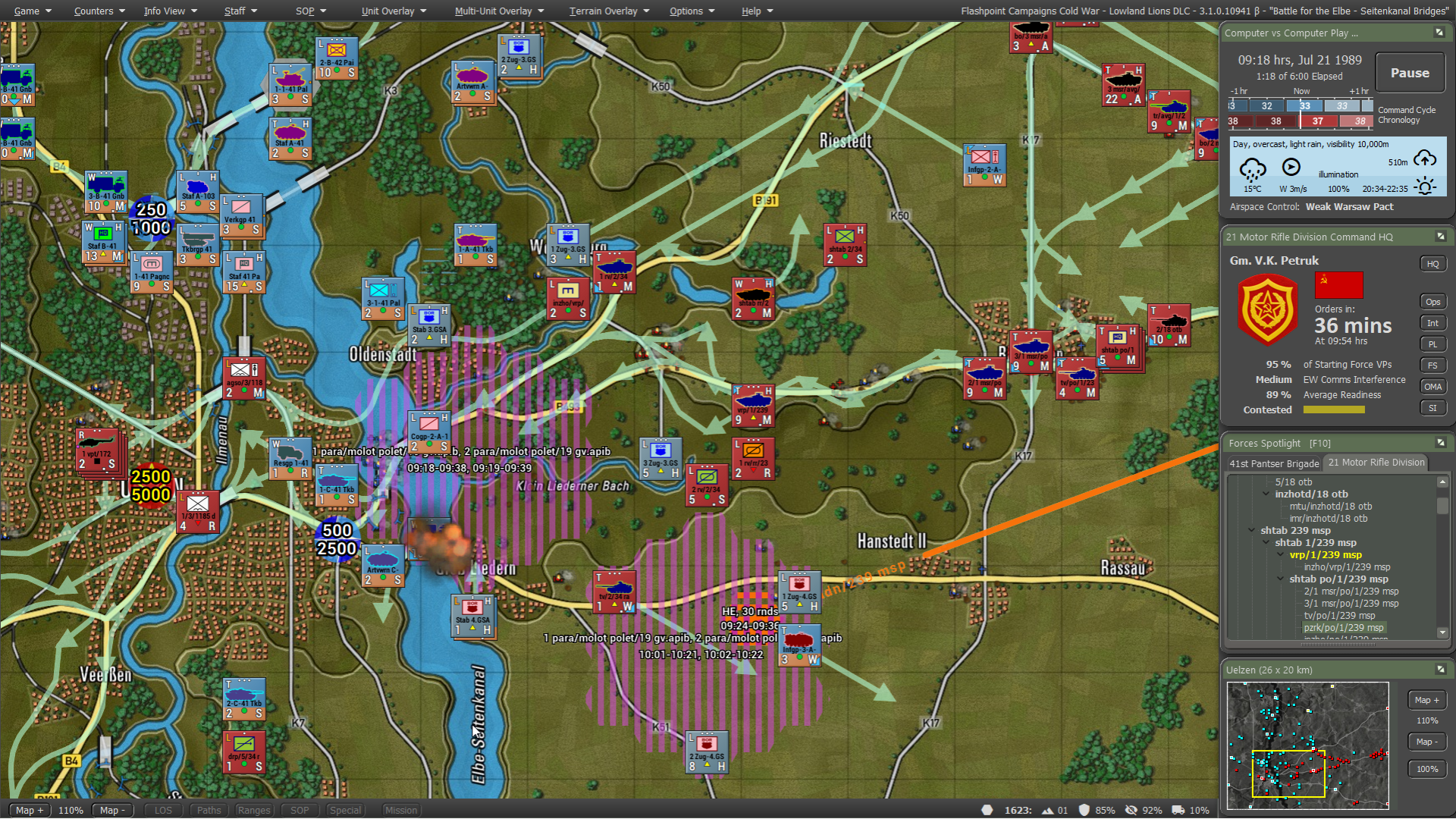
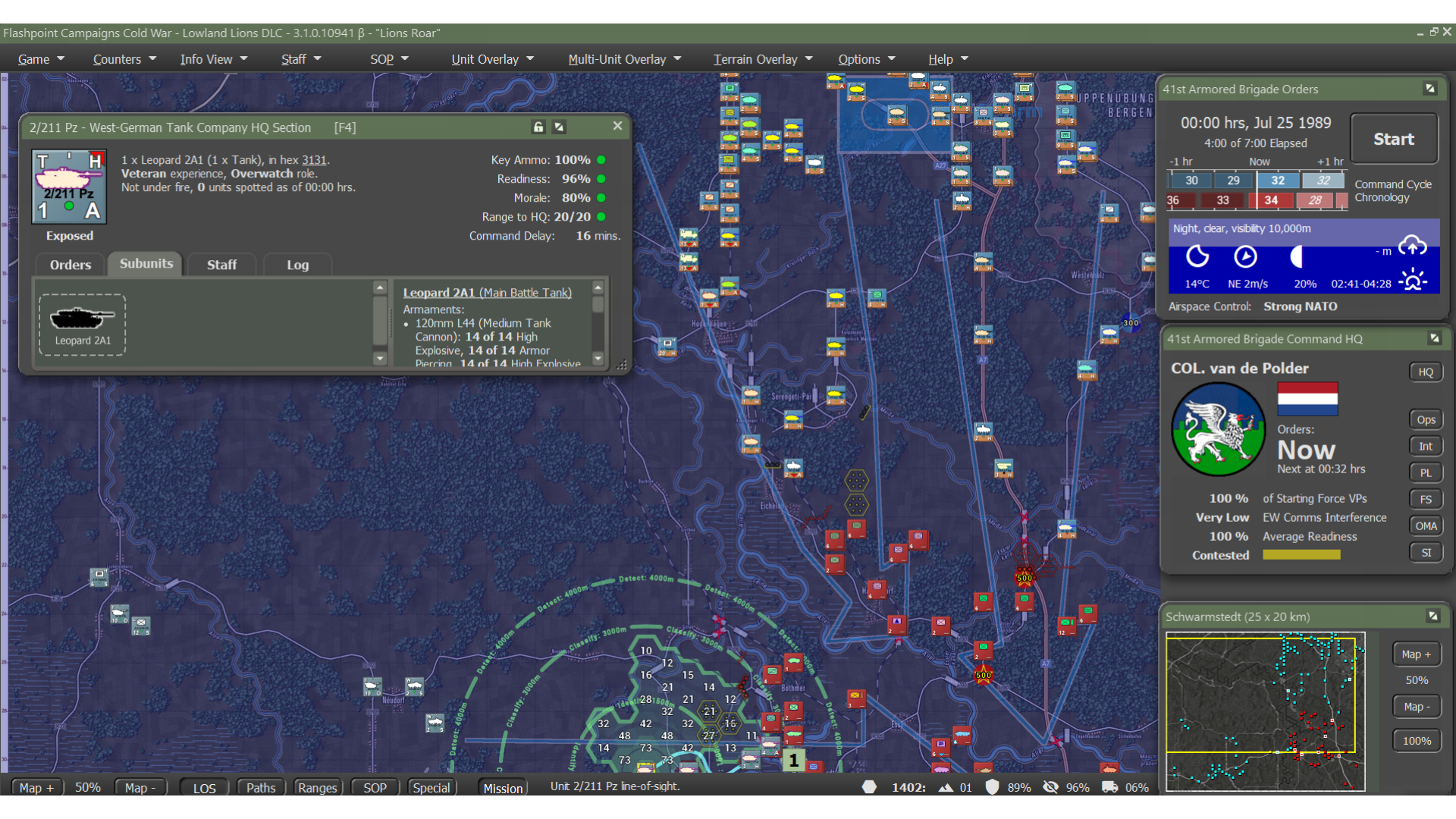
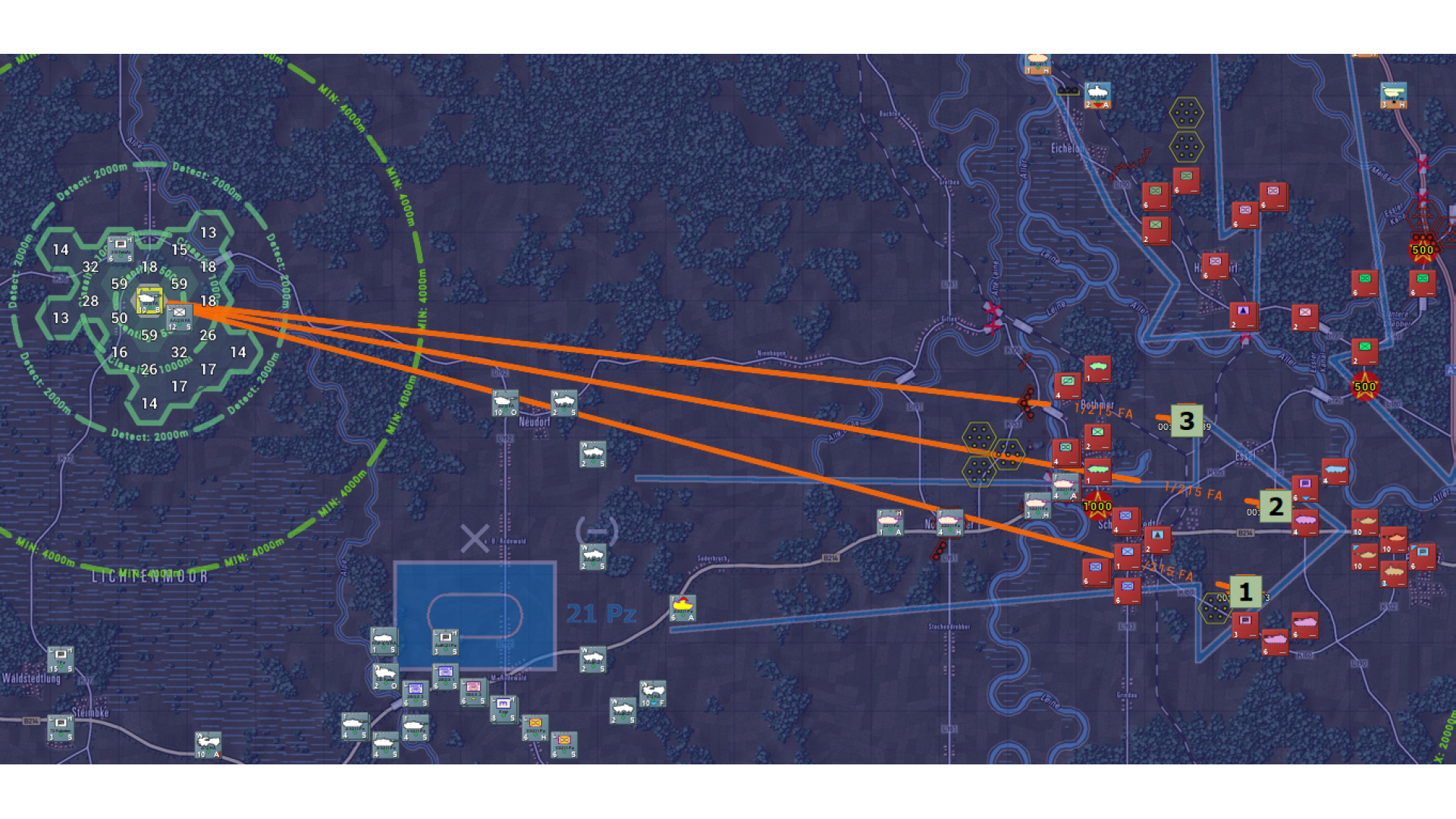
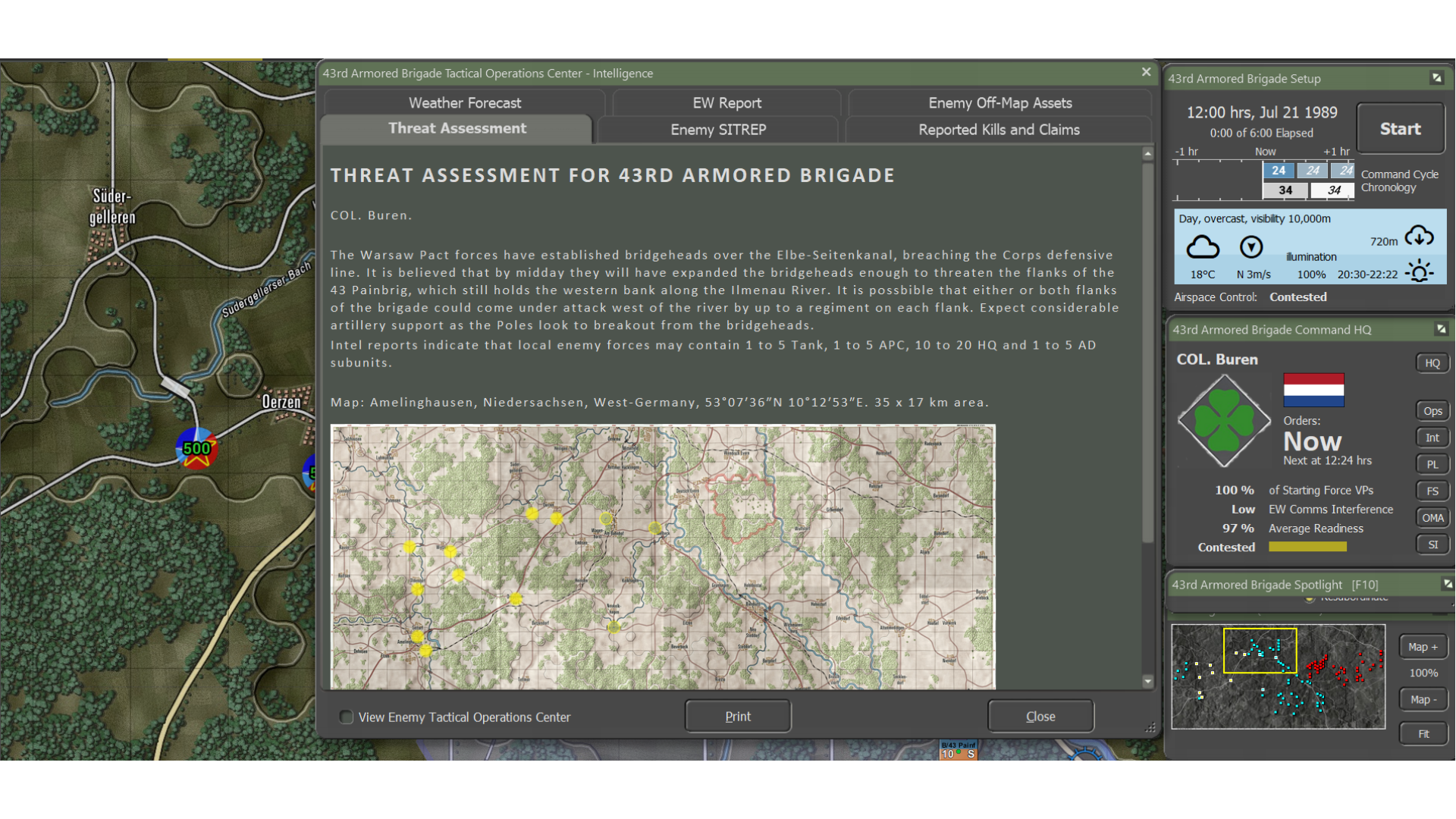
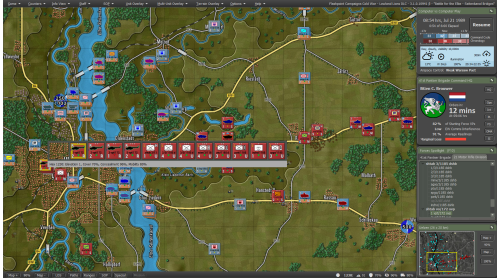
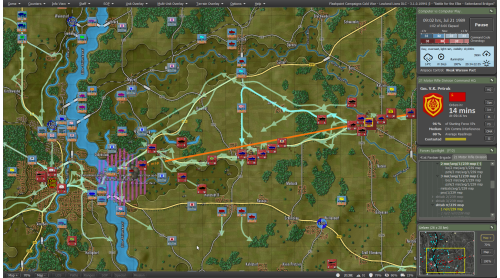
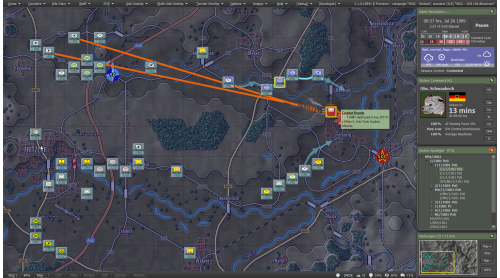
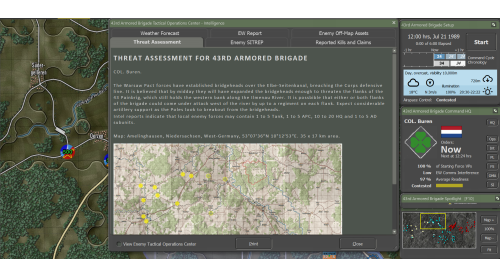
The Third World War erupts across the German Border, and the Dutch I Corps stands to meet the first Soviet assault. At the sharp end of the spear, the 103rd Reconnaissance Battalion is tasked with screening and delaying the advancing Warsaw Pact forces, while the 42nd Armored Battalion races forward to reinforce the line.
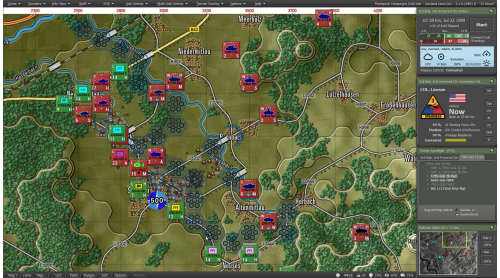
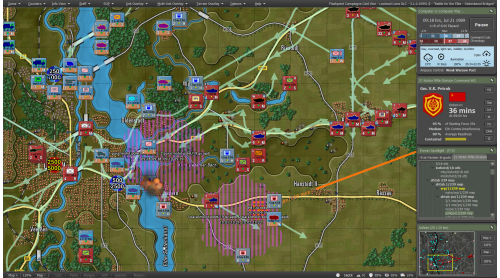
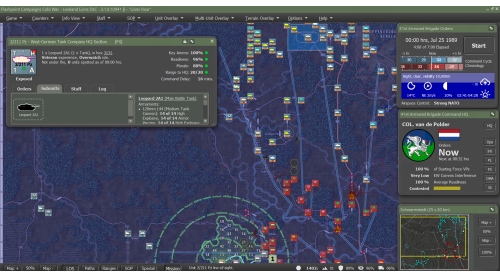
Take command of Dutch forces as they enter the conflict in Lowland Lions, the first content expansion for Flashpoint Campaigns: Cold War.
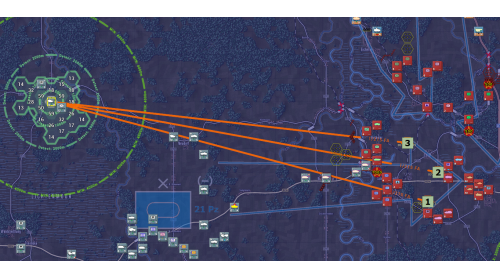
This DLC adds 25 new scenarios featuring fresh campaigns, standalone battles, and new formations centered on Dutch, Belgian, West German, and U.S. forces.
Lead the Dutch I Corps through a tense 3-scenario campaign covering the opening hours of the war, with all scenarios also playable individually. Continue the fight with a dedicated Belgian campaign, as Belgian units struggle to contain the Soviet breakthrough across 4 scenarios.
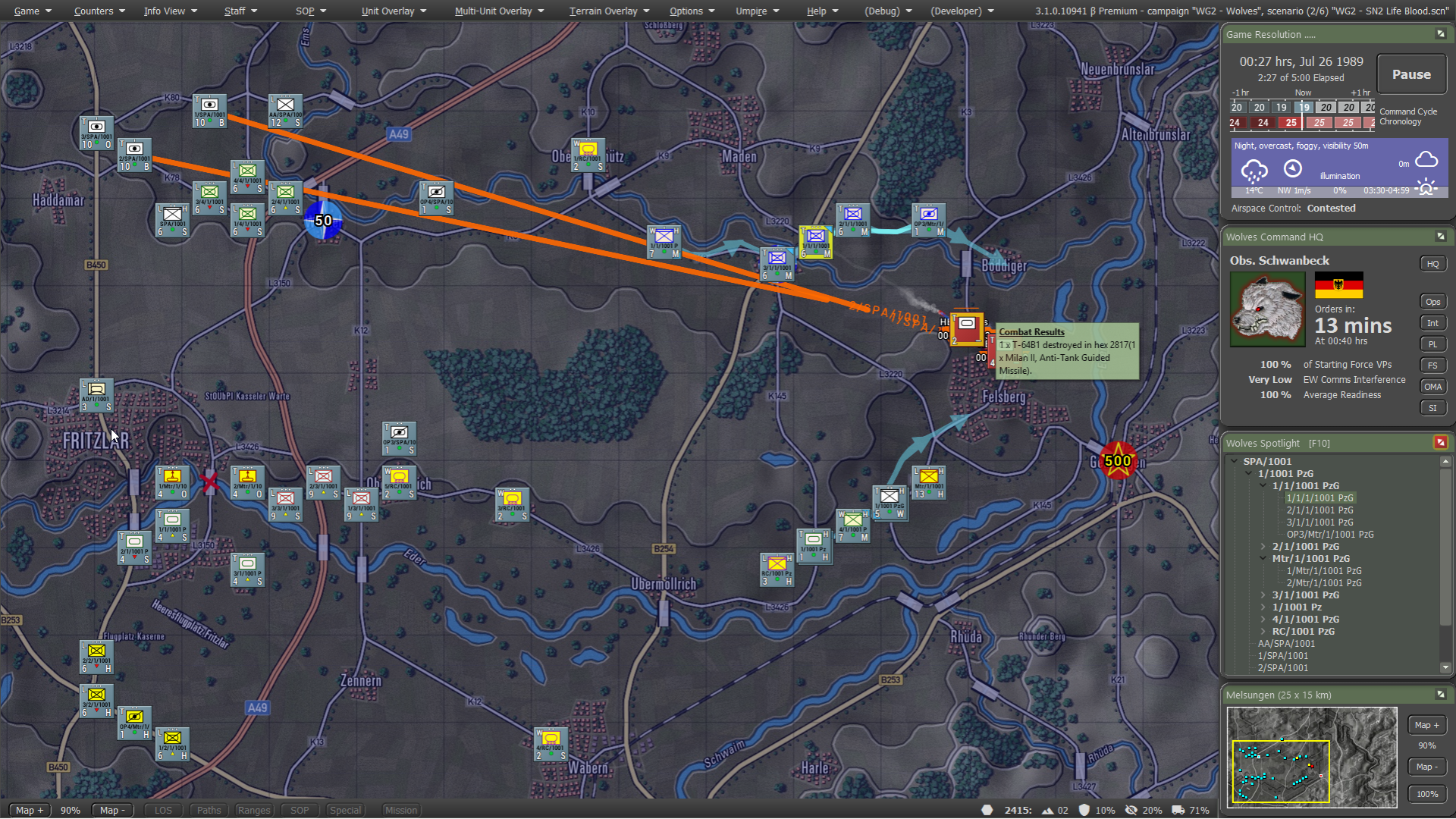
A third campaign shifts focus to a West German “stay-behind” unit conducting unconventional defensive operations behind enemy lines.
Also included are 8 scenarios featuring U.S. forces, inspired by classic Flashpoint Campaigns: Red Storm gameplay.
©2026 Matrix Games Ltd. All Rights Reserved. Flashpoint Campaigns Cold War Matrix Games Ltd. and their Logos are all trademarks of Matrix Games Ltd. All other marks and trademarks are the property of their respective owners. Developed by On Target Simulations & Matrix Games Ltd.


How to activate your Steam key?
1. Open your Steam client. (If you don't have a Steam Client, you can install from here https://store.steampowered.com/about/)
2. Sign in to your Steam account. (If you don't have a Steam Account, you can create from here https://store.steampowered.com/join/)
3. Click “ADD A GAME” button which is at the bottom of the Steam Client.
4. Now select "Activate a product on Steam..."
5. Write or copy-paste your Steam key which you purchased from Gamesforpc.
6. Now your game is in your library.
7. Find your game in your library, select and click install to start your download.