 Steam
Steam  Windows
 | Release Date | 27.08.2007 | |
| Publisher | THQ Nordic GmbH | |
| PEGI Rating | + 16 | |
| Operating Systems | Windows | |
| Genres | Action, sport |
9.99€
Added to Cart
9.99€
Added to Wishlist
9.99€
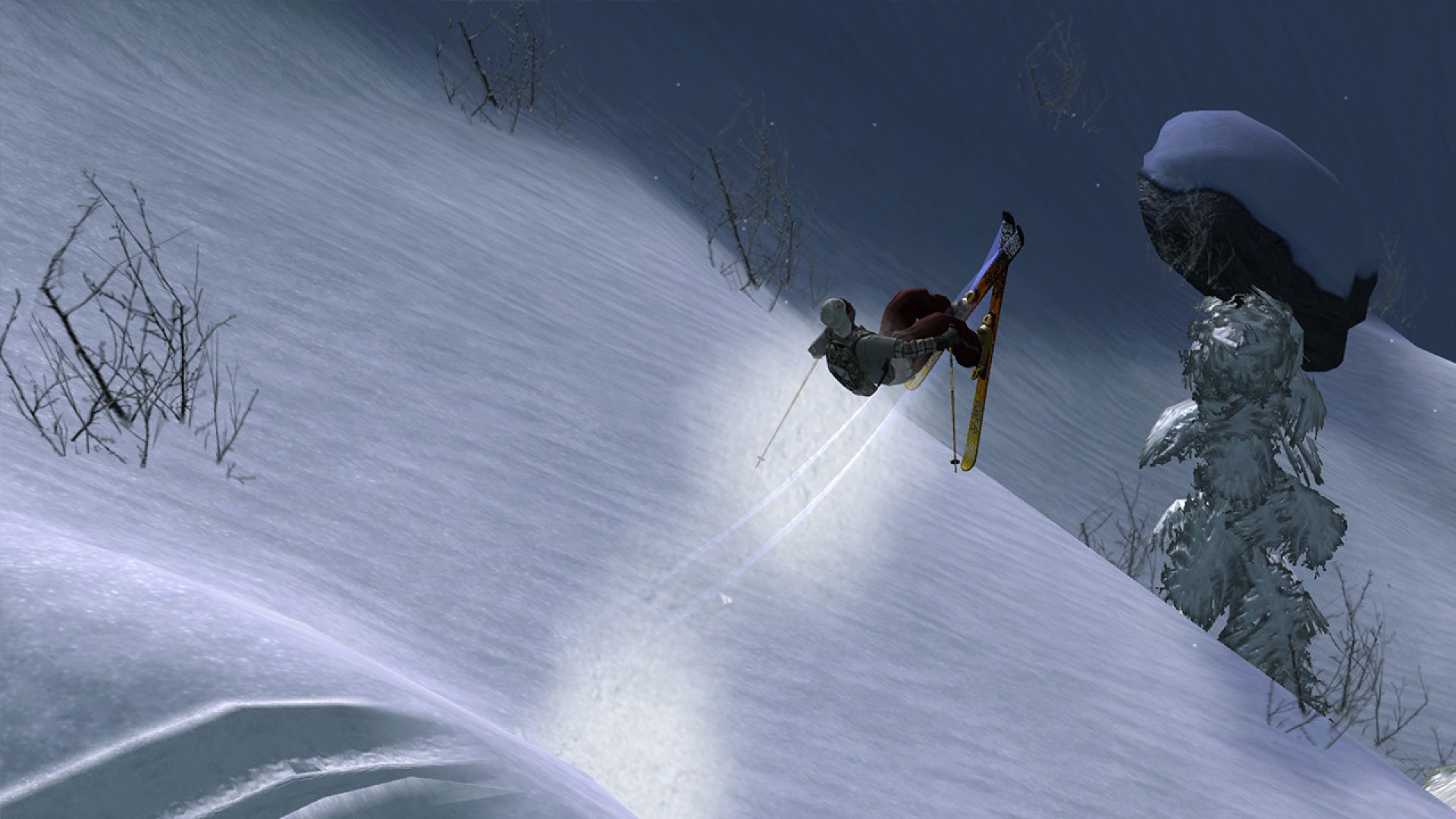
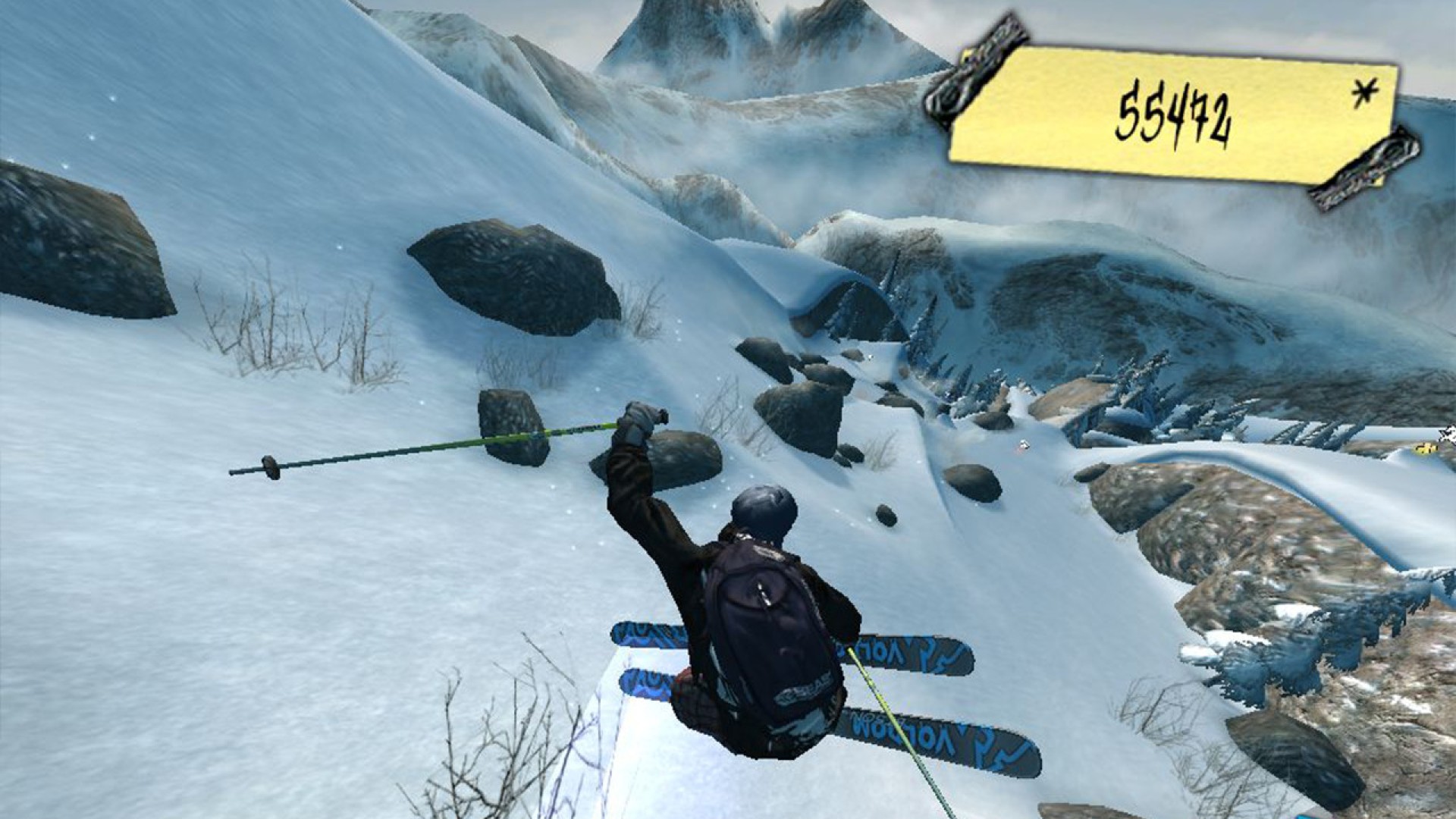
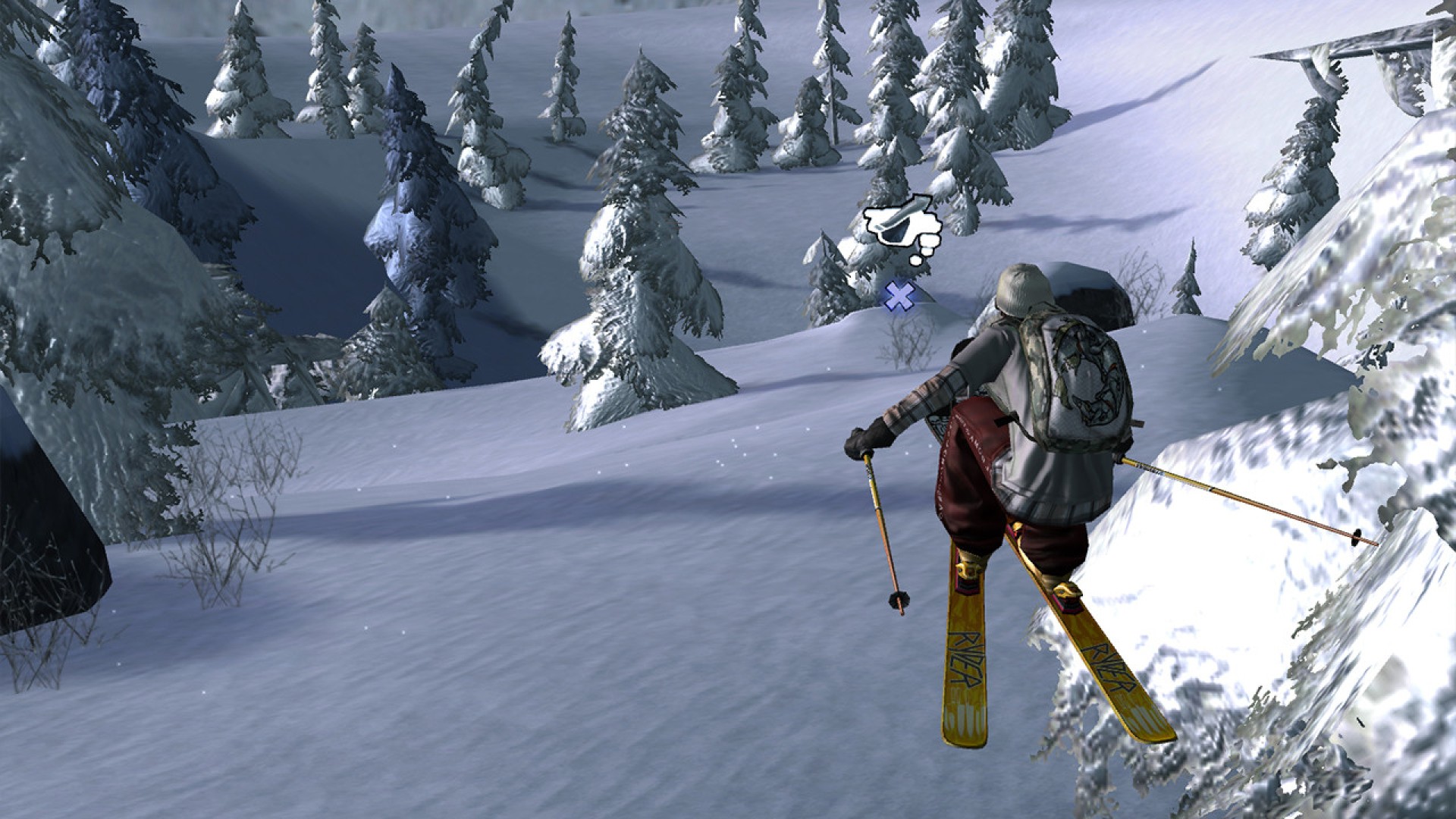
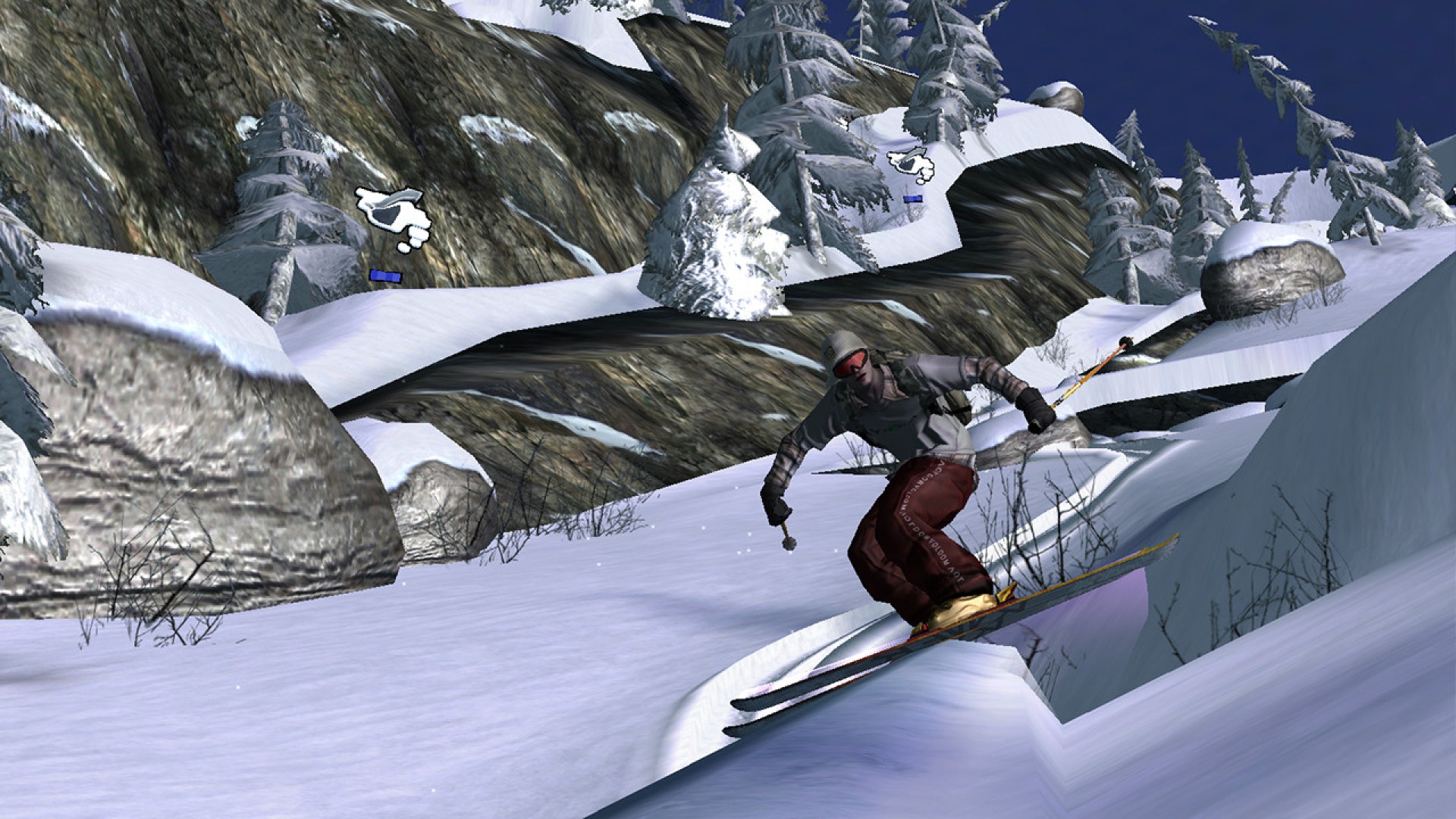
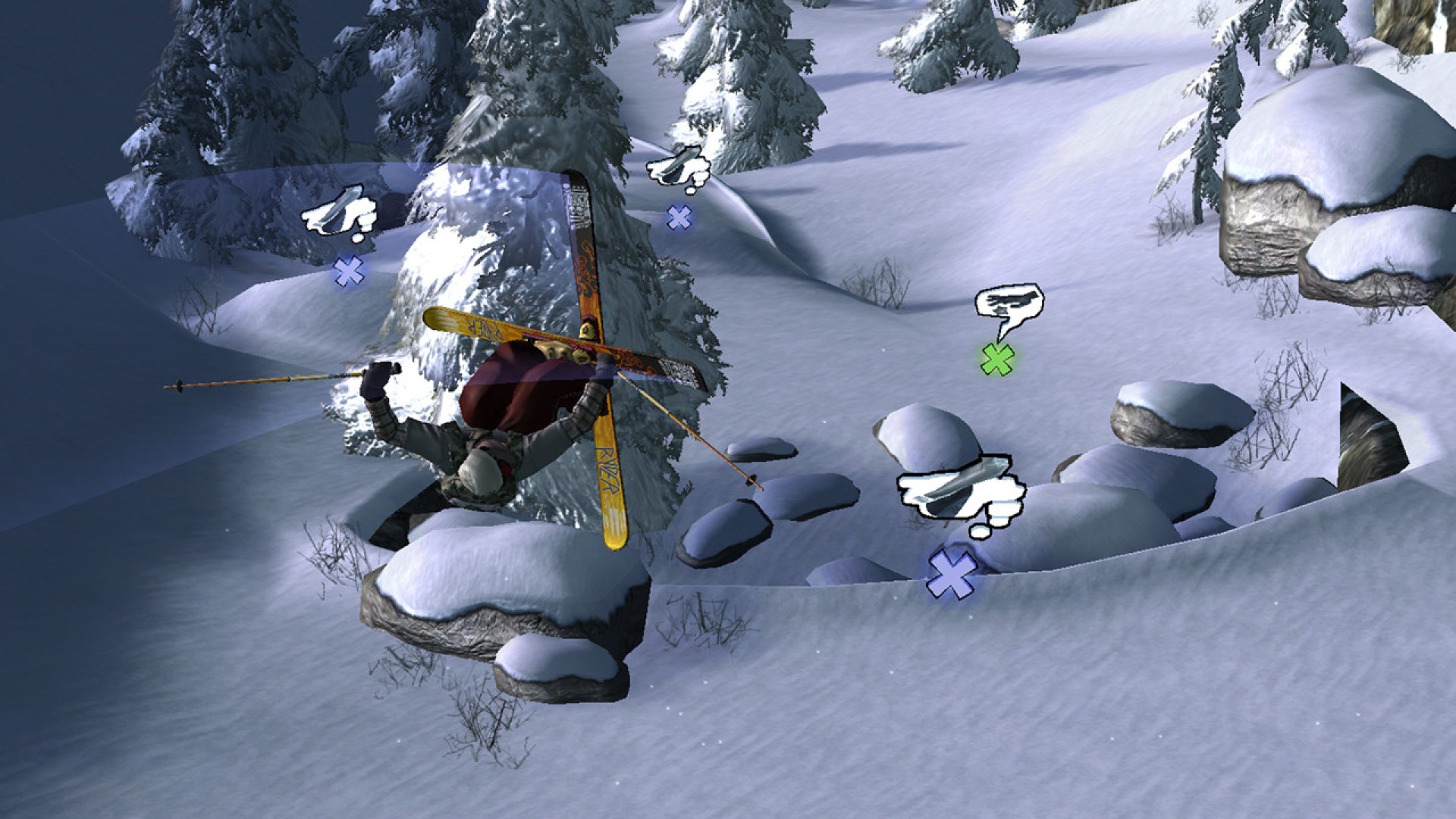
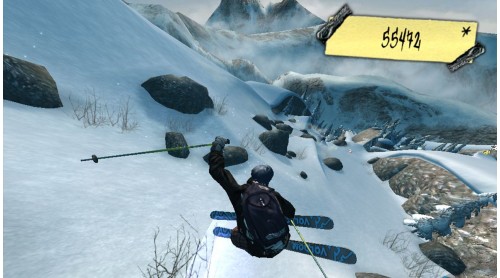
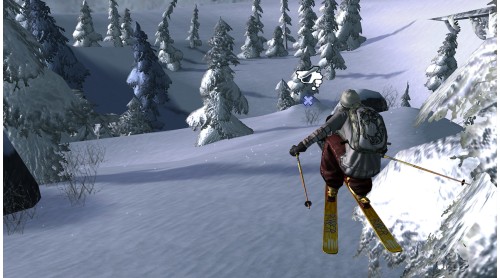
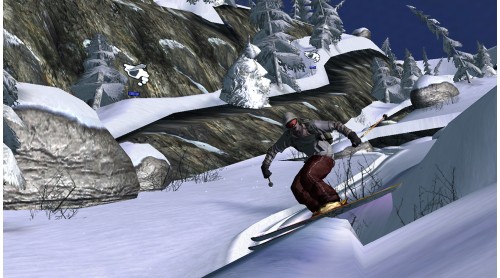
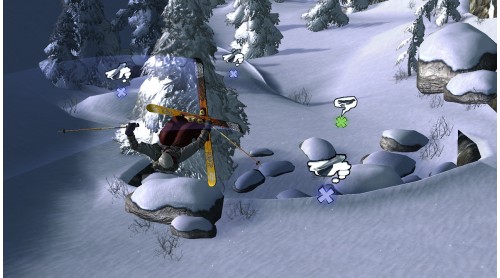
The steepest slopes, thrilling stunts and dangerous action provide a most excellent skiing experience. At an altitude of 2000 metres, far away from civilization, in a battle between you and nature. Who rides the craziest track, where does the next jump lead to; speed, tricks or staying upright - Only those who are willing to push their own boundaries will experience the ultimate adrenaline rush!
For the first time the player gets the opportunity to go off-piste with his skiers without being cramped by unrealistic barriers. Stylish jumps, no rules, extreme speed, off-piste, crazy stunts – that’s in! No barriers to prevent the player from feeling the real freedom of fresh powder snow while screaming down mountainsides with only their nerve to hold them back.
Game Features:


How to activate your Steam key?
1. Open your Steam client. (If you don't have a Steam Client, you can install from here https://store.steampowered.com/about/)
2. Sign in to your Steam account. (If you don't have a Steam Account, you can create from here https://store.steampowered.com/join/)
3. Click “ADD A GAME” button which is at the bottom of the Steam Client.
4. Now select "Activate a product on Steam..."
5. Write or copy-paste your Steam key which you purchased from Gamesforpc.
6. Now your game is in your library.
7. Find your game in your library, select and click install to start your download.