

 Steam
Steam  Windows
 | Release Date | 16.04.2026 |
| Publisher | Super Rare Originals |
| Operating Systems | Windows |
| Genres | Action, Adventure, indie |
19.49€
Added to Cart
19.49€
Added to Wishlist
19.49€
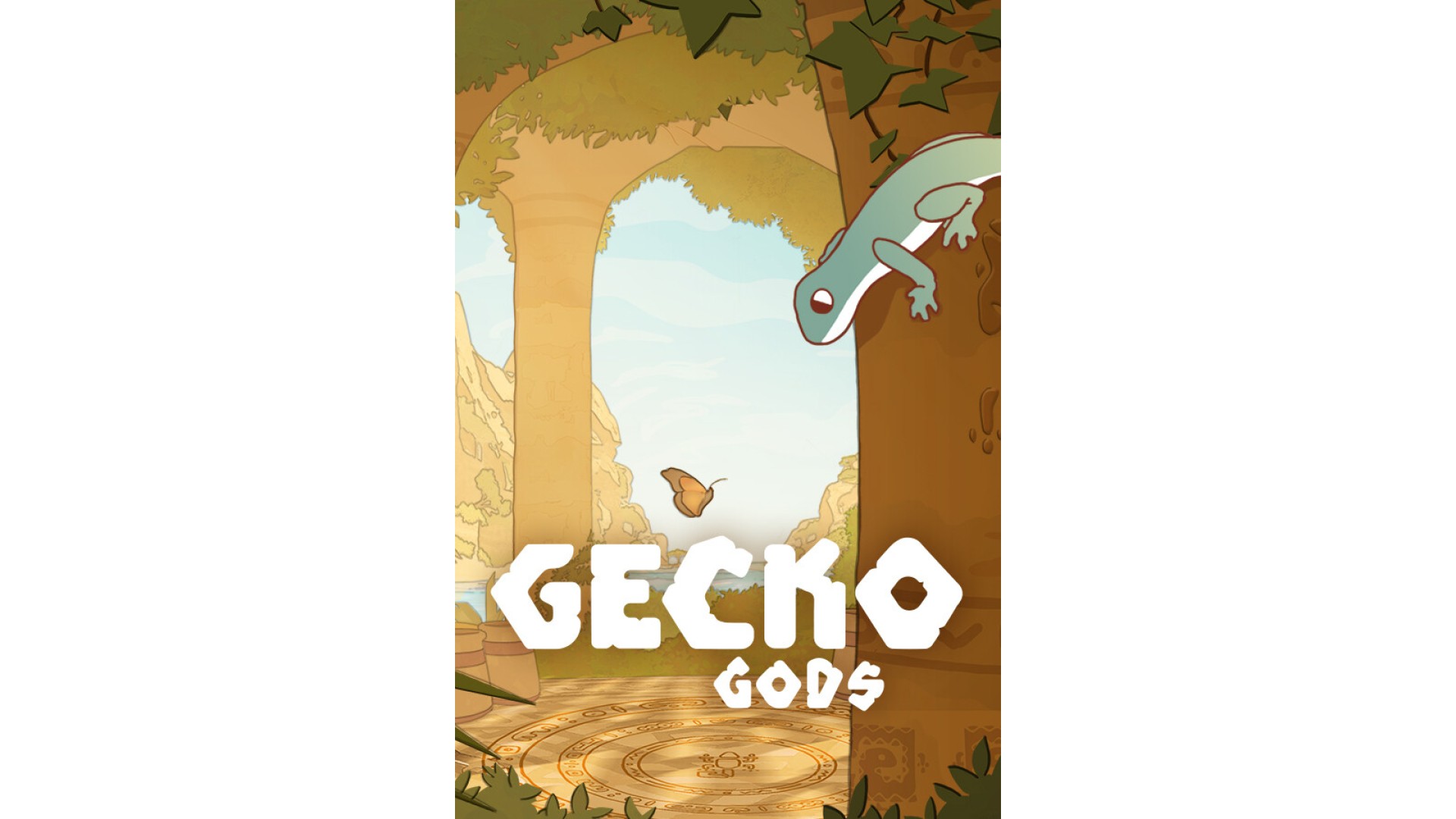
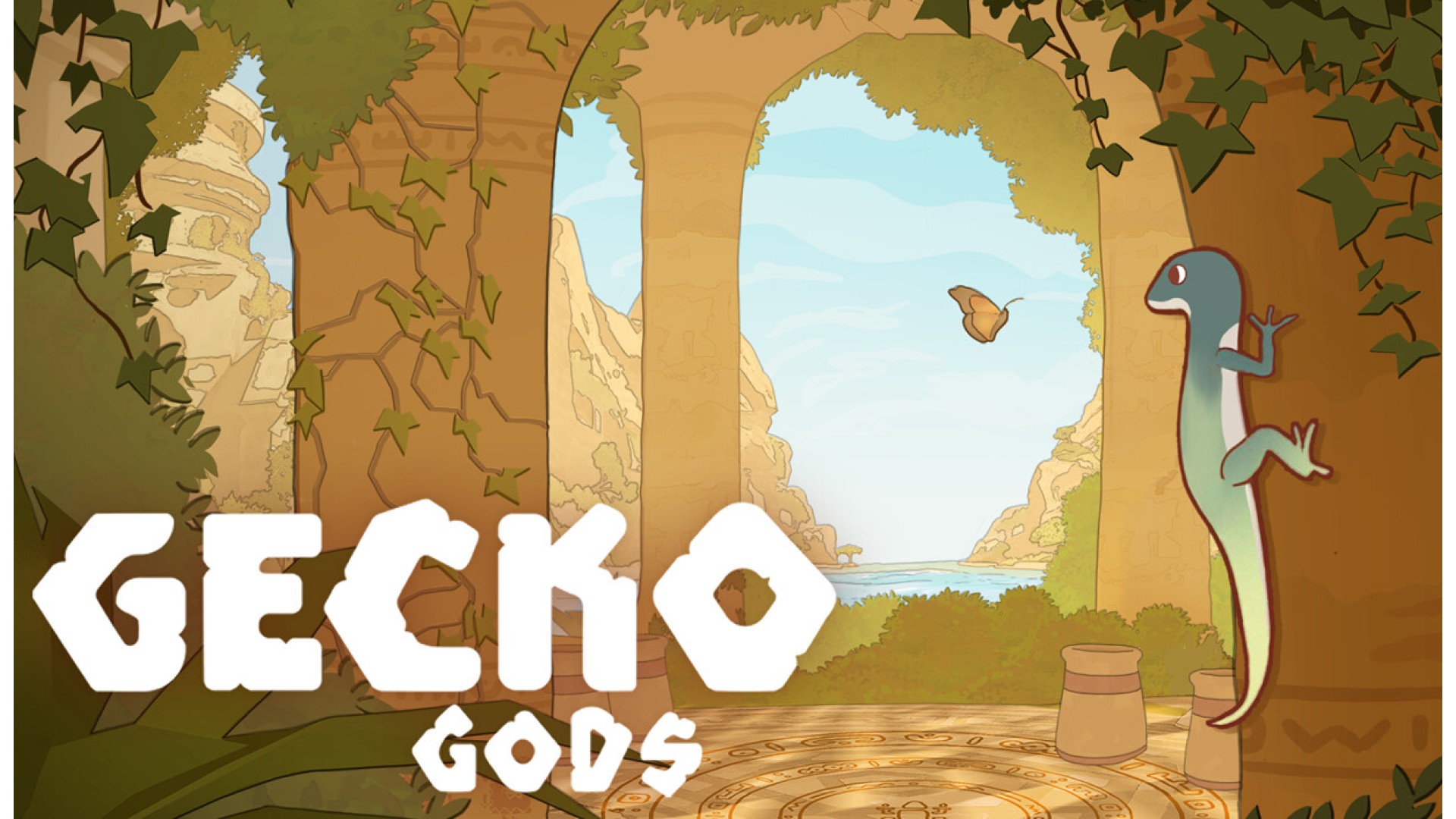
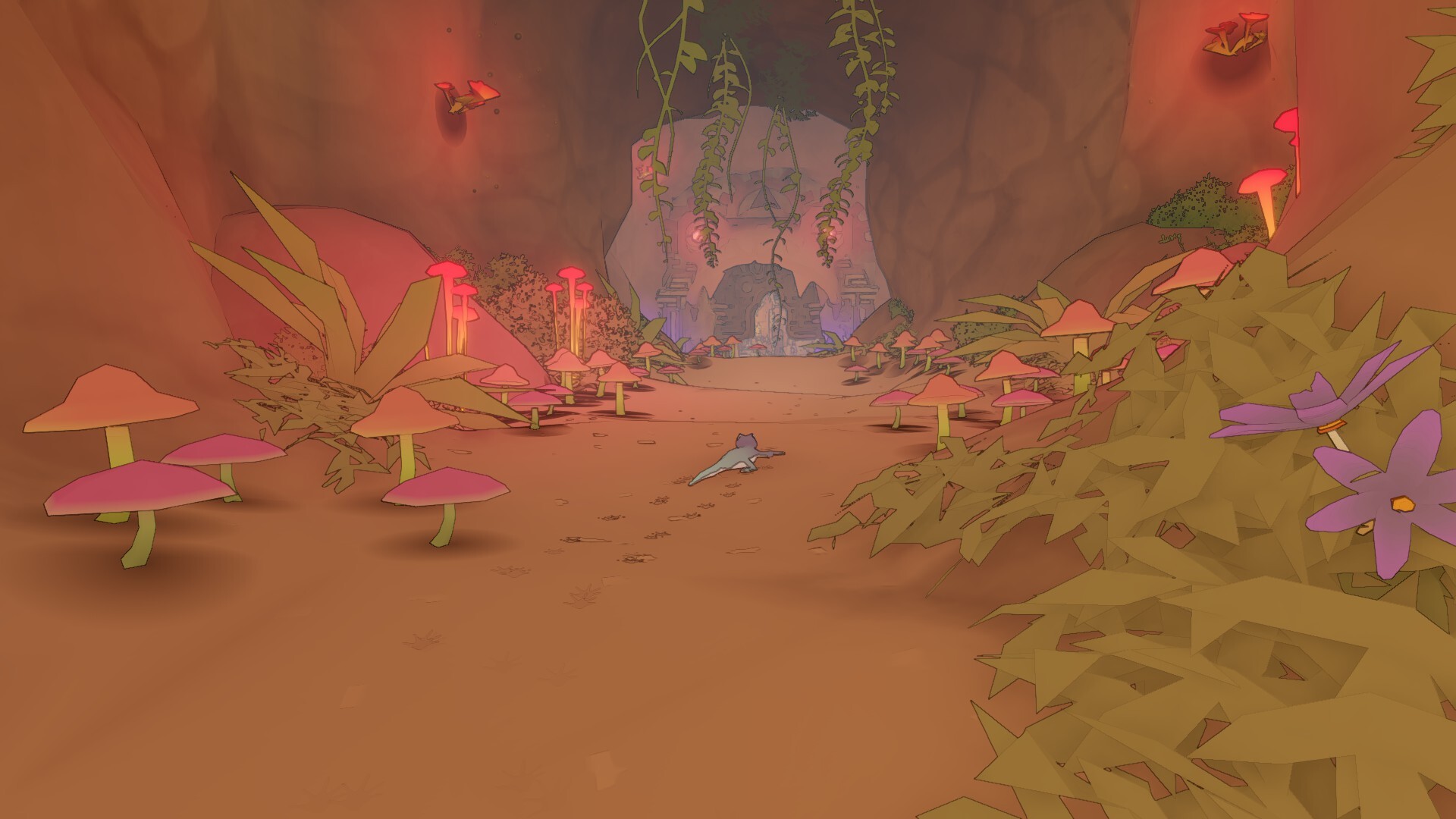
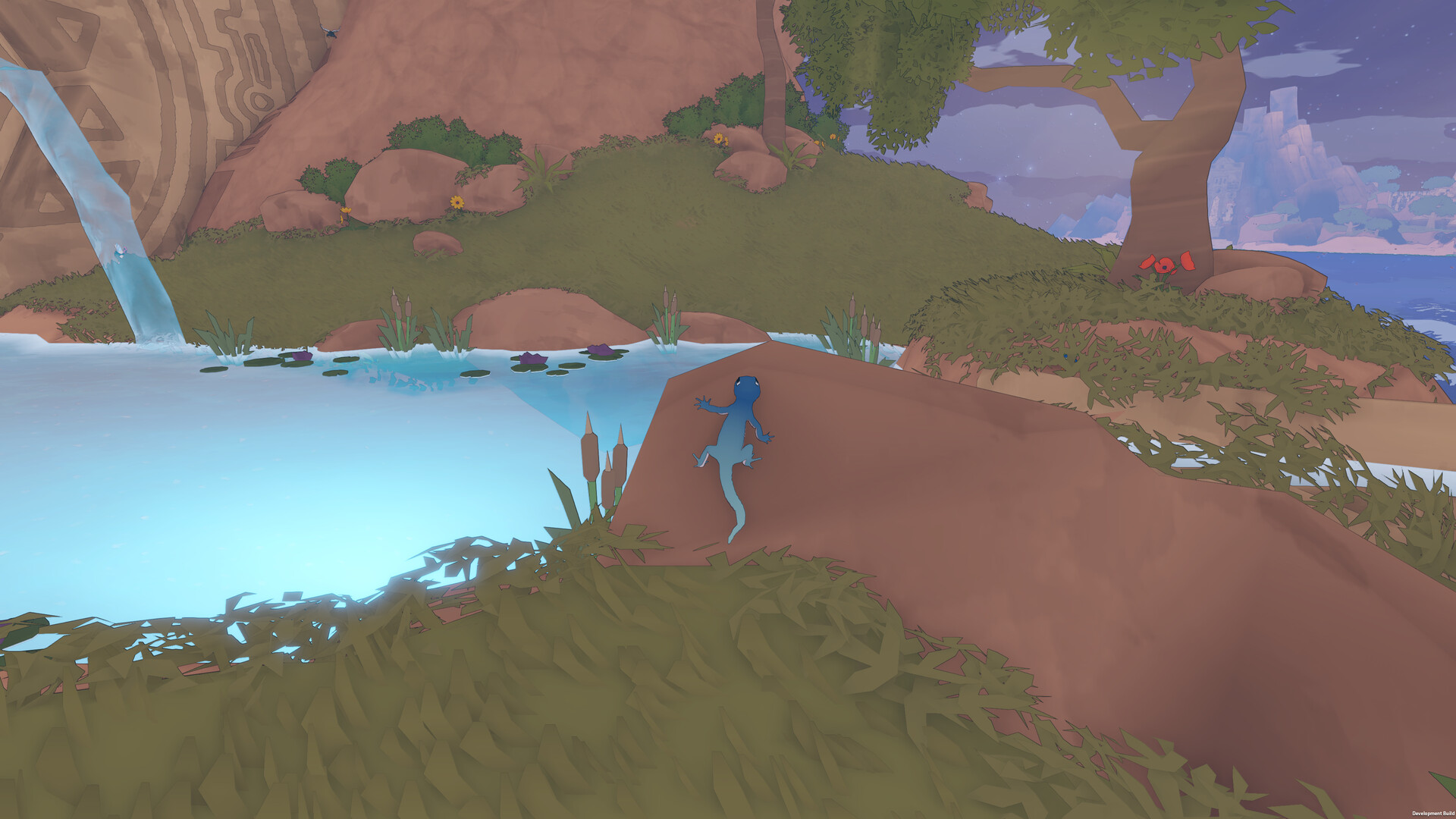
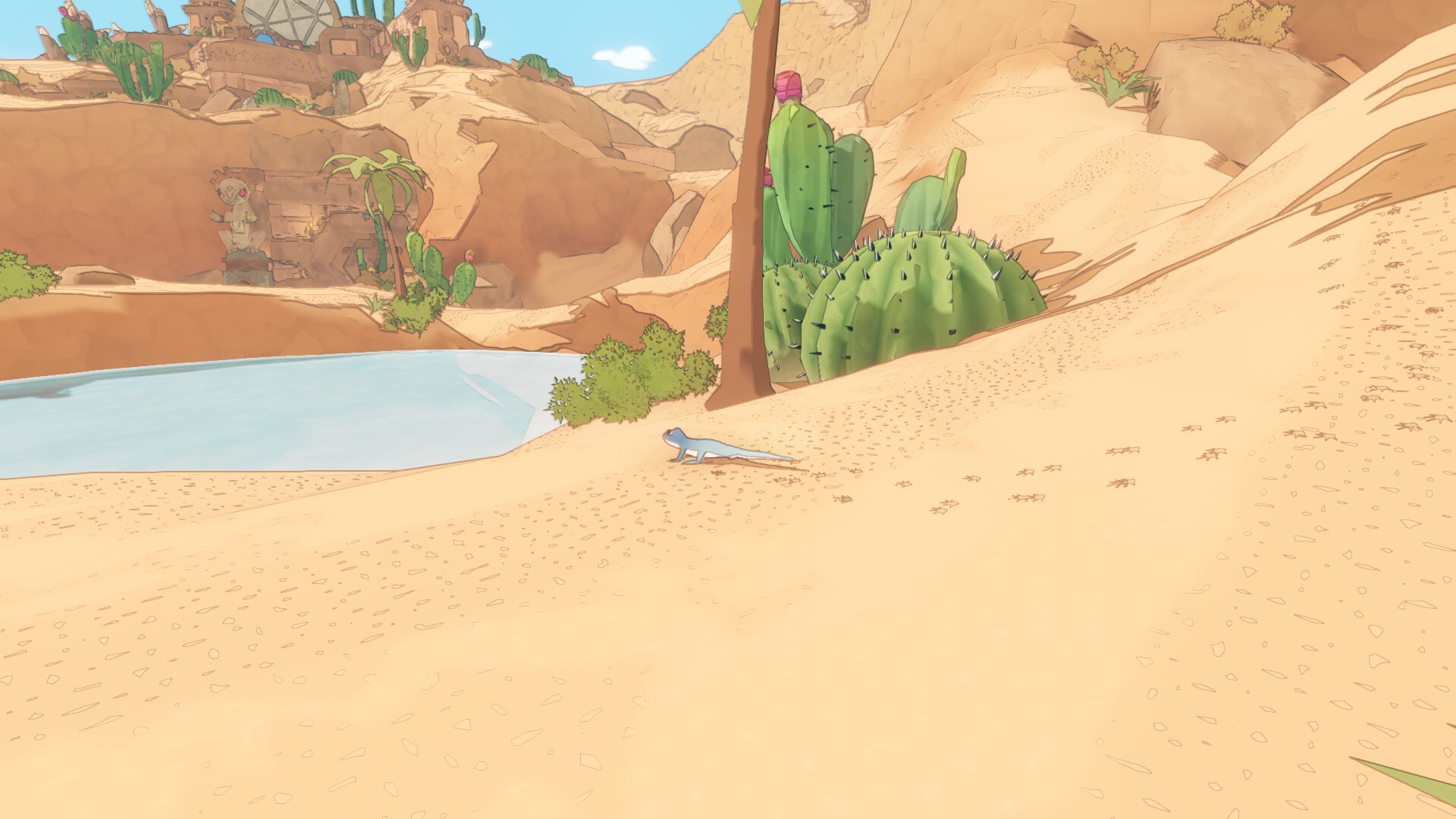
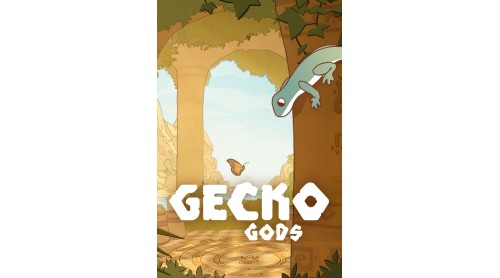
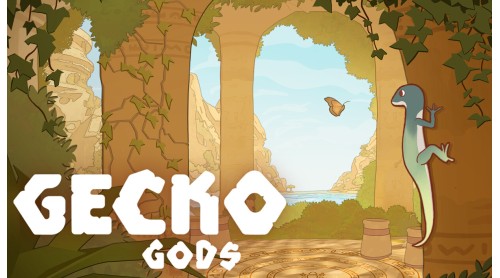
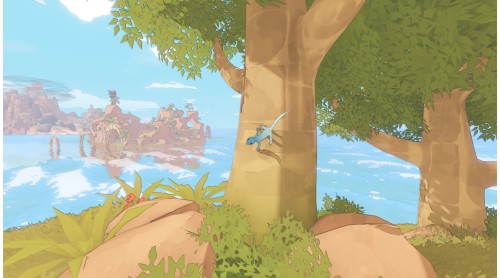
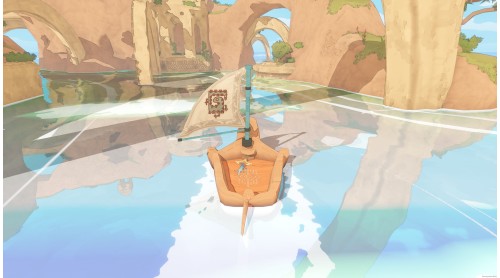
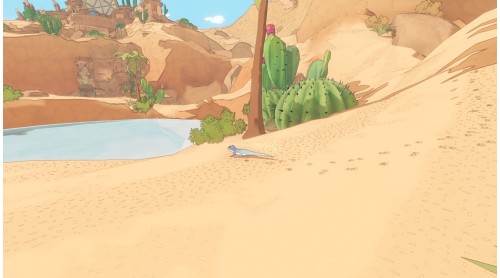
Set sail in Gecko Gods; a serene puzzle-adventure platformer where you explore a forgotten archipelago through the eyes of a tiny gecko.
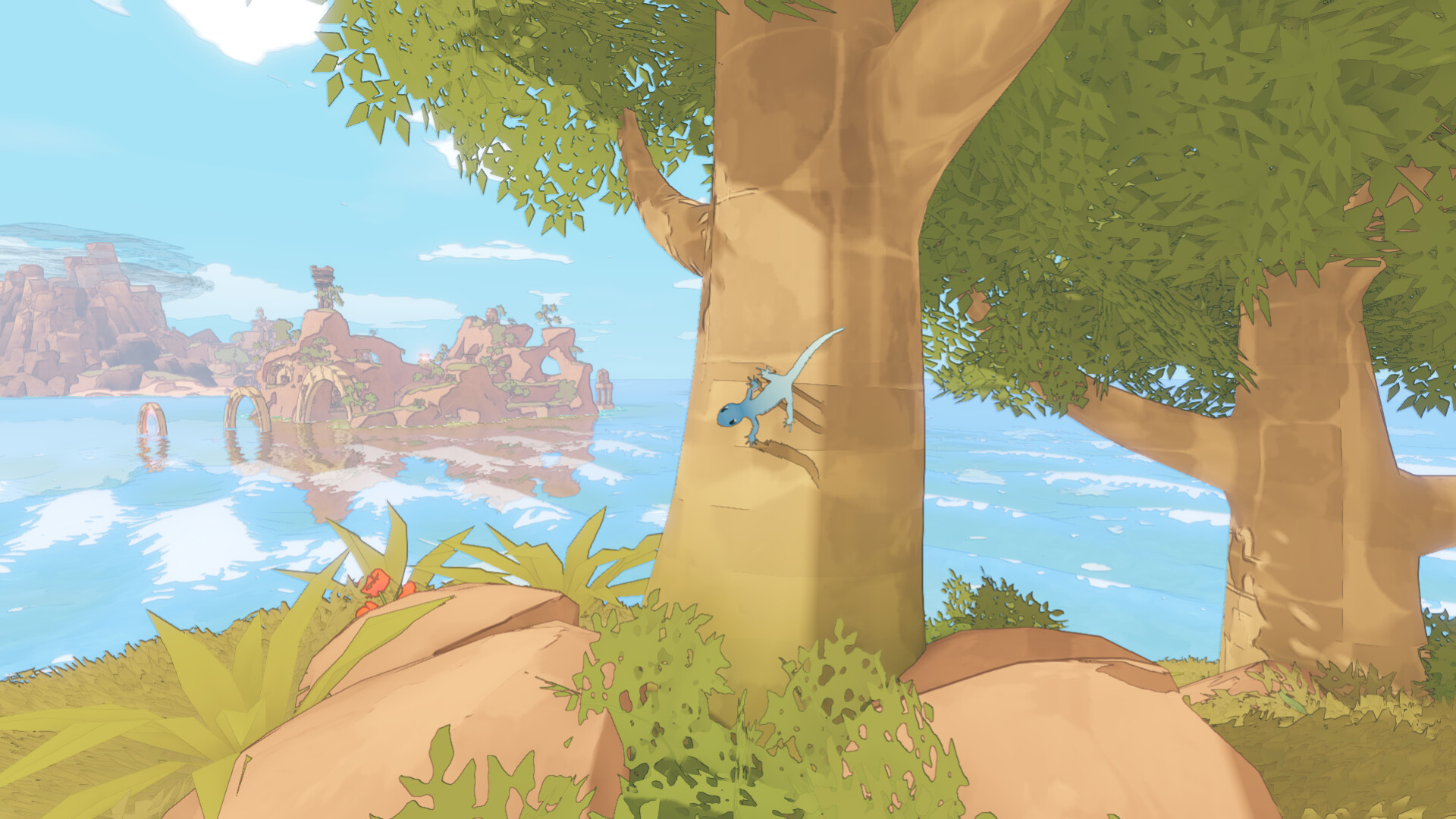
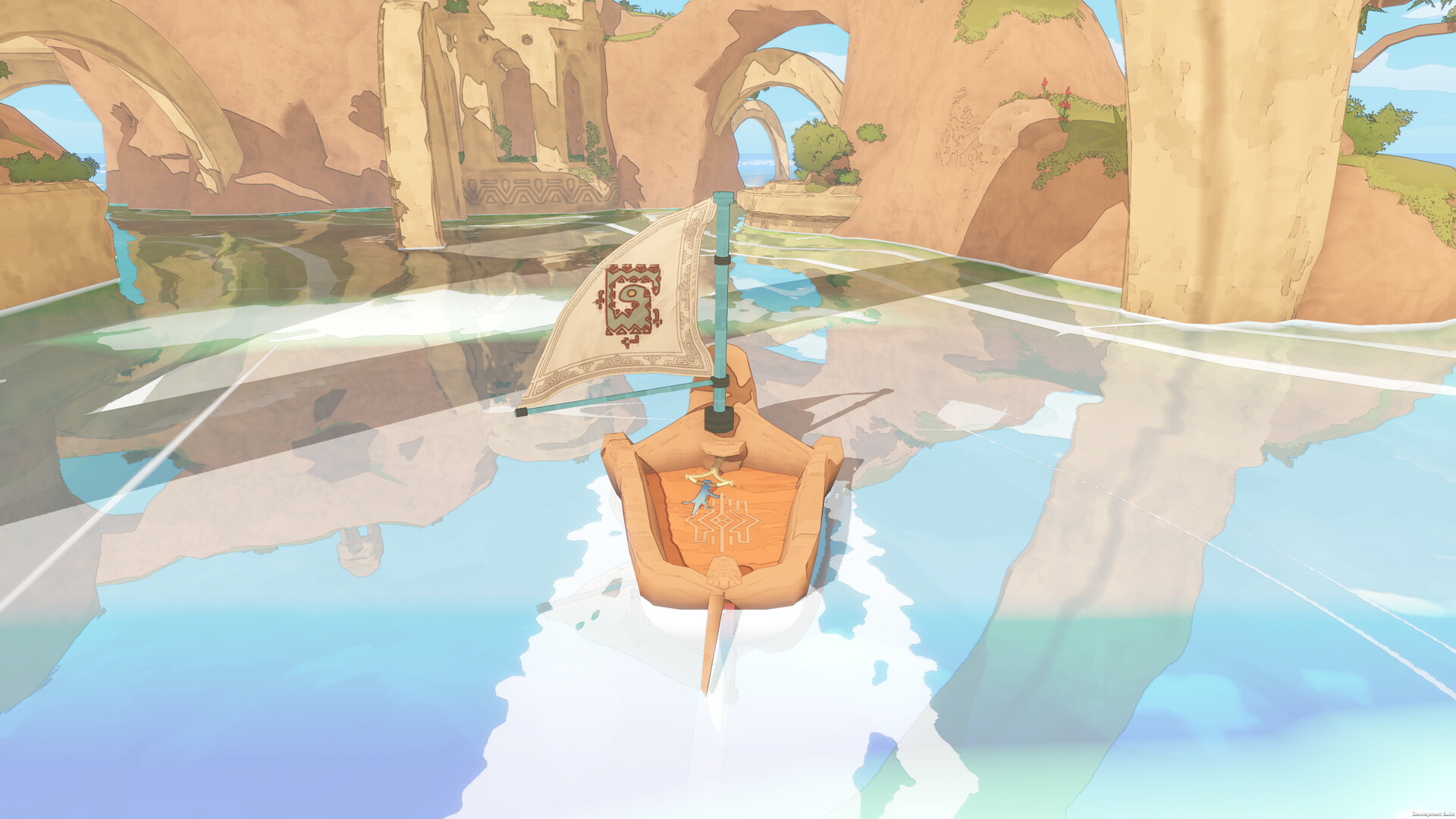
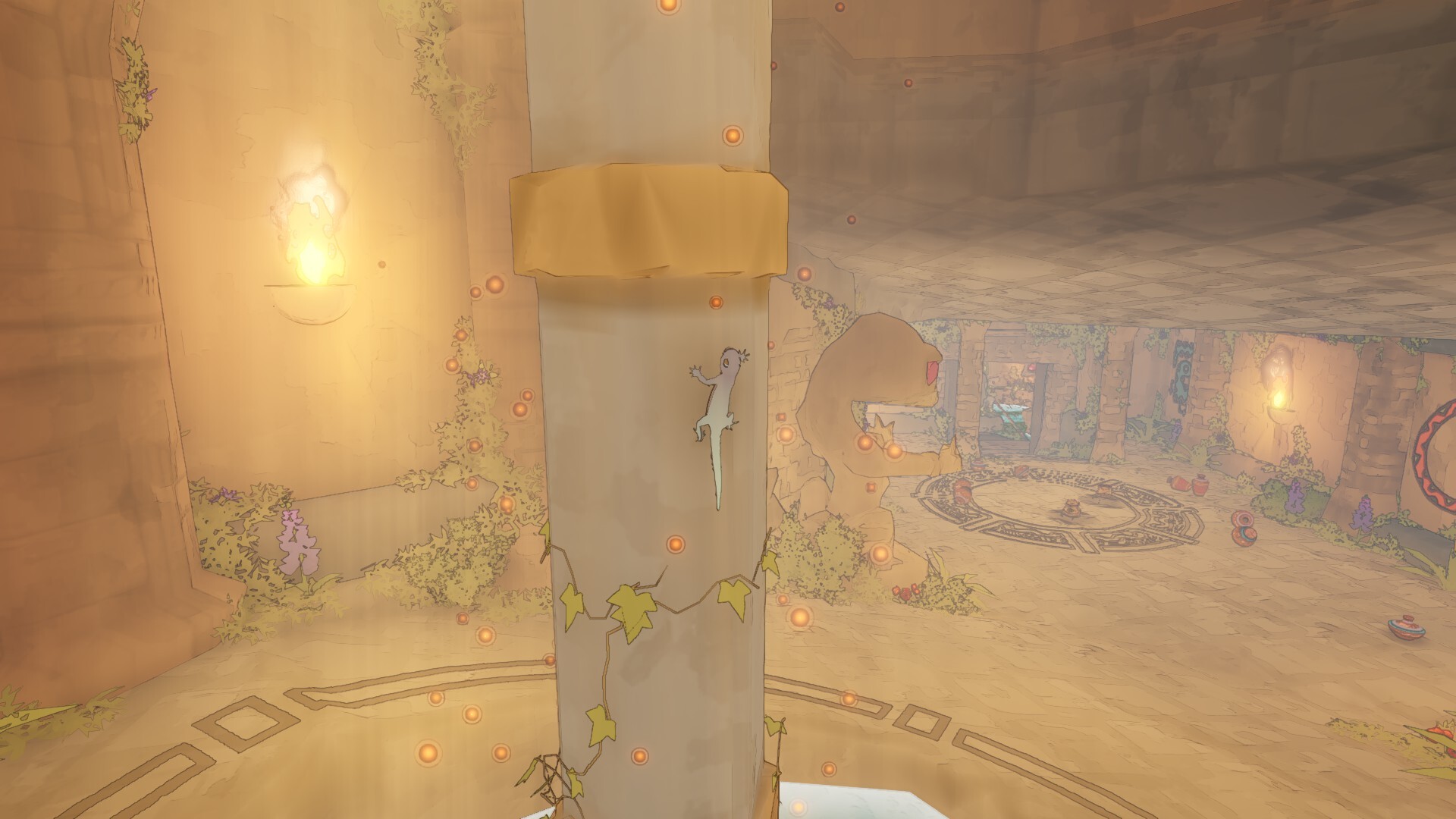
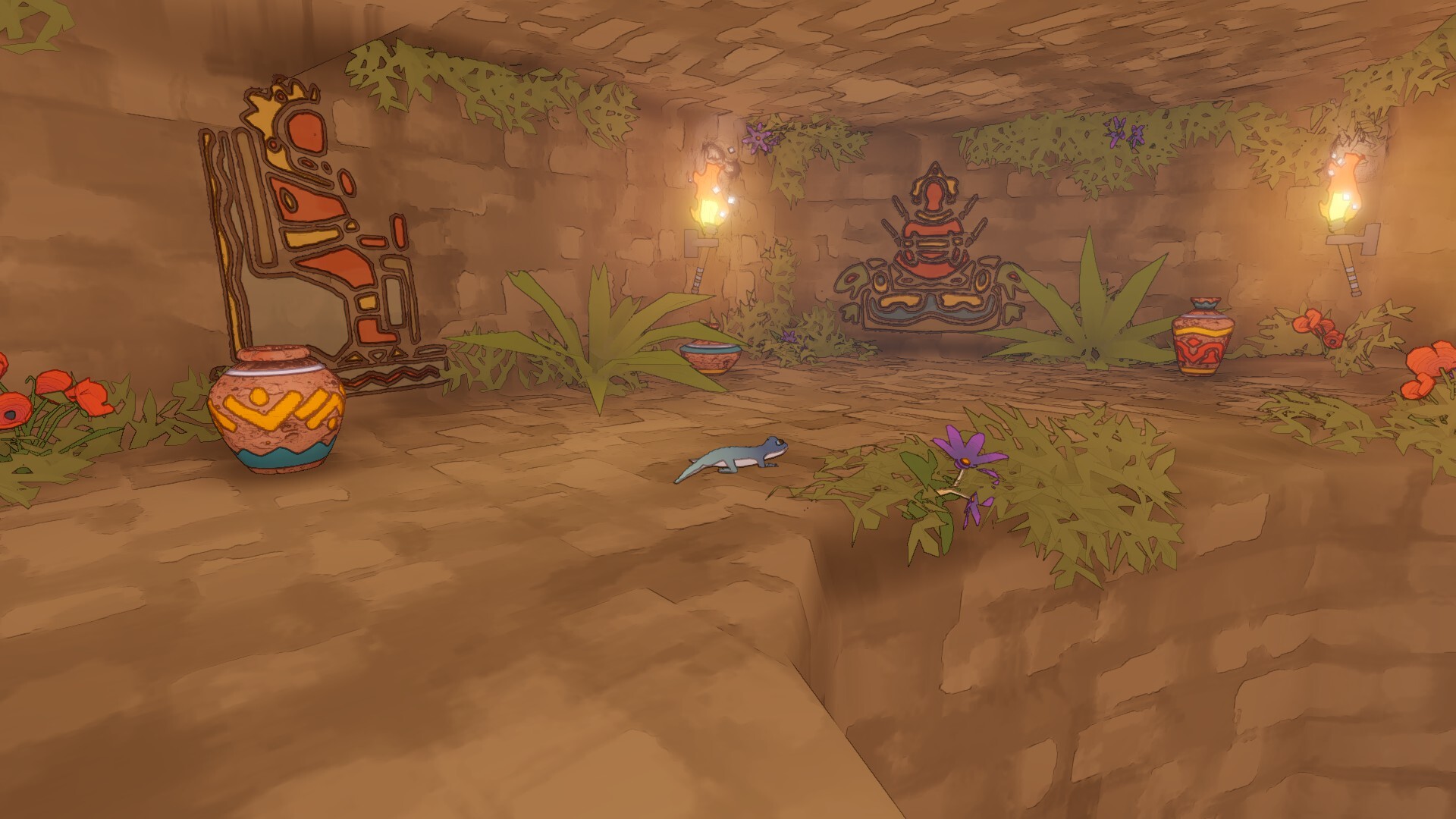
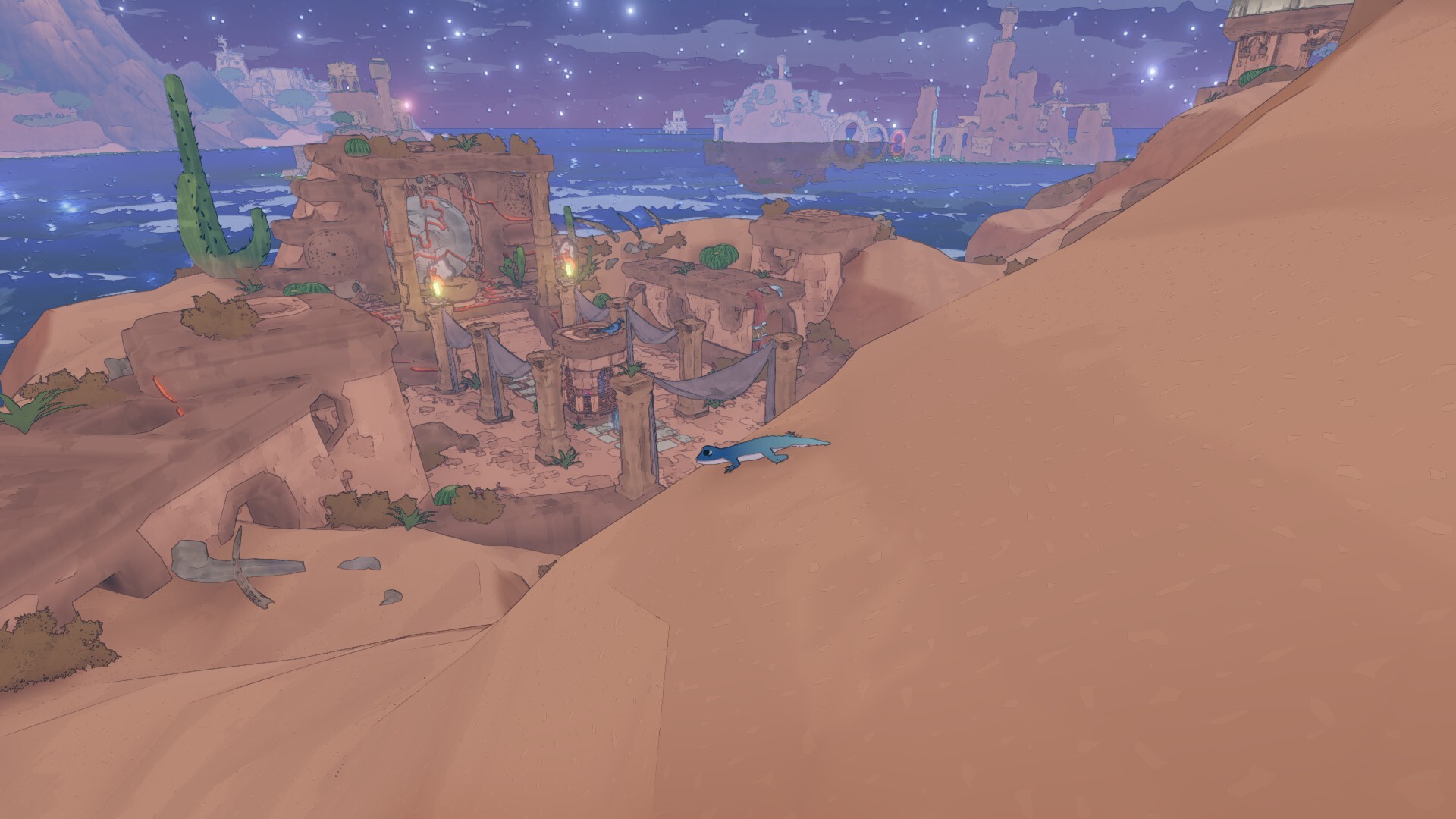
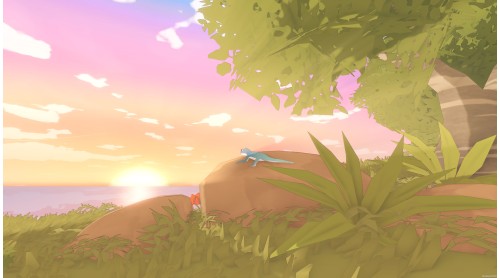
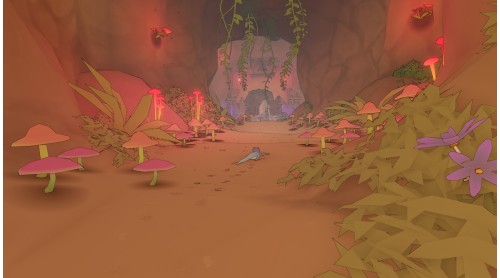
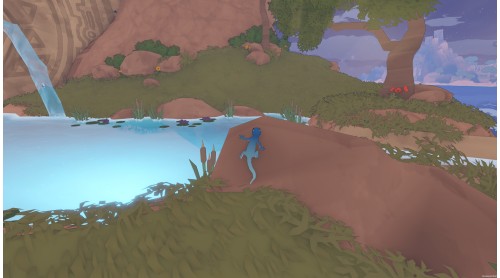
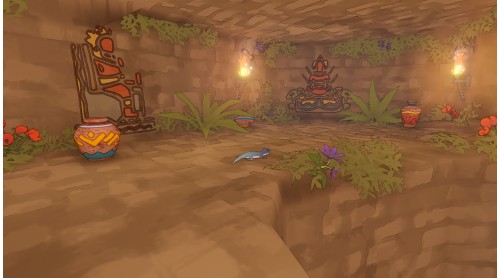
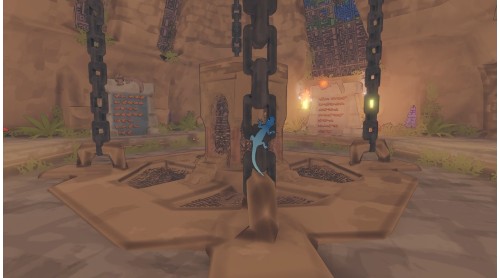
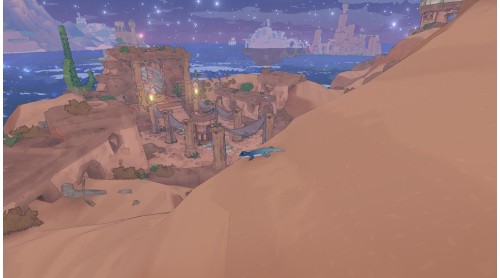
Climb across sunlit ruins, weave through lush caves, and uncover the remnants of an ancient civilisation, all at your own pace. Each path holds something new to discover as you glide between islands on your small wooden boat, every stop offering new puzzles to solve, insects to snack on and secrets to uncover.

Experience a world designed for curiosity and gentle adventure, where movement itself is part of the joy.

Drift across tranquil seas to discover unique landscapes, each with its own atmosphere and hidden life.

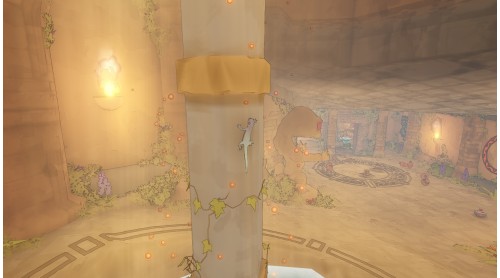
Scale walls, ceilings and cliffs with the gecko’s effortless agility.

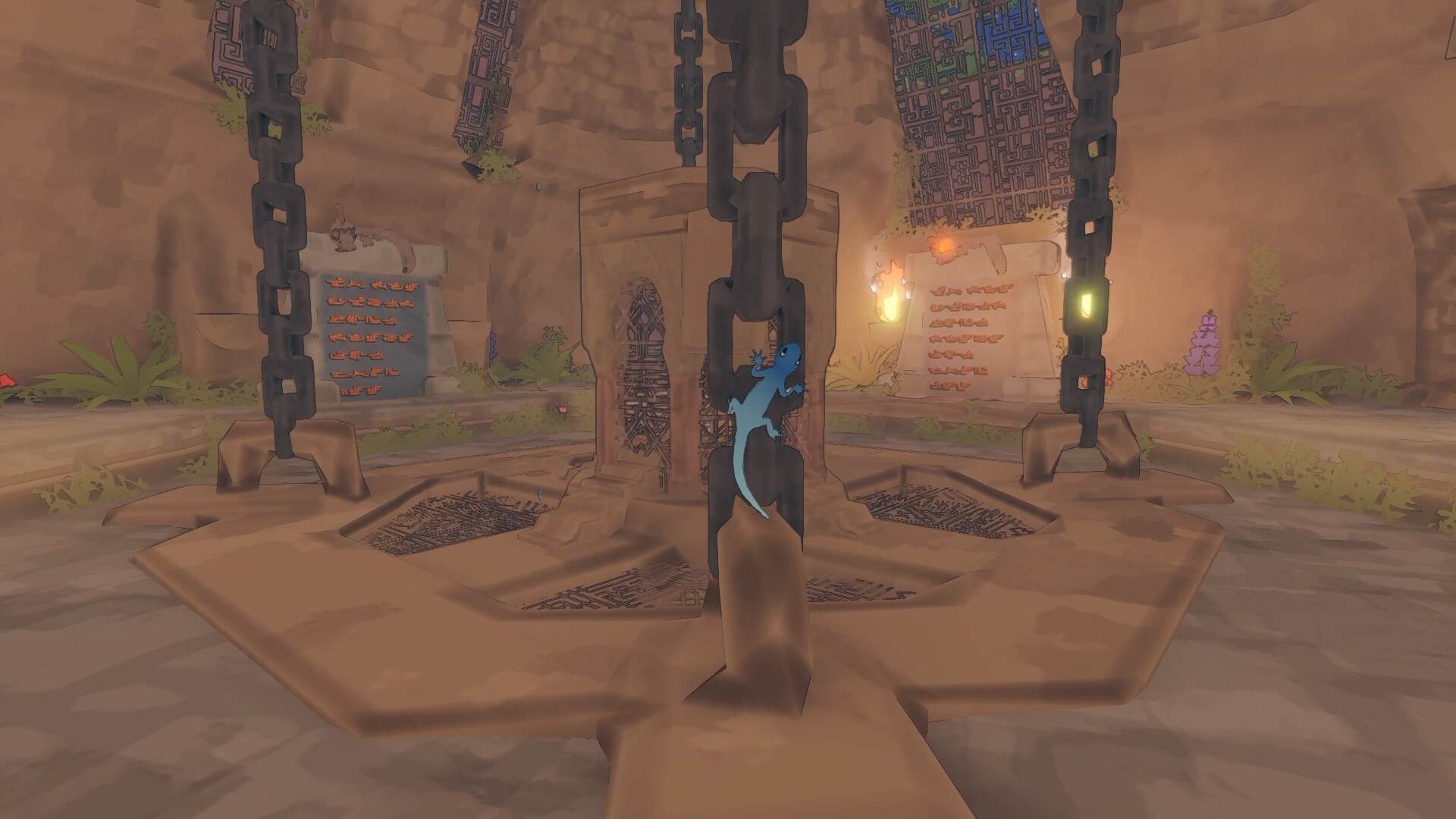
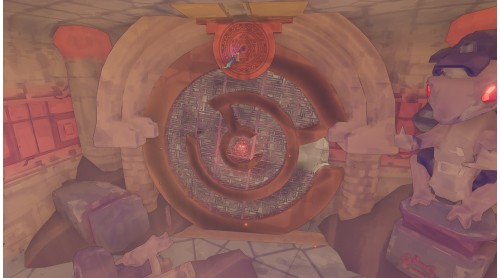
Delve into ruins and temples filled with intuitive, environmental challenges.
With its relaxing atmosphere and intuitive blend of open-ended exploration and fluid platforming, Gecko Gods invites you to experience the world through entirely new eyes, encouraging curiosity and transforming even the smallest details of its environment into moments of discovery and wonder.
Gecko Gods © Developed by Inresin. Published by Super Rare Games. All rights reserved.


How to activate your Steam key?
1. Open your Steam client. (If you don't have a Steam Client, you can install from here https://store.steampowered.com/about/)
2. Sign in to your Steam account. (If you don't have a Steam Account, you can create from here https://store.steampowered.com/join/)
3. Click “ADD A GAME” button which is at the bottom of the Steam Client.
4. Now select "Activate a product on Steam..."
5. Write or copy-paste your Steam key which you purchased from Gamesforpc.
6. Now your game is in your library.
7. Find your game in your library, select and click install to start your download.