
 Steam
Steam  Windows
 | Release Date | 25.01.2024 |
| Publisher | Super Rare Originals |
| Operating Systems | Windows |
| Genres | Action |
19.49€
Added to Cart
19.49€
Added to Wishlist
19.49€
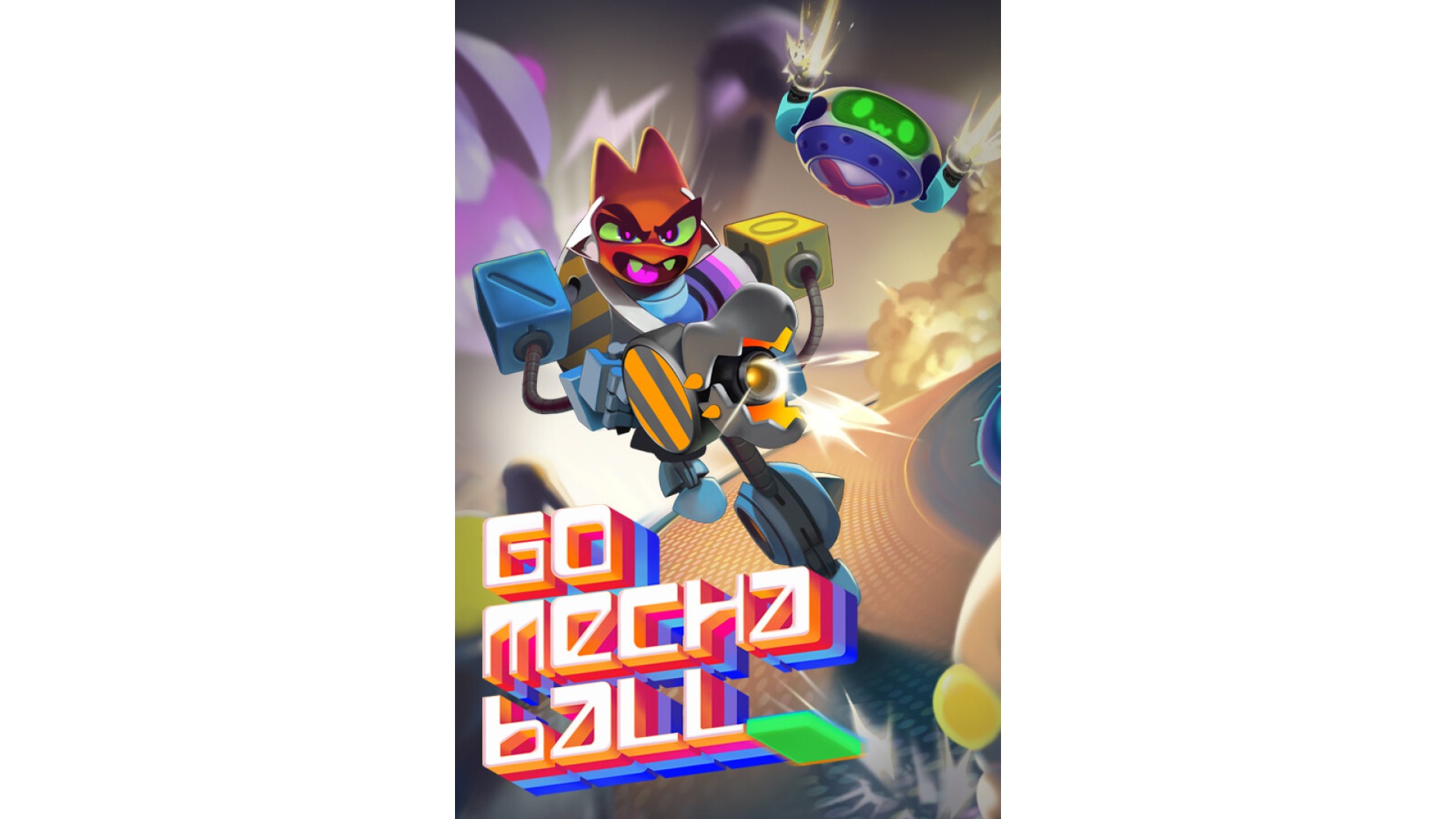
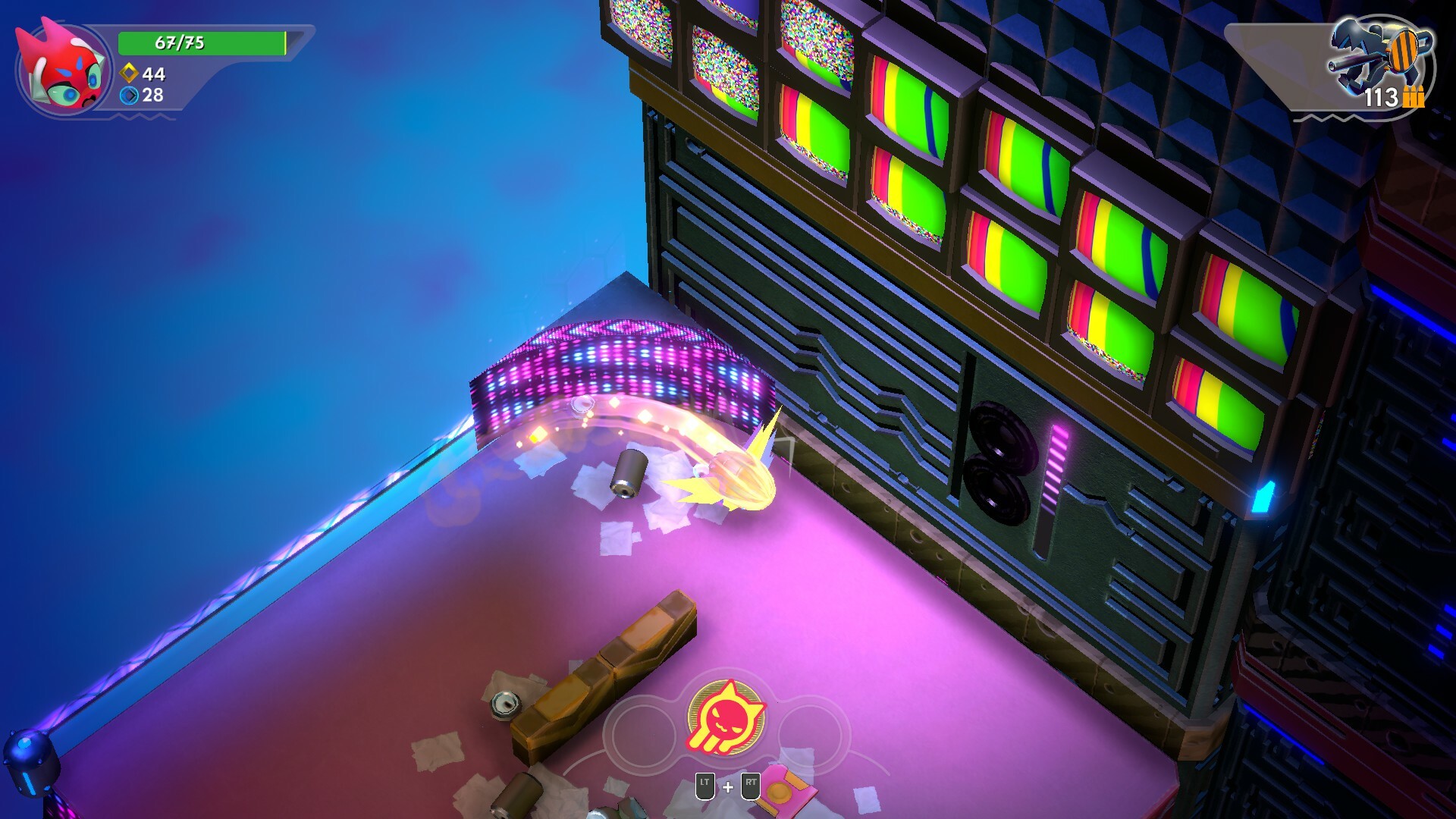
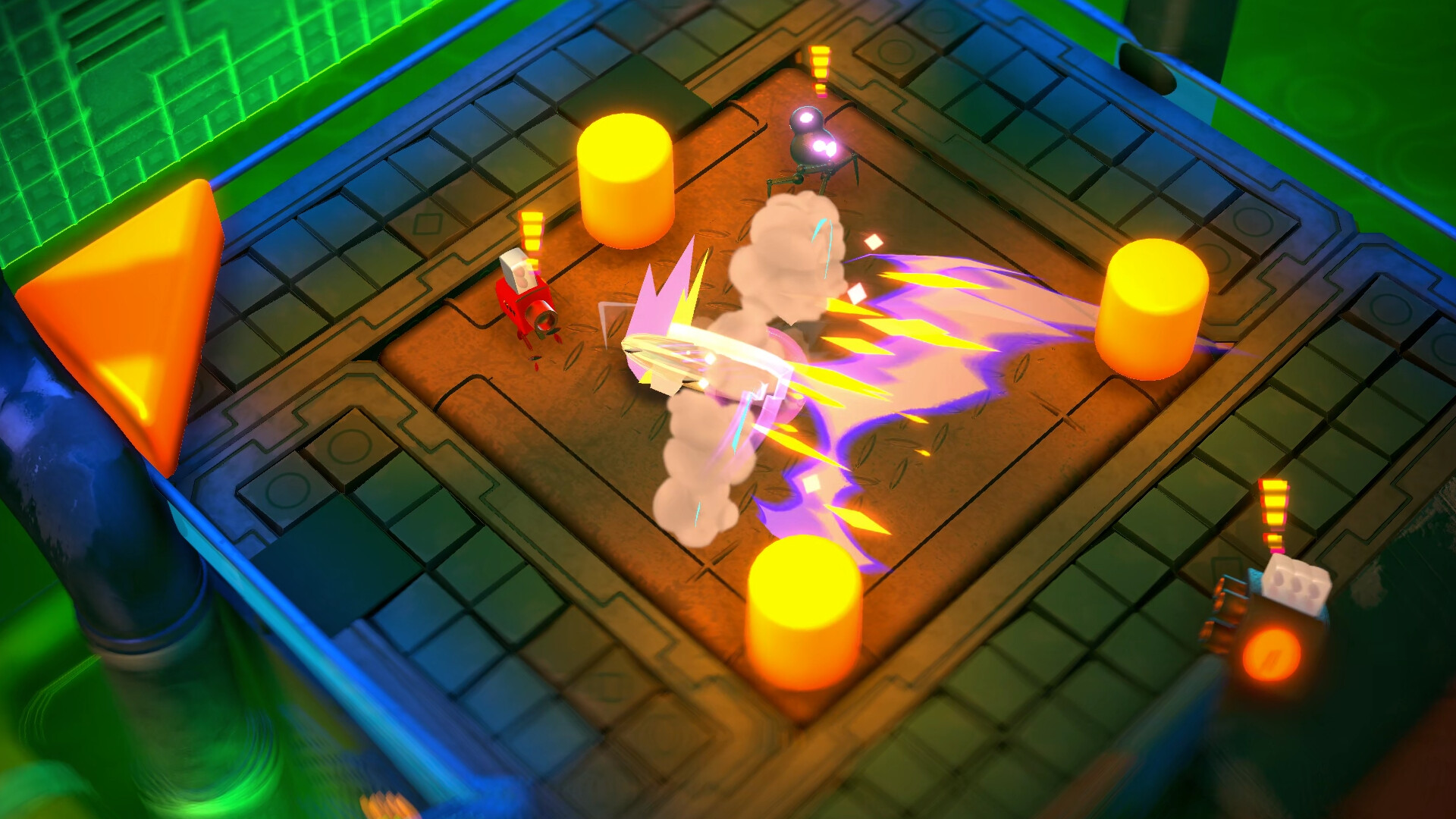
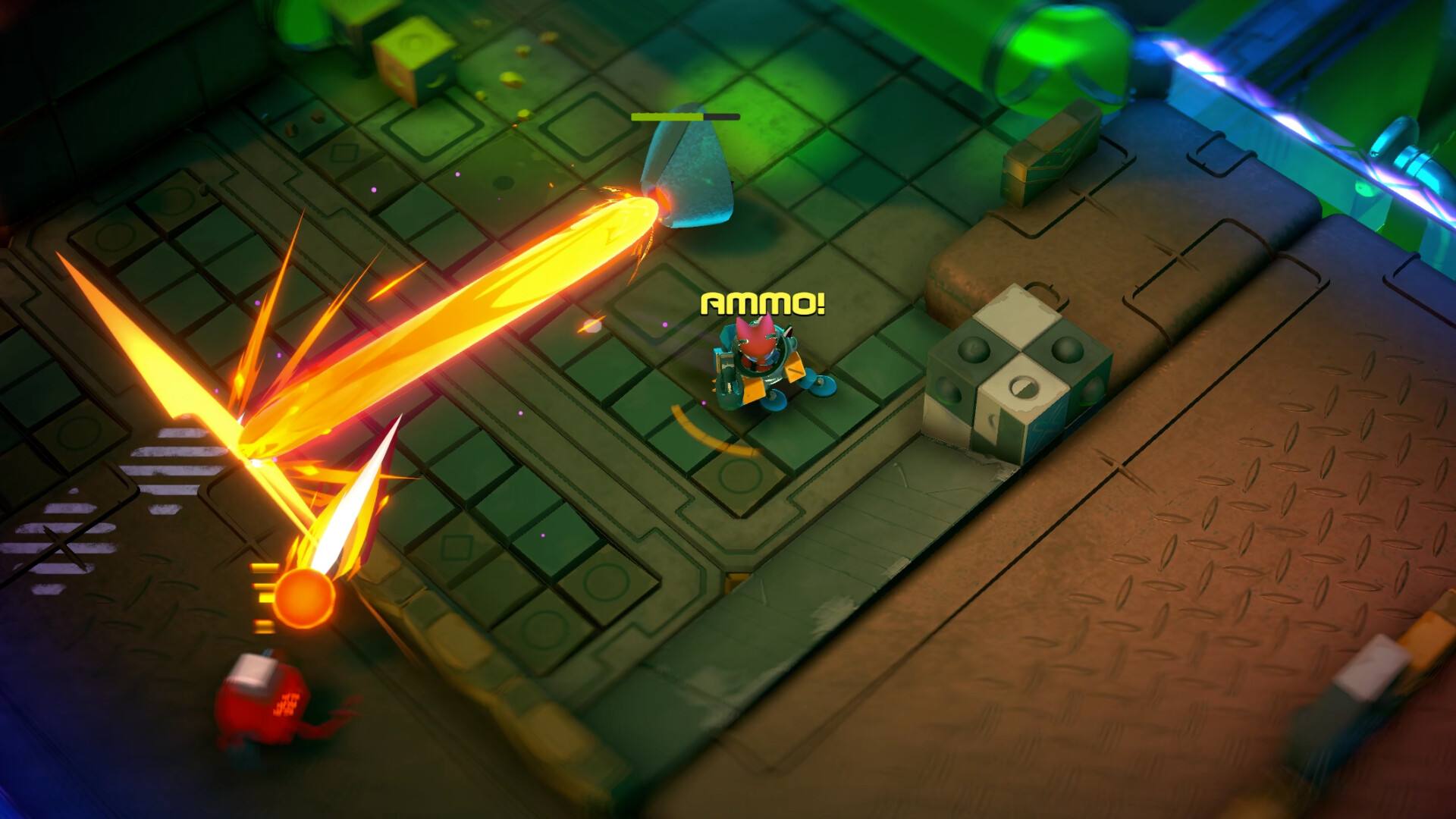
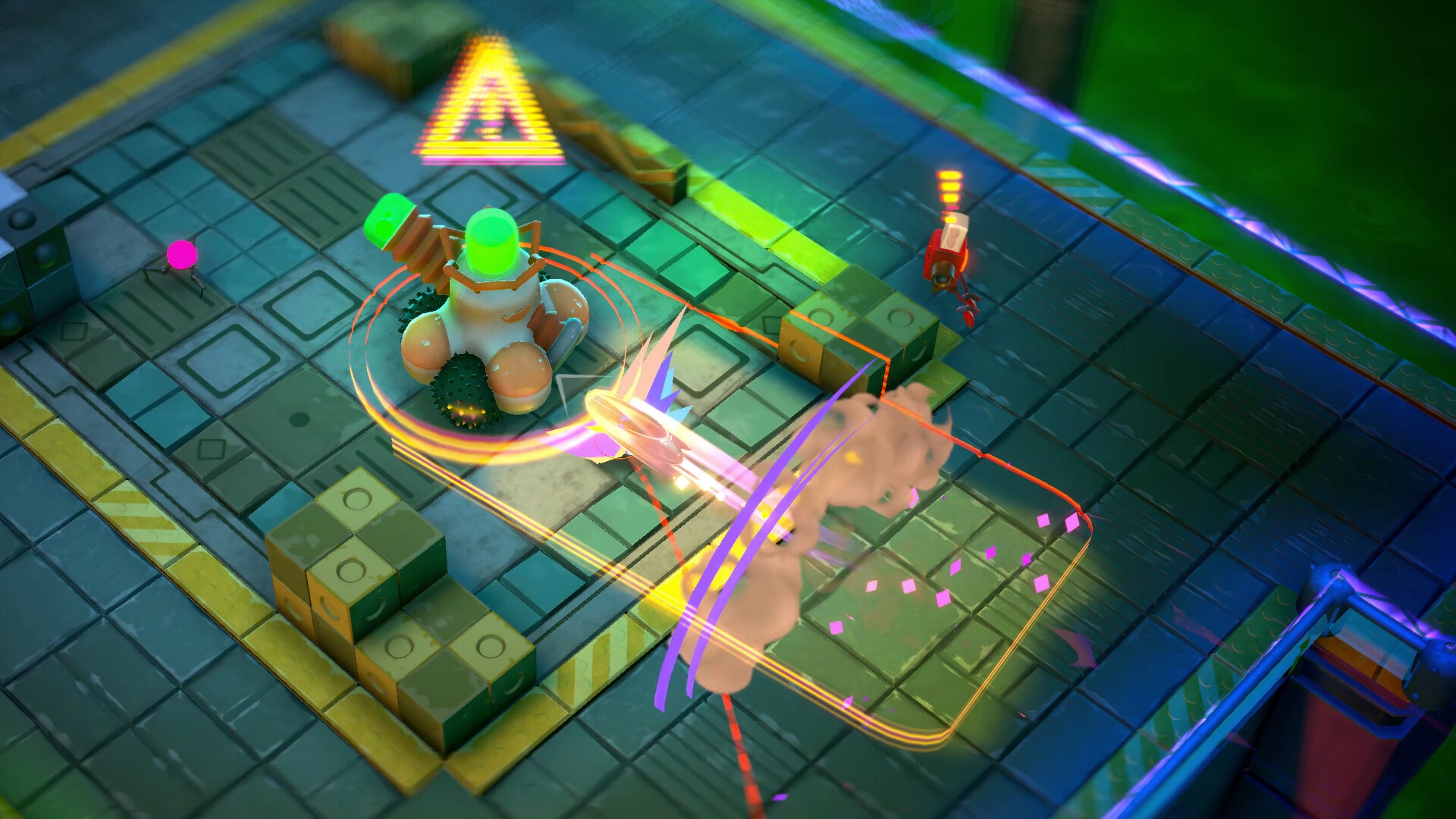
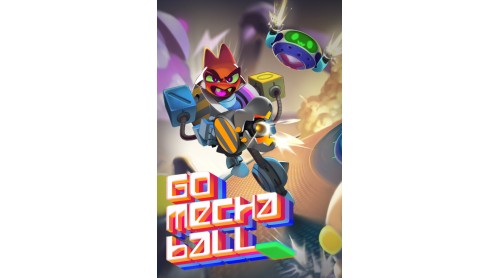
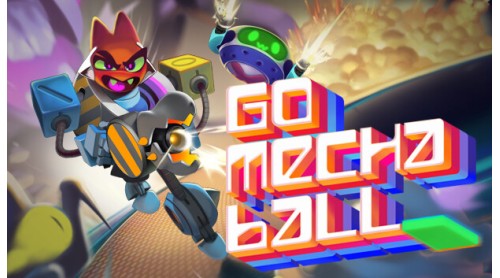
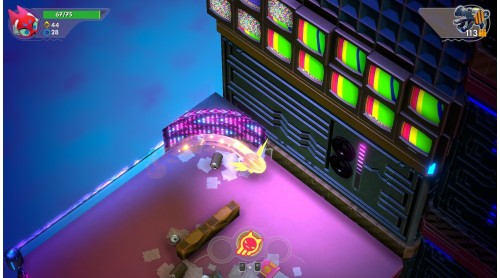
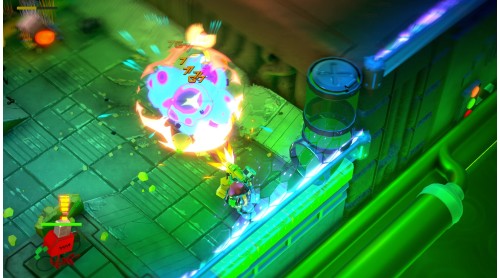
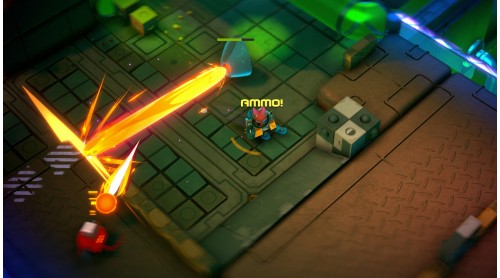
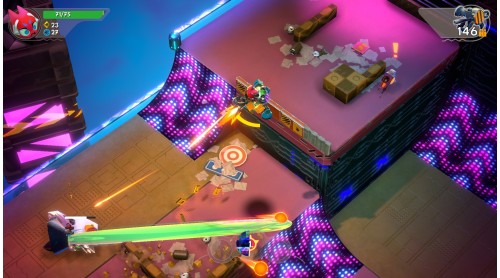
Embark on an adrenaline-fueled journey through the neon-lit realms of Go Mecha Ball, where chaos meets strategy in a futuristic showdown! Engage in dynamic twin-stick shooter combat, execute acrobatic maneuvers across vibrant 3D platforms, all accompanied by a dynamically generated and interactive soundtrack.
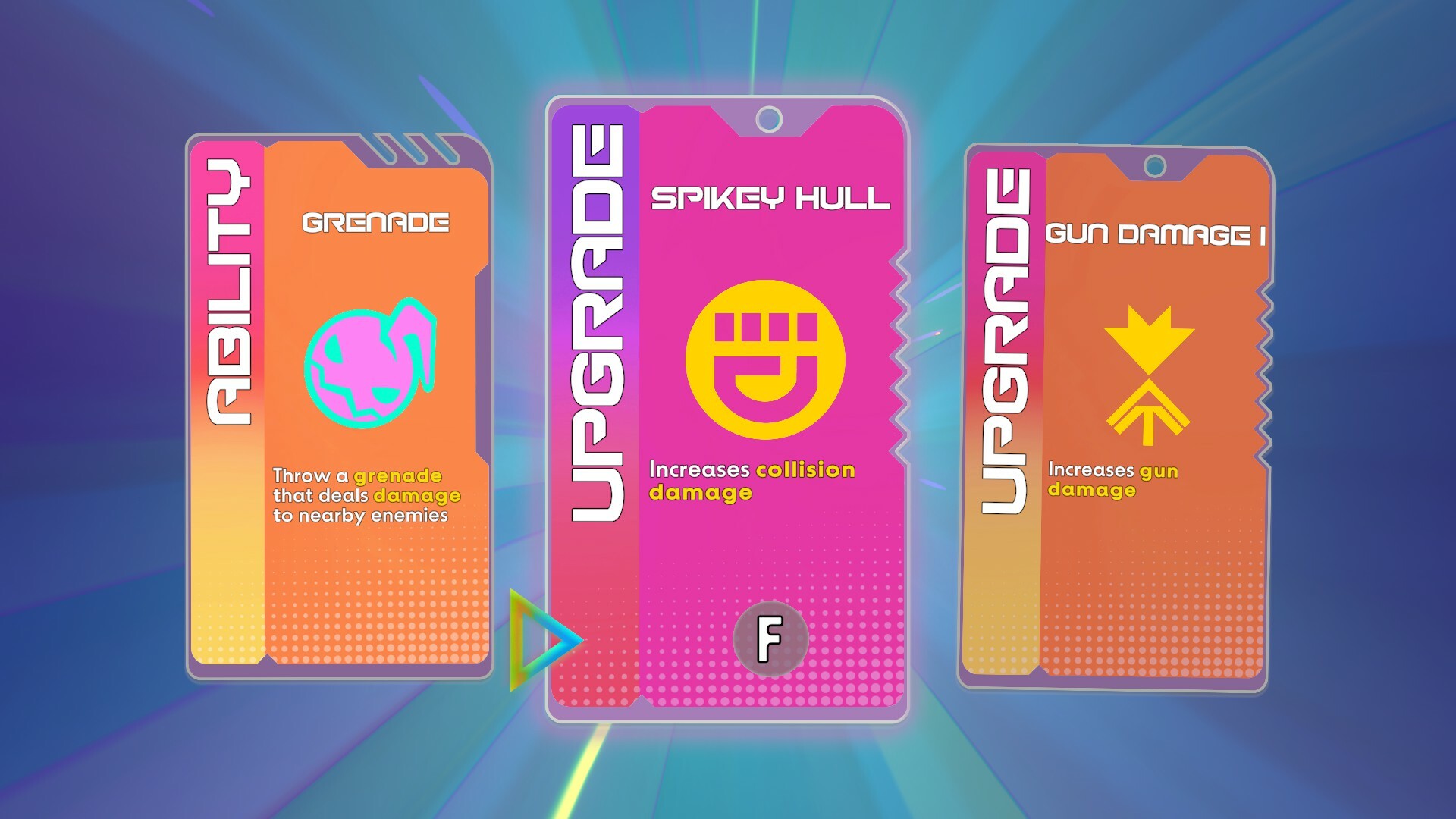
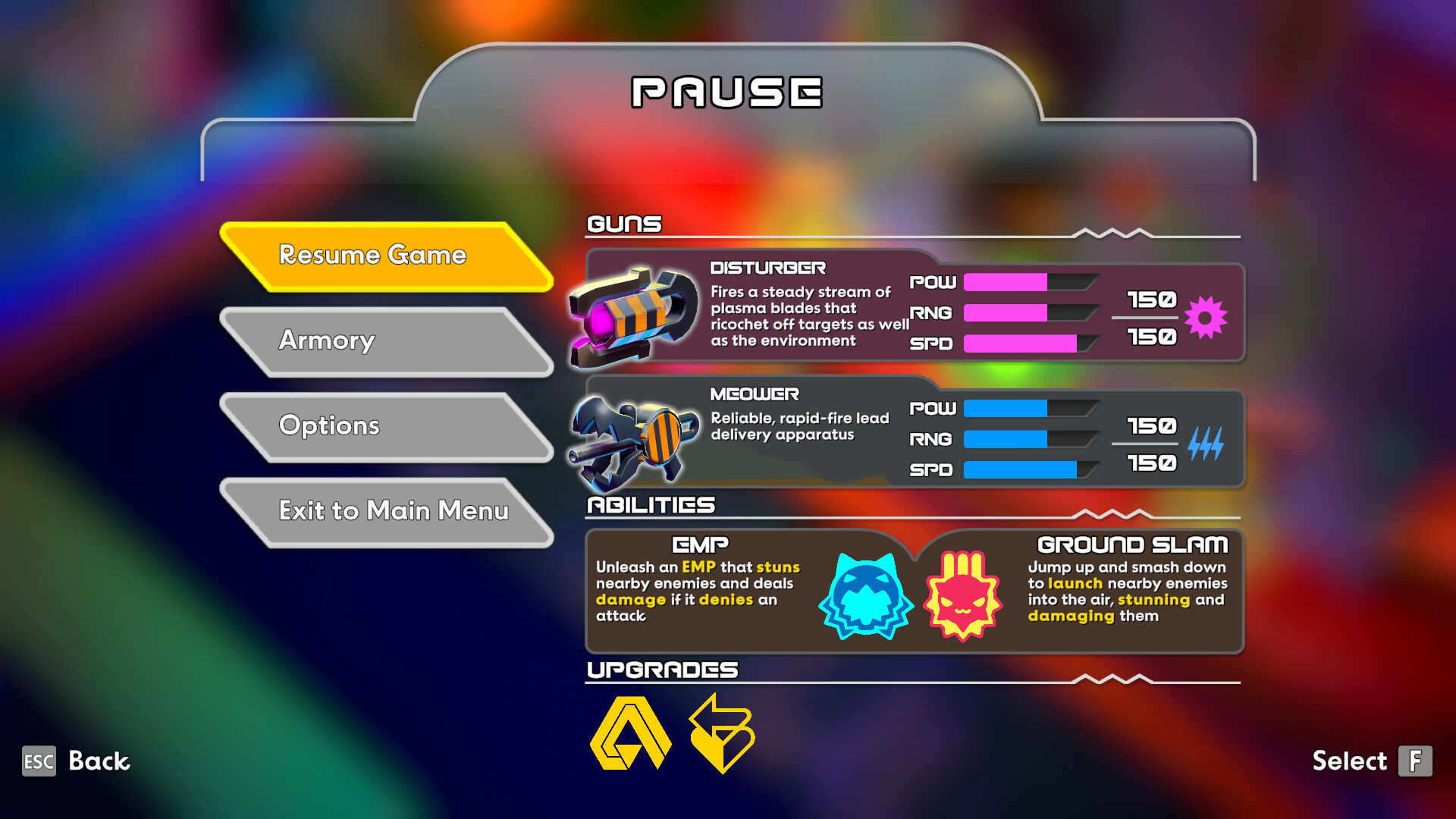
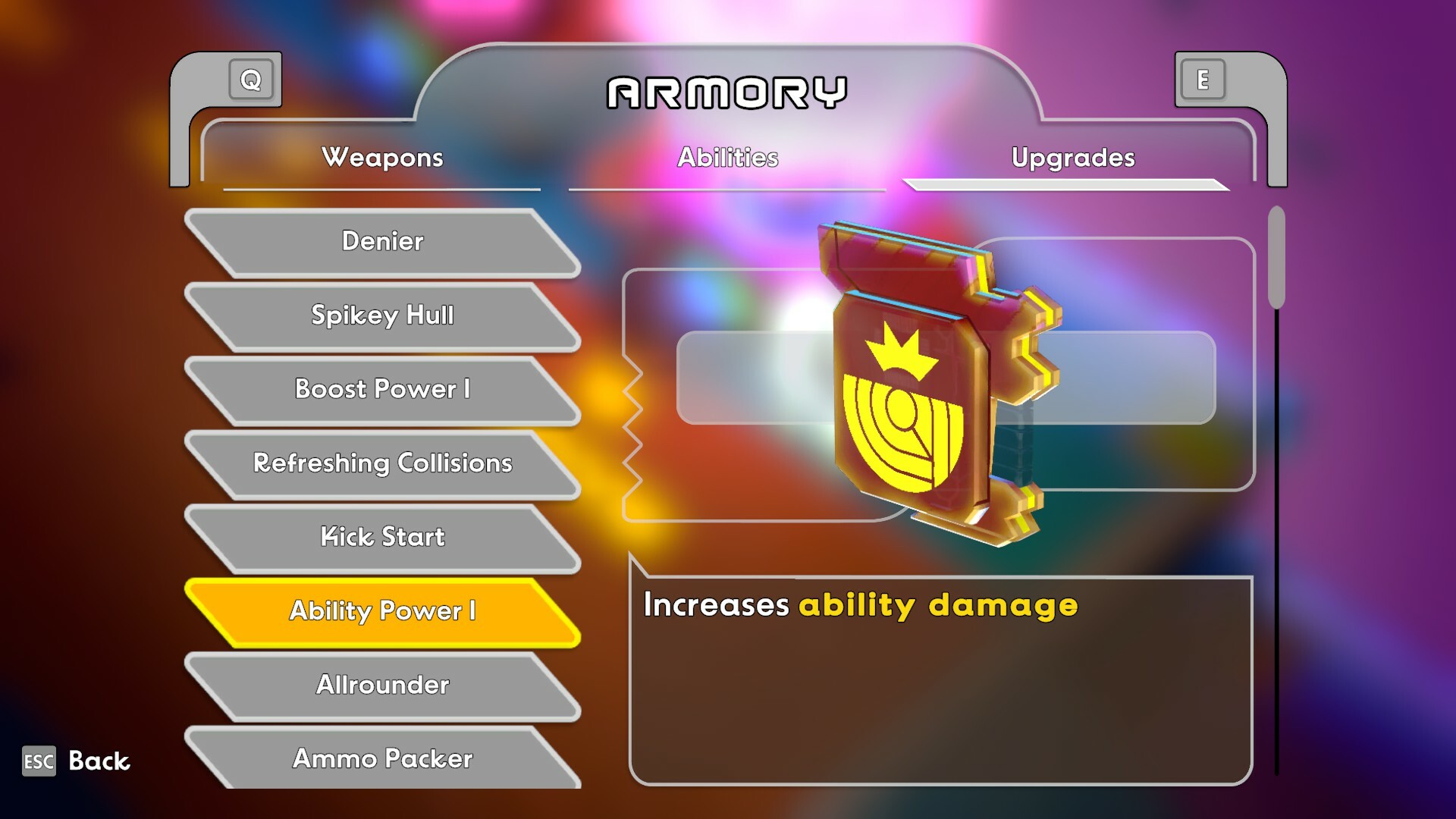
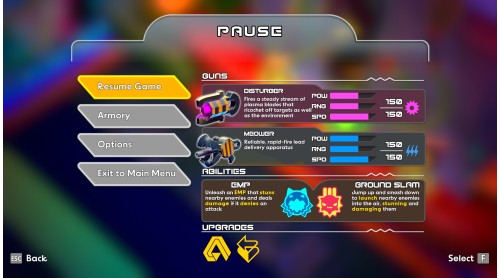
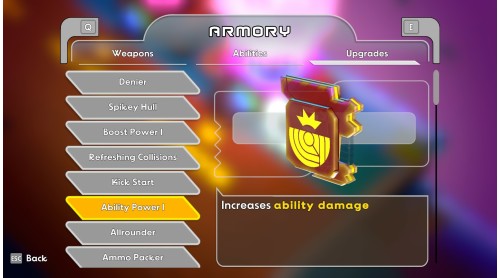
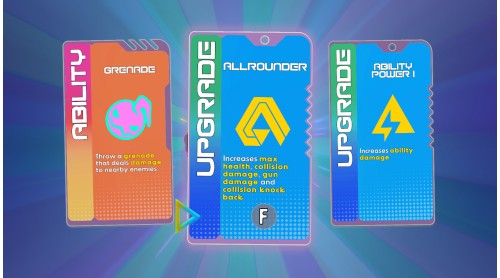
Unleash the power of four distinct gun-wielding mechs, each with its own unique arsenal of weapons, abilities, and upgrades. Dive into the mayhem as you discover synergies, hone your playstyle, and navigate through an ever-evolving landscape of rampaging robots, colossal bosses, and arcade-like obstacles.
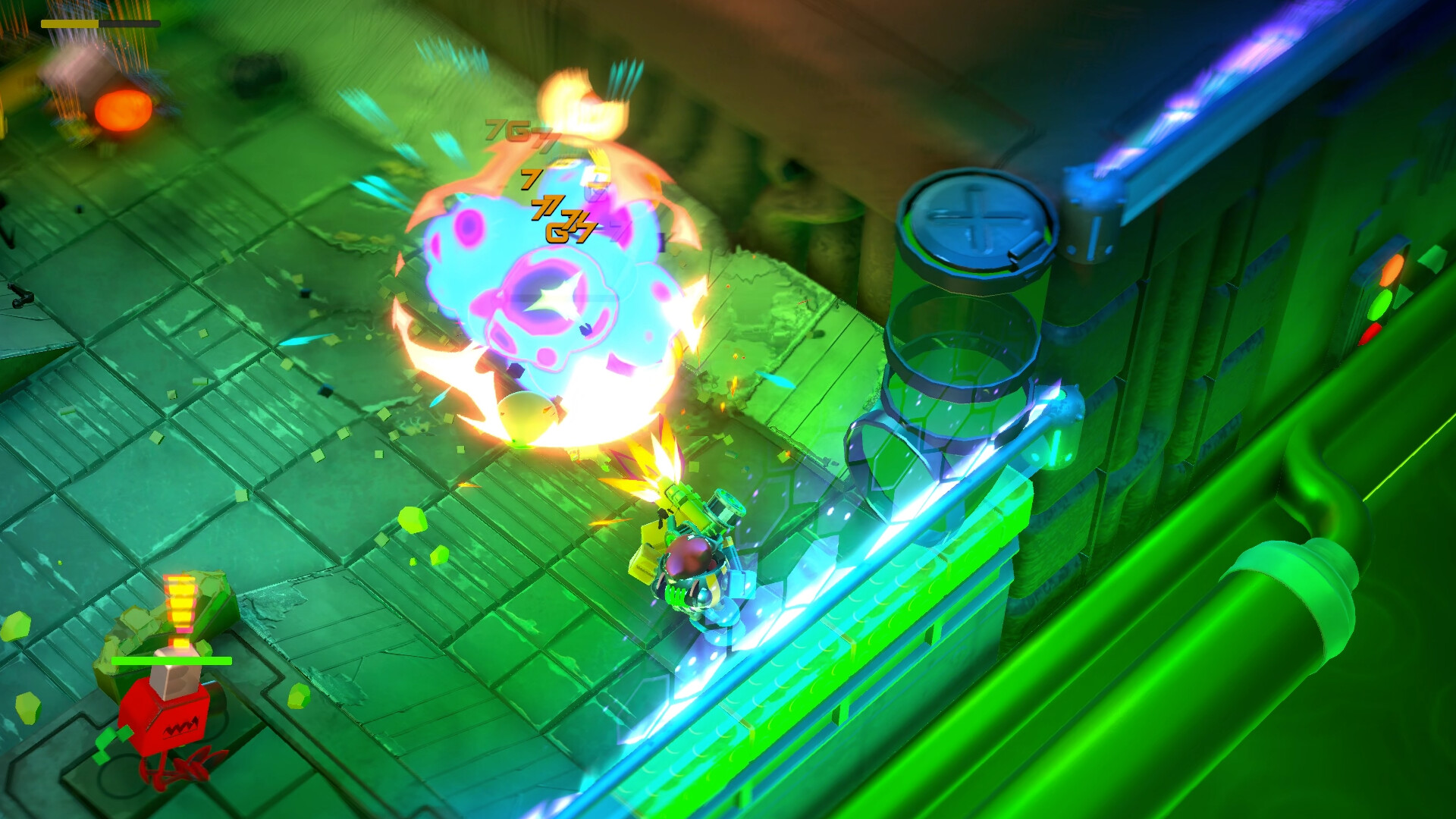
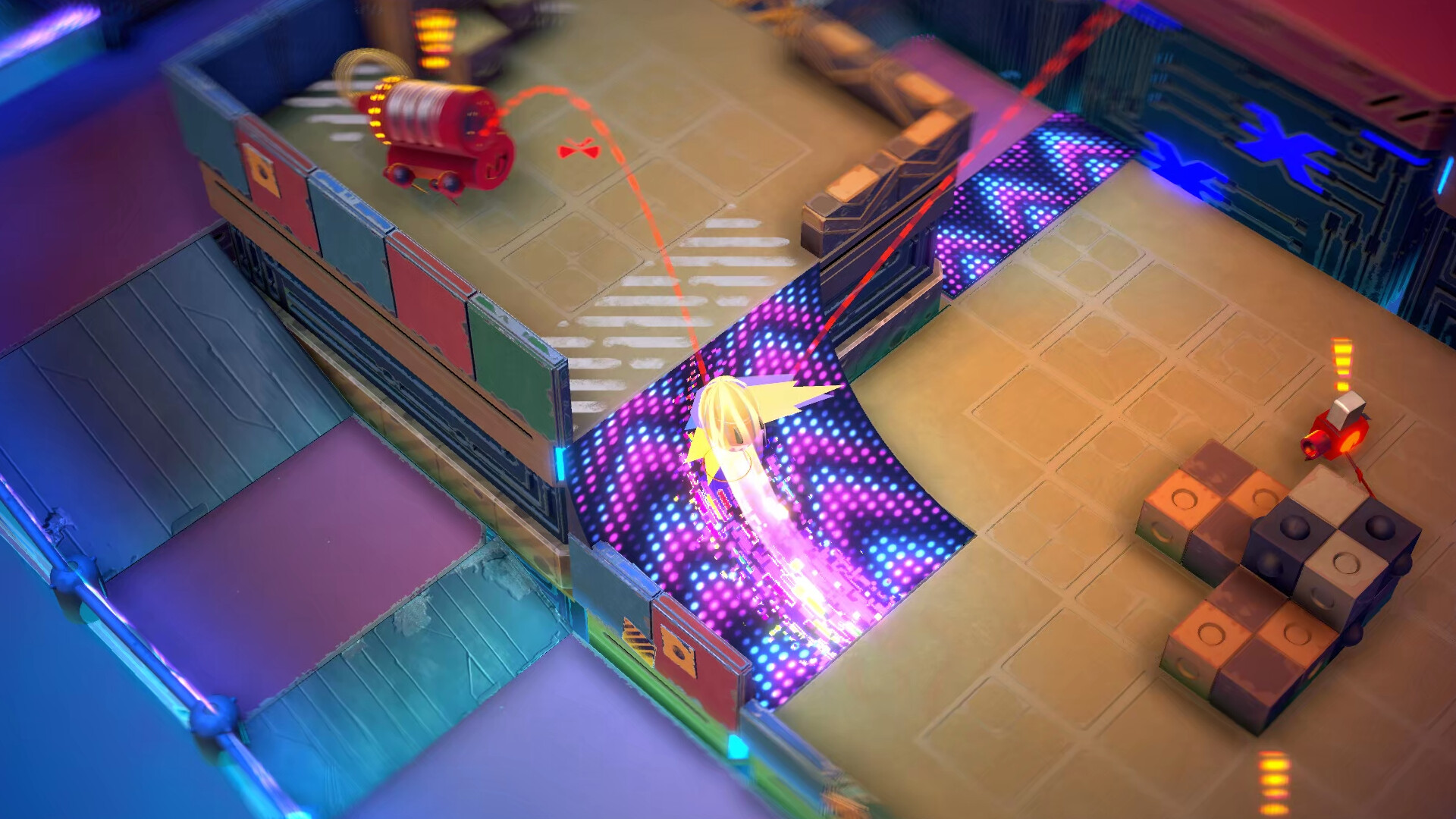
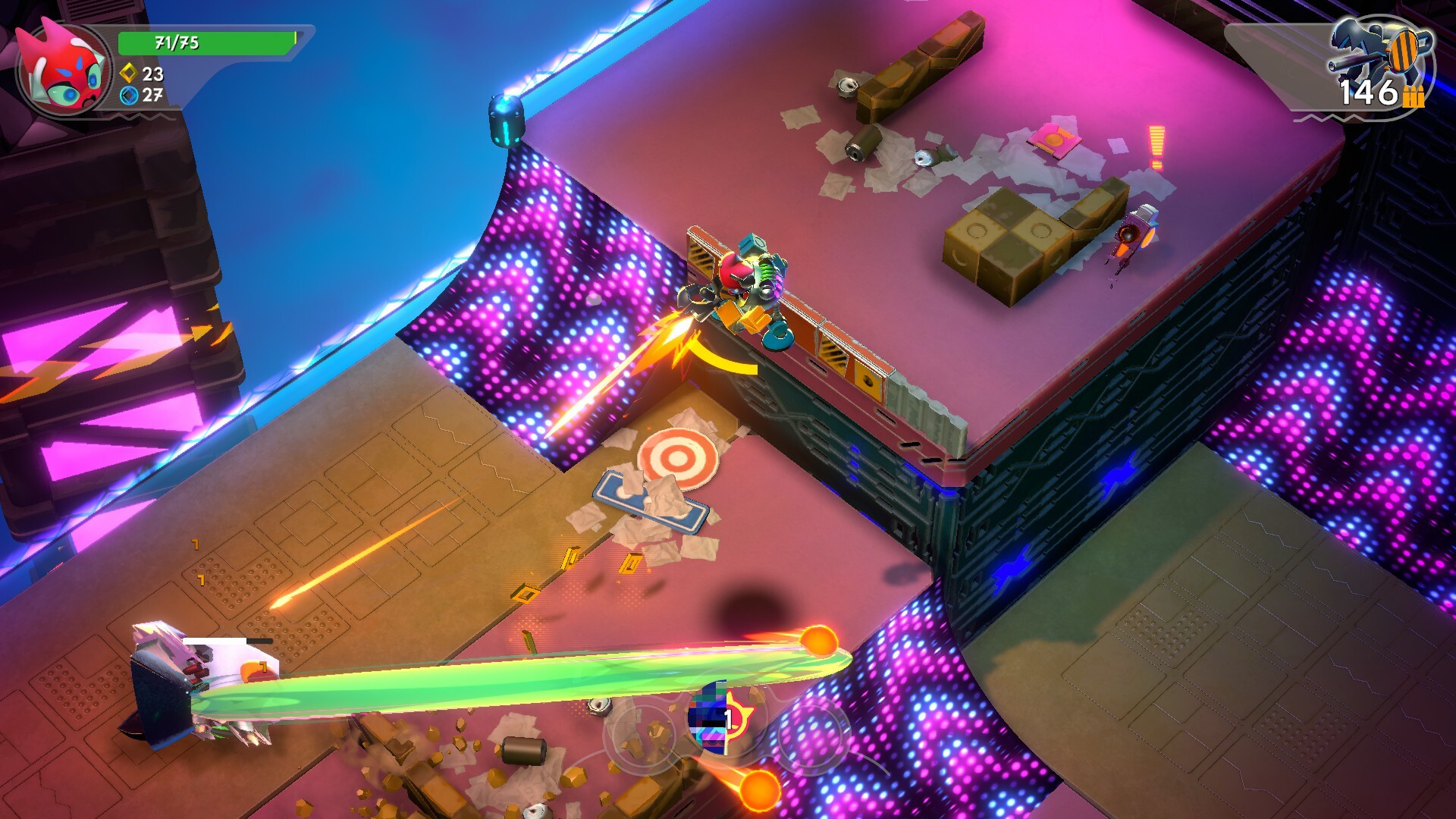
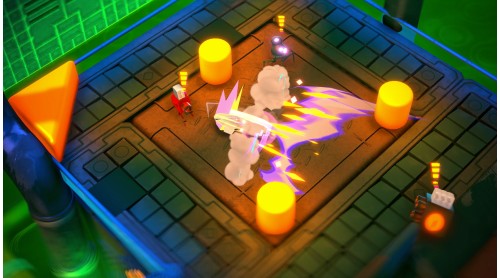
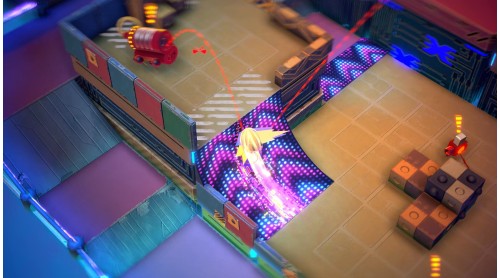
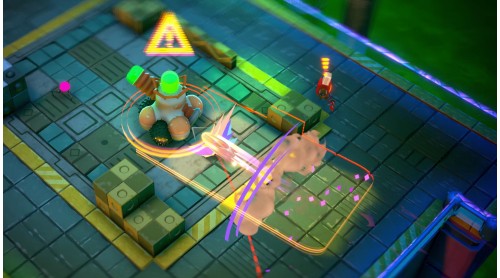
Soar above the chaos by boosting up ramps, bounce off lively bumpers, or ride the updraft from giant fans, adding a layer of dynamic movement to your chosen strategy. Launch swarms of missiles, summon helpful allies, or create seismic disruptions by crashing into the ground like a meteor — the choice is yours.
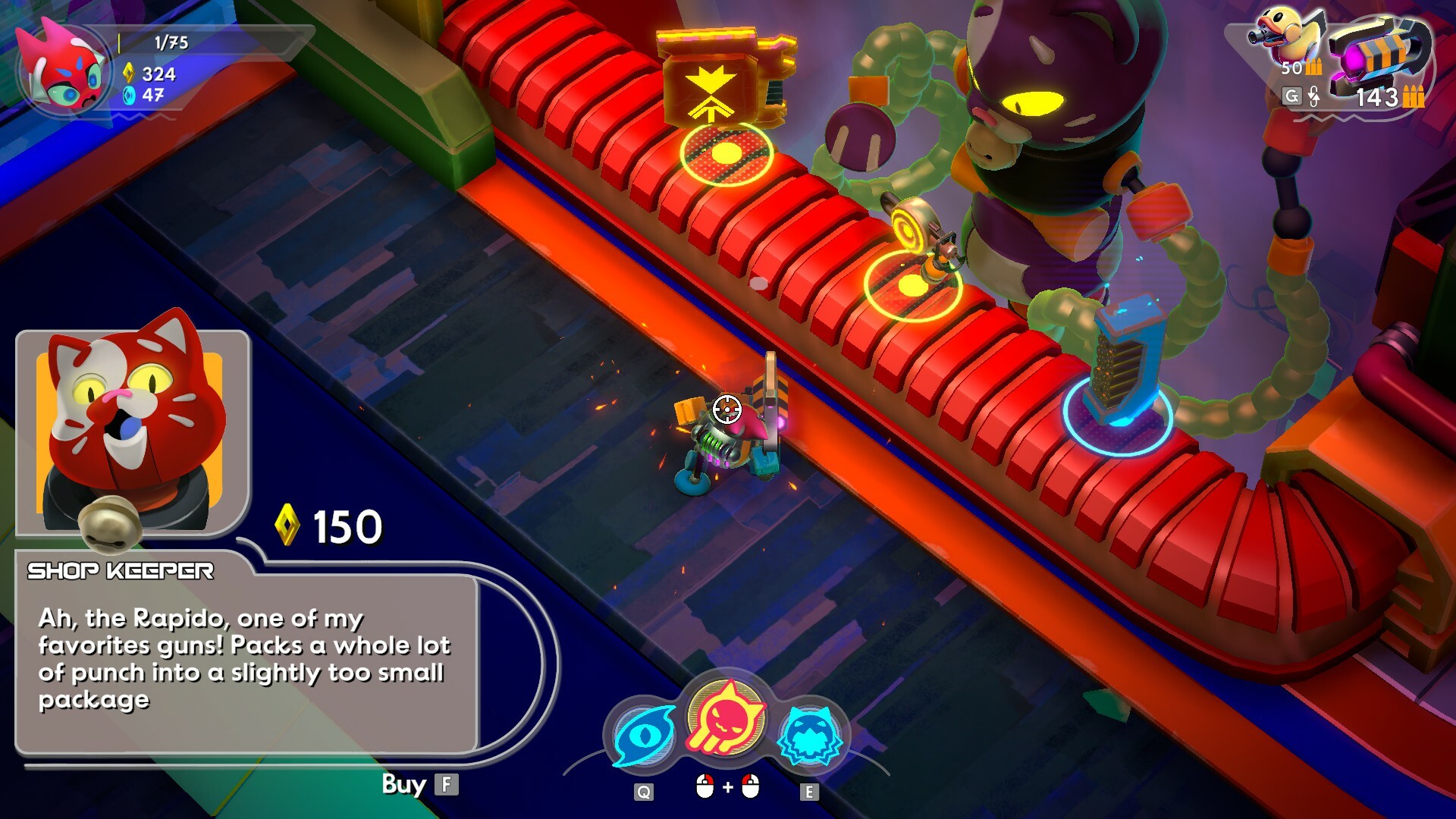
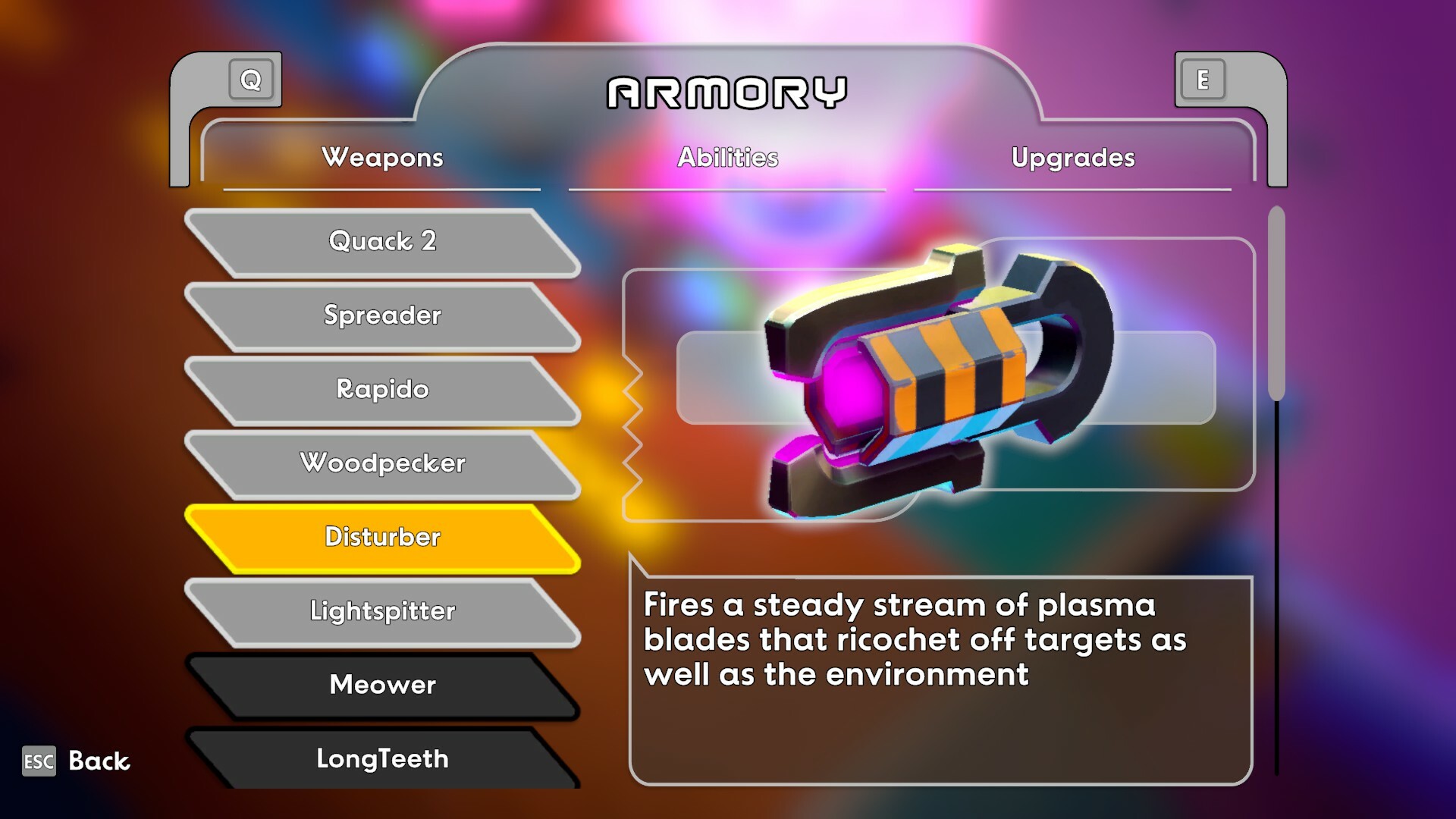
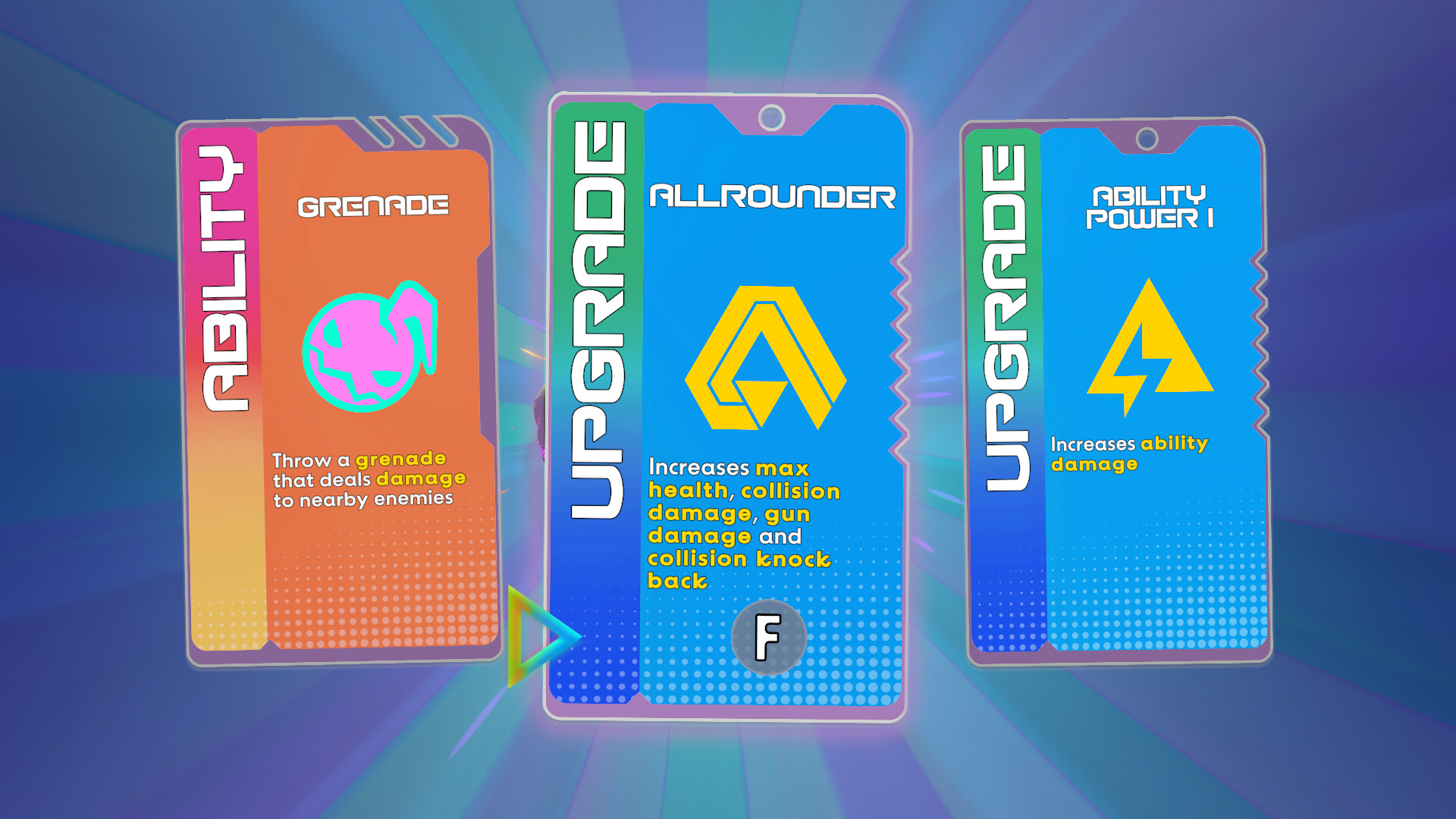
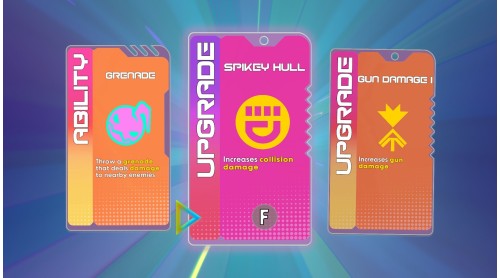
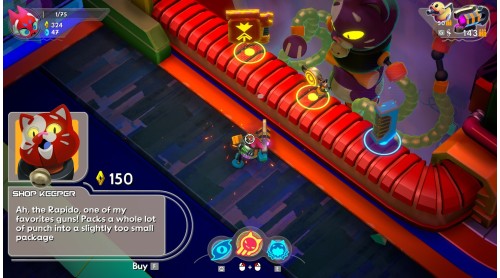
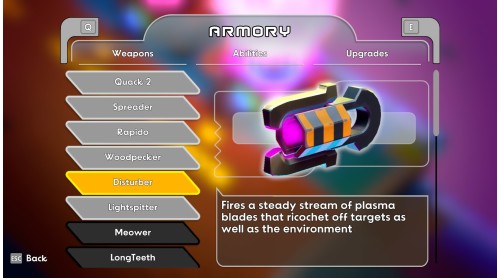
With over 25 tools for mass destruction at your disposal and more than 20 quirky abilities to master, customize your mech to dominate the competition. Explore four visually stunning worlds teeming with enemies and challenges, each presenting an exhilarating playground for your ballistic escapades.
Every gunshot, impact, and interaction is a symphony of uniqueness, tailored to the situation, and driven by physics. It's not just a game; it's an audio-visual journey where every action you take is reflected in the immersive soundscape.
Are you a graceful butterfly, a relentless wrecking ball, or a precise master assassin? Choose your path and face off against a malfunctioning AI, determined to close the portals that connect your world to this thrilling, mechanized wonderland.
Get ready for an electrifying fusion of skill, strategy, and chaos in Go Mecha Ball — the ultimate adventure awaits!
Go Mecha Ball © Developed by Whale Peak Games. Published by Super Rare Games. All rights reserved.


How to activate your Steam key?
1. Open your Steam client. (If you don't have a Steam Client, you can install from here https://store.steampowered.com/about/)
2. Sign in to your Steam account. (If you don't have a Steam Account, you can create from here https://store.steampowered.com/join/)
3. Click “ADD A GAME” button which is at the bottom of the Steam Client.
4. Now select "Activate a product on Steam..."
5. Write or copy-paste your Steam key which you purchased from Gamesforpc.
6. Now your game is in your library.
7. Find your game in your library, select and click install to start your download.