









 Steam
Steam  Windows
 | Release Date | 10.02.2022 | |
| Publisher | Super Rare Originals | |
| PEGI Rating | + 3 | |
| Operating Systems | Windows | |
| Genres | Action, Adventure, indie |
12.49€
Added to Cart
12.49€
Added to Wishlist
12.49€
About
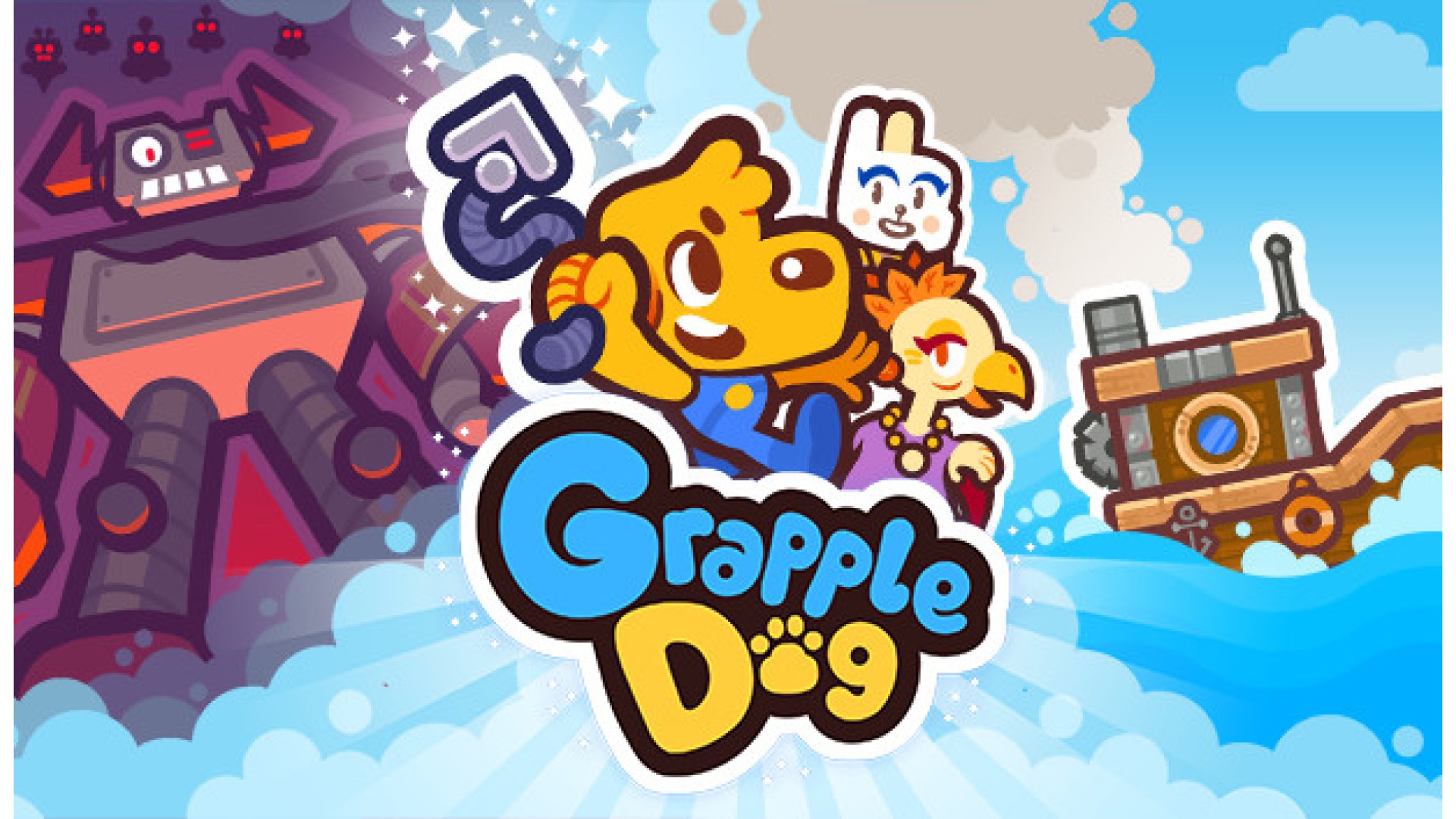
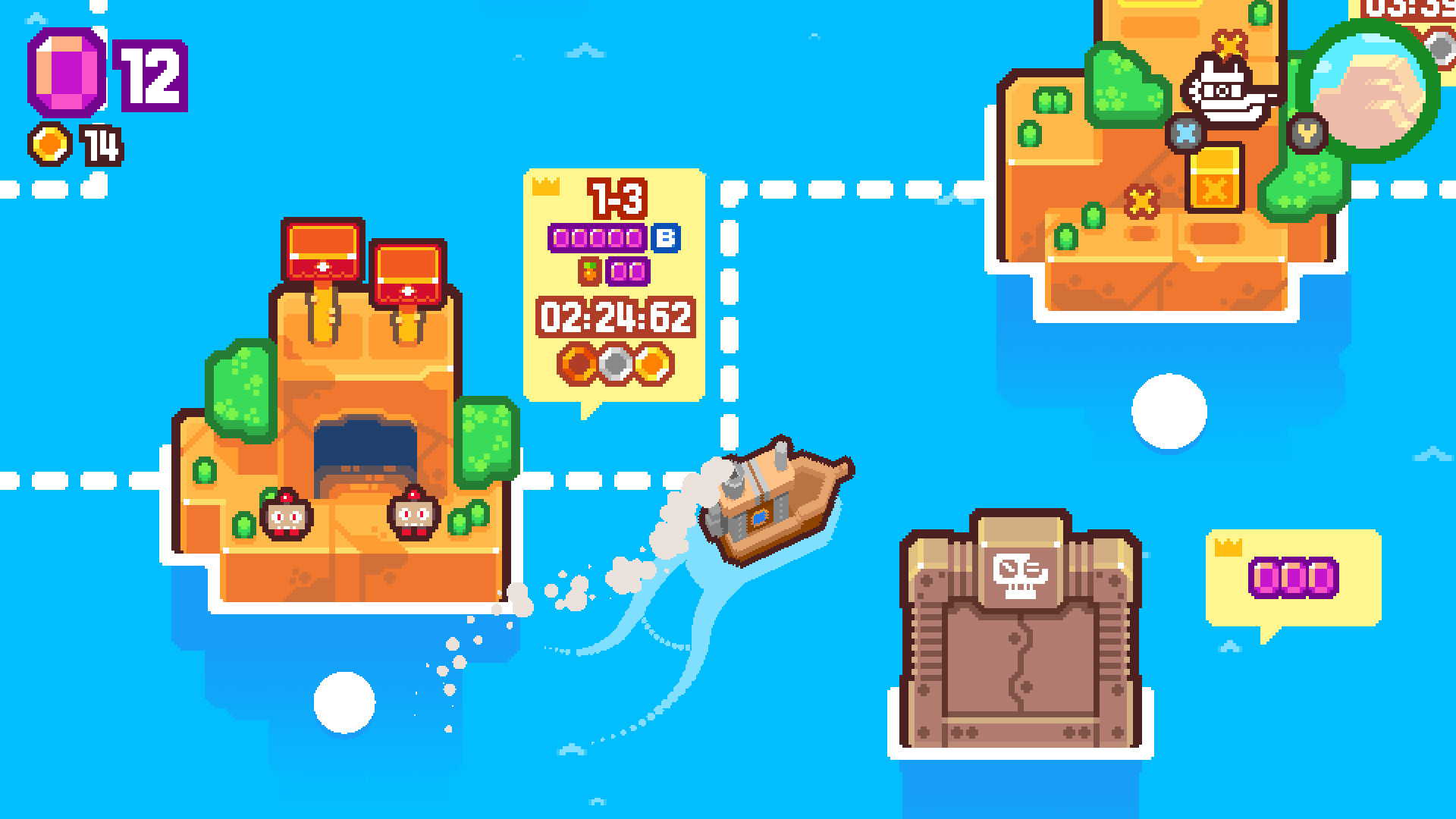
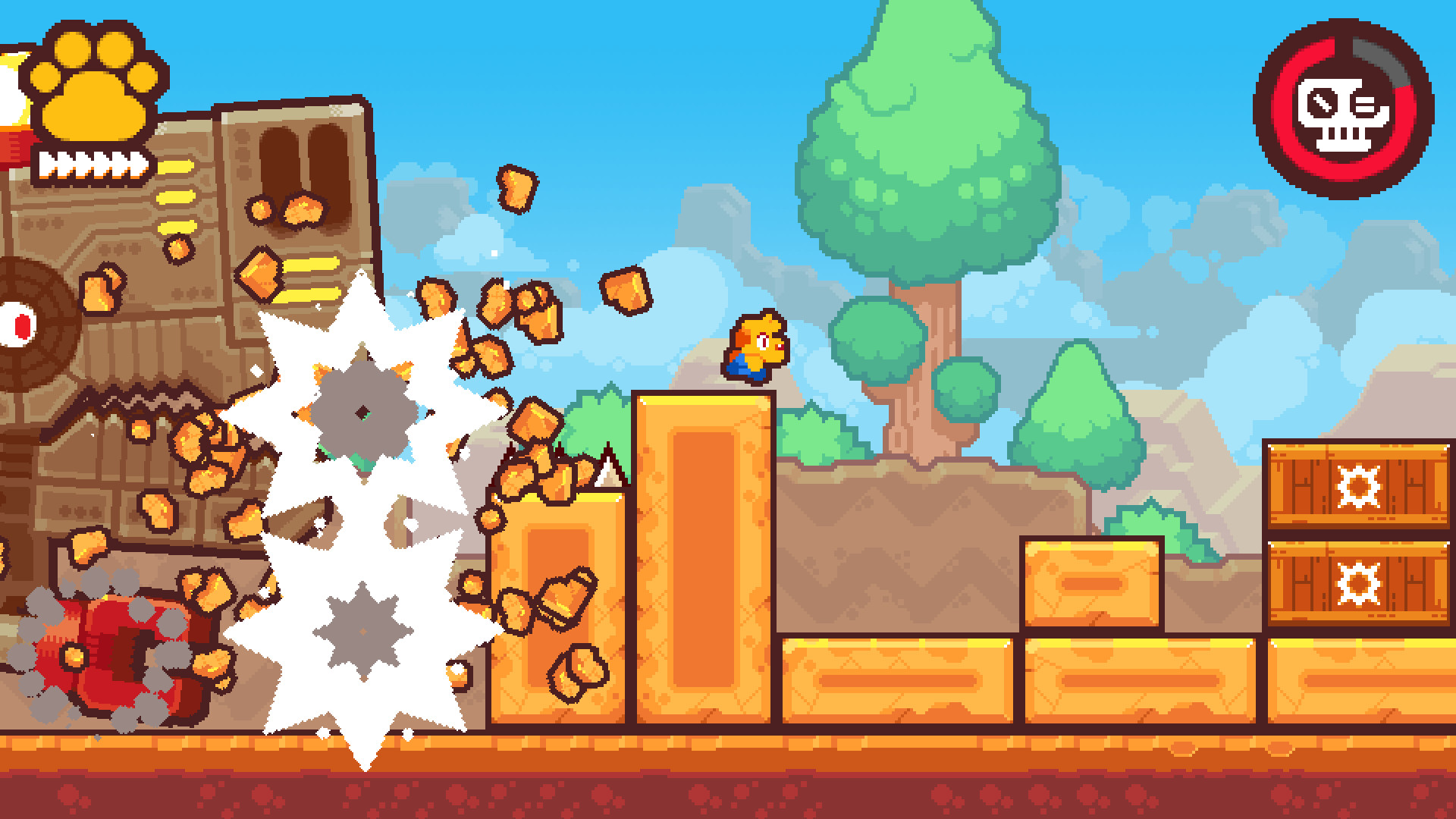
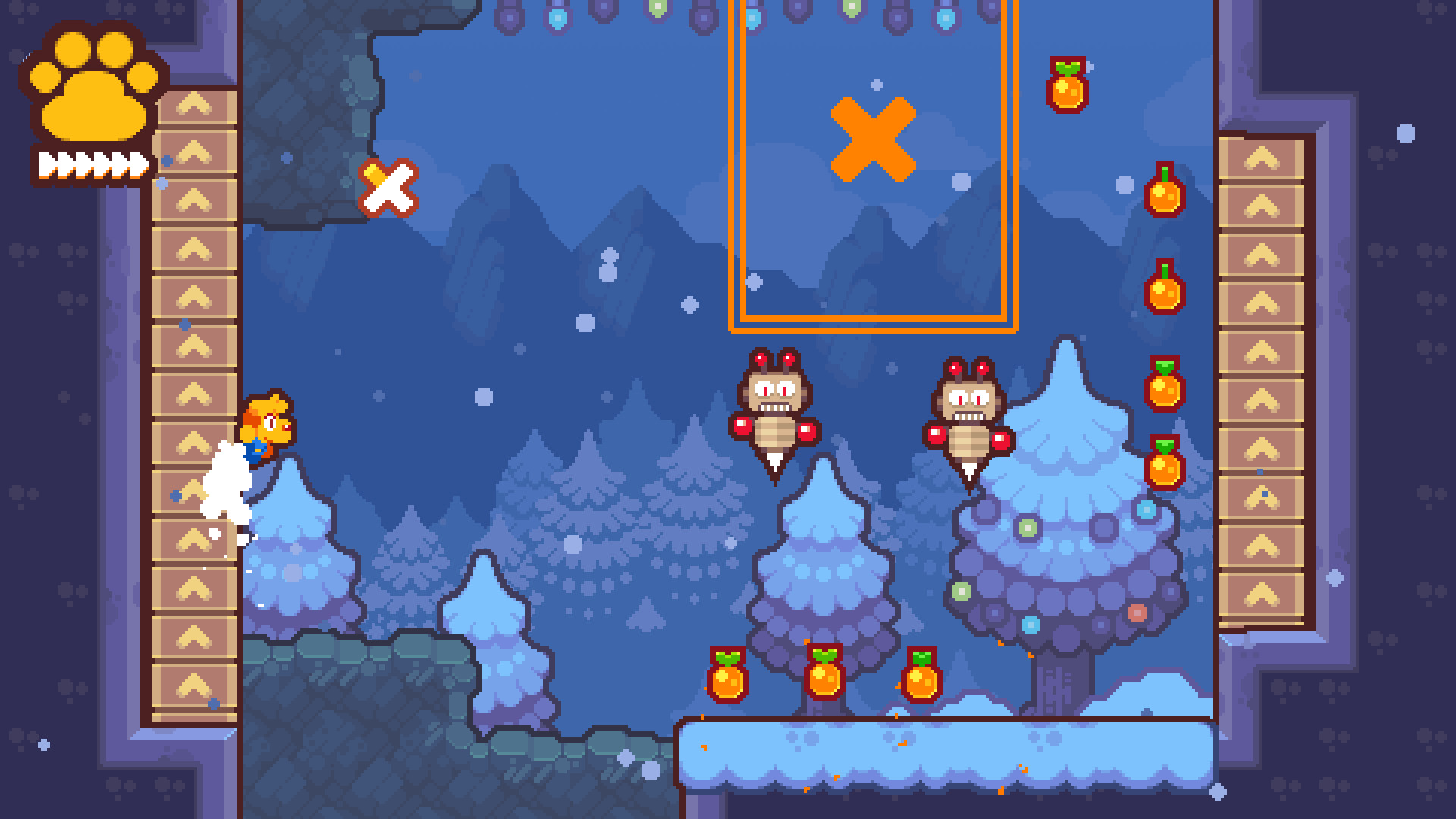
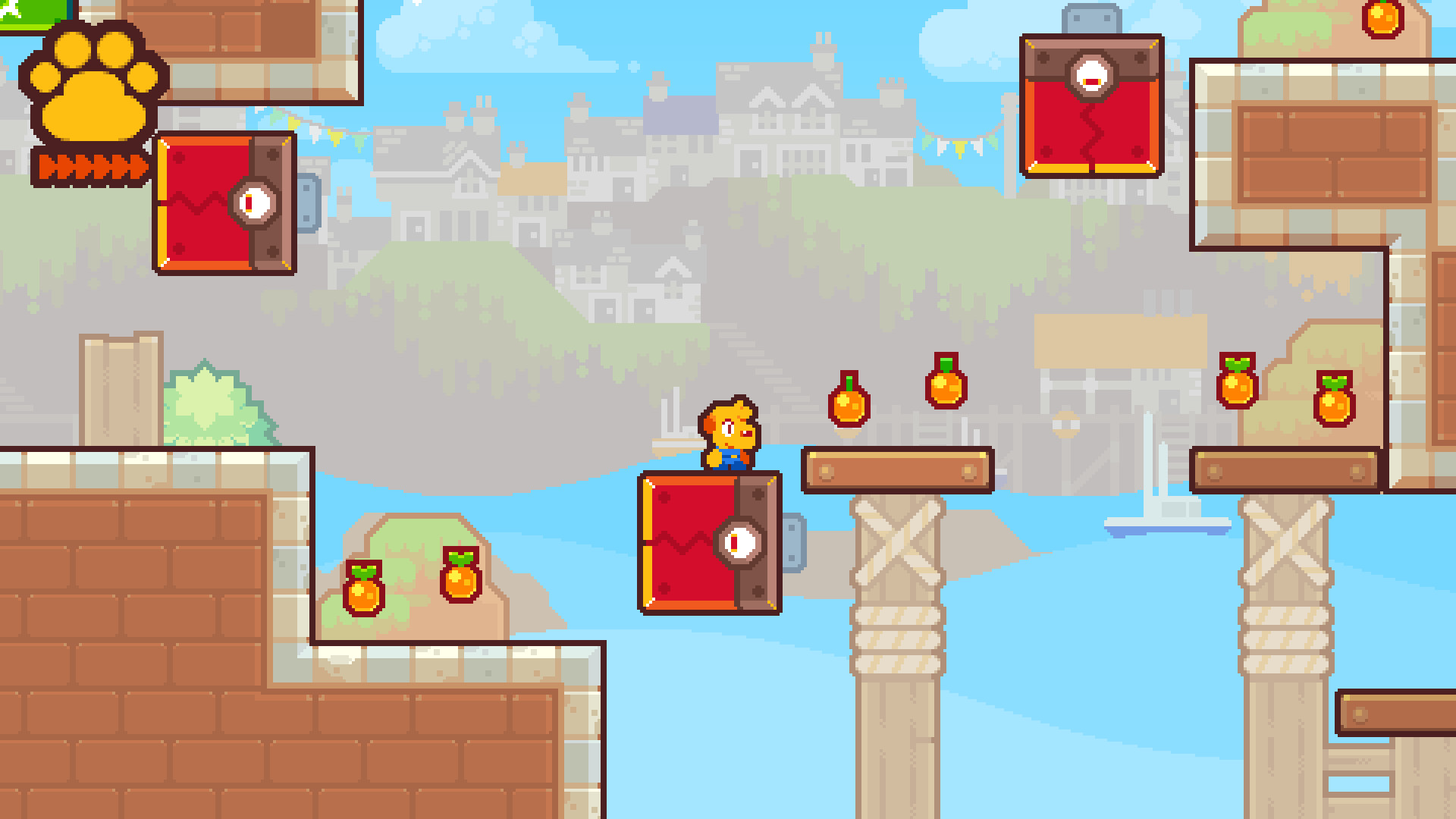
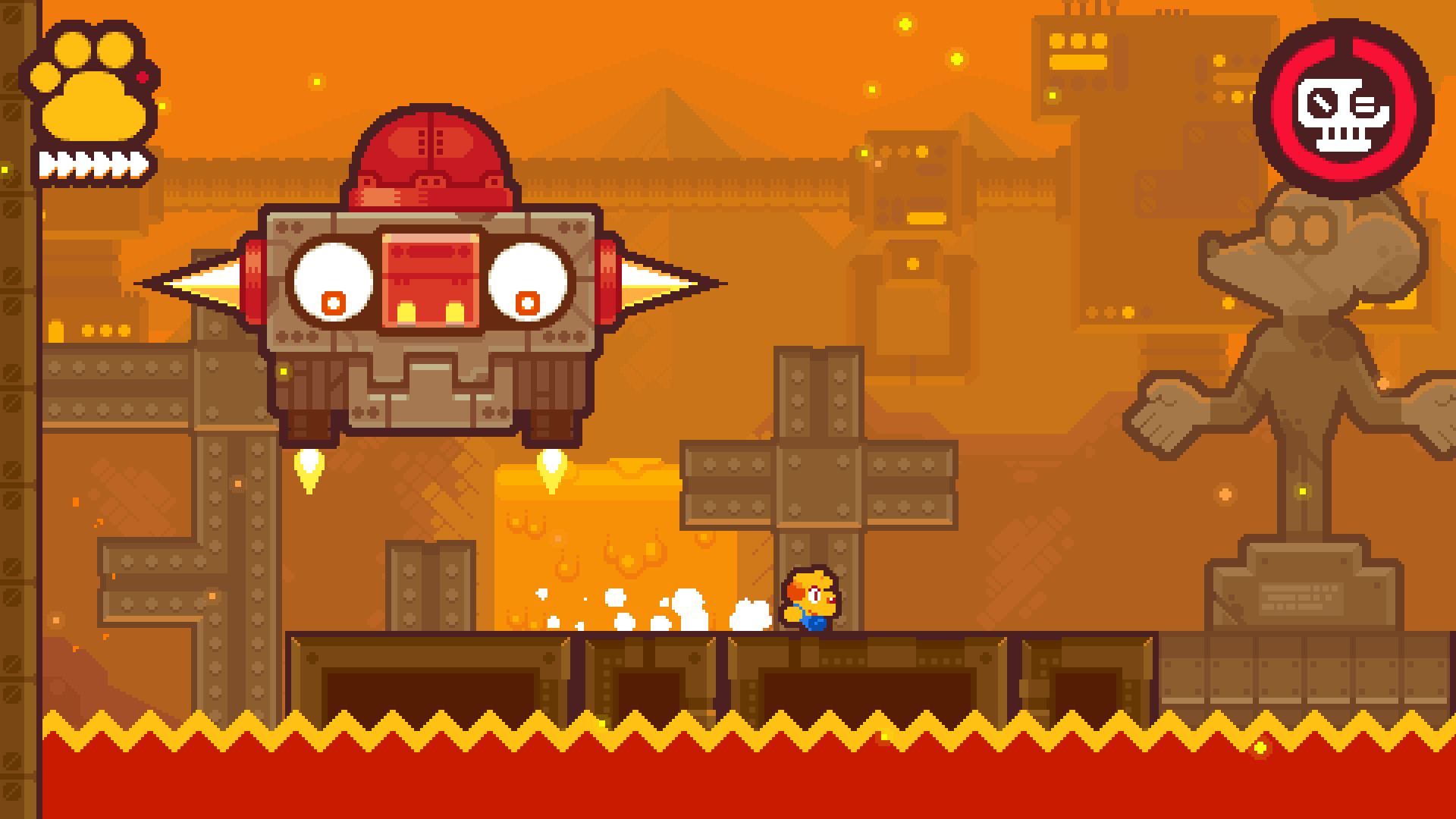
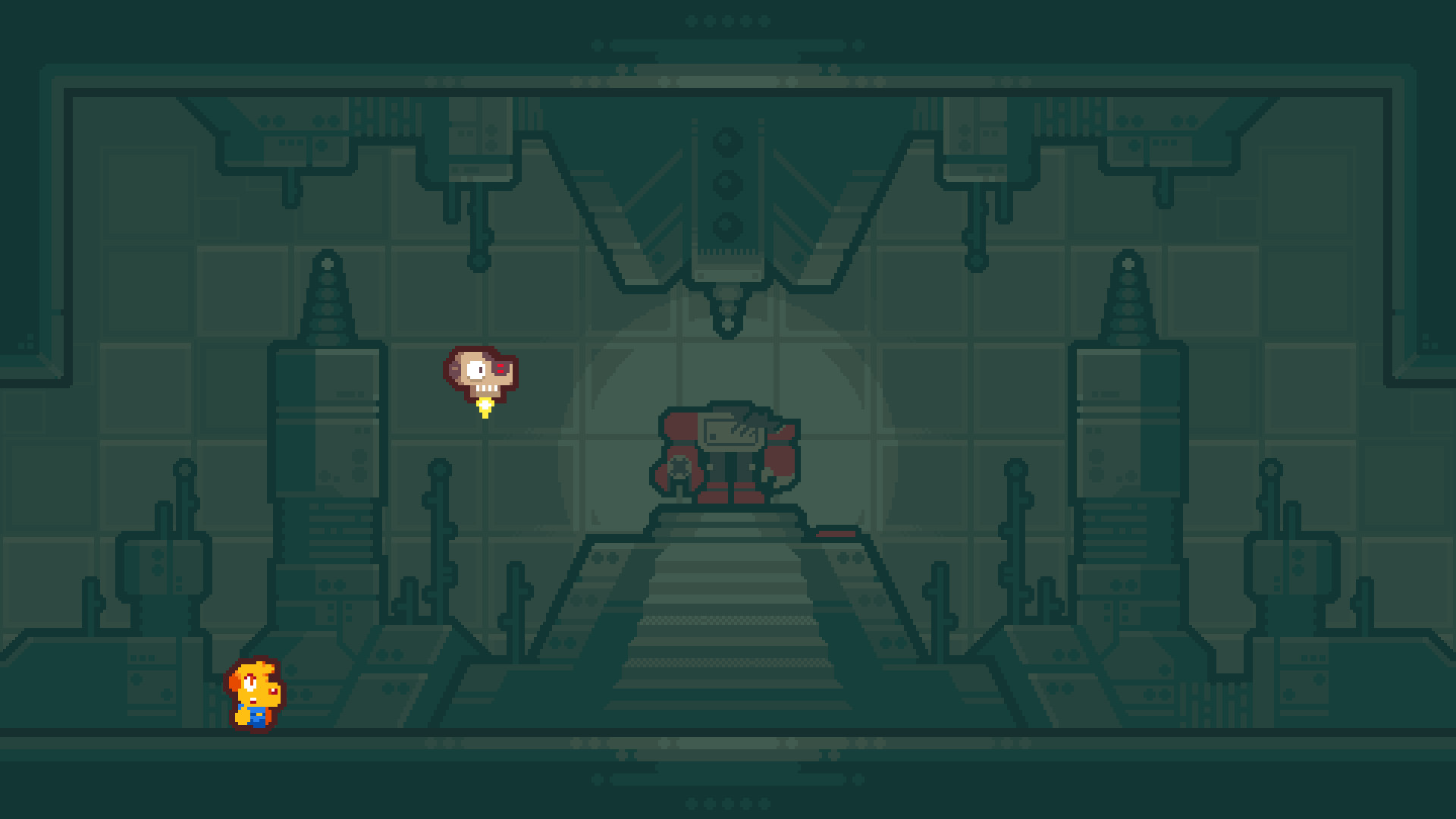
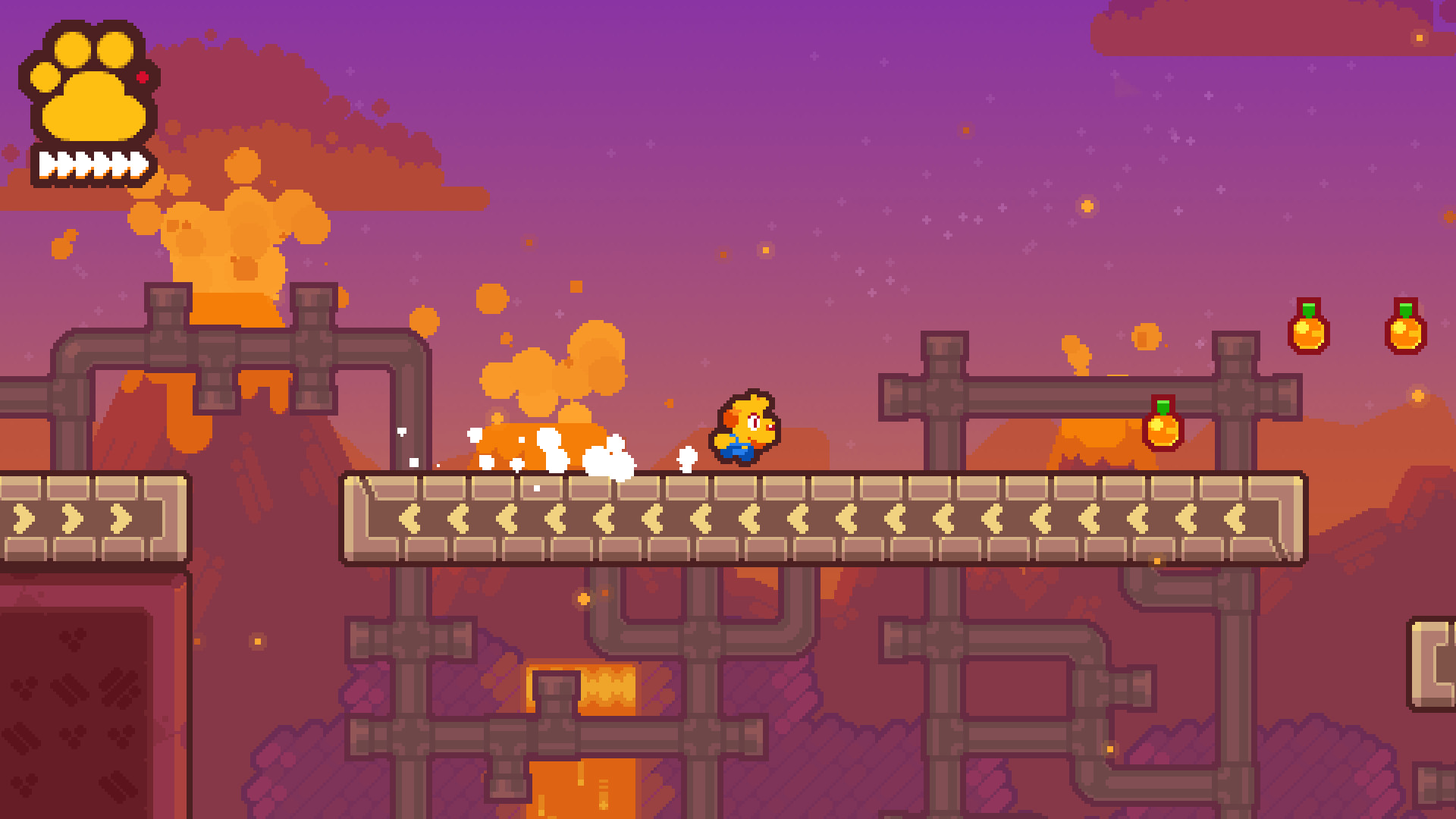
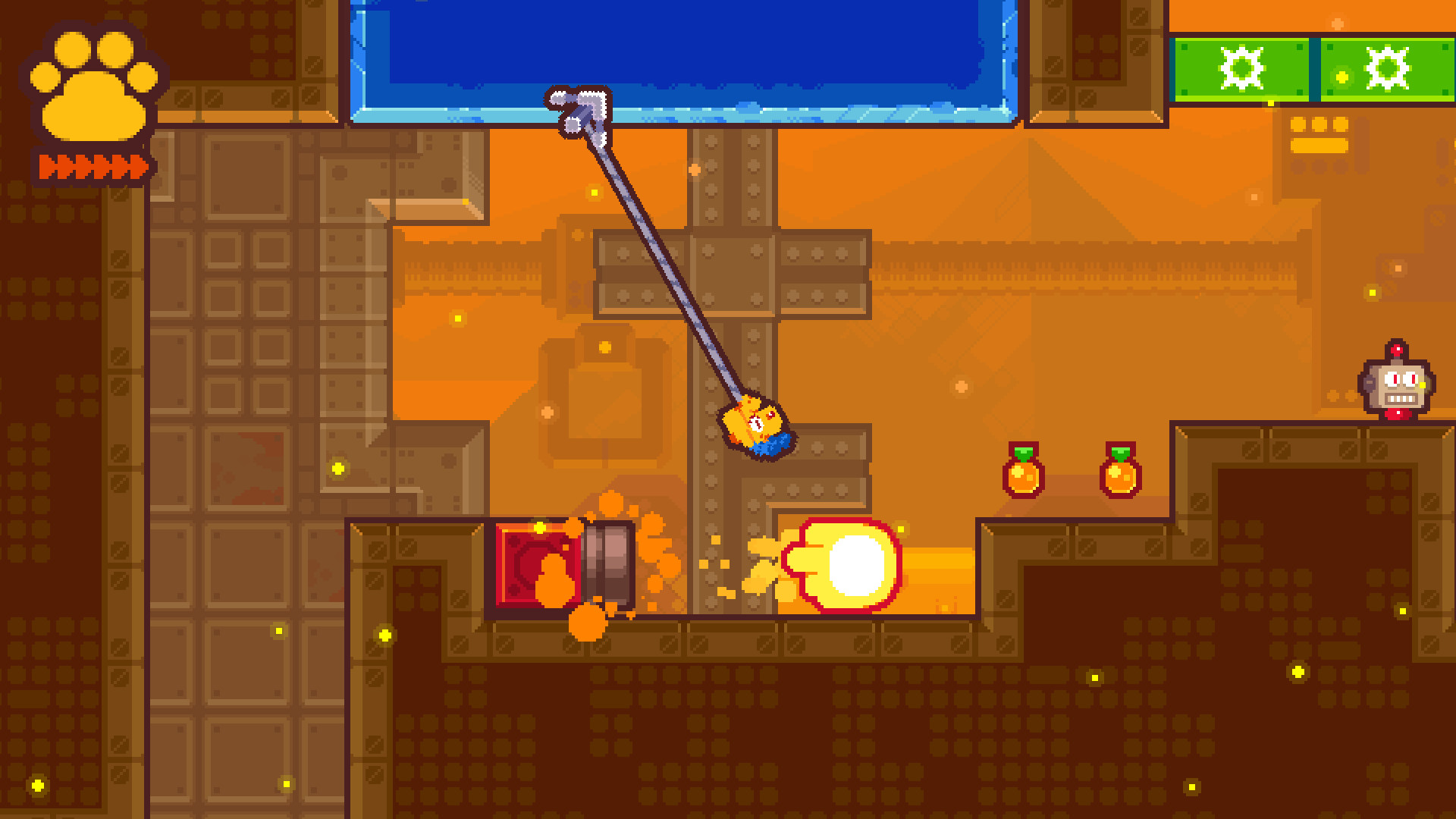
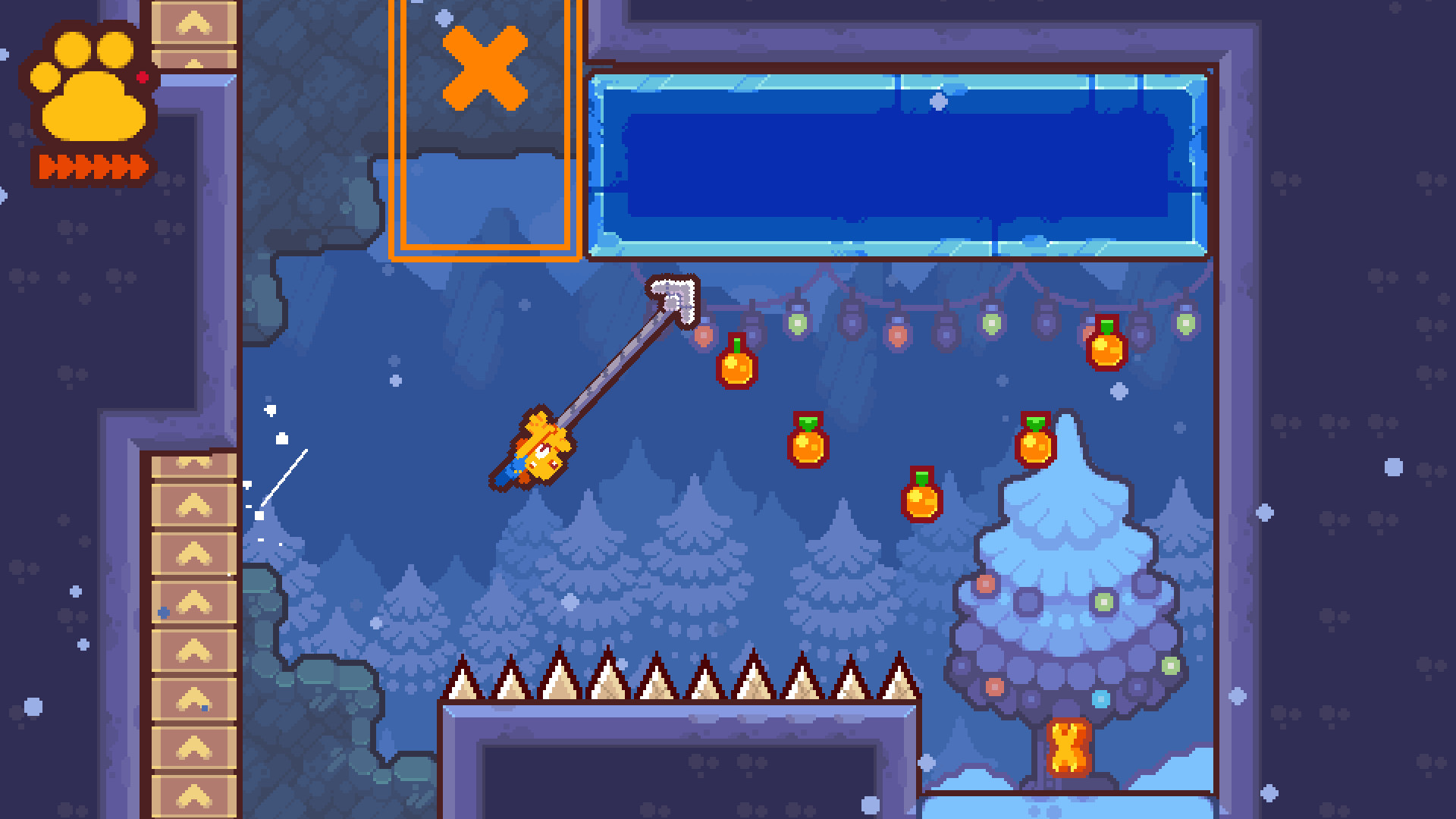
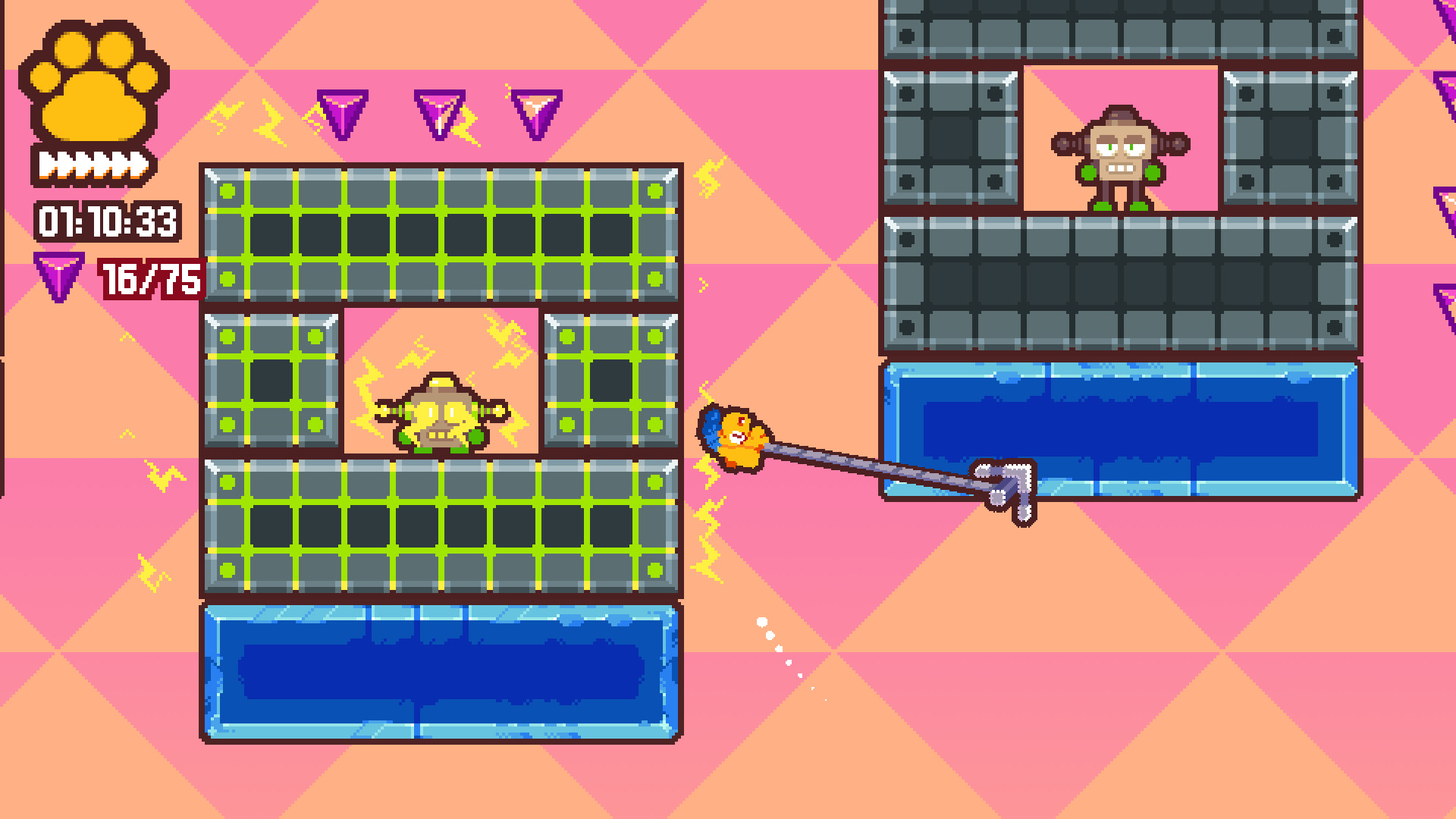
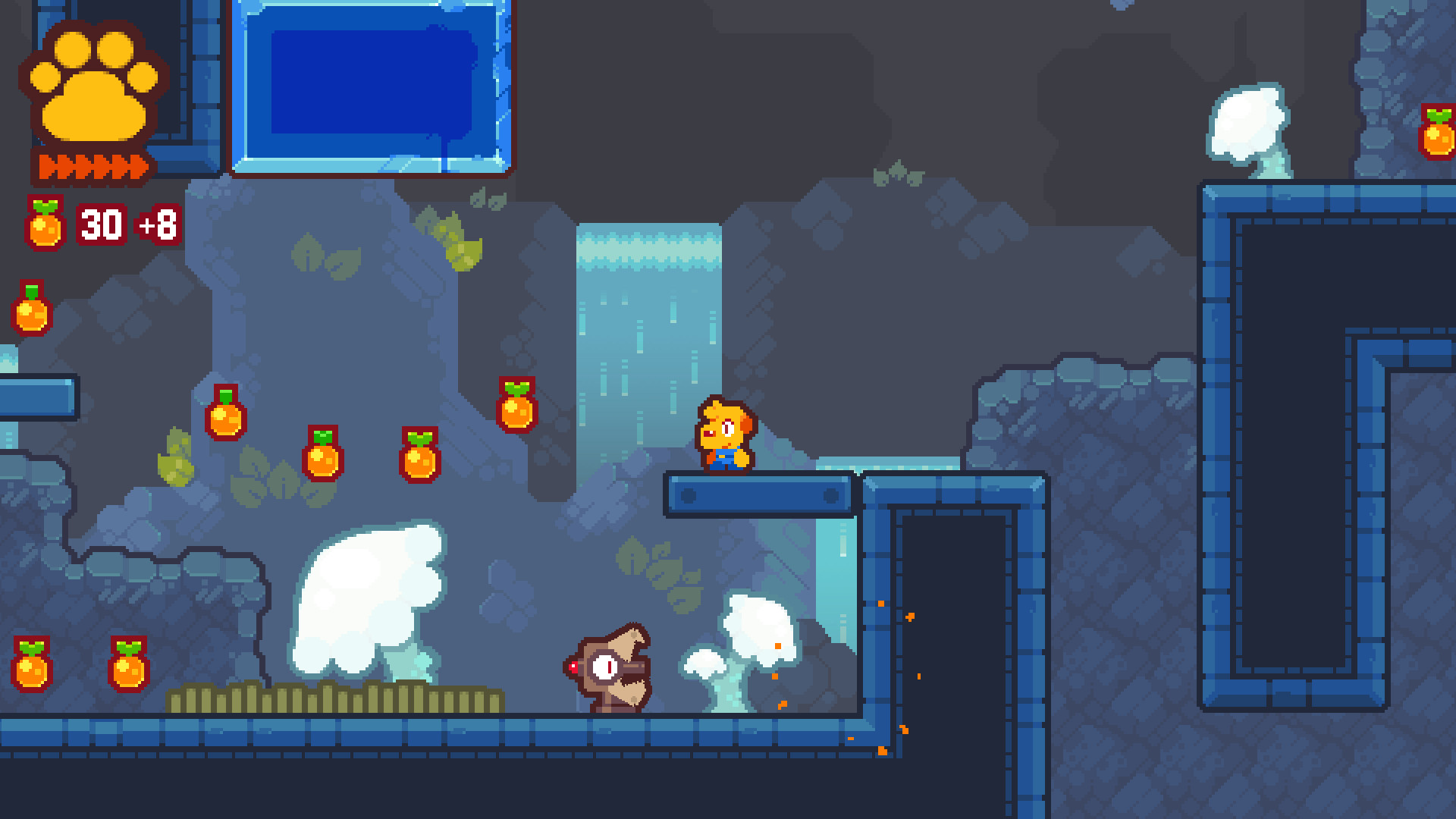
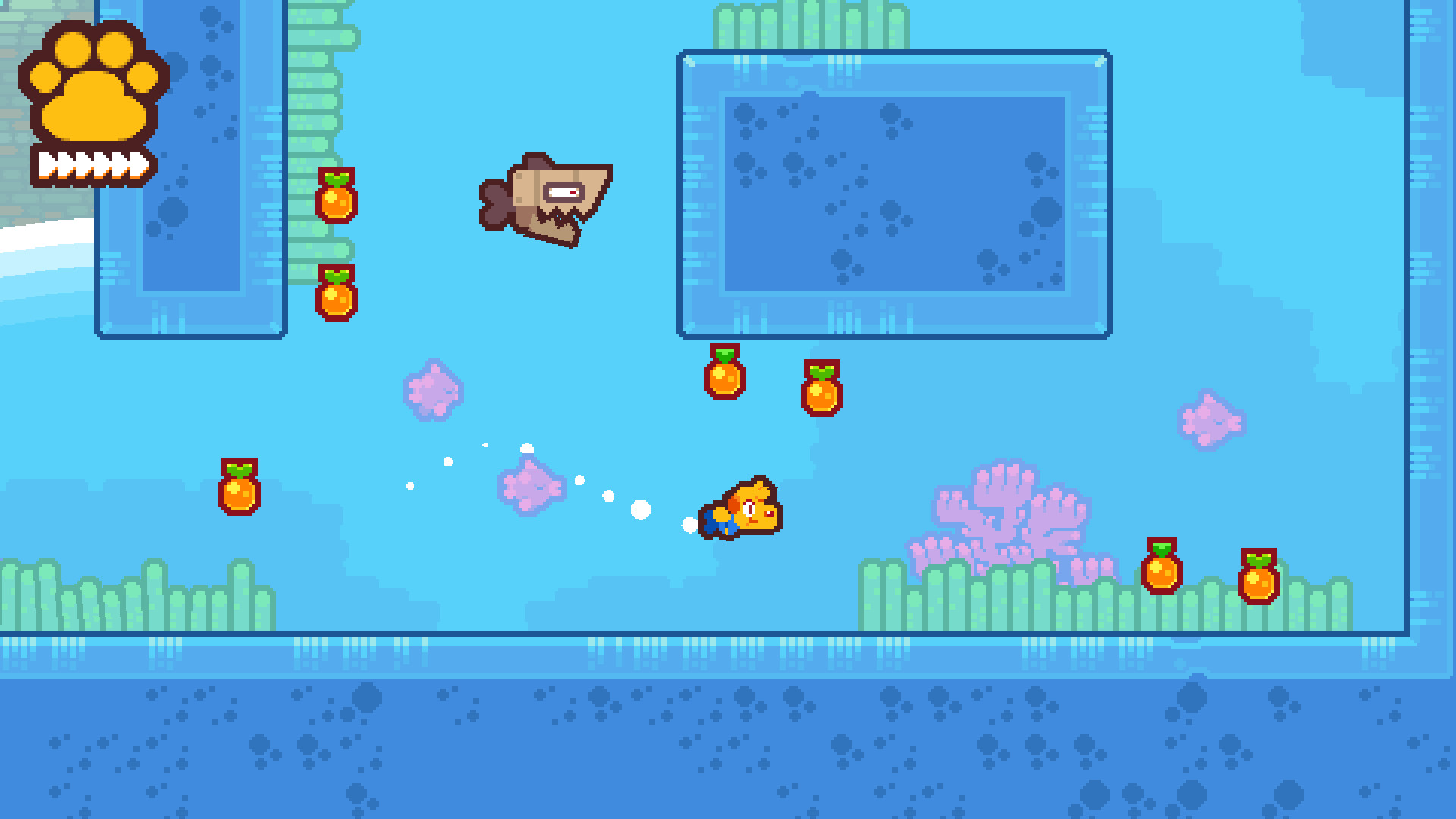
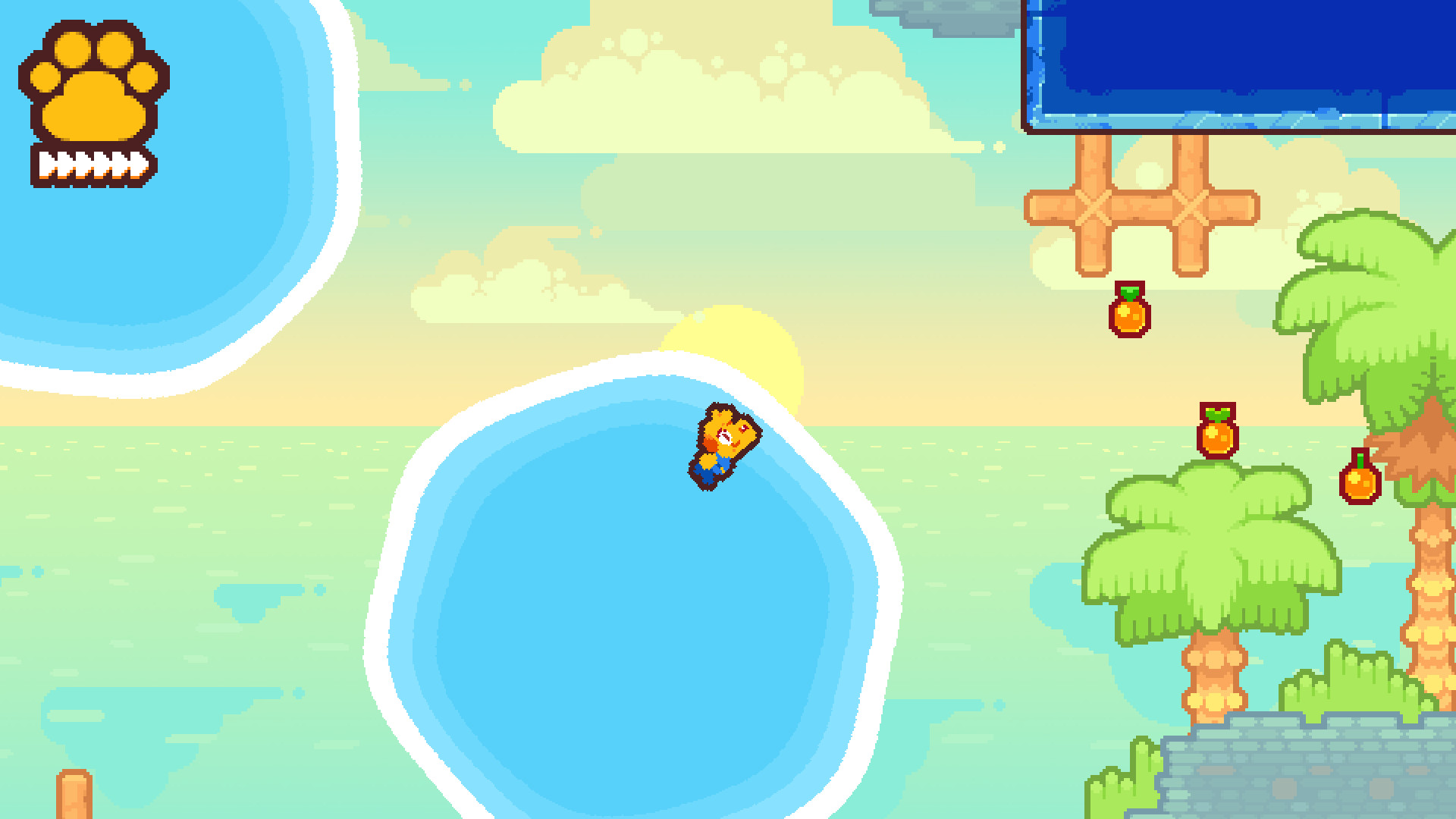
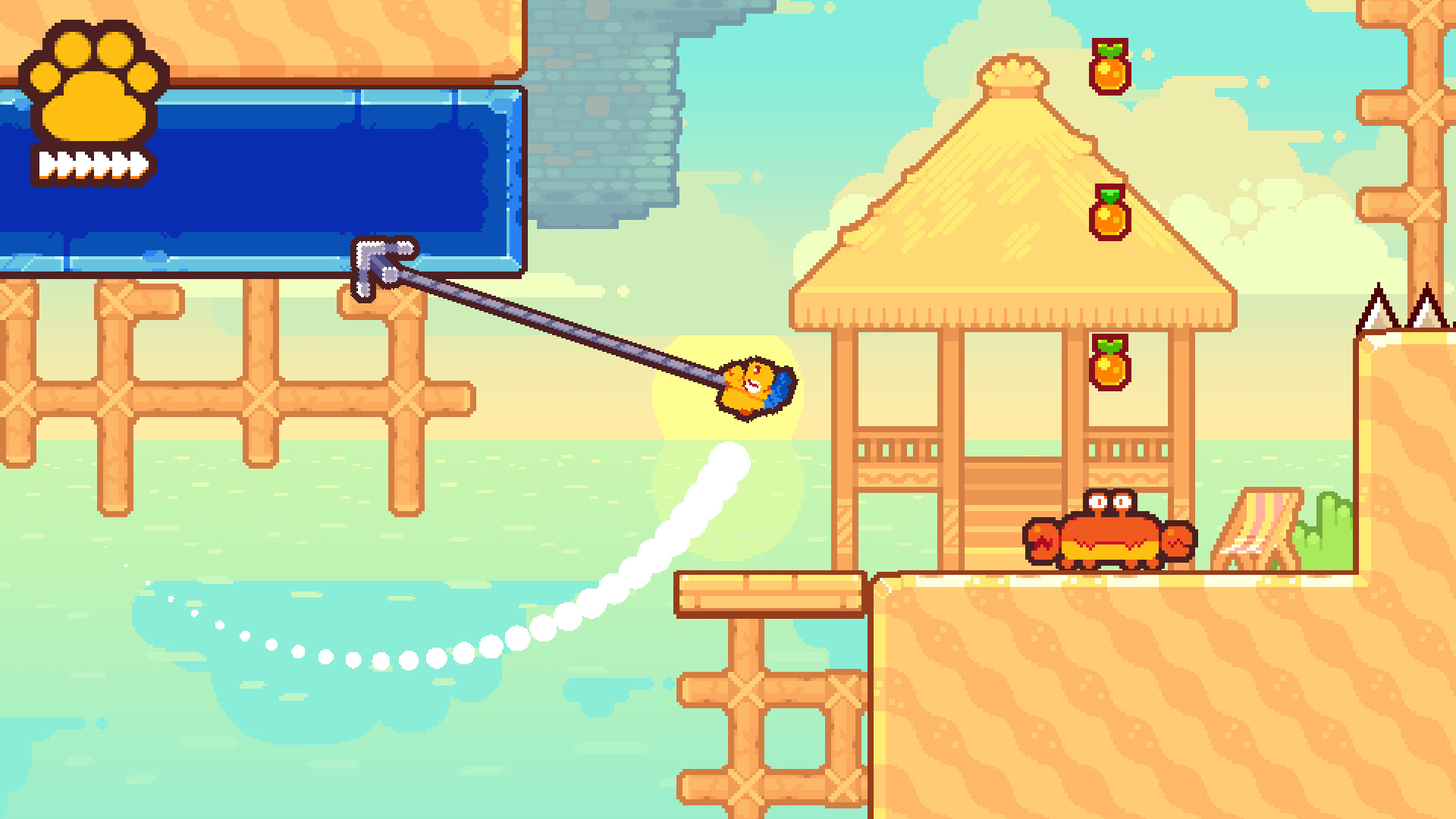
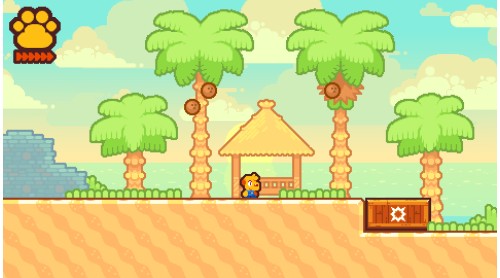
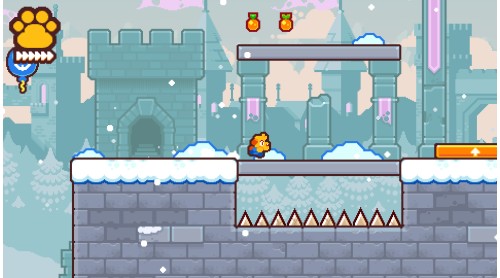
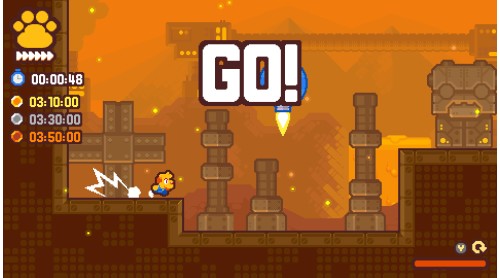
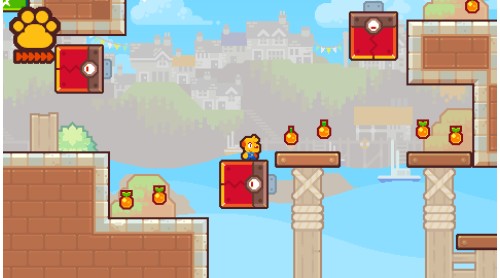
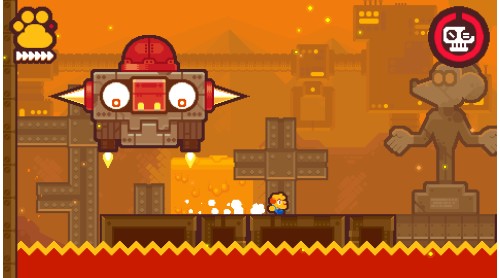
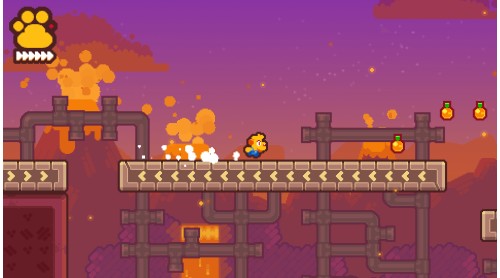
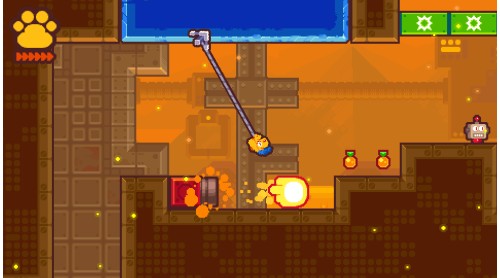
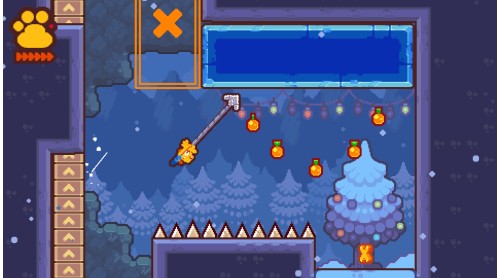
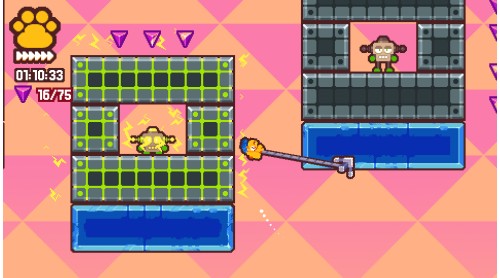
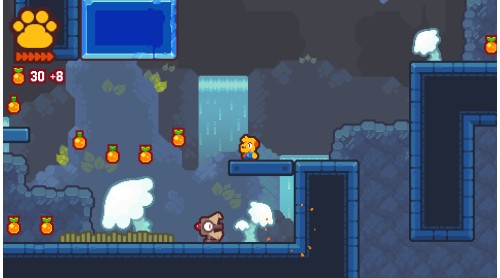
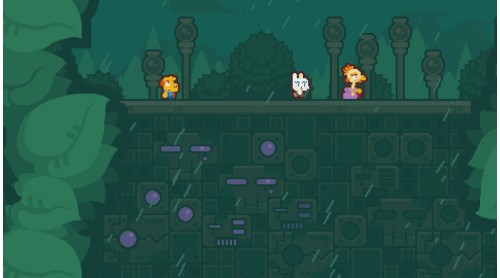
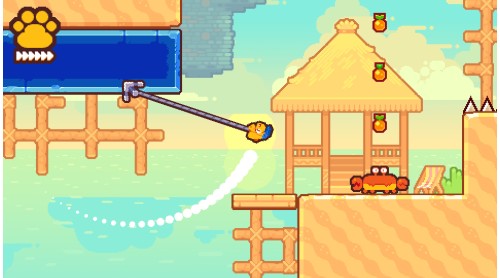
Grapple Dog is an exhilarating 2D pixel-art platformer. Use your awesome grappling hook to clear tricky challenges as Pablo, the Grapple Dog! Sail across 6 colourful worlds with a crew of fearless adventurers to stop the robotic overlord Nul from destroying the world!
Features
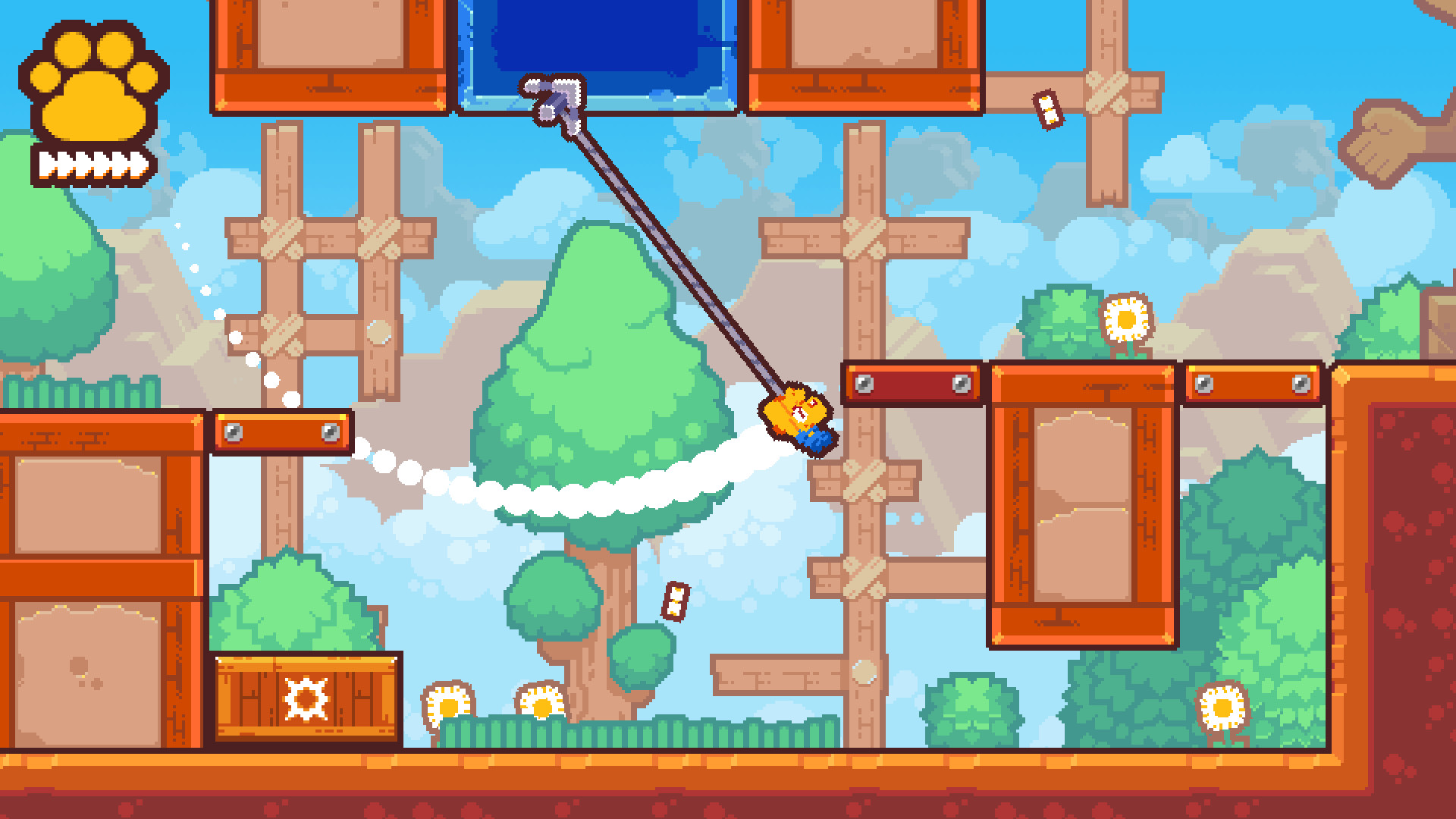
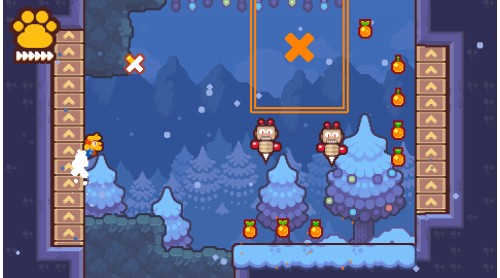
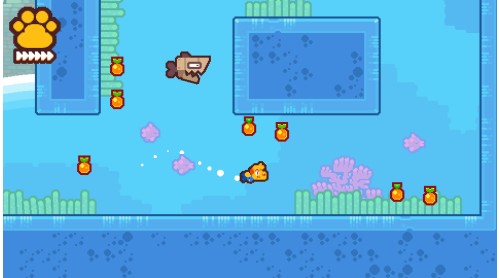
Exhilarating action – Jumping! Swinging! Collecting gems! Dogs! Grapples! Driving a little boat around! And most exciting of all, dog petting!
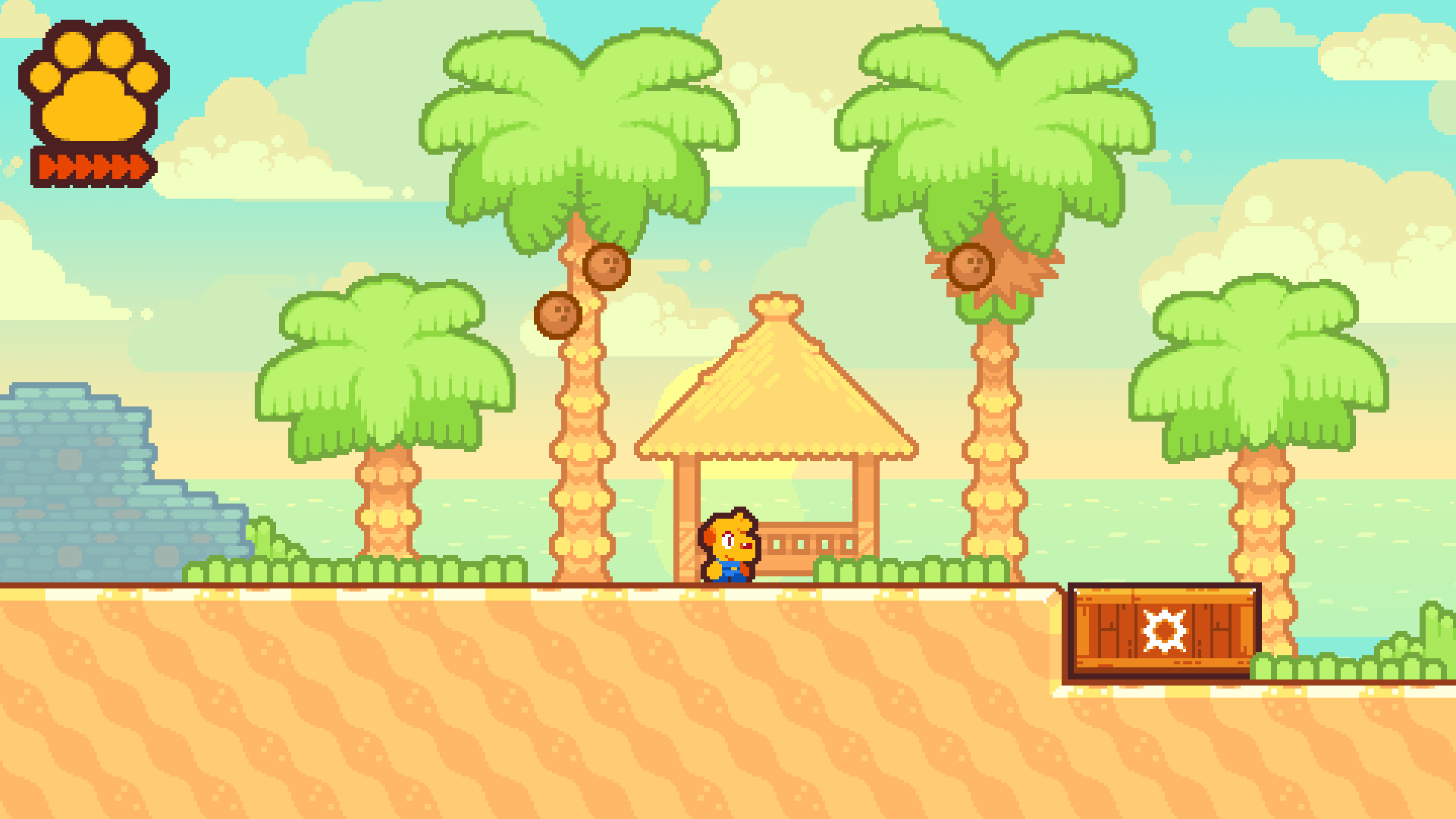
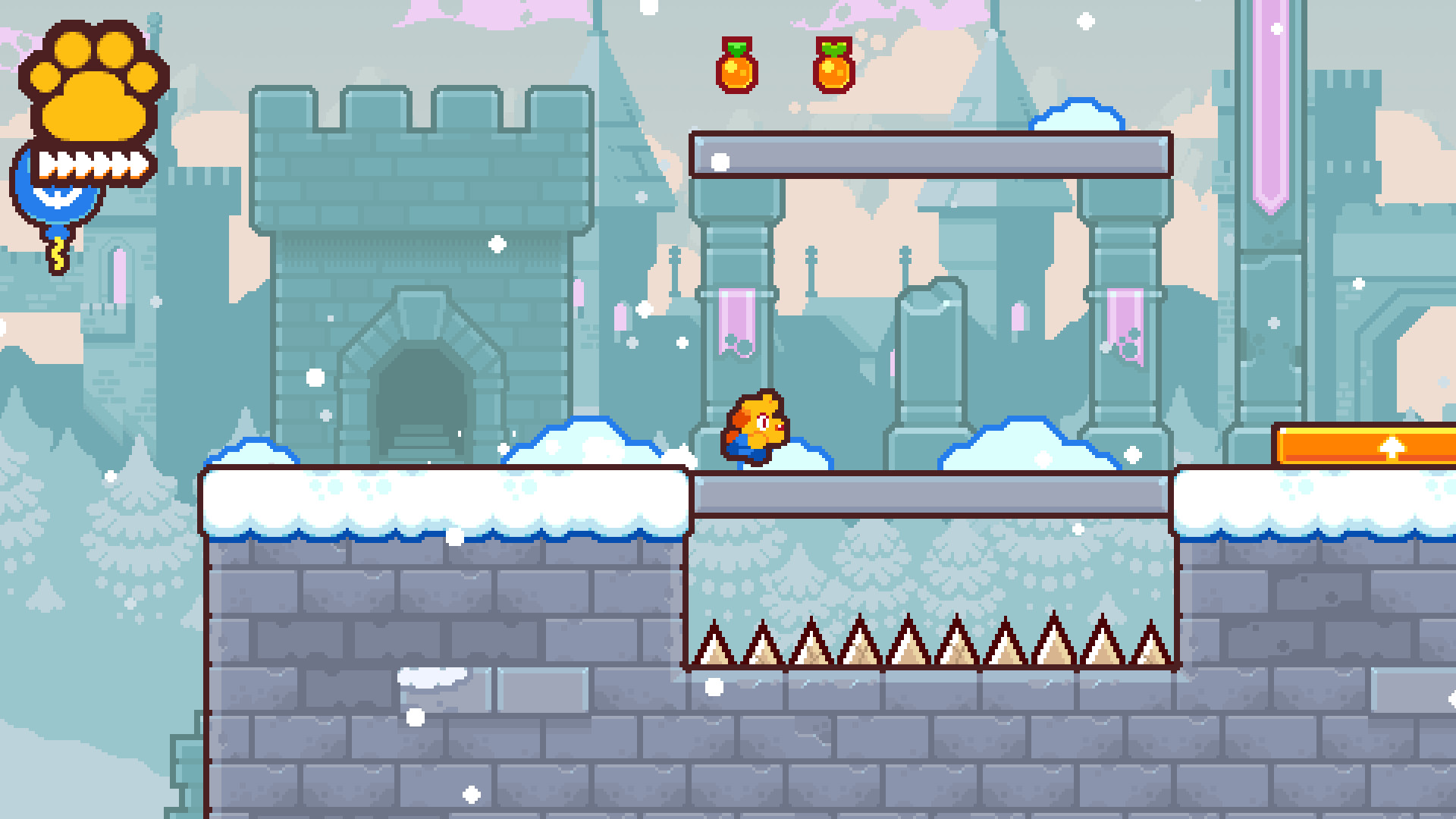
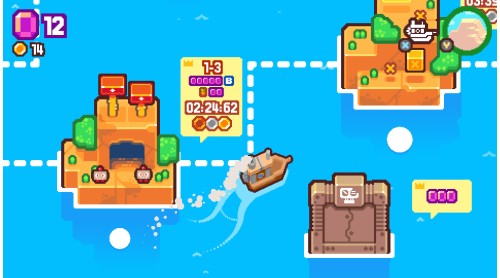
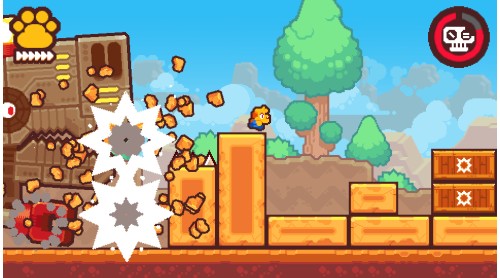
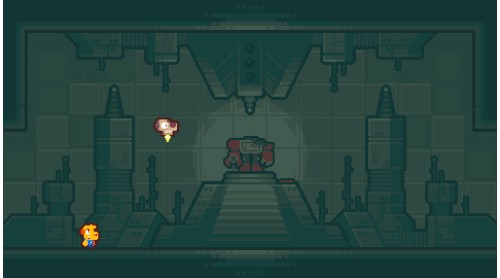
6 colourful worlds – Sail across the map to explore 6 worlds, featuring 33 levels filled with hidden collectibles to find, secret areas to investigate, spectacular boss battles to overcome, and bonus levels to master
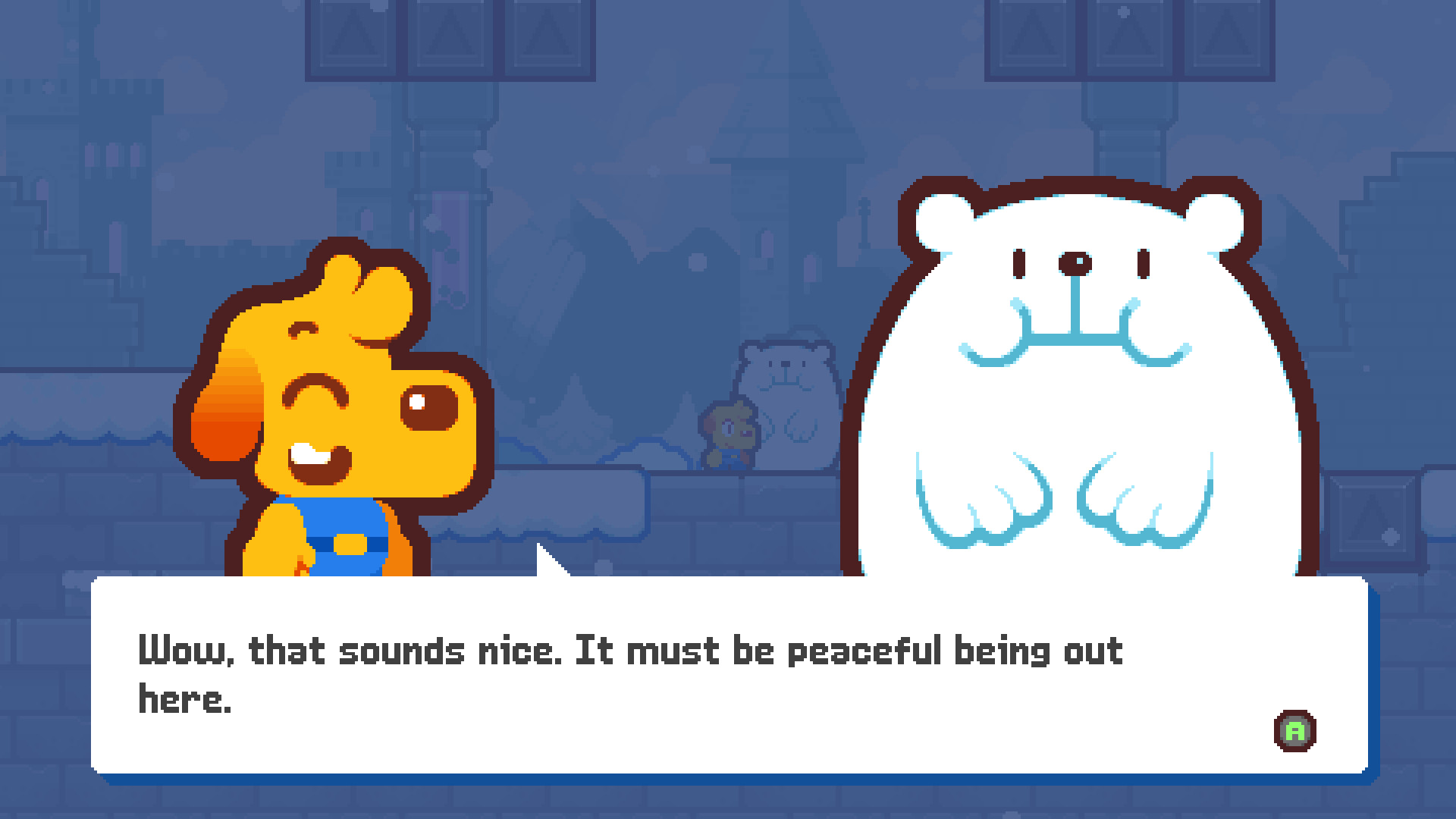
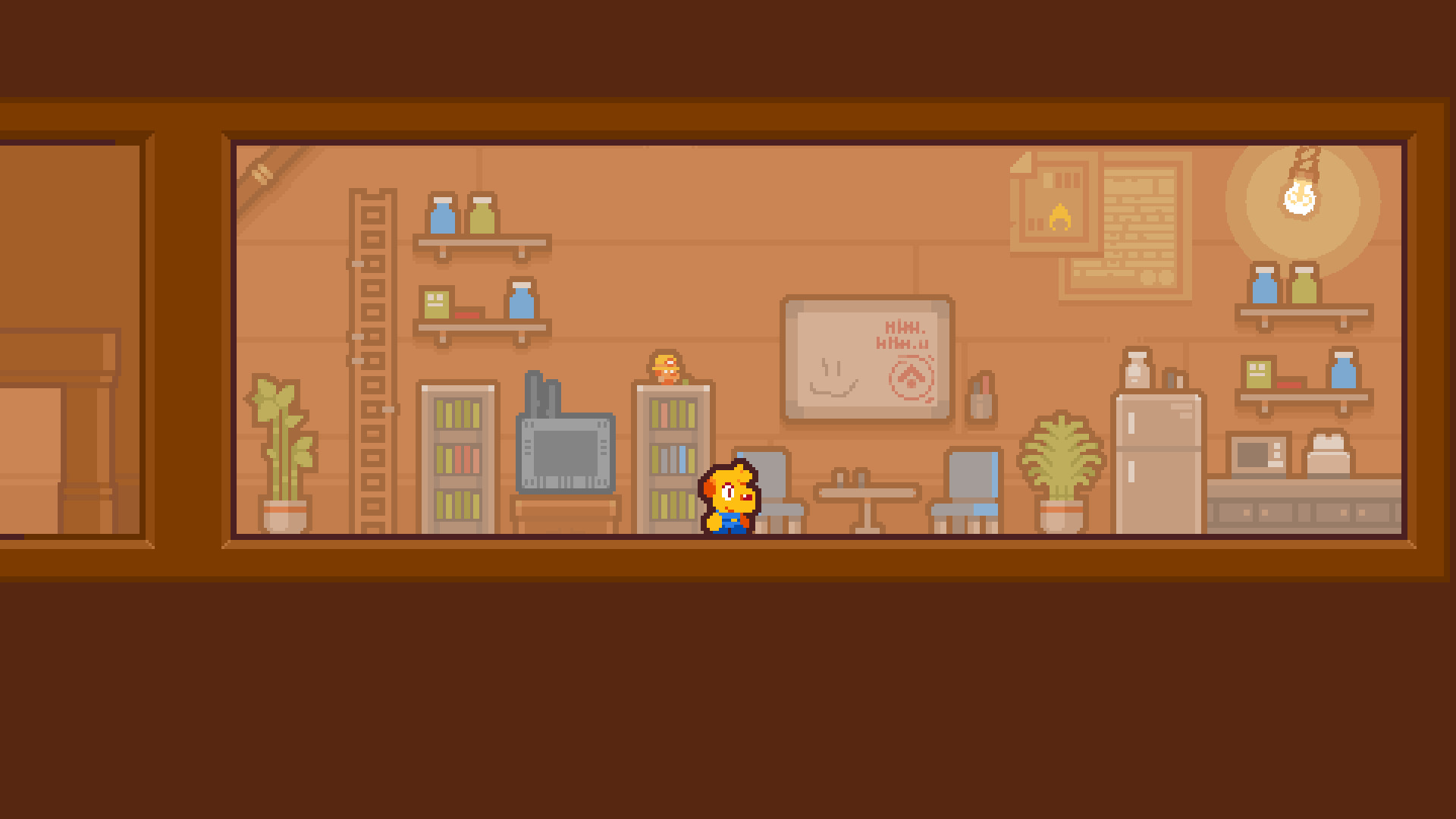
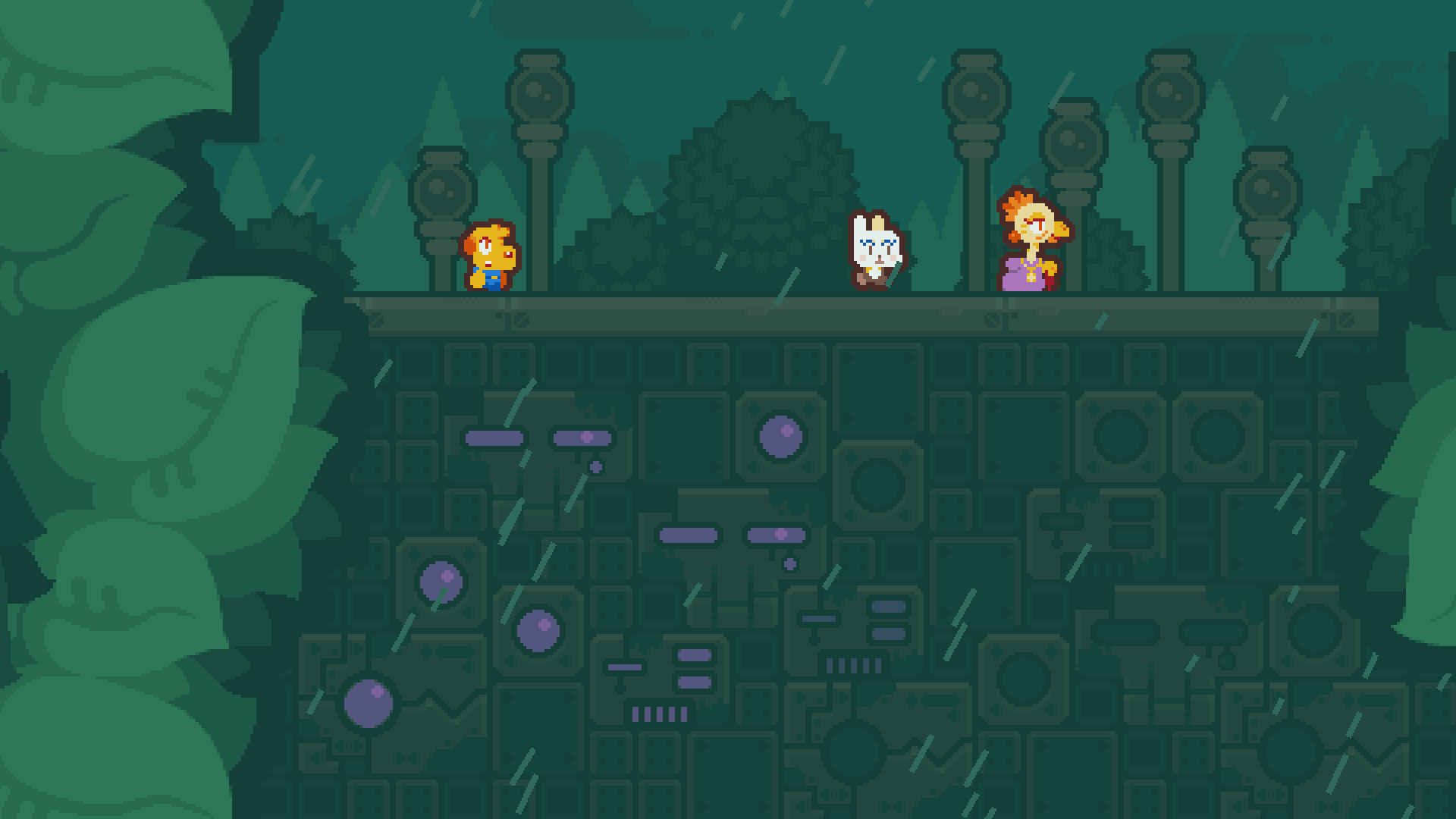
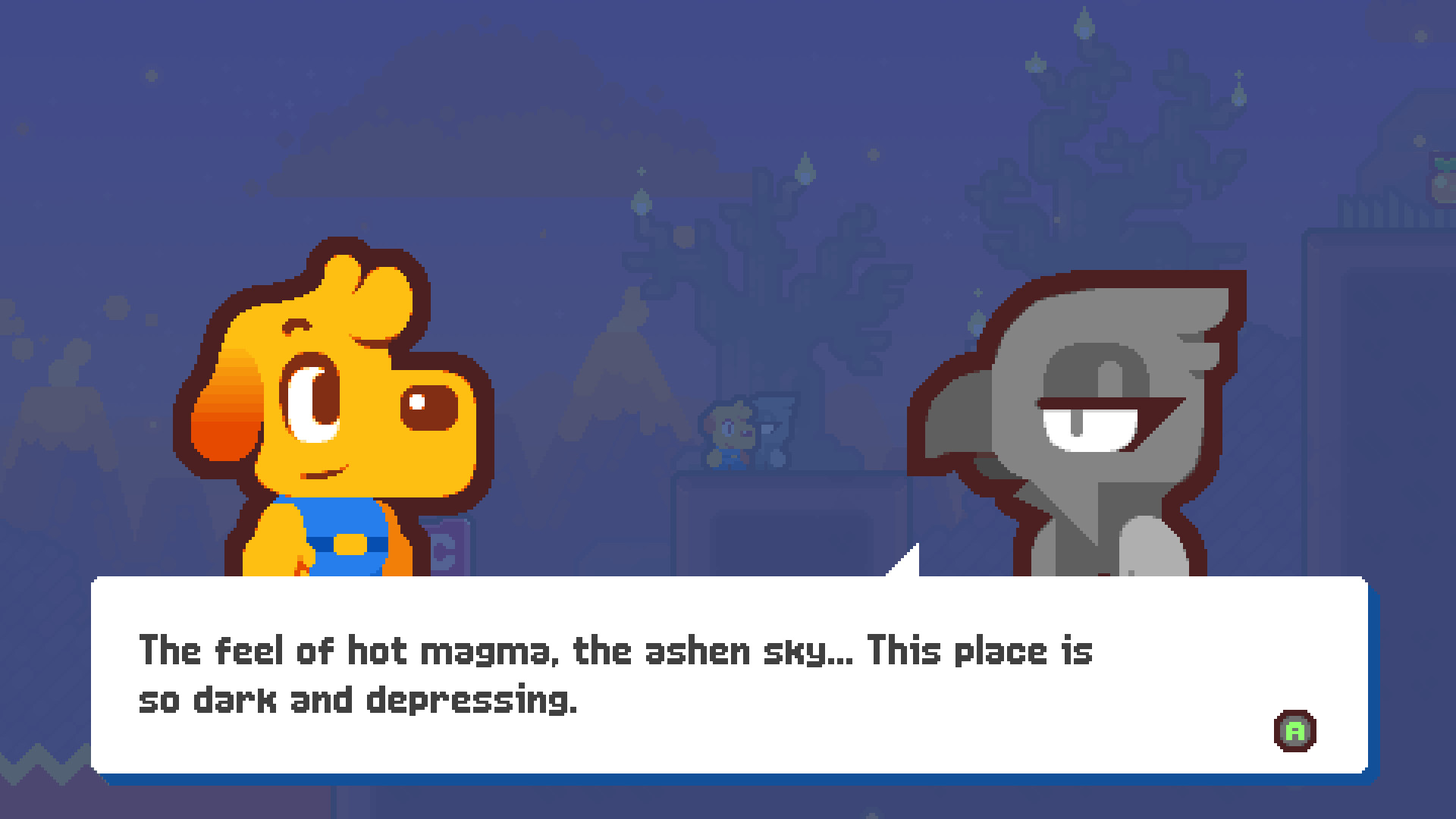
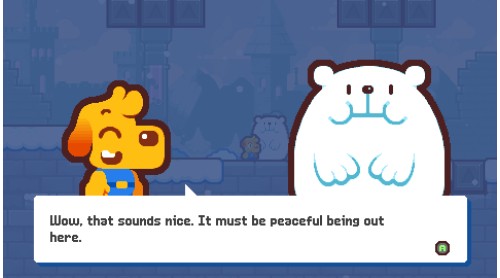
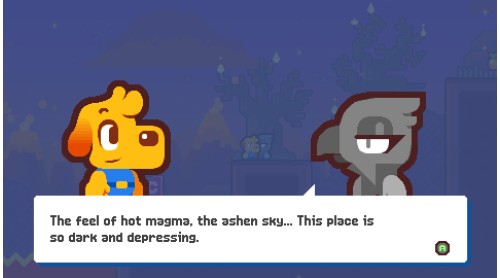
Go, go, Grapple Dog! – A lighthearted adventure with tons of fun characters, you play as Pablo, the Grapple Dog! Sail with your merry band of fearless adventurers on your quest to stop the robotic overlord Nul from destroying the world
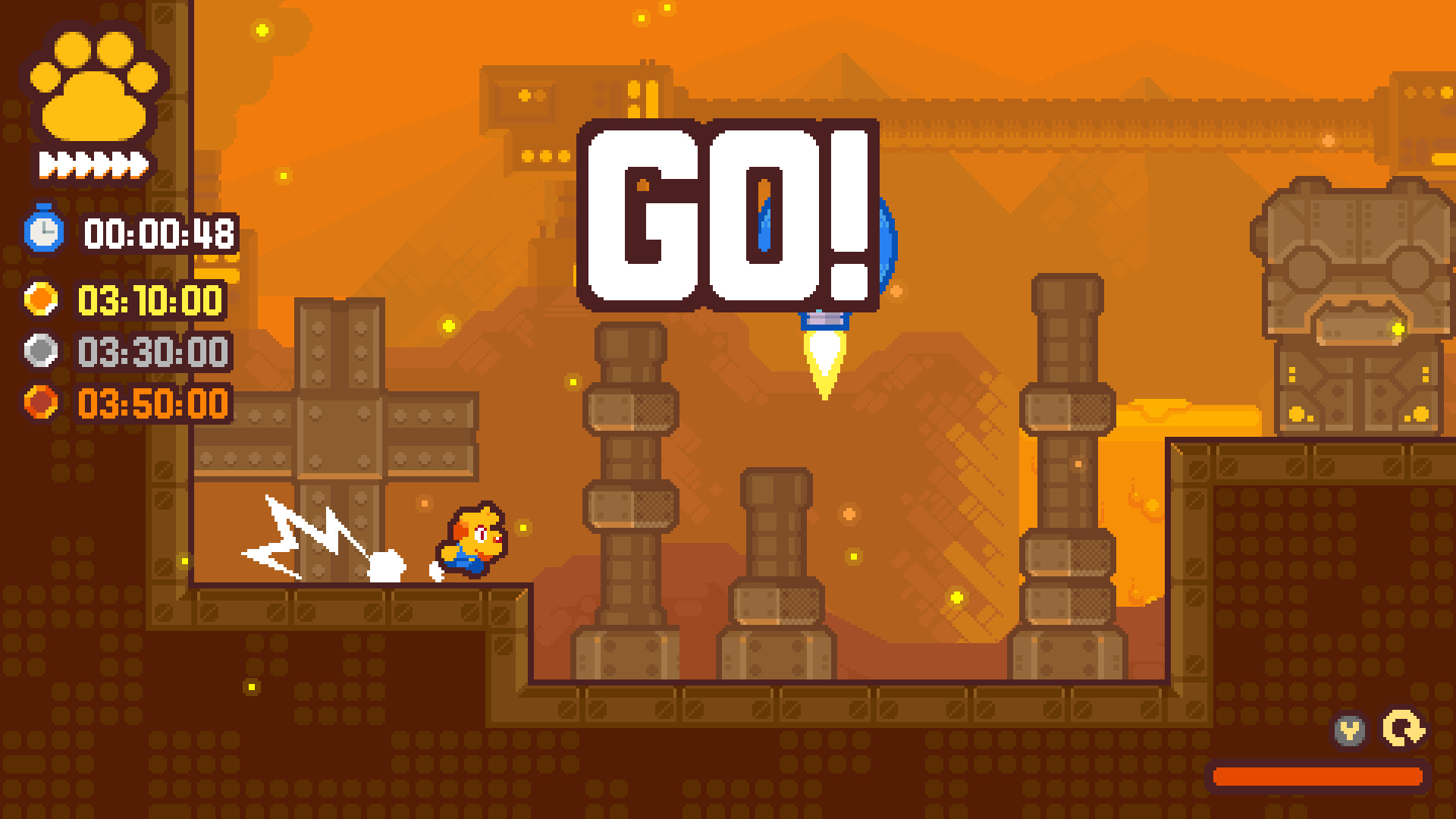
Play your way – Hone your grapple skills with optional collectibles and a testing speedrun Time Trial mode, or utilise the many in-built accessibility options to play without restrictions – have fun however you see fit
Bold & funky – A bold, colourful art style from a pixel art veteran makes Grapple Dog pop from start to finish, with a funky fresh soundtrack that’s sure to stick in your head, and buttery smooth 60fps gameplay
Copyright Medallion Games, Licensed by Super Rare Games


How to activate your Steam key?
1. Open your Steam client. (If you don't have a Steam Client, you can install from here https://store.steampowered.com/about/)
2. Sign in to your Steam account. (If you don't have a Steam Account, you can create from here https://store.steampowered.com/join/)
3. Click “ADD A GAME” button which is at the bottom of the Steam Client.
4. Now select "Activate a product on Steam..."
5. Write or copy-paste your Steam key which you purchased from Gamesforpc.
6. Now your game is in your library.
7. Find your game in your library, select and click install to start your download.