 Steam
Steam 7.49€
Added to Cart
7.49€
Added to Wishlist
7.49€
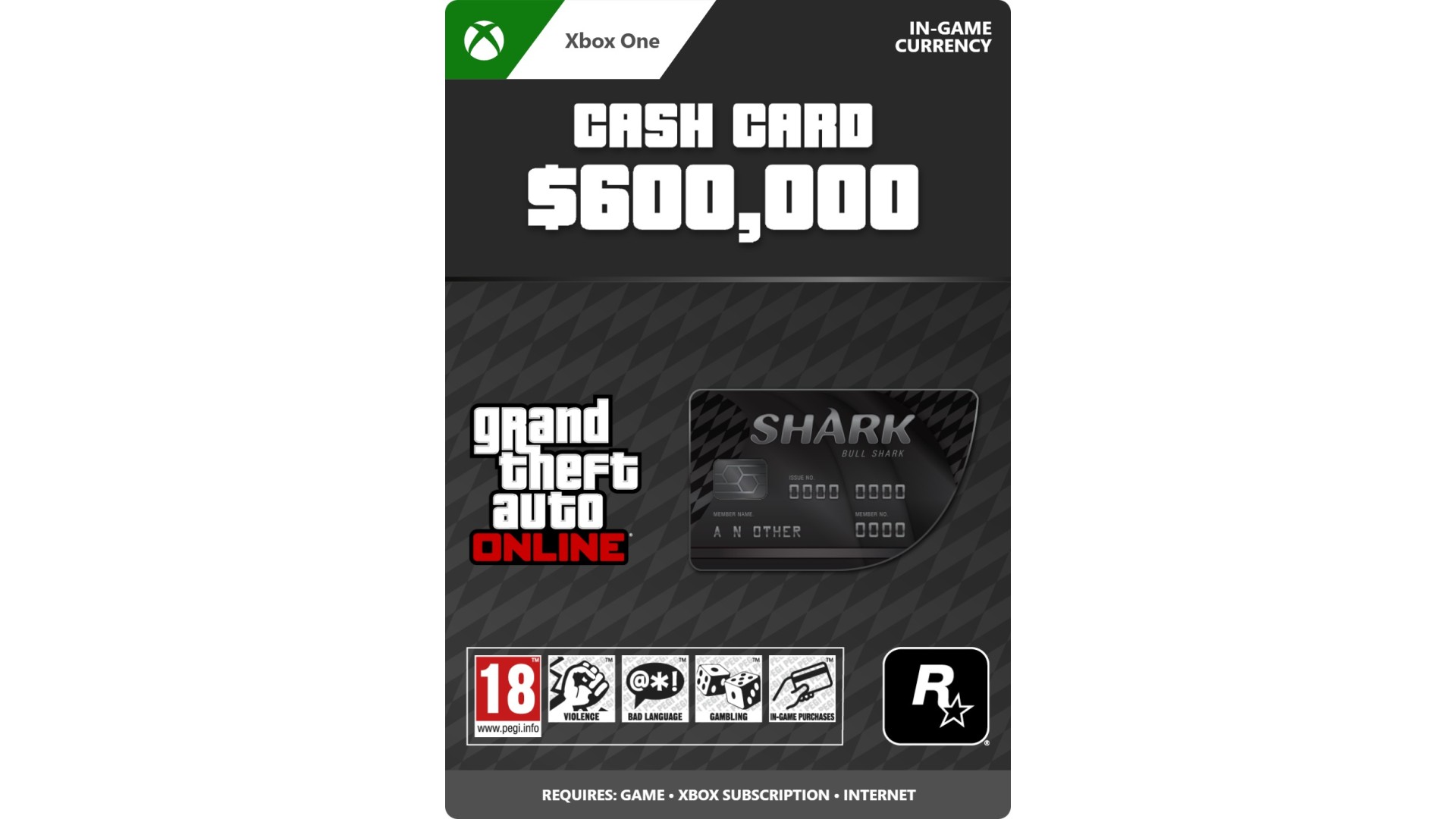
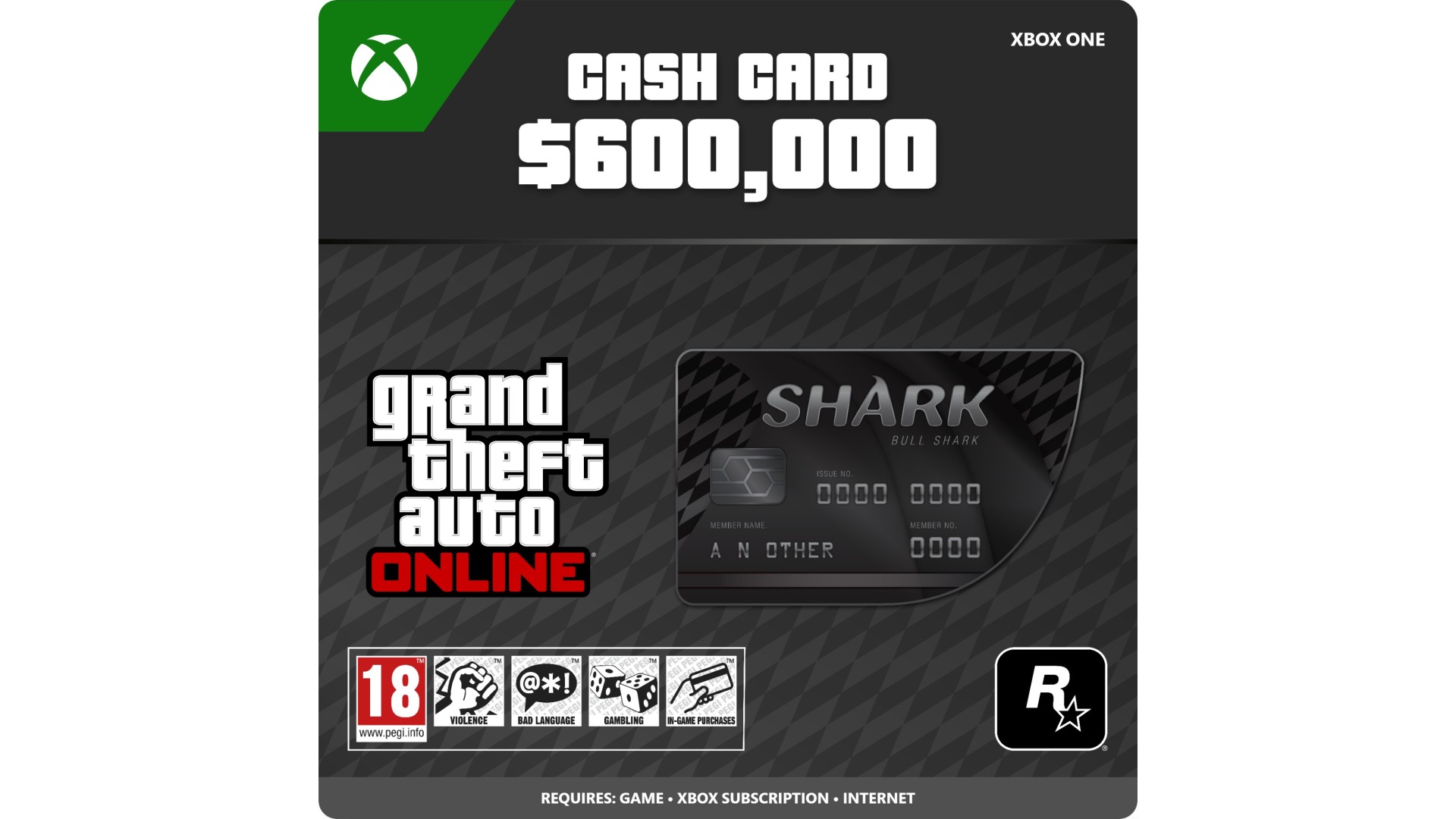
Purchase the Bull Shark Cash Card (Xbox One) to gain GTA$600,000 to spend in the Xbox One version of GTA Online.
Cash is king in this town. Solve your money problems and help get what you want across Los Santos and Blaine County with the purchase of cash packs for Grand Theft Auto Online. All purchased cash is automatically deposited into your character’s bank account. Spend wisely, cash therapy is fleeting.
A copy of Grand Theft Auto Online for Xbox One is required to redeem GTA$. Purchased GTA$ will only be deposited into your character’s bank account within the console generation version of Grand Theft Auto Online indicated and is not transferable between console generations, unless otherwise stated. Certain limits apply to purchase, use, and redemption. See EULA www.rockstargames.com/eula and Terms of Service www.rockstargames.com/legal for details.
For customer and technical support, please visit www.rockstargames.com/support.
©2008 - 2022 Rockstar Games, Inc. Rockstar Games, Rockstar North, Grand Theft Auto, the GTA Five, the GTA Online, and the Rockstar Games R* marks and logos are trademarks and/or registered trademarks of Take-Two Interactive Software, Inc. The ratings icon is a trademark of the Entertainment Software Association.


How to activate your Steam key?
1. Open your Steam client. (If you don't have a Steam Client, you can install from here https://store.steampowered.com/about/)
2. Sign in to your Steam account. (If you don't have a Steam Account, you can create from here https://store.steampowered.com/join/)
3. Click “ADD A GAME” button which is at the bottom of the Steam Client.
4. Now select "Activate a product on Steam..."
5. Write or copy-paste your Steam key which you purchased from Gamesforpc.
6. Now your game is in your library.
7. Find your game in your library, select and click install to start your download.