 Xbox Series X|S
37.99€
Added to Cart
37.99€
Added to Wishlist
37.99€
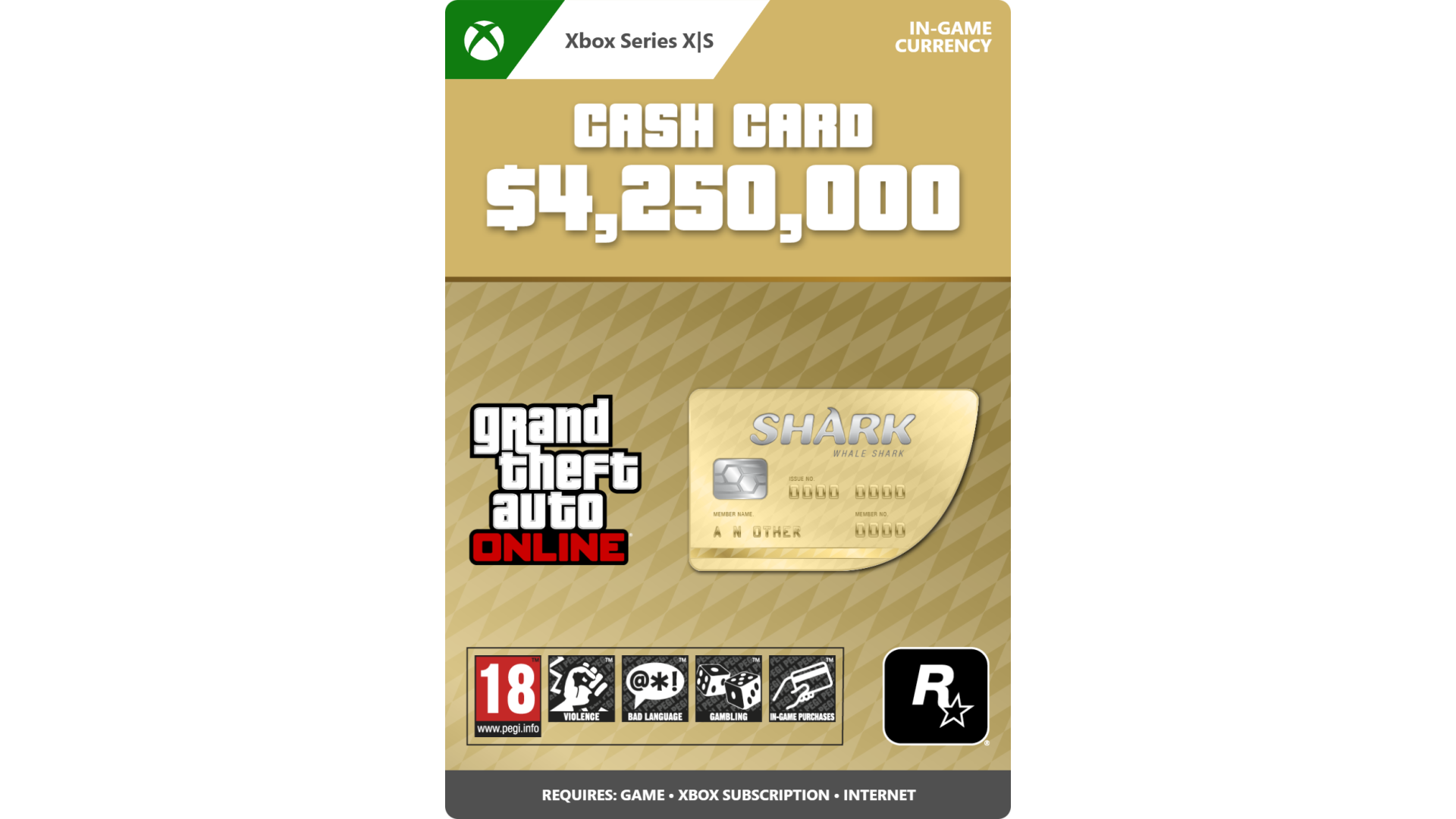
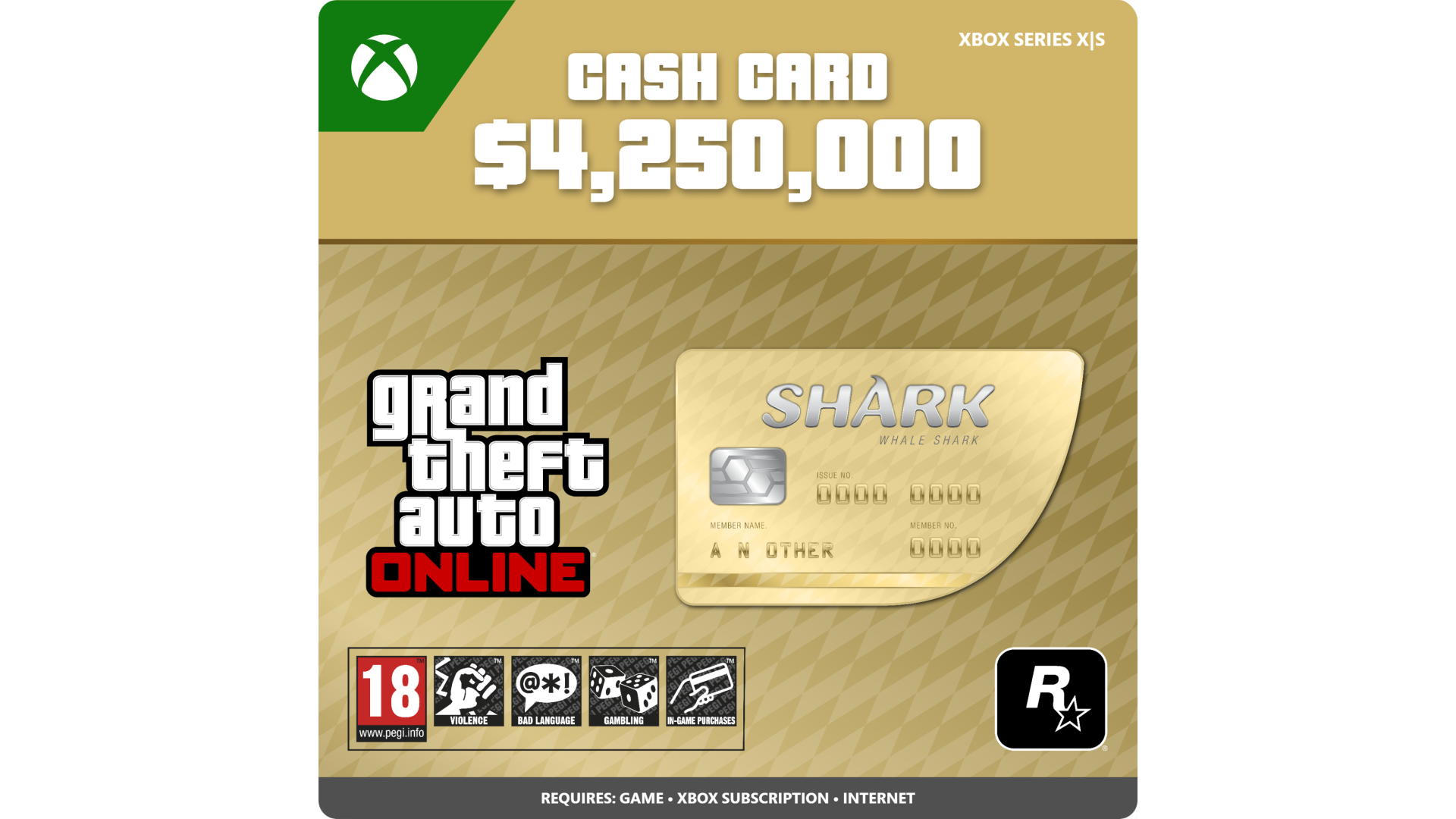
Purchase the Whale Shark Cash Card (Xbox Series X|S) to gain GTA$4,250,000 to spend in the Xbox Series X|S version of GTA Online.
Cash is king in this town. Solve your money problems and help get what you want across Los Santos and Blaine County with the purchase of cash packs for Grand Theft Auto Online. All purchased cash is automatically deposited into your character’s bank account. Spend wisely, cash therapy is fleeting.
A copy of Grand Theft Auto Online for Xbox Series X|S is required to redeem GTA$. Purchased GTA$ will only be deposited into your character’s bank account within the console generation version of Grand Theft Auto Online indicated and is not transferable between console generations, unless otherwise stated. Certain limits apply to purchase, use, and redemption. See EULA www.rockstargames.com/eula and Terms of Service www.rockstargames.com/legal for details.
For customer and technical support, please visit www.rockstargames.com/support.
©2008 - 2022 Rockstar Games, Inc. Rockstar Games, Rockstar North, Grand Theft Auto, the GTA Five, the GTA Online, and the Rockstar Games R* marks and logos are trademarks and/or registered trademarks of Take-Two Interactive Software, Inc. The ratings icon is a trademark of the Entertainment Software Association.


How to activate your Xbox key on your console?
1. Turn on yourXbox Series X|S and sign in with the Microsoft account you want the game on.
2. Press the Xbox button on your controller and open the Store.
3. Press the View button on your controller and select "Redeem".
4. Enter the 25-character code you purchased from Gamesforpc and confirm.
5. The game is now in your library. Go to "My games & apps" and install it.
Prefer the web?
1. Go to https://www.microsoft.com/redeem and sign in with the same Microsoft account you use on your Xbox.
2. Enter your 25-character code and confirm.
3. On your Xbox, find the game in "My games & apps" > "Full library" and install it.