


 Steam
Steam  Windows
 69.99€
Added to Cart
69.99€
Added to Wishlist
69.99€
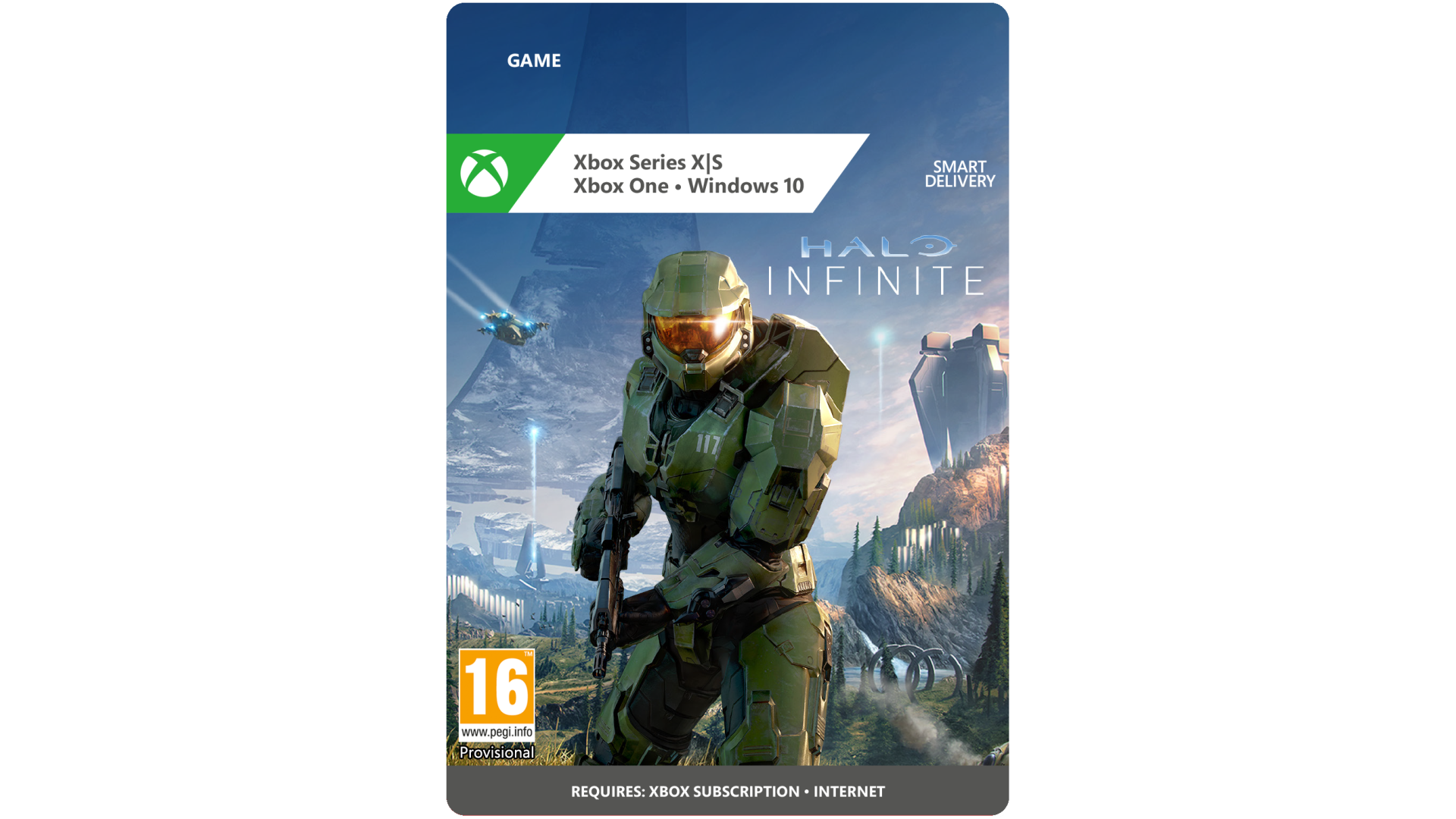
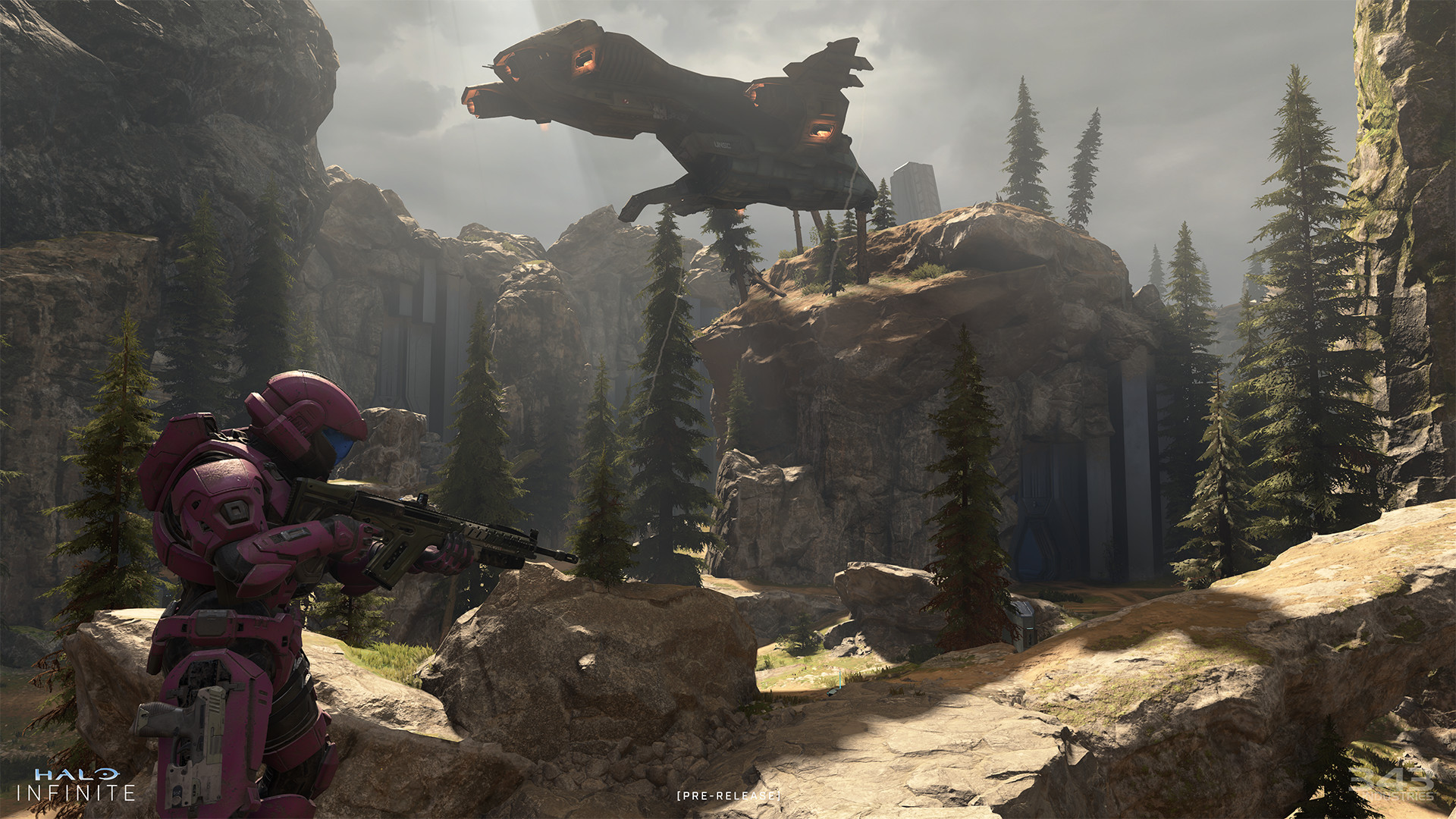
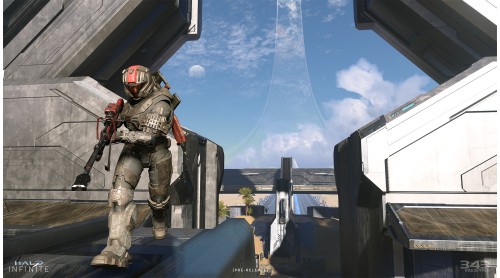
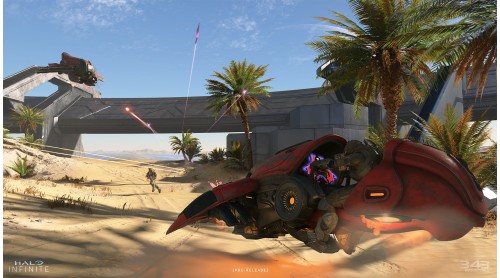
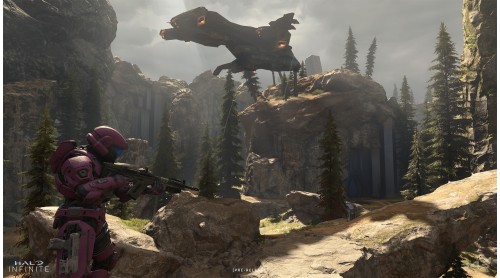
When all hope is lost and humanity’s fate hangs in the balance, the Master Chief is ready to confront the most ruthless foe he’s ever faced. Step inside the armor of humanity’s greatest hero to experience an epic adventure and explore the massive scale of the Halo ring. To experience the campaign, purchase Halo Infinite (Campaign).
Legendary Multiplayer, Freed:
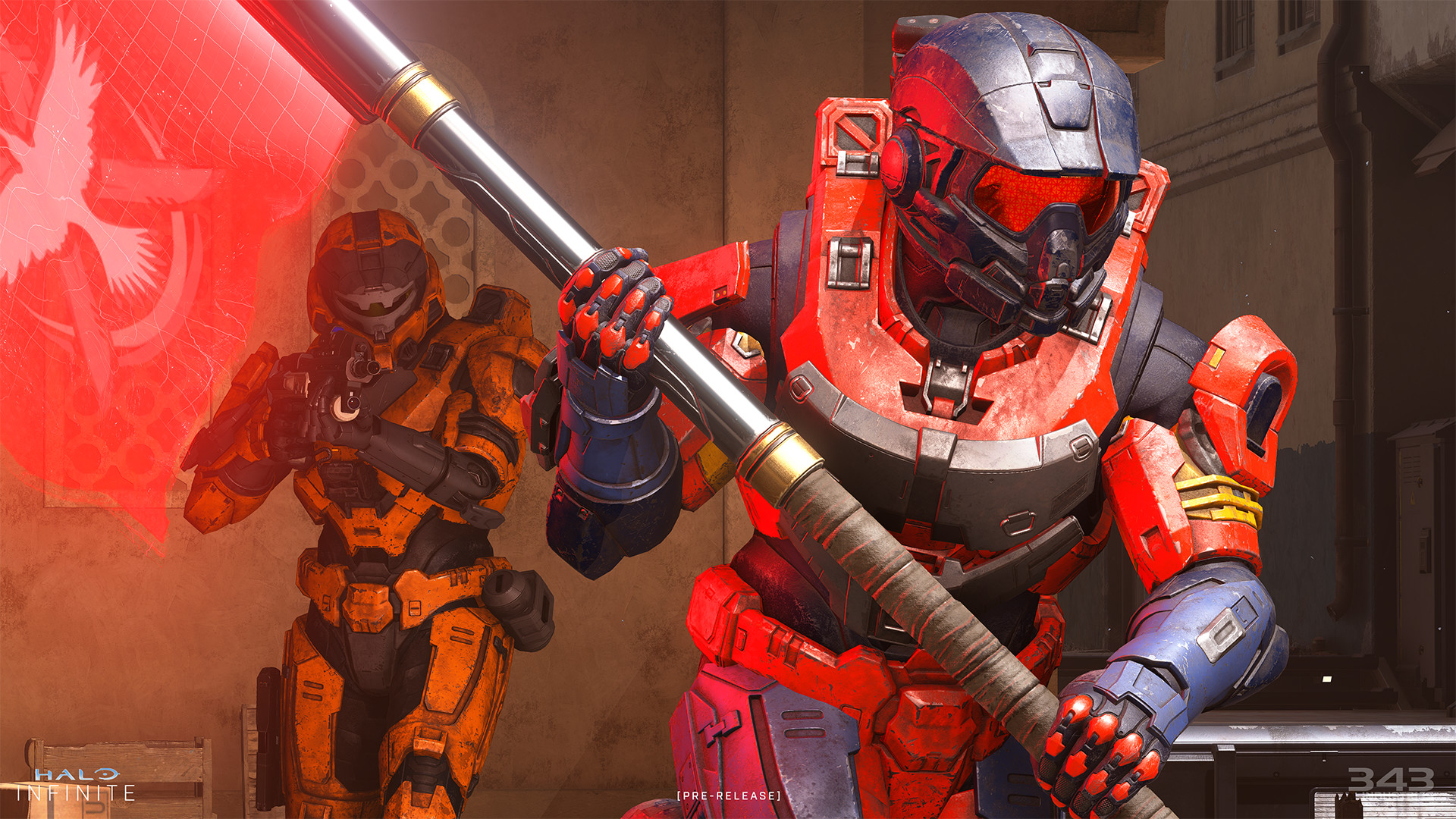
Halo’s celebrated multiplayer returns, reimagined and free-to-play! Seasonal updates evolve the experience over time with unique events, new modes and maps, and community-focused content.
Arena:
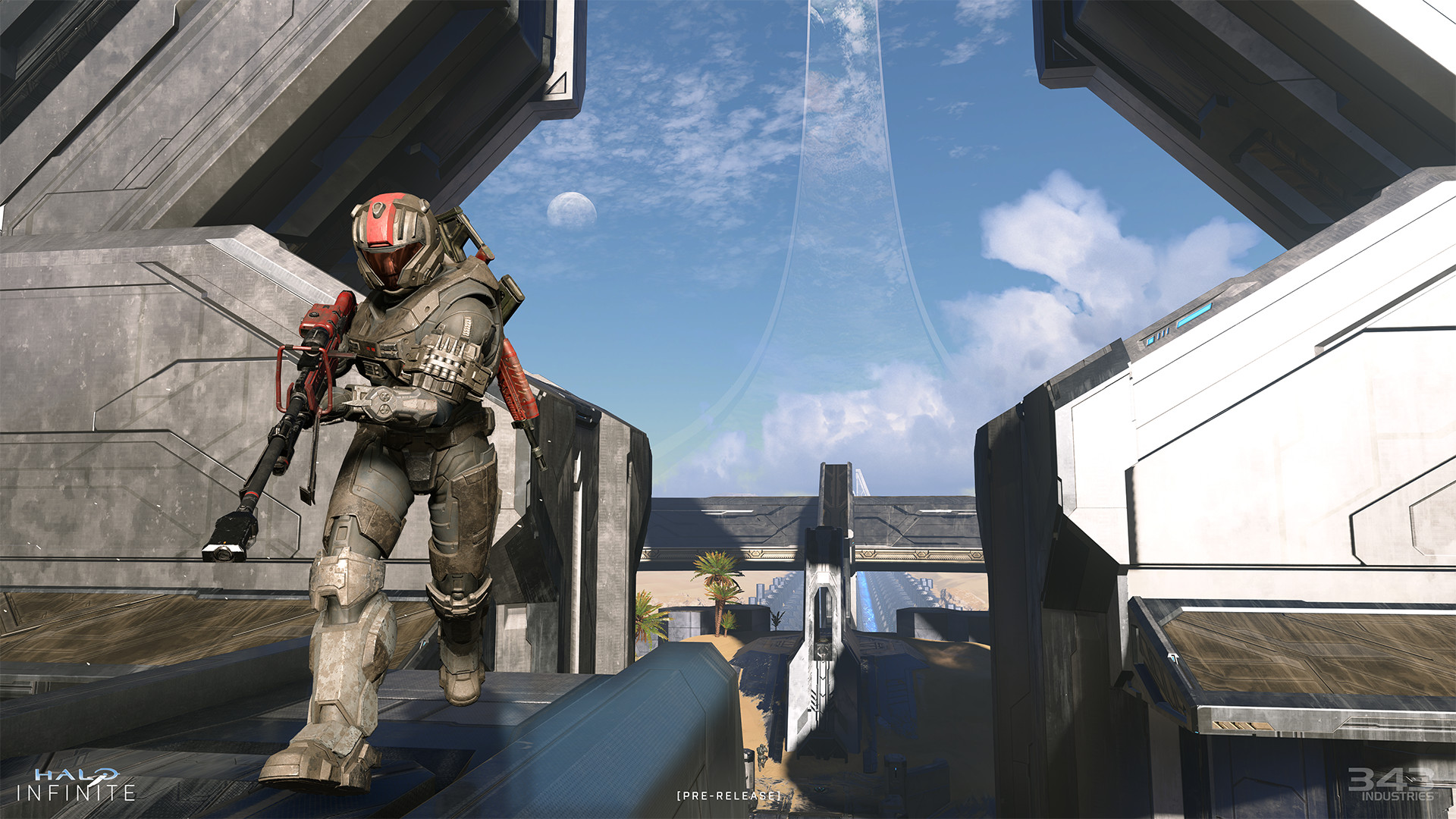
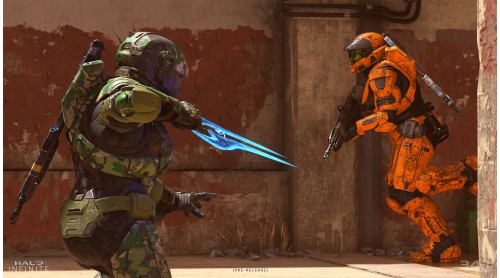
Halo returns to its roots with fair starts, on-map equipment, and 4-player squads to offer the ultimate arena-shooter experience.
Big Team Battle:
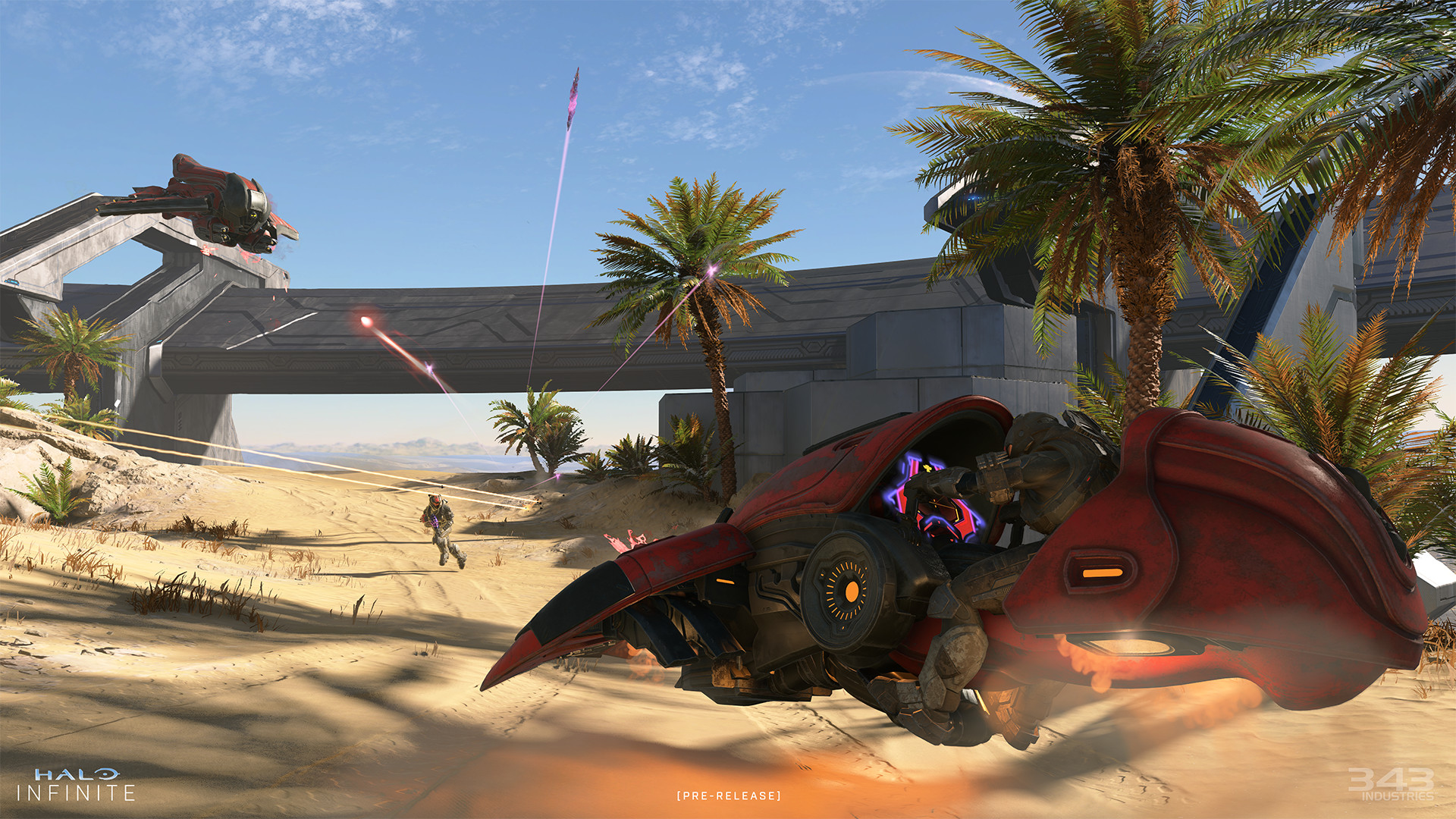
Create endless combat possibilities by mixing and matching a rich variety of weapons, vehicles and equipment to experience big-team mayhem and fun that embraces the full spectrum of the Halo sandbox.
Spartan Customization:
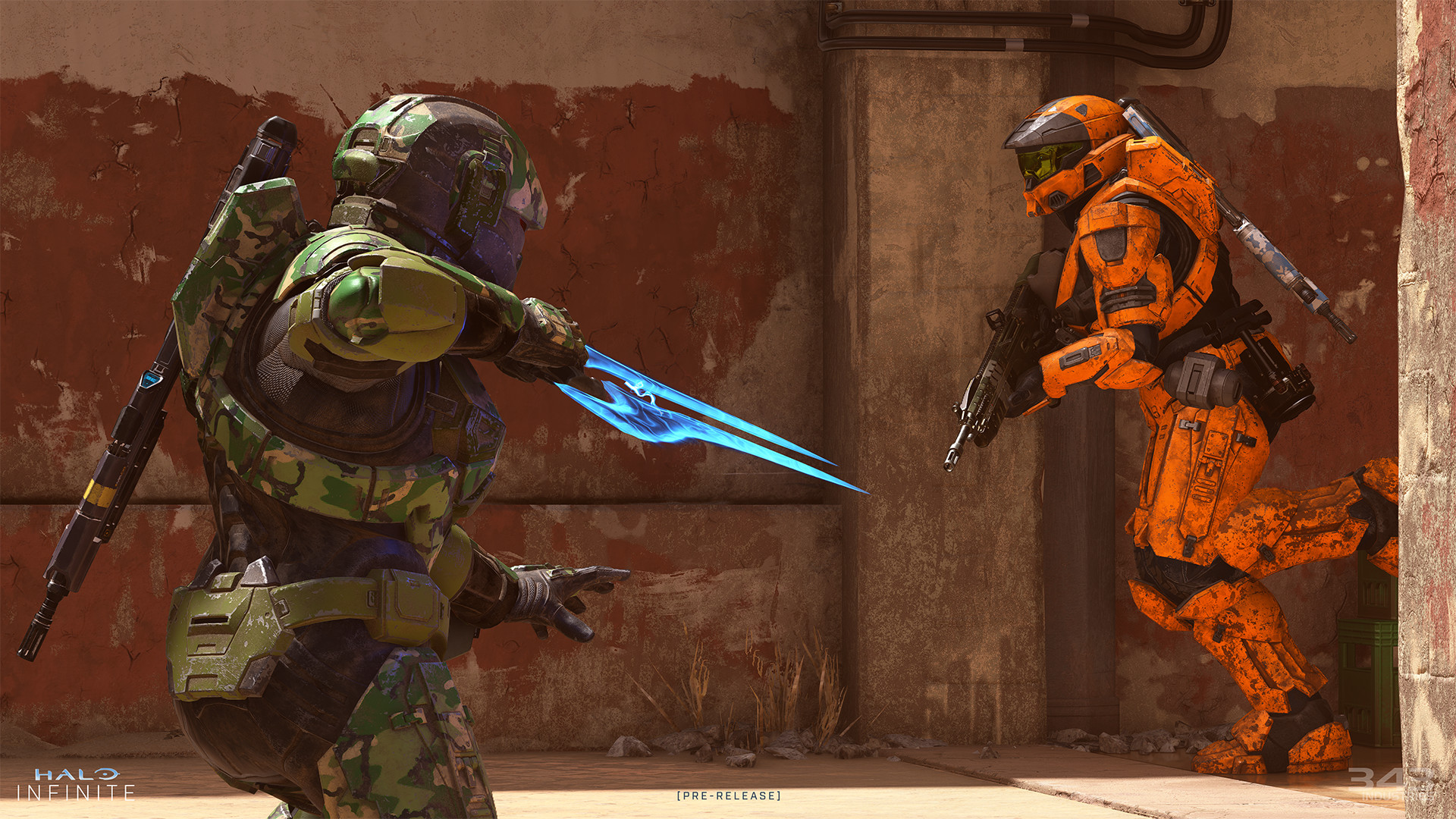
Become a Spartan that’s uniquely your own with a rich and deep player customization system. Earn and discover new cosmetic items simply by playing campaign or multiplayer. Or to obtain even more cosmetic rewards, purchase a Battle Pass that never expires and unlock new content at your own pace.
Halo Infinite is built for PC. From advanced graphics settings, ultrawide/super ultrawide support and triple-key binds to features like dynamic scaling and variable framerates, Halo Infinite is the best Halo experience on PC to date.
© 2021 Microsoft Corporation. All rights reserved. Halo Infinite is a trademark of Microsoft Corporation.


How to activate your Steam key?
1. Open your Steam client. (If you don't have a Steam Client, you can install from here https://store.steampowered.com/about/)
2. Sign in to your Steam account. (If you don't have a Steam Account, you can create from here https://store.steampowered.com/join/)
3. Click “ADD A GAME” button which is at the bottom of the Steam Client.
4. Now select "Activate a product on Steam..."
5. Write or copy-paste your Steam key which you purchased from Gamesforpc.
6. Now your game is in your library.
7. Find your game in your library, select and click install to start your download.