 Steam
Steam  Windows
 | Release Date | 13.10.2026 |
| Publisher | Slitherine Ltd. |
| Operating Systems | Windows |
| Genres | Strategy |
7.19€
Added to Cart
7.19€
Added to Wishlist
7.19€
The Dragon Rises
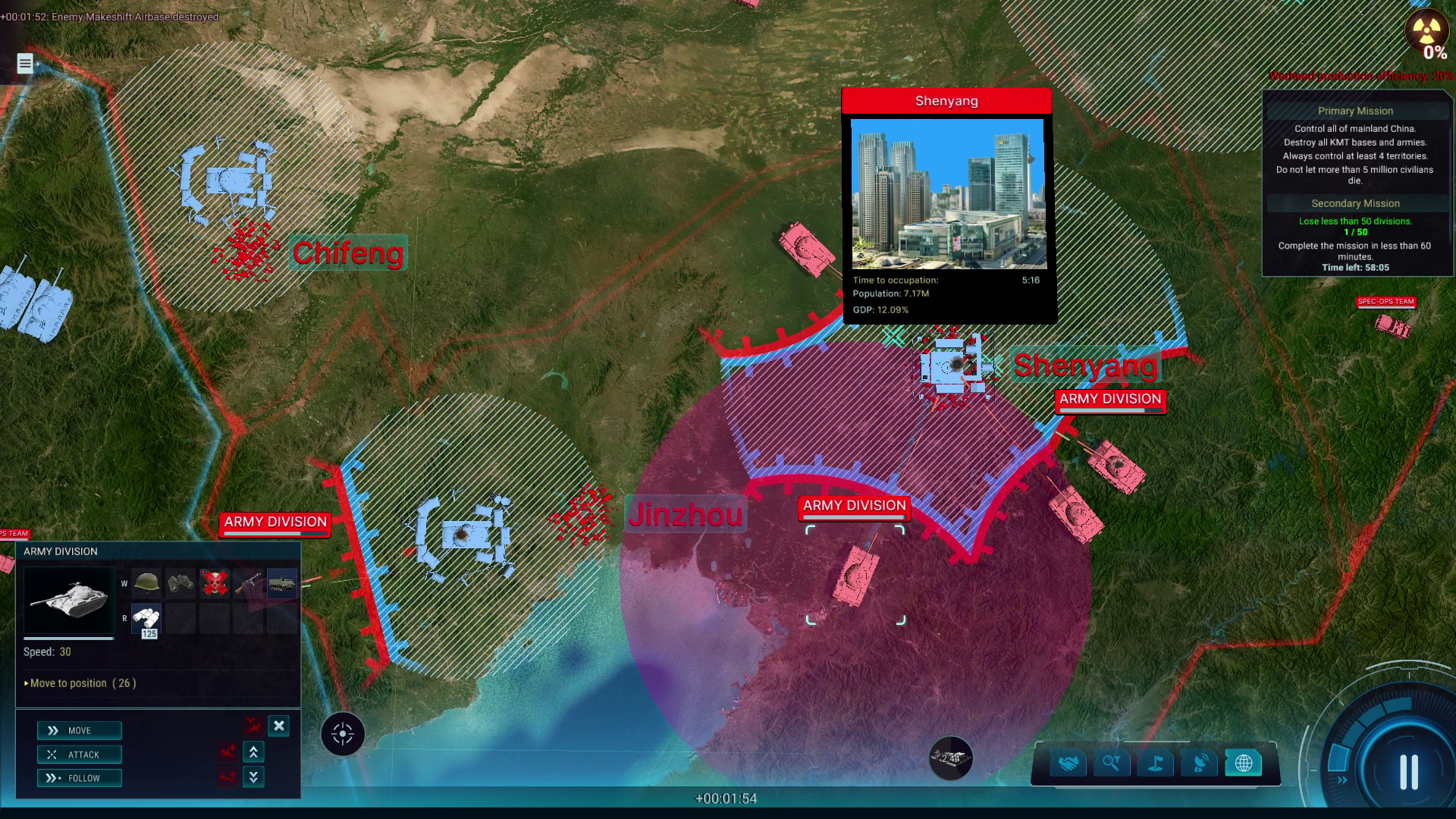
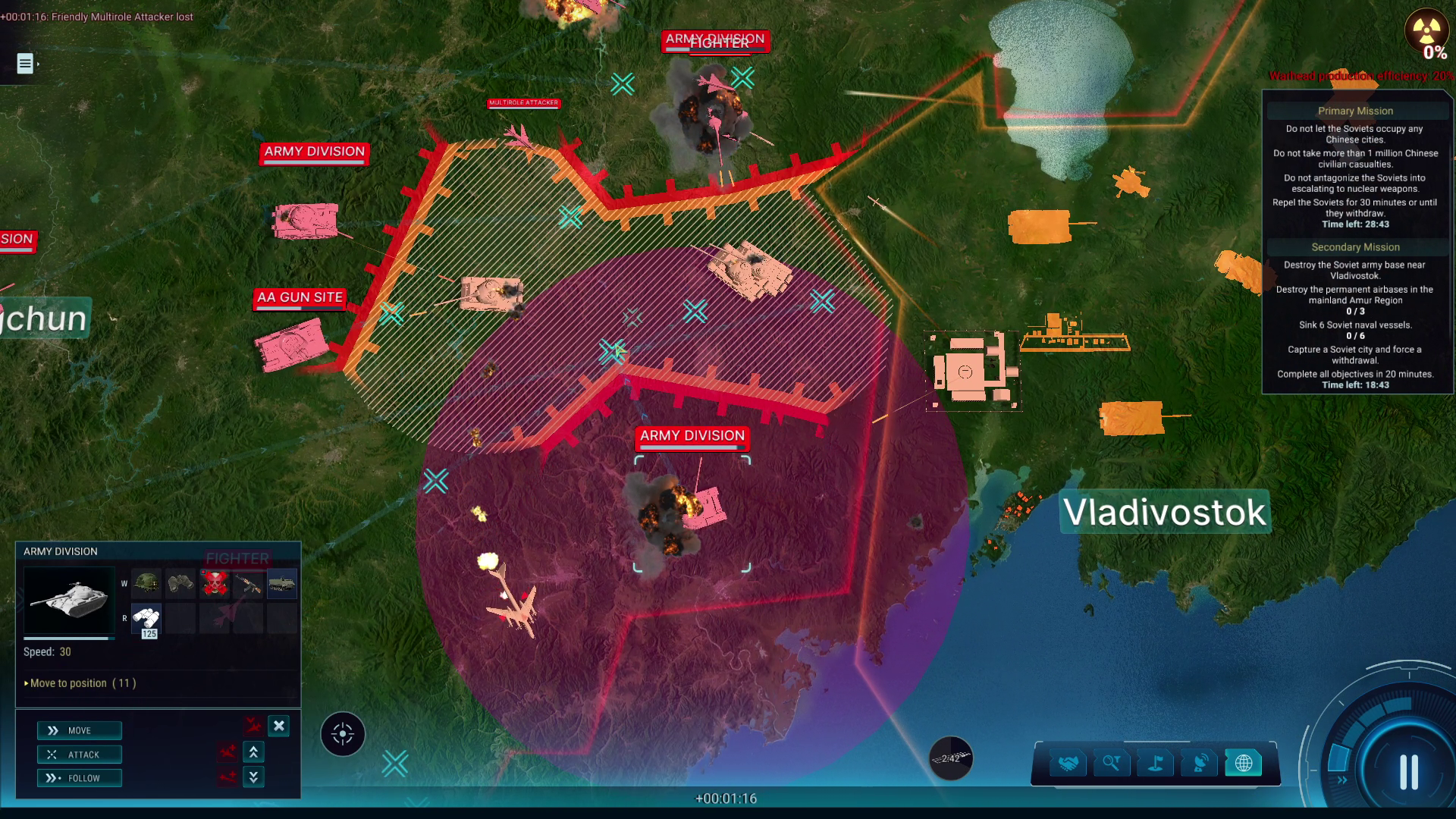
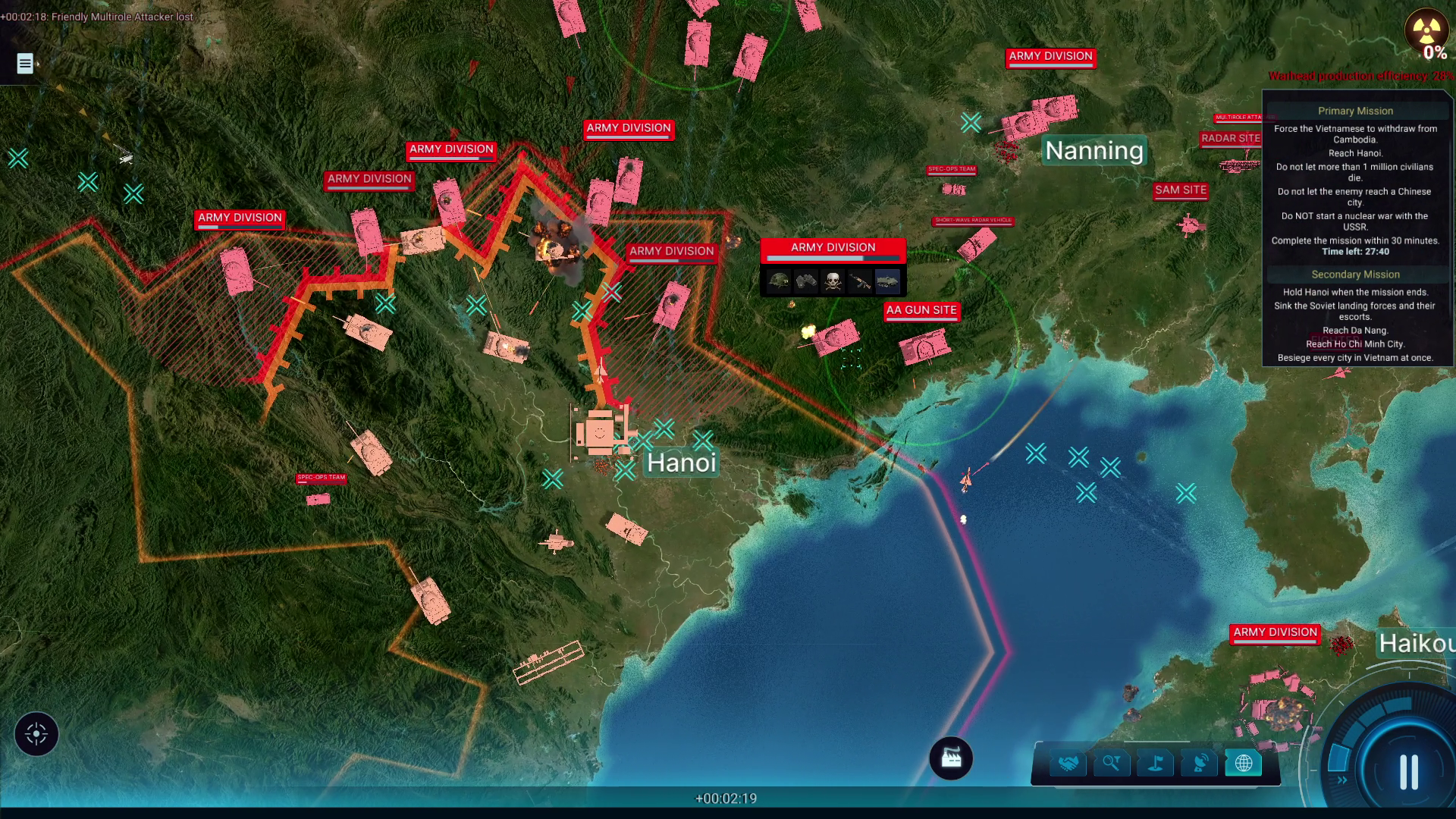
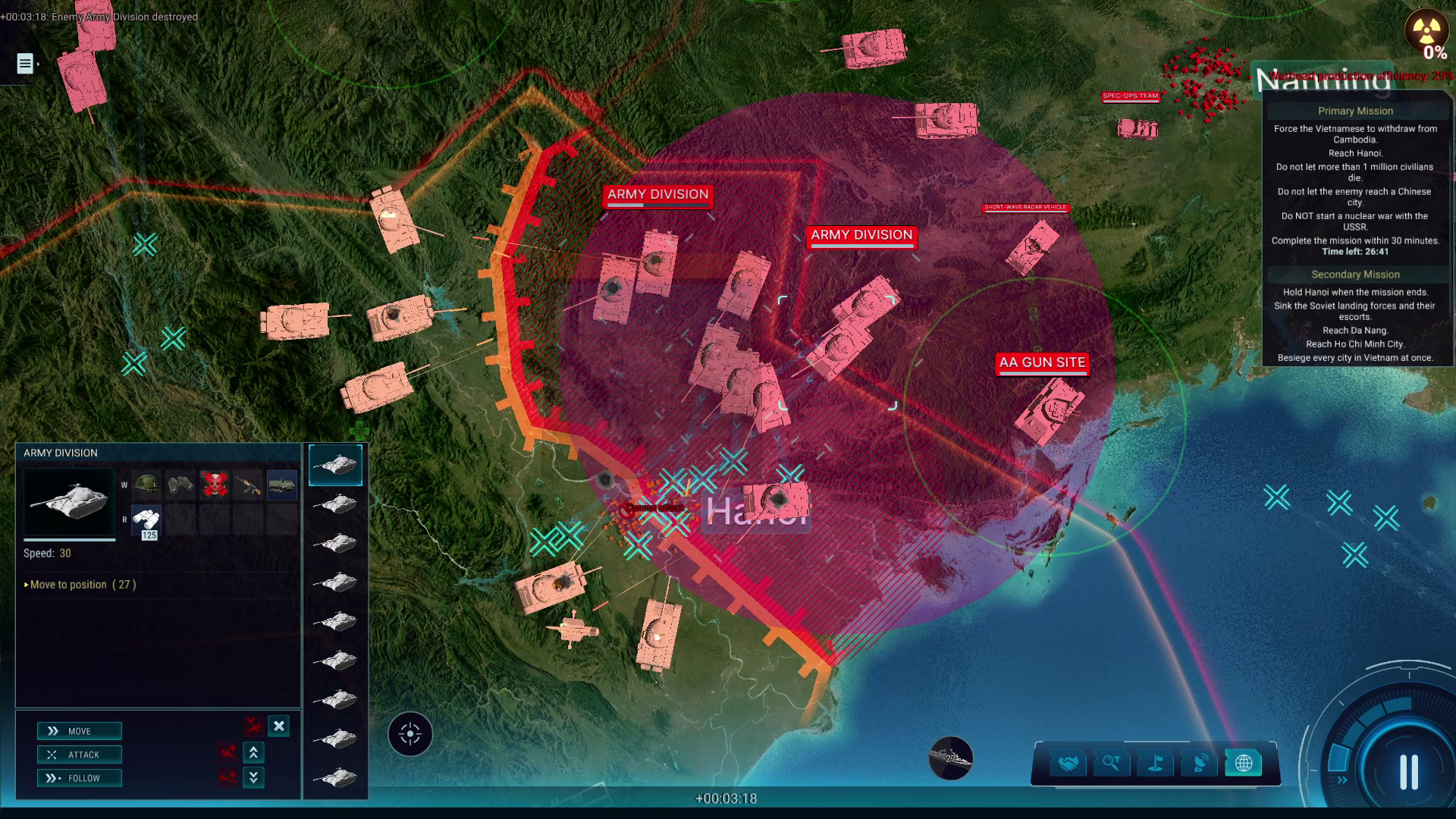
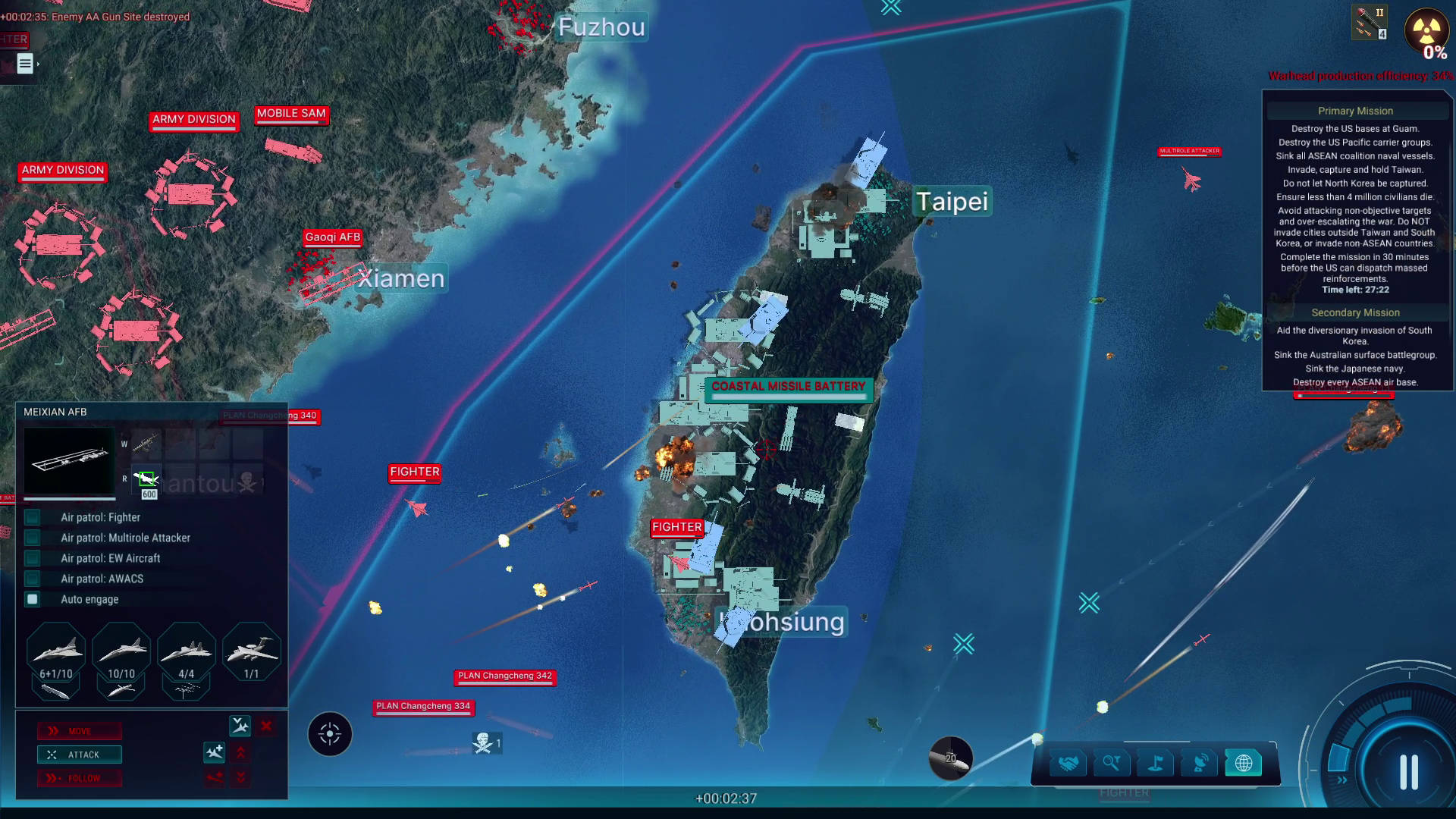
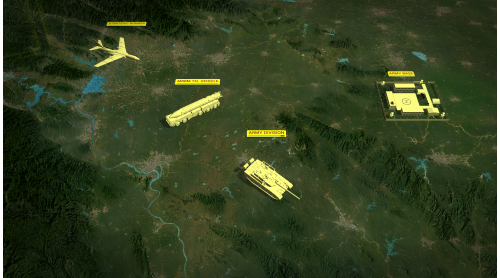
After decades of chaos, China is ready to position itself as a global power. But the years of rapid industrial and technological advancement in the west are a sharp contrast to the gruelling hardship that has left China stunted and playing catch up with its rivals. Guide the People's Republic through decades of warfare, leveraging asymmetrical tactics and its massive pool of manpower to overcome and eventually surpass its rivals, transforming it from a peasant nation to a superpower.
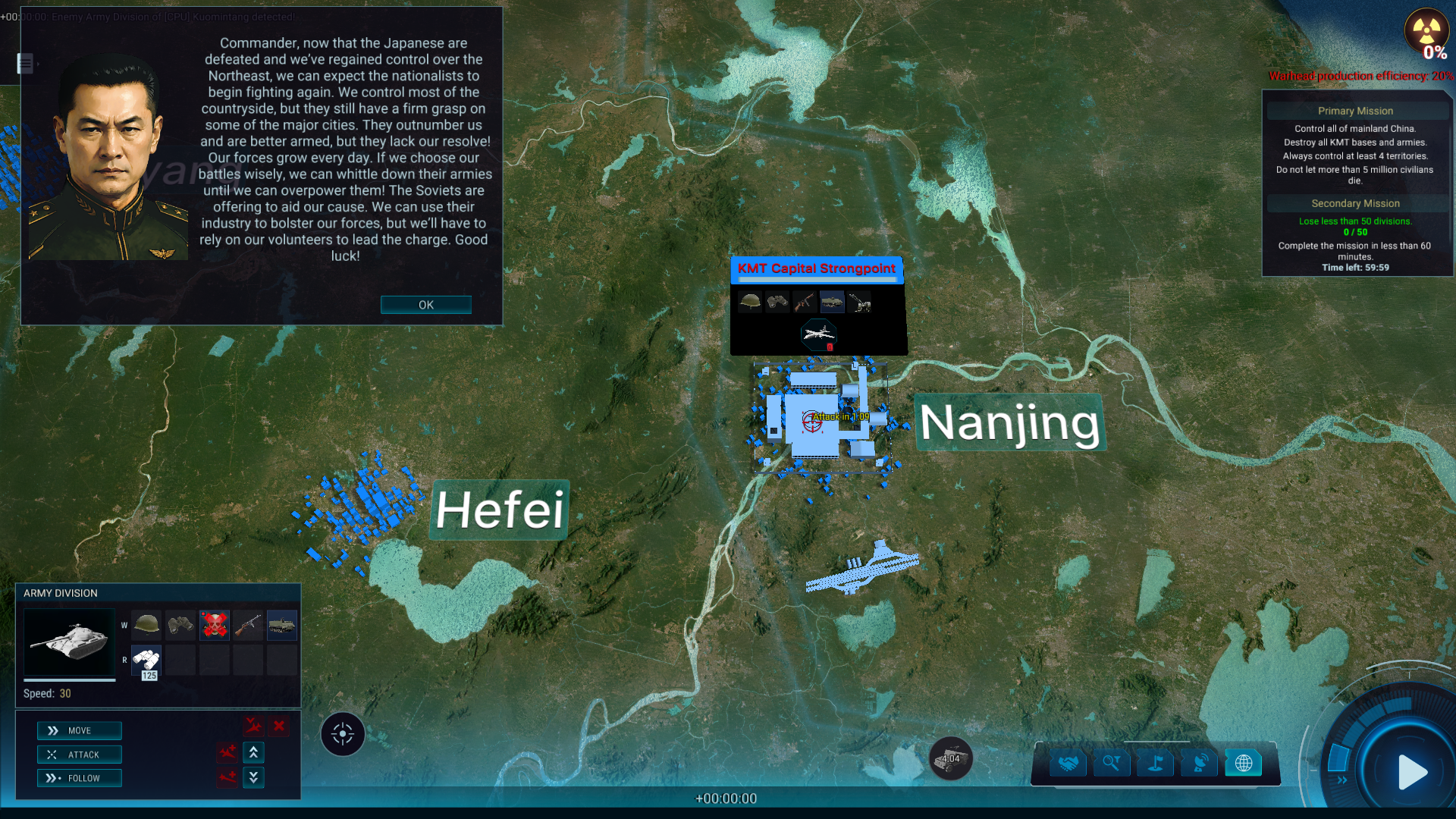
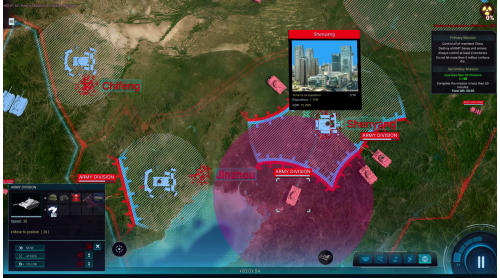
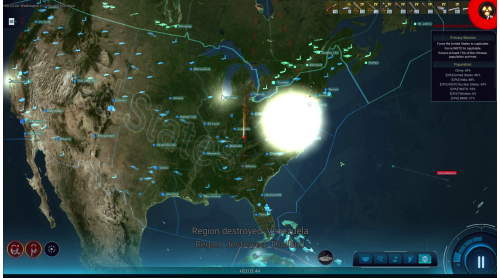
The year is 1946. China’s war with Japan has finally ended after a long and hard-fought campaign on multiple fronts, culminating with the US executing two nuclear strikes on Japanese soil. But as the rest of the world finds peace and establishes a new order, China finds itself fighting an old war, as the communist revolutionaries take up arms against the nationalist government. The stage is set for China to finally unify under a single banner and begin a new era of prosperity and power, but not without spilling even more of its own blood…
Missions list:
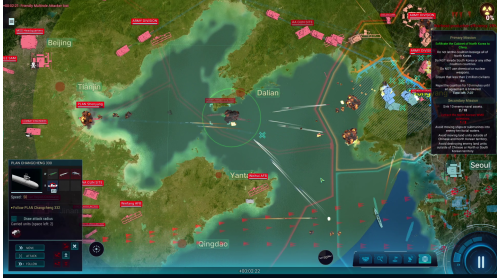
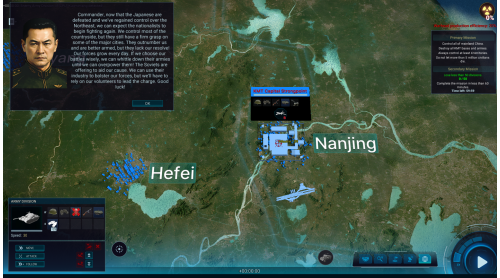
Mission 1 - Turn Of A Century (Chinese Civil War, 1946)
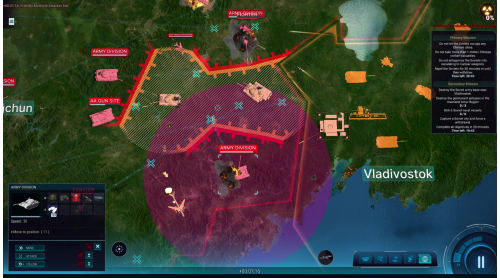
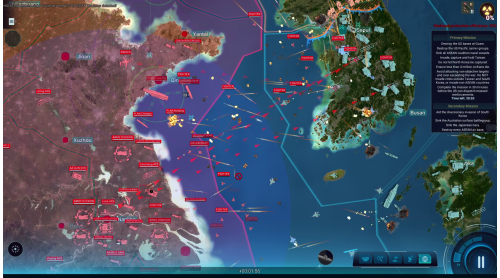
Mission 2 - No Sleep Till Busan (Korean War, 1950)
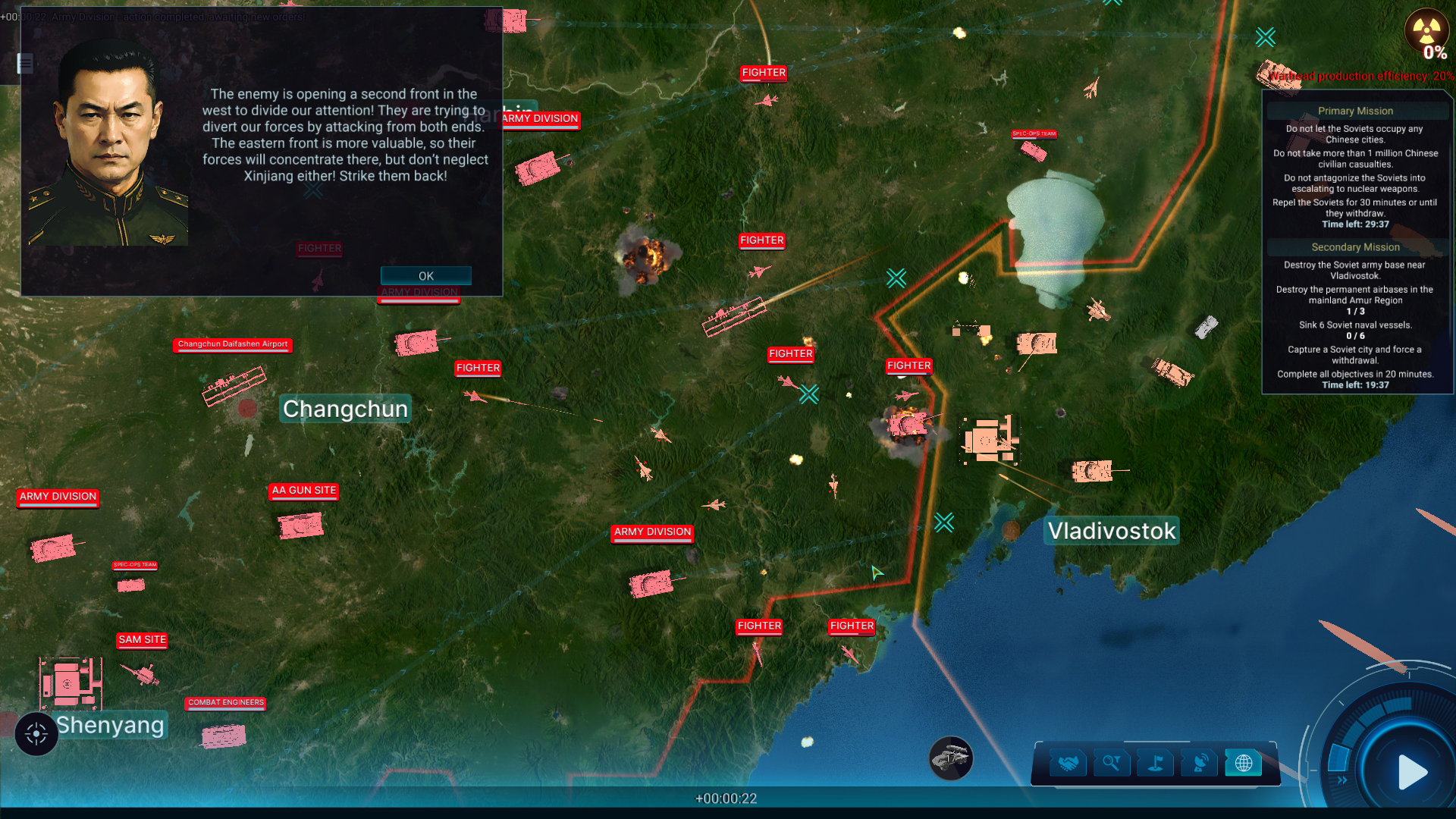
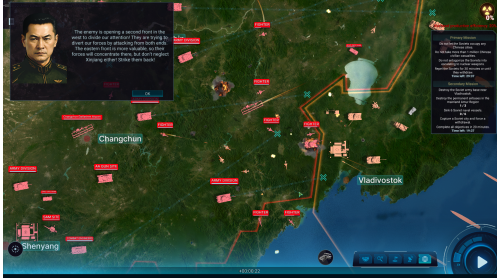
Mission 3 - Party Foul (Sino-Soviet Border War, 1969)
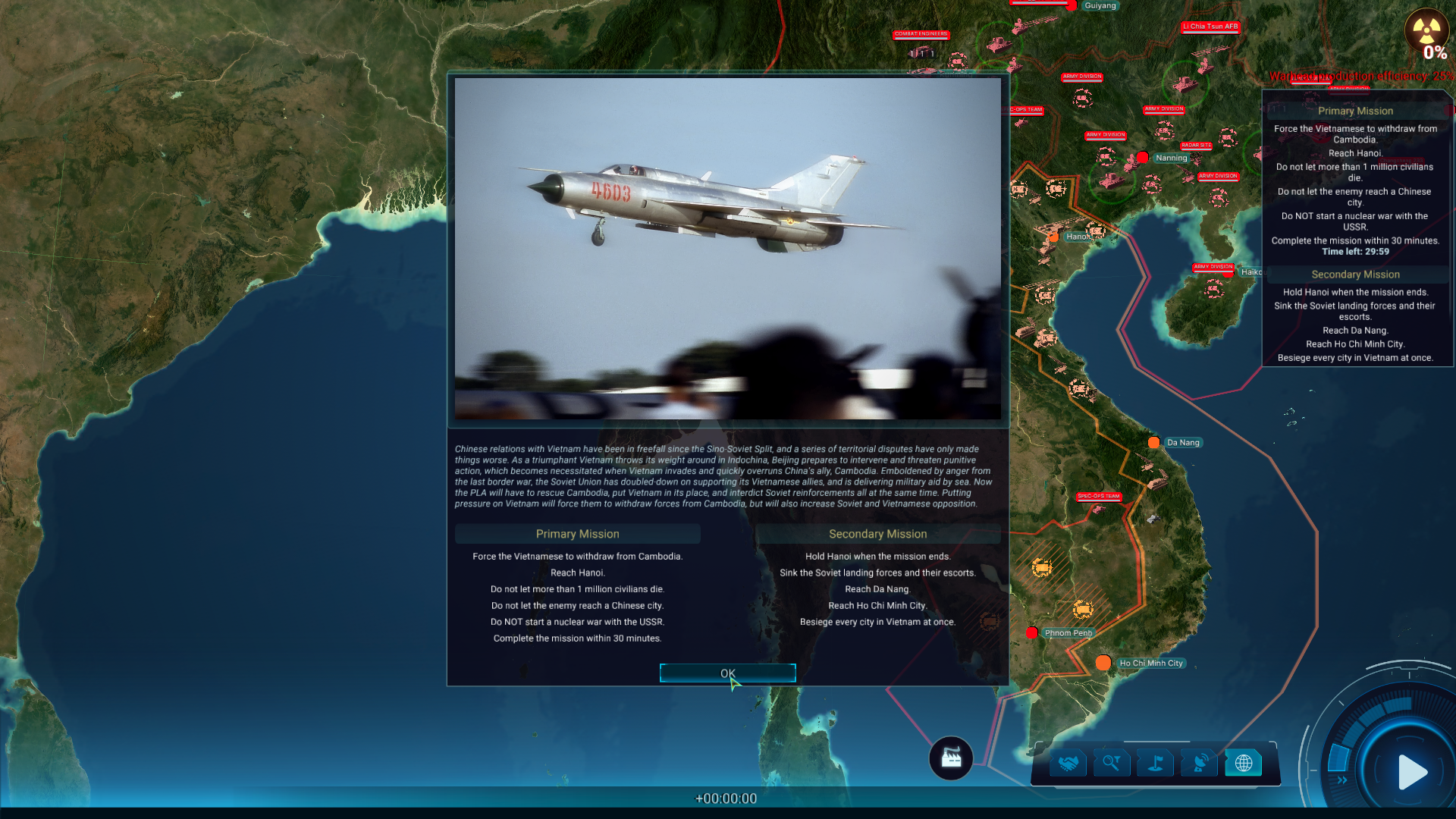
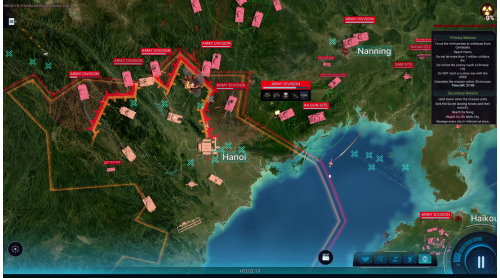
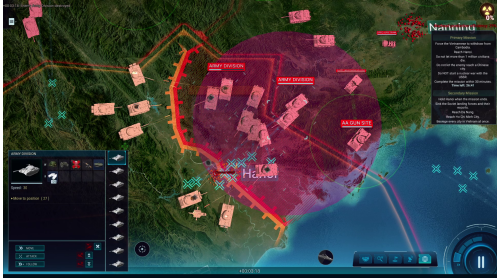
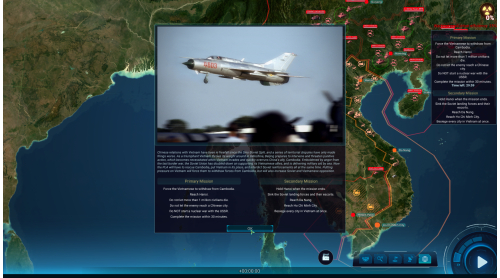
Mission 4 - Holiday for Cambodia (Third Indochina War, 1979)
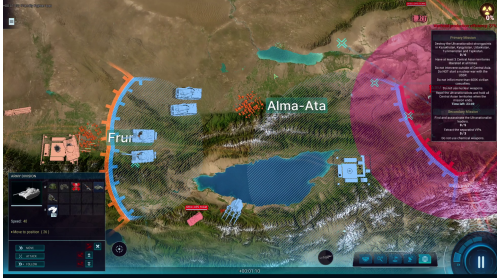
Mission 5 - Hammered and Sickly (Dissolution of the USSR, 1991)
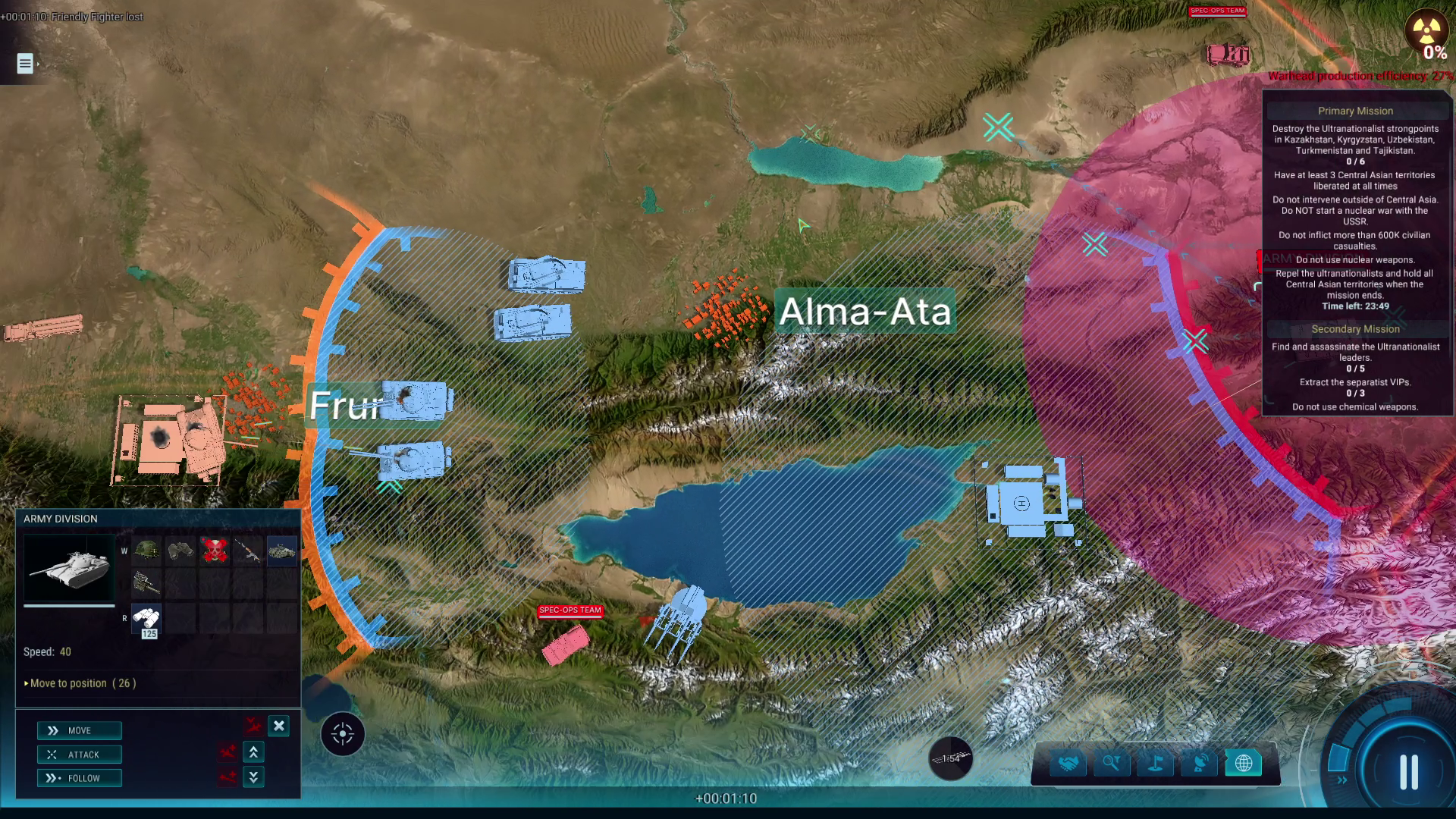
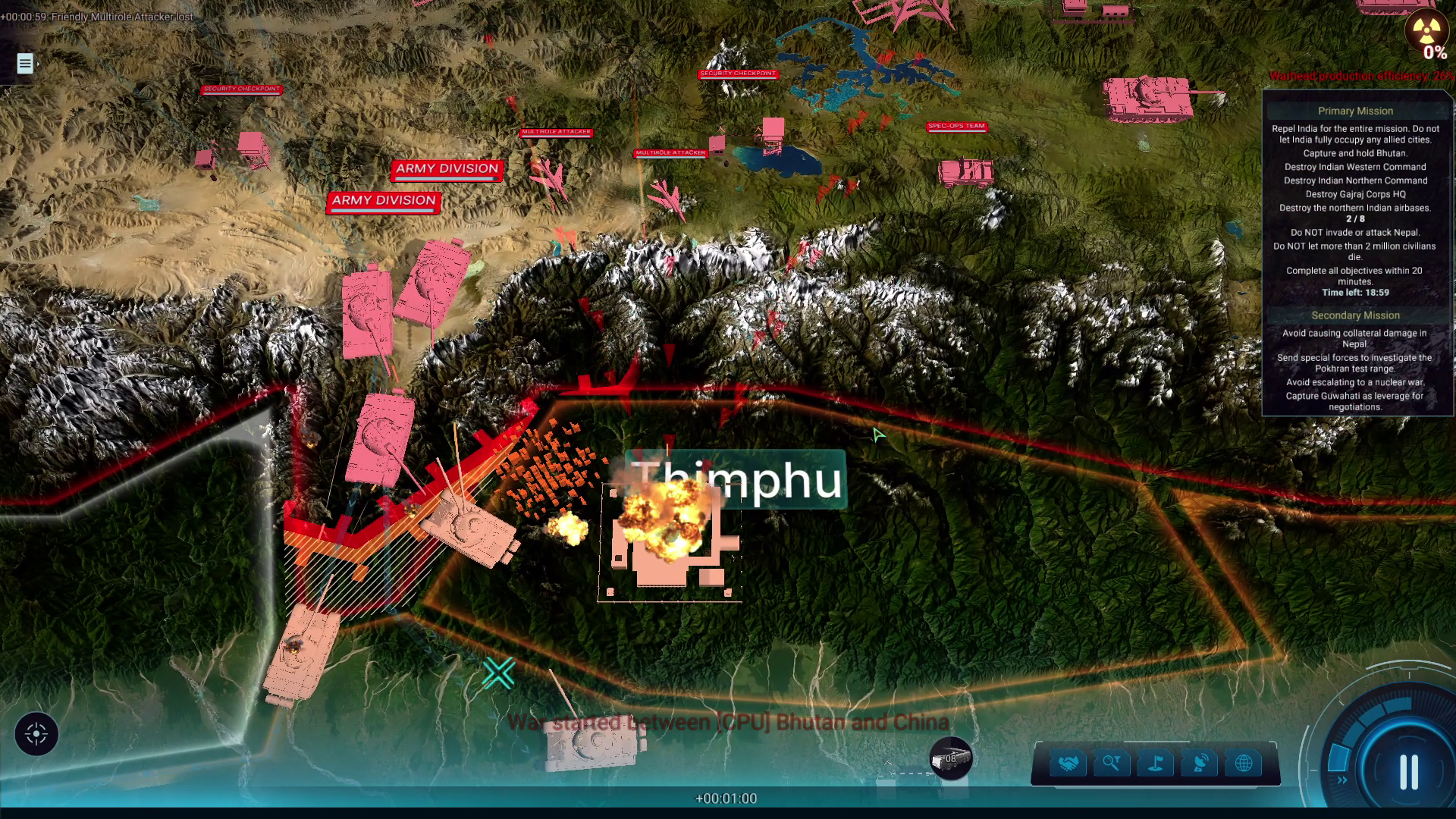
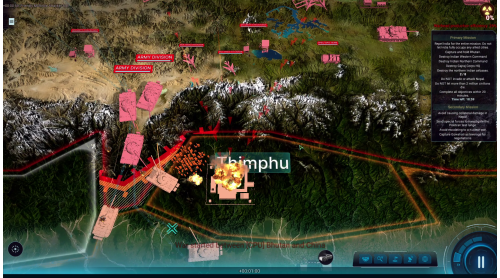
Mission 6 - Five Finger Discount (Himalayan Crisis, 1998)
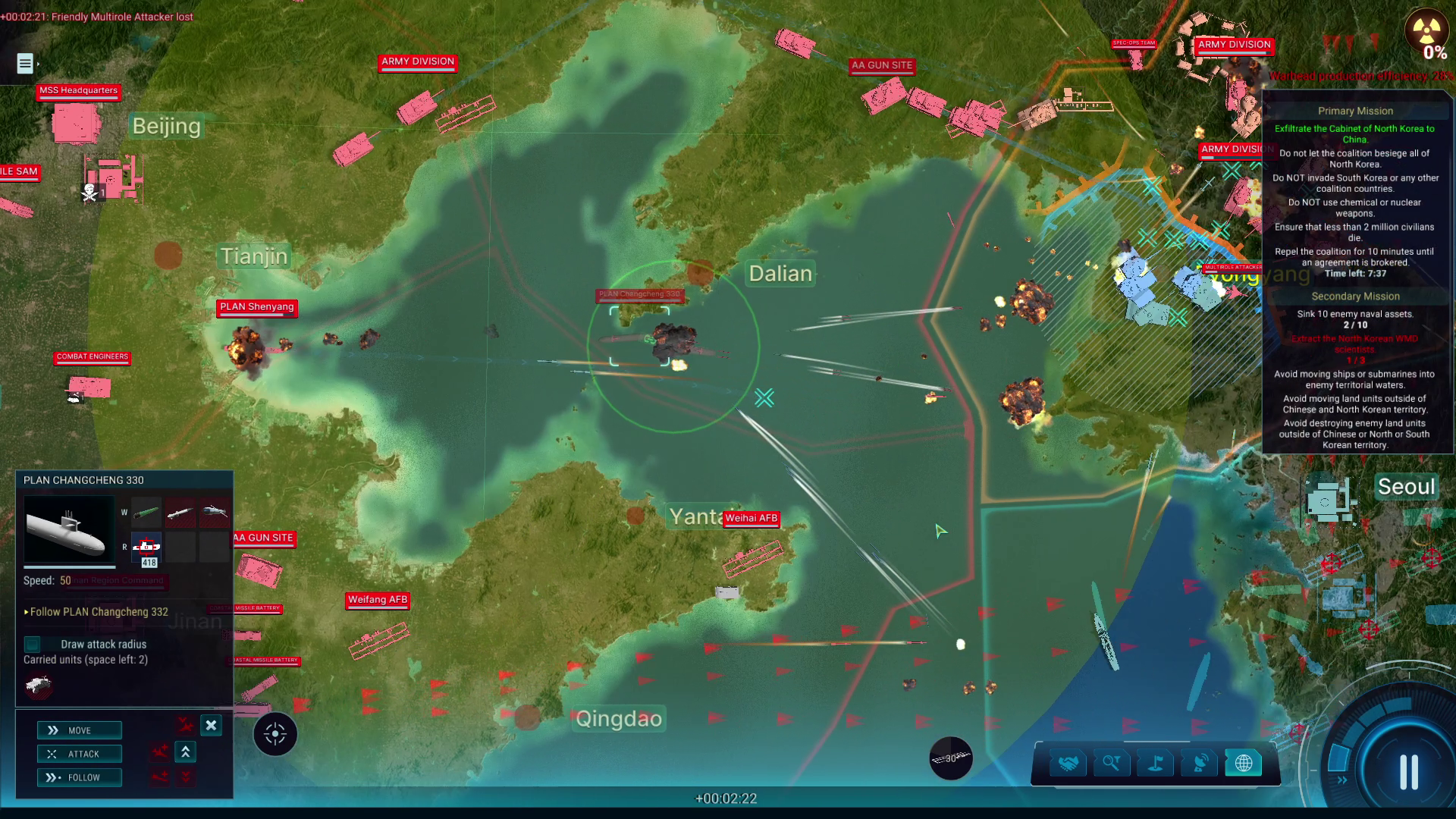
Mission 7 - Playground For Destruction (North Korean Intervention, 2009)
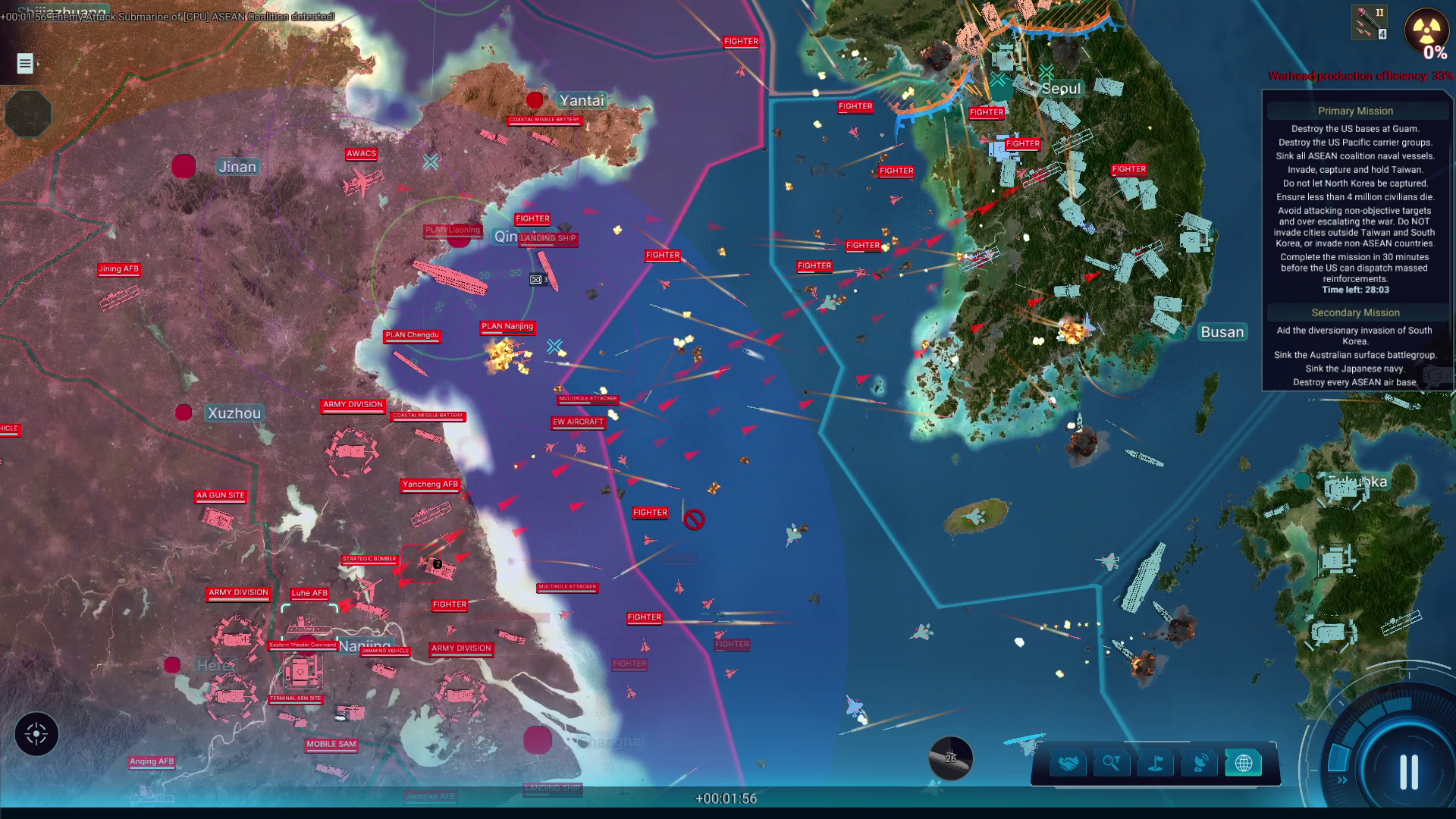
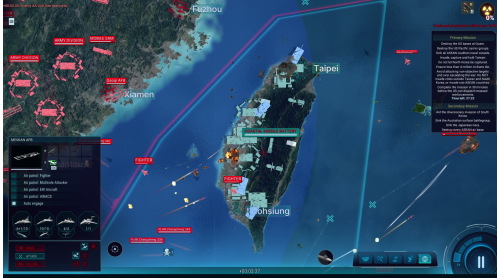
Mission 8 - Priority One (Pan-Pacific War, 2022)
Mission 9 - Old Wounds, New Blood (Third Sino-Japanese War, 2031)
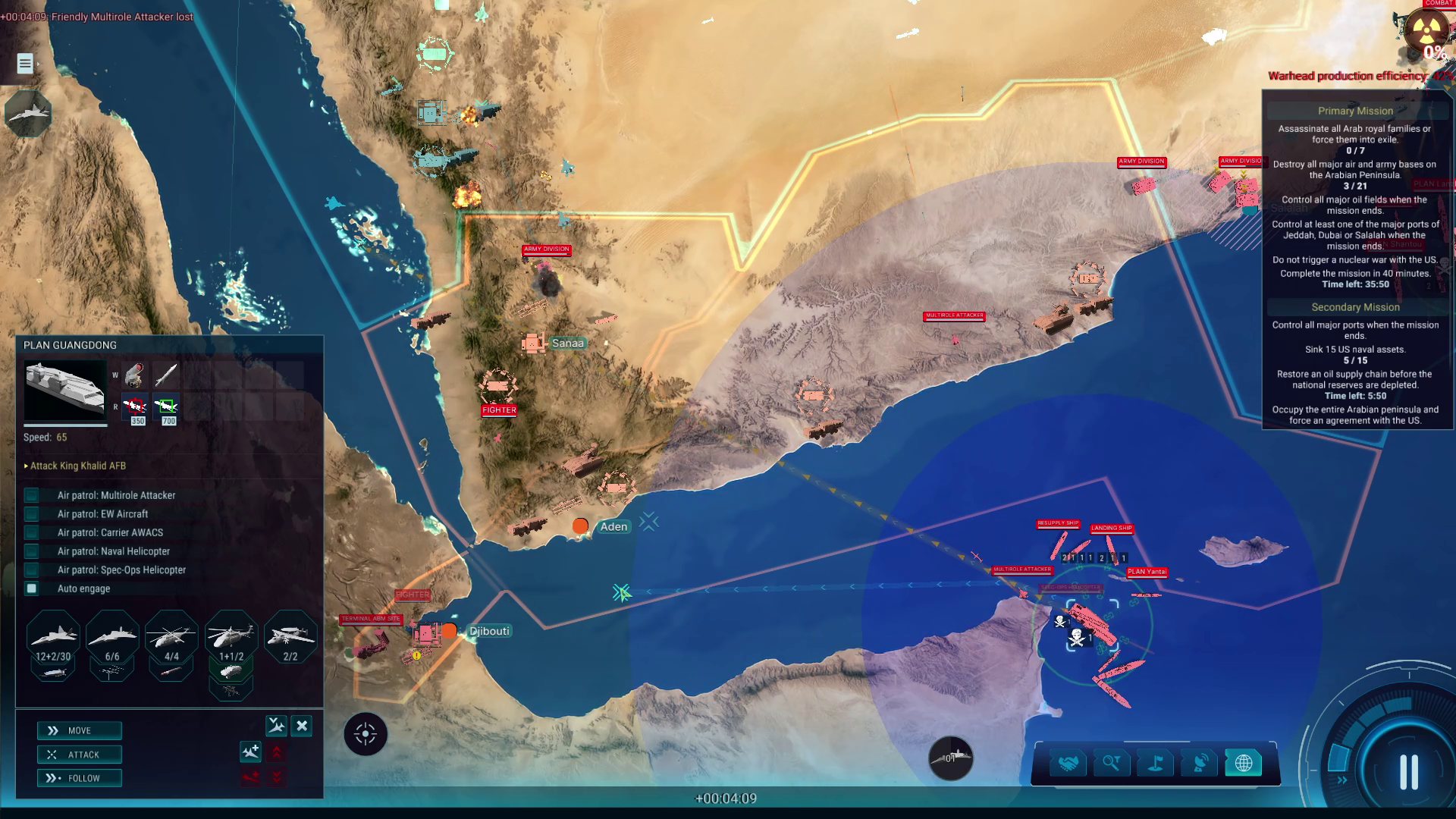
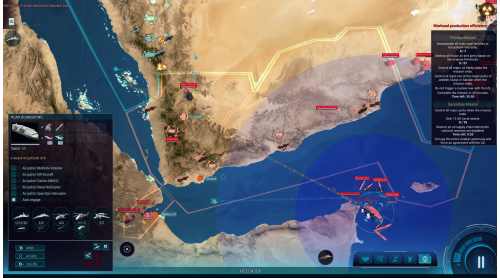
Mission 10 - Some Like It Hot (Arabian Energy War, 2039)
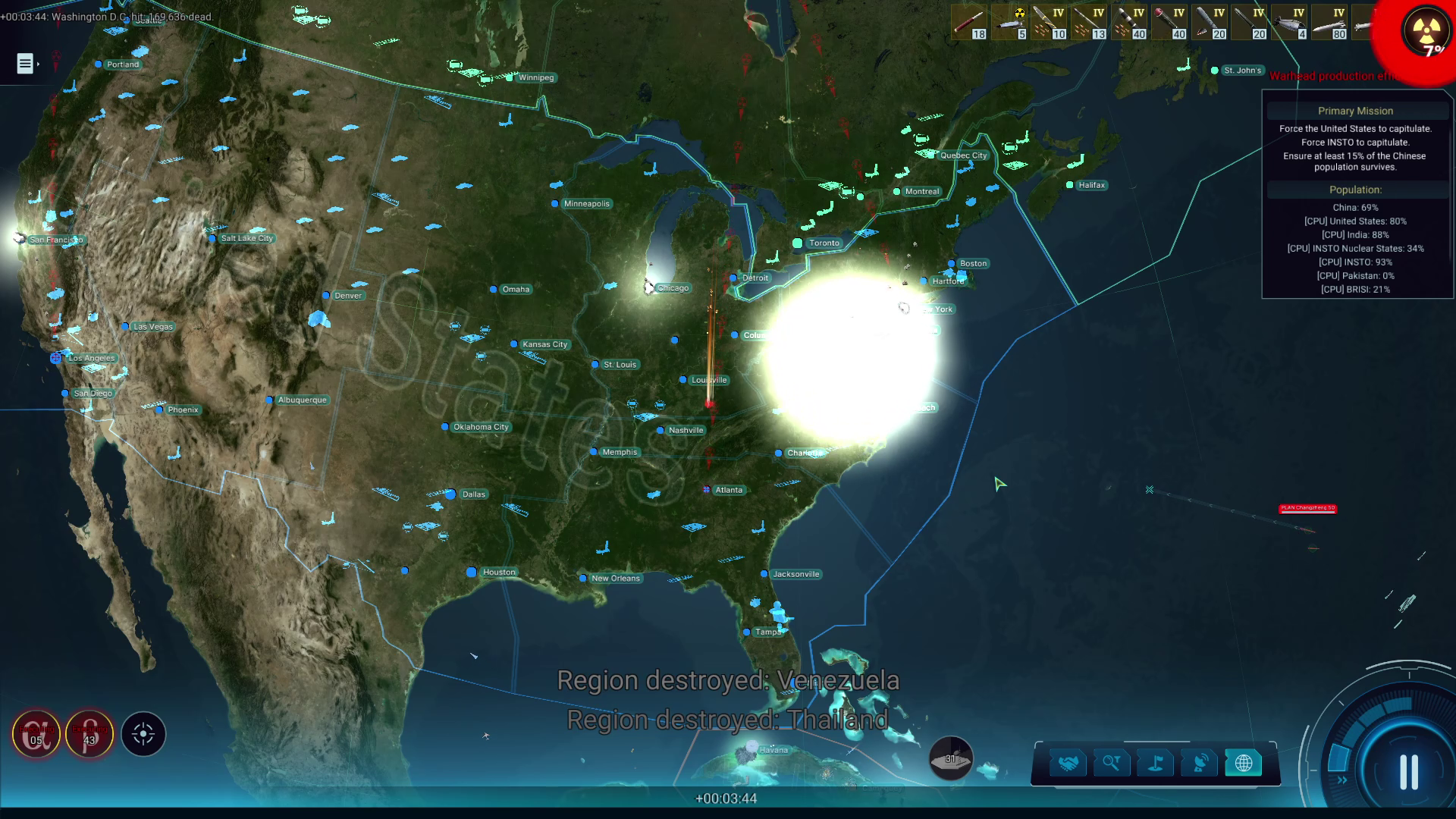
Finale - Red Sun On The Ground (Judgement Day, 2047)
© 2026 Slitherine Ltd. All Rights Reserved. ICBM: Escalation, Slitherine Ltd. and their Logos are all trademarks of Slitherine Ltd. Developed by SoftWarWare and Slitherine Ltd. All other marks and trademarks are the property of their respective owners.


How to activate your Steam key?
1. Open your Steam client. (If you don't have a Steam Client, you can install from here https://store.steampowered.com/about/)
2. Sign in to your Steam account. (If you don't have a Steam Account, you can create from here https://store.steampowered.com/join/)
3. Click “ADD A GAME” button which is at the bottom of the Steam Client.
4. Now select "Activate a product on Steam..."
5. Write or copy-paste your Steam key which you purchased from Gamesforpc.
6. Now your game is in your library.
7. Find your game in your library, select and click install to start your download.