 Steam
Steam  Windows
 | Release Date | 23.08.2012 | |
| Publisher | THQ Nordic GmbH | |
| PEGI Rating | + 16 | |
| Operating Systems | Windows | |
| Genres | Simulation, Strategy, rpg |
14.99€
Added to Cart
14.99€
Added to Wishlist
14.99€
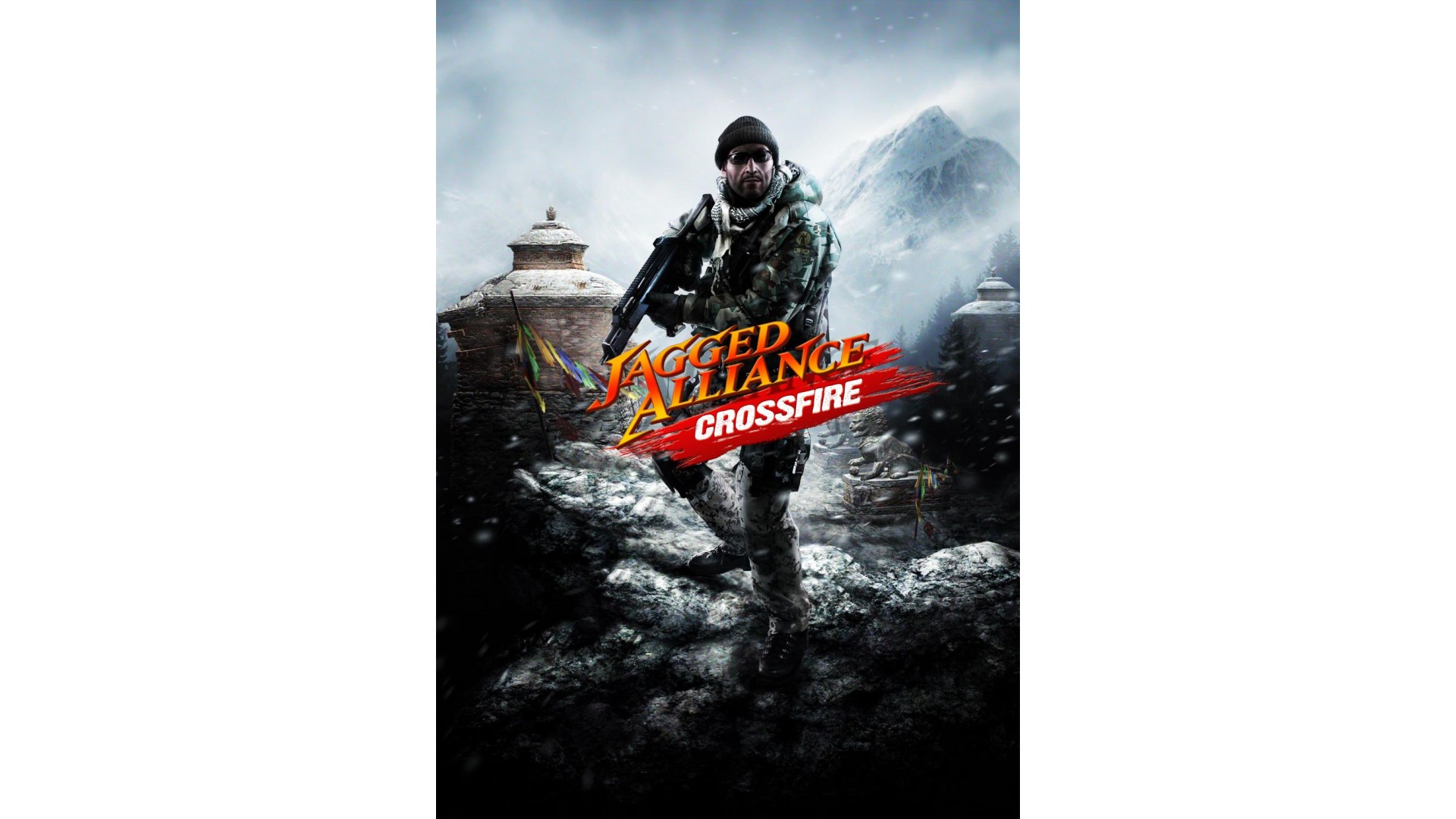
Job well done, soldier! The island of Arulco is free; however, there are other countries under the shadow of war that are ignored by the rest of the world. Khanpaa, a peaceful and tranquil nation, is being held in the terrifying iron grip of a group of paid mercenaries…yet the United Nations looks the other way. UN ambassador Behnam Atiqullah tries to help his home country, but there is not much he can do. Military intervention from a major world power seems not to be an option and Khanpaa appears all alone…
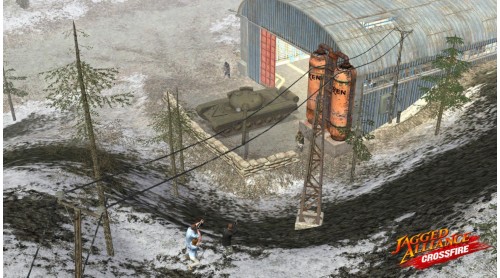
That’s where YOU come in! As the strategic genius behind your own personal Private Military Corporation, you’ve offed to help by bringing in your team of skilled mercenaries to retake the tormented nation of Khanpaa! Help the oppressed people by hiring a team of hardened guns-for-hire and prepare for battle in treacherously frozen mountain badlands. Along the way, discover why Khanpaa has been turned into a bloody battlefield and who aims to truly profit.
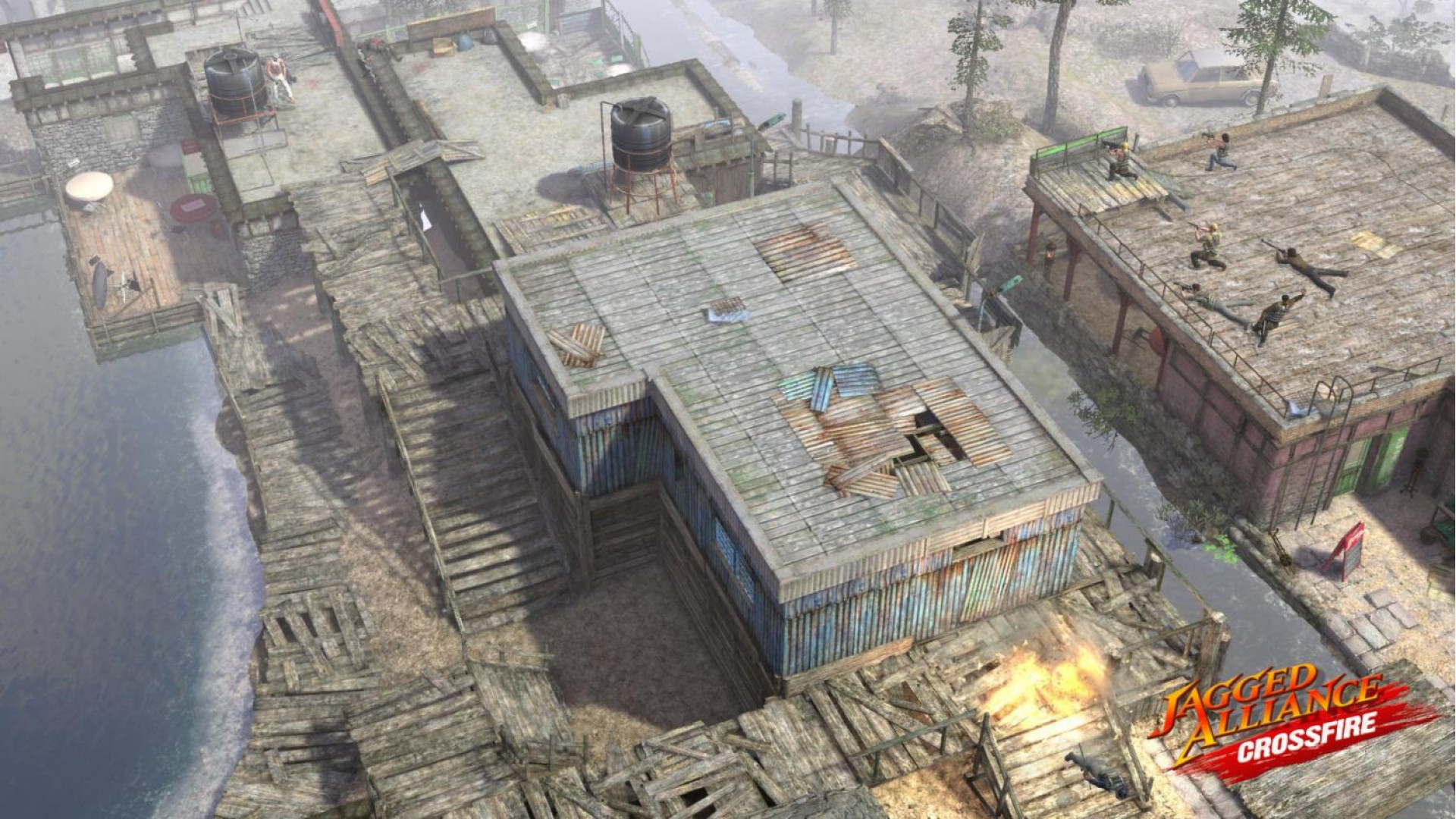
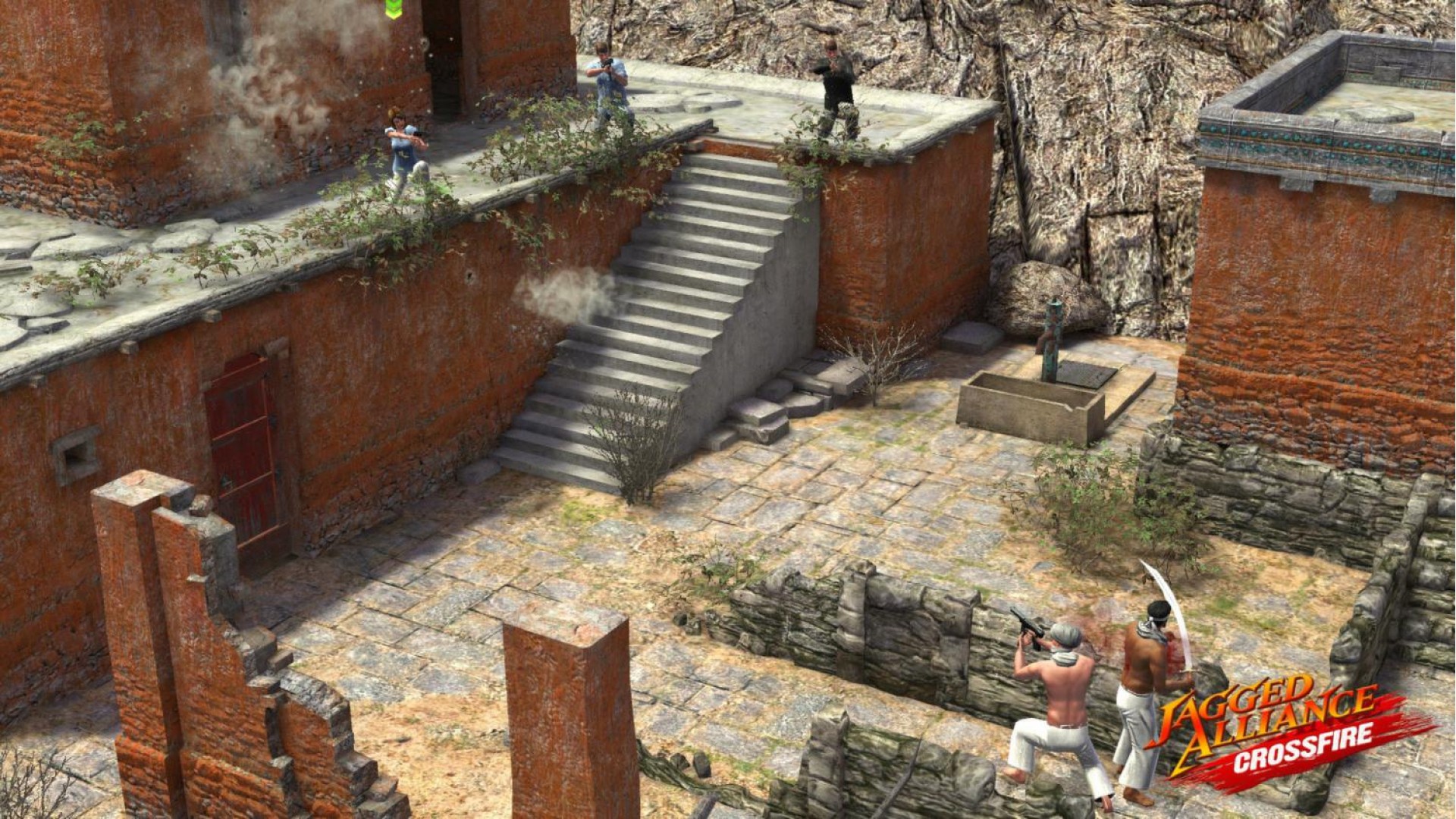
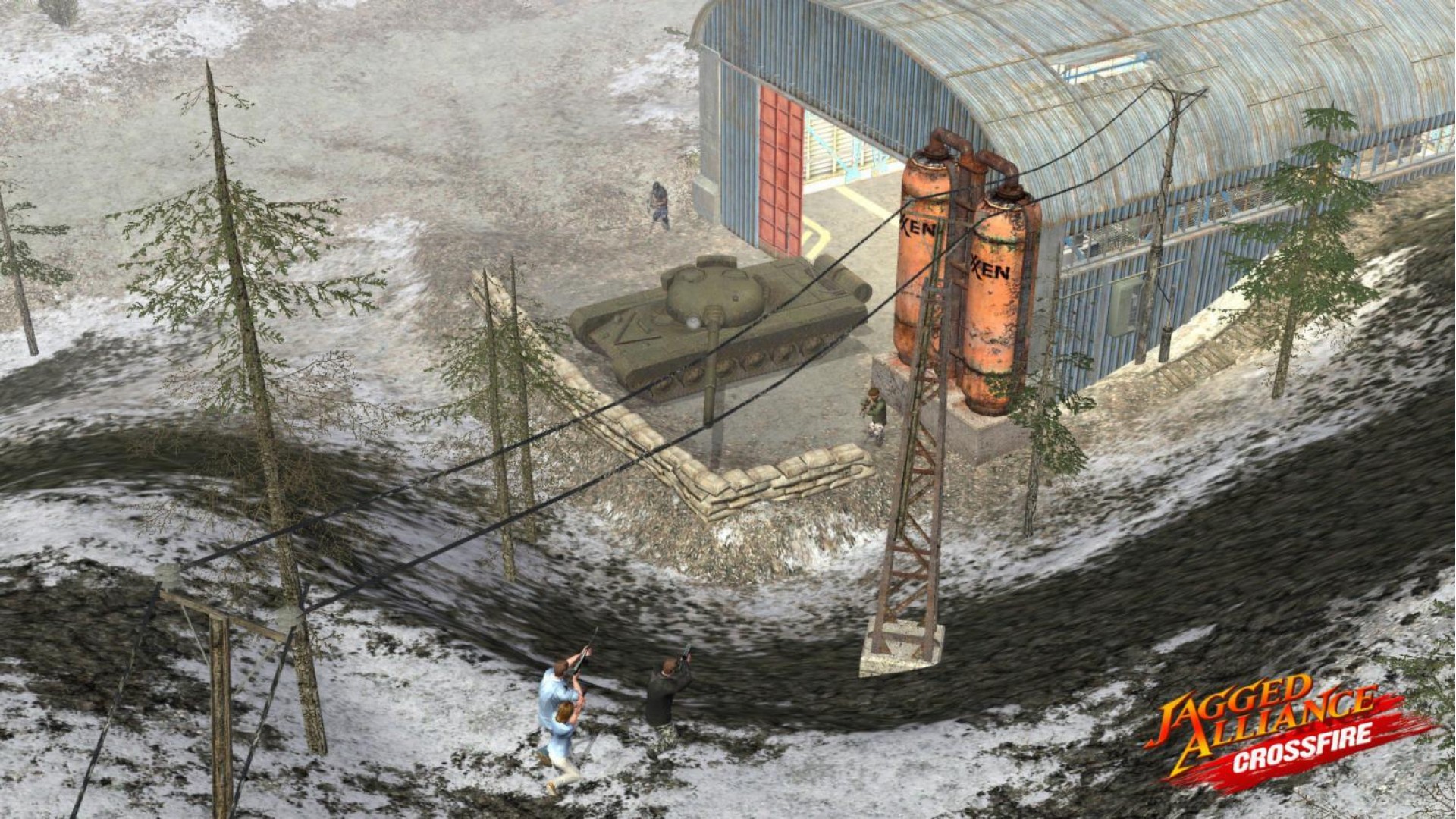
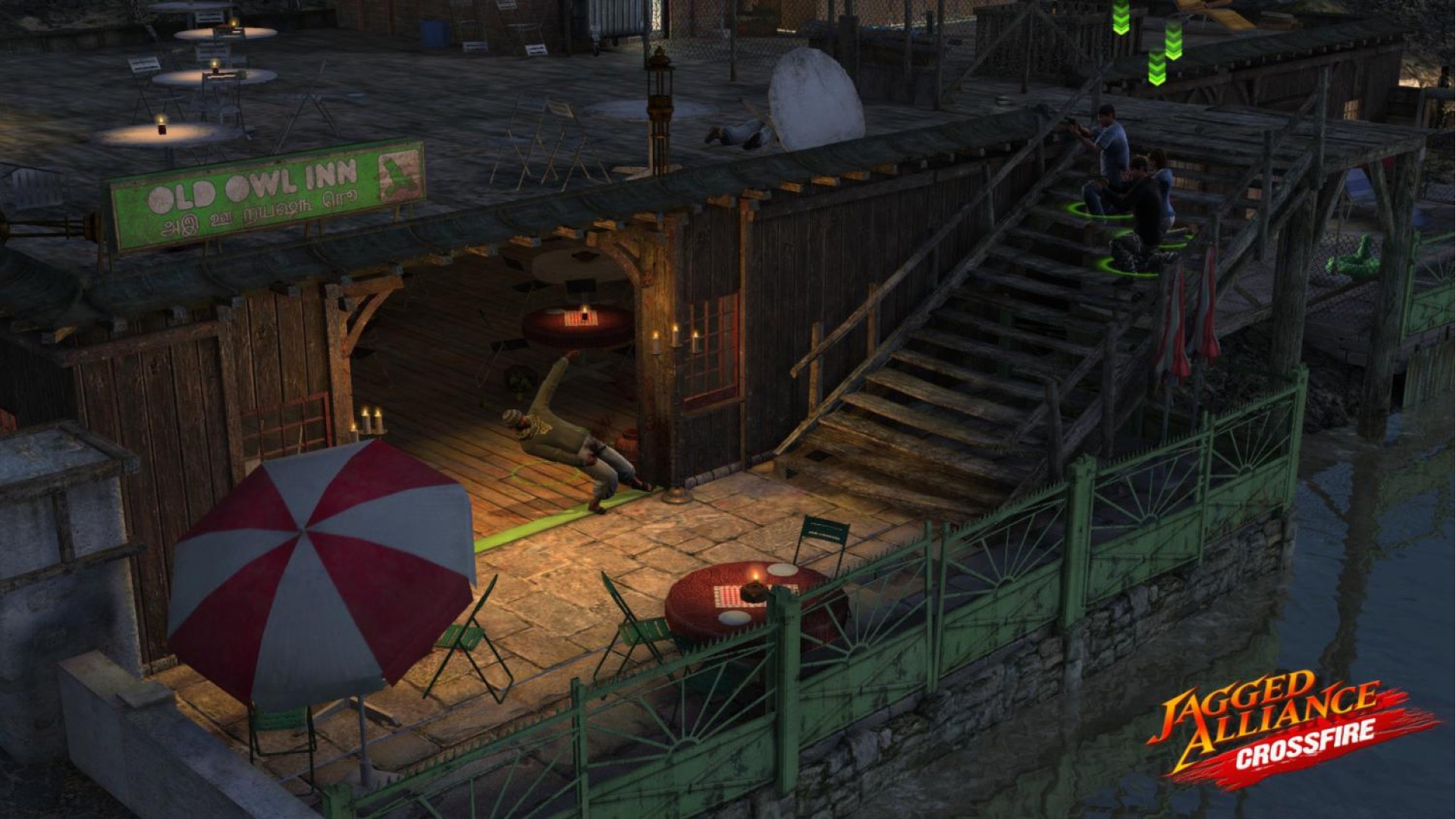
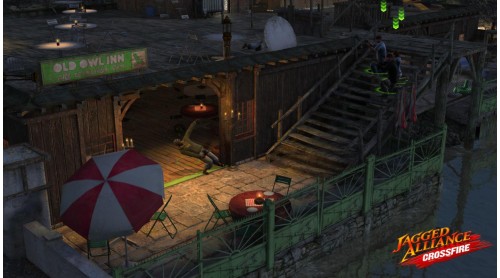
Jagged Alliance: Crossfire is a stand-alone expansion to the hit tactical RPG – Jagged Alliance: Back in Action. Crossfire adds new mercenaries, new environments and new weapons to challenge the player’s battlefield planning skills, while offering the combination of humorous dialog and realistic combat fans have come to expect from the series’ decade-long history.
Key Features


How to activate your Steam key?
1. Open your Steam client. (If you don't have a Steam Client, you can install from here https://store.steampowered.com/about/)
2. Sign in to your Steam account. (If you don't have a Steam Account, you can create from here https://store.steampowered.com/join/)
3. Click “ADD A GAME” button which is at the bottom of the Steam Client.
4. Now select "Activate a product on Steam..."
5. Write or copy-paste your Steam key which you purchased from Gamesforpc.
6. Now your game is in your library.
7. Find your game in your library, select and click install to start your download.