



 Steam
Steam  Windows
 | Release Date | 17.08.2009 | |
| Publisher | THQ Nordic GmbH | |
| PEGI Rating | + 16 | |
| Operating Systems | Windows | |
| Genres | Action |
19.99€
Added to Cart
19.99€
Added to Wishlist
19.99€
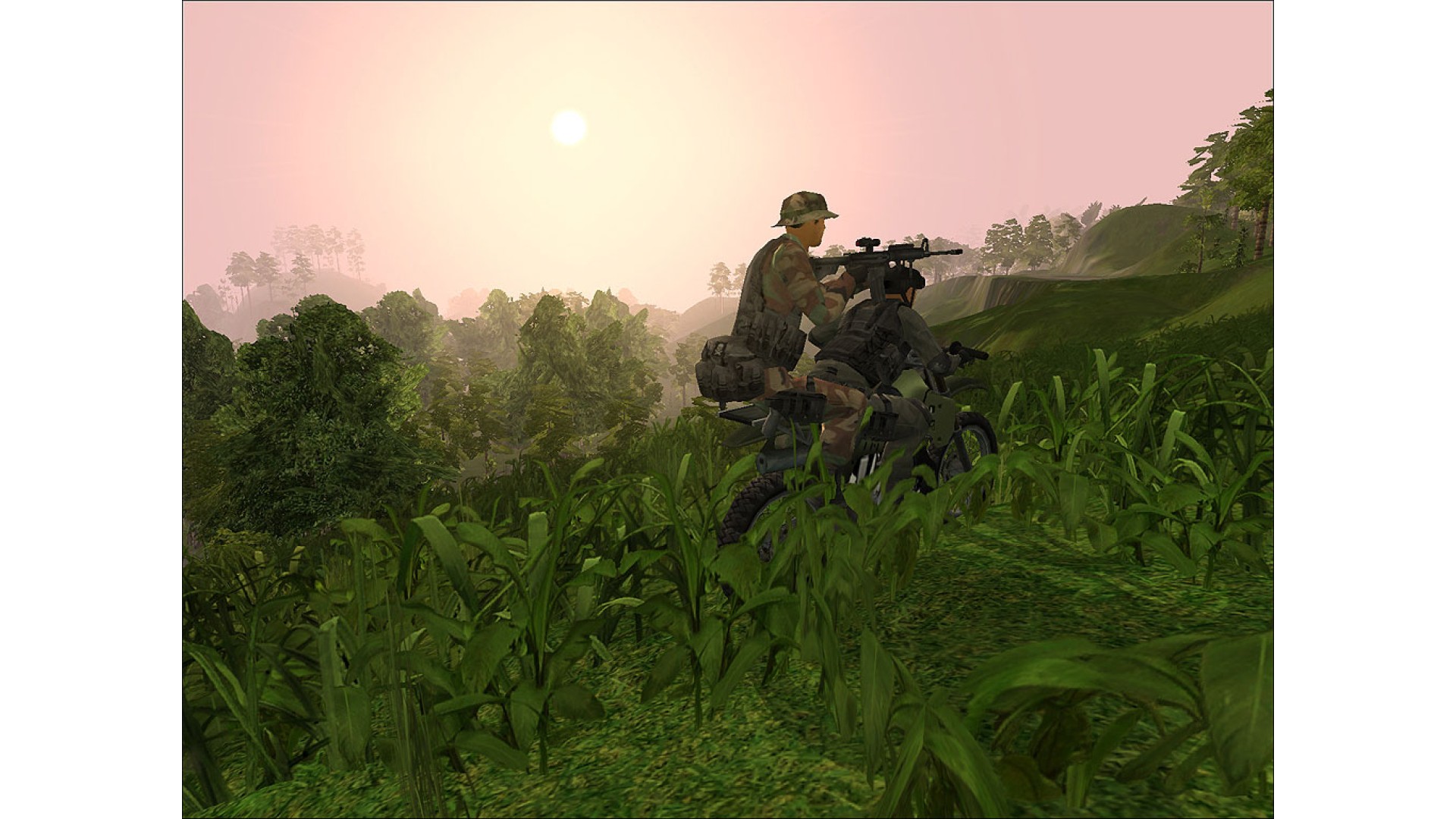
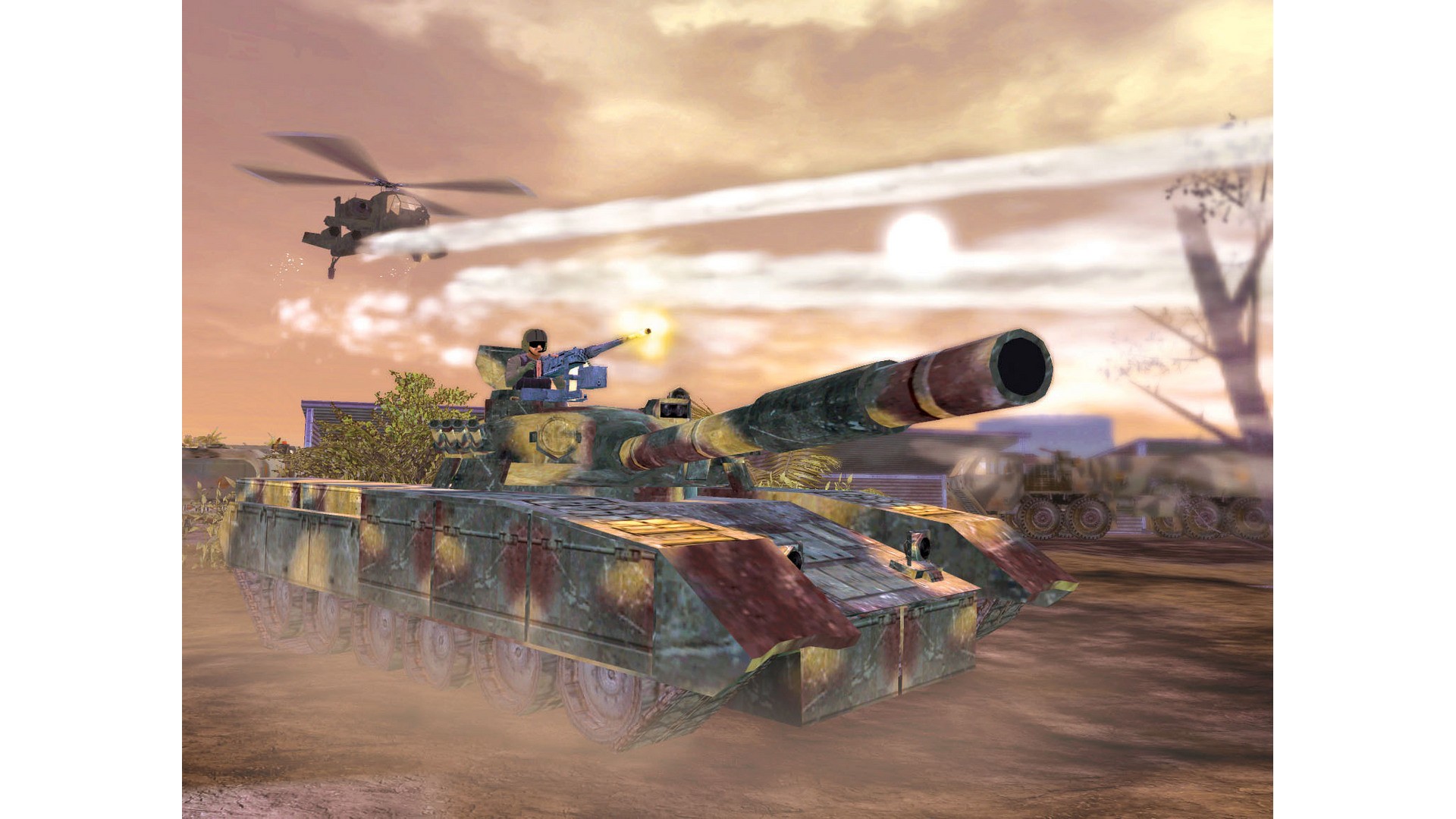
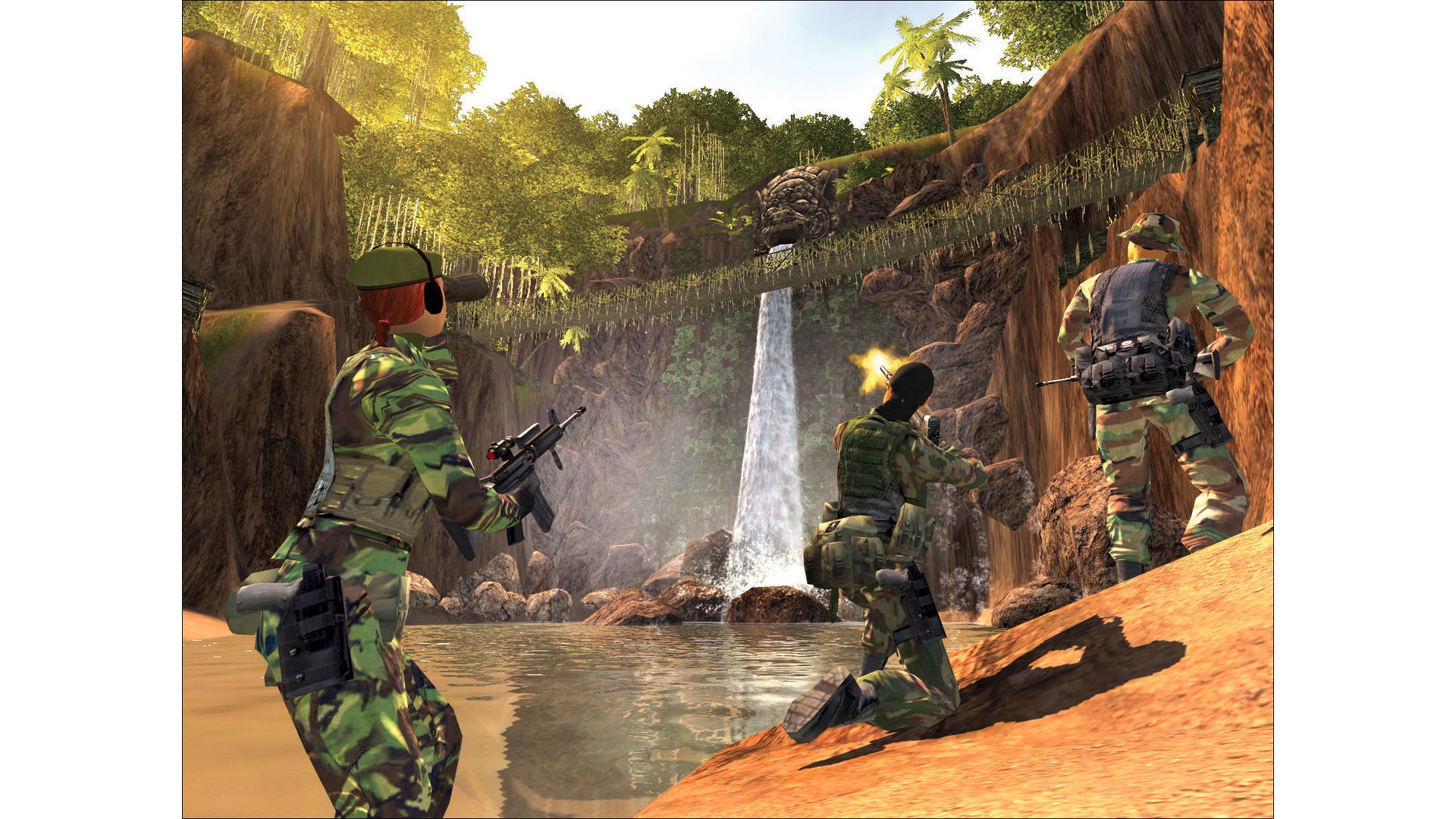
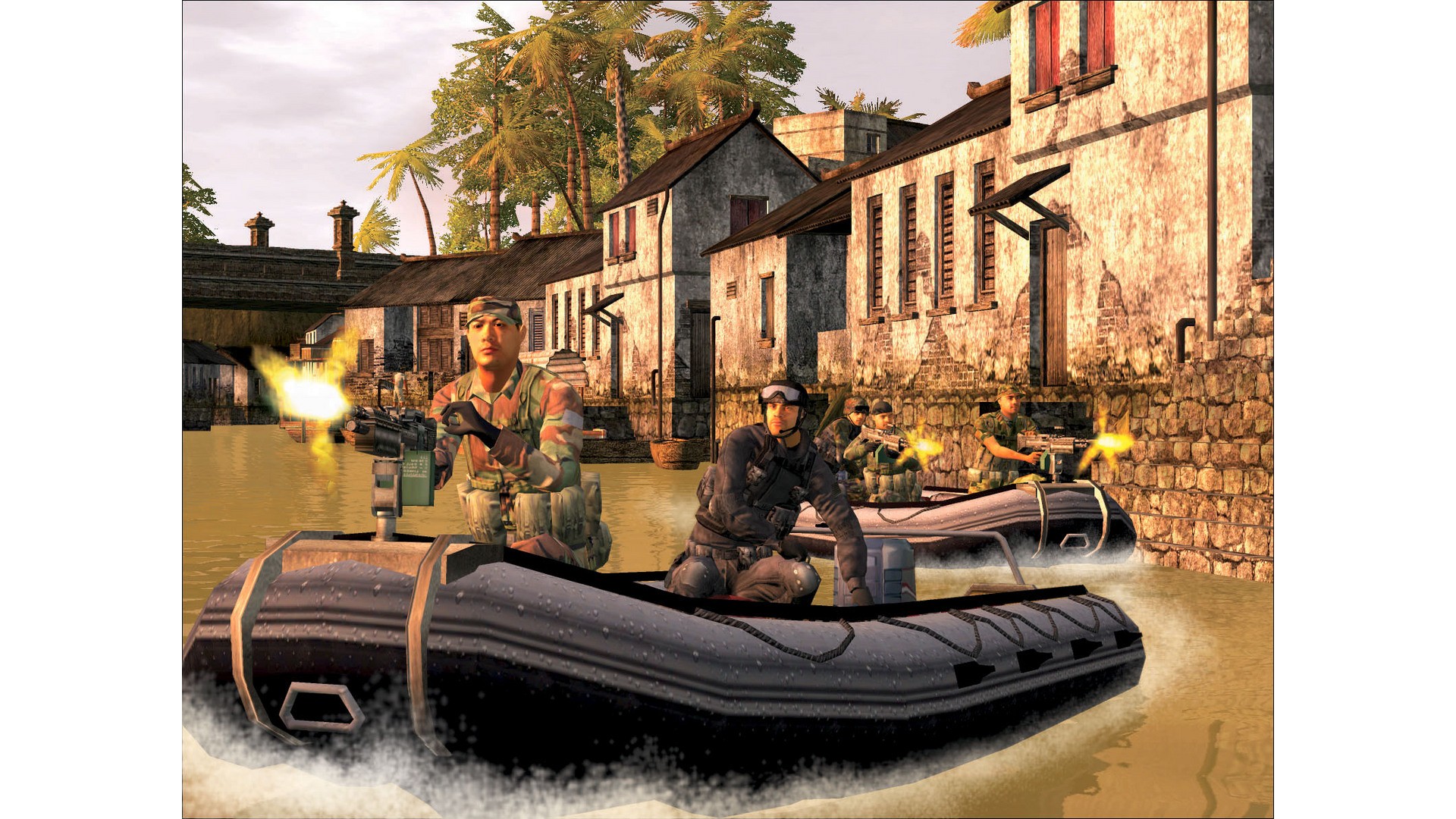
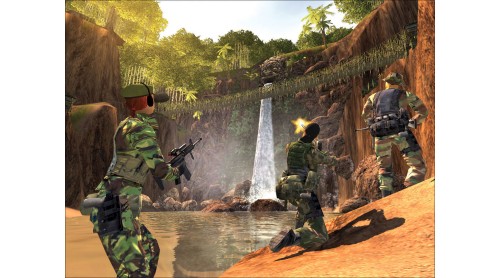
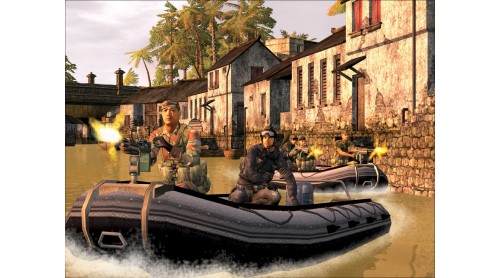
The most ferocious online conflict of the 21st century is now available in its most definitive form: introducing Joint Operations: Combined Arms Gold, the largest multiplayer FPS collection ever. With the award-winning Joint Operations: Typhoon Rising and the bestselling Joint Operations: Escalation together in one convenient package, it's easier than ever to join the world record setting large scale modern warfare that critics have called "extremely intense," and "an absolute blast." (PC Gamer)
Some multiplayer features may only be available through NovaWorld Community. Internet service required. Player responsible for all applicable internet fees. All features may not be available at time of purchase and are subject to online Terms of Service. Some online features may require subscription. NovaLogic reserves the right to change the Terms of Service at any time.©2009 NovaLogic, Inc. NovaLogic, the NovaLogic logo, NovaWorld, Joint Operations, Delta Force and the Delta Force logo are registered trademarks of NovaLogic, Inc. The NovaWorld Logo, Joint Ops and Combined Arms are trademarks of NovaLogic, Inc. All other trademarks and logos are property of their respective owners.


How to activate your Steam key?
1. Open your Steam client. (If you don't have a Steam Client, you can install from here https://store.steampowered.com/about/)
2. Sign in to your Steam account. (If you don't have a Steam Account, you can create from here https://store.steampowered.com/join/)
3. Click “ADD A GAME” button which is at the bottom of the Steam Client.
4. Now select "Activate a product on Steam..."
5. Write or copy-paste your Steam key which you purchased from Gamesforpc.
6. Now your game is in your library.
7. Find your game in your library, select and click install to start your download.