





 Steam
Steam  Windows
  Mac
Mac | Release Date | 23.10.2019 | |
| Operating Systems | Mac OS | |
| Publisher | XD | |
| PEGI Rating | + 3 | |
| Operating Systems | Windows | |
| Genres | Strategy, indie |
5.69€
Added to Cart
5.69€
Added to Wishlist
5.69€
****************************************************************
**** If you ran into an issue, or have any feedback,
**** please join this discord channel and send us a message: (we'll respond faster this way)
****
****************************************************************
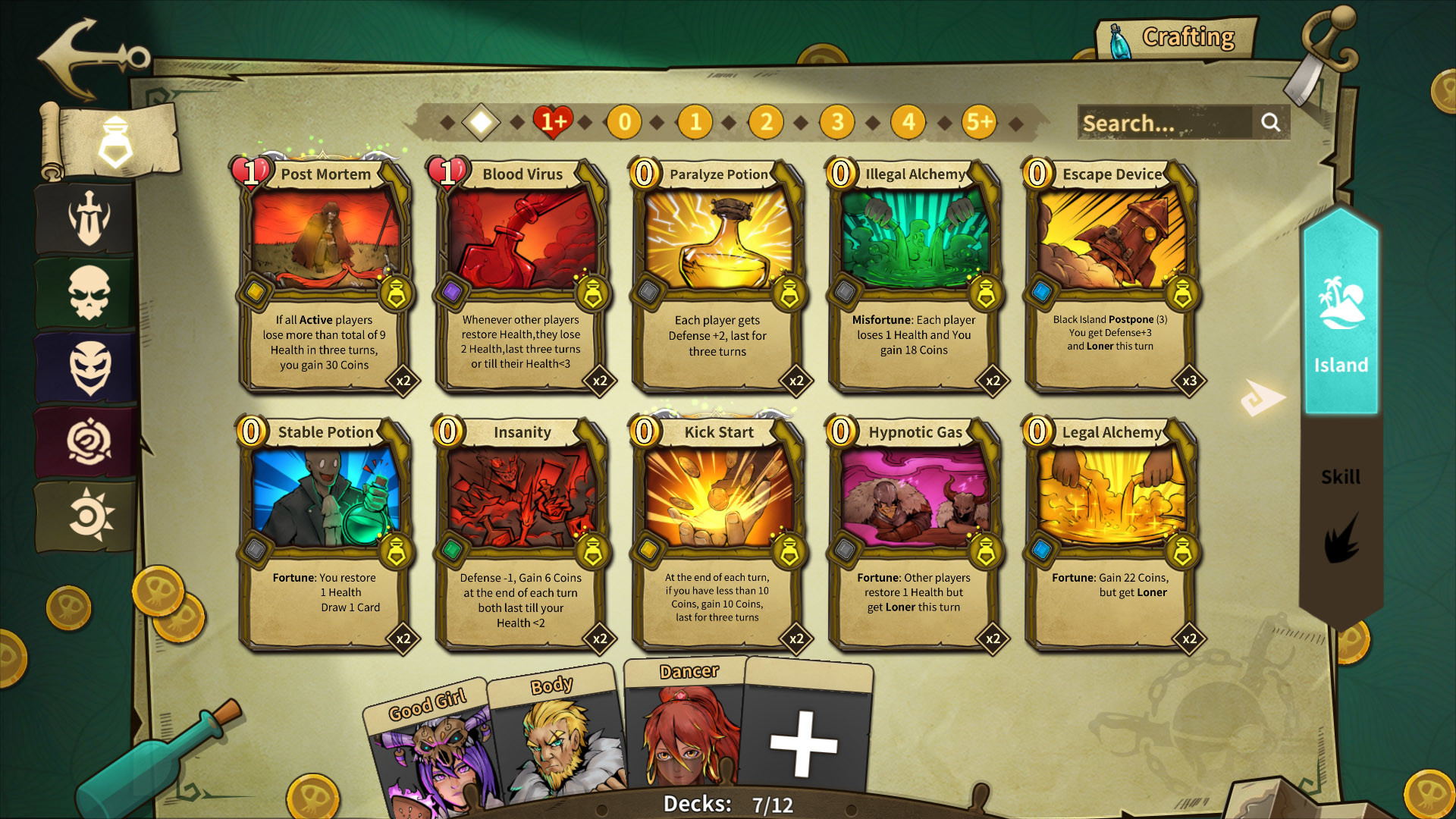
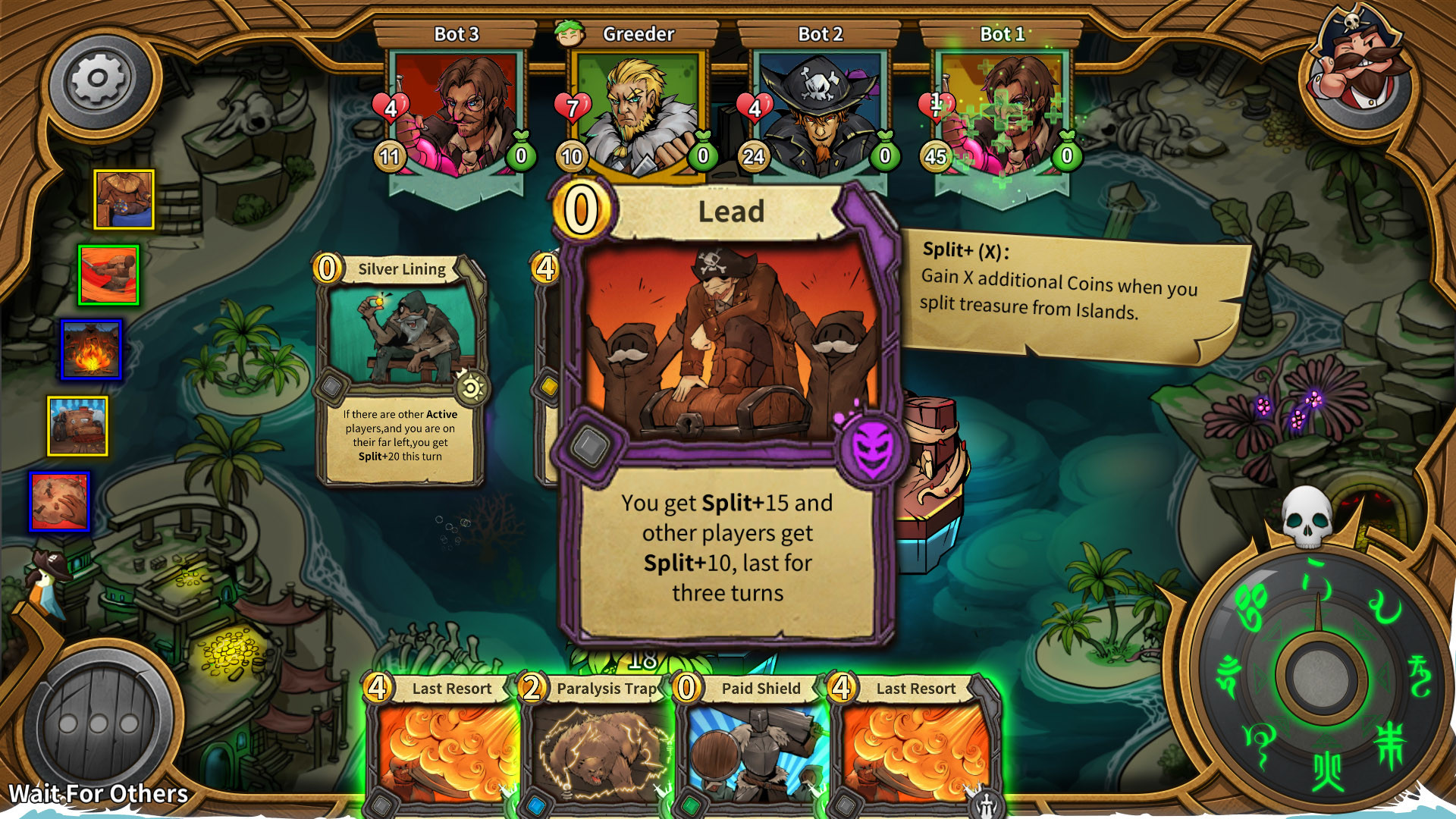
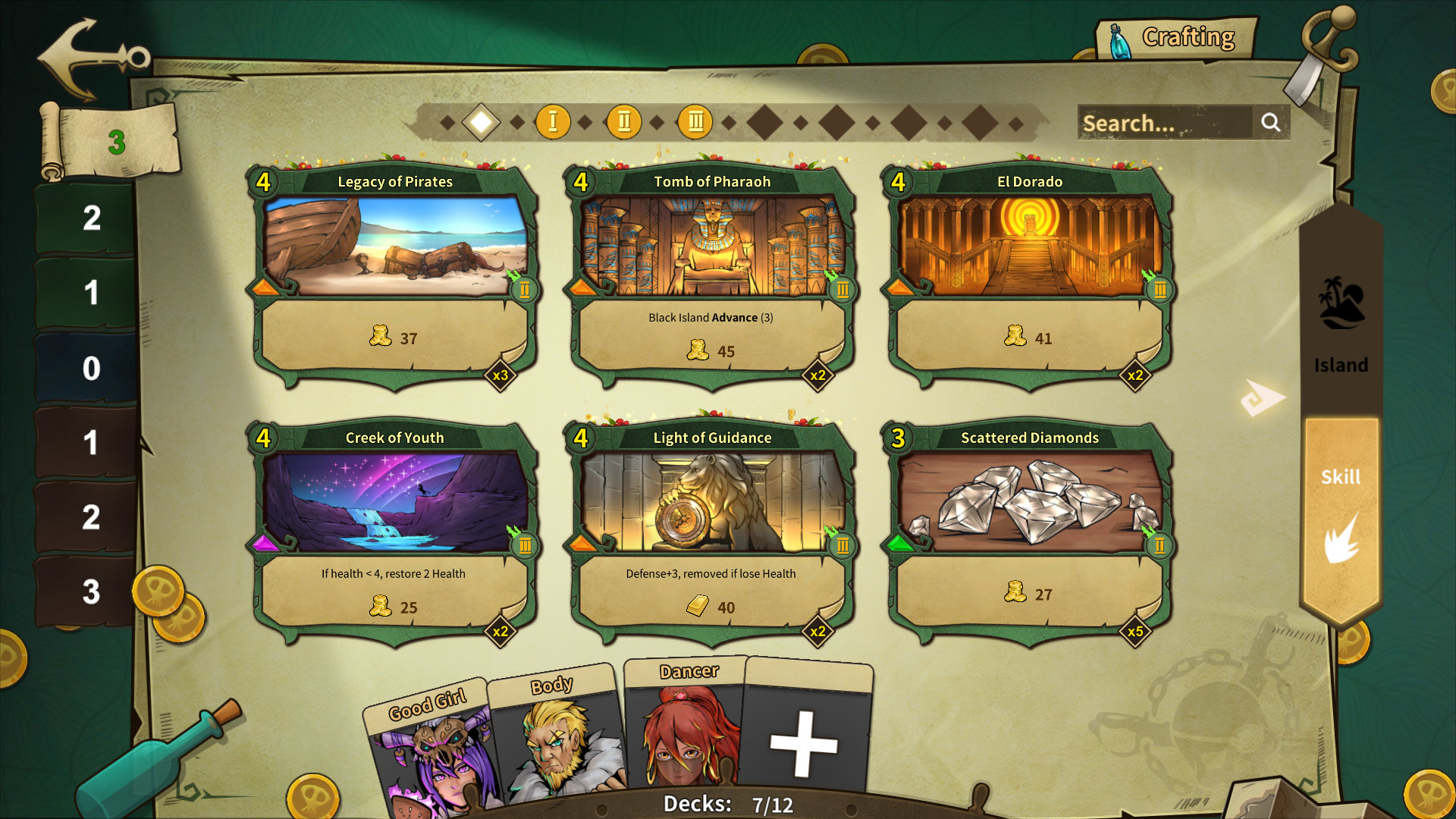
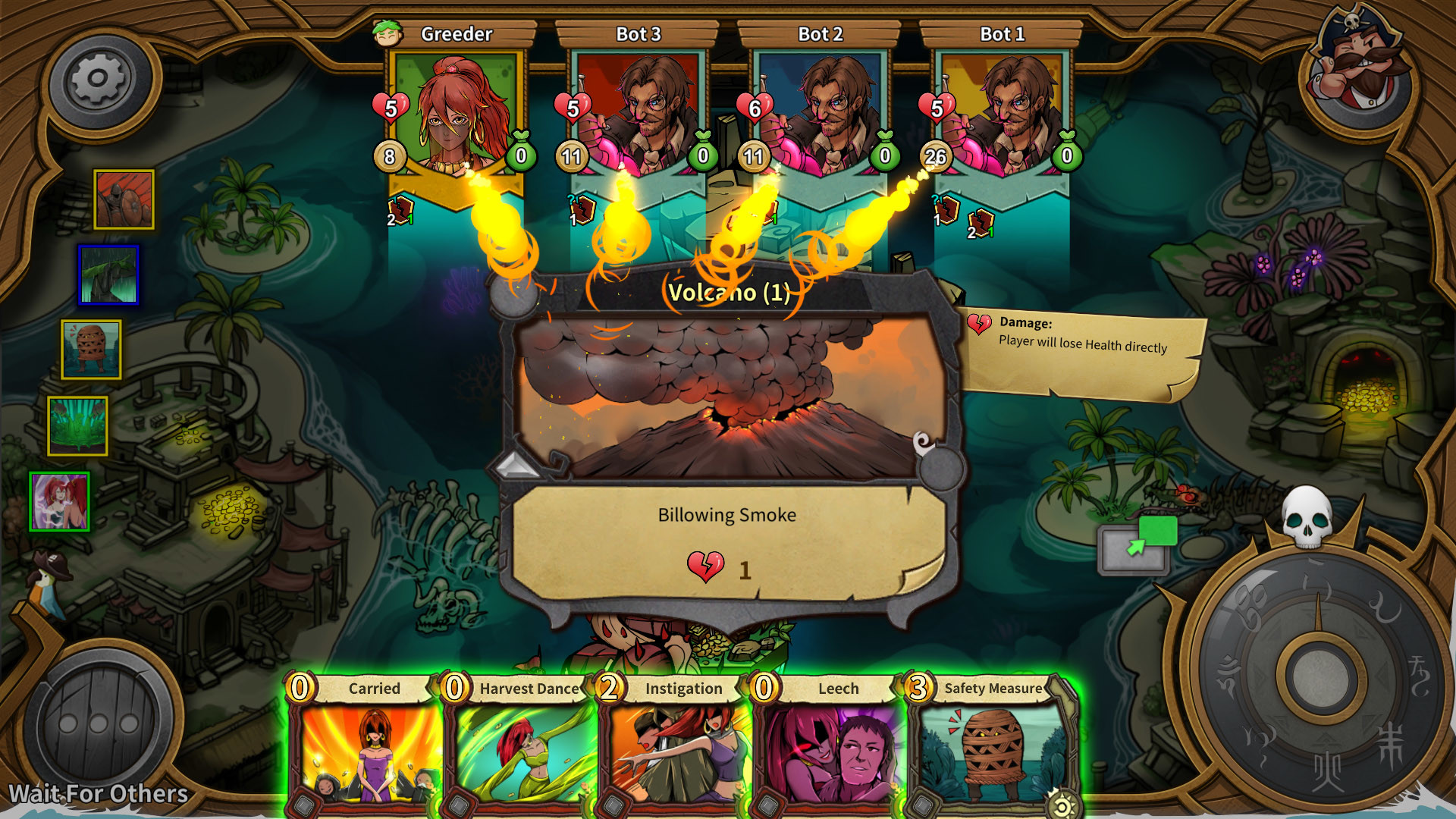
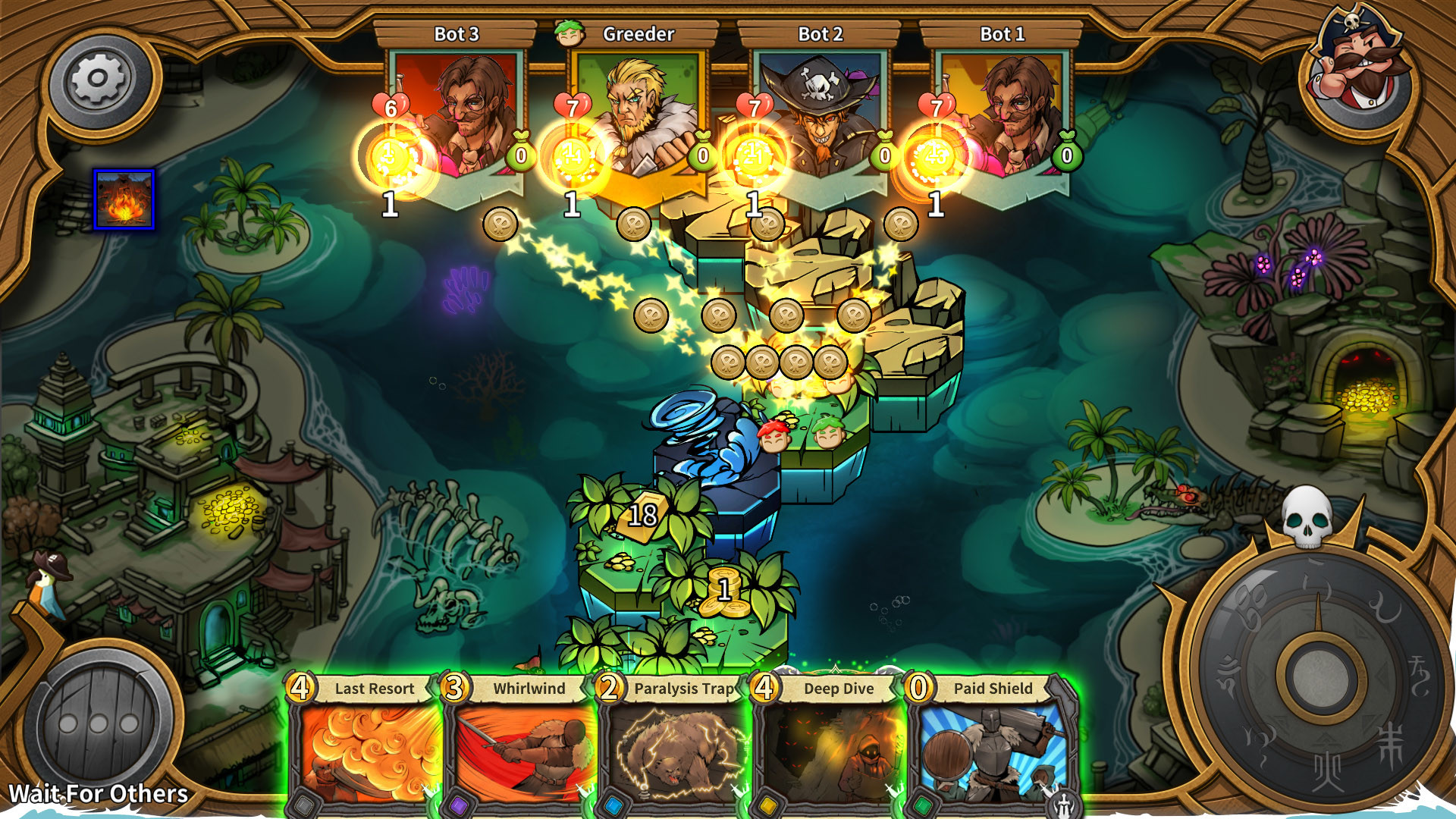
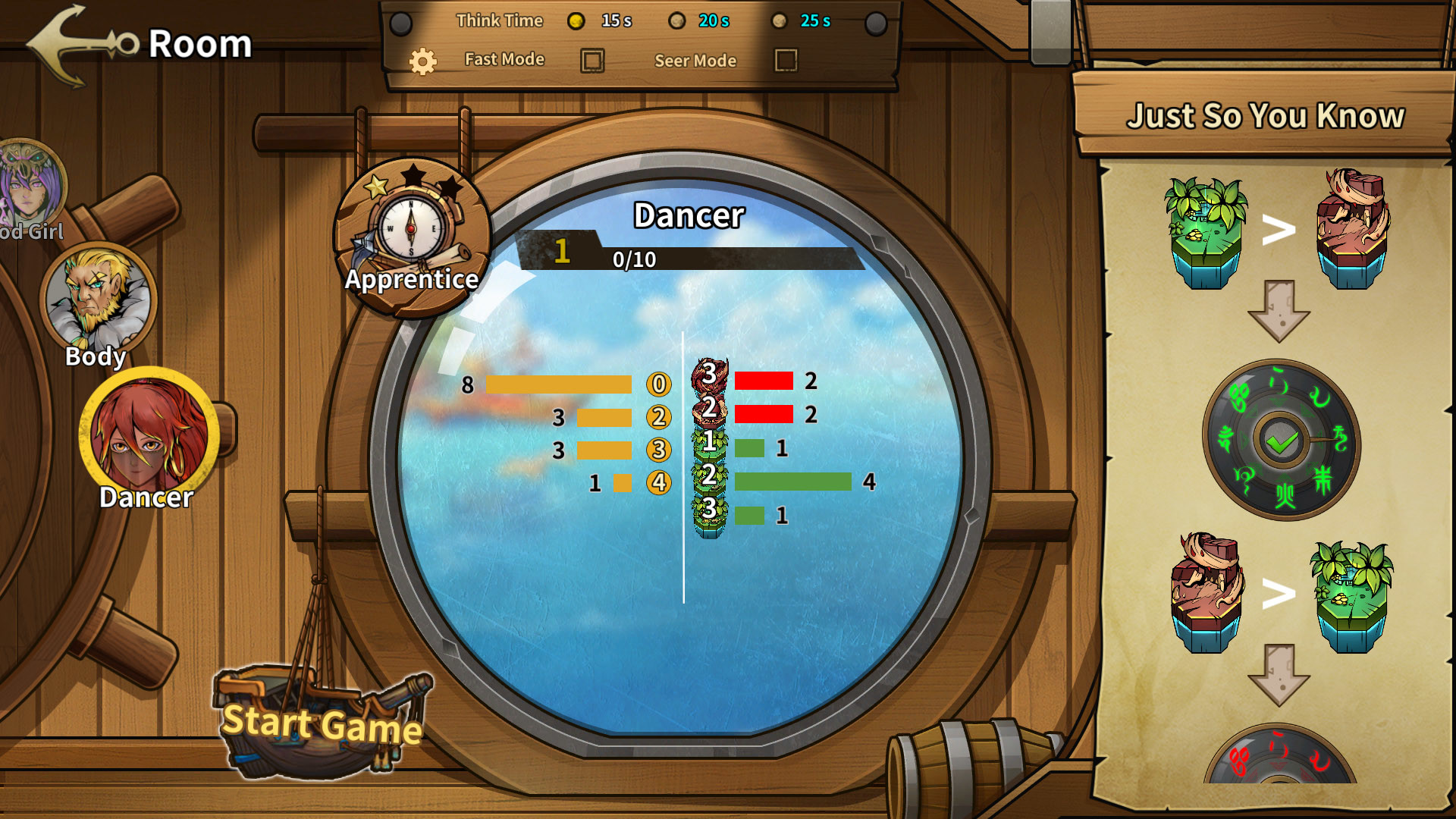
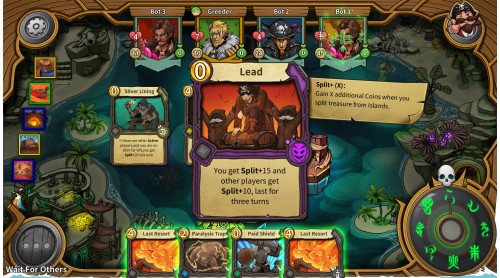
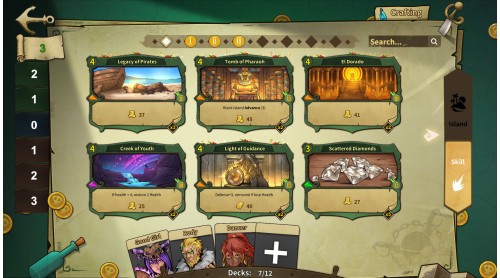
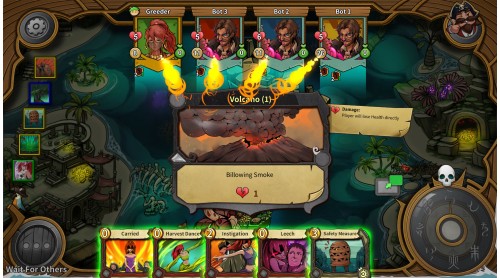
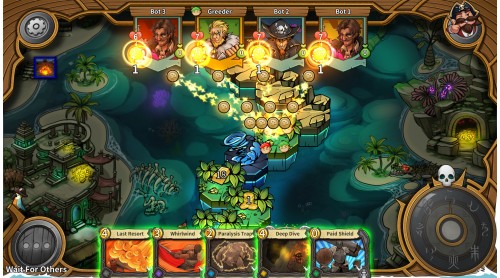
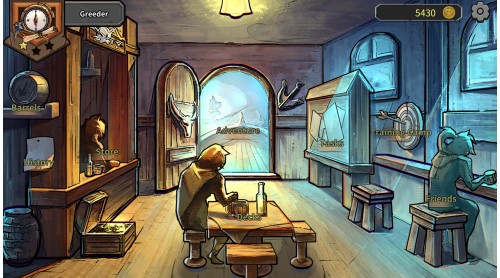
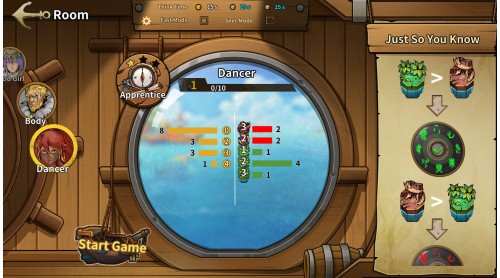
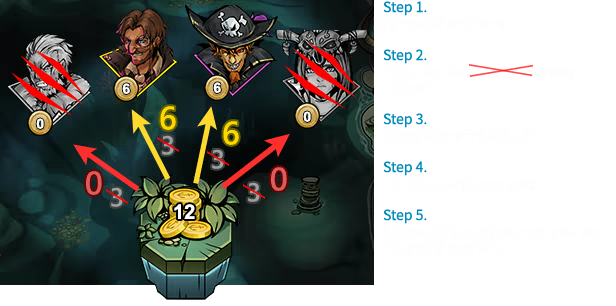
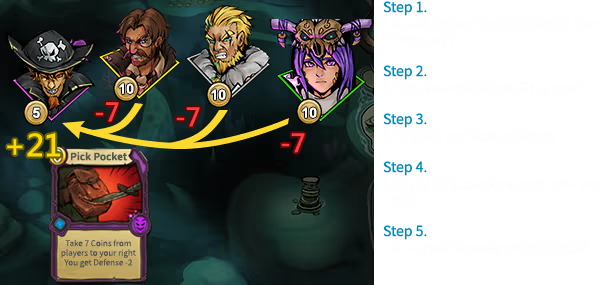
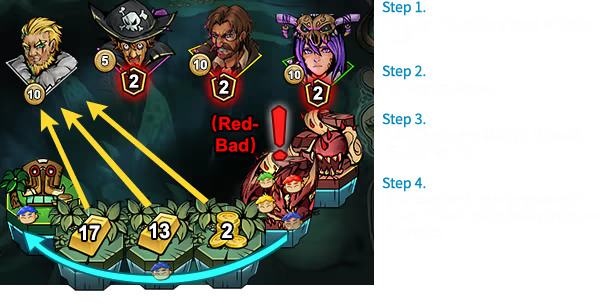
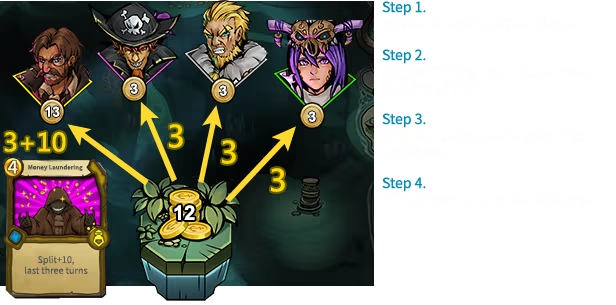
This is a perfect hybrid of a social board game and strategy card game.
You play as a pirate... adventurer in the Age of Discovery, heading into the lost islands along
side three other adventurers. As you dive deeper and deeper into the adventure, things become
more dangerous and enticing, only the bravest and smartest can take the treasure out alive.
You'll make many different hard choices during the adventure:
You'll find your answers in the Journey of Greed.


Difference between the demo and full version:
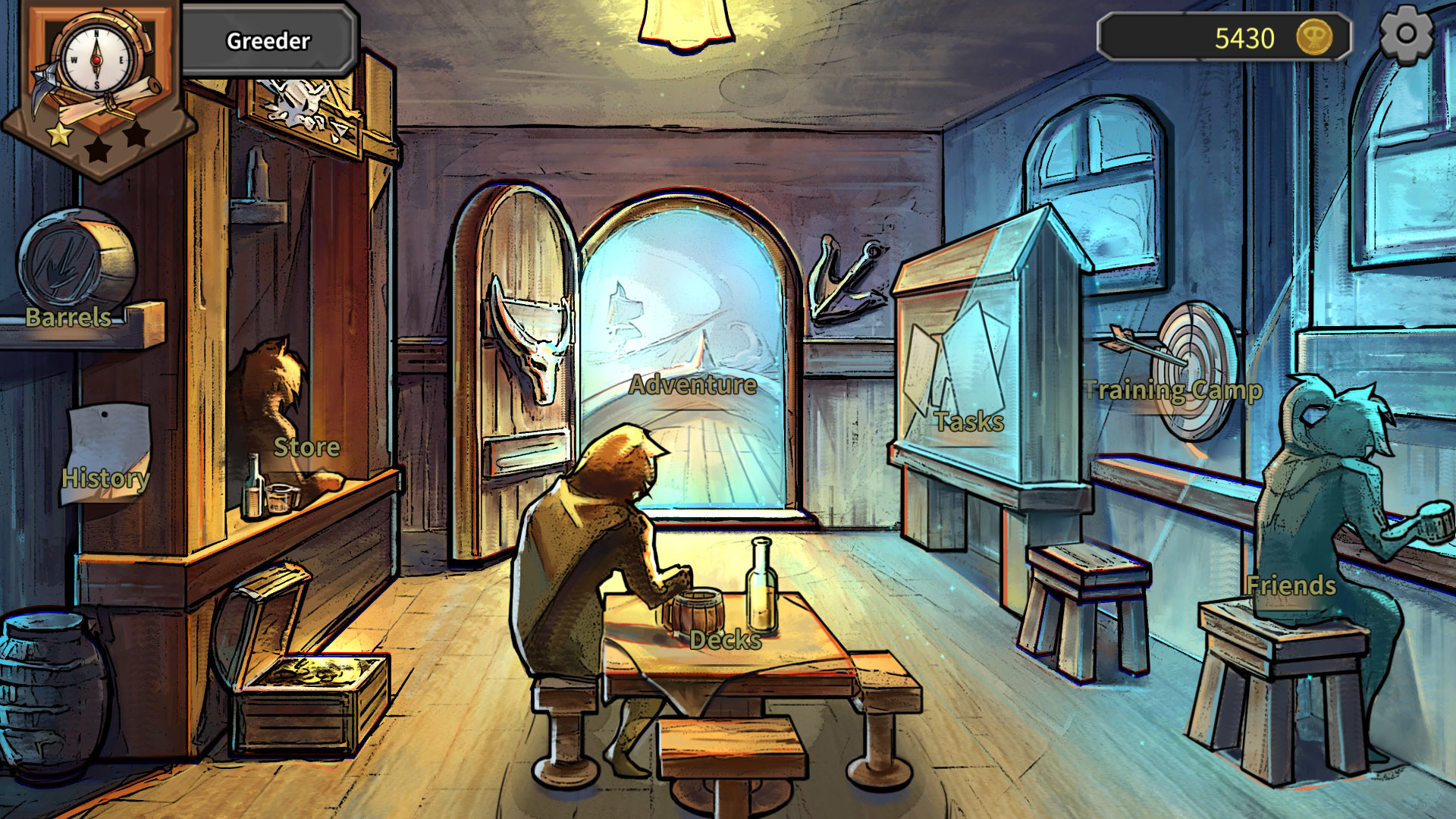
1. You can only open 10 “Barrels” in the demo.
2. You can't play Ladder mode after passing Rookie in the Demo
3. The demo and full version share the same server, so your data will persist once you get the full version.


How to activate your Steam key?
1. Open your Steam client. (If you don't have a Steam Client, you can install from here https://store.steampowered.com/about/)
2. Sign in to your Steam account. (If you don't have a Steam Account, you can create from here https://store.steampowered.com/join/)
3. Click “ADD A GAME” button which is at the bottom of the Steam Client.
4. Now select "Activate a product on Steam..."
5. Write or copy-paste your Steam key which you purchased from Gamesforpc.
6. Now your game is in your library.
7. Find your game in your library, select and click install to start your download.