 Steam
| Release Date | 14.10.2025 | |
| Publisher | Ubisoft | |
| PEGI Rating | + 3 | |
| Genres | Music |
49.99€
Added to Cart
49.99€
Added to Wishlist
49.99€
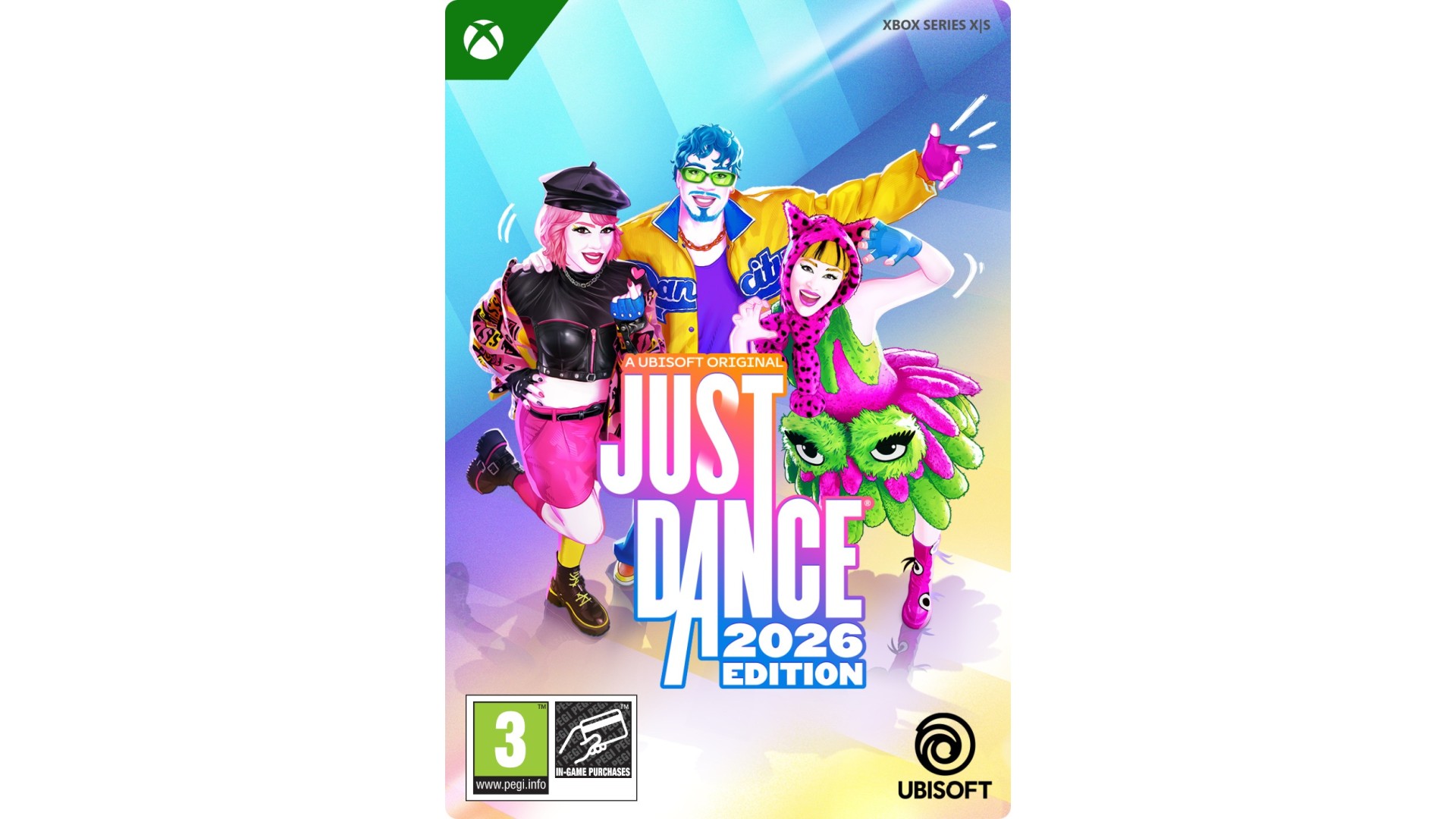
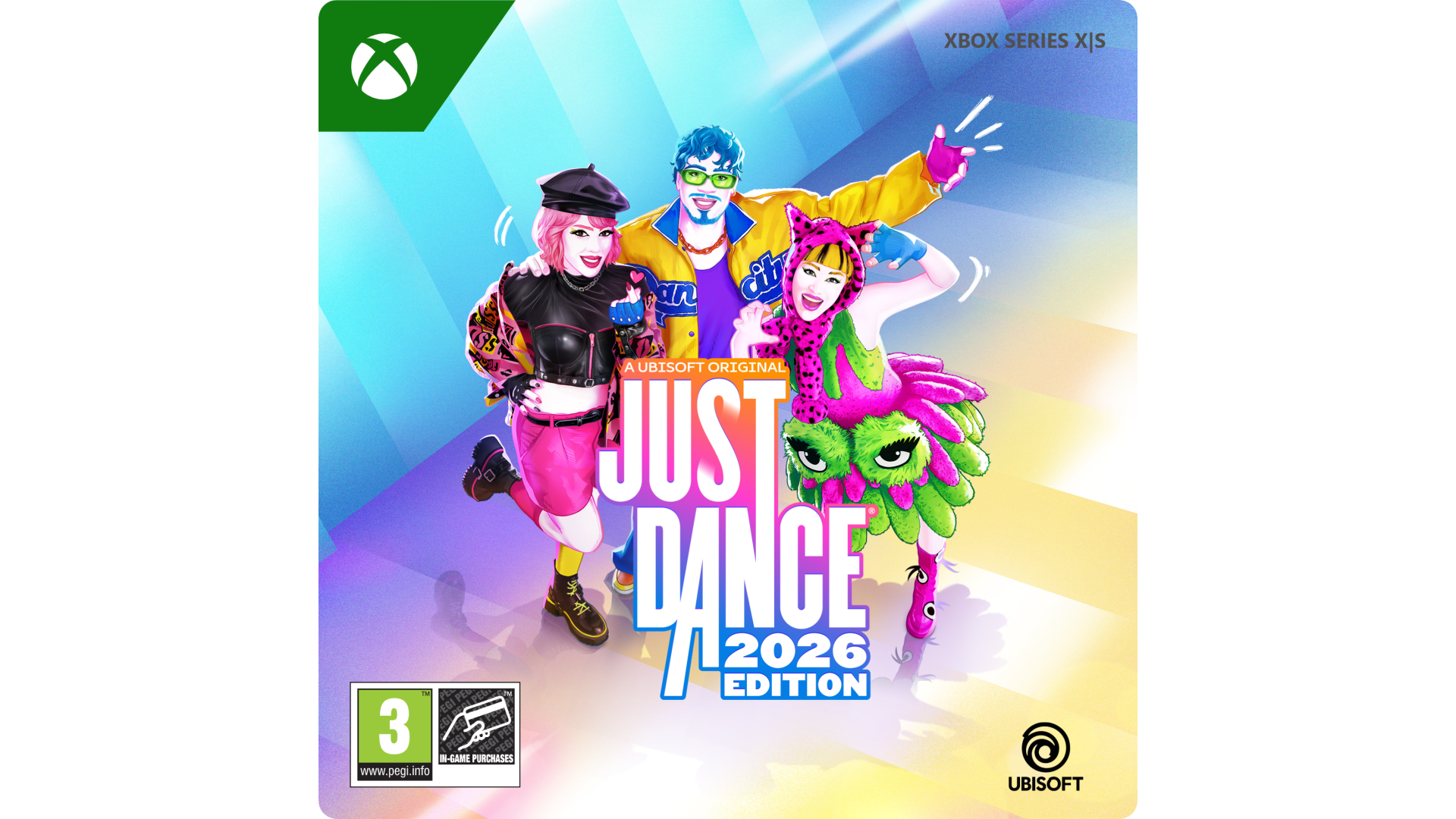
Create unforgettable memories with Just Dance 2026 Edition!
ENJOY 40 HOT NEW SONGS
From the hottest hits to timeless classics, there's a song for everyone and every moment in our all-new tracklist featuring:
And many more!
BRING YOUR FRIENDS AND FAMILY TO THE PARTY
Dance solo, in co-op, or get competitive:
DISCOVER ENDLESS WAYS TO DANCE
There's a Just Dance experience for everyone:
*A smartphone with the free Just Dance Controller app is required to track your moves including in the Camera Controller Mode, no additional accessories required!
**Just Dance+ is a streaming service, playable via Just Dance 2026 Edition, that grants access to additional songs. Terms and conditions apply. Requires Ubisoft Account, console account, persistent internet access, and the payment of a fee and/or an ongoing subscription fee. Age and territorial restrictions apply.
Internet connection, Ubisoft account, Microsoft Account and Game Pass Ultimate or Core (subscriptions sold separately) required to access online multiplayer/features.
© 2025 Ubisoft Entertainment. All Rights Reserved. Just Dance, Ubisoft, and the Ubisoft logo are registered or unregistered trademarks of Ubisoft Entertainment in the US and/or other countries.


How to activate your Steam key?
1. Open your Steam client. (If you don't have a Steam Client, you can install from here https://store.steampowered.com/about/)
2. Sign in to your Steam account. (If you don't have a Steam Account, you can create from here https://store.steampowered.com/join/)
3. Click “ADD A GAME” button which is at the bottom of the Steam Client.
4. Now select "Activate a product on Steam..."
5. Write or copy-paste your Steam key which you purchased from Gamesforpc.
6. Now your game is in your library.
7. Find your game in your library, select and click install to start your download.