 Steam
Steam  Windows
 | Release Date | 08.09.2020 | |
| Publisher | THQ Nordic GmbH | |
| PEGI Rating | + 18 | |
| Operating Systems | Windows | |
| Genres | Action, rpg |
54.99€
Added to Cart
54.99€
Added to Wishlist
54.99€
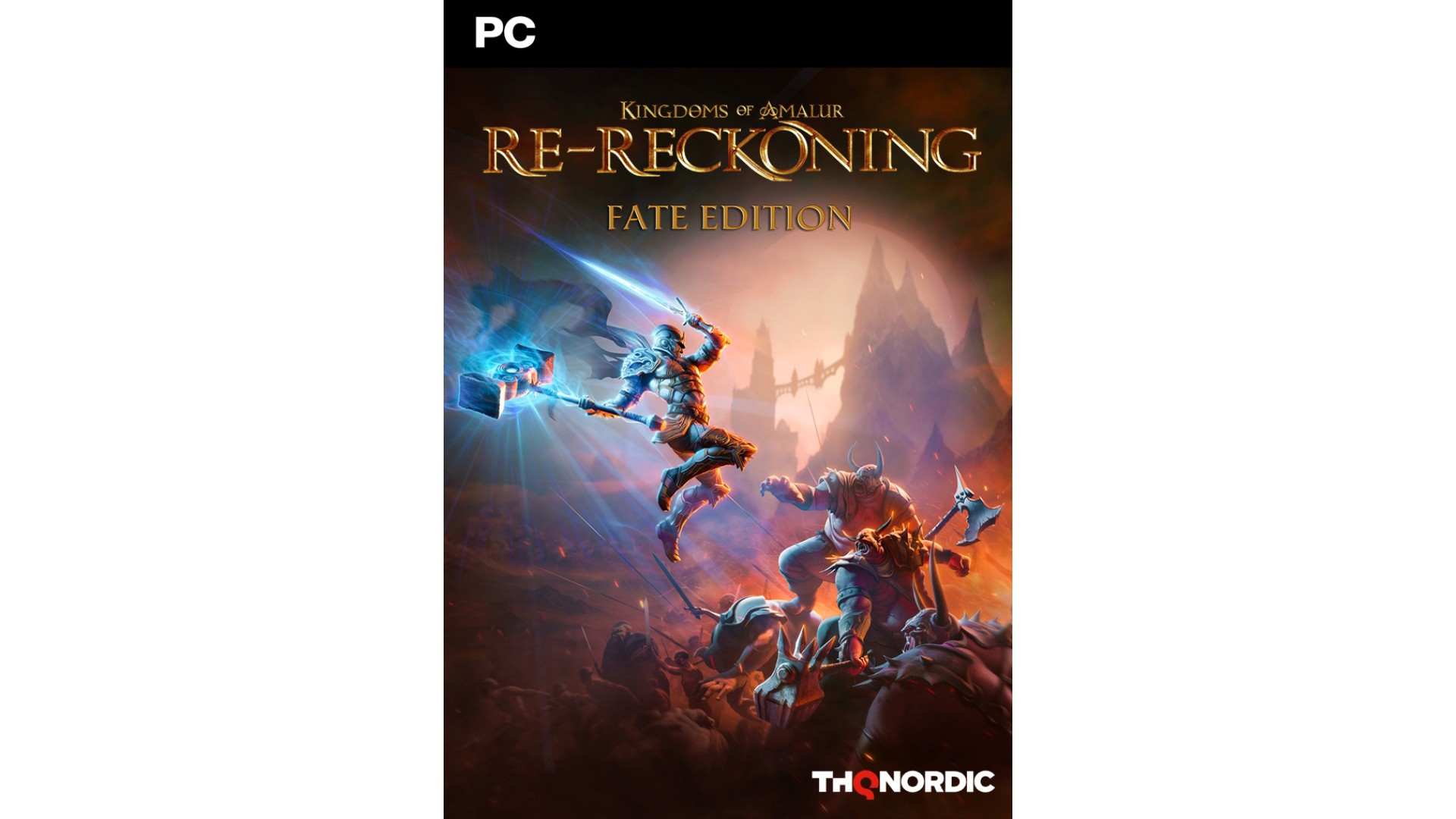
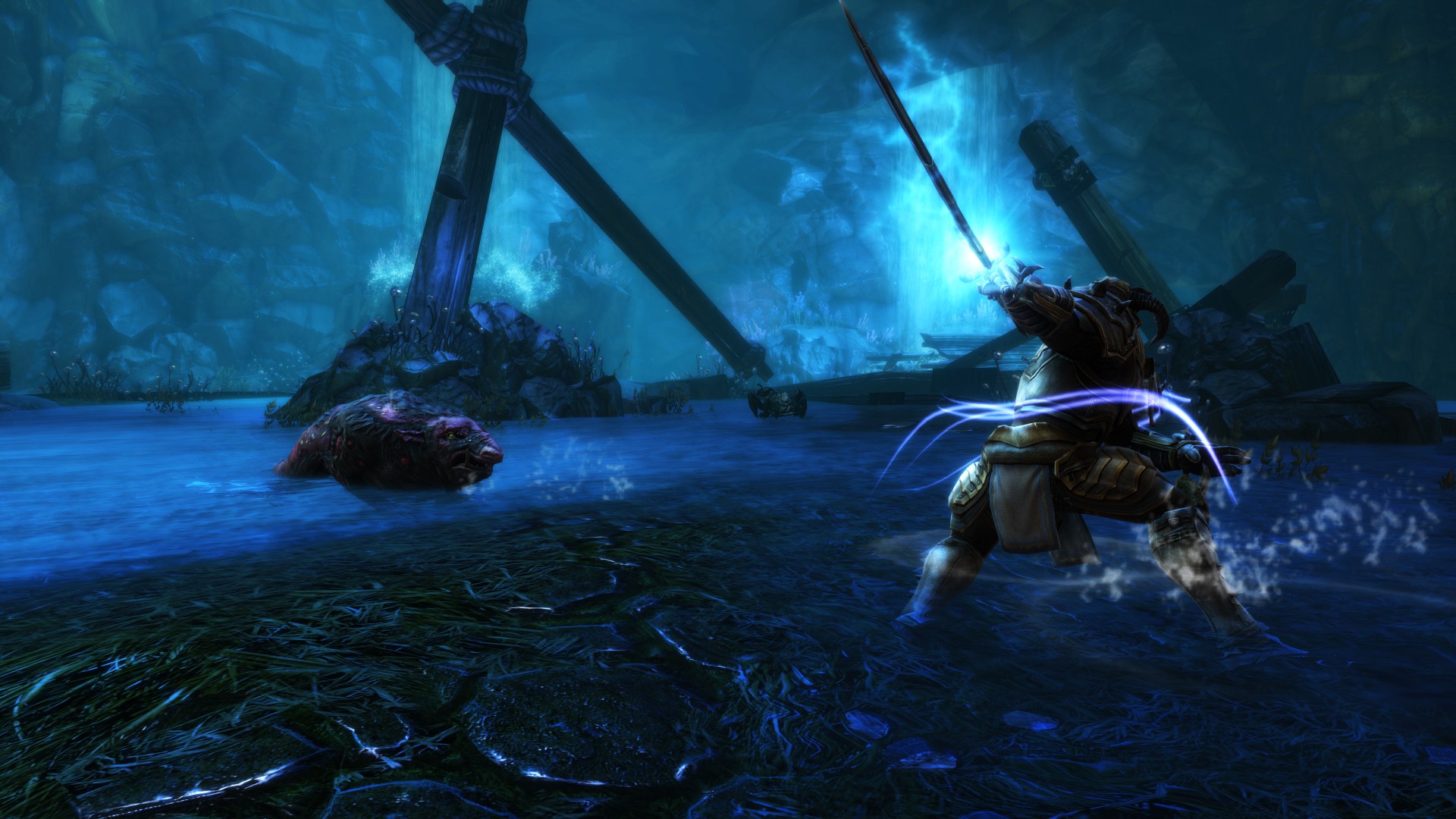
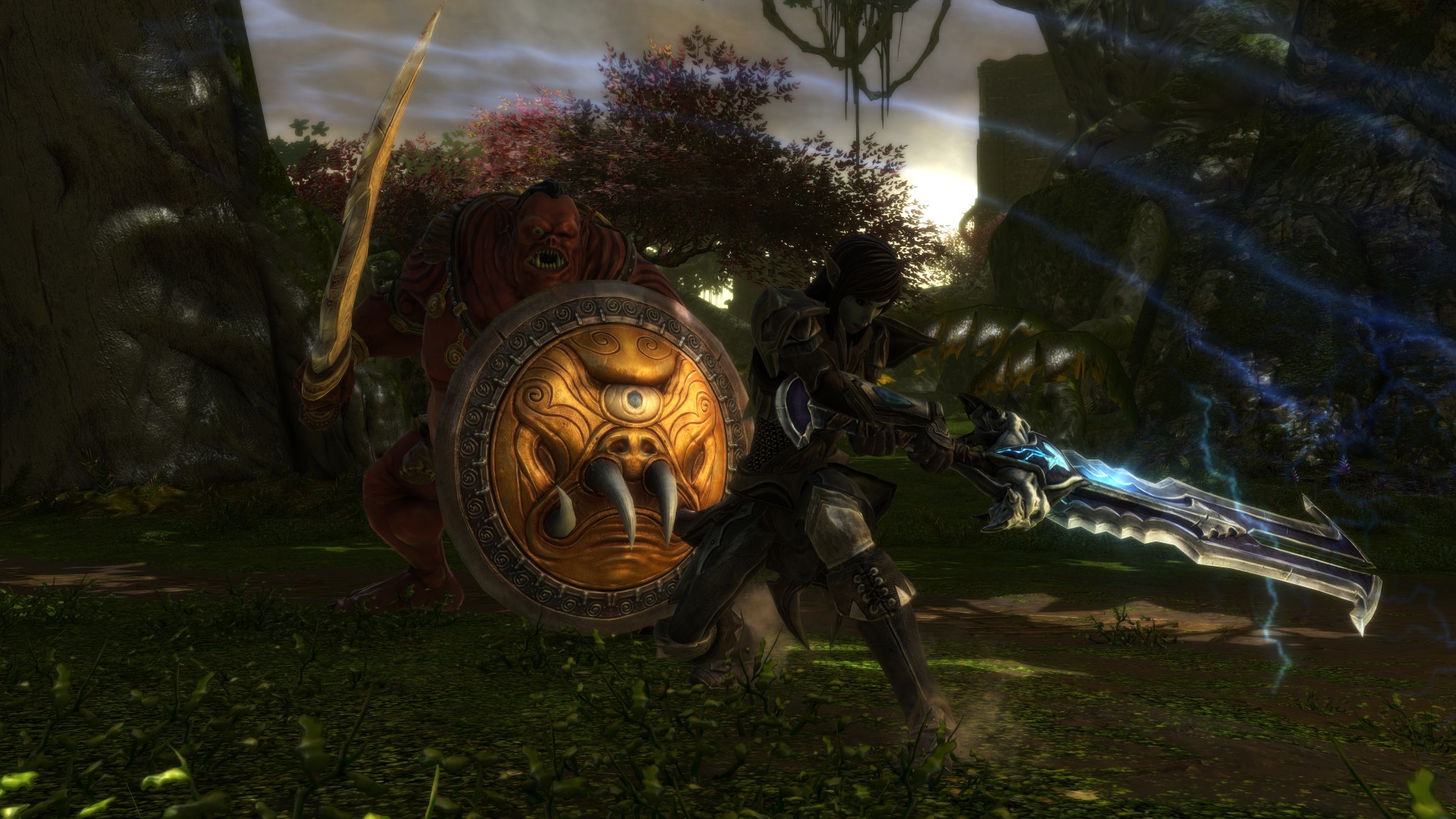
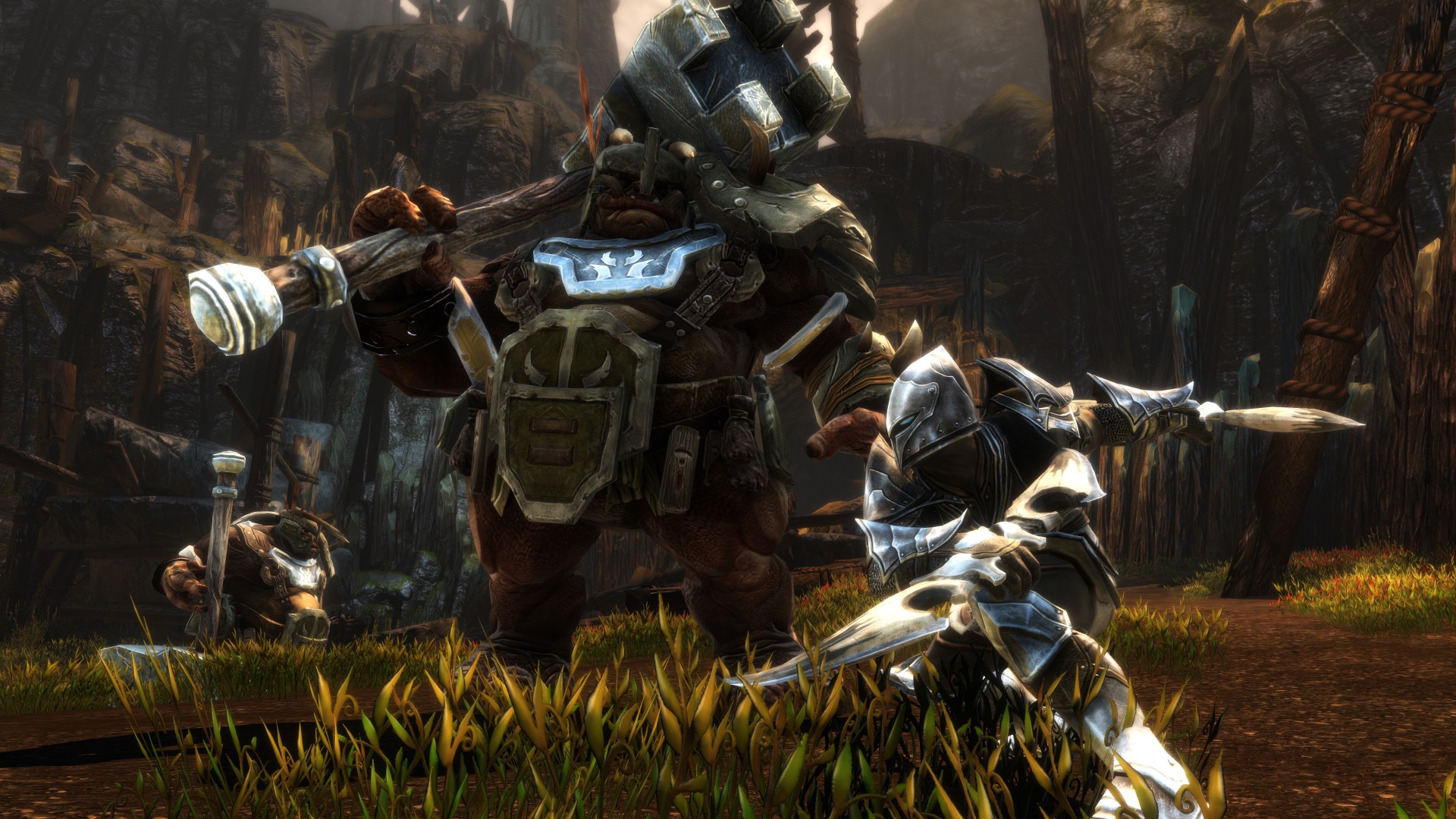
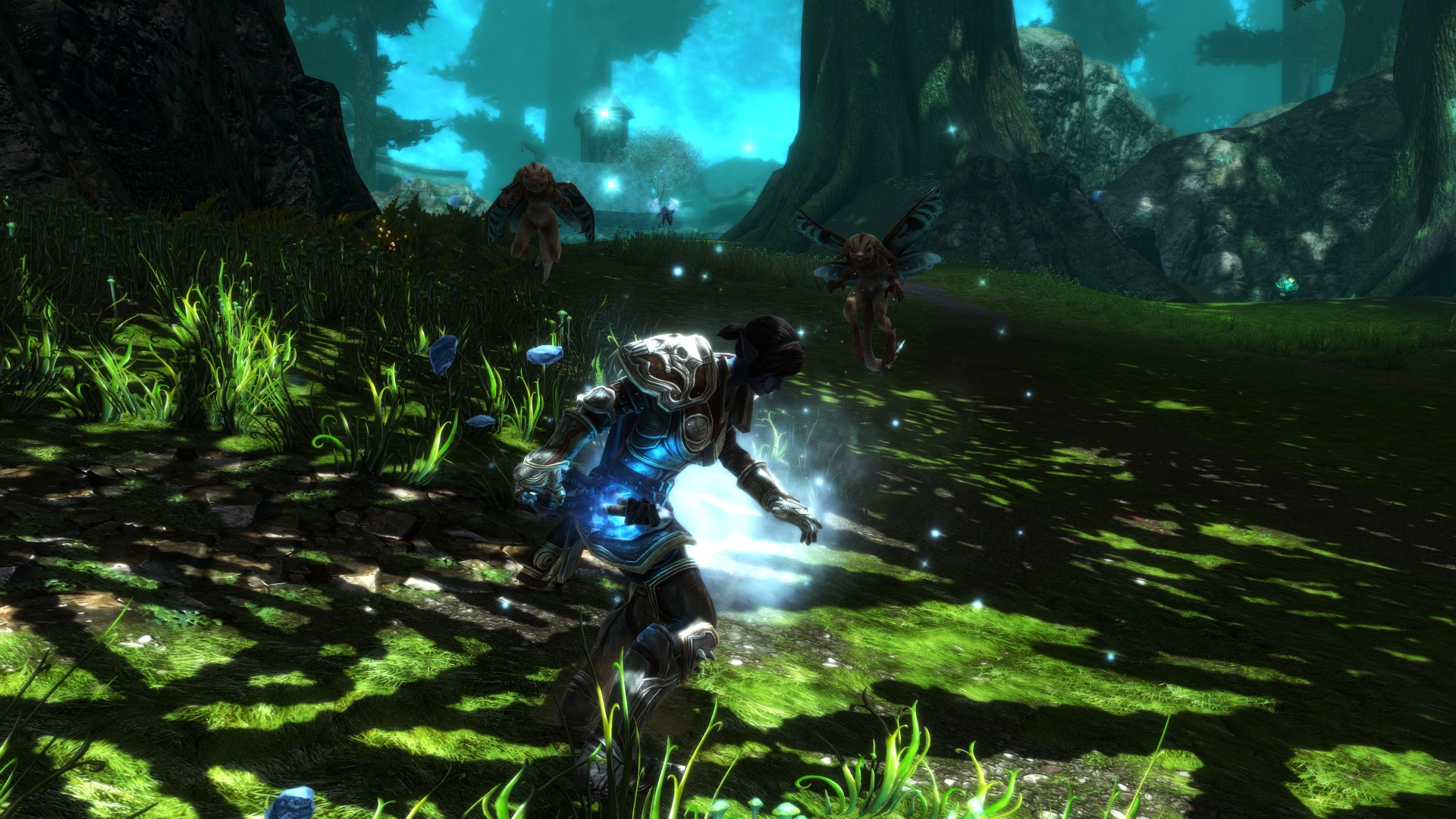
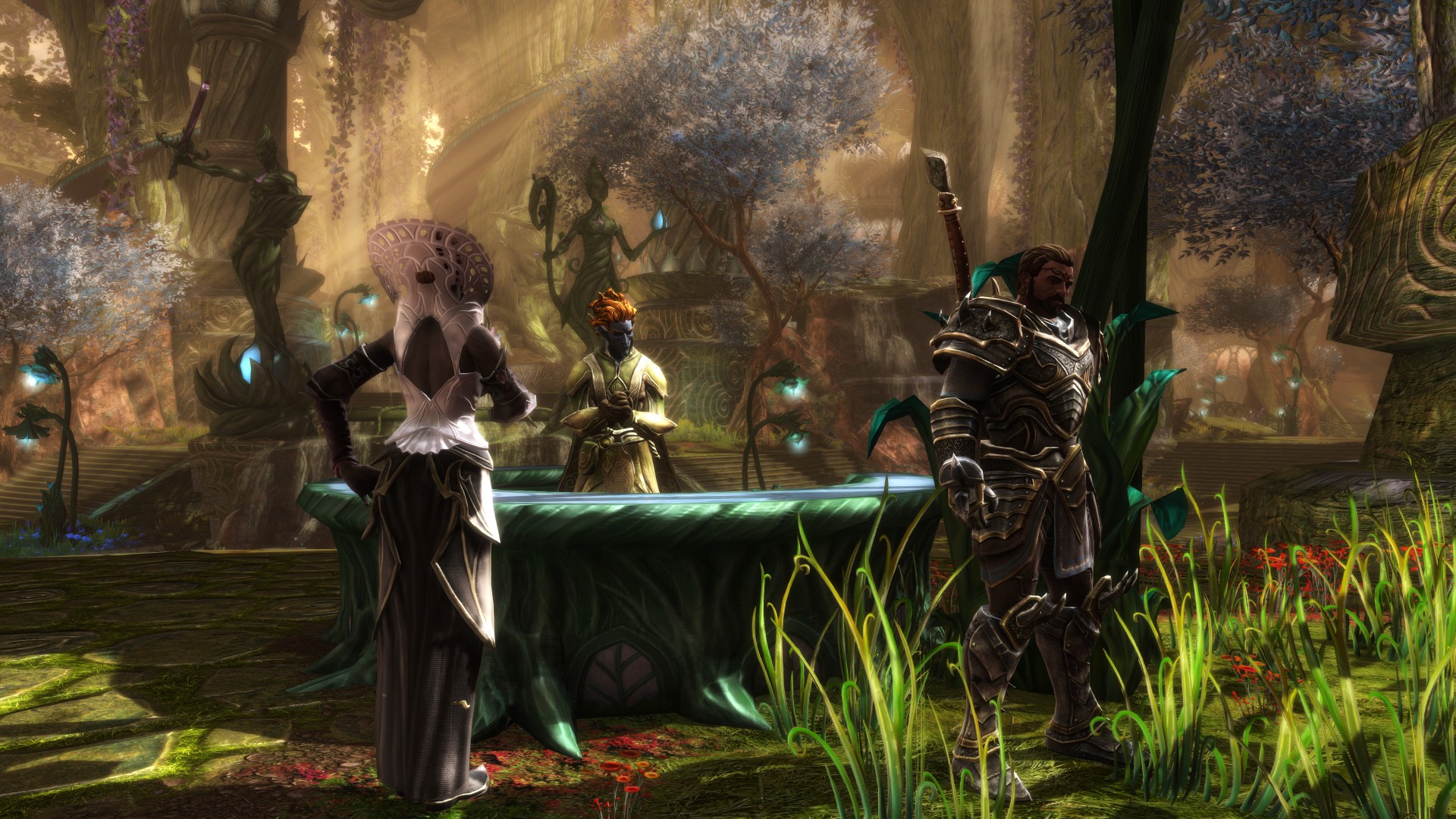
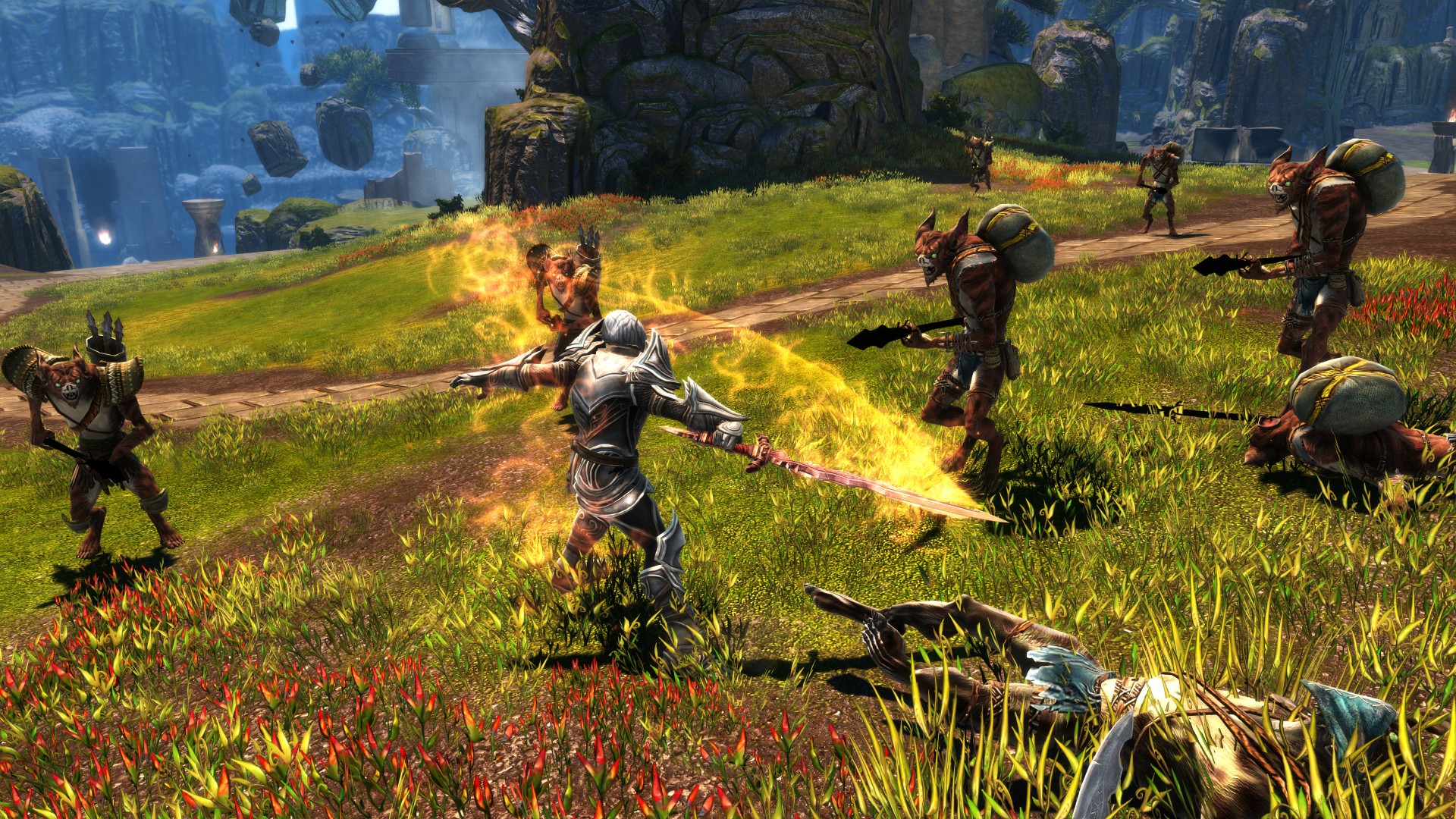
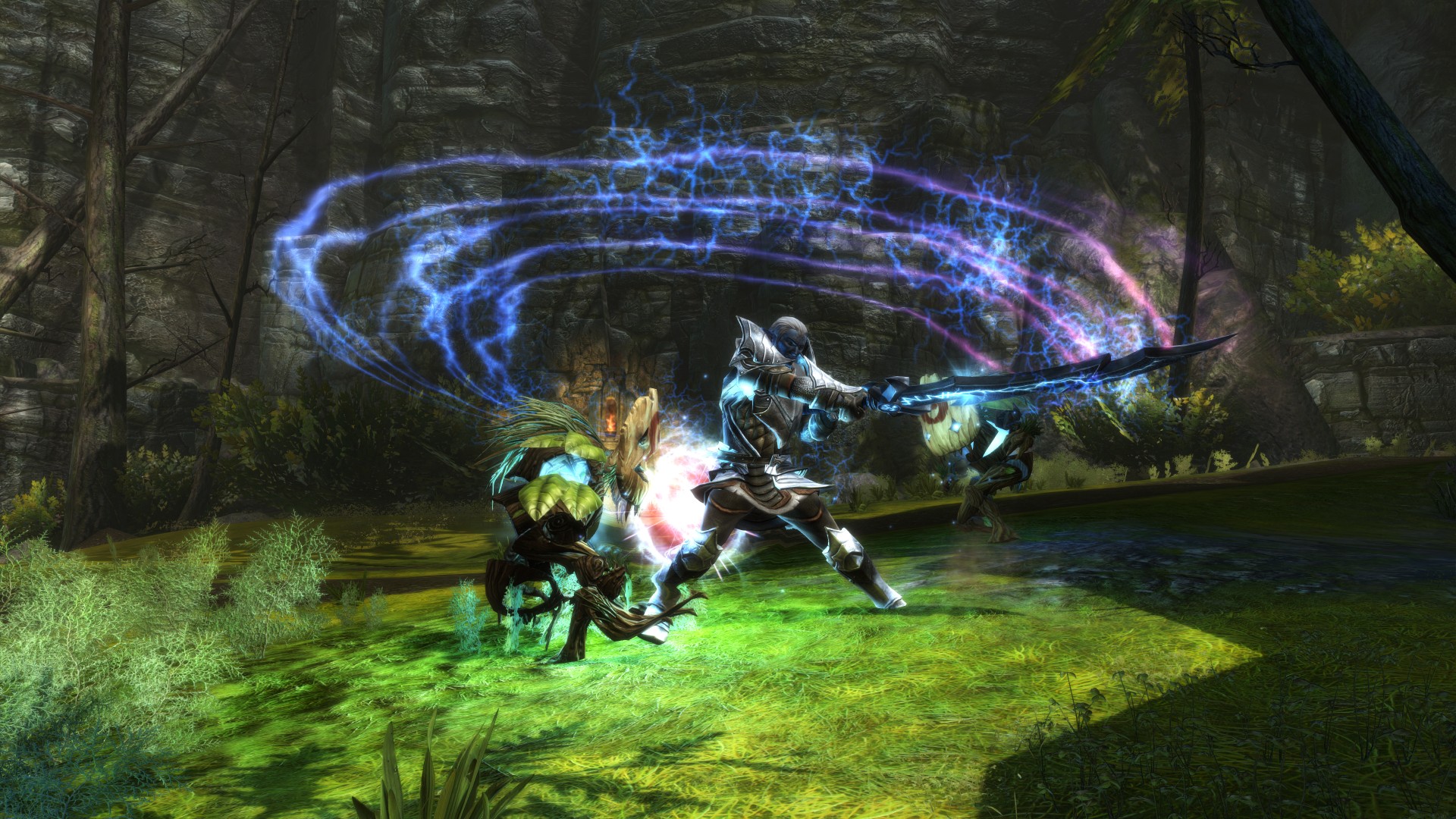
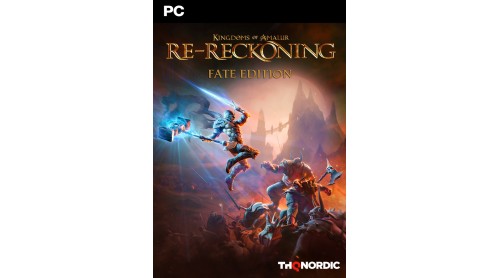
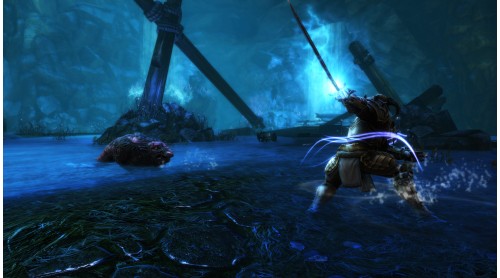
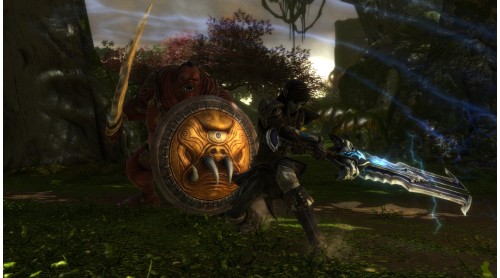
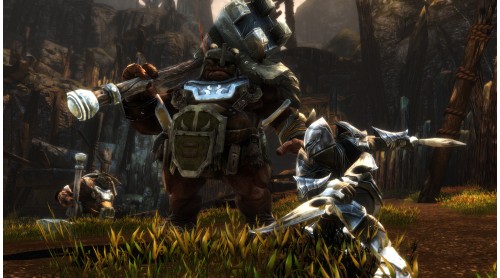
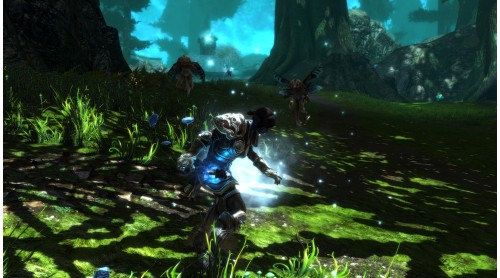
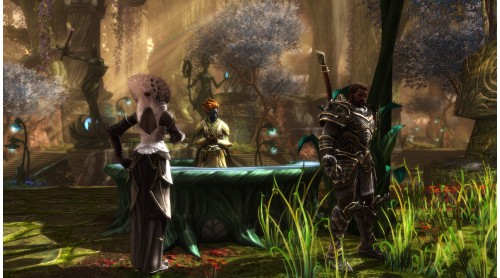
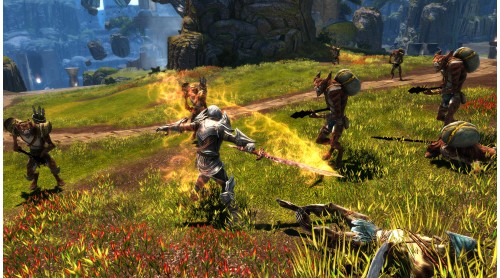
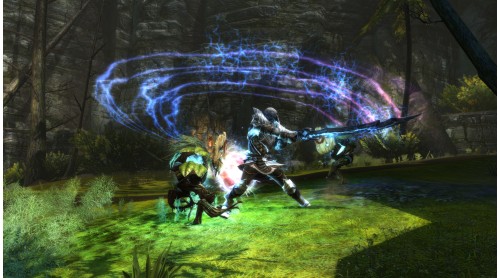
The hit RPG returns! From the minds of the bestselling author R.A. Salvatore, Spawn creator Todd McFarlane, and Elder Scrolls IV: Oblivion lead designer Ken Rolston, comes Kingdoms of Amalur: Re-Reckoning. Remastered with stunning visuals and refined gameplay Re-Reckoning delivers intense, customizable RPG combat inside a sprawling game world.
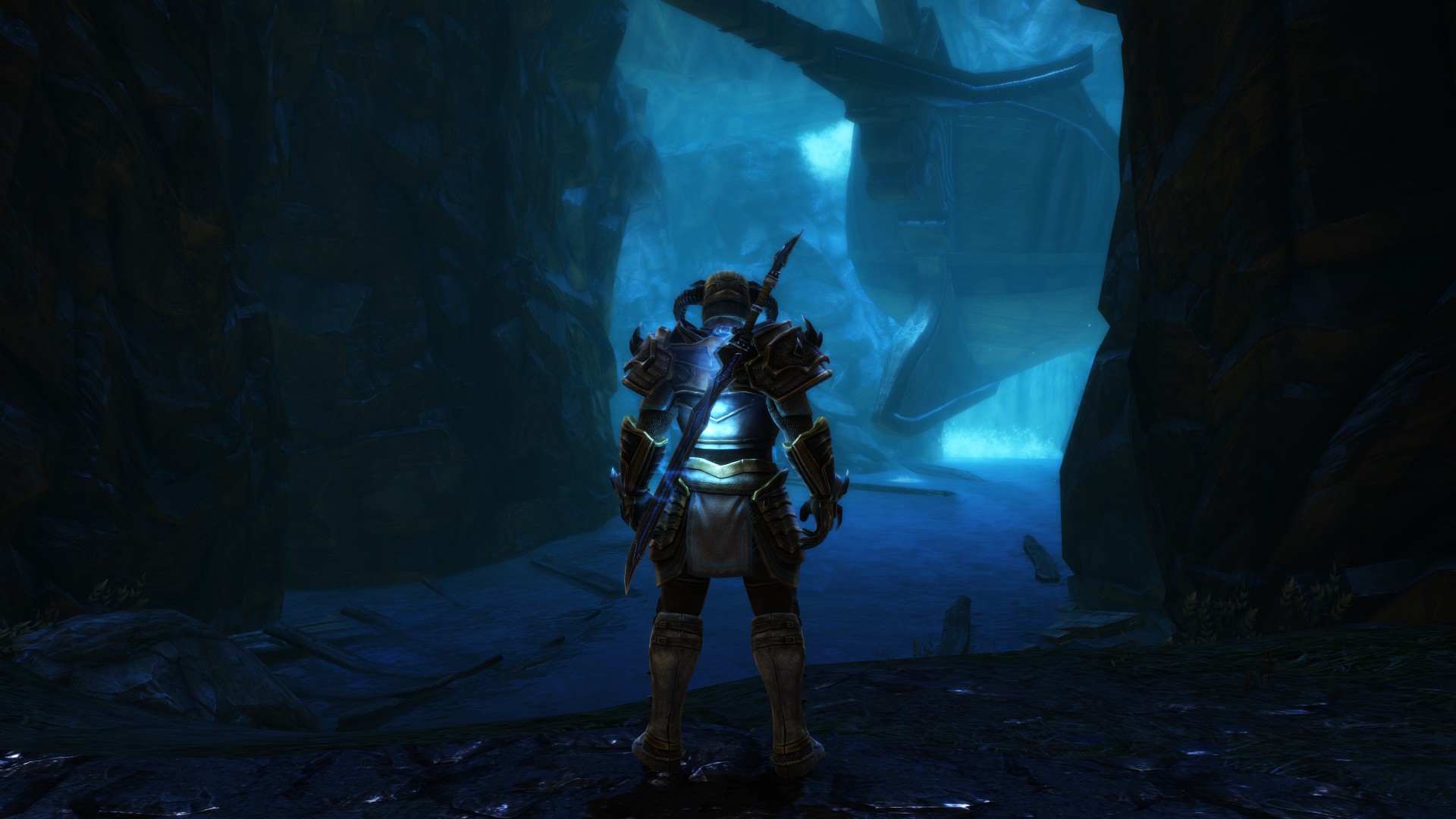
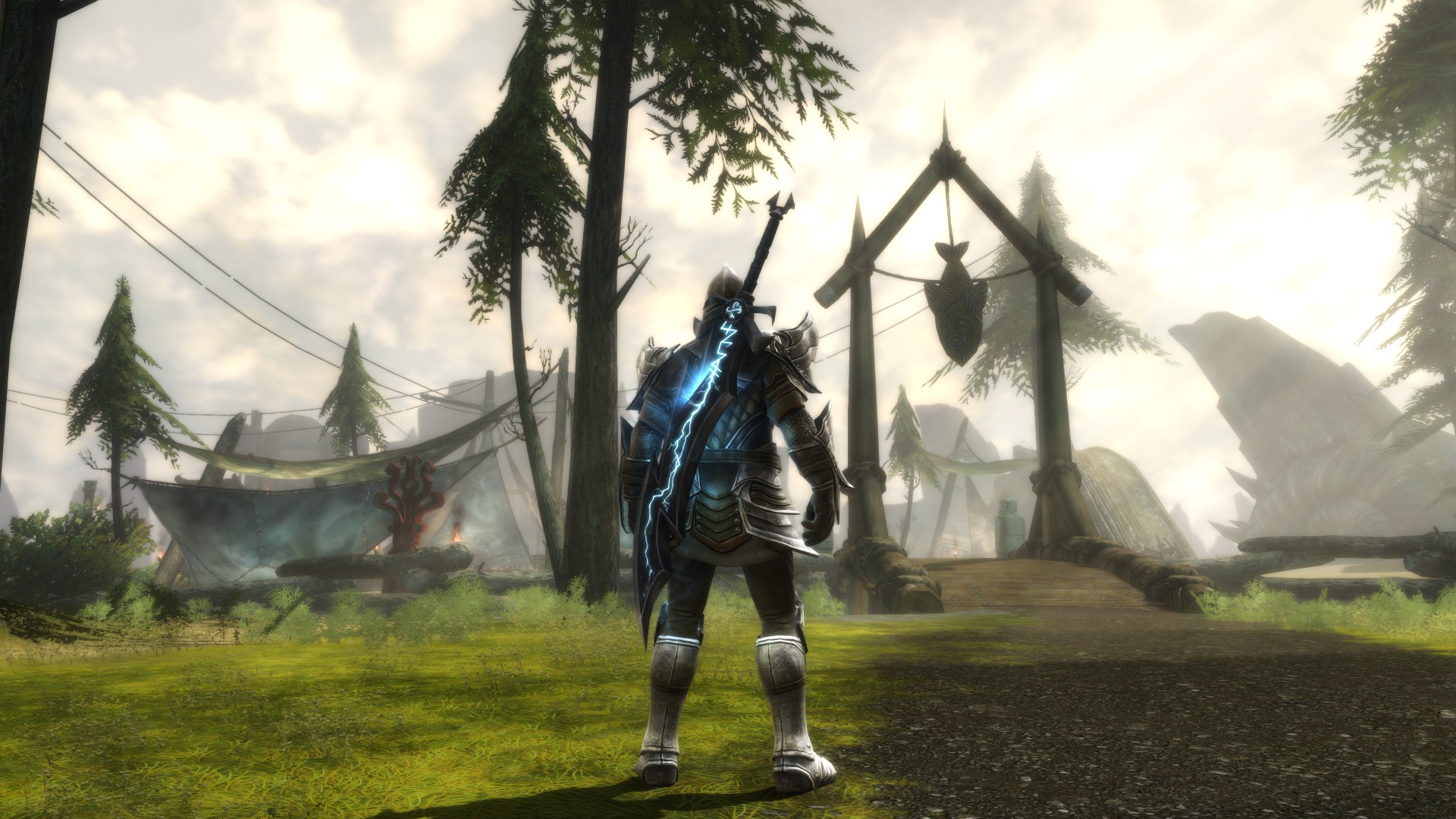
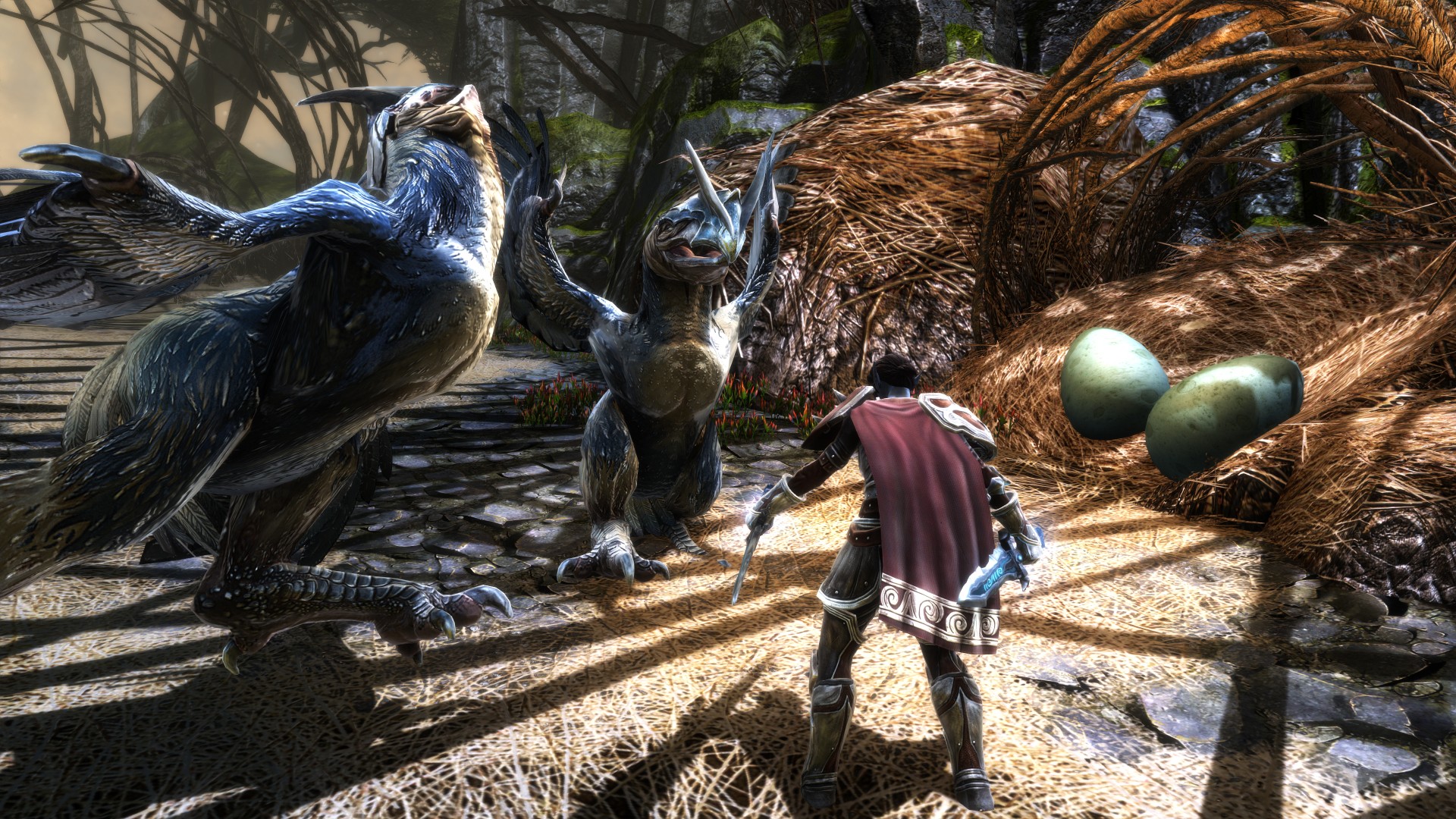
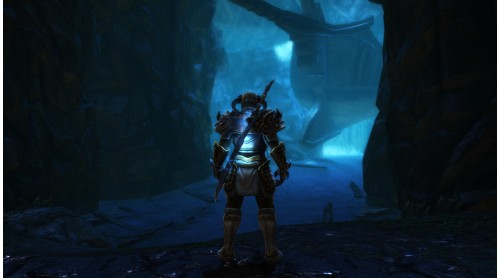
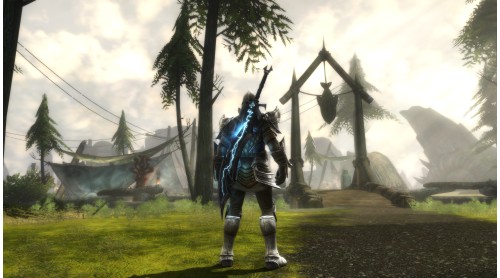
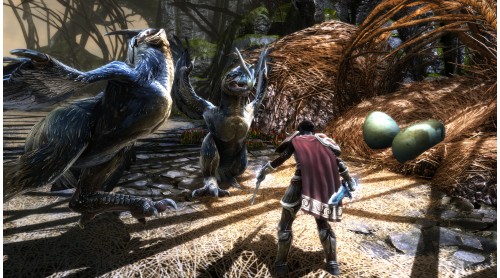
Uncover the secrets of Amalur, from the vibrant city of Rathir to the vast region of Dalentarth to the grim dungeons of the Brigand Hall Caverns. Rescue a world torn apart by a vicious war and control the keys to immortality as the first warrior ever to be resurrected from the grips of death.
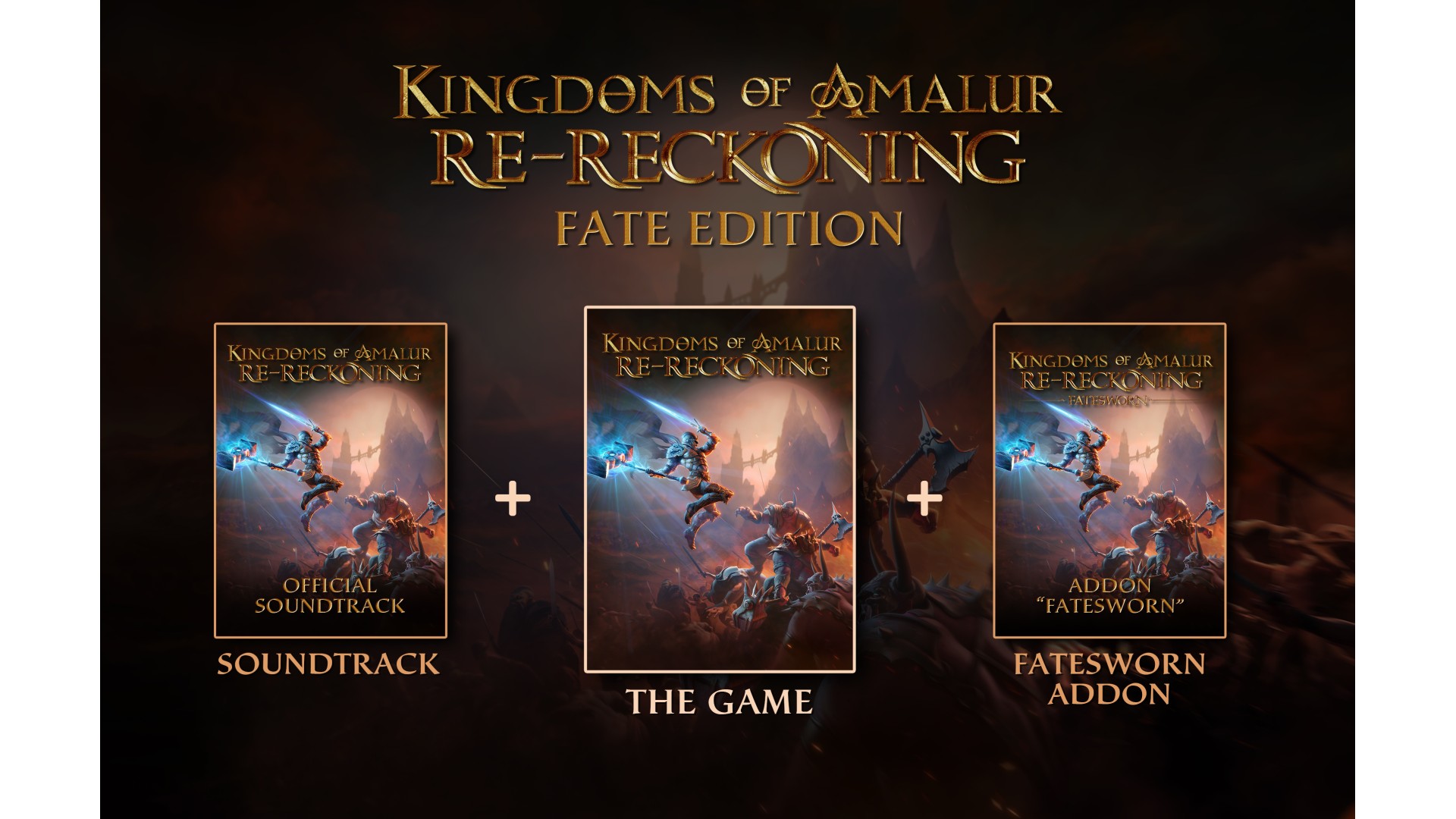
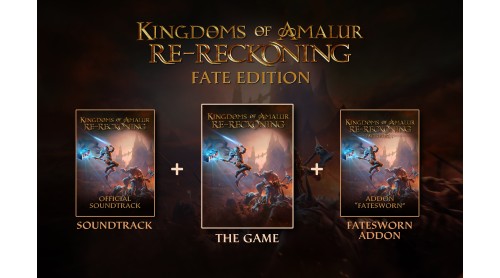
The FATE Edition contains the Re-Reckoning Main-Game, the Official Soundtrack and the content Addon Fatesworn that extends the game of 5+ hours. The Official Soundtrack features 35 high quality tracks for a total of 70 minutes of music.
© 2020 THQ Nordic AB, Sweden. Developed by KAIKO. Originally Developed by Big Huge Games. Kingdoms of Amalur, THQ, 38 Studios and their respective logos are trademarks and/or registered trademarks of THQ Nordic AB. All rights reserved. All other trademarks, logos and copyrights are property of their respective owners.


How to activate your Steam key?
1. Open your Steam client. (If you don't have a Steam Client, you can install from here https://store.steampowered.com/about/)
2. Sign in to your Steam account. (If you don't have a Steam Account, you can create from here https://store.steampowered.com/join/)
3. Click “ADD A GAME” button which is at the bottom of the Steam Client.
4. Now select "Activate a product on Steam..."
5. Write or copy-paste your Steam key which you purchased from Gamesforpc.
6. Now your game is in your library.
7. Find your game in your library, select and click install to start your download.