
 Steam
Steam 39.99€
Added to Cart
39.99€
Added to Wishlist
39.99€
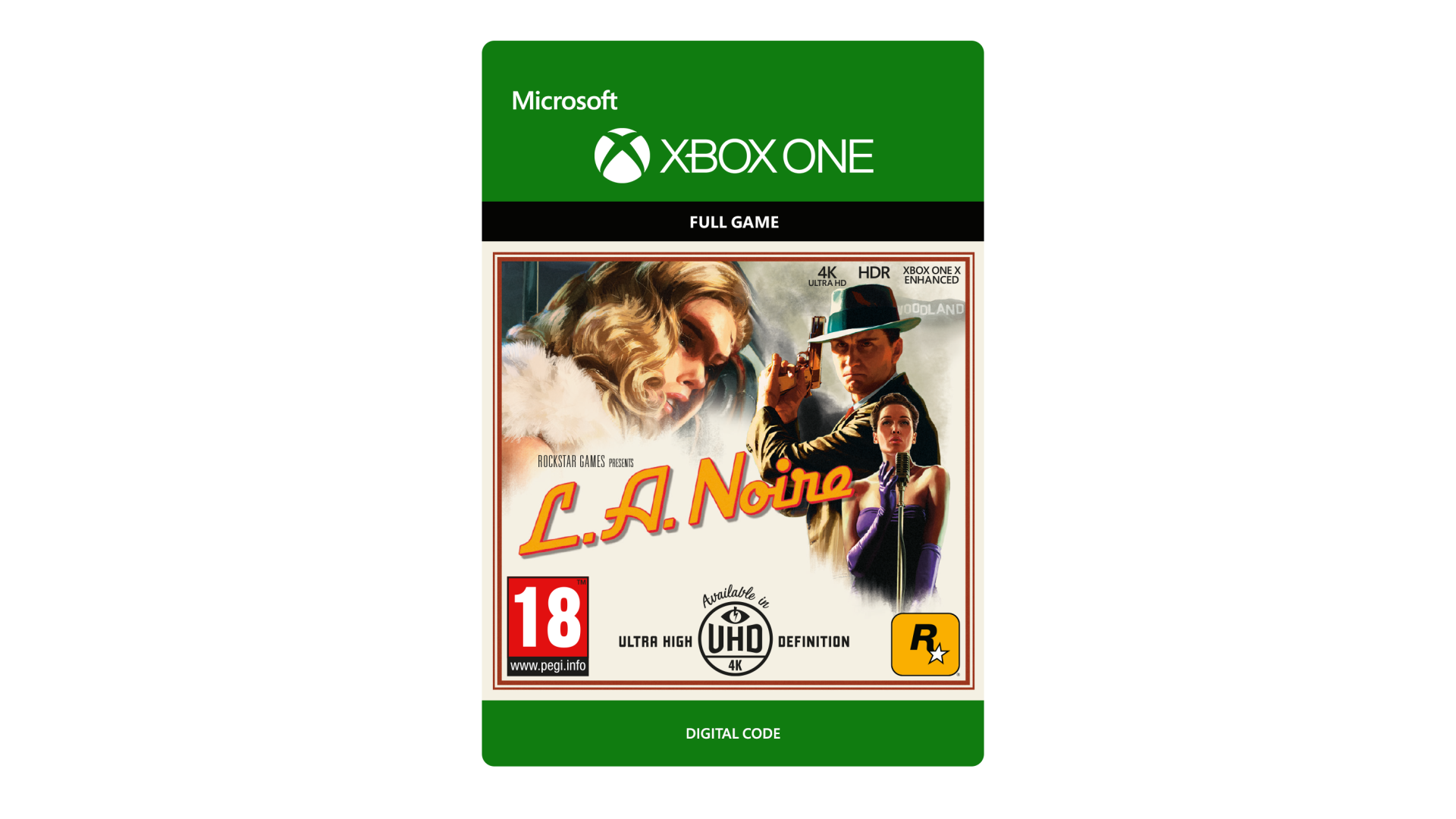
A dark and violent crime thriller set against the backdrop of 1940’s Los Angeles.
Amid the post-war boom of Hollywood’s Golden Age, newly minted detective Cole Phelps embarks on a desperate search for truth in a city where everyone has something to hide.
Take-Two Interactive, Saxon House, 2-4 Victoria Street, Windsor, Berkshire, SL4 1EN, England.
©2006 – 17. Rockstar Games, L.A. Noire, and R* are marks/logos/copyrights of Take-Two Interactive. Portions © Copyright Master Licensing, Inc.,2017, all rights reserved, Naked City and Naked City-related trademarks and trade dress are trademarks of Master Licensing, Inc. All other marks and trademarks are properties of their respective owners. All rights reserved.Xbox One X and 4K TV required for 4K gameplay.By purchasing you agree to license & terms at rockstargames.com & rockstargames.com/socialclub. Non-transferable access to special features such as exclusive/unlockable/downloadable/online content/services/functions may require single-use serial code, additional fee, and/or online account registration (varies 13+). Access to special features may require internet connection, may not be available to all users, and may, upon 30 days notice, be terminated, modified, or offered under different terms. Violation of EULA, Code of Conduct, or other policies may result in restriction or termination of access to game or online account. Support at rockstargames.com/support


How to activate your Steam key?
1. Open your Steam client. (If you don't have a Steam Client, you can install from here https://store.steampowered.com/about/)
2. Sign in to your Steam account. (If you don't have a Steam Account, you can create from here https://store.steampowered.com/join/)
3. Click “ADD A GAME” button which is at the bottom of the Steam Client.
4. Now select "Activate a product on Steam..."
5. Write or copy-paste your Steam key which you purchased from Gamesforpc.
6. Now your game is in your library.
7. Find your game in your library, select and click install to start your download.